
Mini Shaders (26.2, 1.20.1) – Lagless Water Reflections for Low-End PCs
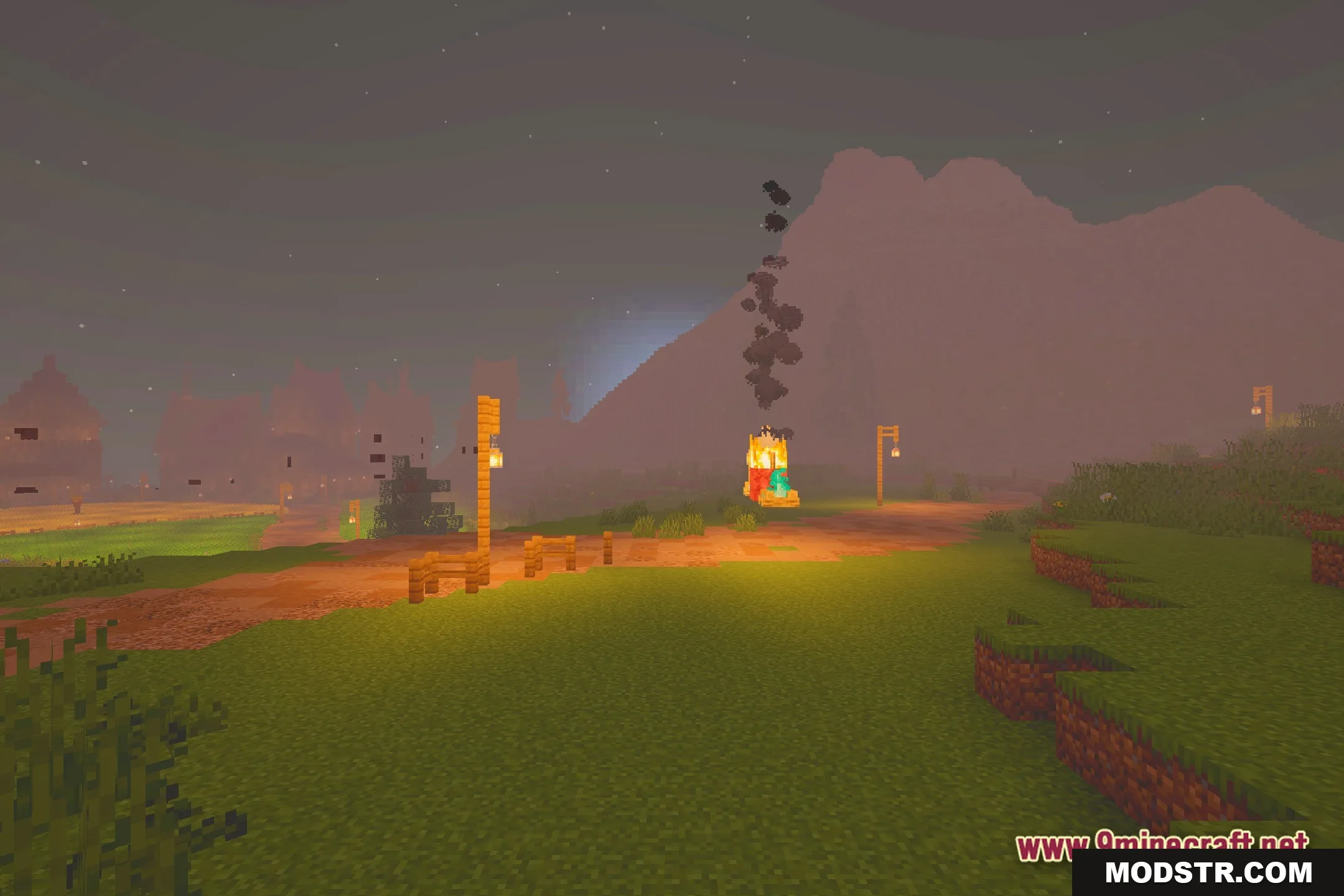
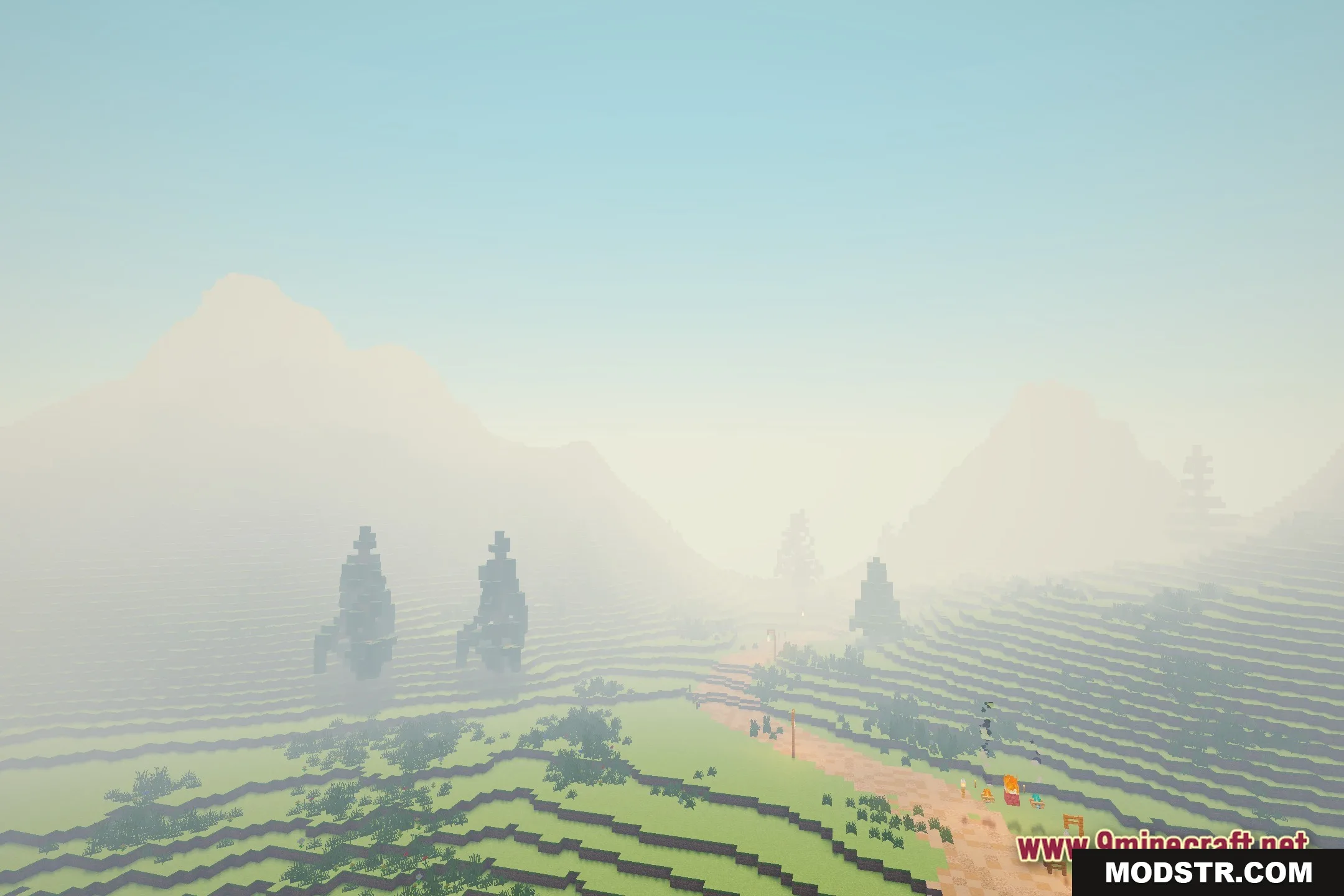
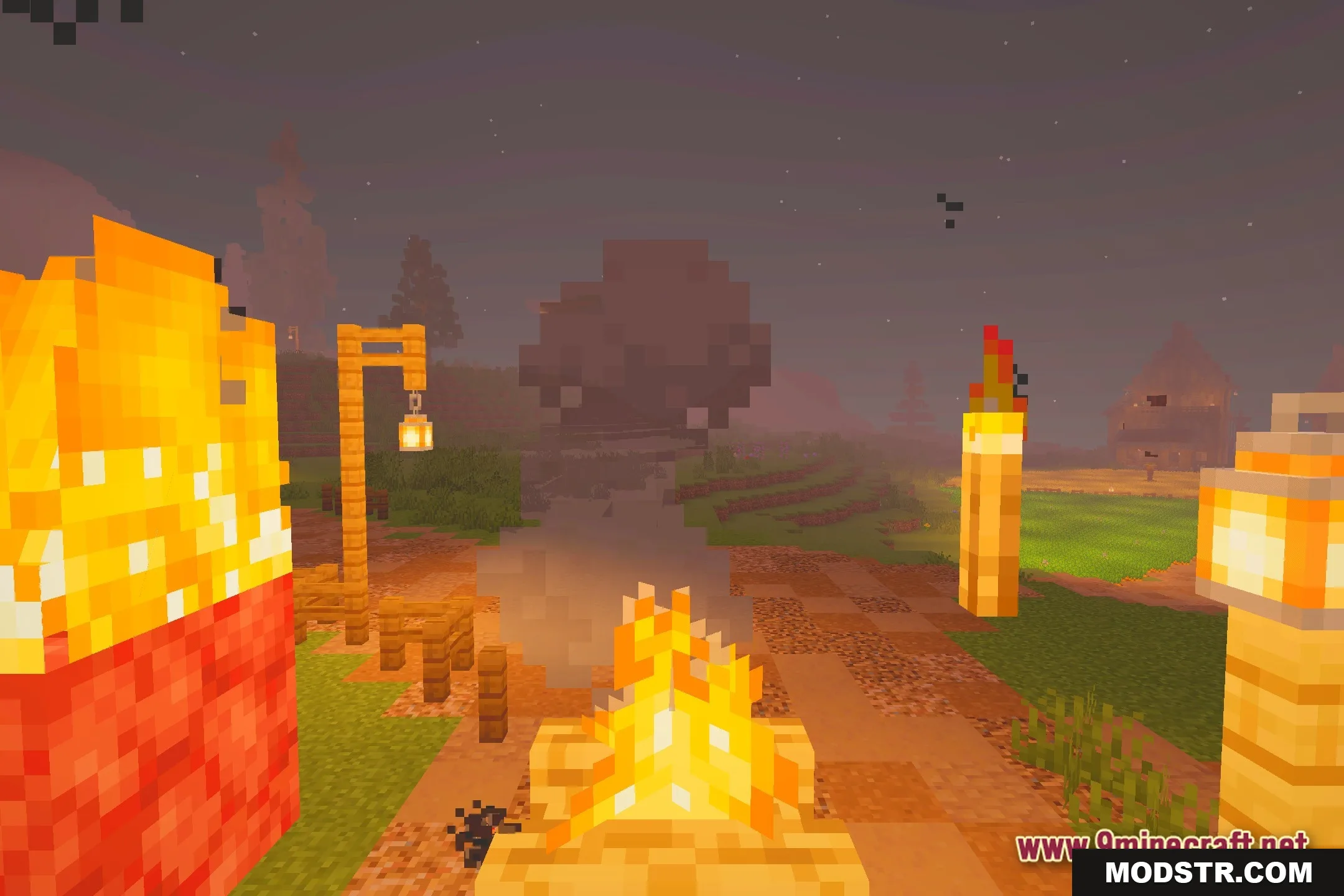
Mini Shaders optimizes lighting in Minecraft, providing lagless water reflections suitable for lower-end PCs. This shader pack adds a fantasy aesthetic while maintaining performance.
- 1.20.1
Mini Shaders enhances lighting in Minecraft while ensuring smooth performance, making it ideal for players using lower-end computers. The pack introduces clear reflections on water surfaces, creating a visually appealing environment.
Features
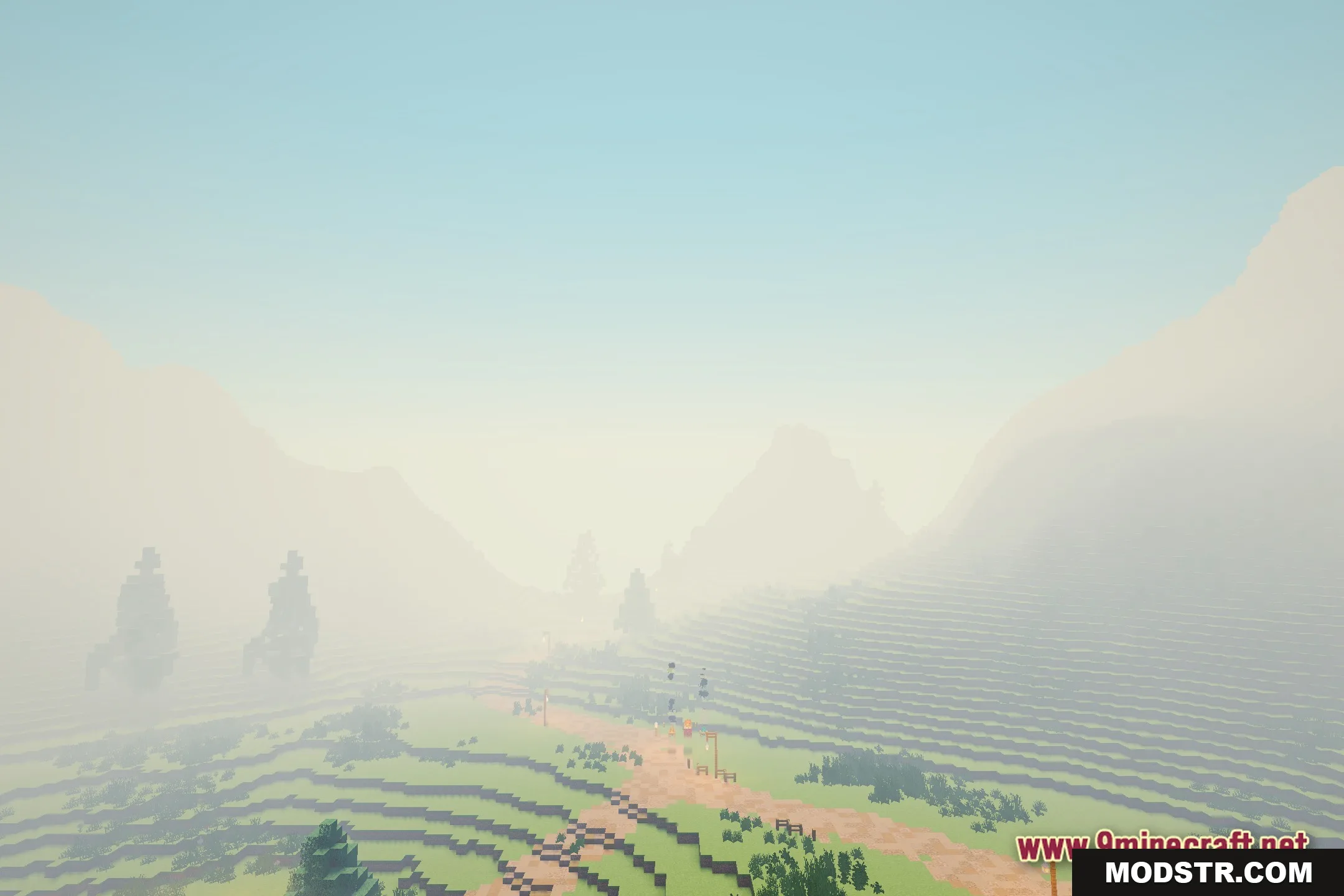
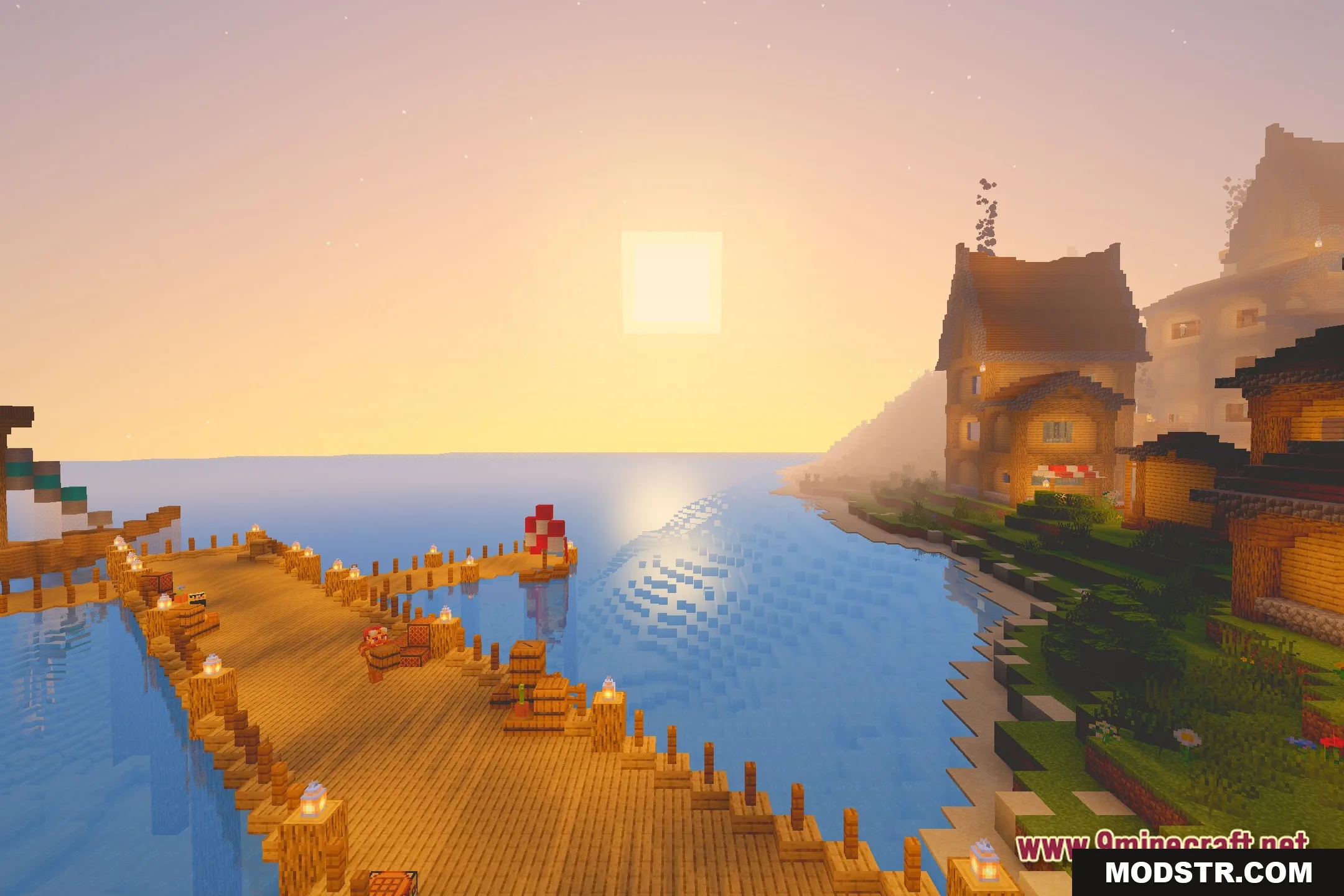
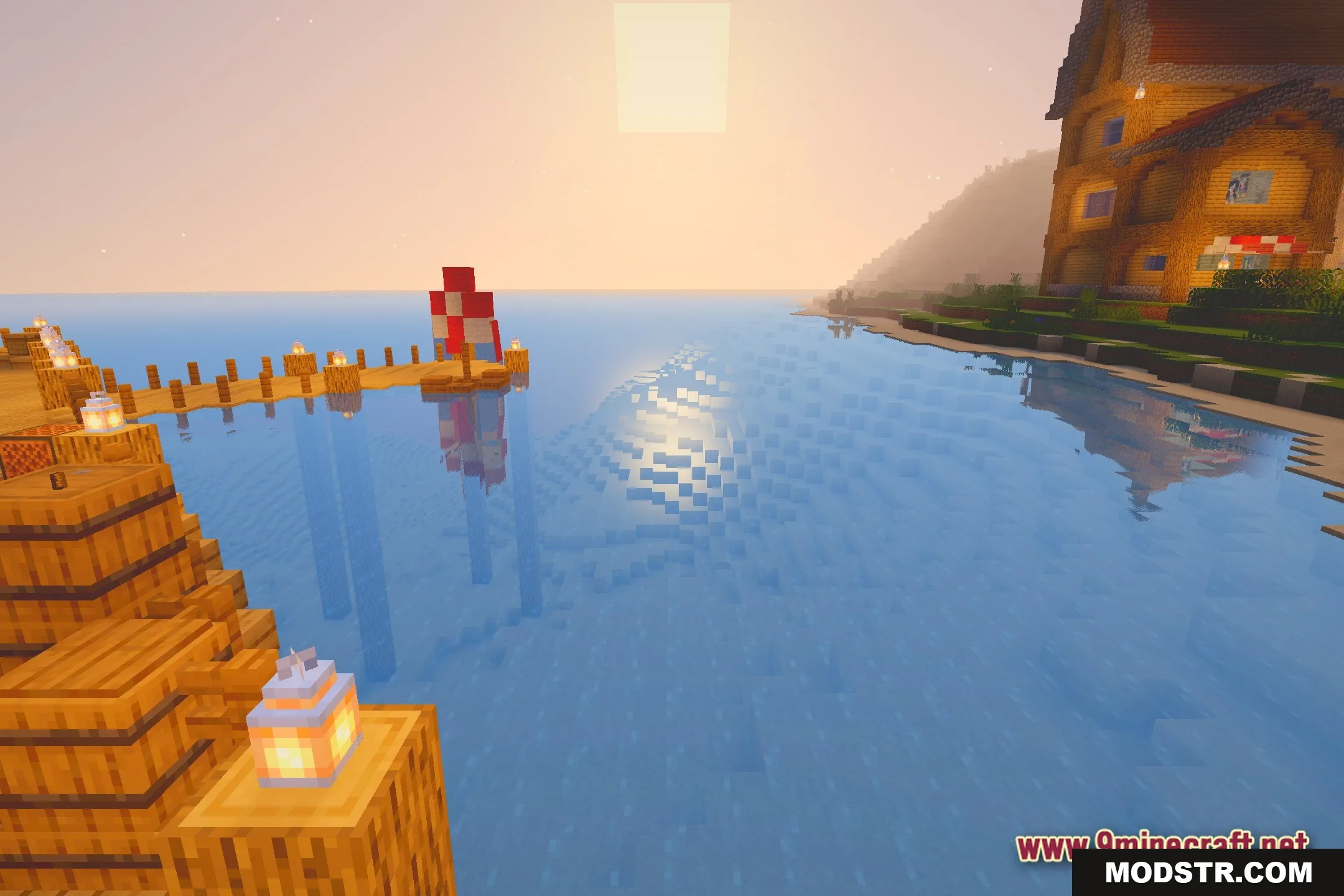
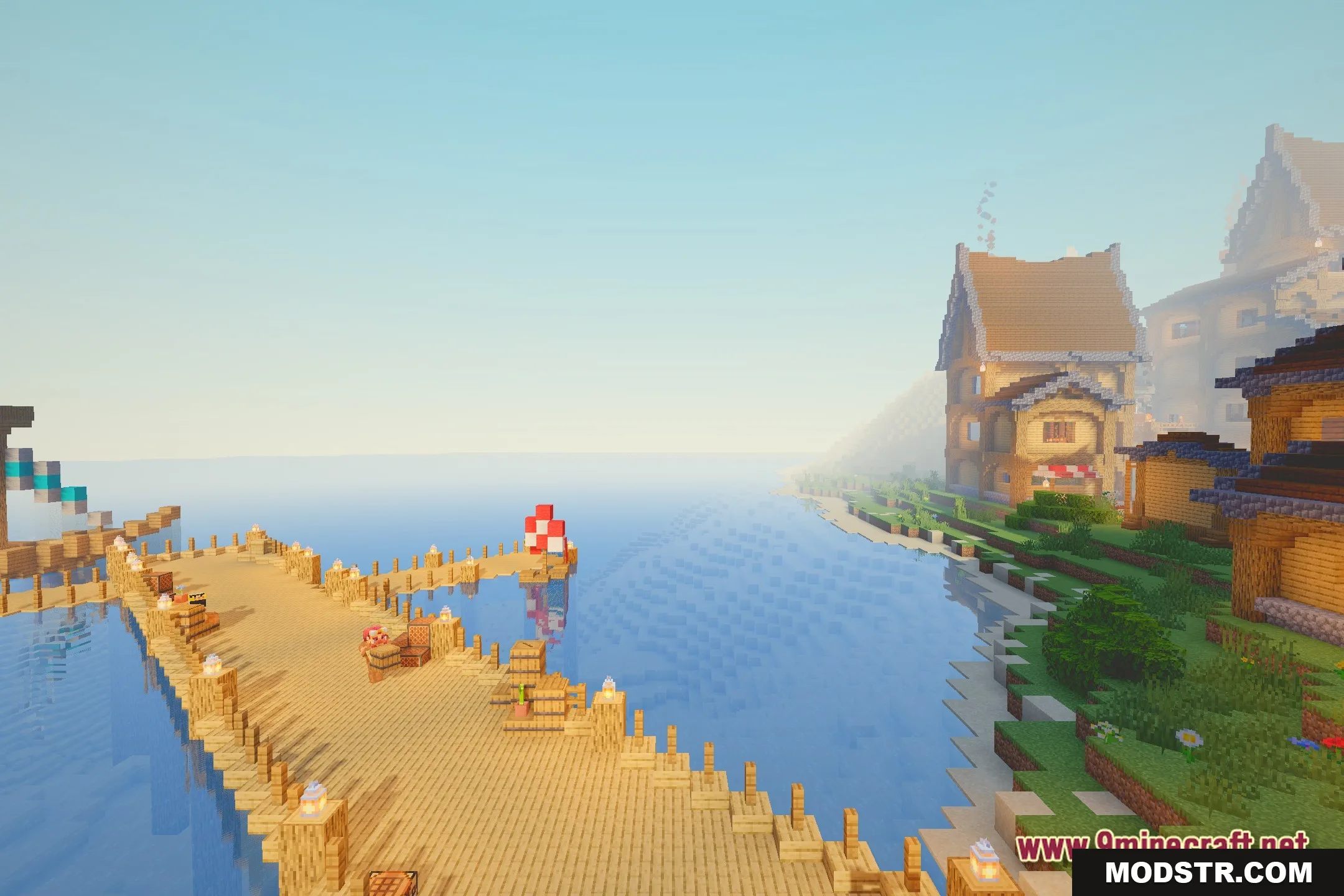
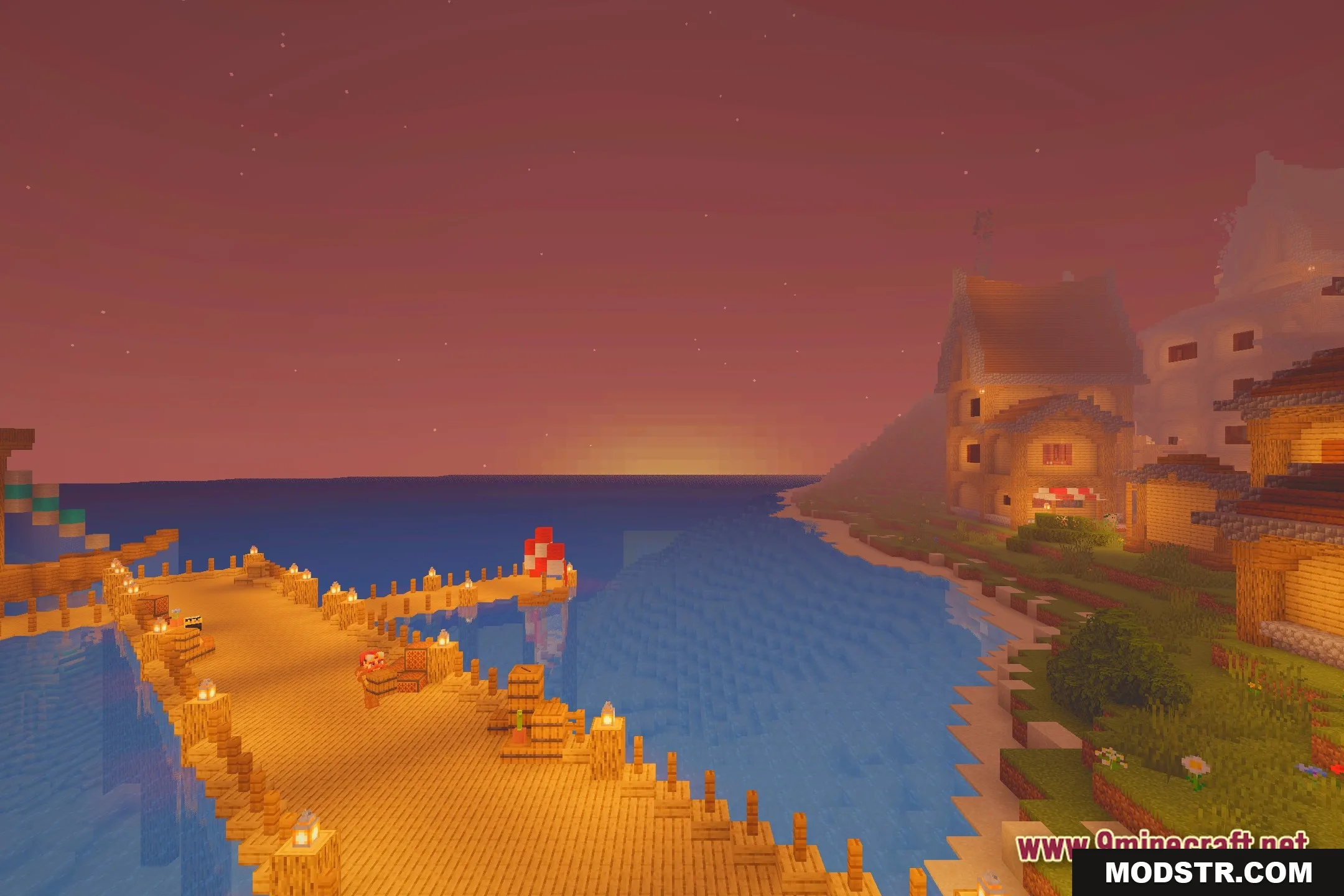
- Water Reflections: Casts clear and beautiful reflections on the surface of rivers, lakes, and oceans.
- Gives your world a gentle fantasy style while keeping the normal block shapes.
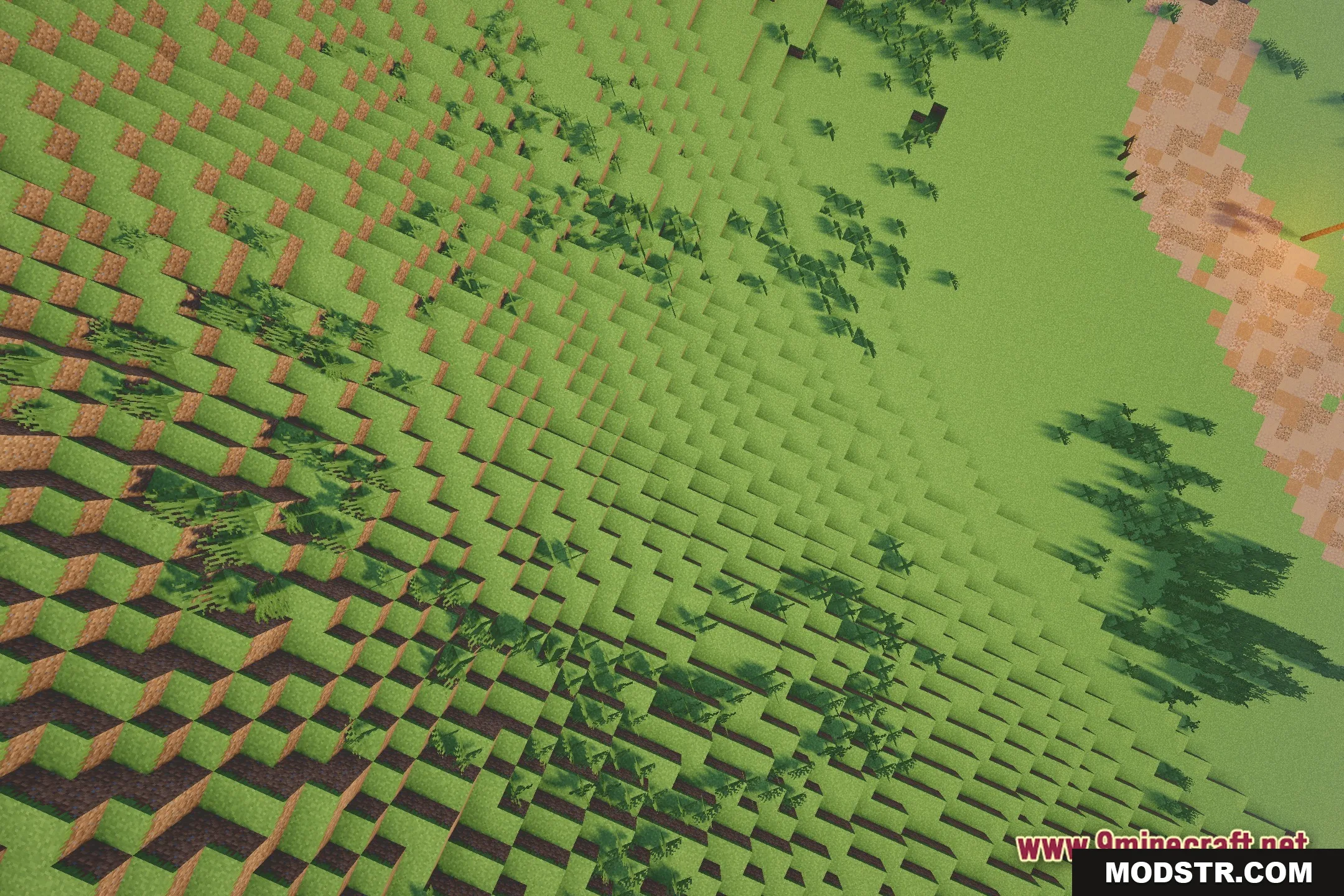
- Runs fast on most computers because it skips heavy and slow graphics tasks.
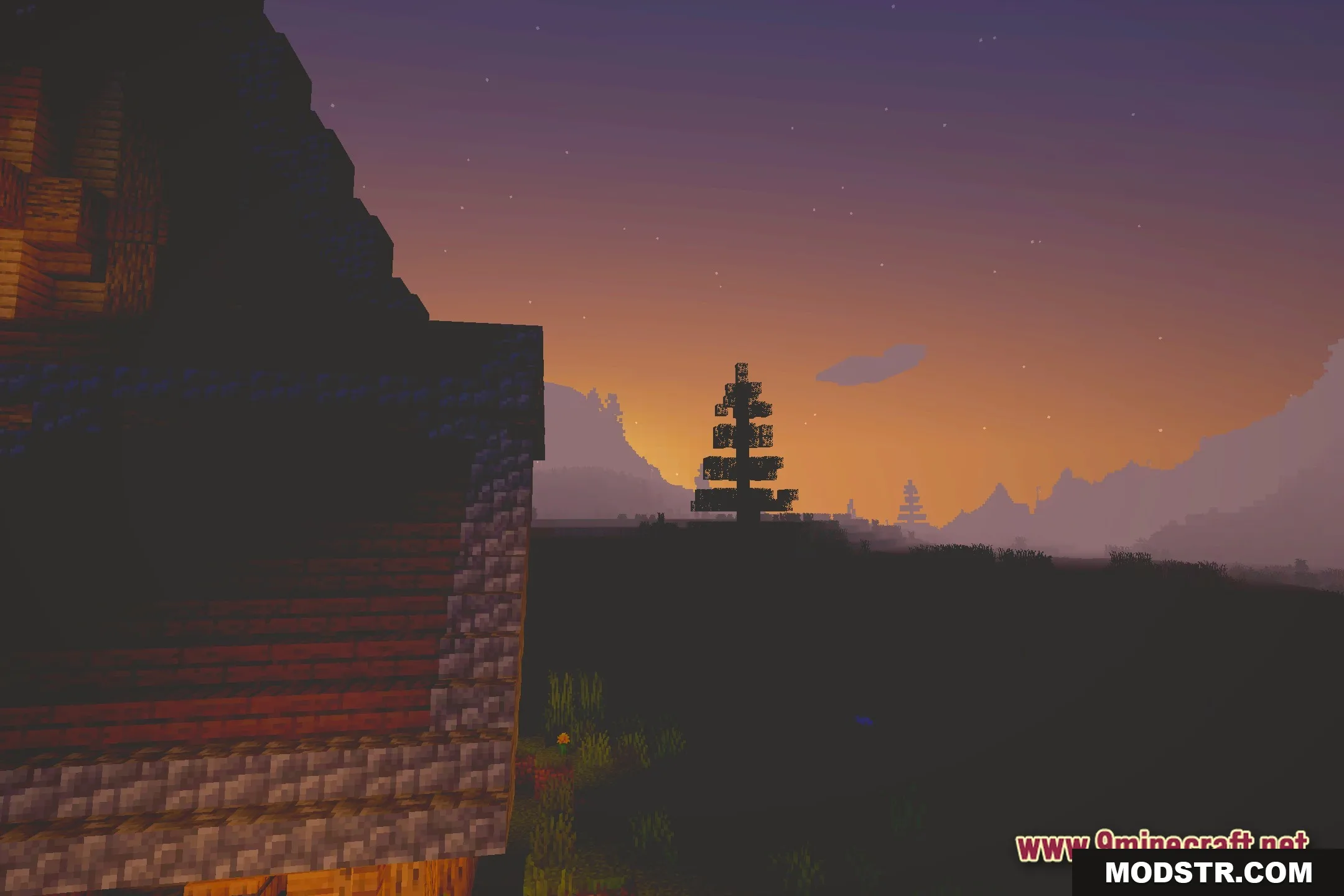
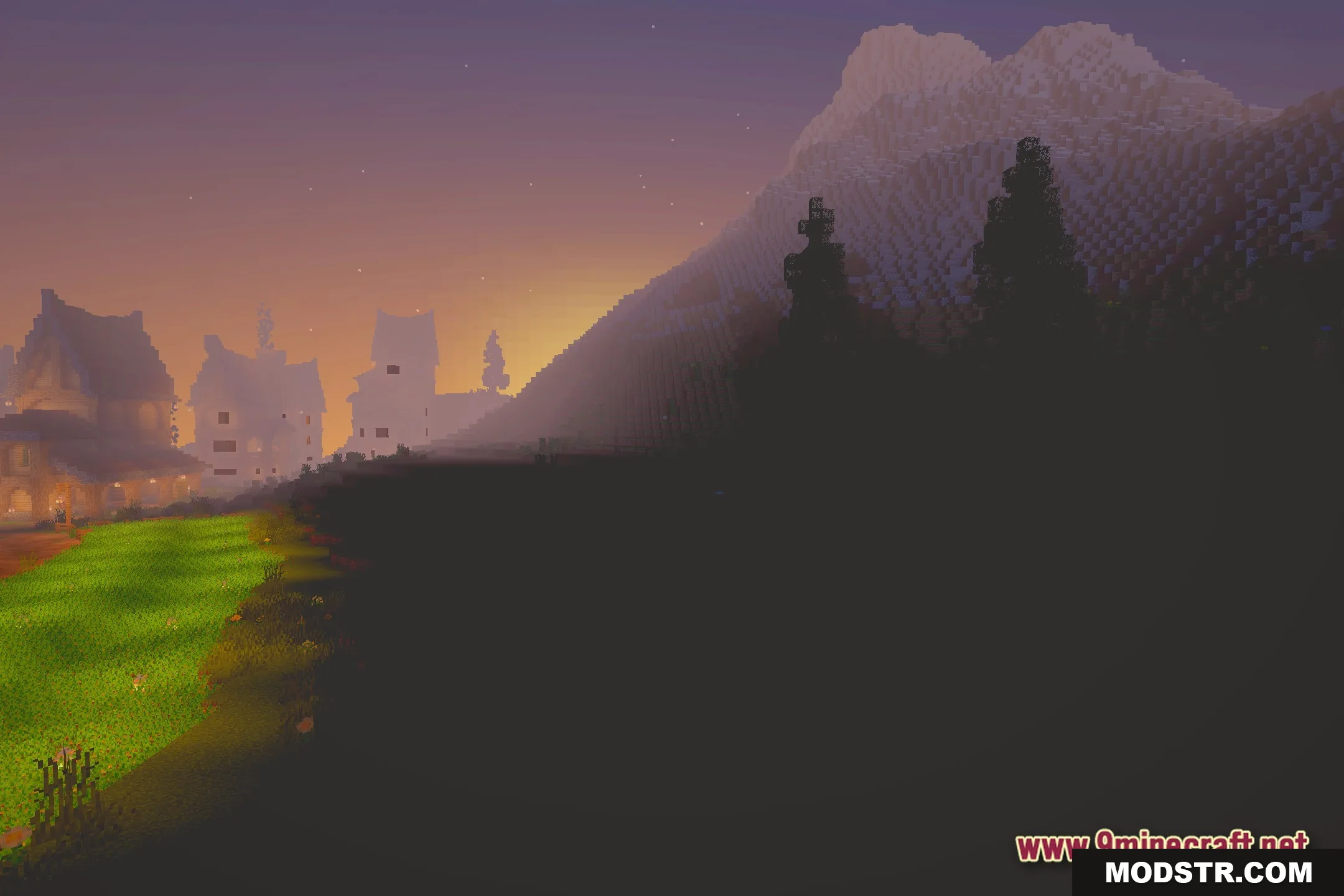
- Paints the sky and land with bright, colorful light.
Installation
- Download the Mini Shaders pack for your version of Minecraft.
- Locate your Minecraft directory and open the shaders folder.
- Place the downloaded shader pack in the shaders folder.
- Launch Minecraft and navigate to the Options menu.
- Select Shaders and choose Mini Shaders from the list.
Screenshots

DOWNLOAD FILES
- shader