
Emissive Twitch Cape Shaders (26.2, 1.20.1) – Lightweight Cape Heart Glow
The Emissive Twitch Cape Shaders enhance the purple heart on the Twitch cape, making it glow in dark areas. Designed for players wanting a subtle visual upgrade to their character's outfit.
- 1.20.1
The Emissive Twitch Cape Shaders provides a glowing effect for the purple heart on the official Twitch cape. This shader is aimed at players looking to add a distinct feature to their Minecraft character while maintaining the game's original aesthetics.
Features
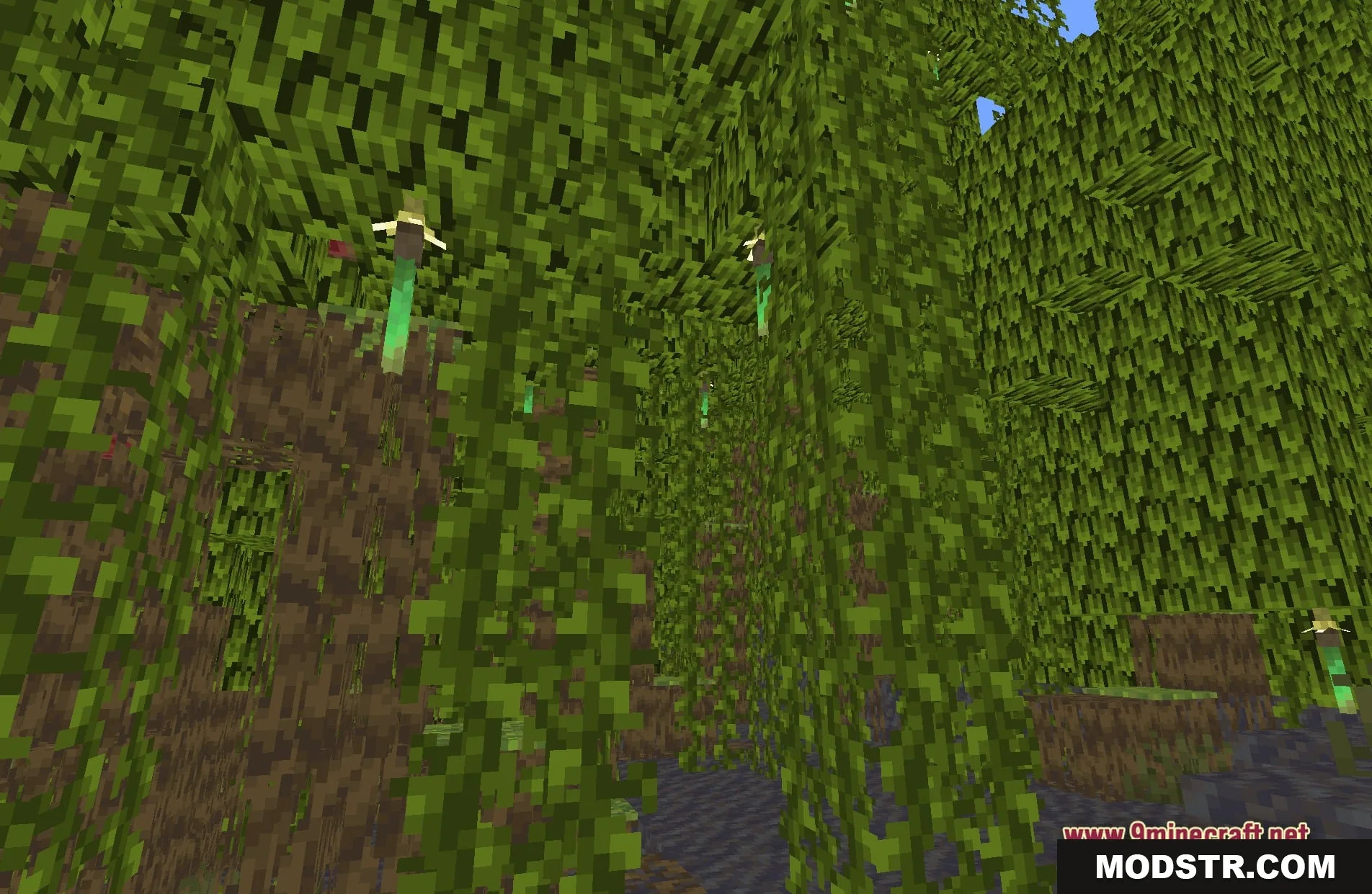
- Glowing heart: Makes the purple heart on the Twitch cape shine in the dark.
- Keeps the normal vanilla lighting for everything else in the world.
- Runs as a core shader, ensuring easy loading without affecting game performance.
- Enhances character visibility in low-light situations, such as nighttime or underground.
Installation
- Download the Emissive Twitch Cape Shaders file.
- Open your Minecraft launcher and select the appropriate version.
- Locate the shader packs folder within your Minecraft directory.
- Place the downloaded file into the shader packs folder.
- Launch the game and select the shader from the options menu.
Screenshots
DOWNLOAD FILES
- shader