
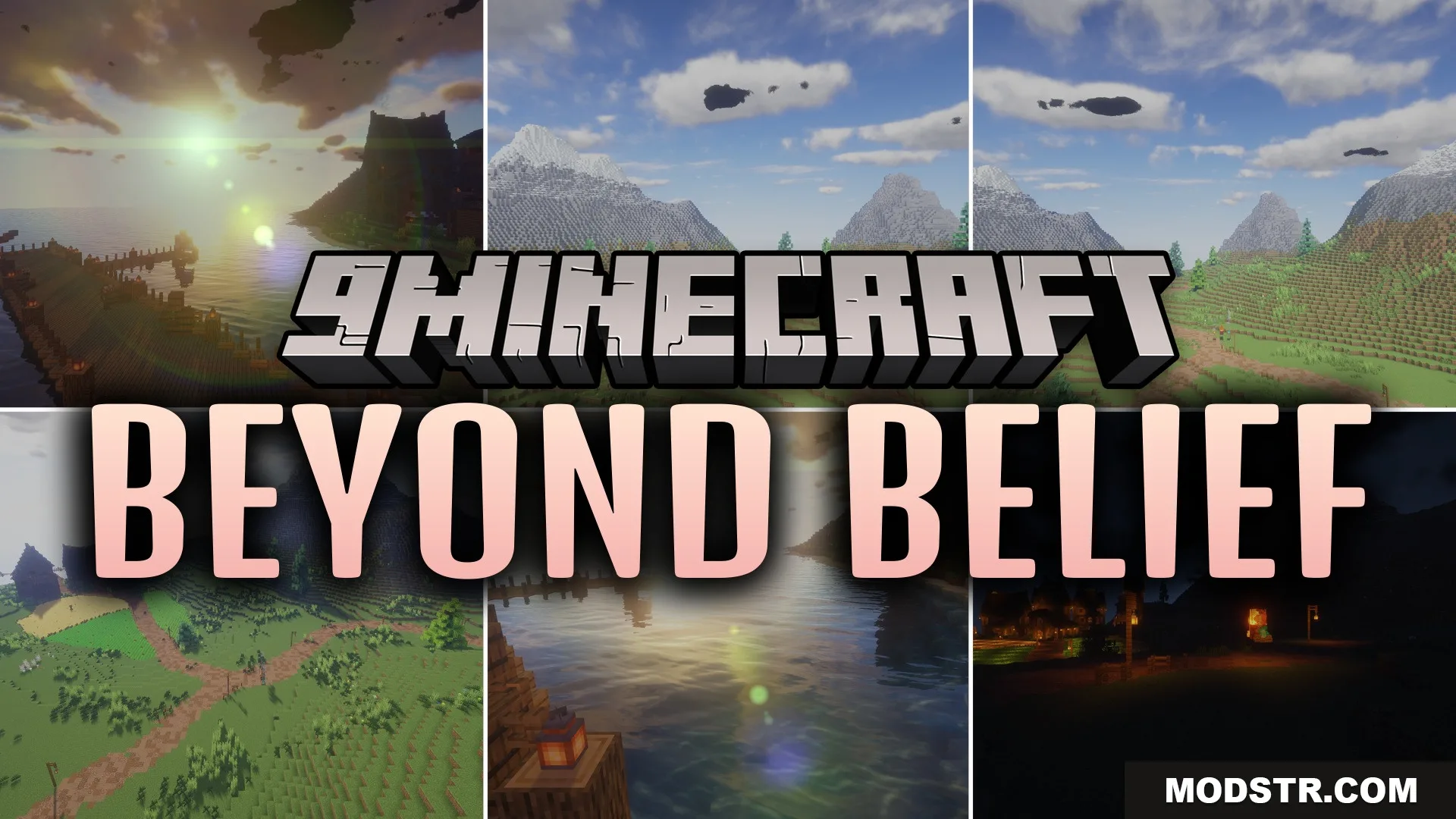
Beyond Belief Shaders (26.2, 1.20.1) – Realistic Lighting and Soft Shadows
Realistic lighting and shadow shader for Minecraft 1.20.1. Transforms world visuals with refined lighting effects.
- 1.20.1
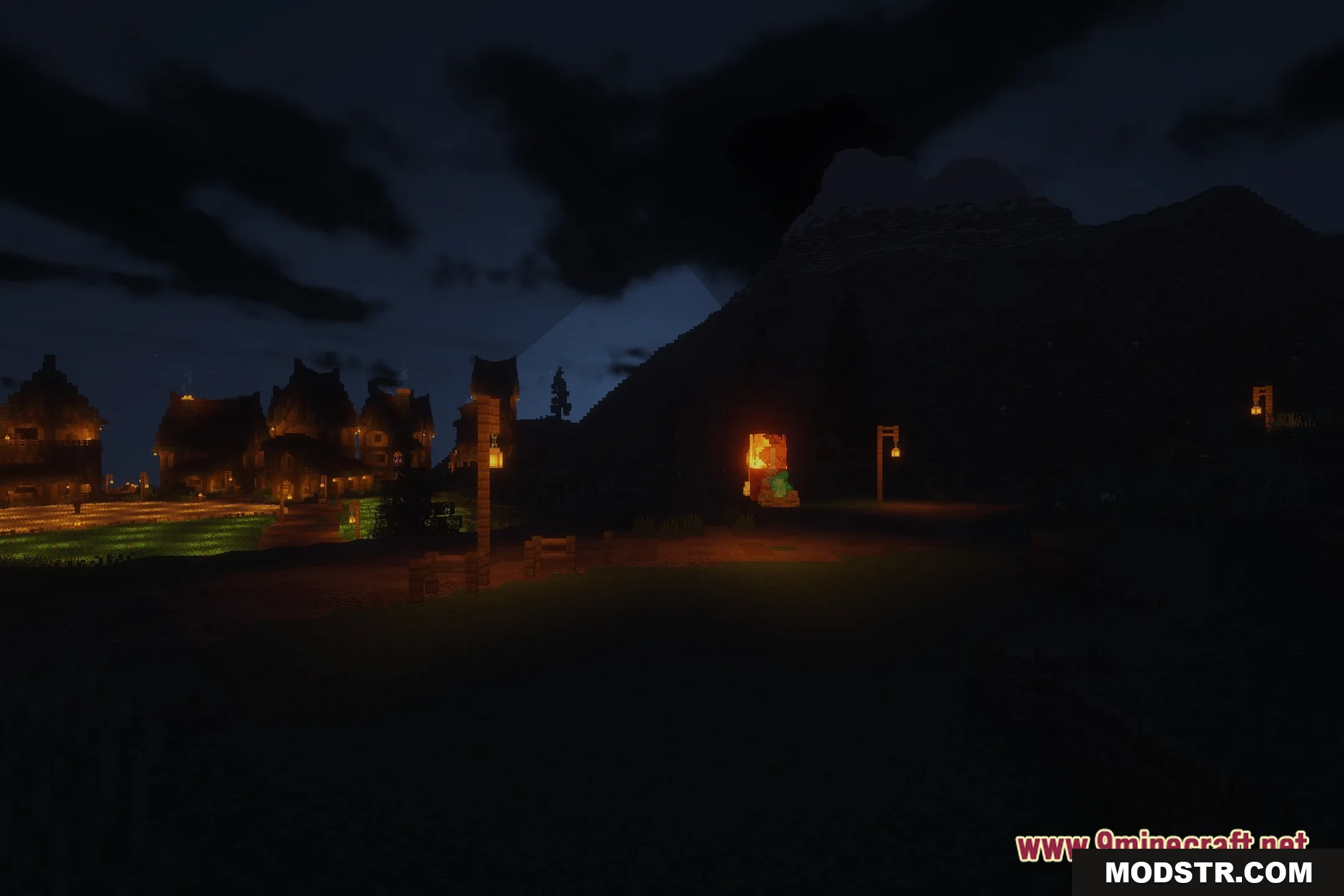
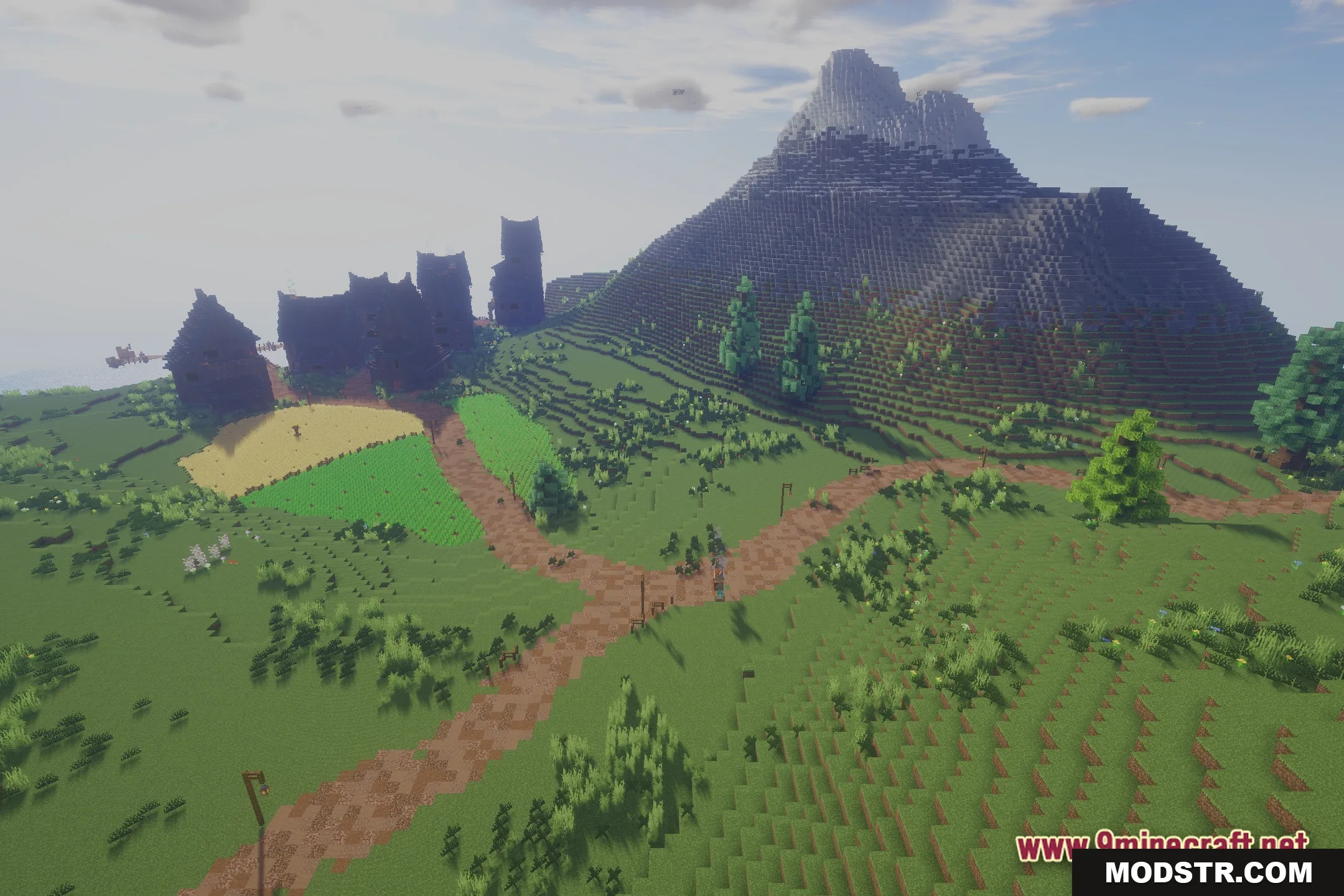
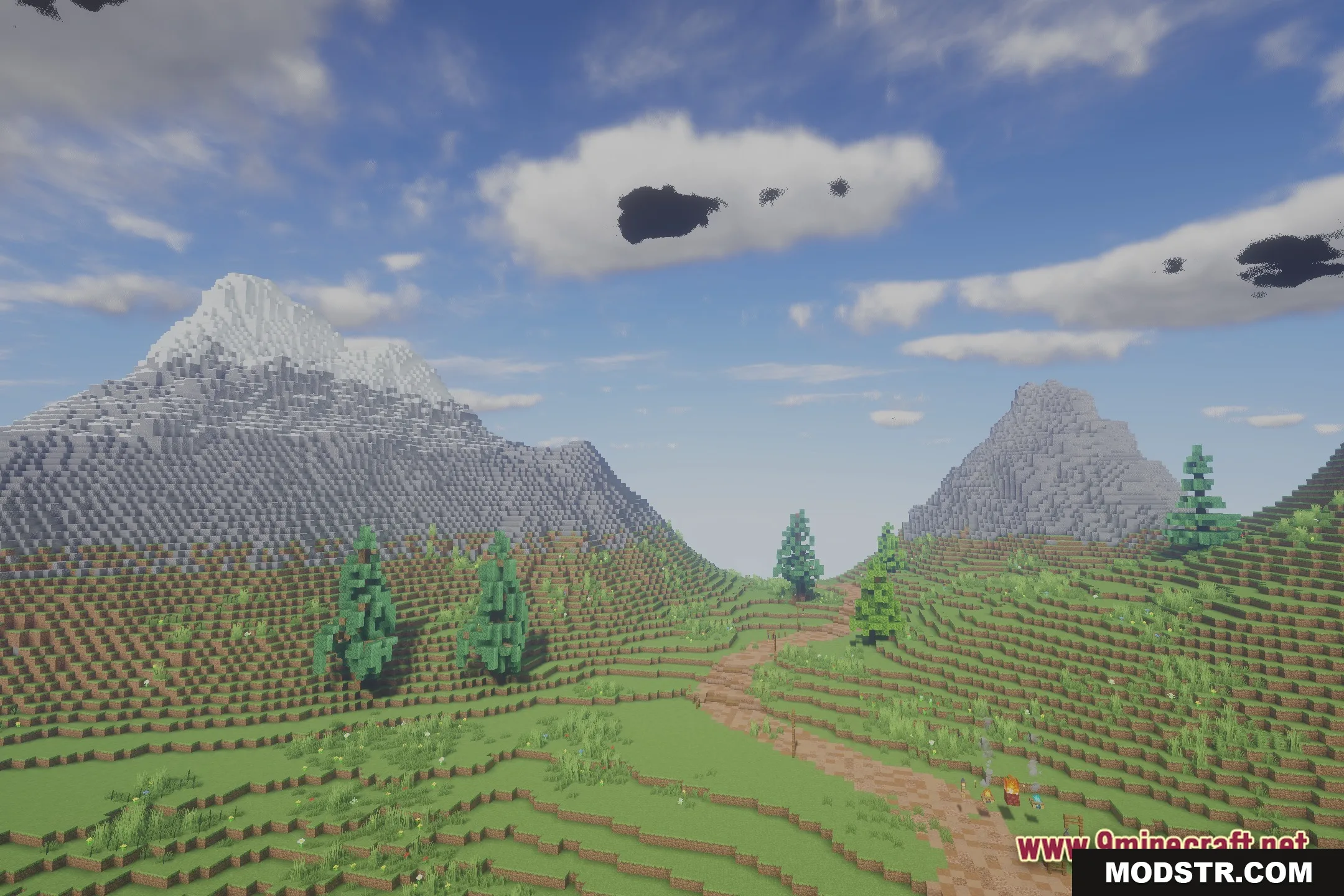
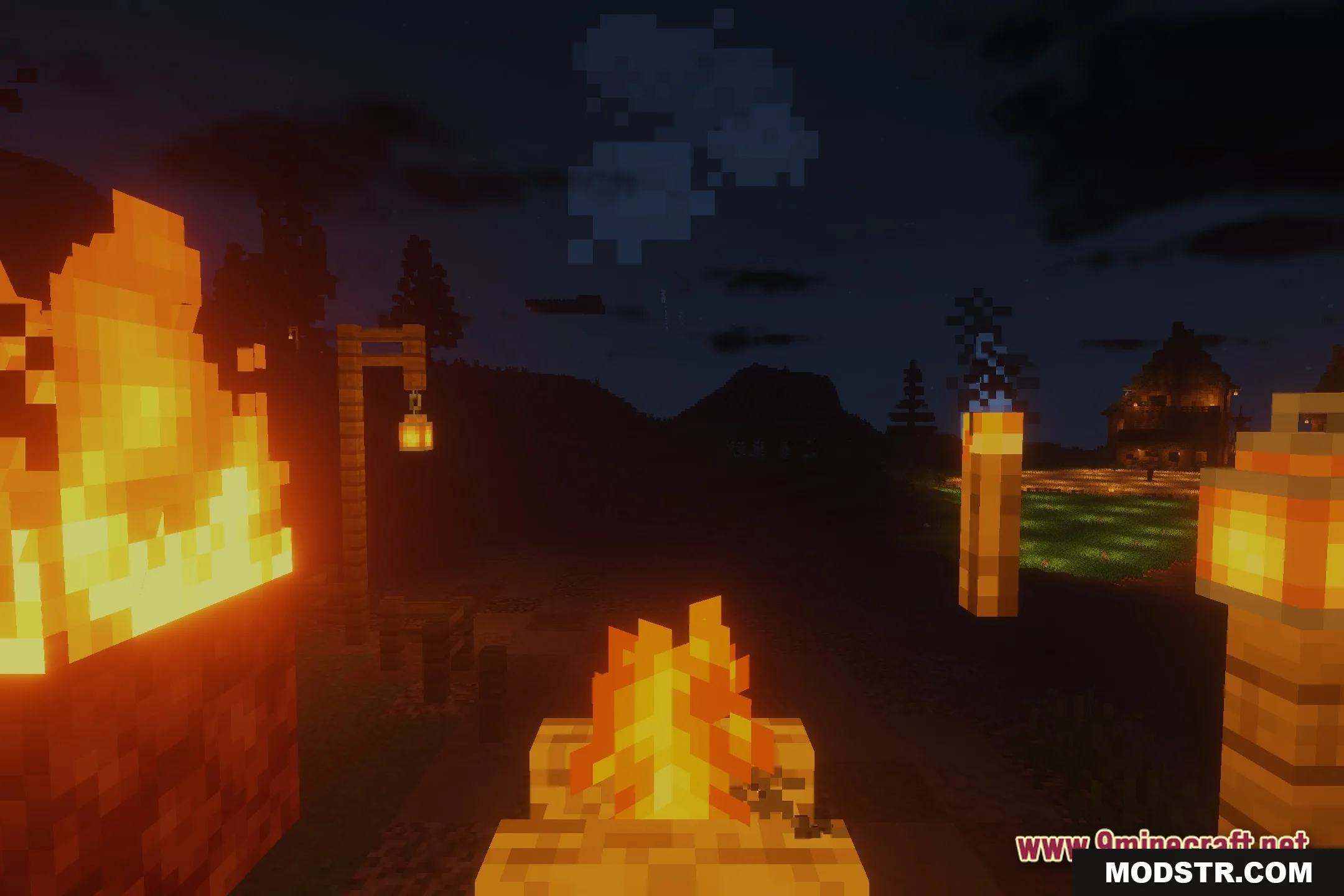
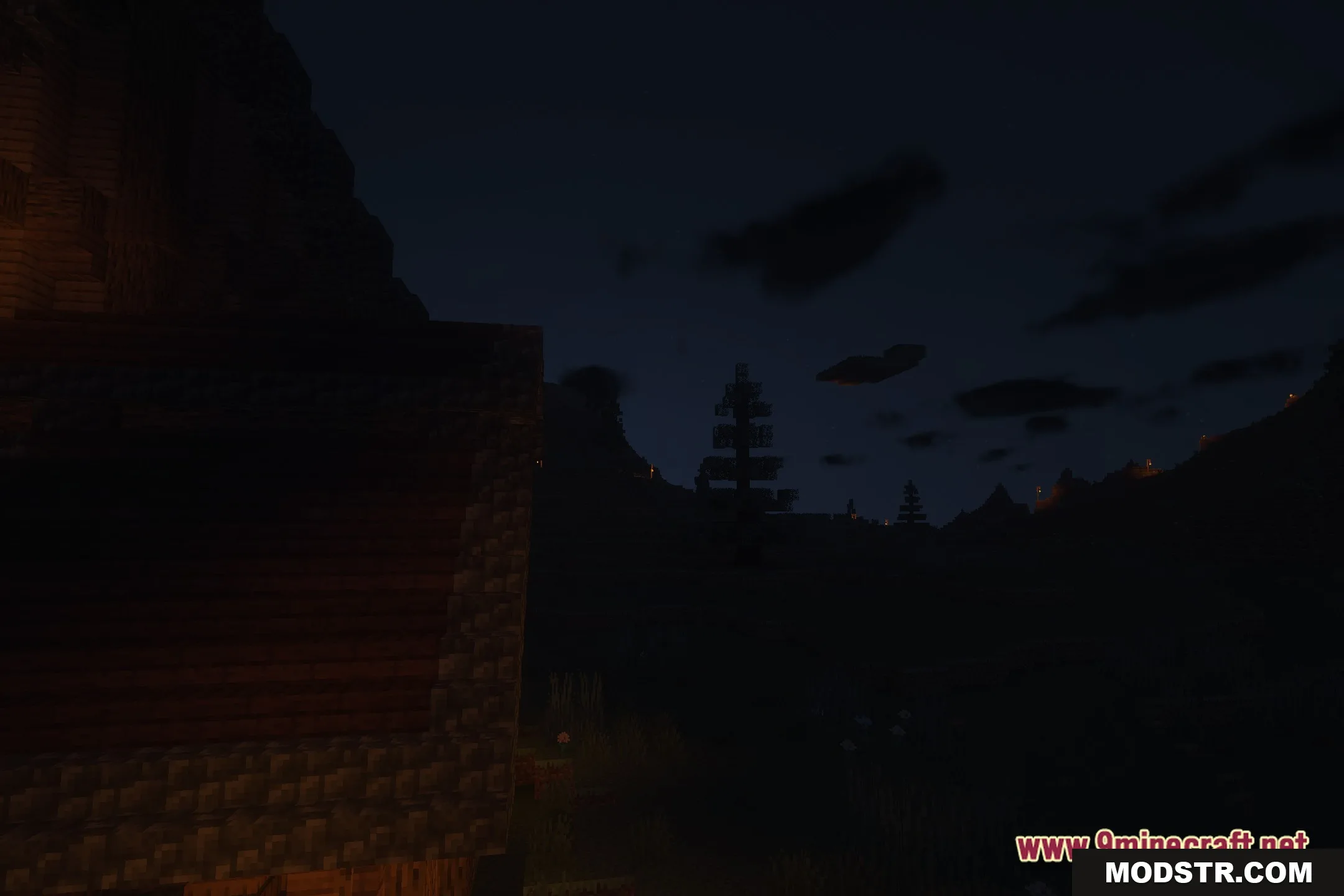
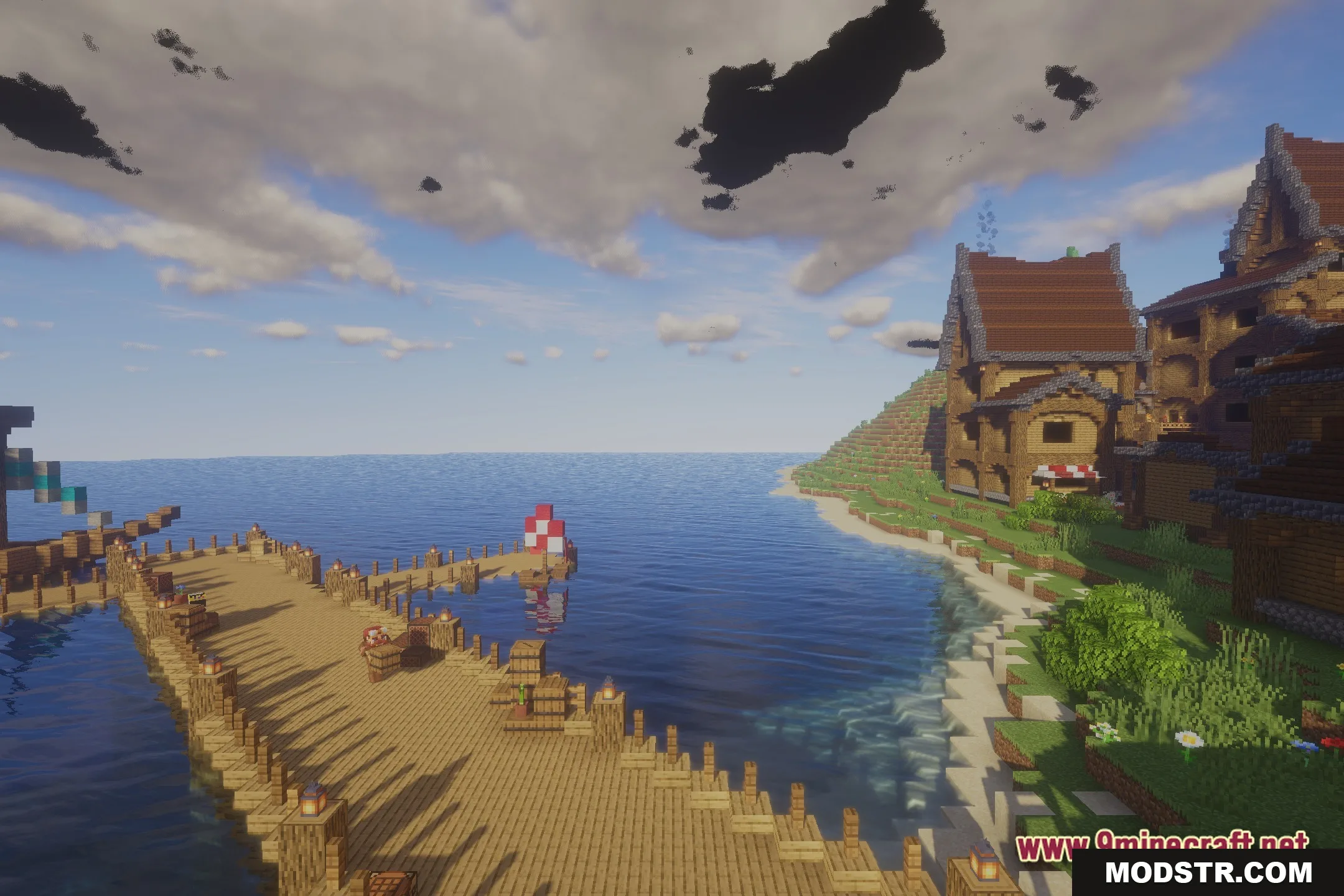
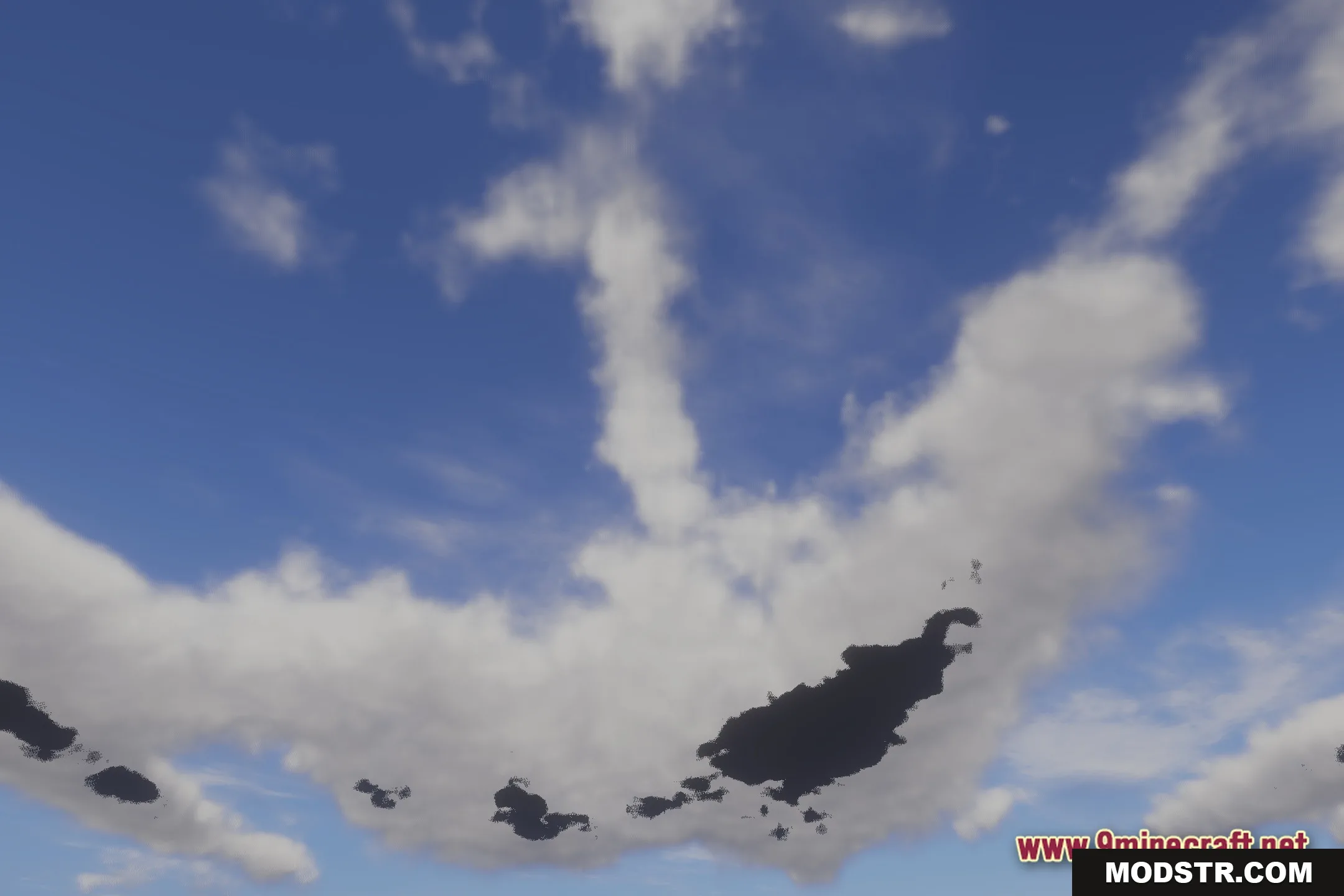
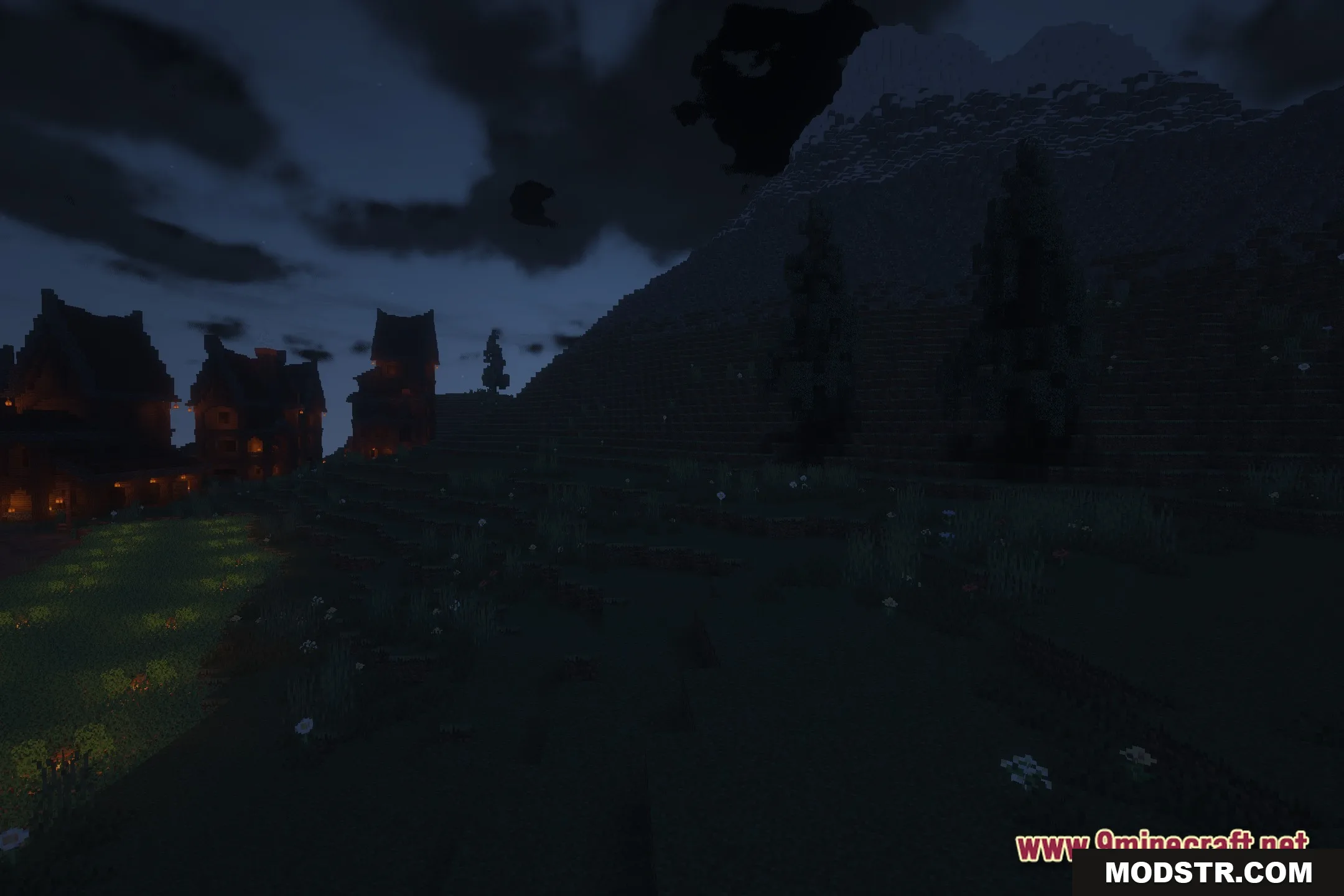
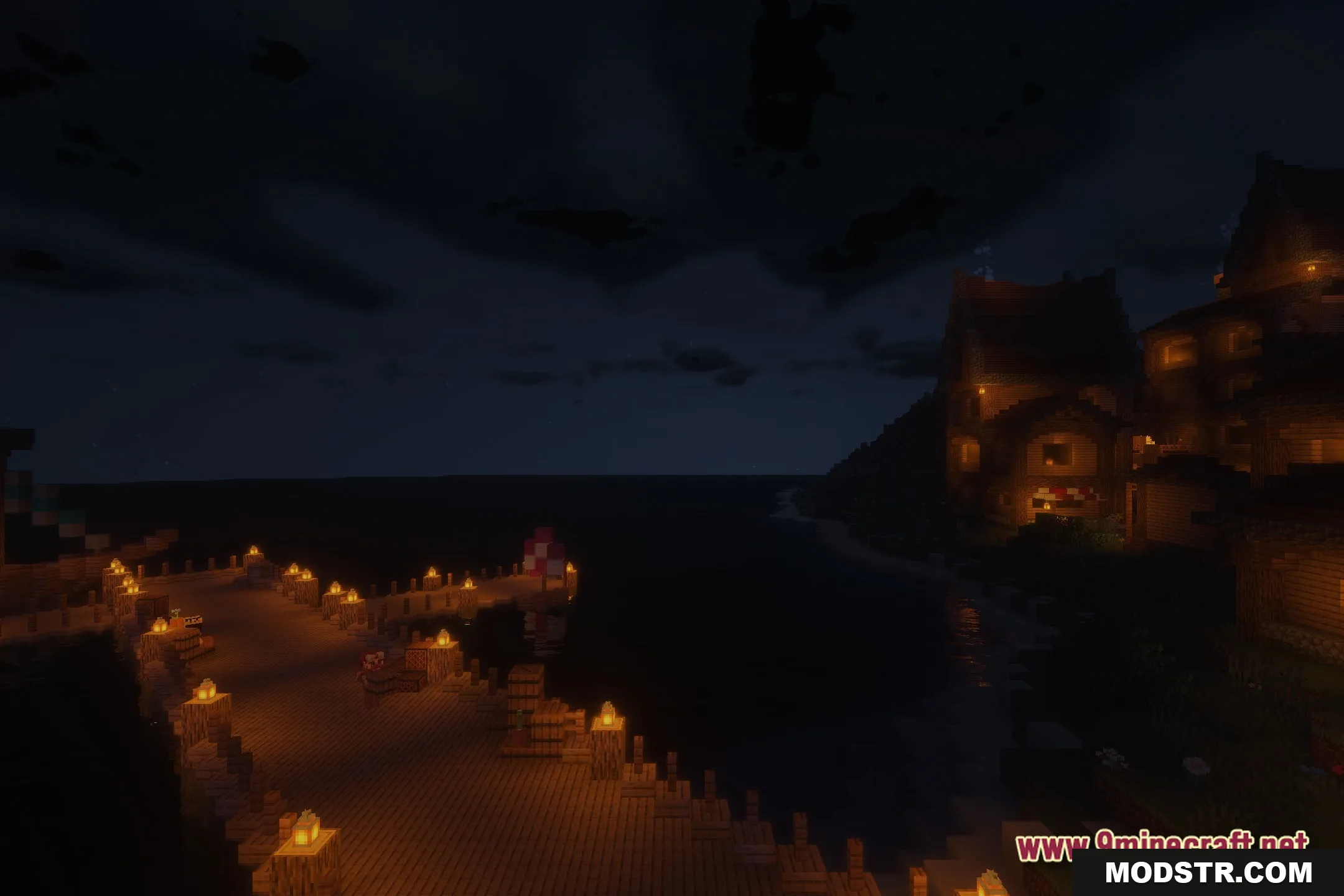
Beyond Belief is a shader pack that overhauls Minecraft's lighting system to provide realistic shadows and improved visual clarity. It compiles years of incremental updates and refinements into a single cohesive package designed to enhance your world's appearance.
Features
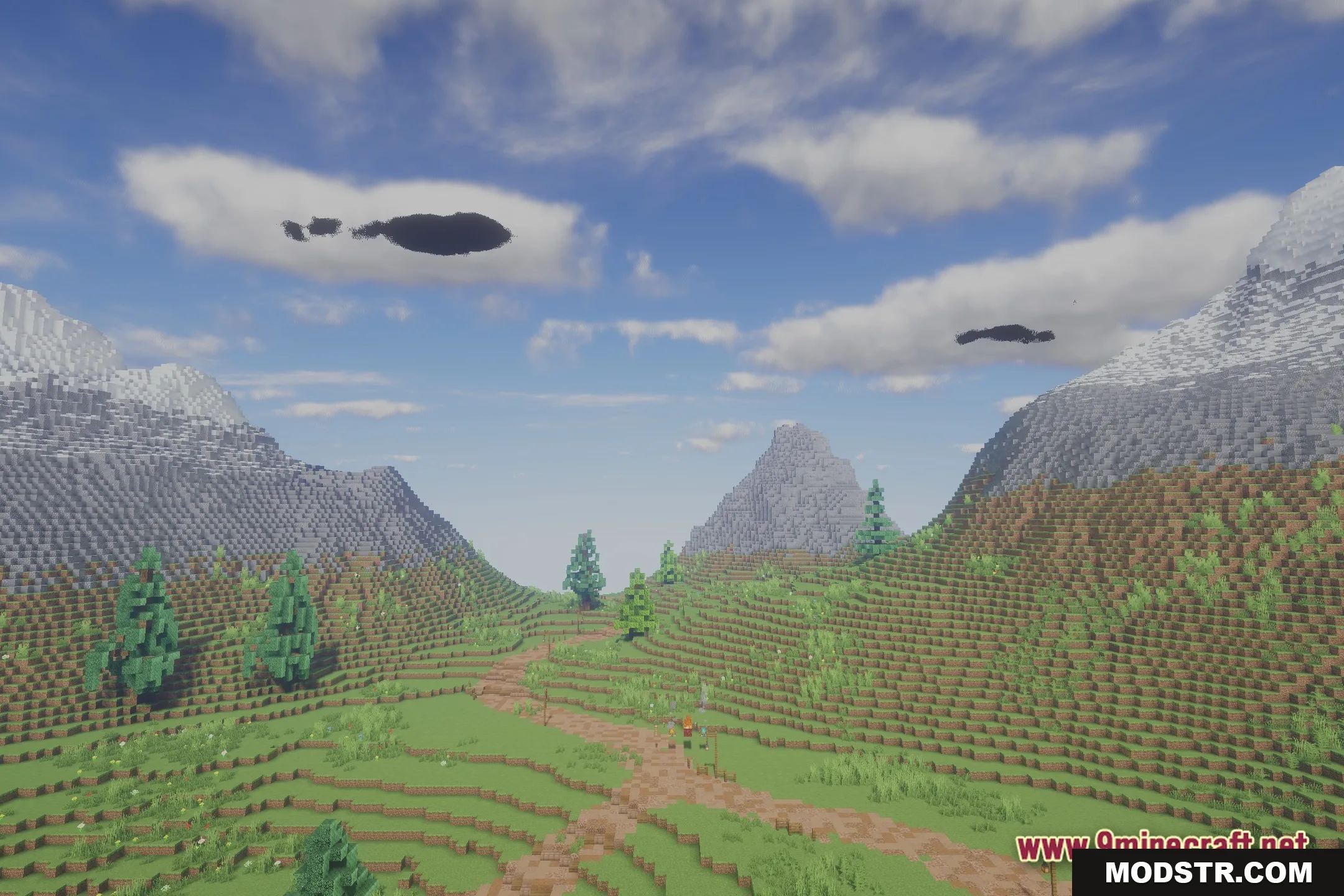
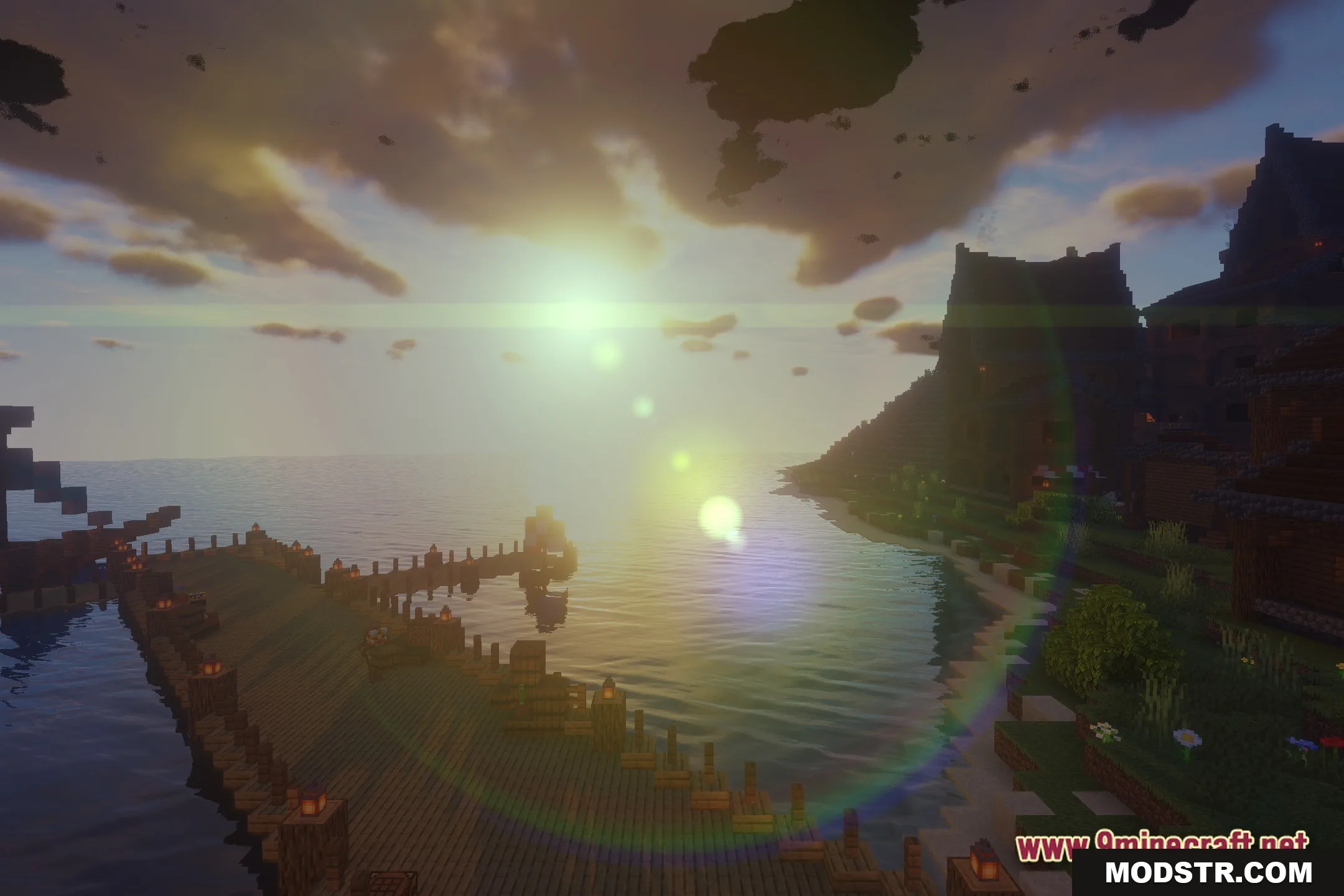
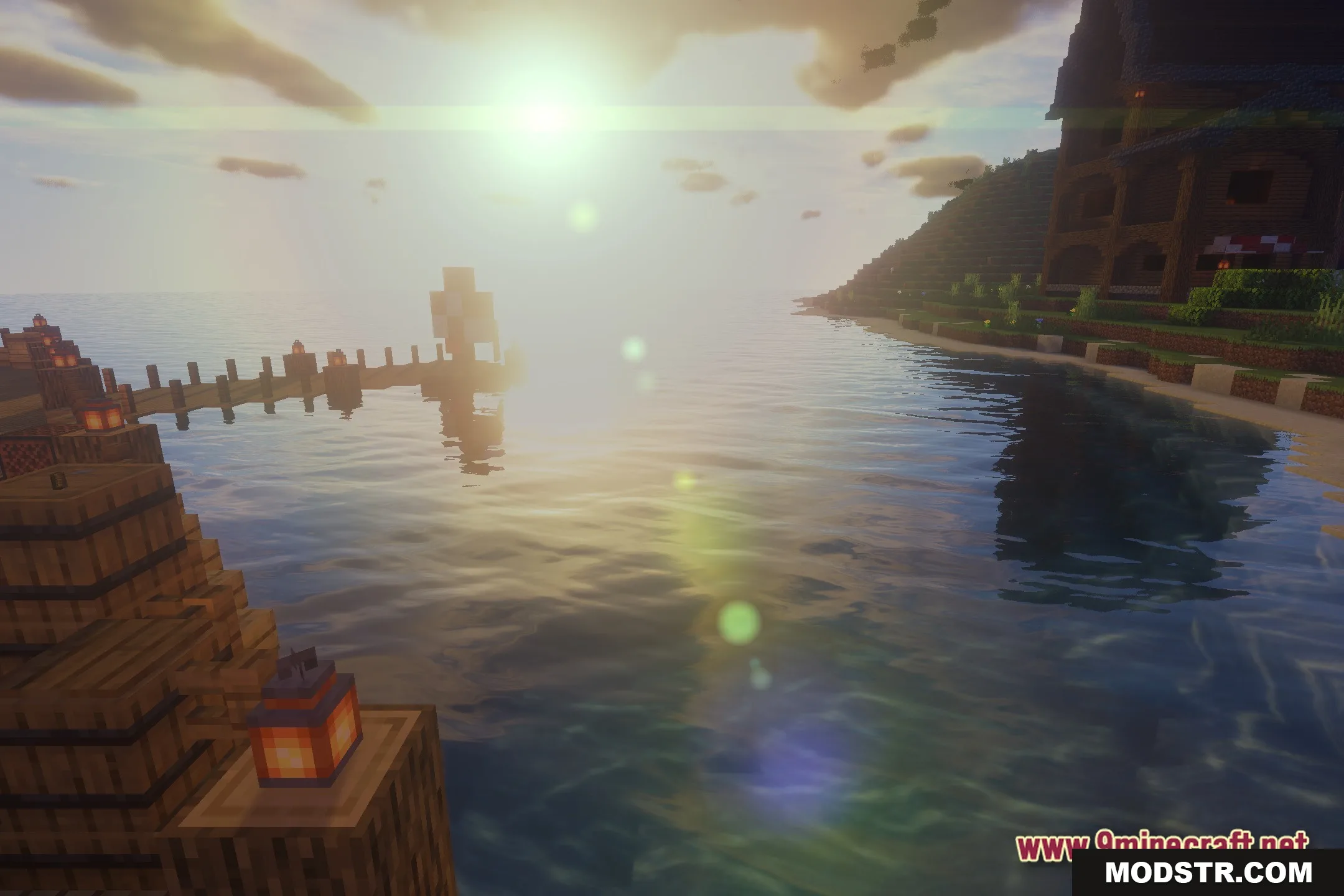
- Realistic lighting system with dynamic shadow rendering.
- Soft shadow effects that respond to light sources.
- Cumulative visual improvements from multiple development cycles.
Installation
- Ensure you are running Minecraft 1.20.1.
- Download and install OptiFine or a compatible shader loader.
- Extract the shader pack into your shaderpacks folder.
- Open Minecraft and navigate to Options > Shaders to select Beyond Belief.
- Adjust shader settings as needed for your hardware.
DOWNLOAD FILES
- shader