Telegram
Magical Debug Stick Resource Pack (26.2, 1.20.1) – Glowing Fantasy Wand cover art

Magical Debug Stick Resource Pack (26.2, 1.20.1) – Glowing Fantasy Wand

The Magical Debug Stick Resource Pack transforms the vanilla debug stick into a glowing magic wand, ideal for builders and map makers looking for new aesthetics.

4 JAVA
  • 1.21.11
  • 1.21
  • 1.20.1
  • 1.20

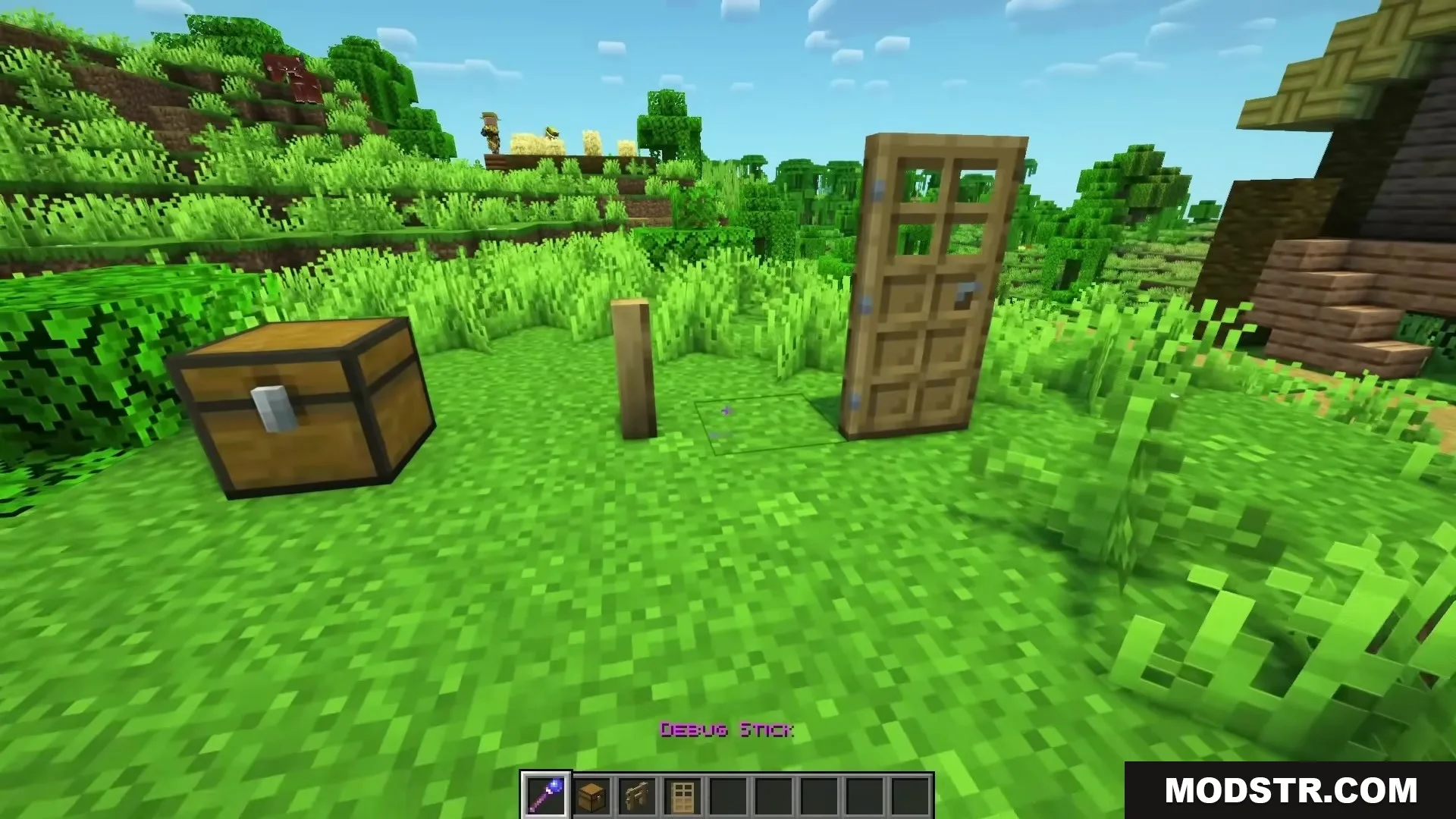
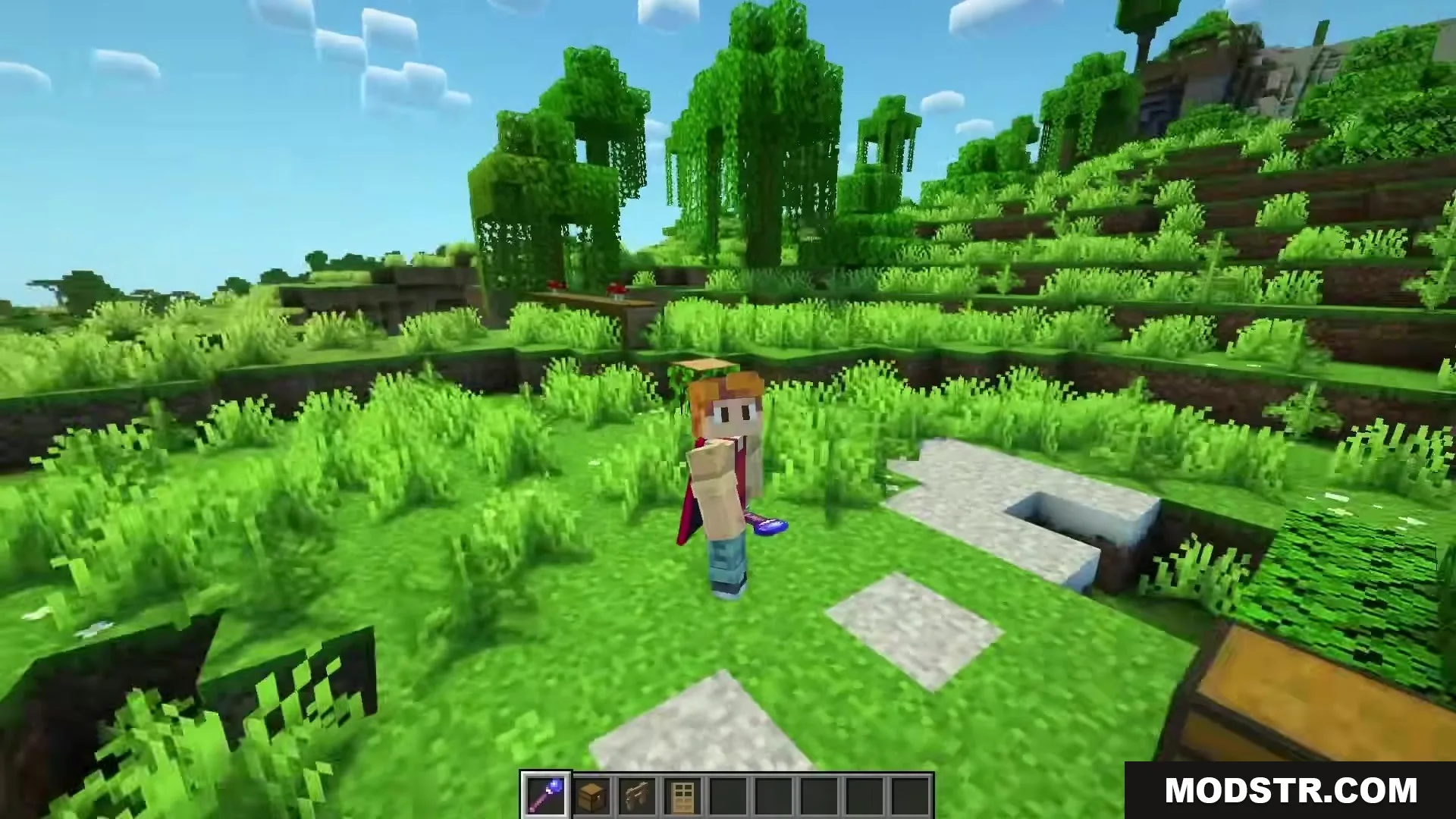
The Magical Debug Stick Resource Pack replaces the standard debug stick with a glowing magic wand, providing a whimsical tool for builders and map makers. While the item’s function remains unchanged, this pack enhances the visual experience while editing worlds.
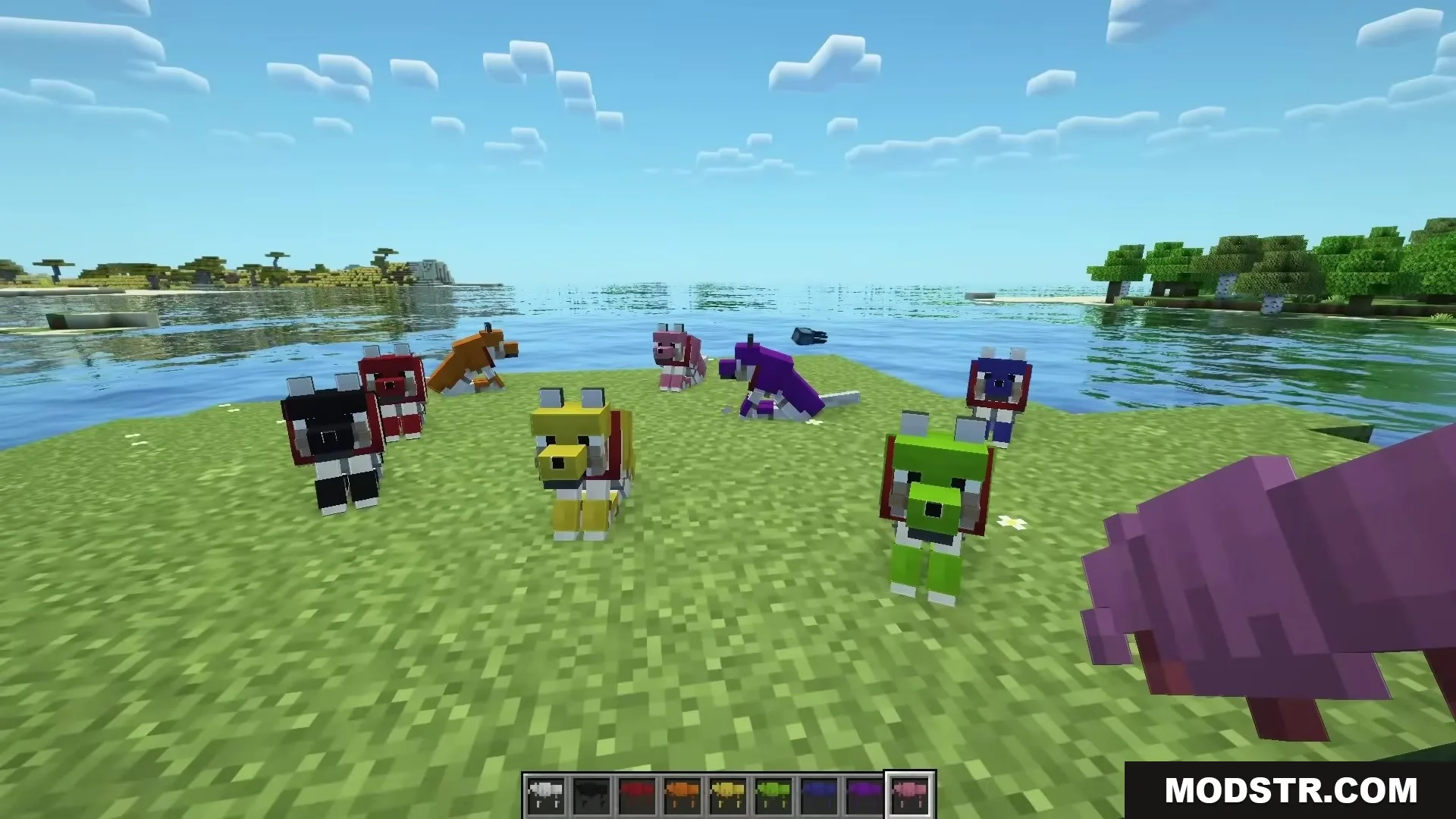
A pack of colorful wolves gathered on a grassy field by the water

Features

  • Changes the standard wooden debug stick into a fancy magic wand.
  • Translates the new wand name into over fifty different languages inside the game menus.
  • Keeps all original block editing powers exactly the same as before.
  • Adds a fun fantasy feel to your inventory when building custom maps.
  • Works straight out of the download folder without needing to extract the files.

Installation

  1. Download the resource pack file.
  2. Place the file into the resource pack folder of your Minecraft directory.
  3. Launch Minecraft and navigate to the options menu.
  4. Select Resource Packs and find your newly added pack.
  5. Activate the pack and enjoy the new visuals.
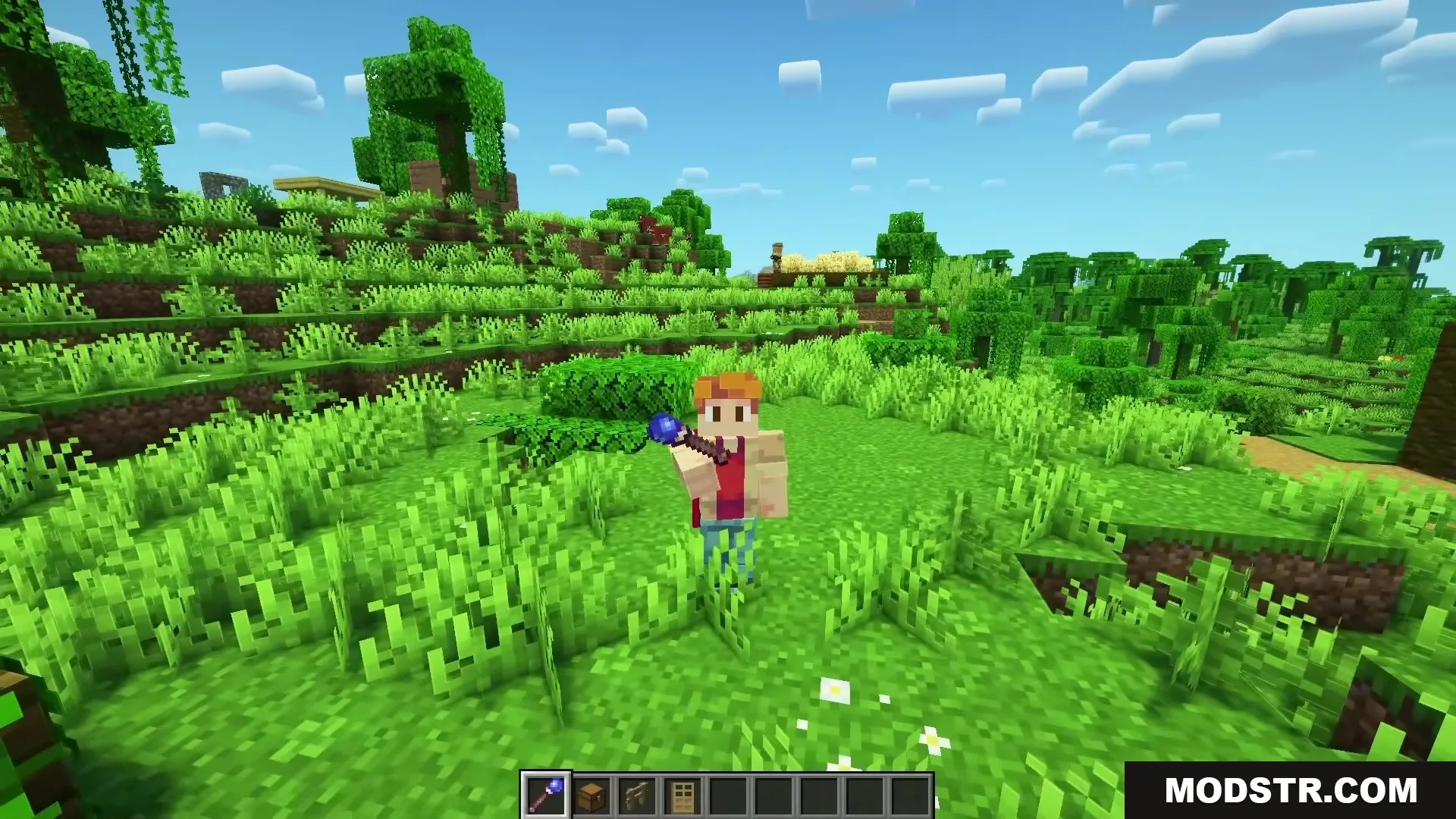
A player character holding the Magical Debug Stick wand in a green forest

Screenshots

A player holds the wand from the Magical Debug Stick Resource Pack
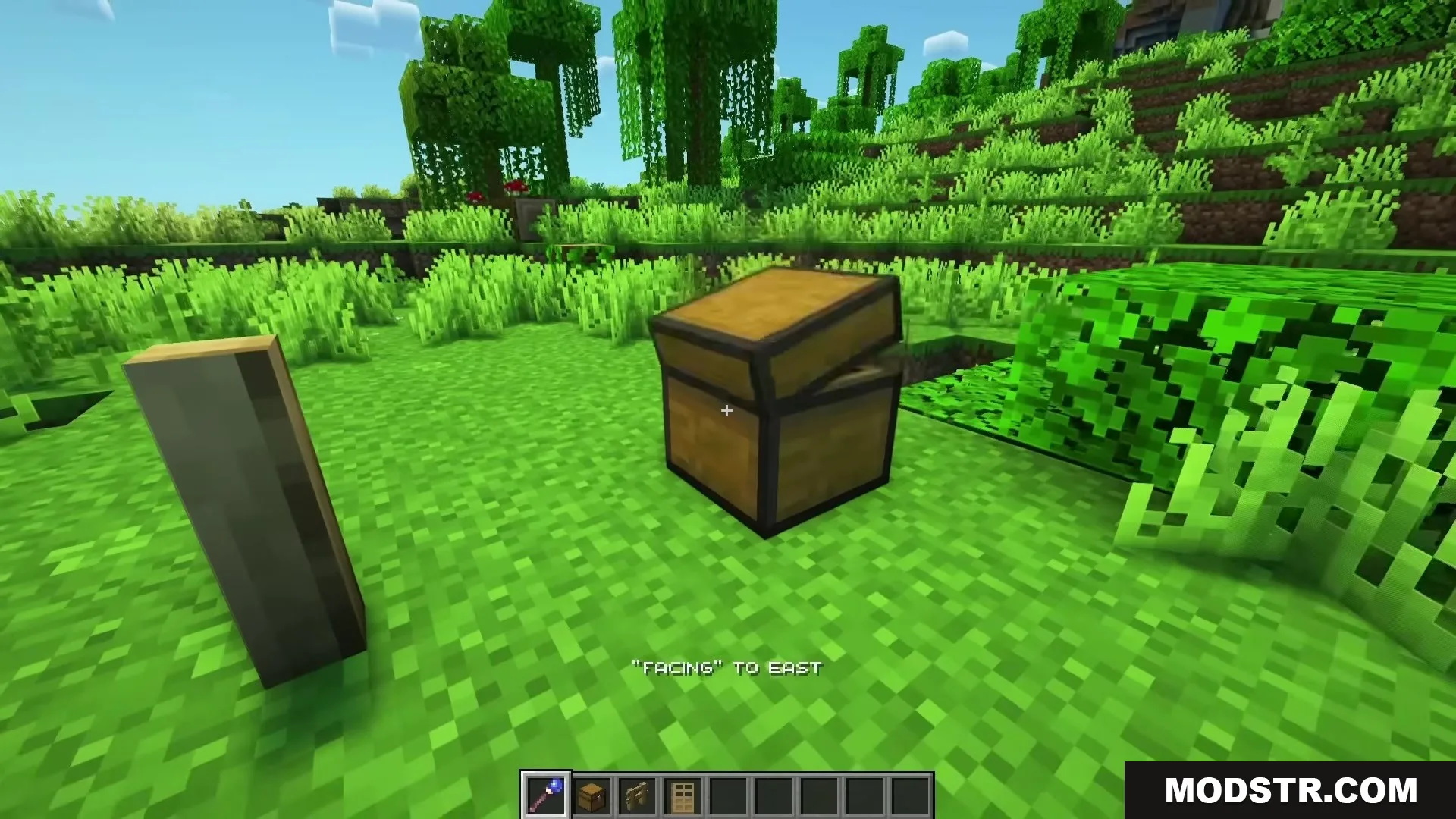
The magical debug stick changes the facing direction of a wooden chest
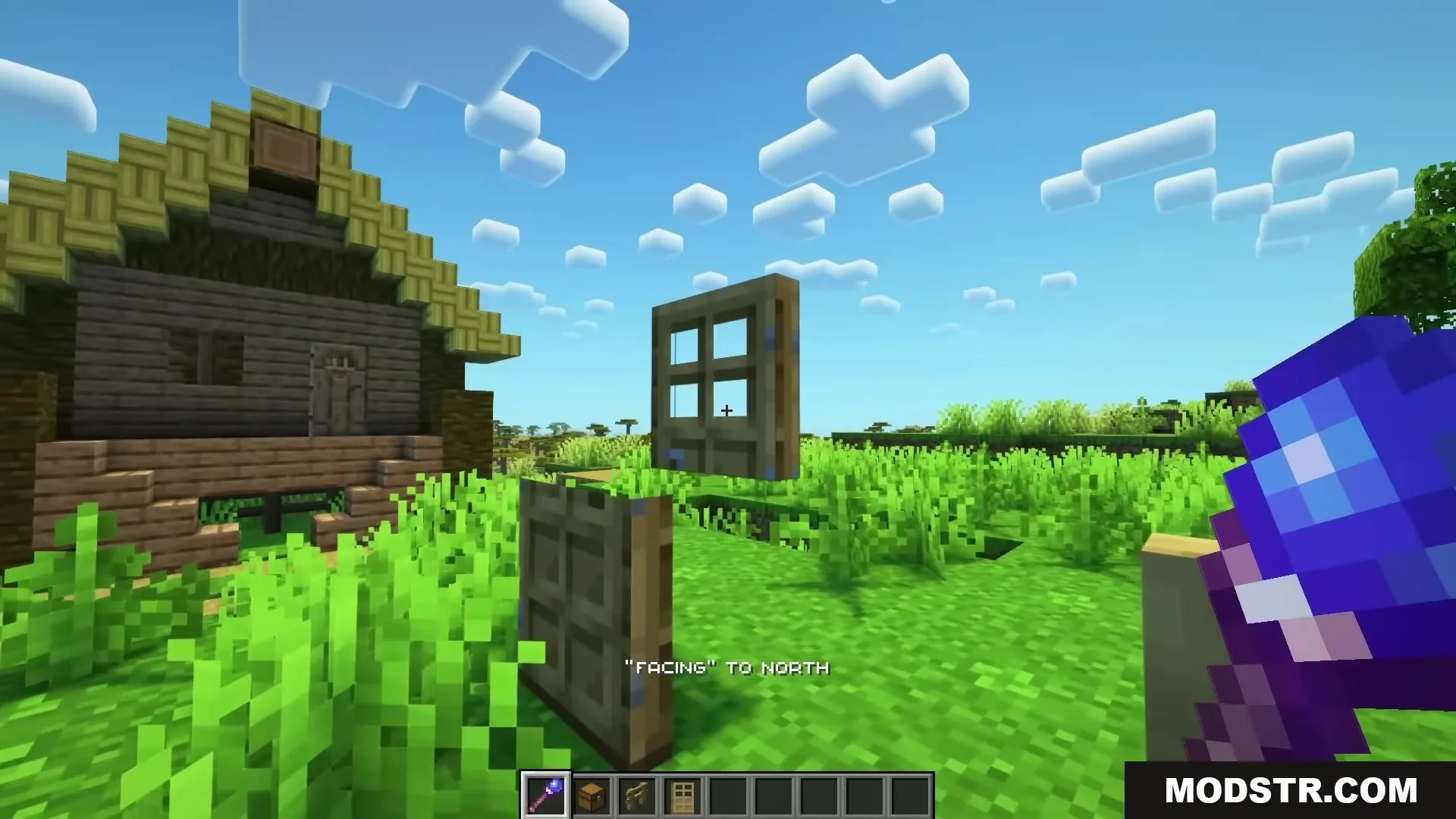
Player uses a magical debug stick to rotate a floating wooden door
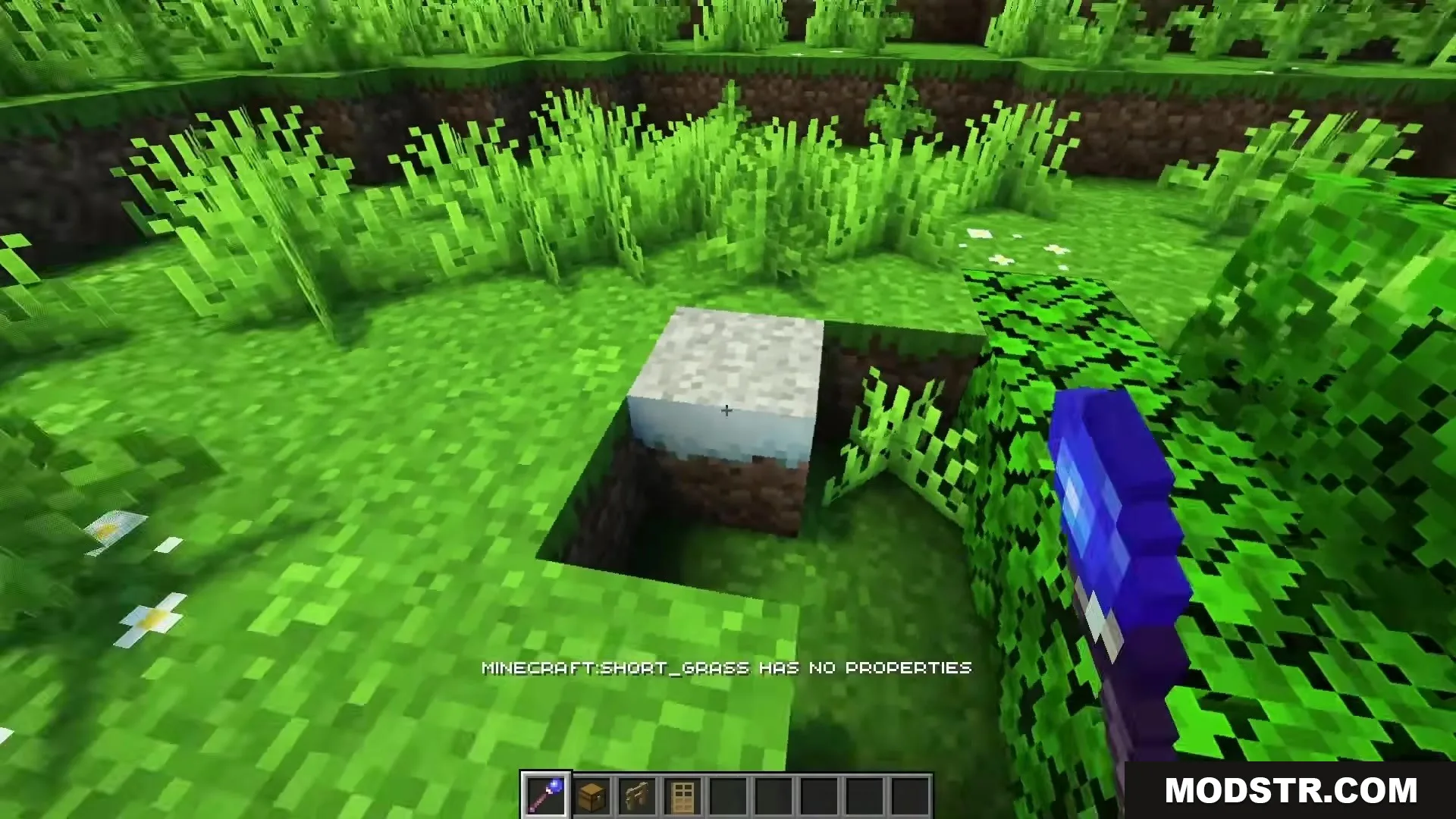
Player uses a magical debug stick to check properties of a grass block
A player character holding a glowing purple magic wand in a grassy field

DOWNLOAD FILES

  • resource
    26.2.x (1 versions) All Versions Covered 26.2 ▲ Collapse · Magical-Debug-Stick-Resource-Pack-16x-26.2.x.zip
    • 16x
  • resource
    26.1.x (3 versions) All Versions Covered 26.1.2 26.1.1 26.1 ▲ Collapse · Magical-Debug-Stick-Resource-Pack-16x-26.1.x.zip
    • 16x
  • resource
    1.21.x (1 versions) All Versions Covered 1.21.11 ▲ Collapse · Magical-Debug-Stick-Resource-Pack-16x-1.21.x.zip
    • 16x
    • 1.21
  • resource
    1.20.x (2 versions) All Versions Covered 1.20.1 1.20 ▲ Collapse · Magical-Debug-Stick-Resource-Pack-16x-1.20.x.zip
    • 16x
    • 1.20