
No Cave Ambience Resource Pack (26.2, 1.20.1) – Texture Pack
This resource pack removes cave ambience sounds in Minecraft for a quieter experience underground. It is suitable for players who prefer less auditory distraction while exploring caves.
- 1.21 → 1.21.11 +10
Show all 10 versions
- 1.21.11
- 1.21.10
- 1.21.9
- 1.21.8
- 1.21.7
- 1.21.6
- 1.21.5
- 1.21.4
- 1.21.1
- 1.21
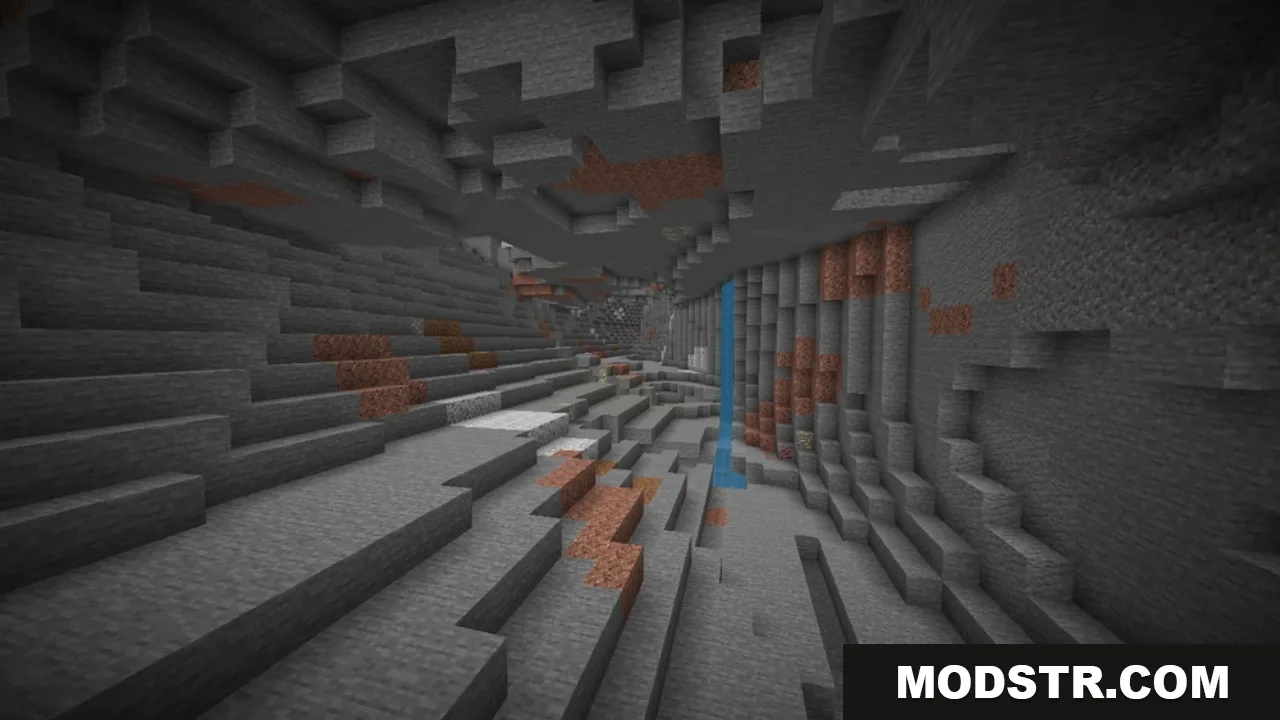
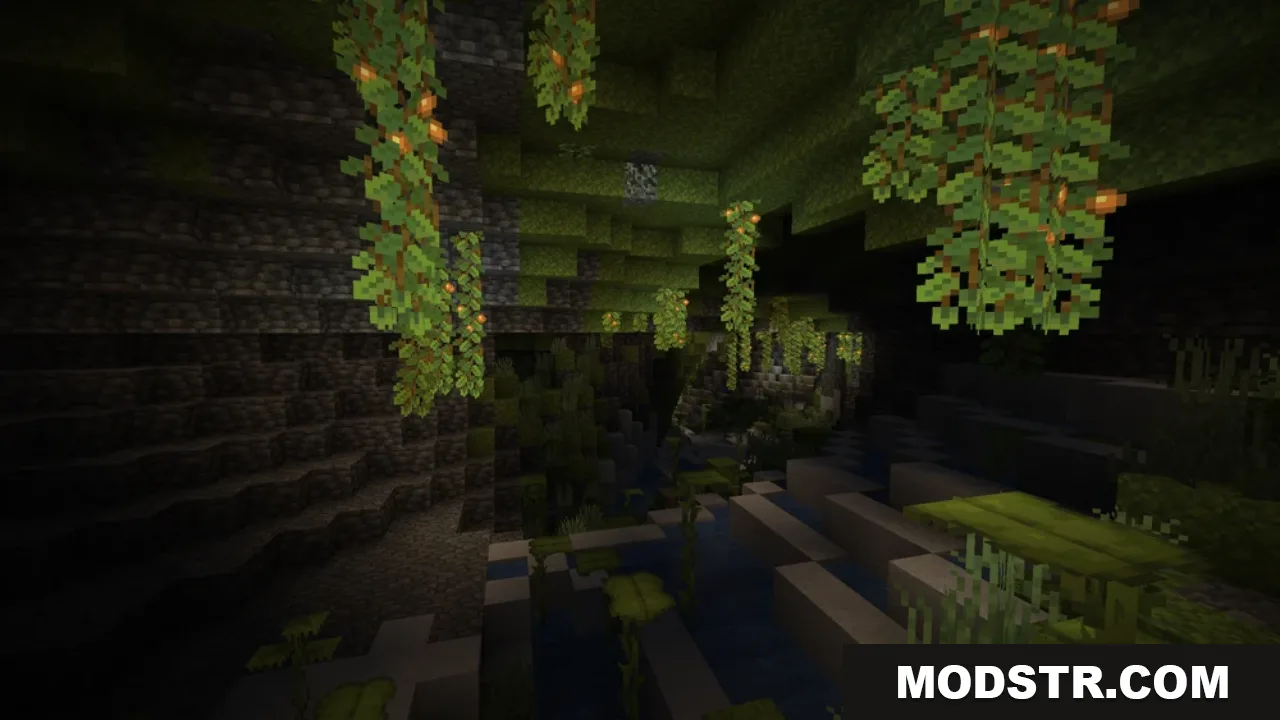
The No Cave Ambience Resource Pack is designed to eliminate the unsettling cave sounds in Minecraft. It caters to players who find these noises distracting and prefer a more serene atmosphere while mining or exploring underground.
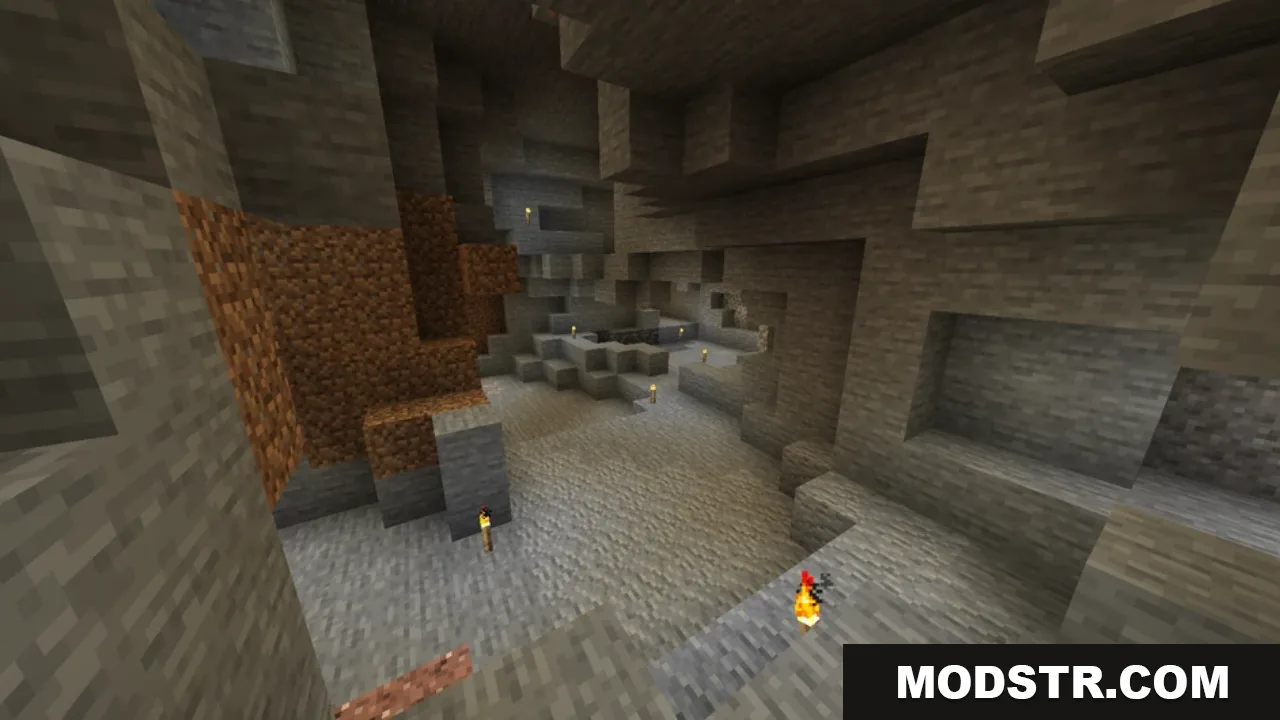
Features
- Removes eerie cave ambience sounds.
- Enhances the underground experience by providing a quieter environment.
- Does not affect other audio elements in the game.
Installation
- Download the resource pack file.
- Open Minecraft and navigate to the "Options" menu.
- Select "Resource Packs" and click on "Open Resource Pack Folder."
- Move the downloaded file into the folder.
- Activate the pack in the Resource Packs menu.
Compatibility
This resource pack is compatible with Minecraft version 1.20.1 and can be used without issues across supported editions.
DOWNLOAD FILES
- resource
- resource
- resource
- resource