
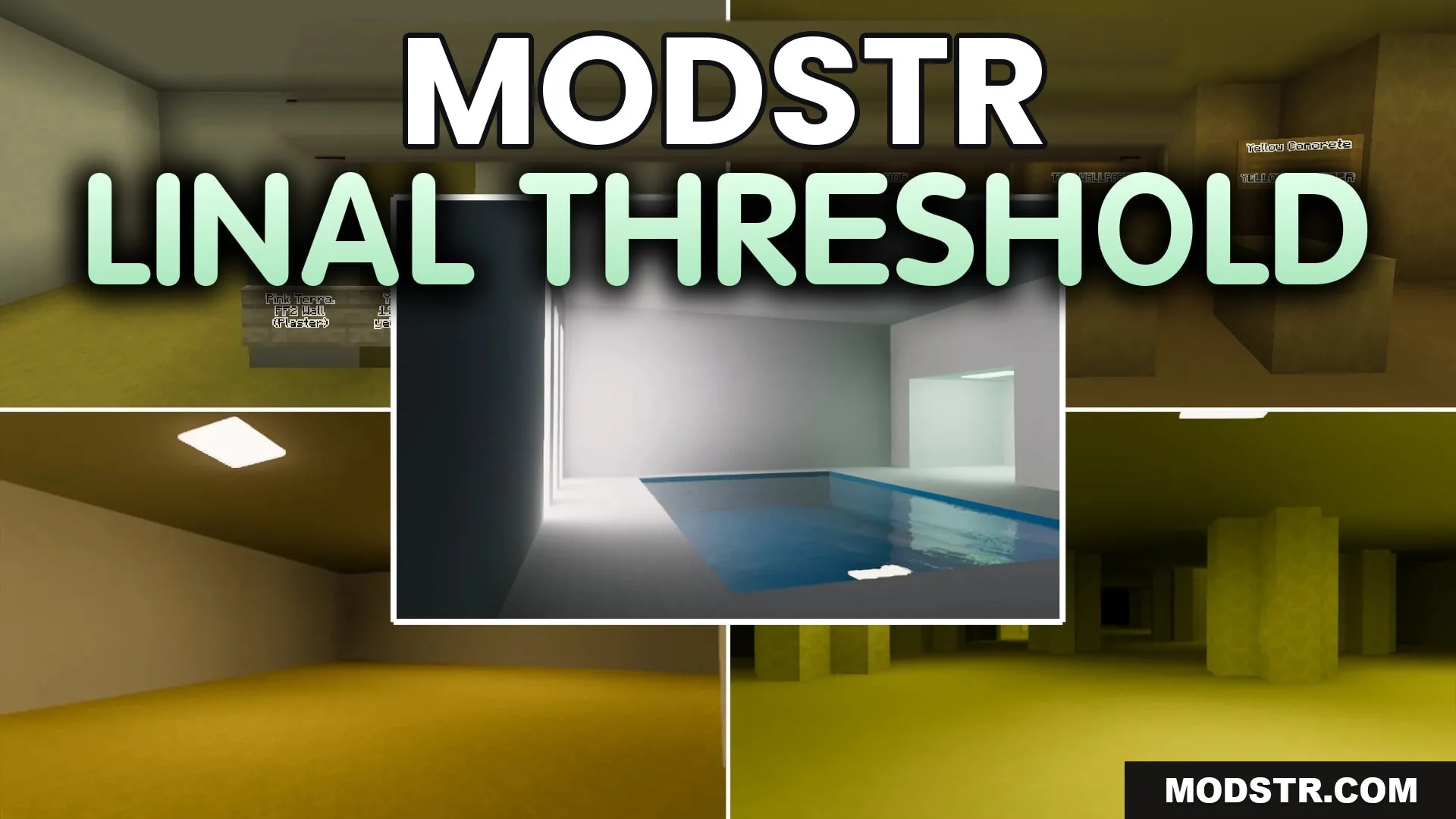
Linal Threshold Resource Pack (1.21.11) – Eerie Liminal Backrooms and Poolrooms
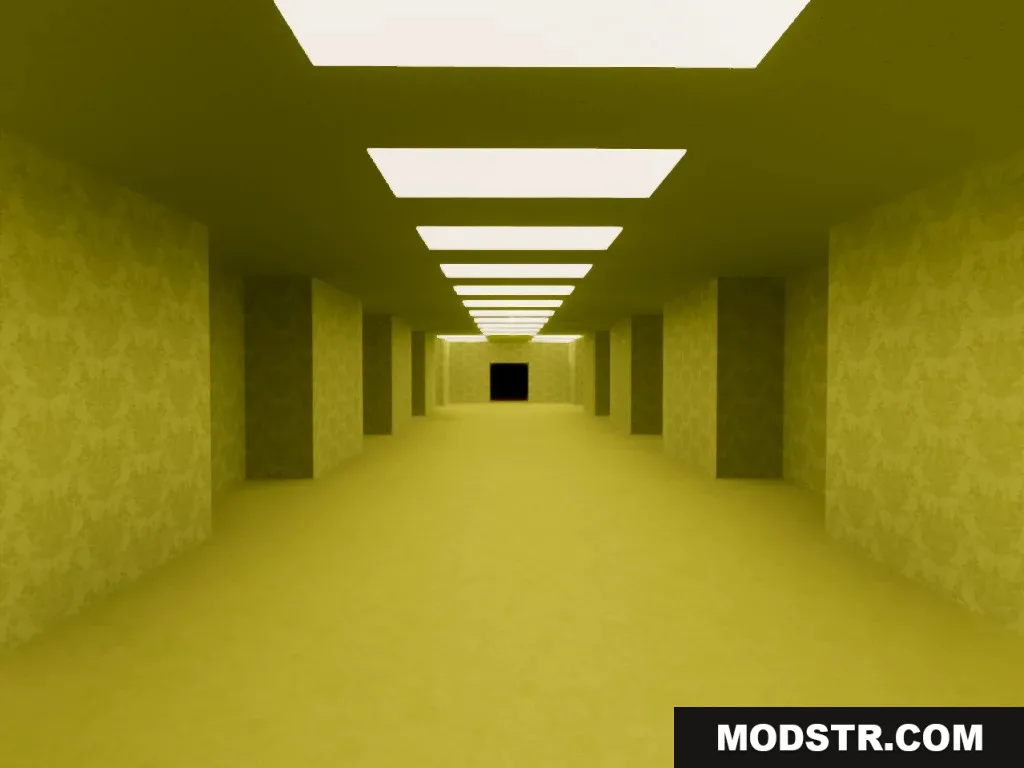
The Linal Threshold Resource Pack transforms vanilla textures into eerie Backrooms-inspired designs. It alters building blocks and light sources to create unsettling environments for players.
- 1.21.11
- 1.21
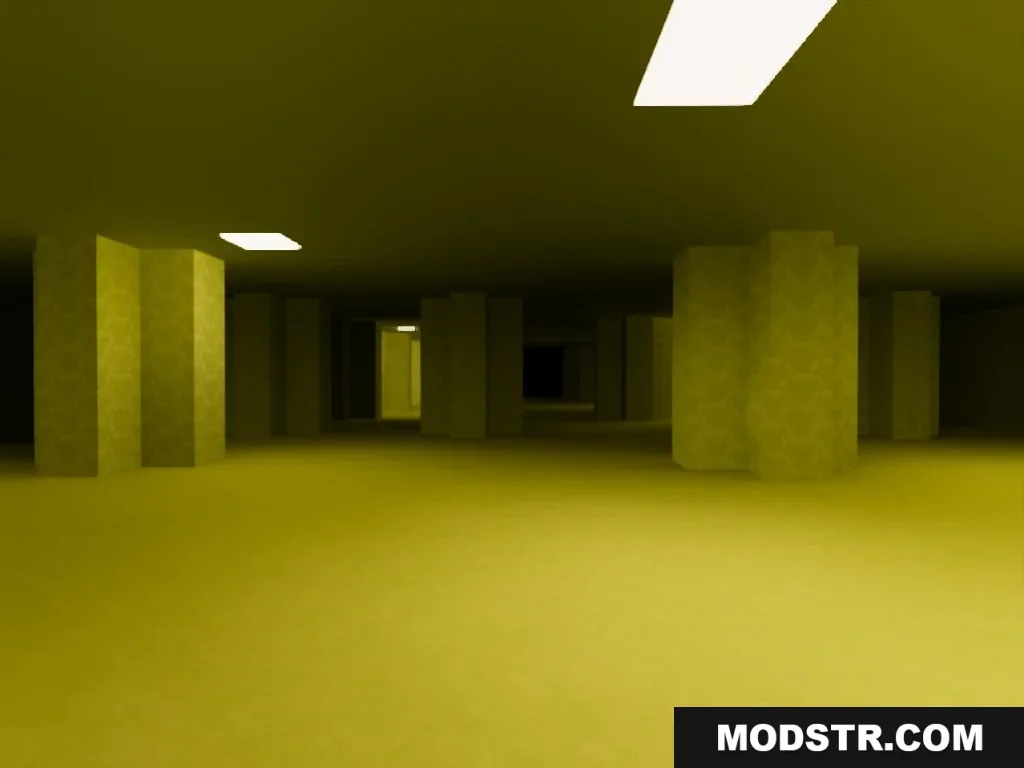
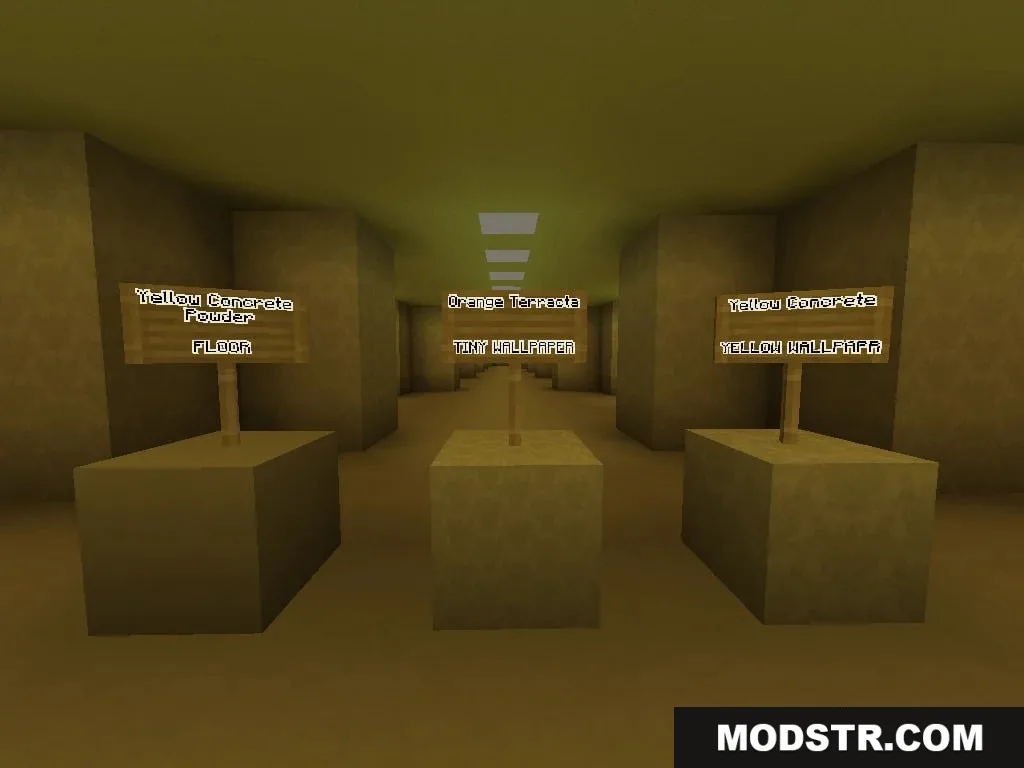
The Linal Threshold Resource Pack modifies standard Minecraft building materials by introducing realistic textures based on the eerie Backrooms theme. This pack is ideal for players looking to recreate unsettling environments reminiscent of the Kane Pixels series.
Features
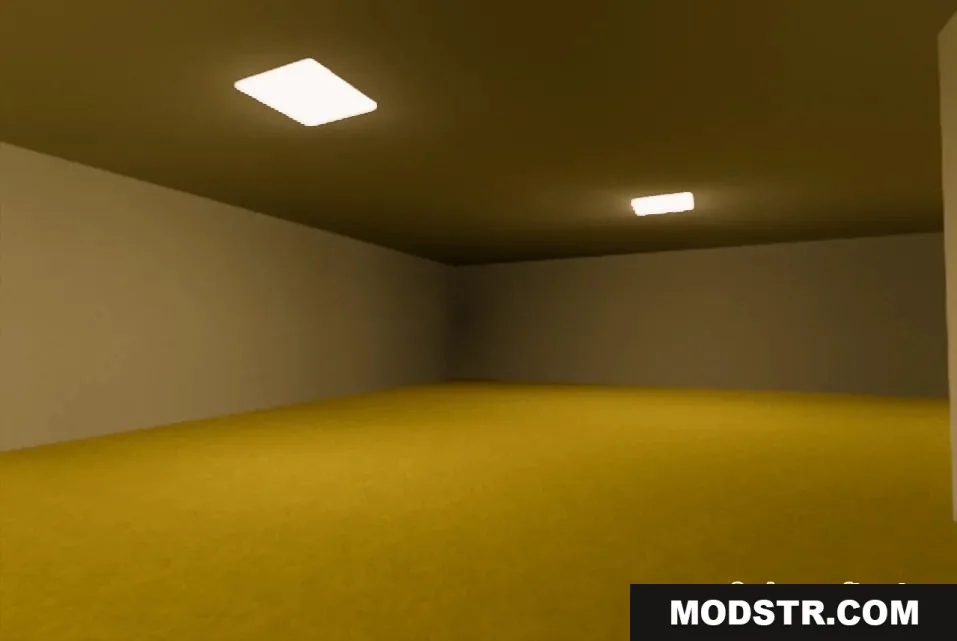
- Turns common building blocks into realistic walls, carpets, and ceiling tiles from the Backrooms series.
- Changes light source blocks into fluorescent office lights and green lamps.
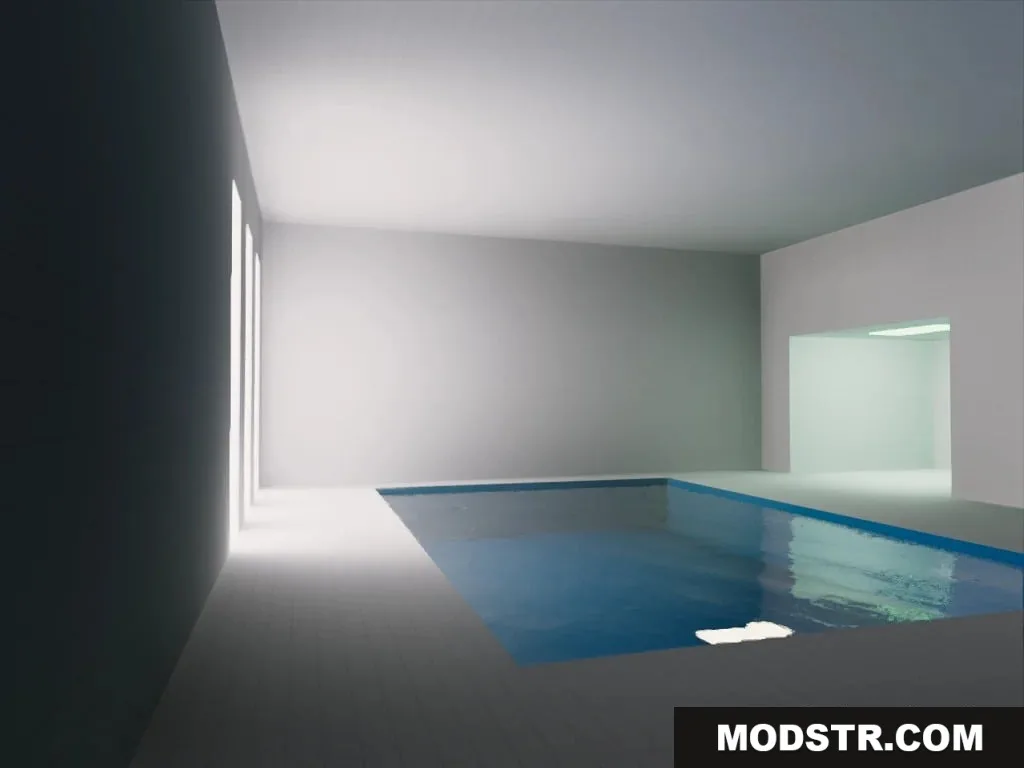
- Replaces prismarine blocks with clean tiles for building poolrooms.
- Adds patterned wallpaper options through terracotta and sandstone variants.
Block Replacements:
- Yellow Concrete: Classic yellow wallpaper.
- Orange Terracotta: Tiny patterned wallpaper.
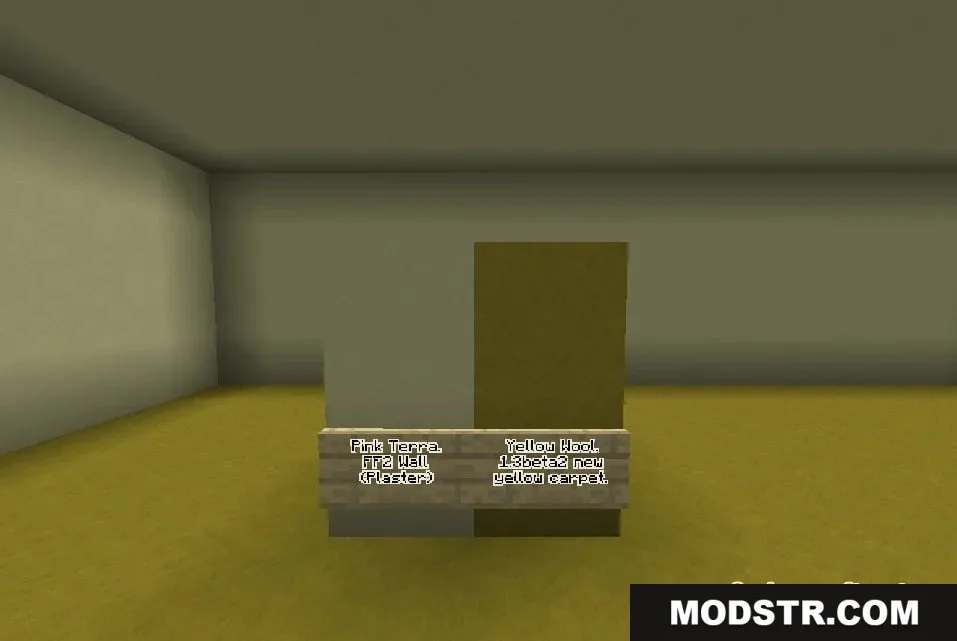
- Yellow Wool: Damp yellow carpet.
- Stripped Birch Wood and Logs: Backrooms ceiling tile.
- Polished Diorite: Regular office ceiling tile.
- Ochre Froglight: Fluorescent ceiling light.
- Sea Lantern: Fluorescent light panel.
- Verdant Froglight: Green fluorescent light.
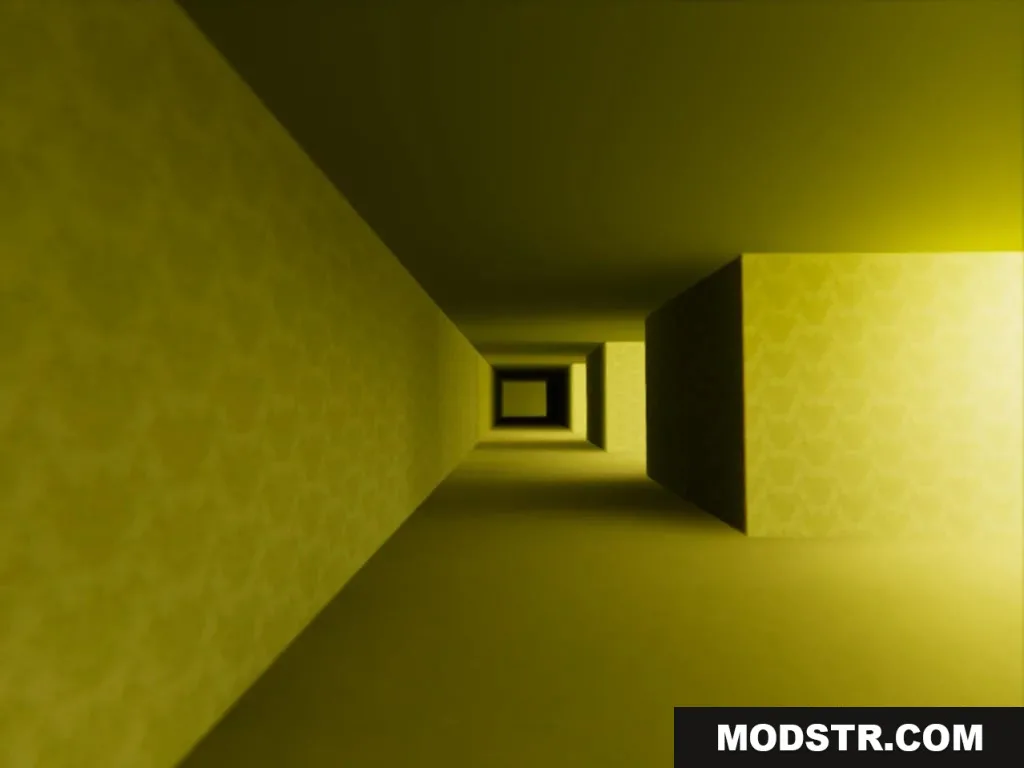
- Smooth Sandstone: Chevron wallpaper.
- Bamboo Planks: Yellow chevron wallpaper.
- Dark Prismarine: Poolroom tiles.
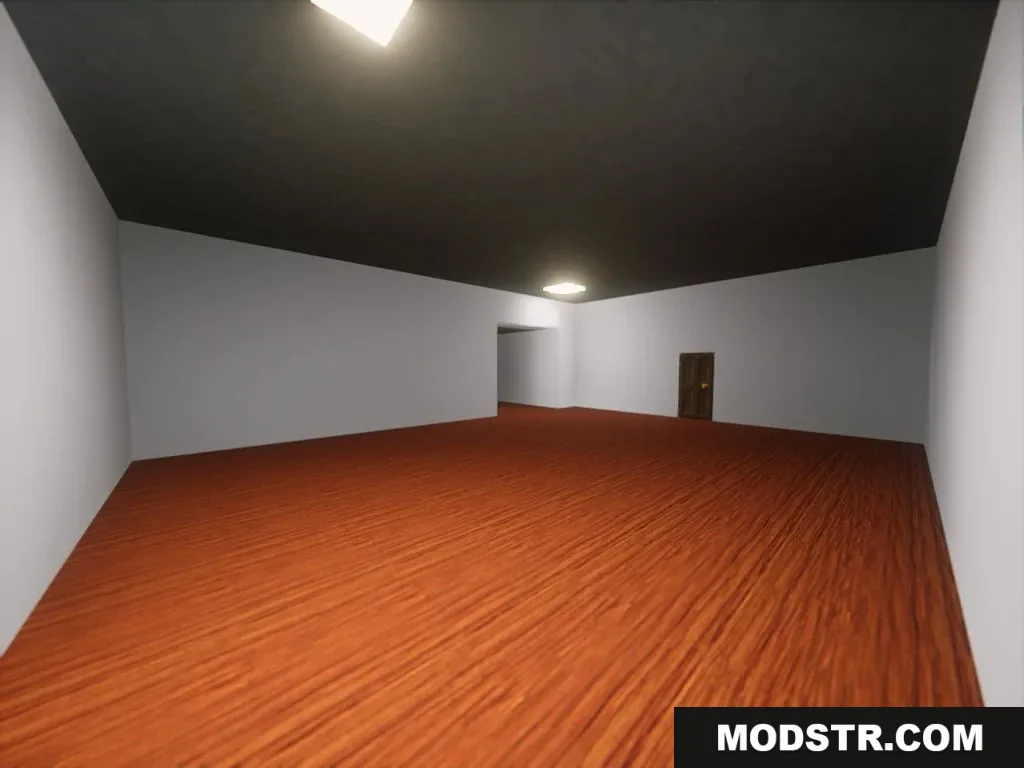
- Dark Oak Planks: Dark wooden floor.
- Pink Terracotta: Plaster wall from Found Footage 2.
Installation
- Download the Linal Threshold Resource Pack file.
- Open Minecraft and go to the Options menu.
- Select Resource Packs and click on Open Pack Folder.
- Place the downloaded resource pack file into this folder.
- Activate the resource pack in the Resource Packs menu.
DOWNLOAD FILES
- resource