
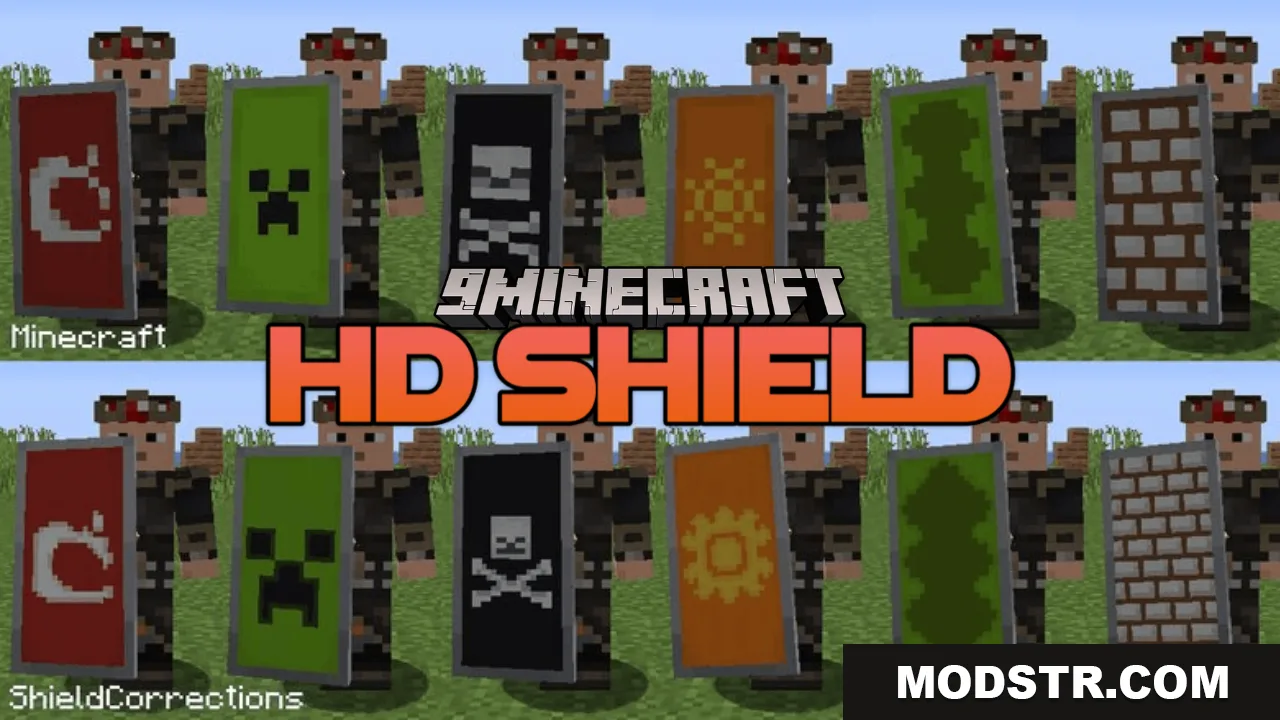
HD Shield Resource Pack (26.1.2, 1.20.1) – Crystal Clear Custom Shield Banners
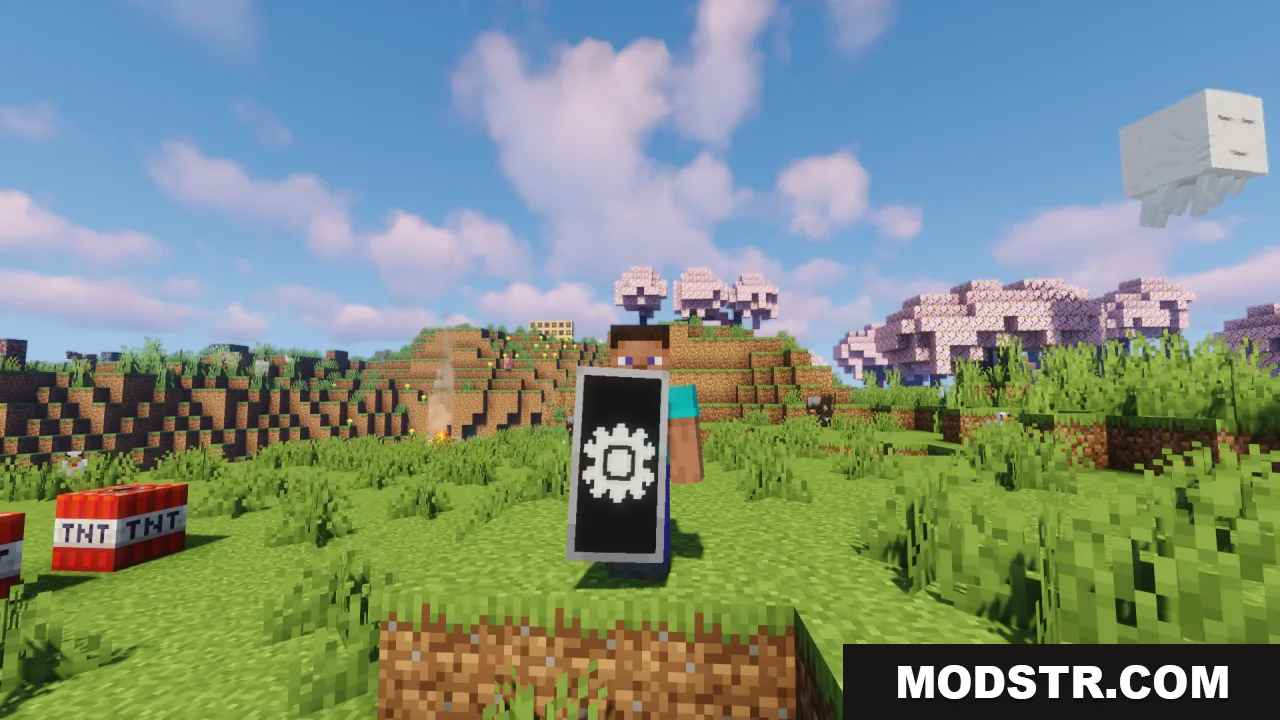
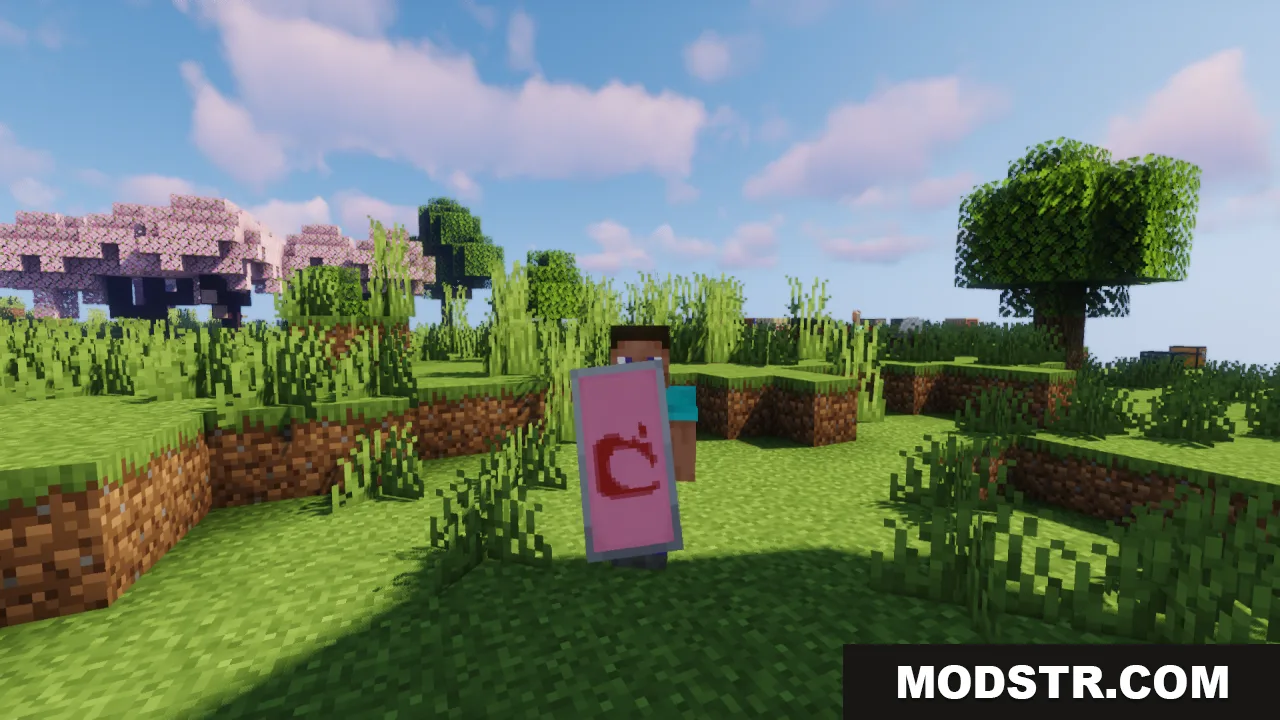
High-resolution shield banner patterns for Minecraft 1.20.1. Replaces blurry vanilla shield designs with sharp, detailed custom artwork.
- 1.8 → 1.21.11 +70
Show all 70 versions
- 1.21.11
- 1.21.10
- 1.21.9
- 1.21.8
- 1.21.7
- 1.21.6
- 1.21.5
- 1.21.4
- 1.21.3
- 1.21.2
- 1.21.1
- 1.21
- 1.20.6
- 1.20.5
- 1.20.4
- 1.20.3
- 1.20.2
- 1.20.1
- 1.20
- 1.19.4
- 1.19.3
- 1.19.2
- 1.19.1
- 1.19
- 1.18.2
- 1.18.1
- 1.18
- 1.17.1
- 1.17
- 1.16.5
- 1.16.4
- 1.16.3
- 1.16.2
- 1.16.1
- 1.16
- 1.15.2
- 1.15.1
- 1.15
- 1.14.4
- 1.14.3
- 1.14.2
- 1.14.1
- 1.14
- 1.13.2
- 1.13.1
- 1.13
- 1.12.2
- 1.12.1
- 1.12
- 1.11.2
- 1.11.1
- 1.11
- 1.10.2
- 1.10.1
- 1.10
- 1.9.4
- 1.9.3
- 1.9.2
- 1.9.1
- 1.9
- 1.8.9
- 1.8.8
- 1.8.7
- 1.8.6
- 1.8.5
- 1.8.4
- 1.8.3
- 1.8.2
- 1.8.1
- 1.8
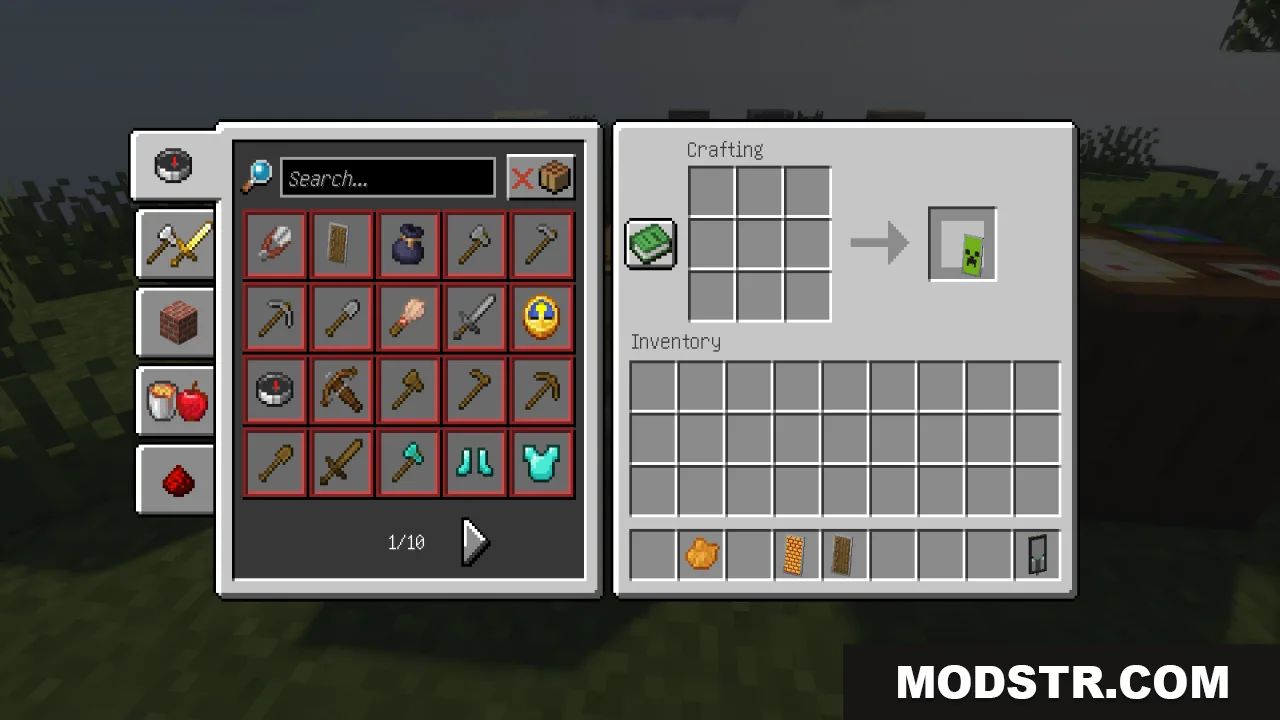
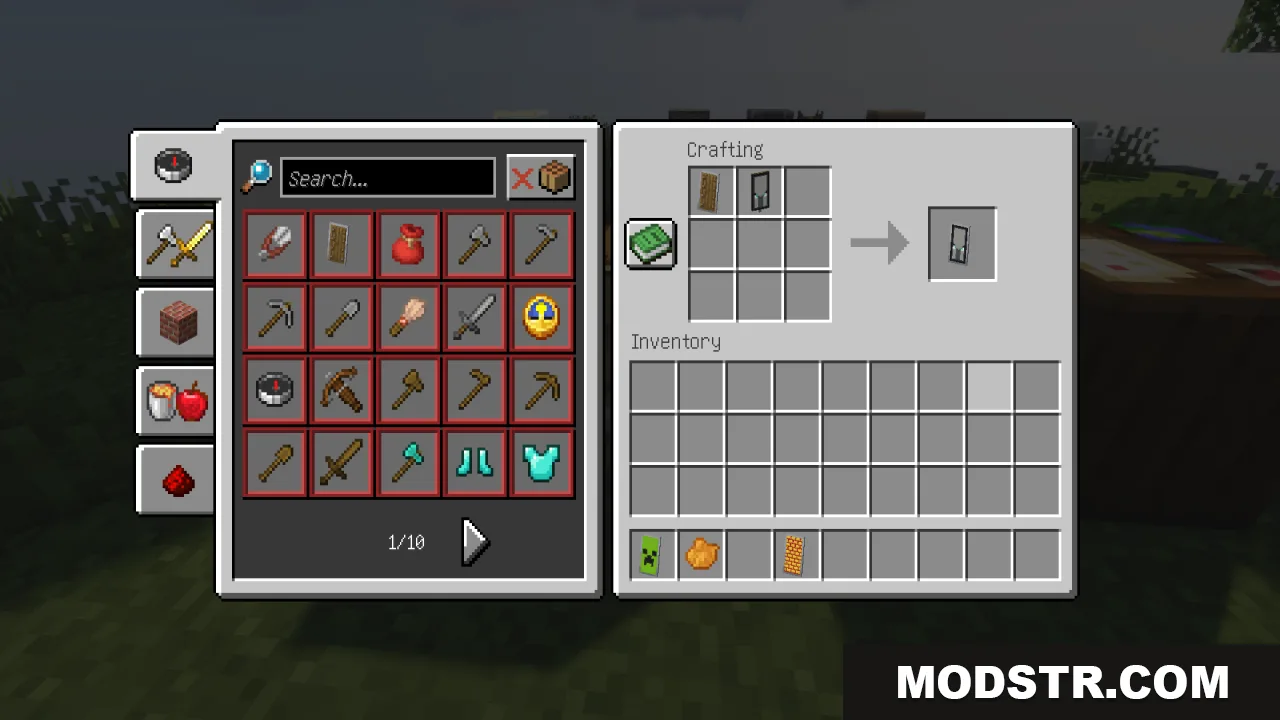
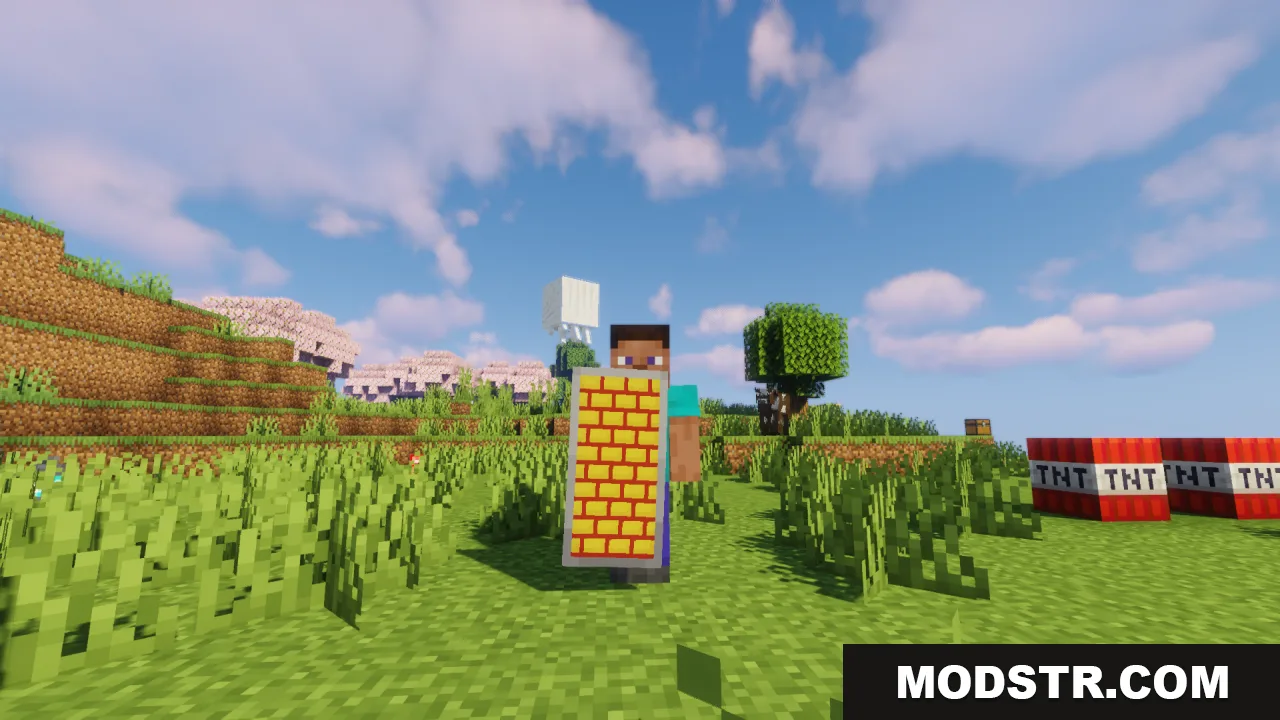
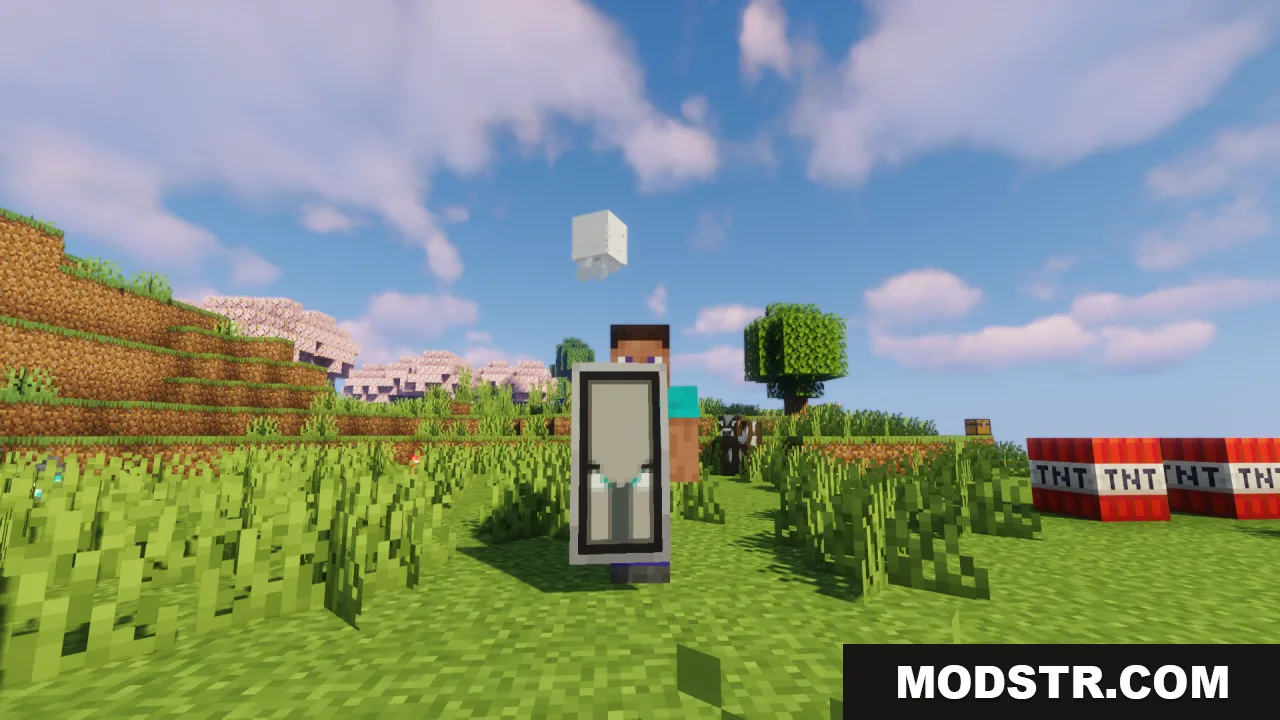
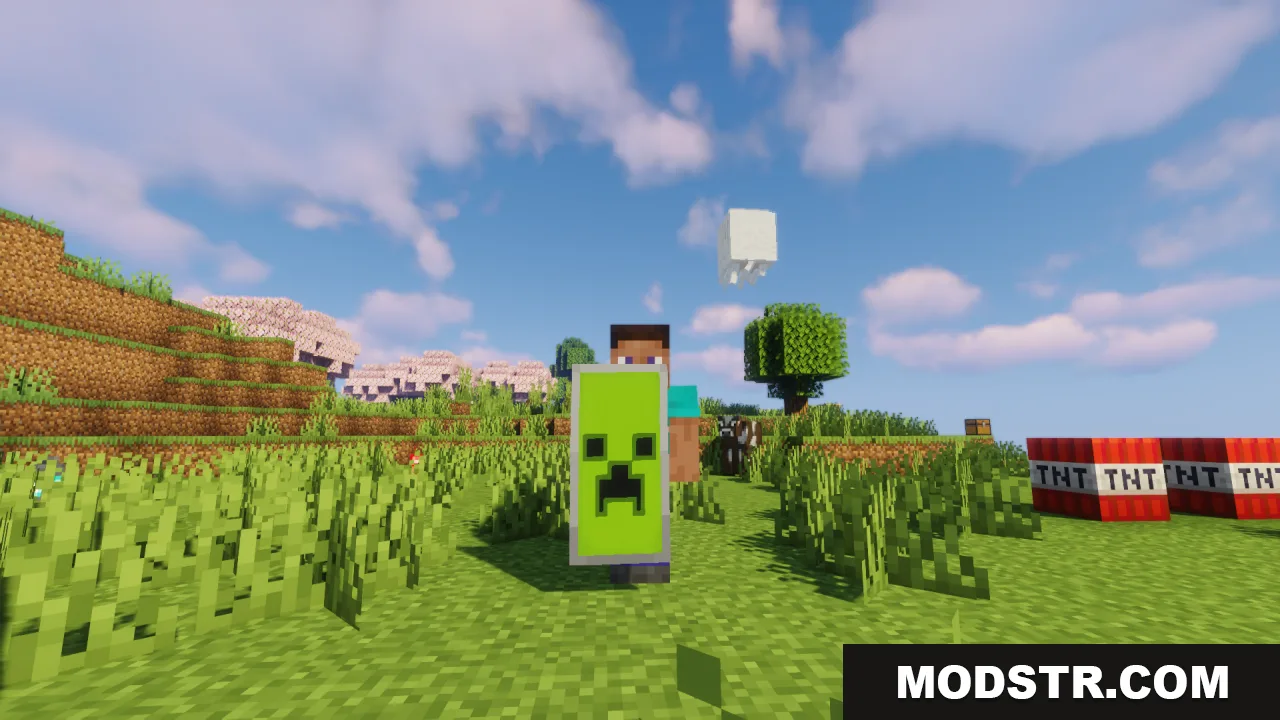
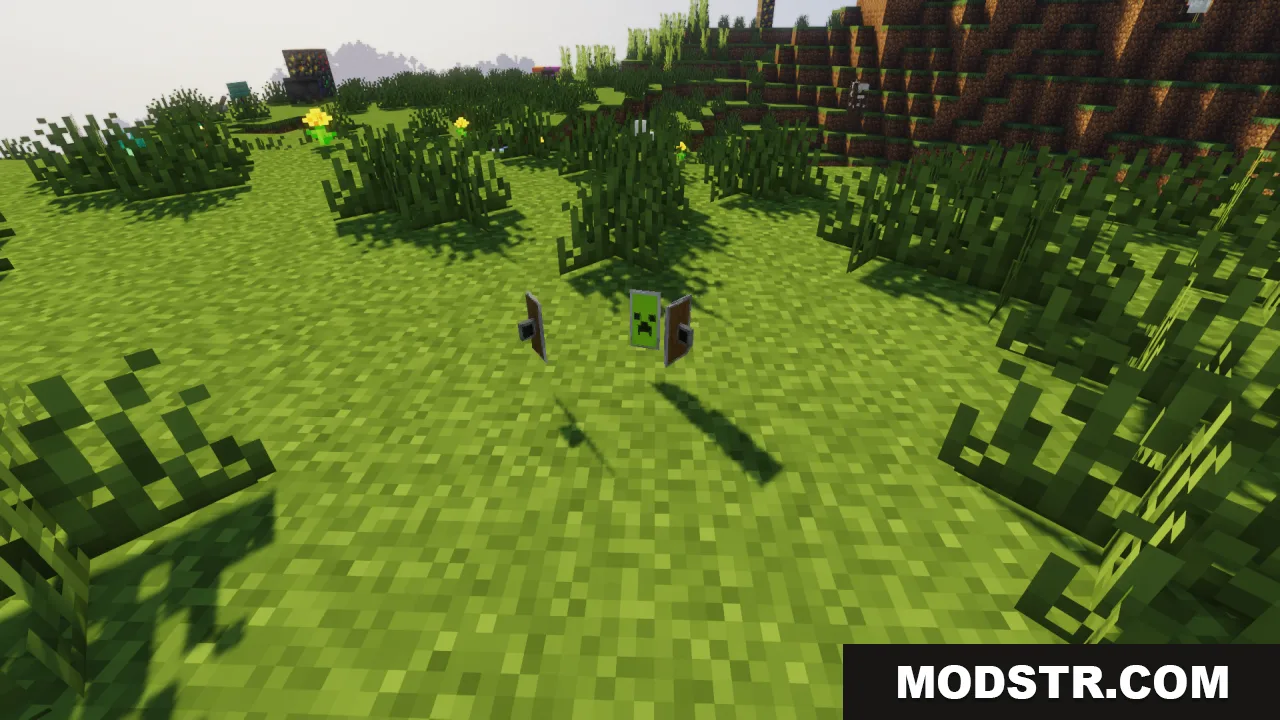
HD Shield Resource Pack upgrades the visual quality of shield banner patterns in Minecraft. Instead of the standard pixelated designs, this pack replaces them with sharp, high-resolution artwork that makes custom shield banners look crisp and clear.
Features
- Replaces vanilla shield banner patterns with high-resolution versions.
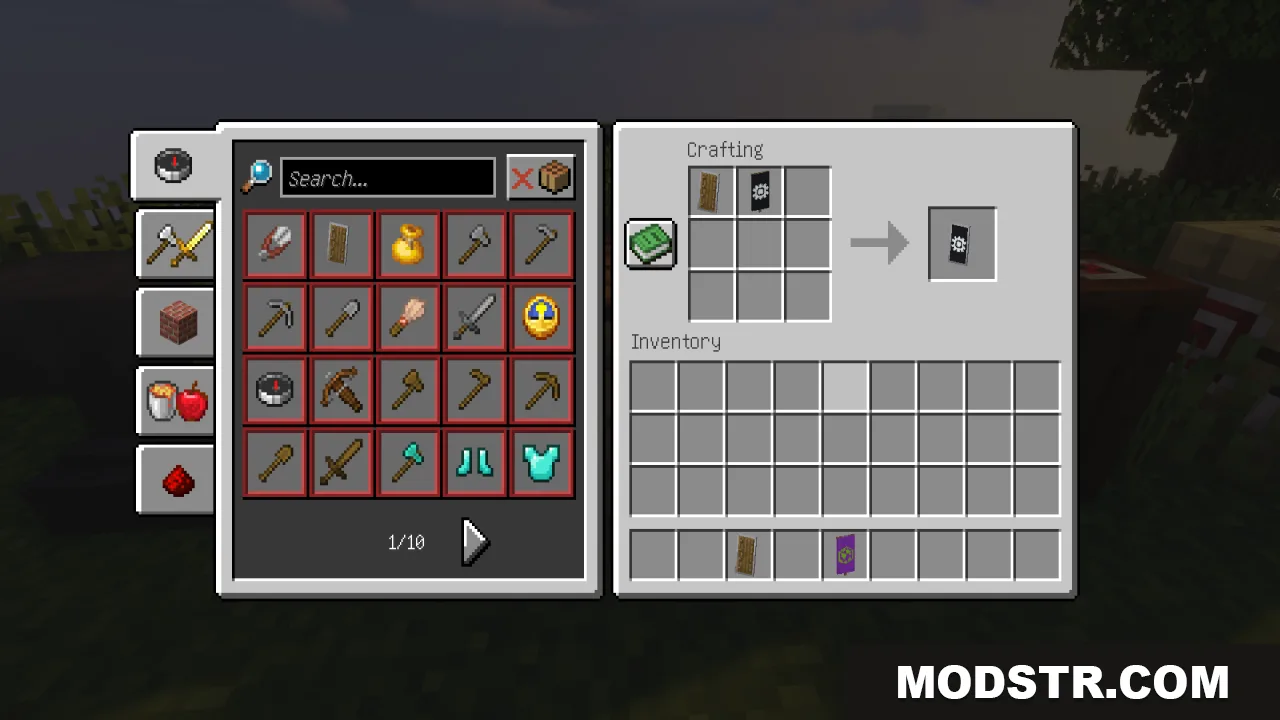
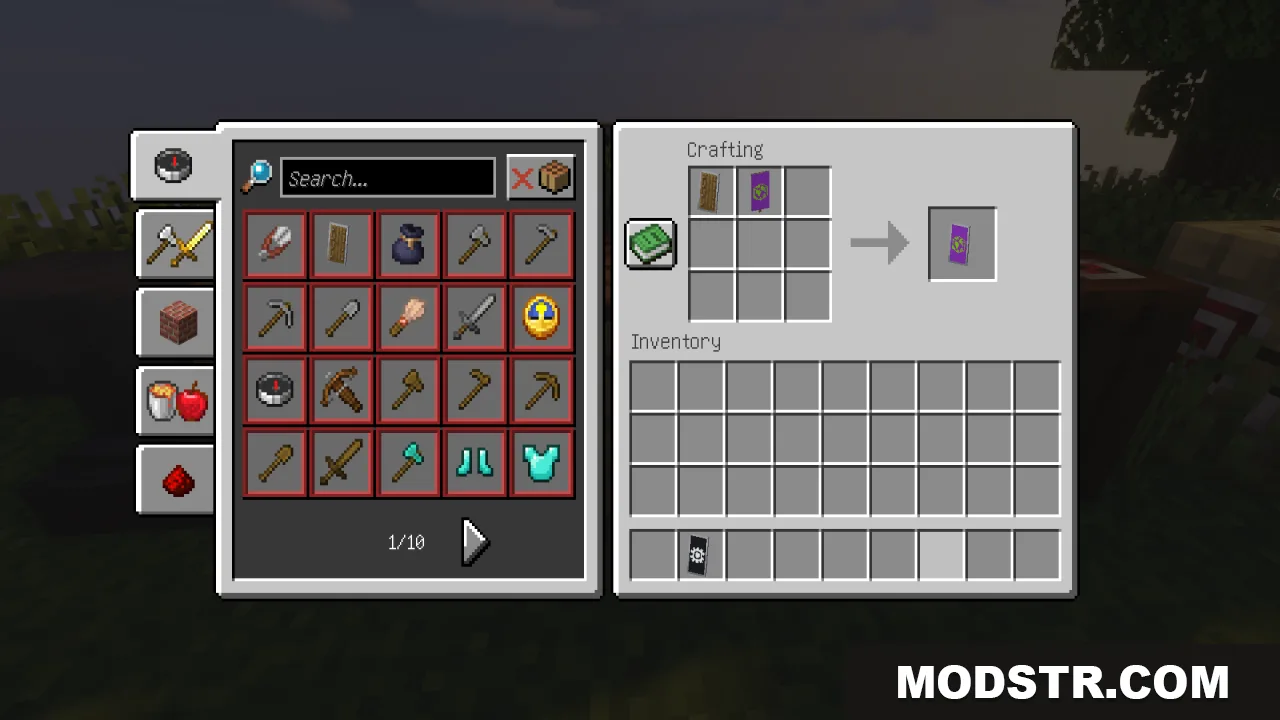
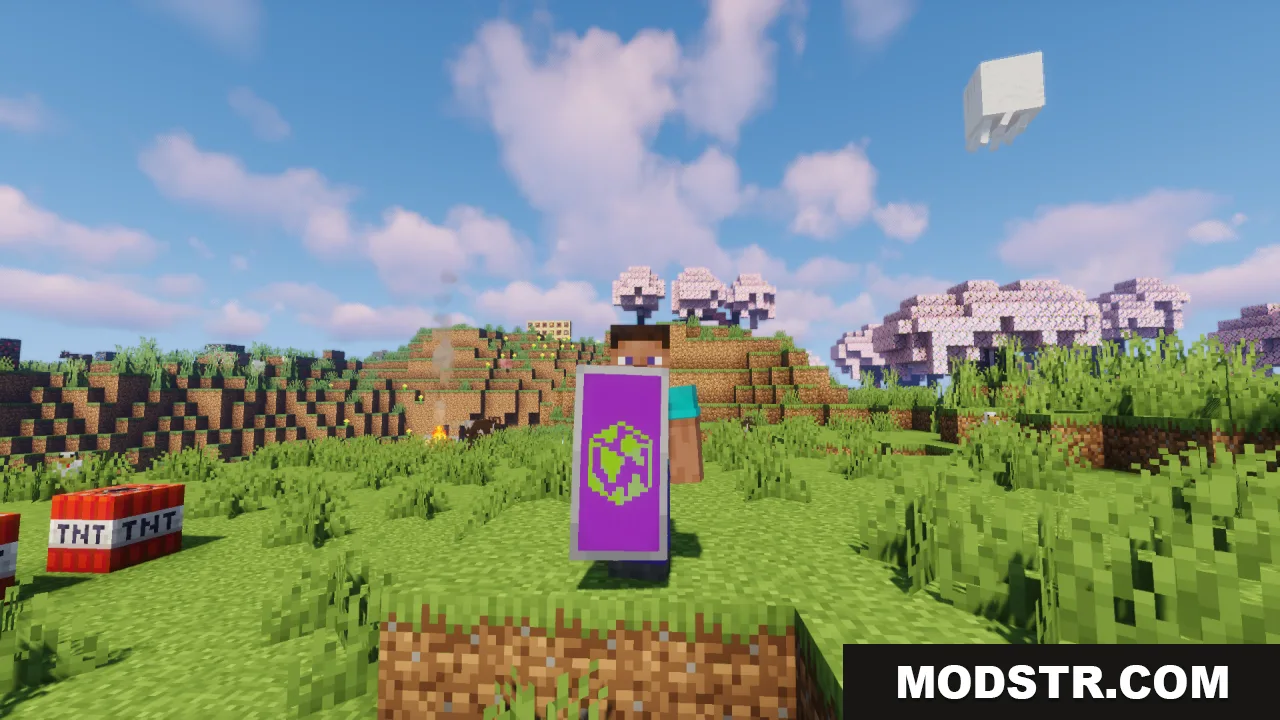
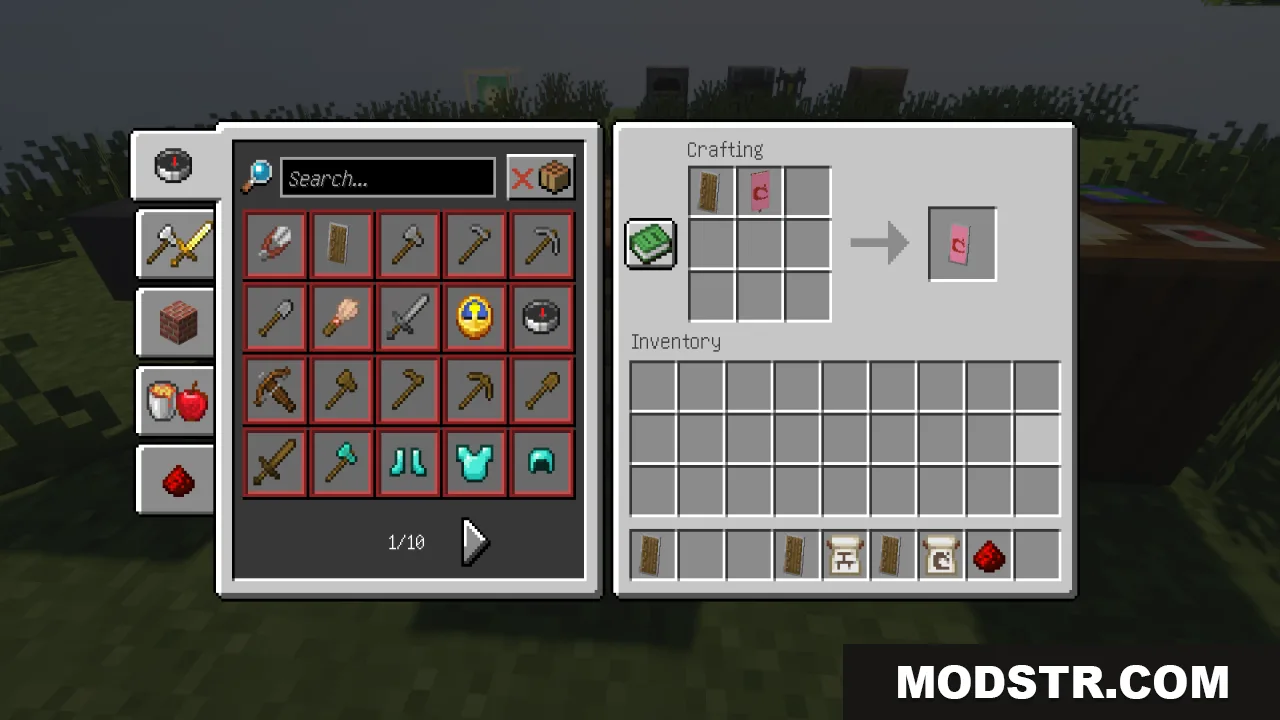
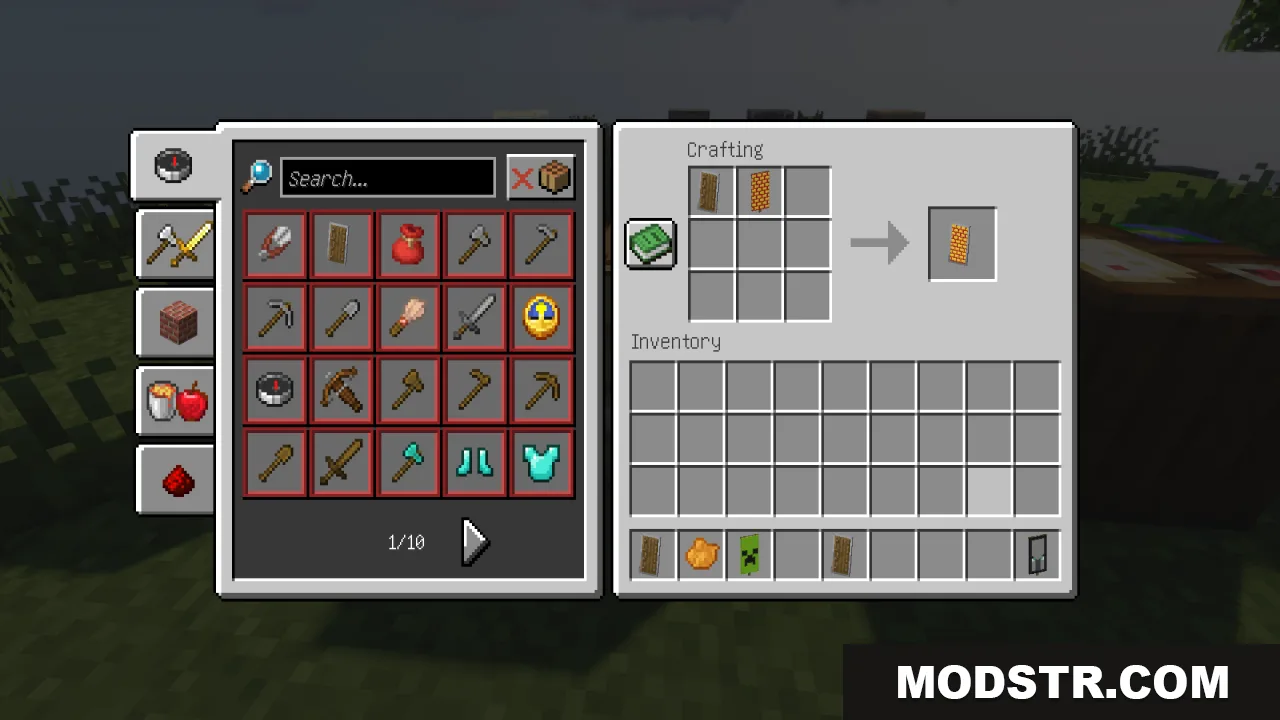
- Sharpens custom banner designs when attached to shields.
- Improves shield visuals for combat and exploration.
- Maintains vanilla style while increasing texture clarity.
Installation
- Download the resource pack file.
- Open your Minecraft launcher and go to the resource packs folder.
- Move the downloaded pack into the resource packs directory.
- Select the pack in the resource packs menu within Minecraft.
- Apply the pack and start your world.
Compatibility
This resource pack is designed for Minecraft 1.20.1 and version 26.1.2 of the pack.
DOWNLOAD FILES
- resource