
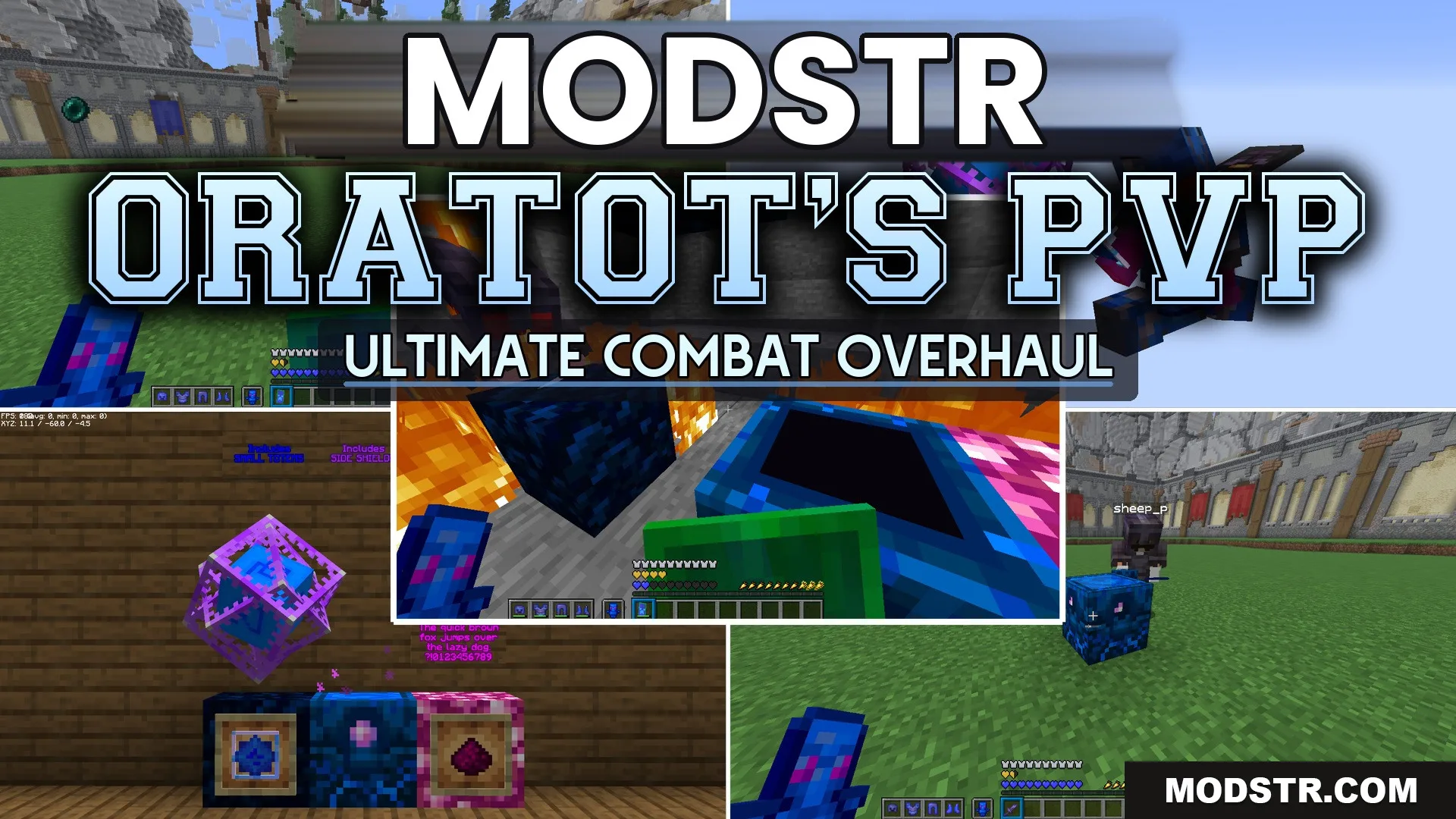
Oratot’s PVP Resource Pack (26.2, 1.21.11) – Sharp Arena Focus Without Visual
Oratot’s PVP Resource Pack enhances visibility for player battles in Minecraft by minimizing some item sizes and adjusting visuals for clarity. Ideal for players looking to improve their combat experience.
- 1.21.11
- 1.21
Oratot’s PVP Resource Pack is designed to improve visibility during intense player battles by reducing the clutter on your screen. This pack is suited for players who want a cleaner view while engaging in combat.
Features
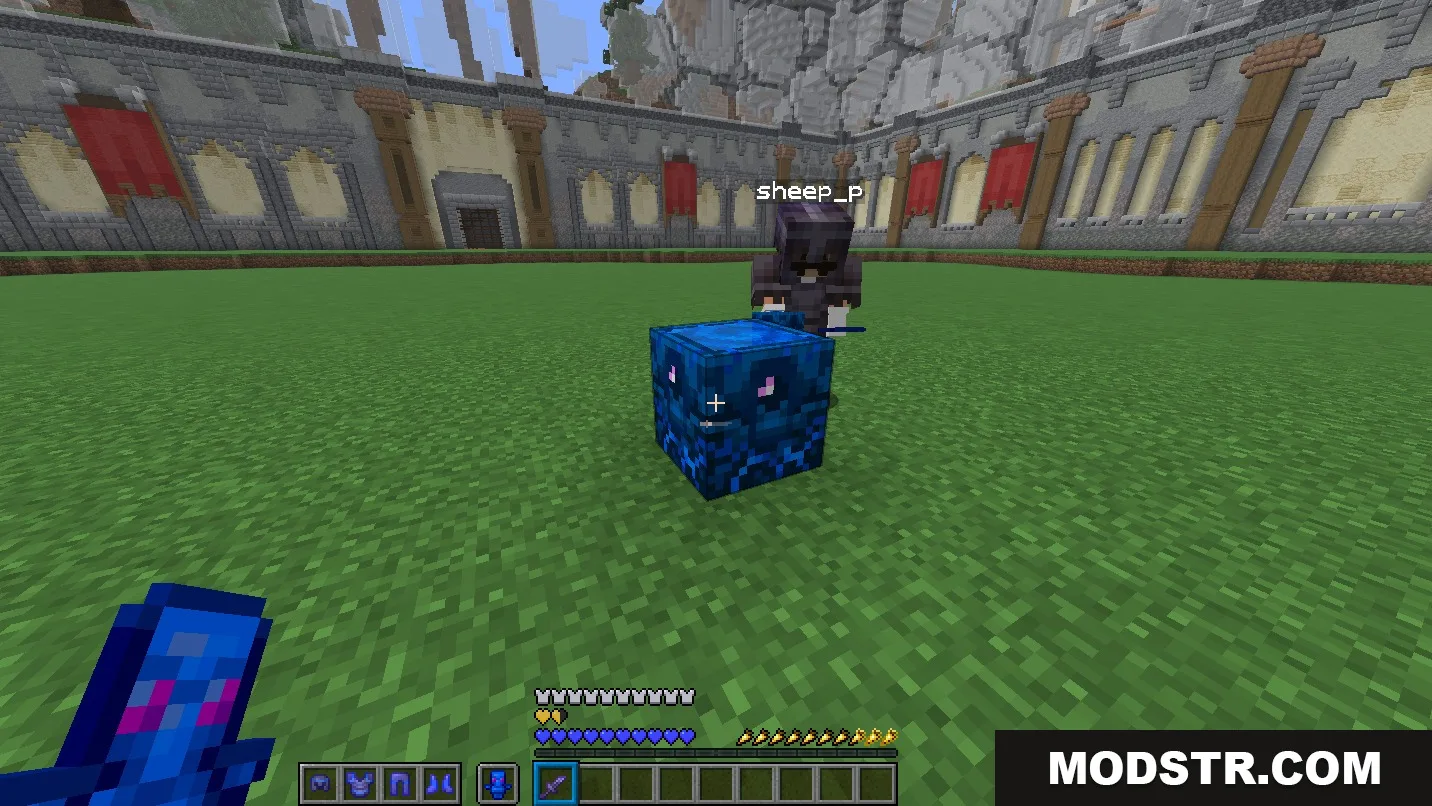
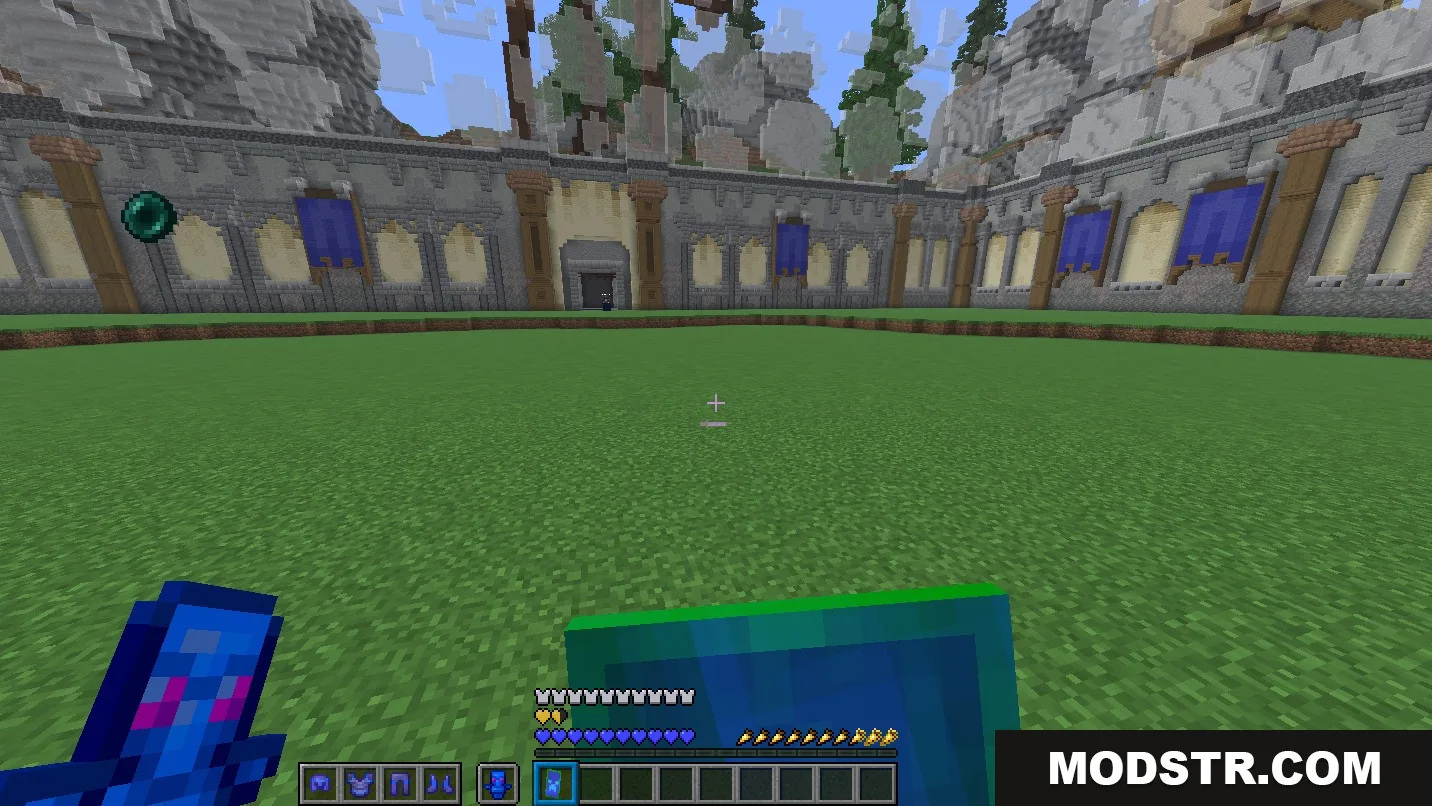
- Shortens sword models to minimize their on-screen footprint.
- Shrinks shield models, positioning them at the side during combat.
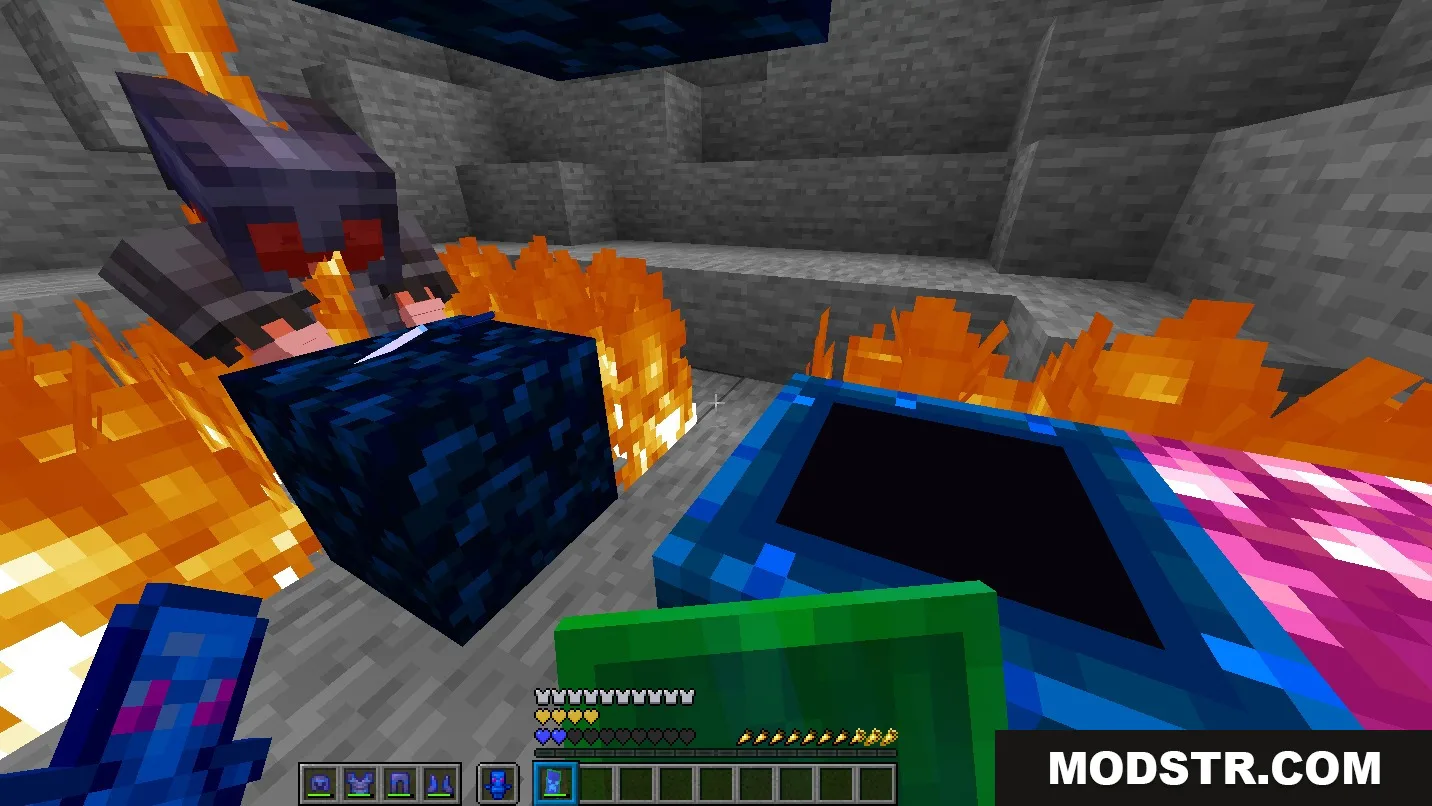
- Lowers fire effects to maintain a clear view when taking fire damage.
- Adds bright outlines around ore blocks for quick mineral spotting.
- Visual charge indicator displayed when drawing back your bow.
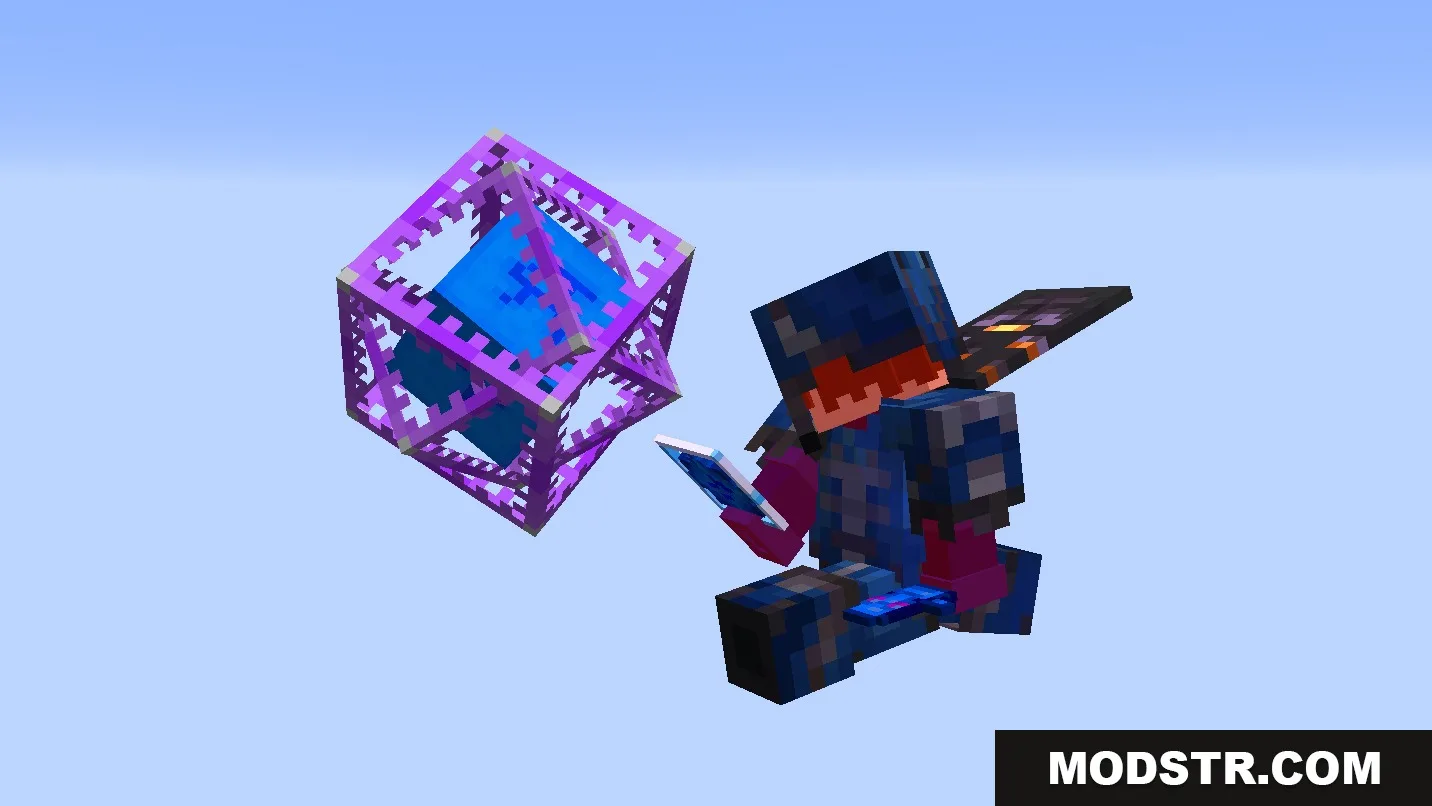
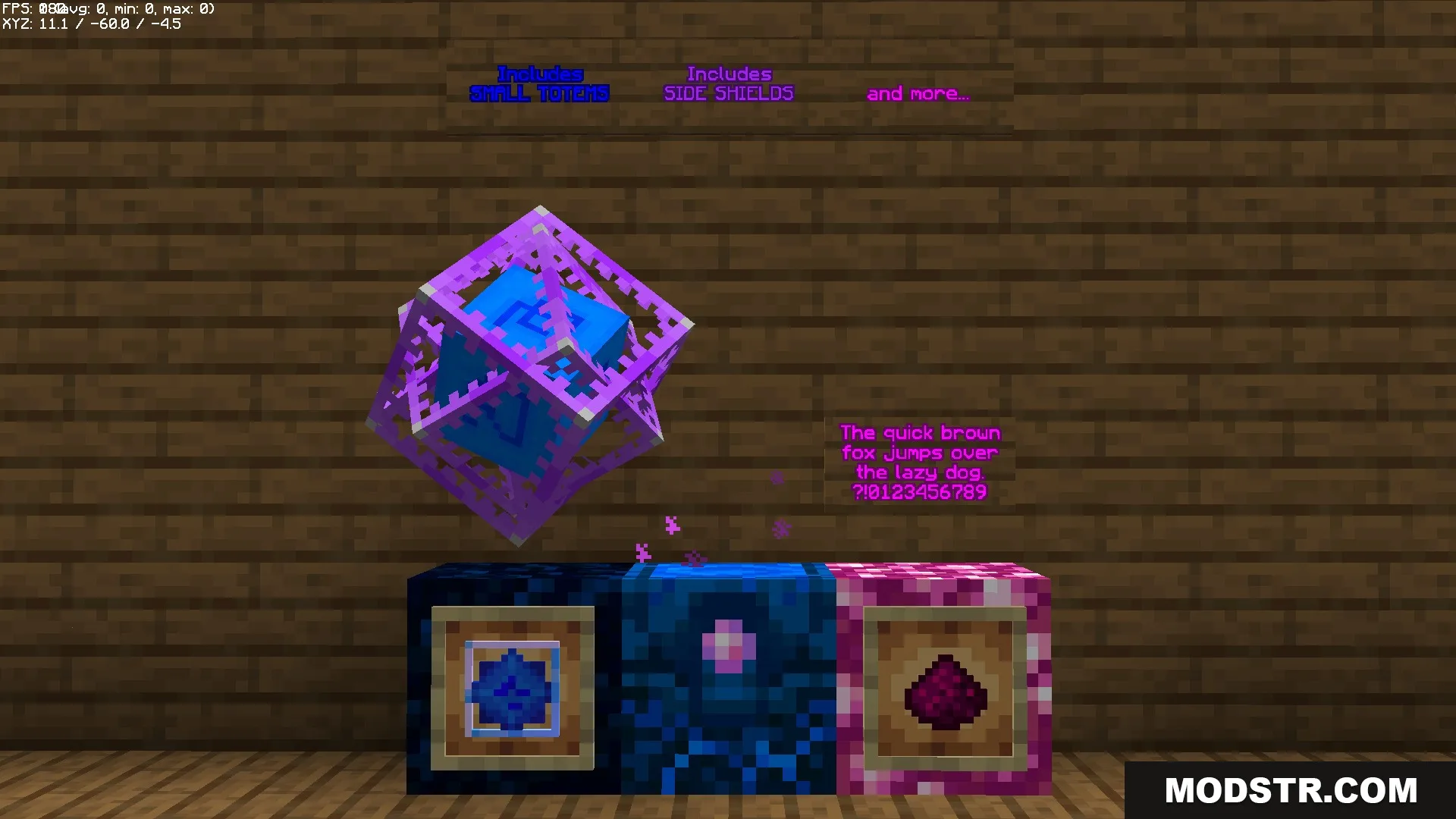
- Simplifies totem textures and adjusts animations for totem pops in fights.
- Replaces regular menus with a sleek dark GUI theme.
- Features a high-resolution font that enhances text readability.
- Recolors significant items like Totems of Undying and End Crystals.
- Highlights dangerous elements like powder snow and tracks Wither hearts more effectively.
- Makes small utility items compact to keep your main view unobstructed.
Installation
- Download the resource pack file.
- Open Minecraft and navigate to the Options menu.
- Select the Resource Packs option.
- Click on 'Open Resource Pack Folder.'
- Place the downloaded file into this folder and activate it in-game.
Screenshots
DOWNLOAD FILES
- resource
- resource