
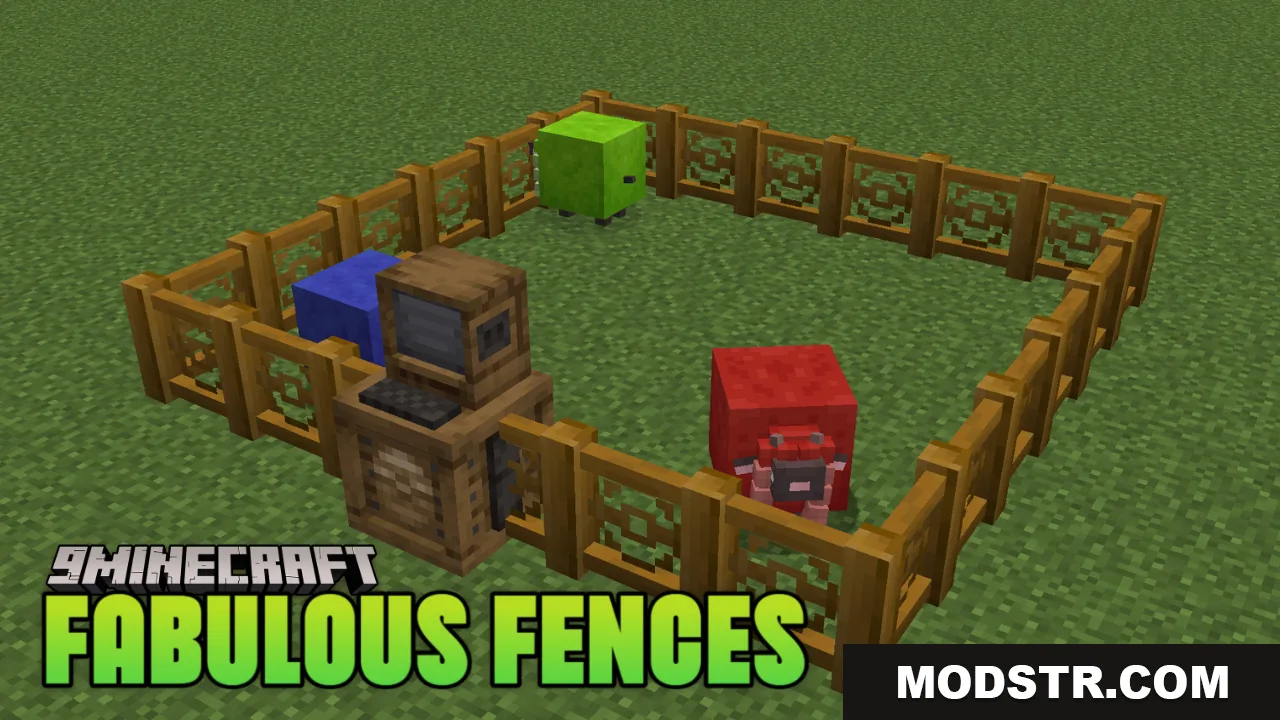
Fabulous Fences Resource Pack (26.2, 1.20.1) – Texture Pack
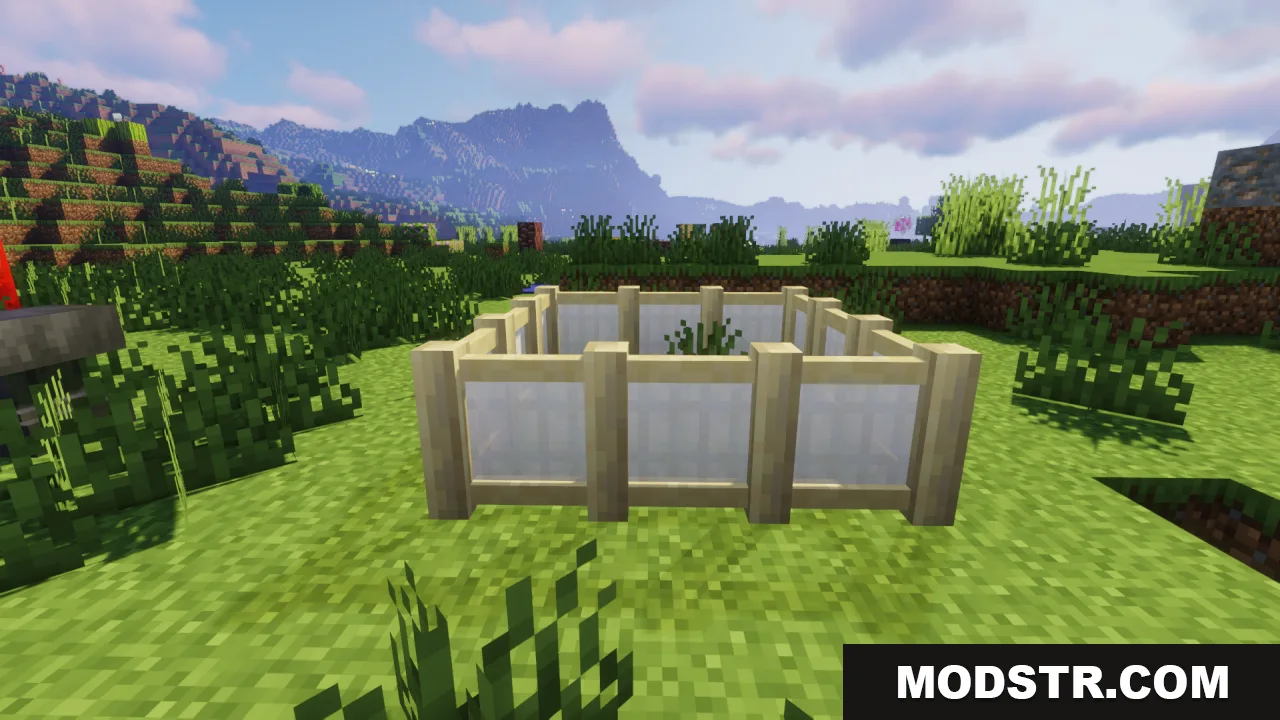
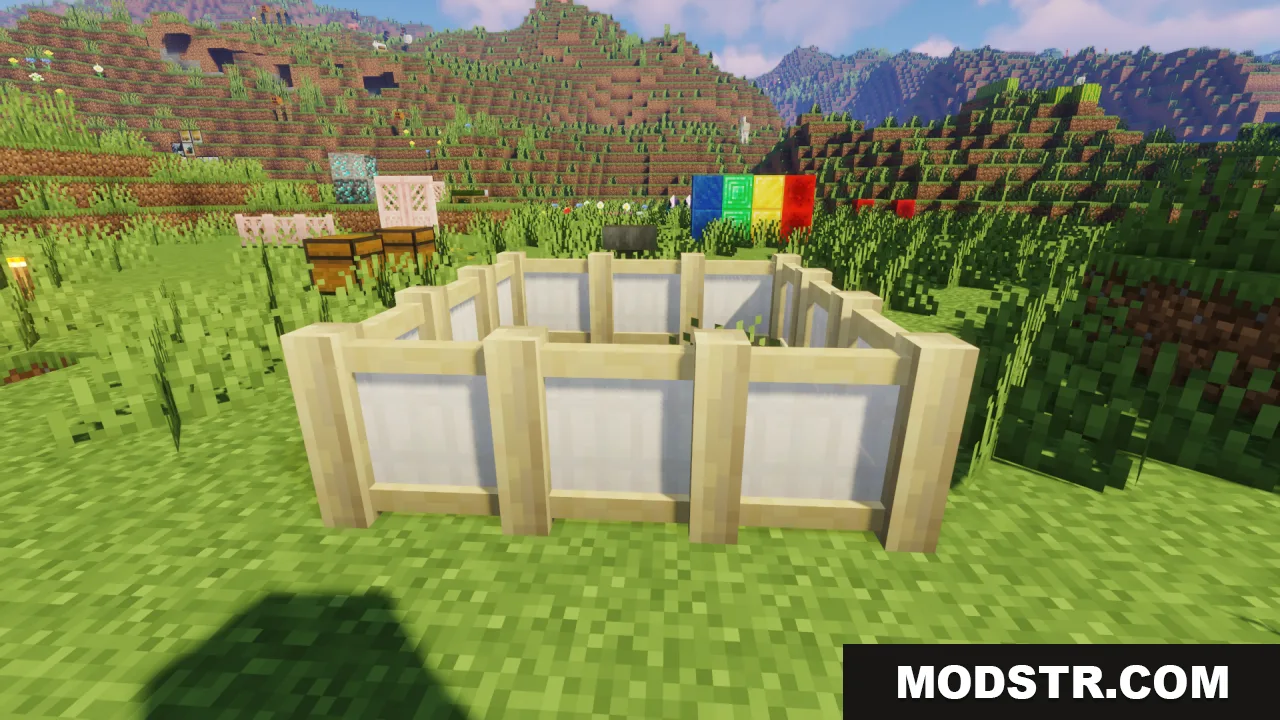
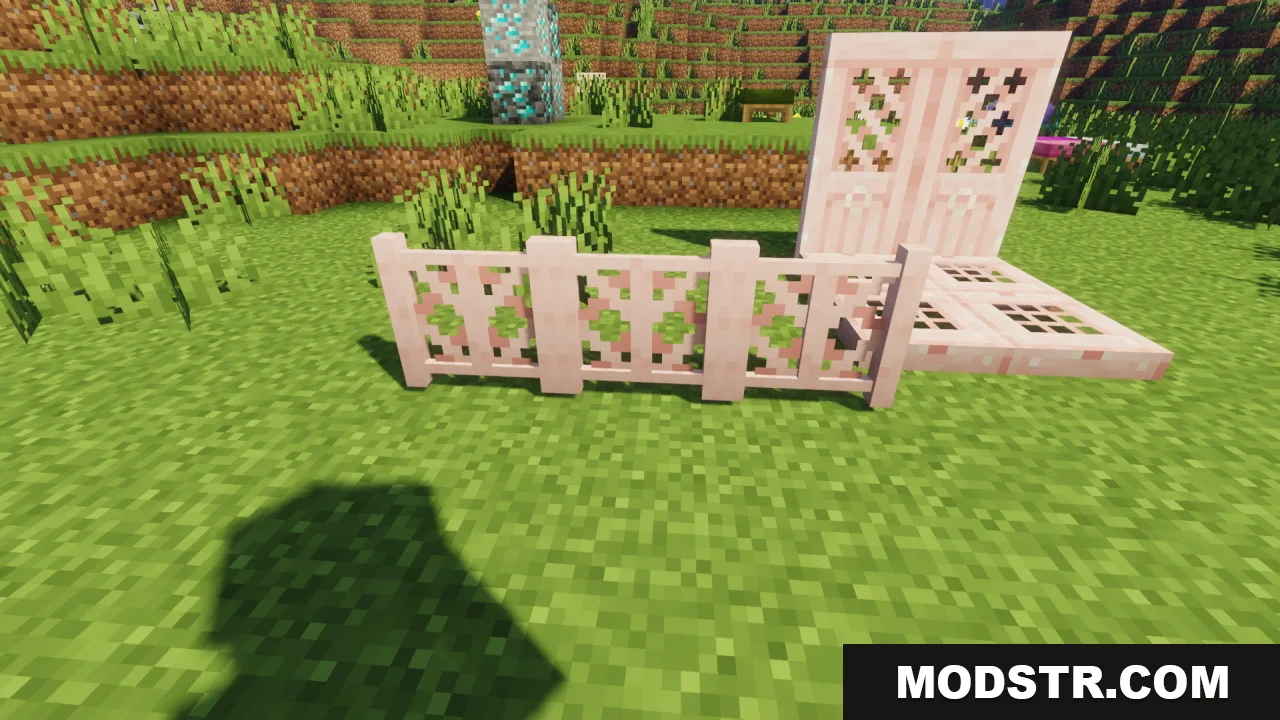
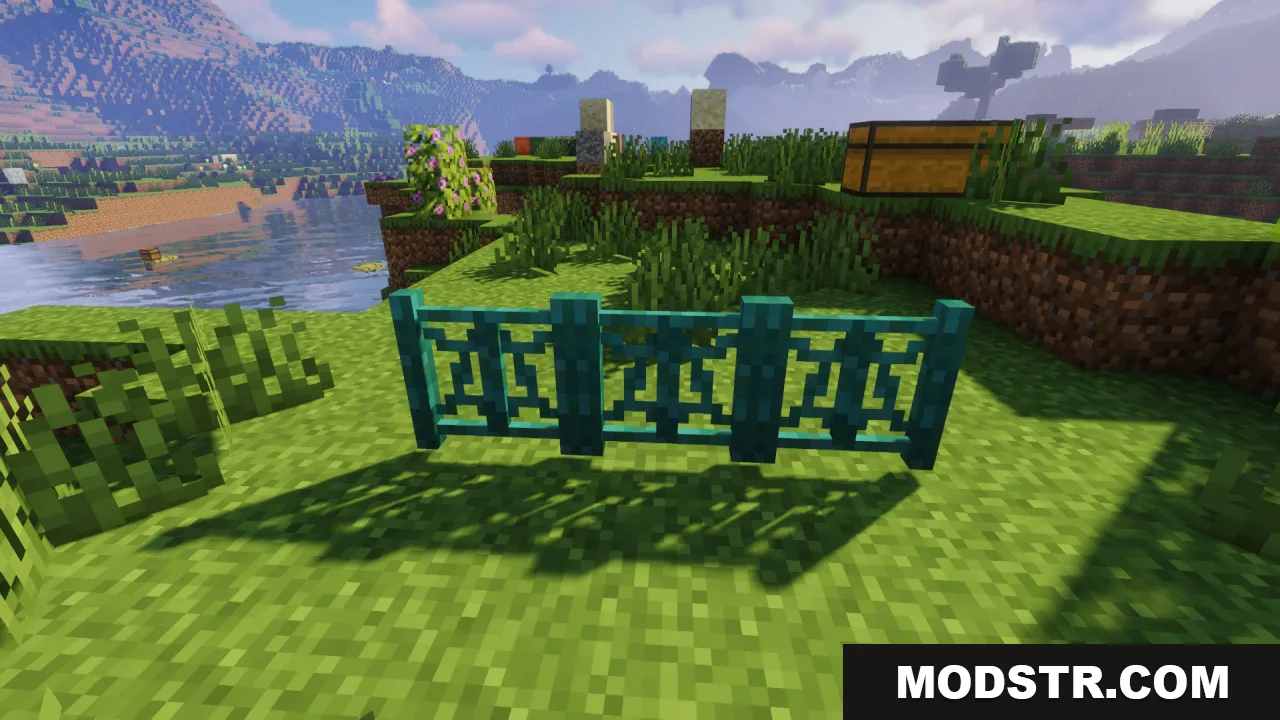
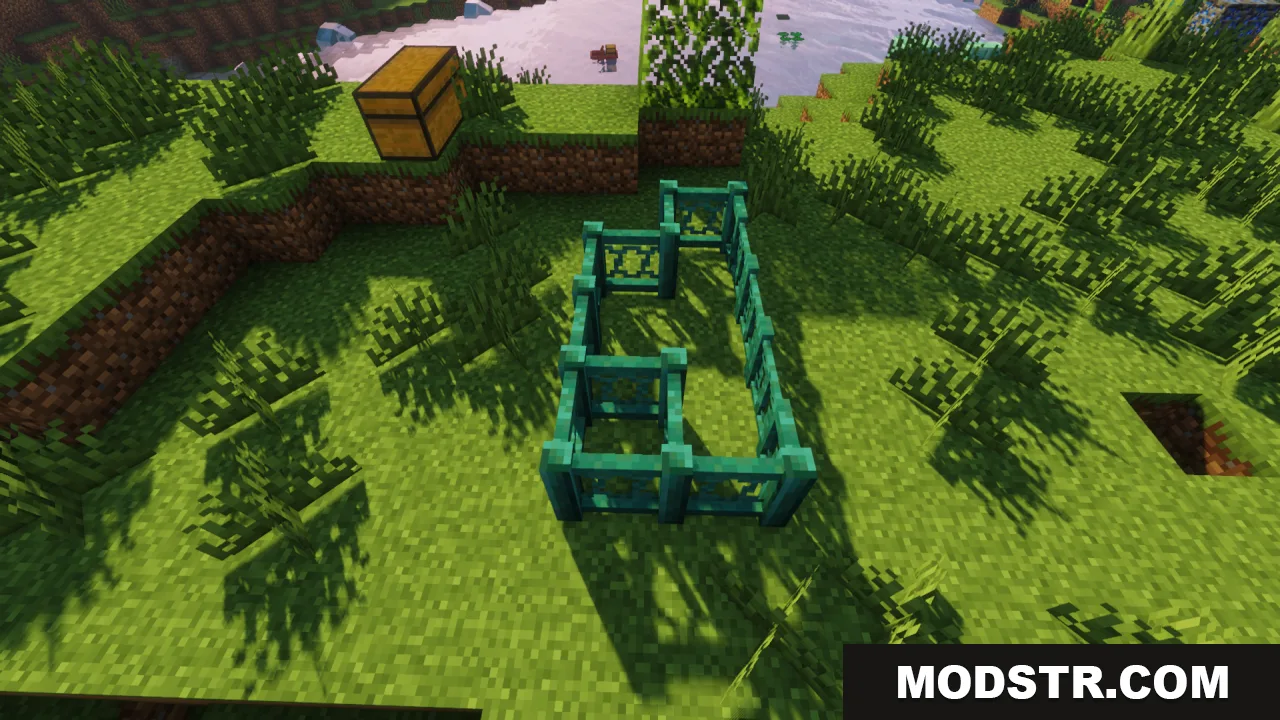
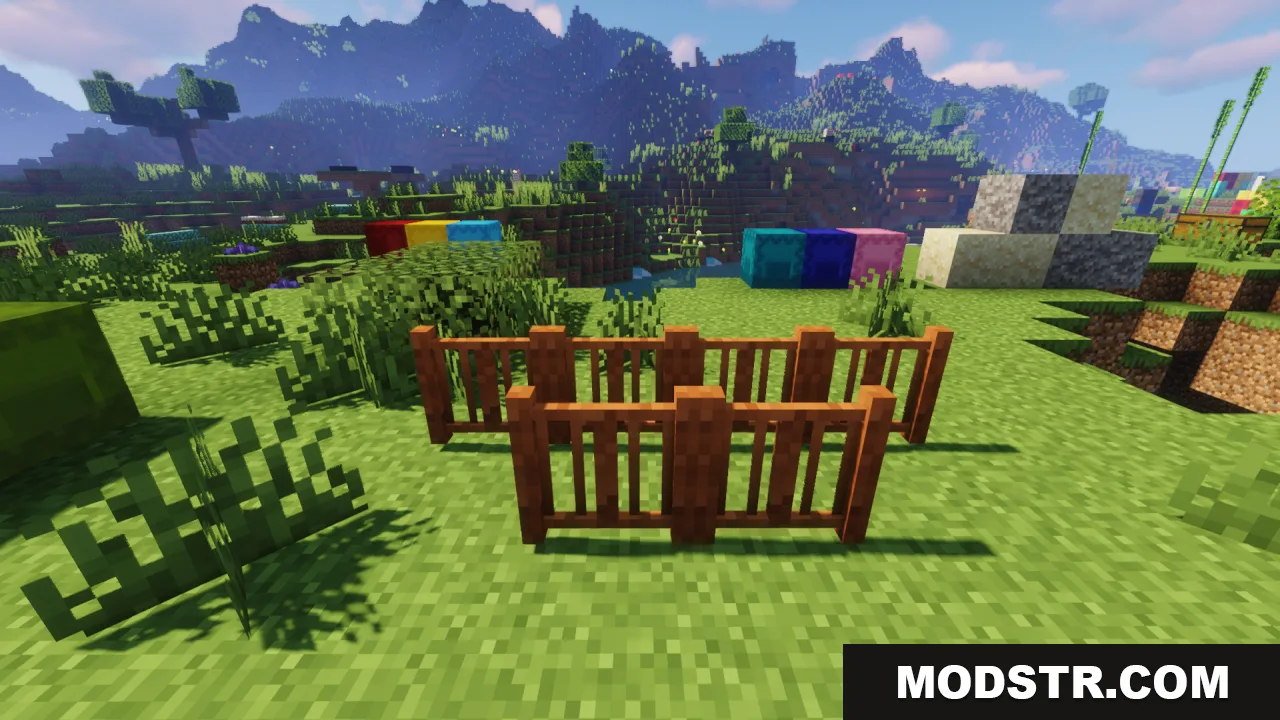
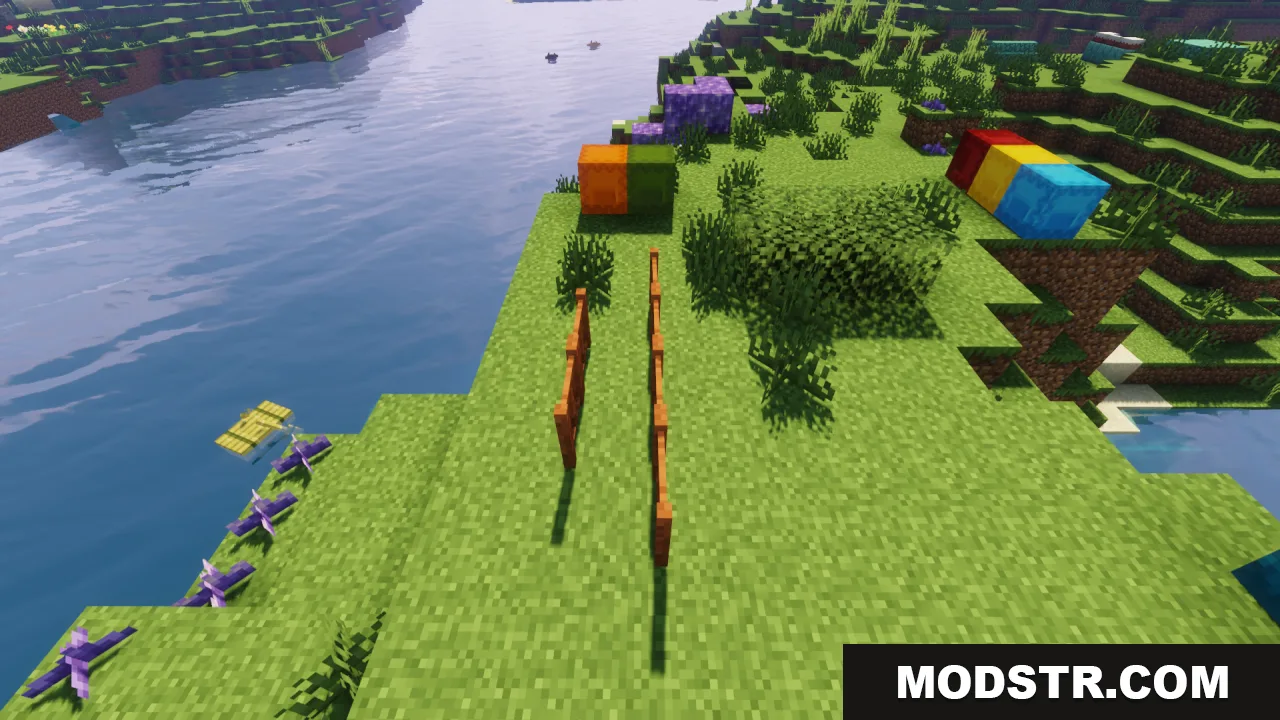
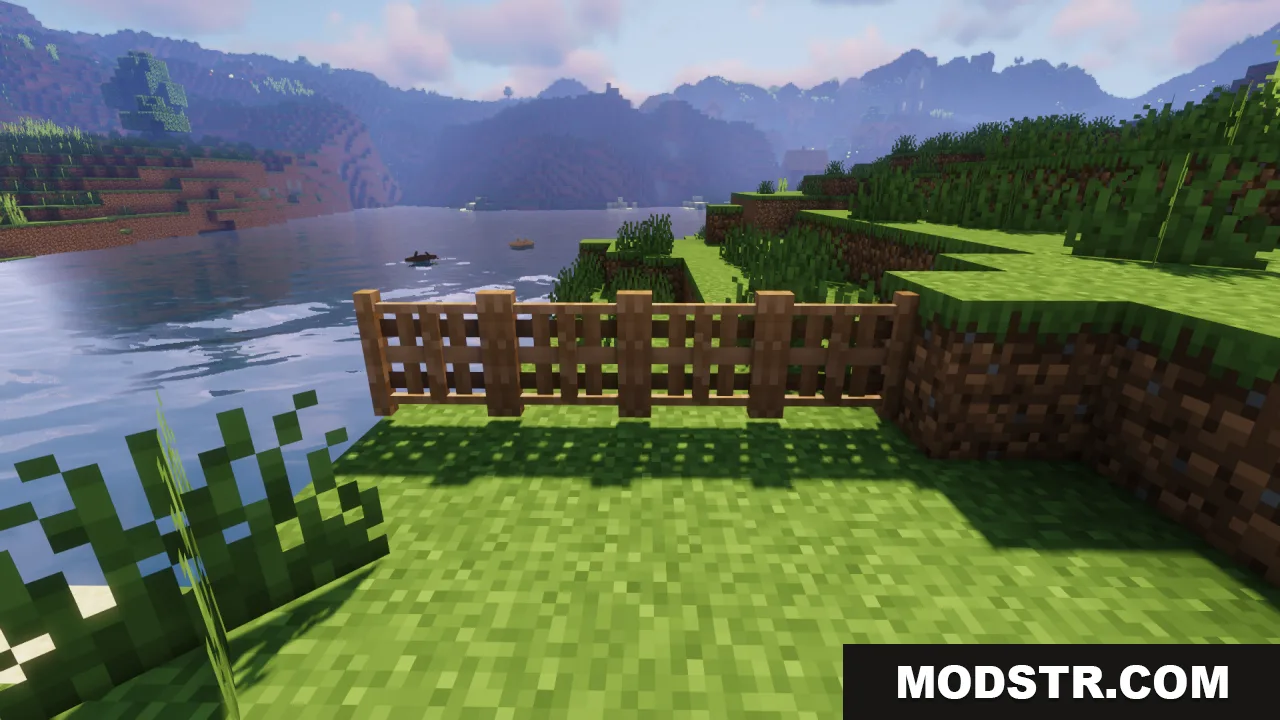
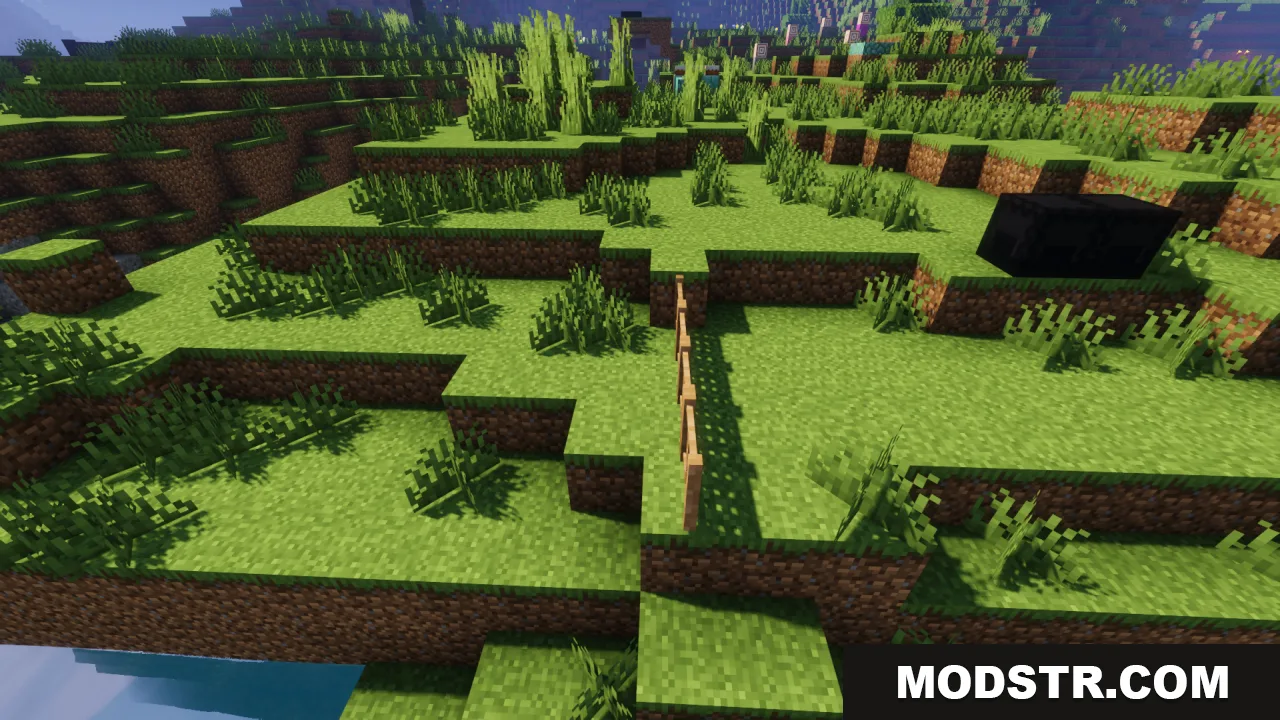
Fabulous Fences Resource Pack enhances Minecraft's fences with detailed models and unique textures for each wood type. This pack is designed for players seeking to improve the aesthetic quality of their builds.
- 1.20 → 1.21.3 +11
Show all 11 versions
- 1.21.3
- 1.21.2
- 1.21.1
- 1.21
- 1.20.6
- 1.20.5
- 1.20.4
- 1.20.3
- 1.20.2
- 1.20.1
- 1.20
The Fabulous Fences Resource Pack upgrades the appearance of Minecraft's fences by introducing more intricate models and distinct textures for each type of wood. This pack is suitable for players looking to enhance their builds with decorative fence options.
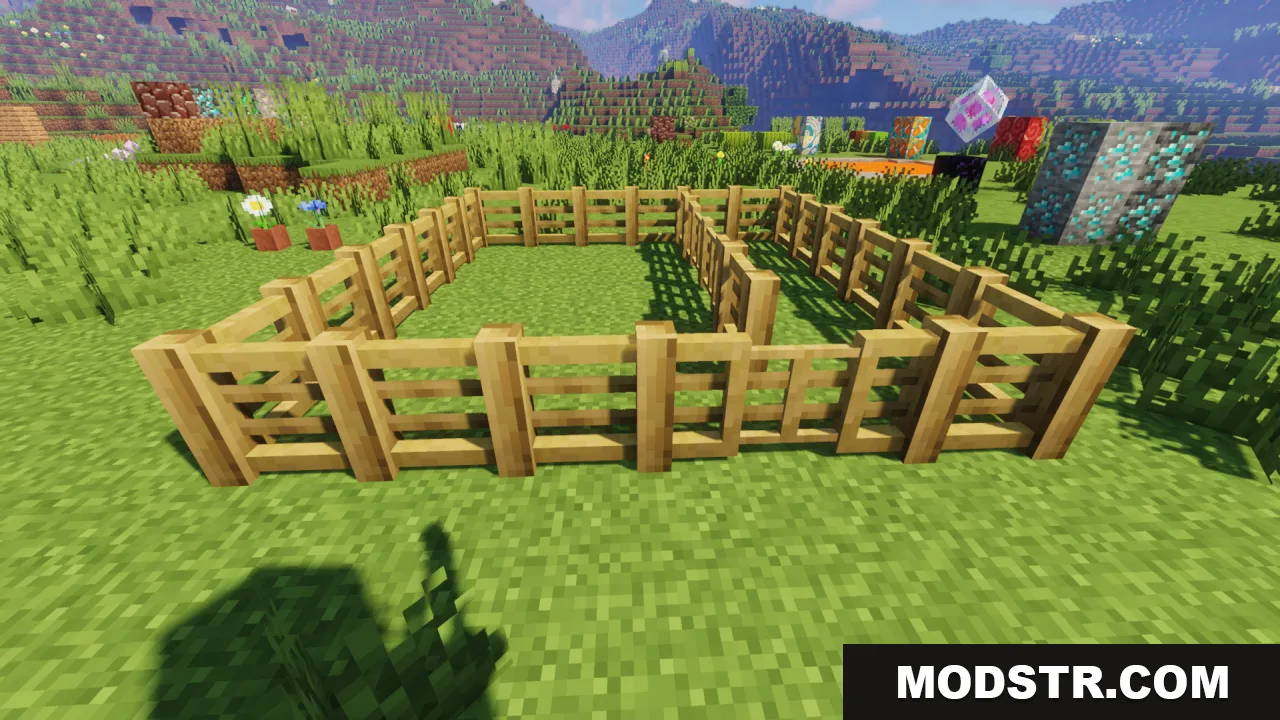
Features
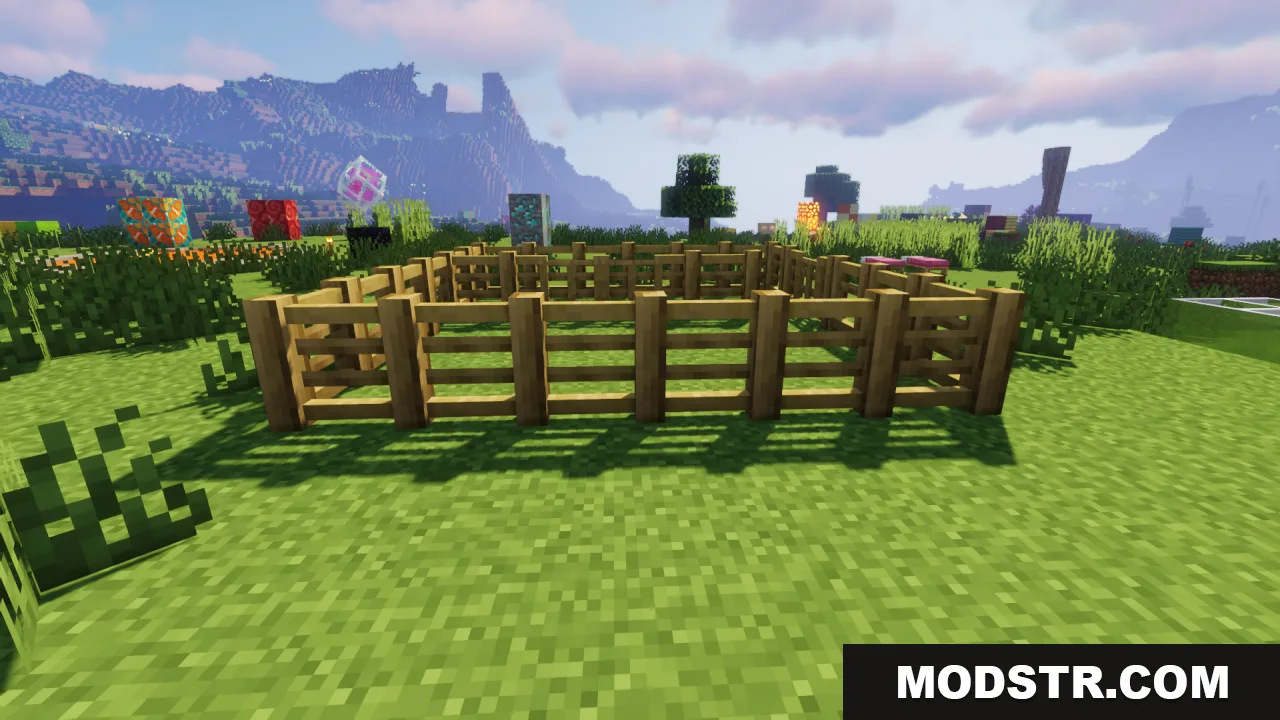
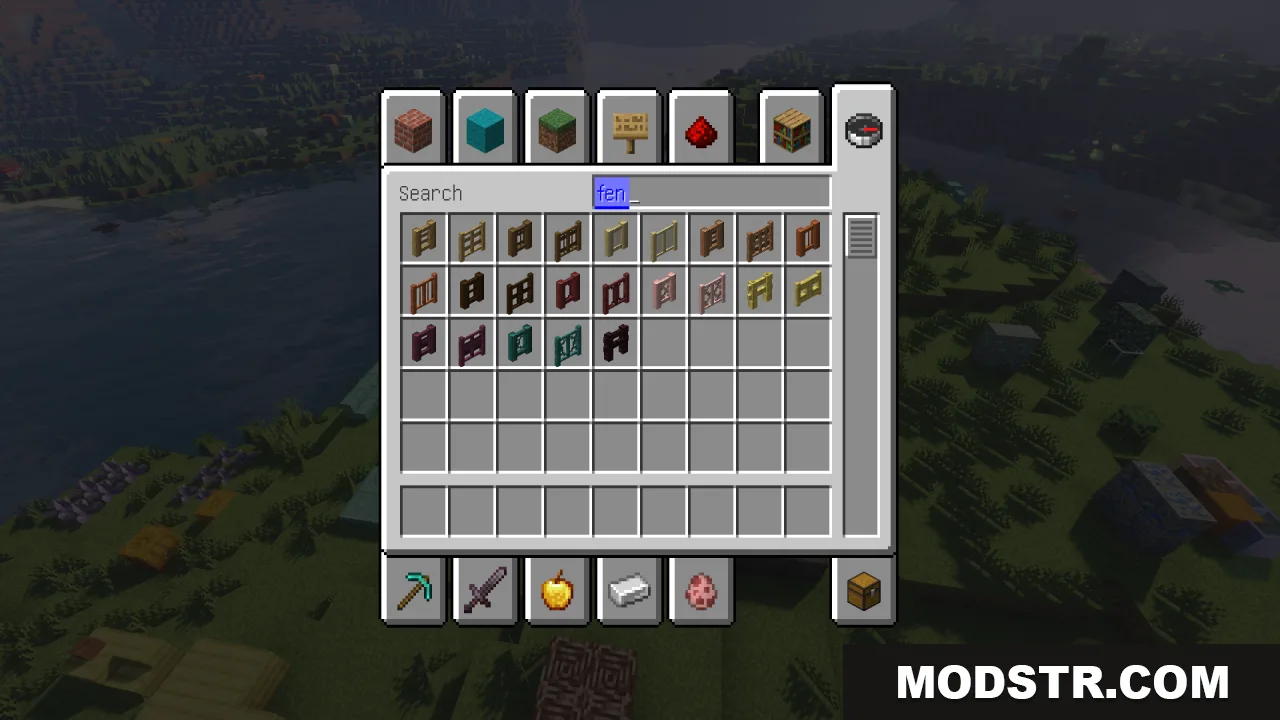
- Each wood type has its own unique texture.
- Fences are modeled with greater detail.
- Adds variety and depth to building projects.
- Transforms fences into decorative elements in the game.
Installation
- Download the resource pack.
- Open Minecraft and go to the Options menu.
- Select Resource Packs and then click on Open Resource Pack Folder.
- Place the downloaded resource pack into the folder.
- Activate the pack in the Resource Packs menu.
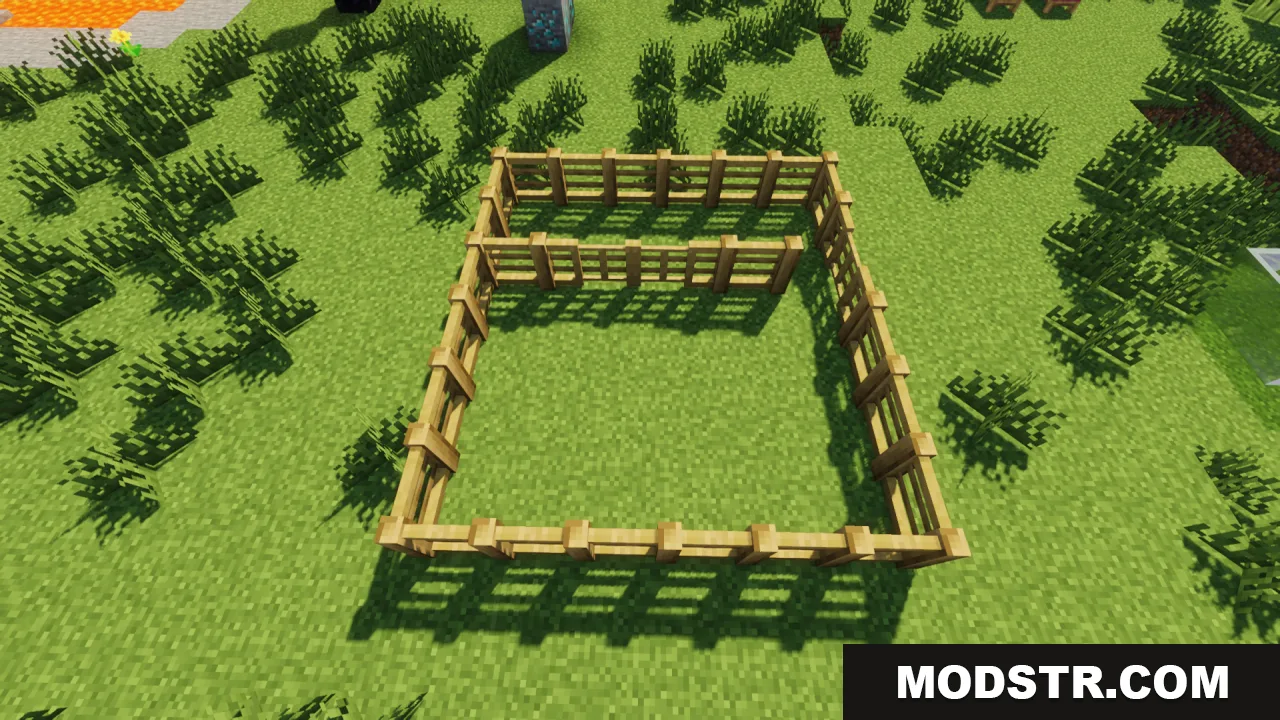
Screenshots
DOWNLOAD FILES
- resource
- resource
- resource
- resource