
Pv P Basics Resource Pack (26.2, 1.20.1) – Uncluttered Vanilla for Clearer
The Pv P Basics Resource Pack enhances combat clarity by reducing clutter on the screen while maintaining the standard Minecraft aesthetic. Ideal for players seeking a simplified visual experience during battles.
- 1.15 → 1.21.11 +38
Show all 38 versions
- 1.21.11
- 1.21.10
- 1.21.9
- 1.21.8
- 1.21.7
- 1.21.6
- 1.21.5
- 1.21.4
- 1.21.3
- 1.21.2
- 1.21.1
- 1.21
- 1.20.6
- 1.20.5
- 1.20.4
- 1.20.3
- 1.20.2
- 1.20.1
- 1.20
- 1.19.4
- 1.19.3
- 1.19.2
- 1.19.1
- 1.19
- 1.18.2
- 1.18.1
- 1.18
- 1.17.1
- 1.17
- 1.16.5
- 1.16.4
- 1.16.3
- 1.16.2
- 1.16.1
- 1.16
- 1.15.2
- 1.15.1
- 1.15
The Pv P Basics Resource Pack is designed to improve combat visibility in Minecraft. It streamlines your screen for better focus while fighting, offering combat enhancements without altering the game's familiar appearance.
Features
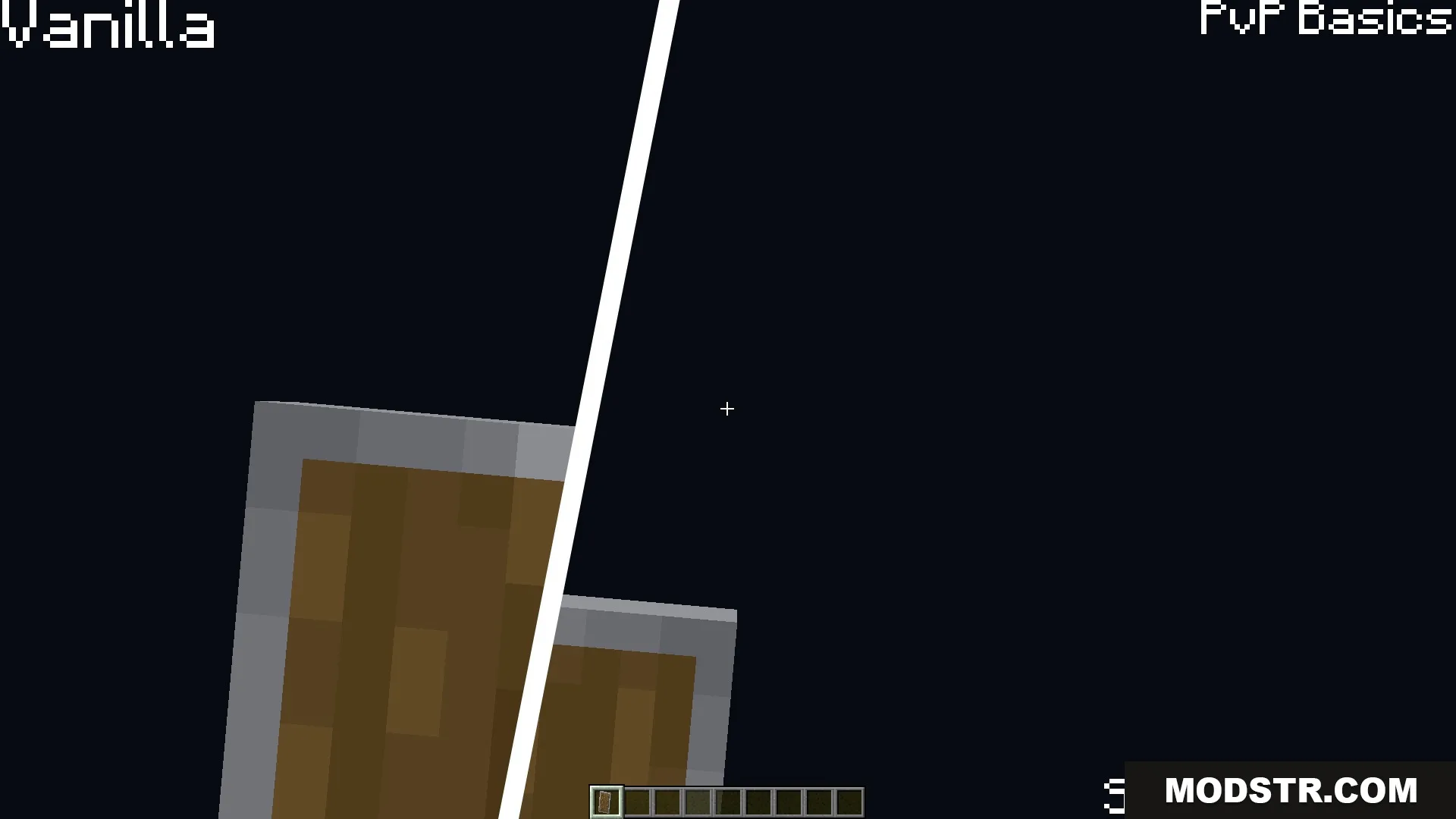
- Makes shields sit lower on your screen to improve line of sight.
- Shrinks the fire effect in both first-person and on the ground.
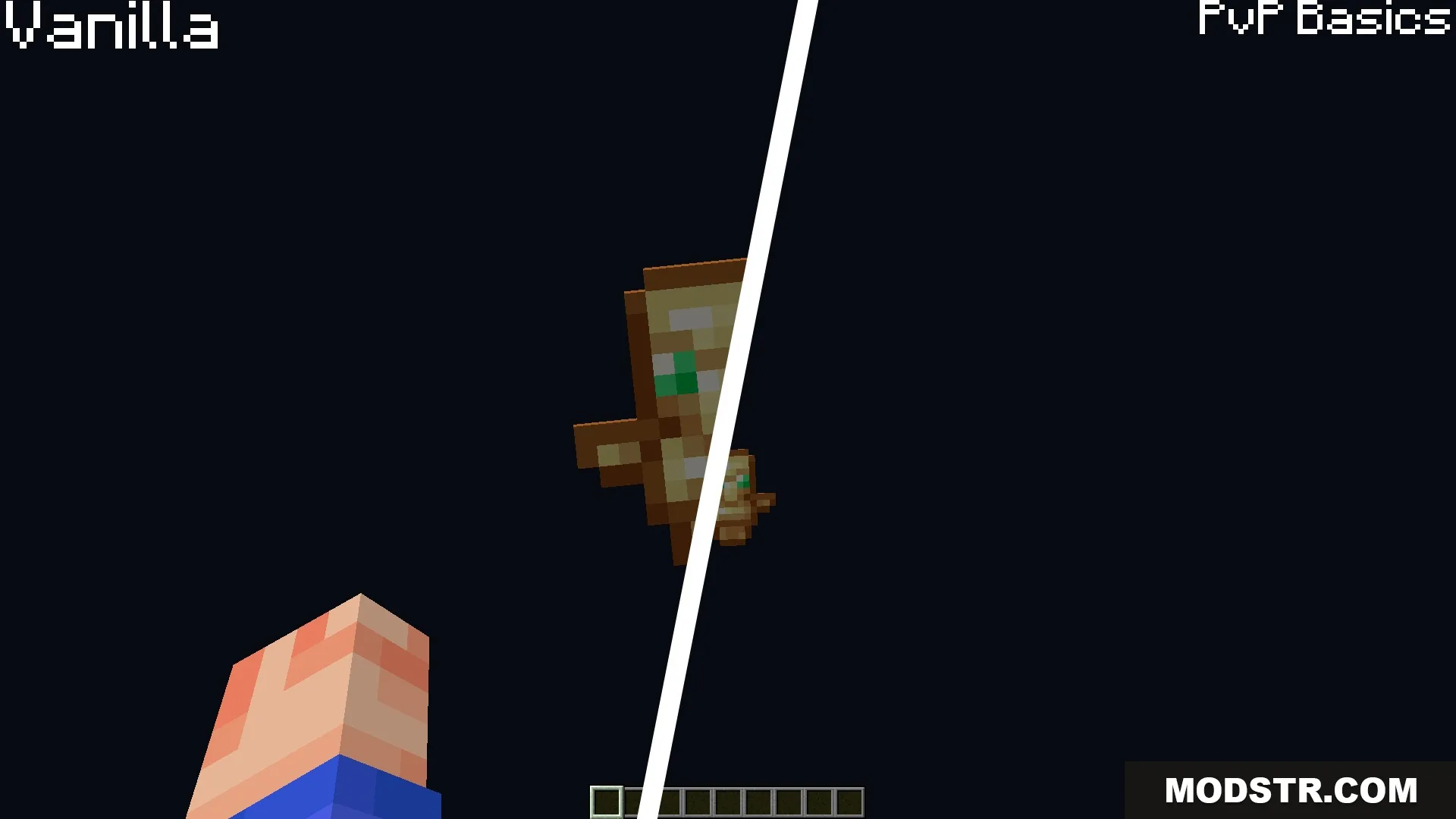
- Reduces the size of the Totem of Undying animation and particles.
- Removes smoke and explosion particles for clearer visibility.
- Changes glowstone dust to blue for easier inventory identification.
- Makes powdered snow overlays transparent for better visibility.
- Darkens cobwebs to enhance their visibility in bright areas.
- Hides the fishing bobber and food crumbs during eating.
- Lowers explosion sound effects for a more balanced audio experience.
Installation
- Download the resource pack file.
- Open Minecraft and go to the Options menu.
- Select
Screenshots
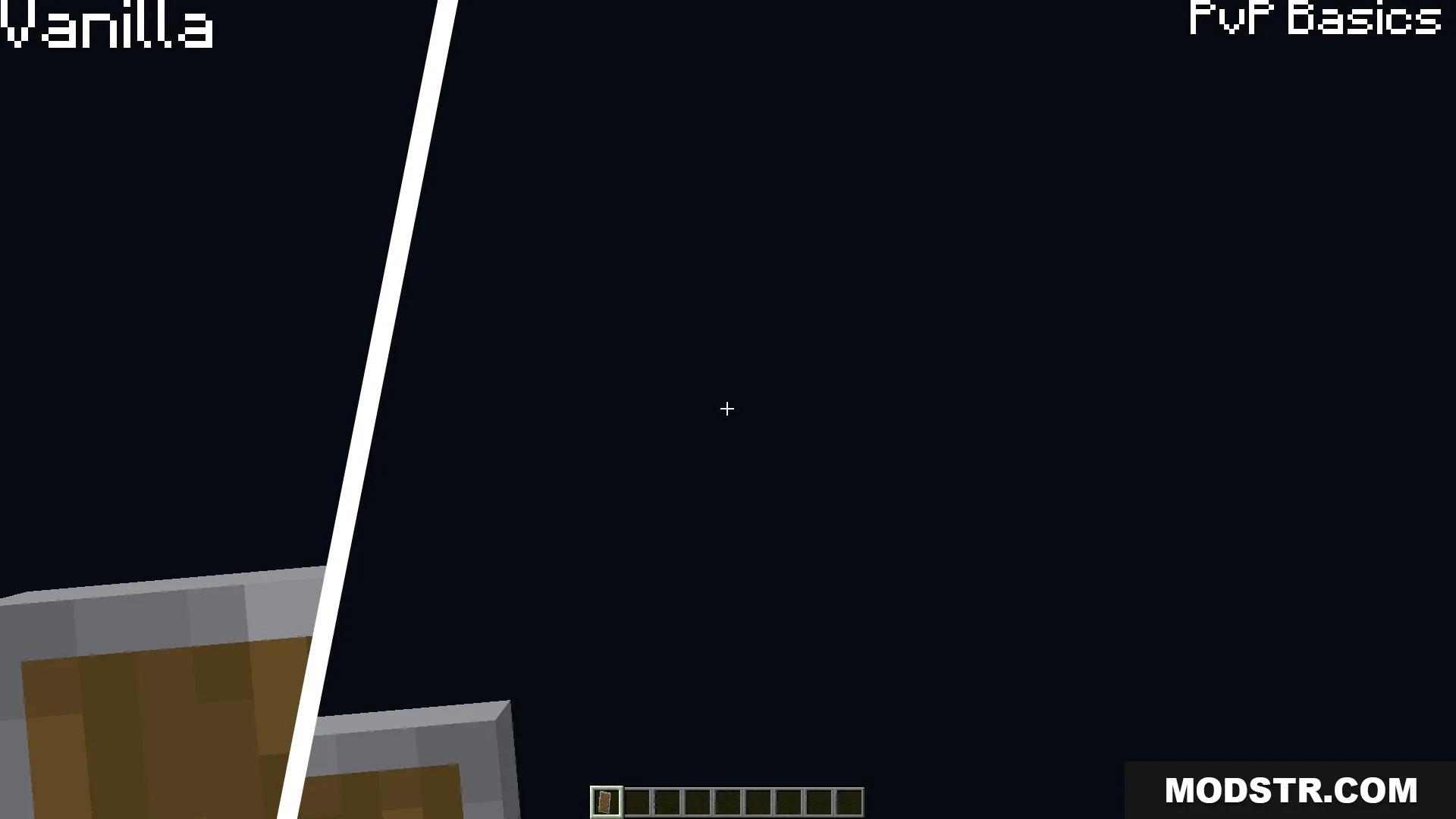
Comparison showing a lower shield position for better visibility in Minecraft combat 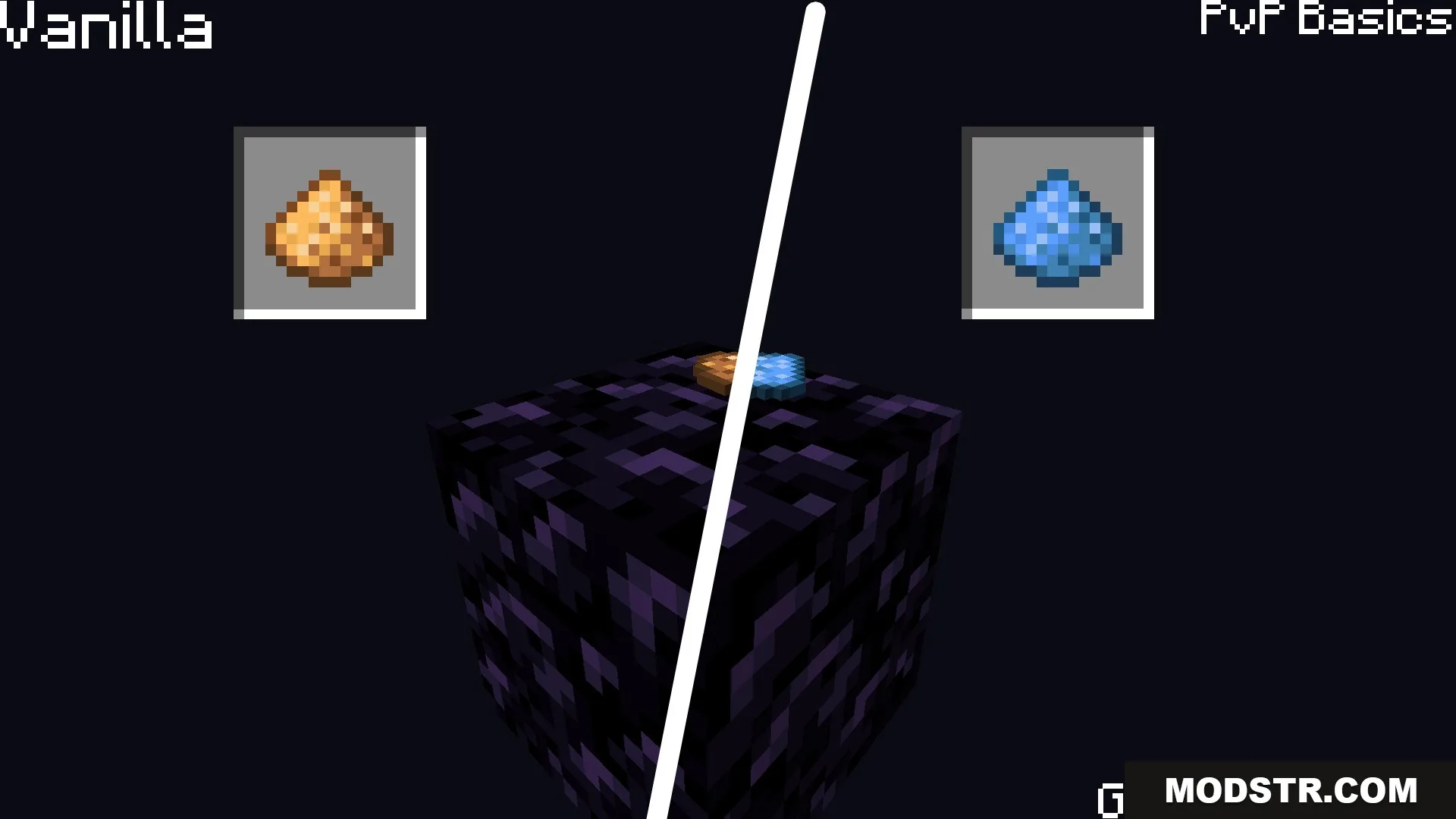
Side by side comparison of yellow and blue glowstone dust item textures 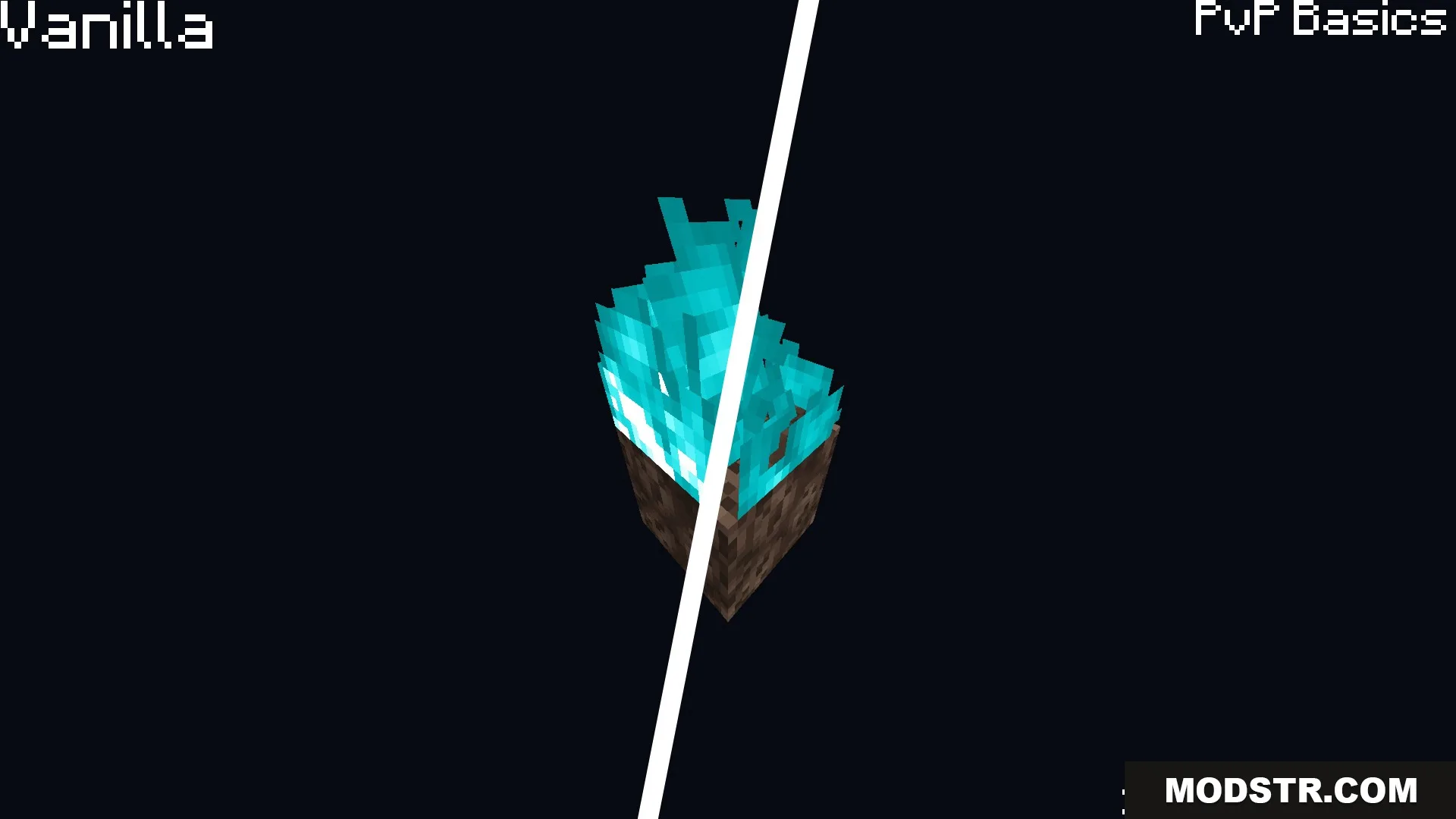
Comparison of soul sand fire height between vanilla and the resource pack 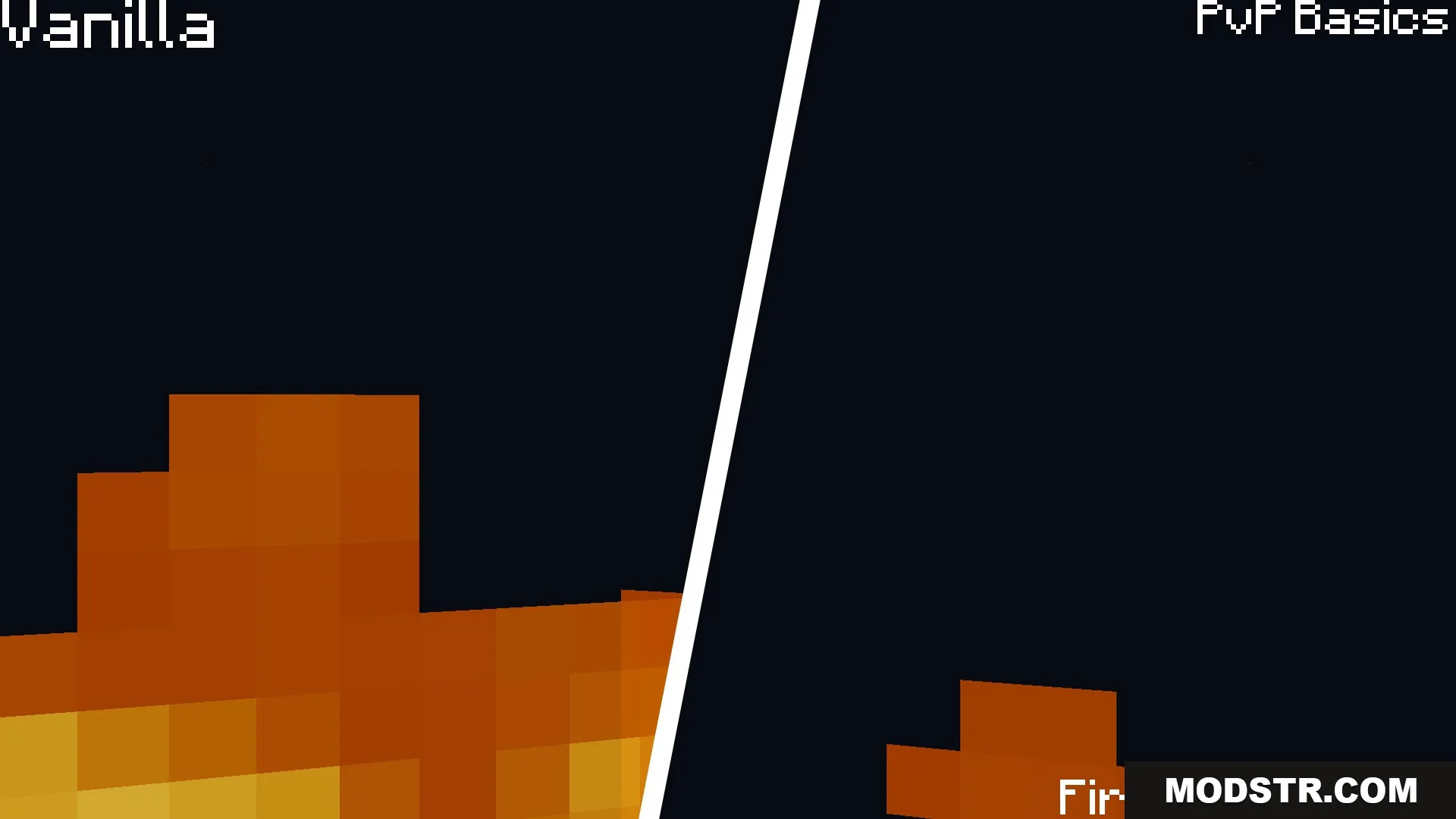
First person fire effect comparison showing reduced height for better combat visibility 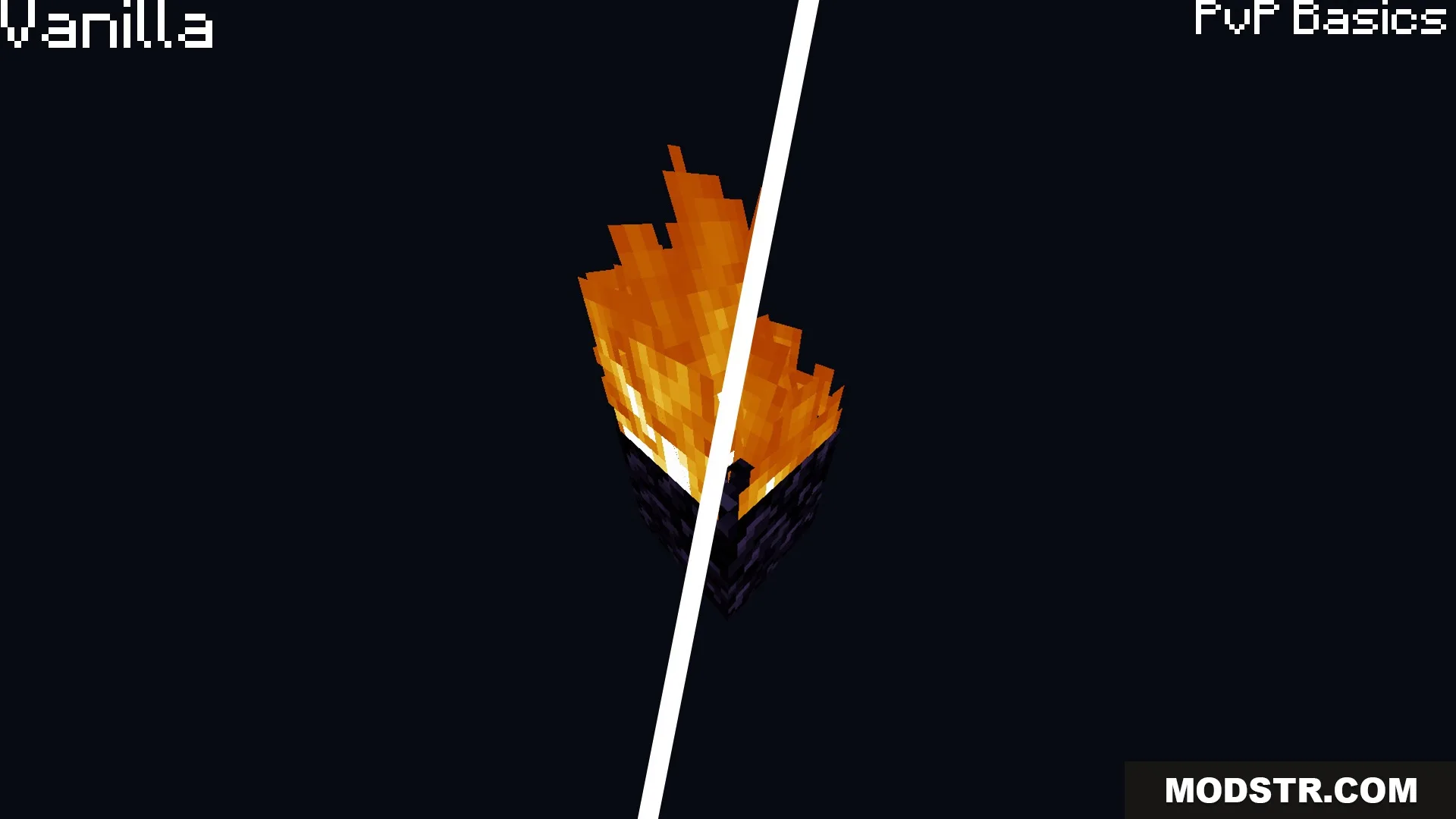
Comparison of vanilla fire and low fire for better screen visibility 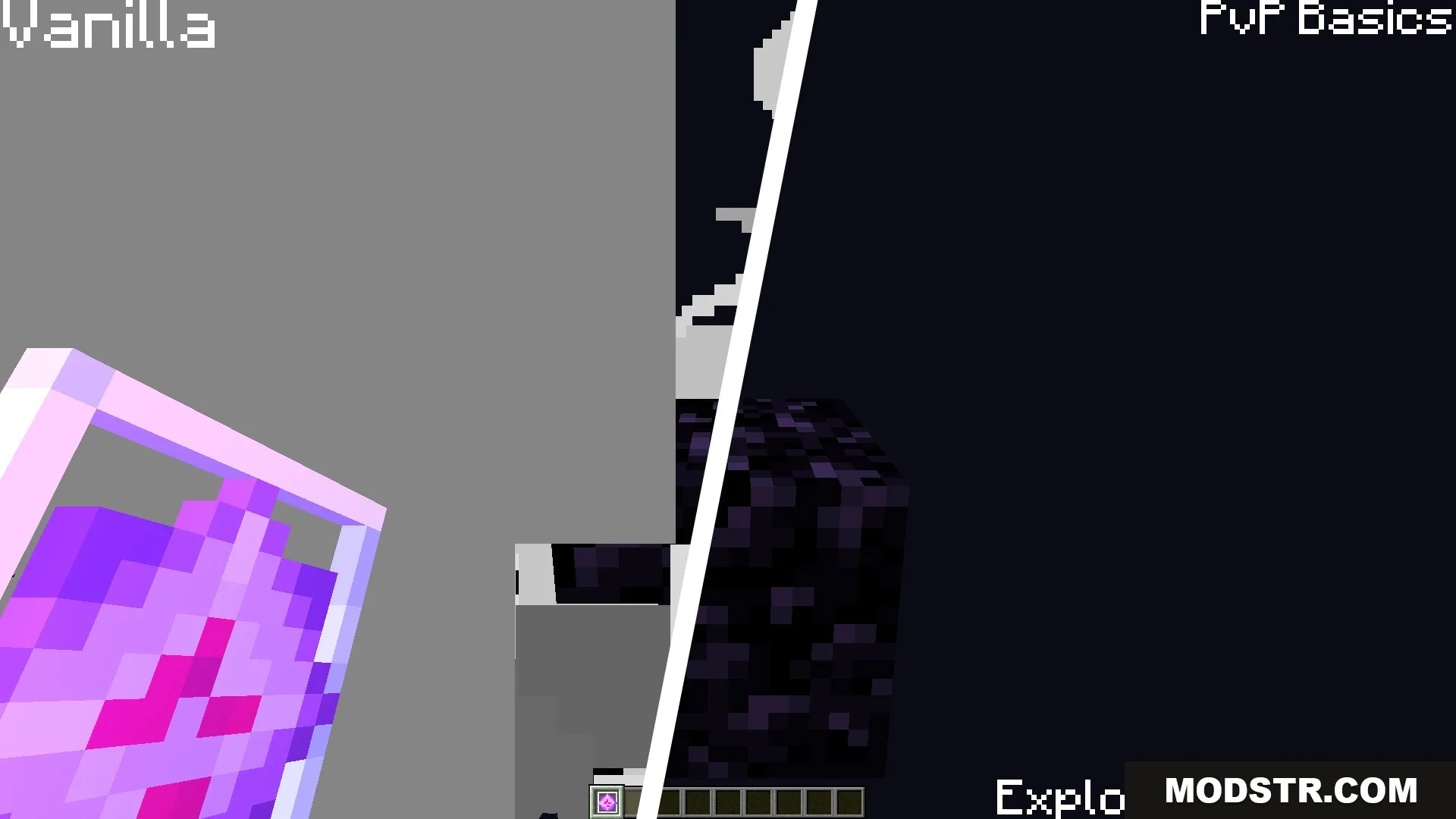
Comparison of vanilla explosion smoke and clear particles for better vision
DOWNLOAD FILES
- resource