Telegram
Mechanical Eye Resource Pack (1.20.1) – A Robotic Terraria Twist on End Portals cover art

Mechanical Eye Resource Pack (1.20.1) – A Robotic Terraria Twist on End Portals

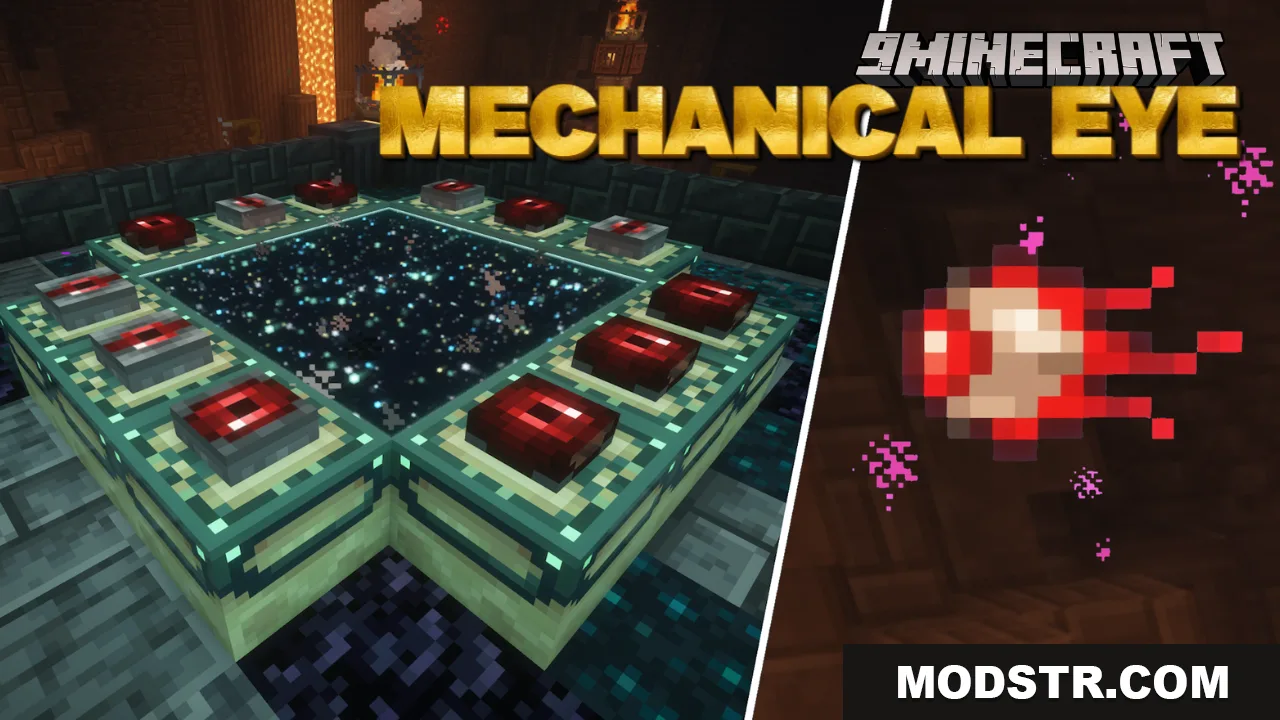
Resource pack that replaces the Eye of Ender with Terraria's Mechanical Eye and updates End Portal frames to match. Works on Minecraft 1.20.1.

51 JAVA
  • 1.20 → 1.20.6 +7
Show all 7 versions
  • 1.20.6
  • 1.20.5
  • 1.20.4
  • 1.20.3
  • 1.20.2
  • 1.20.1
  • 1.20

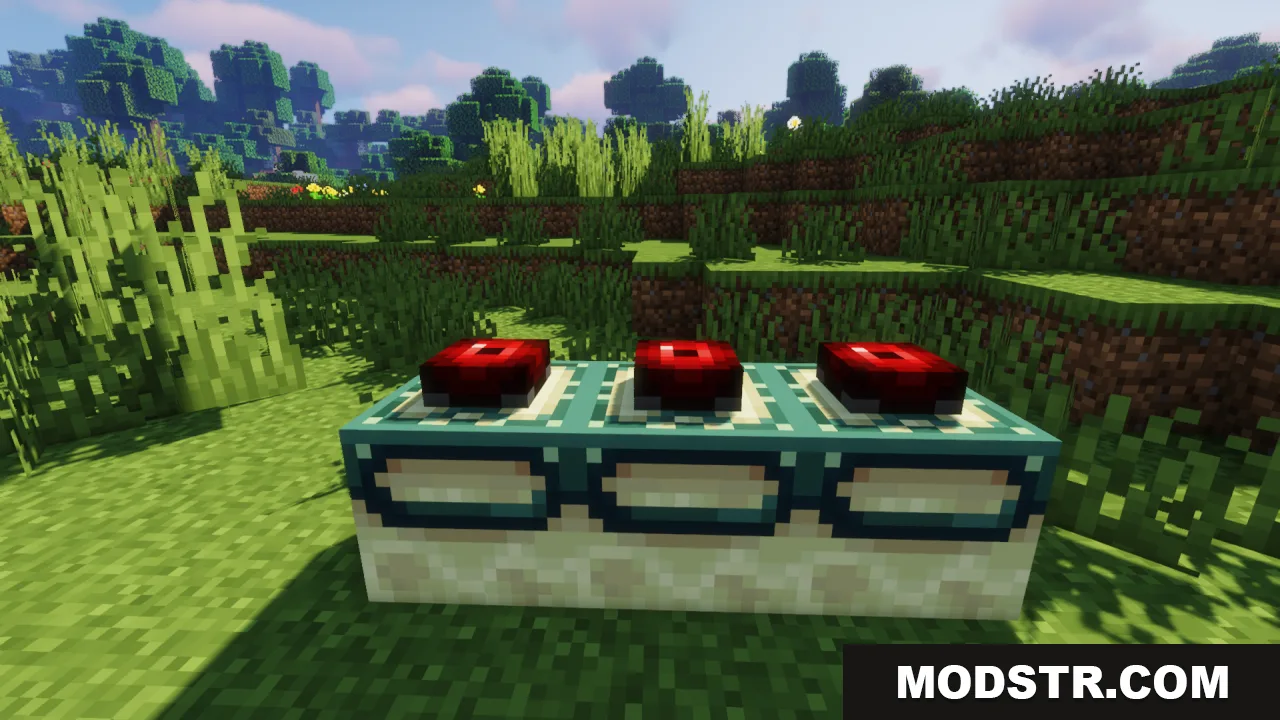
This resource pack replaces the Eye of Ender item with the Mechanical Eye from Terraria, bringing a crossover aesthetic to the End Portal activation sequence. The pack also retextures End Portal frames and related blocks to fit the robotic theme. It's designed for players who want a visual change to the stronghold-finding experience.
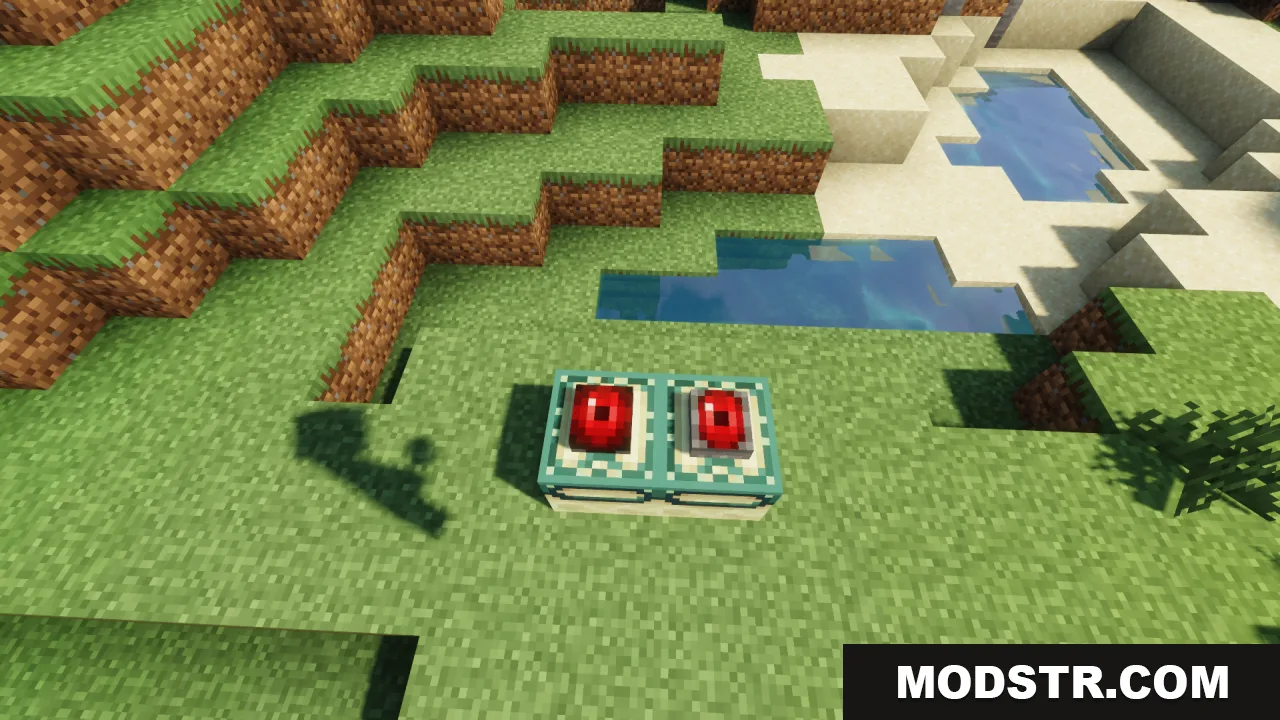
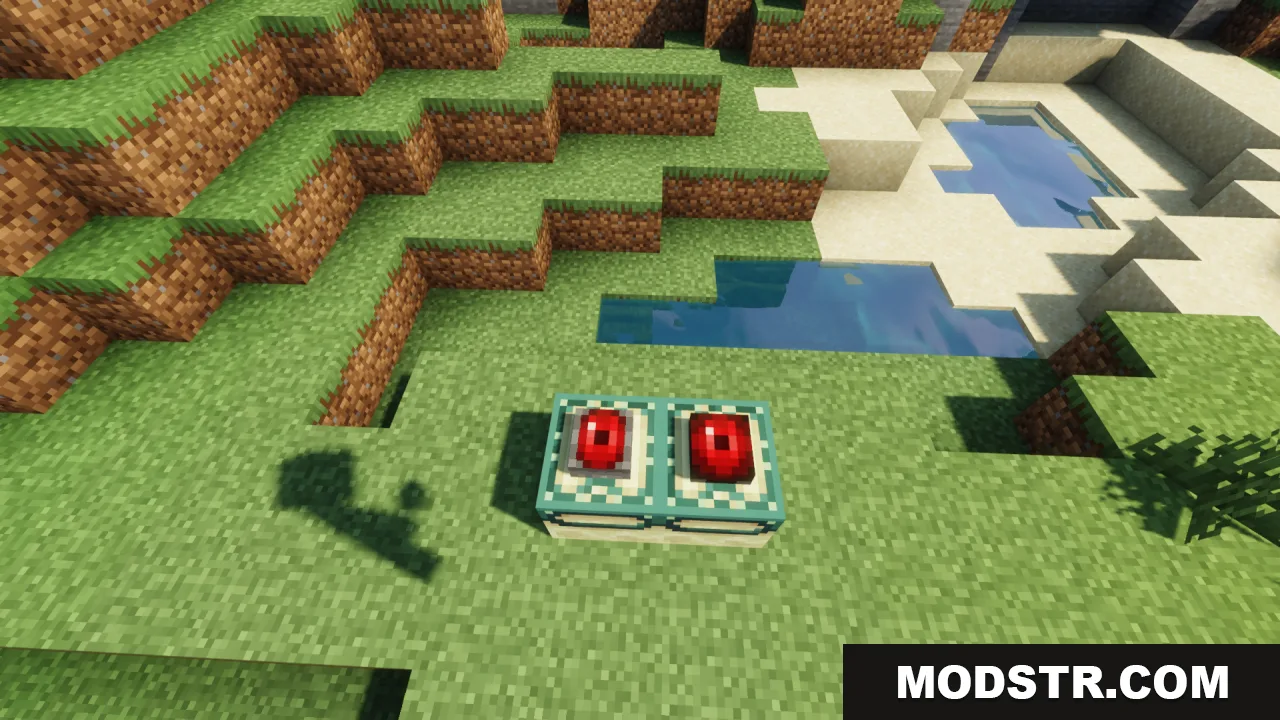
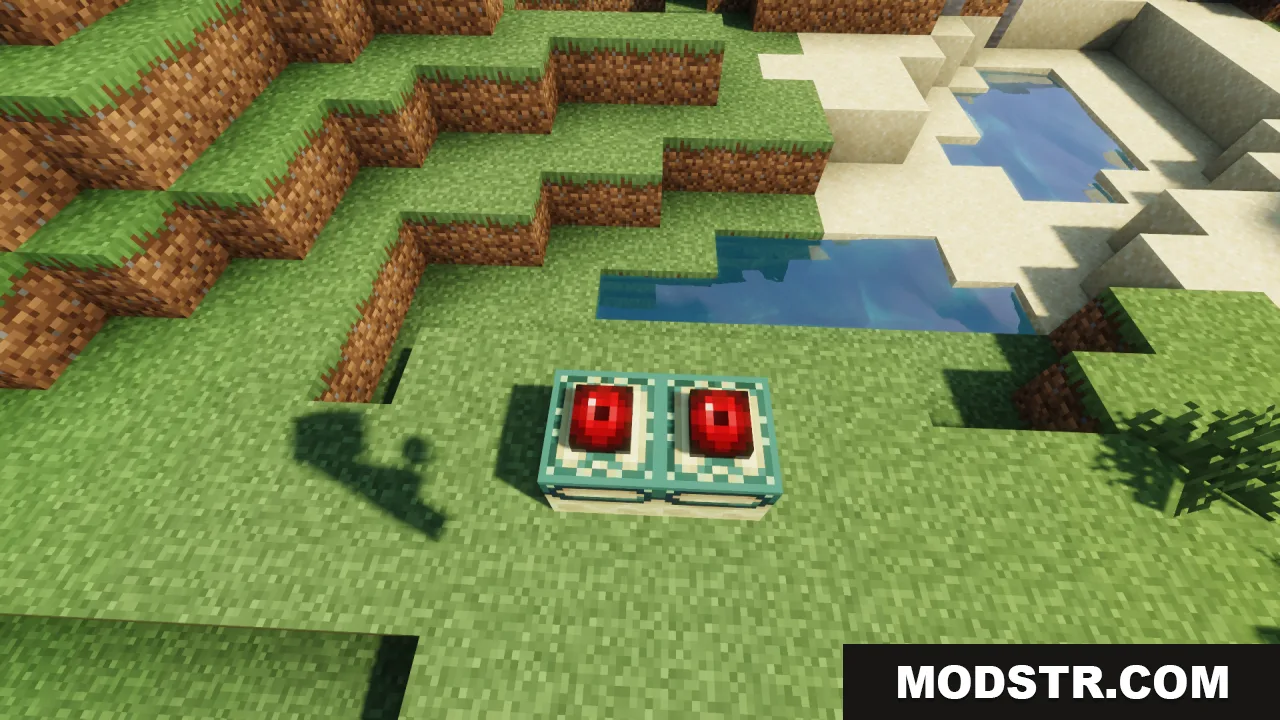
Custom end portal frames with red mechanical eyes placed on the grass

Features

  • Replaces the Eye of Ender item with the Mechanical Eye sprite from Terraria.
  • Retextures End Portal frames to match the robotic visual style.
  • Adds animation to the eye when placed inside portal frame blocks.
  • Updates related End dimension blocks to maintain visual consistency.
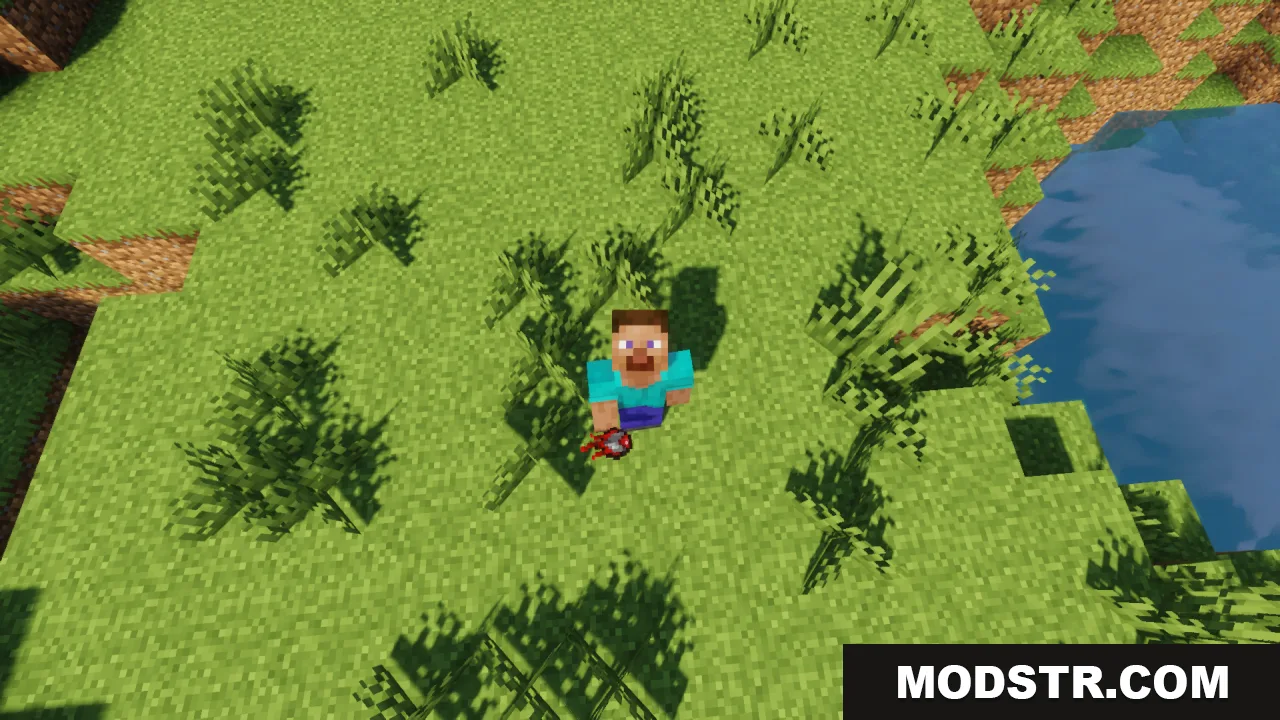
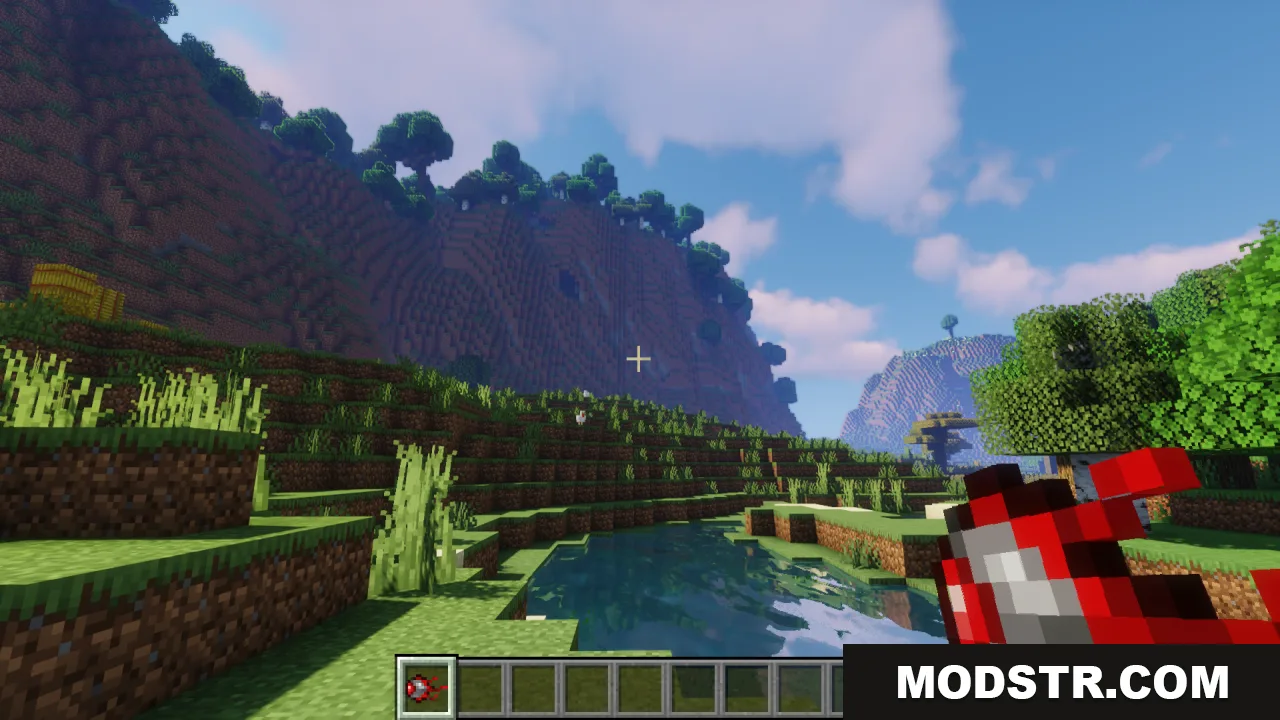
Player character holding a custom red mechanical eye item in a grassy area
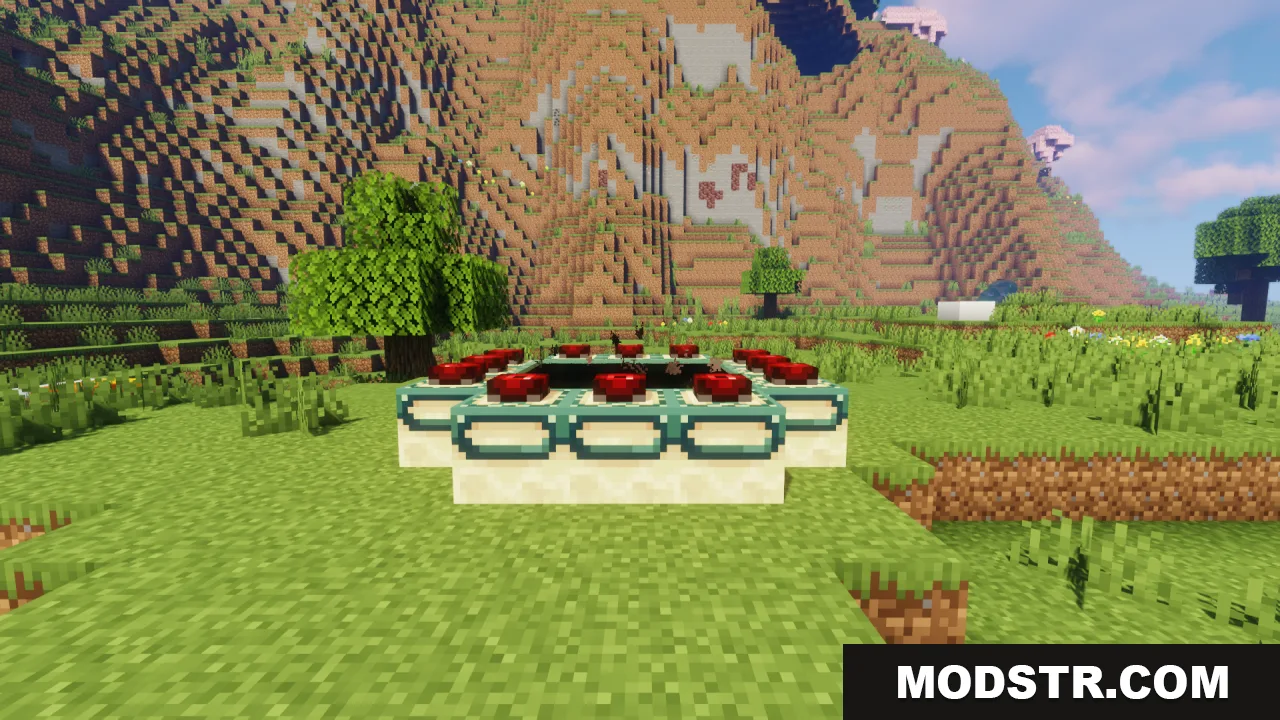
End Portal frames with red Mechanical Eyes placed inside them
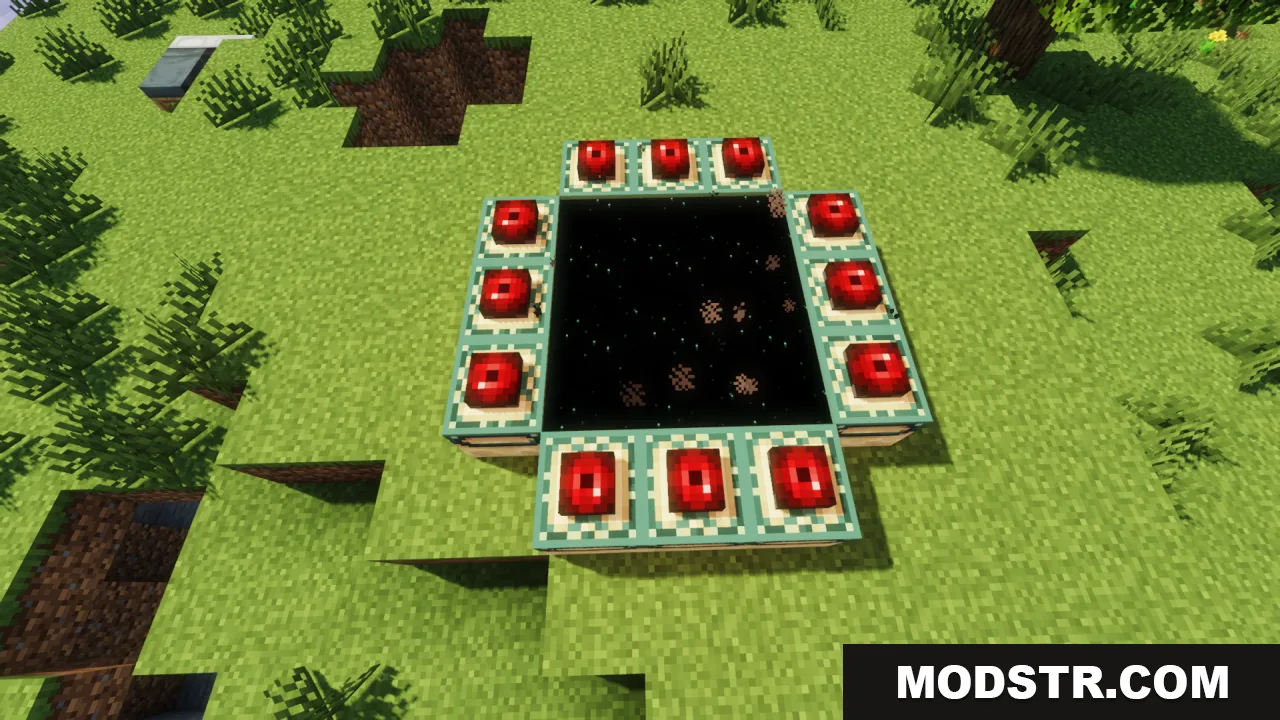
Activated End Portal with Mechanical Eyes in the frames

Installation

  1. Download the resource pack file.
  2. Open your Minecraft launcher and navigate to the Resource Packs folder.
  3. Place the downloaded file into the Resource Packs directory.
  4. Launch Minecraft, open a world, and enable the pack in the resource pack settings menu.
  5. The changes will apply immediately to Eye of Ender and End Portal frames.
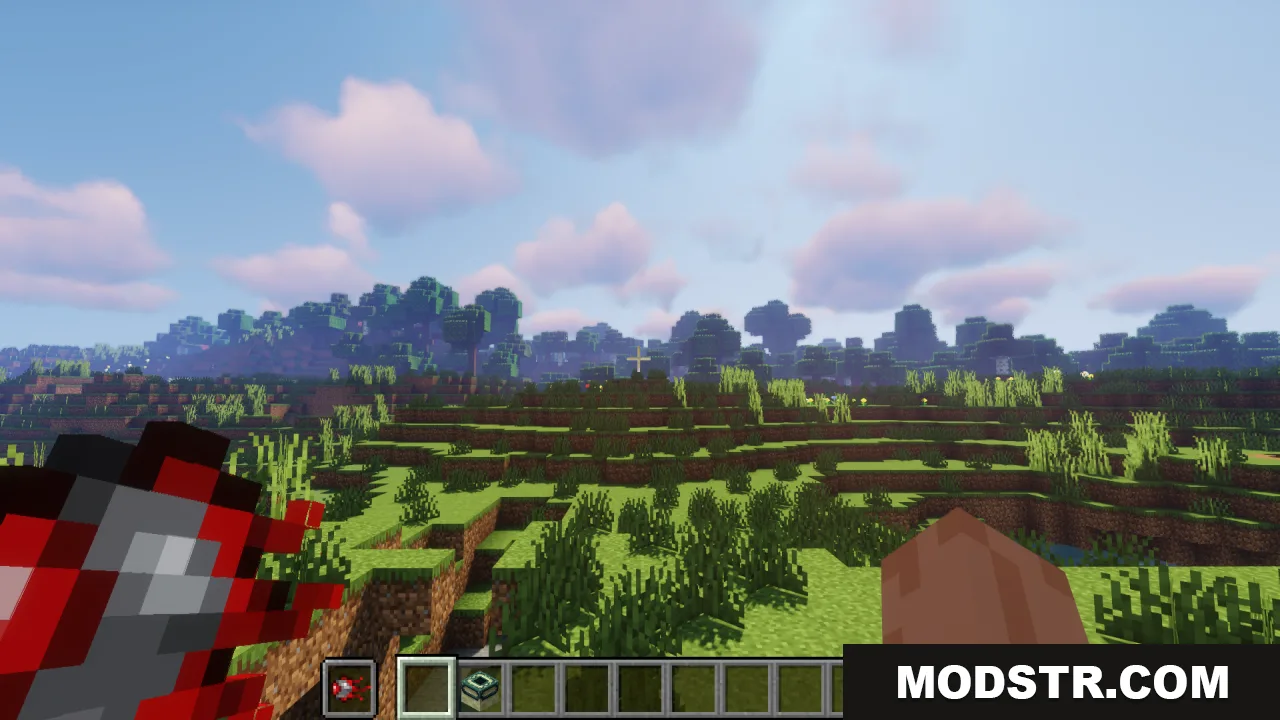
Player holding the custom mechanical eye item in a grassy landscape
Activated end portal with red mechanical eyes placed in the frame blocks
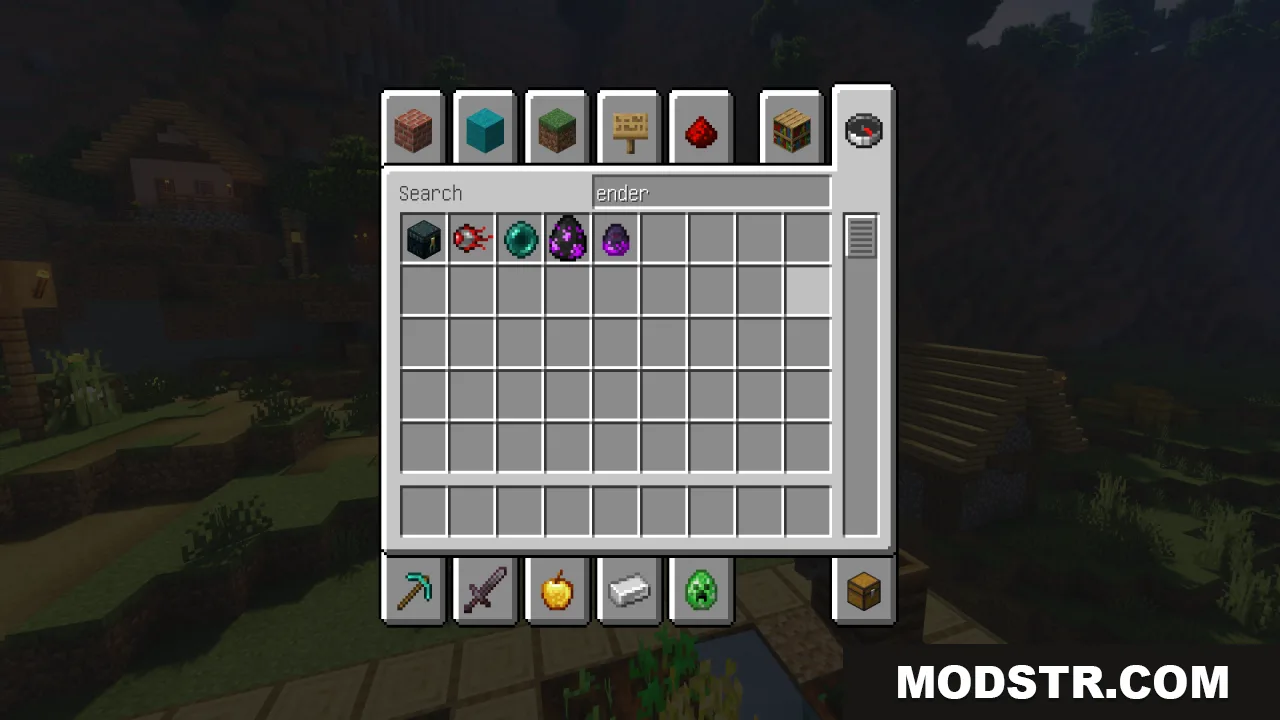
Creative inventory showing the Mechanical Eye item in Minecraft
Player holding the Mechanical Eye item in a grassy landscape
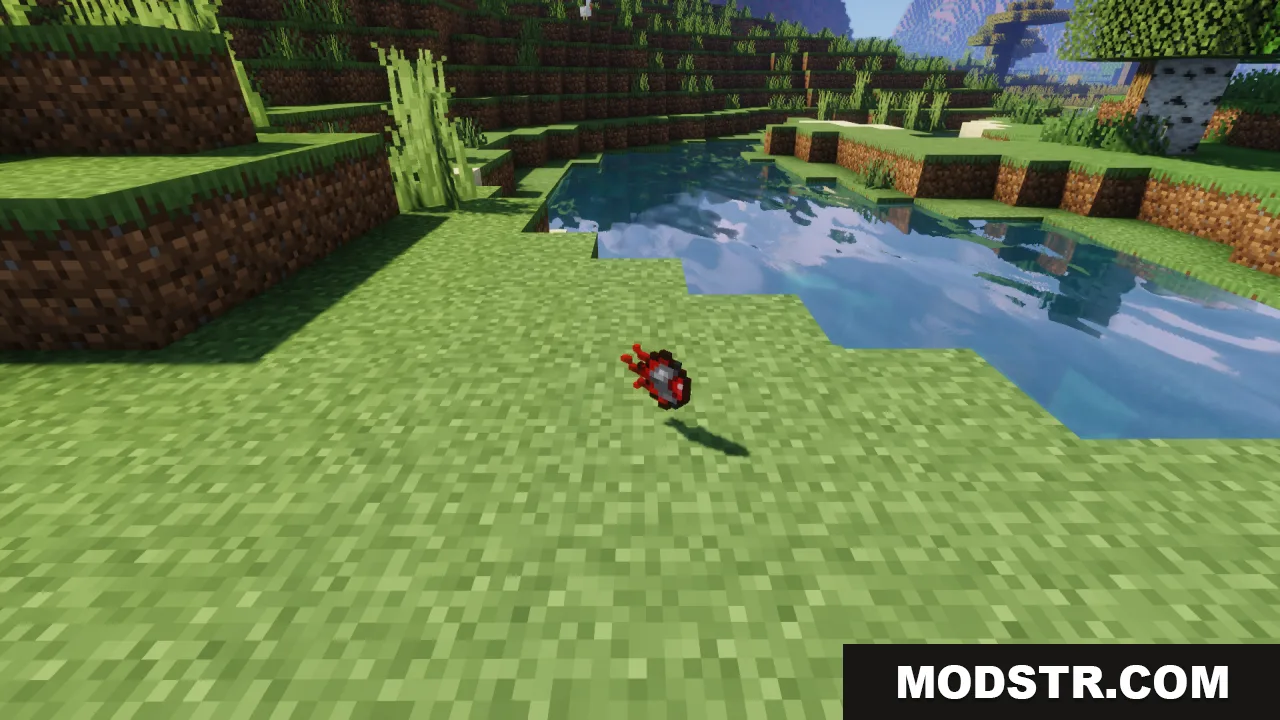
A dropped mechanical eye item lying on the grass near a river
Two custom end portal frame blocks with mechanical eyes inserted on grass
Two custom end portal frames with red mechanical eyes placed on grass

Compatibility

This resource pack is designed for Minecraft 1.20.1. Compatibility with other versions has not been tested and is not guaranteed.

DOWNLOAD FILES

  • resource
    1.20.x (7 versions) All Versions Covered 1.20.6 1.20.5 1.20.4 1.20.3 1.20.2 1.20.1 1.20 ▲ Collapse · Mechanical-Eye-Resource-Pack-16x-1.20.x.zip
    • 16x
    • 1.20