
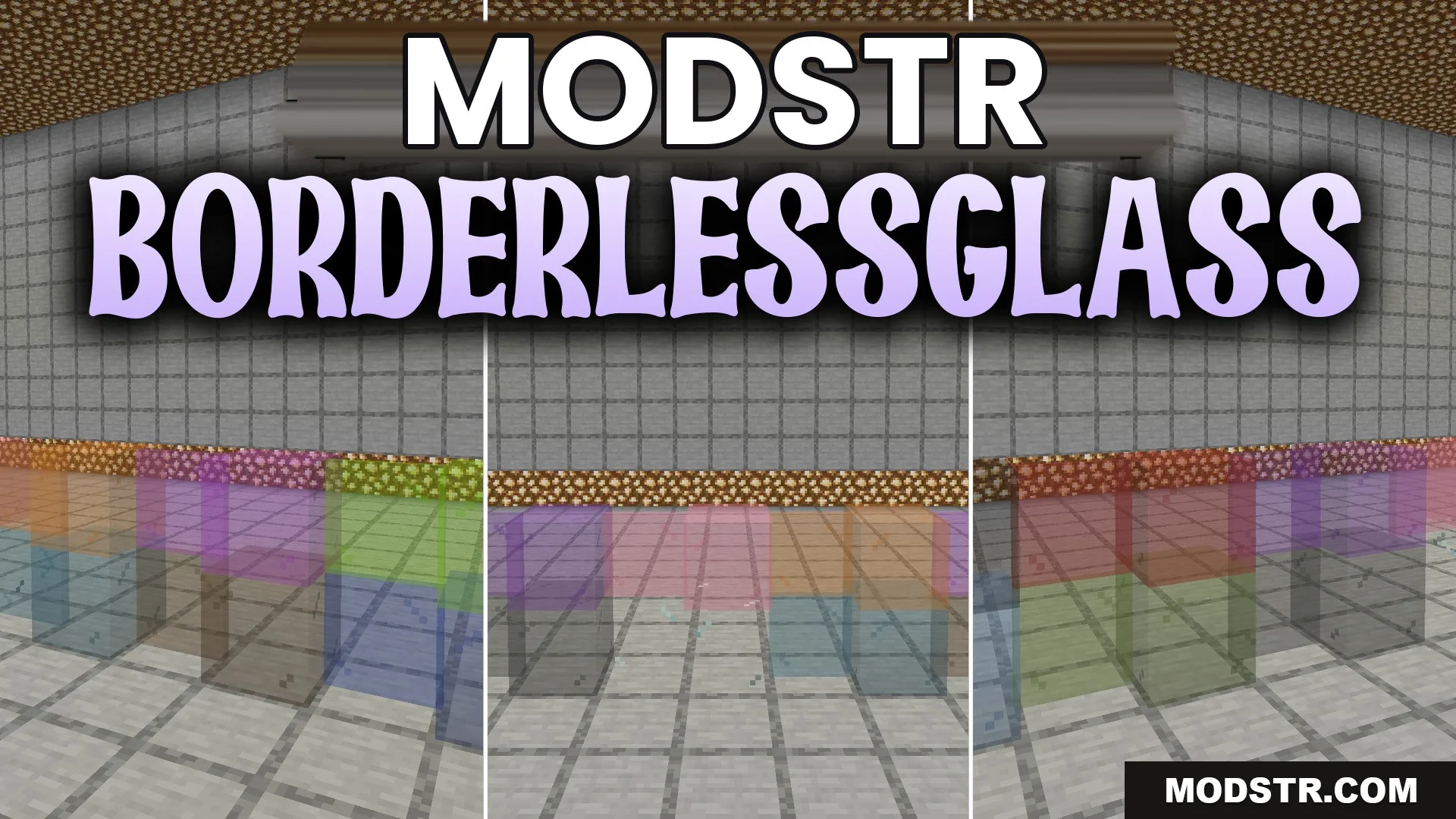
BorderlessGlass Resource Pack (26.1.2, 1.20.1) – Crystal Clear Windows
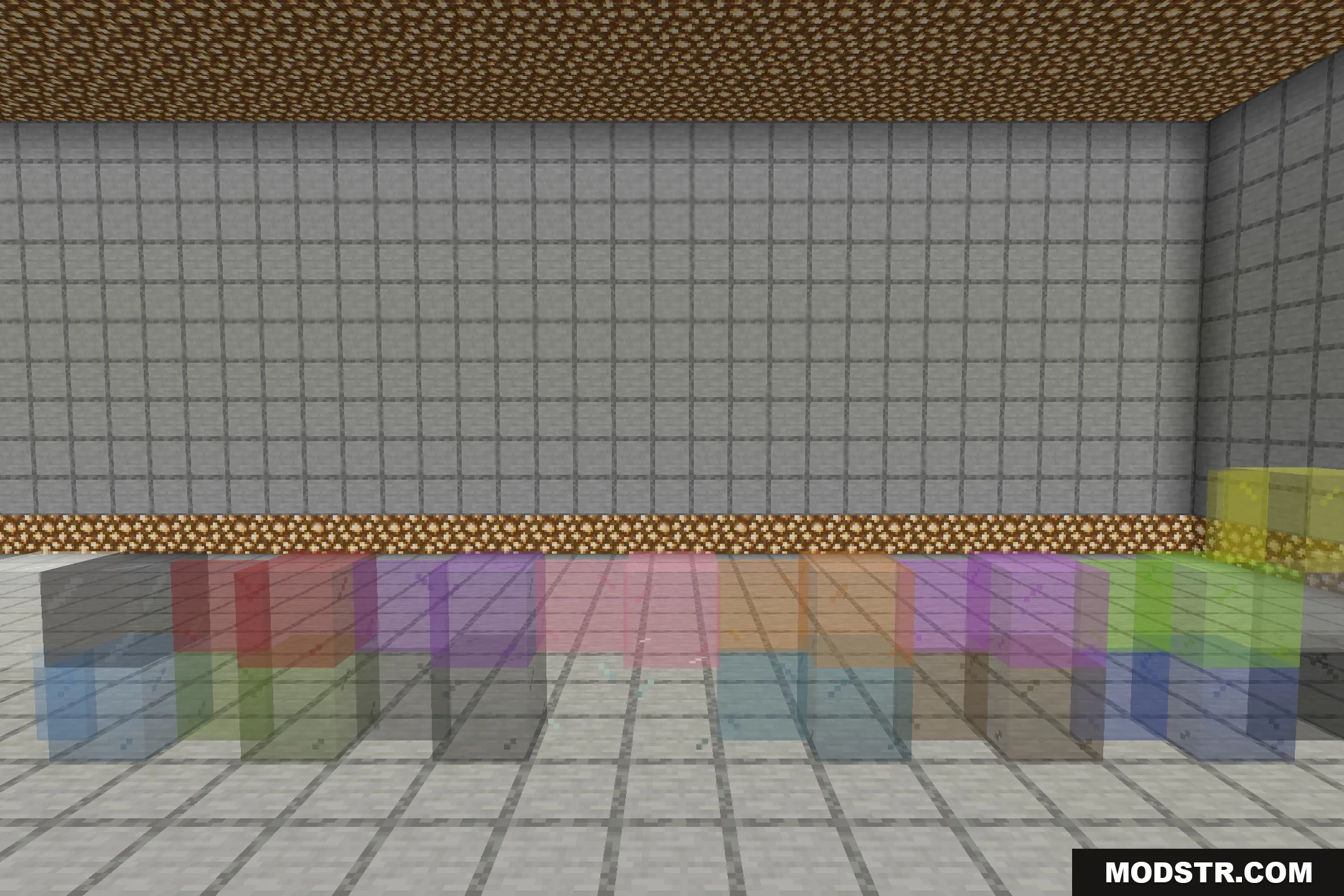
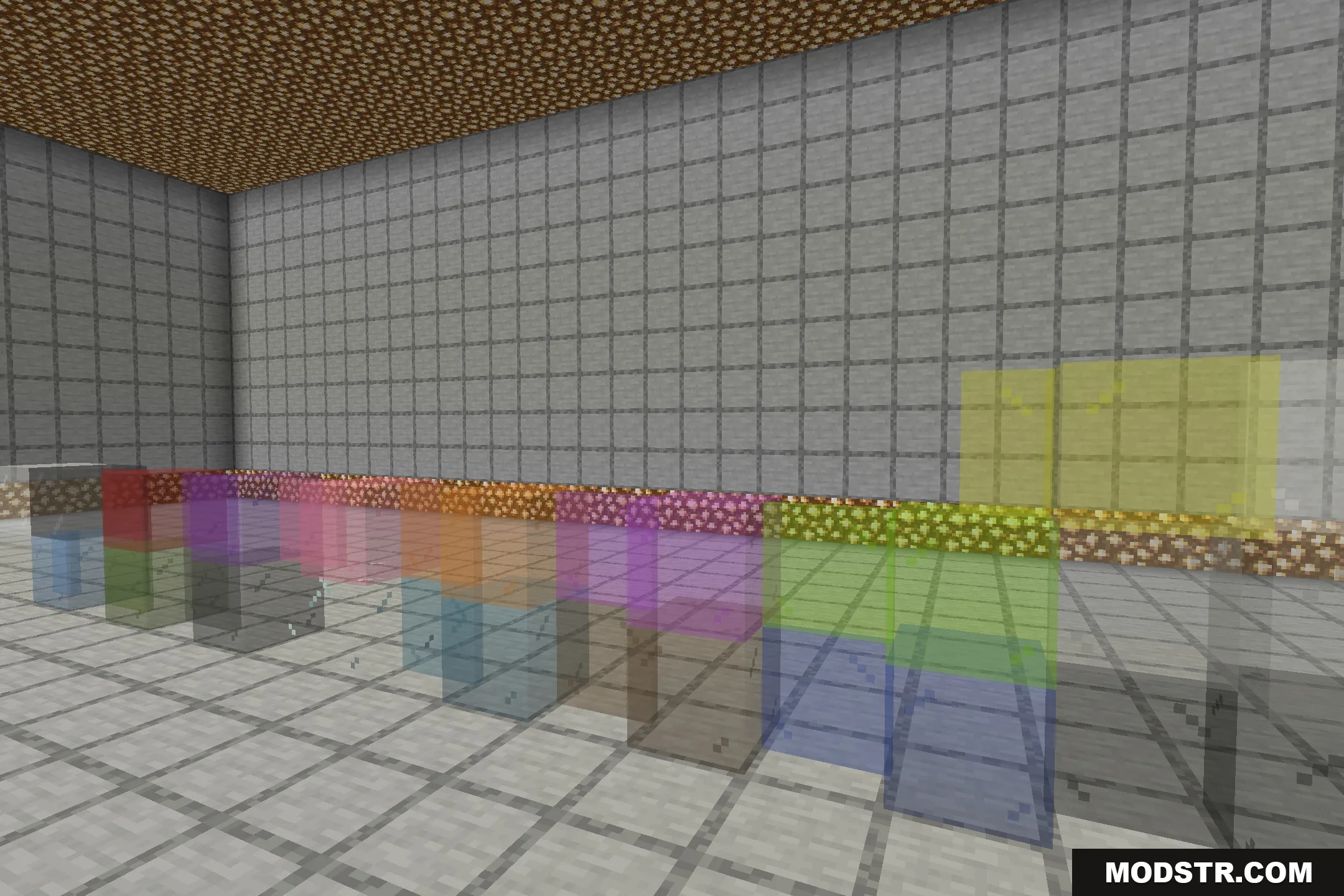
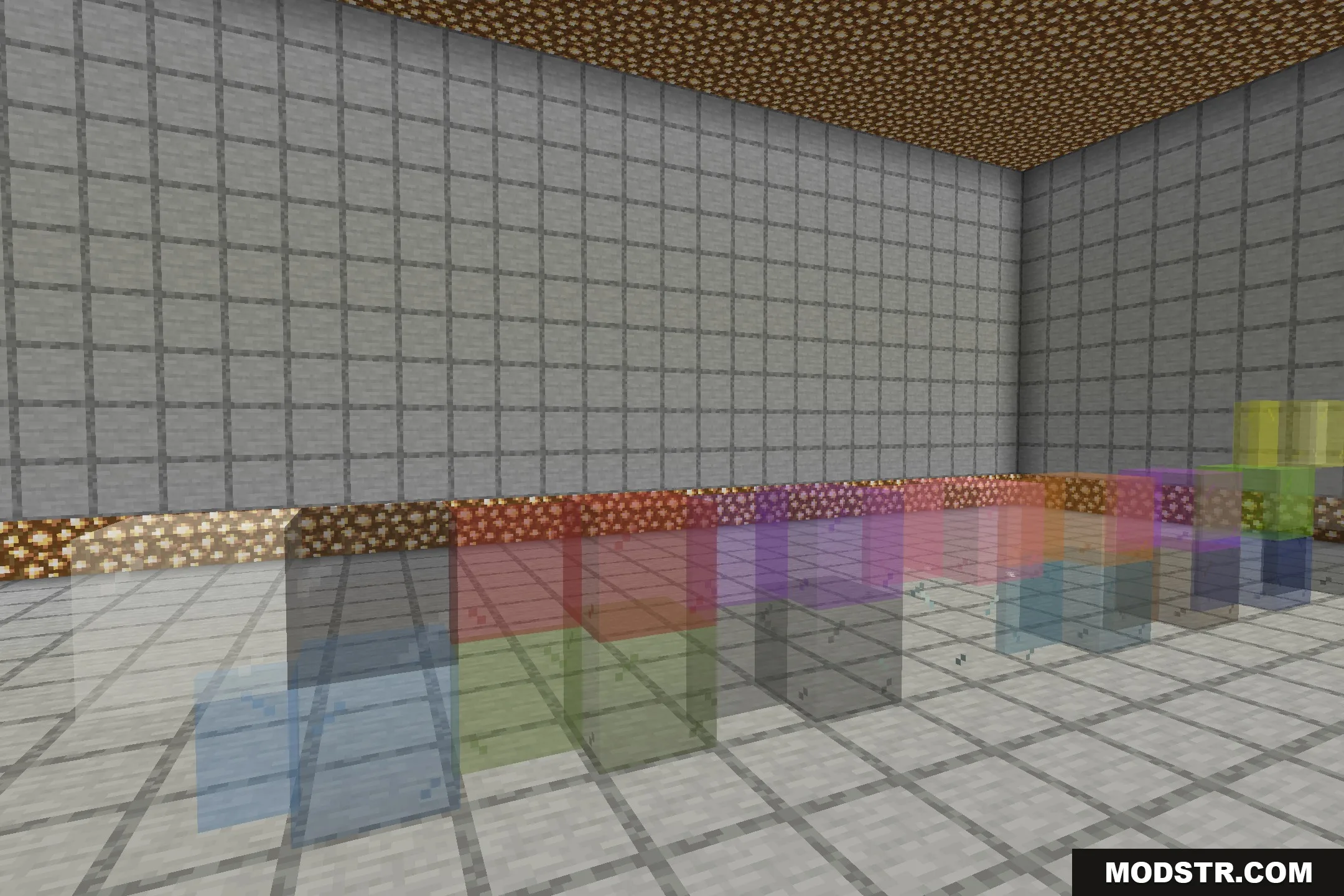
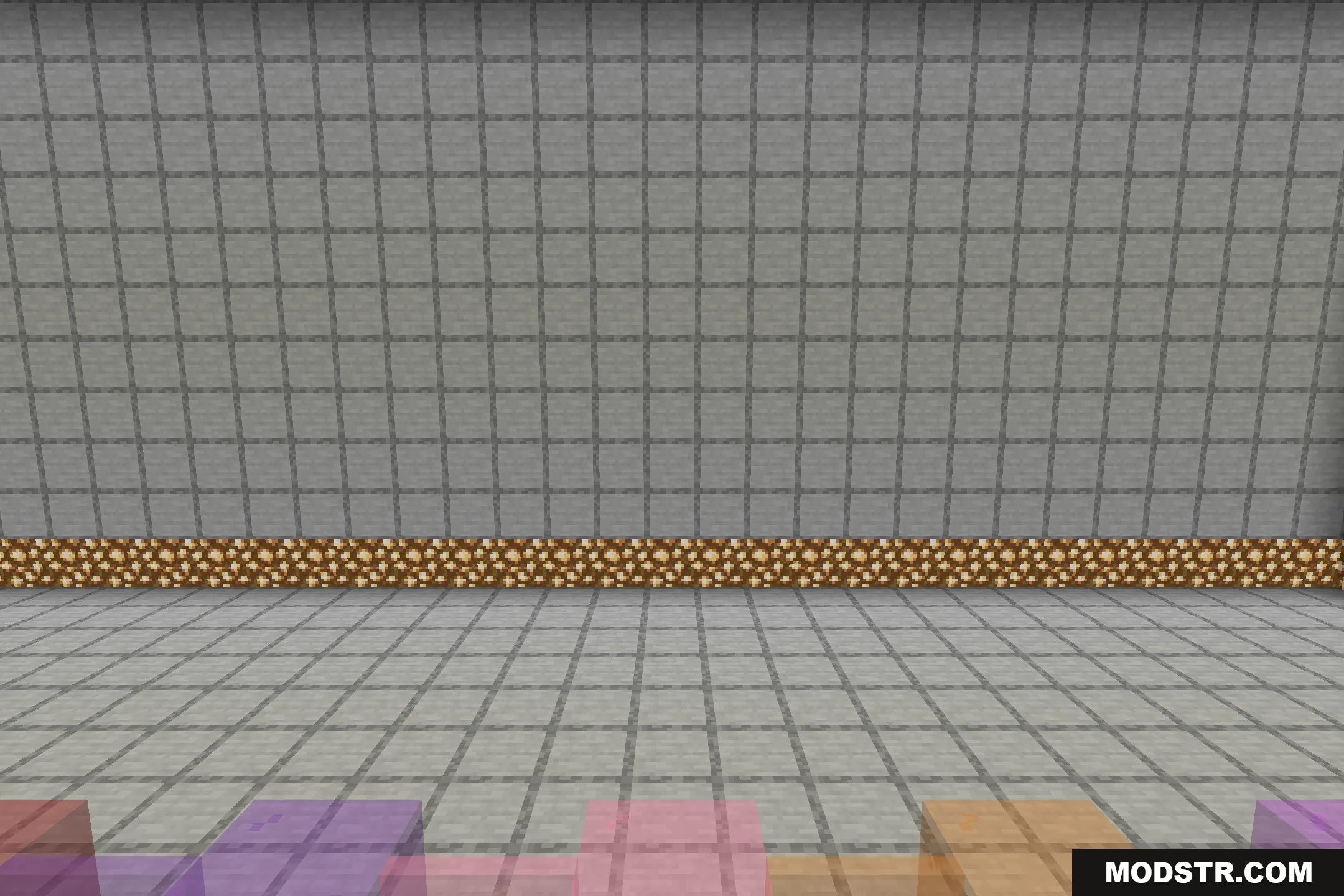
The BorderlessGlass Resource Pack eliminates the outlines on glass blocks, providing a seamless appearance for windows in Minecraft. It is suitable for players who prefer a cleaner look without additional mods.
- 1.19 → 1.21.11 +6
Show all 6 versions
- 1.21.11
- 1.21
- 1.20.1
- 1.20
- 1.19.2
- 1.19
The BorderlessGlass Resource Pack modifies the appearance of glass blocks and panes by removing their outer borders. This resource pack is designed for players who want a sleek and connected look for their windows in Minecraft.
Features
- Removes the outer frame lines from regular glass blocks and panes.
- Works on all colored stained glass variants across the game.
- Runs in vanilla Minecraft without requiring OptiFine or other tools.
- Makes large window walls look like one giant sheet of clean glass.
- Applies the borderless look to both single blocks and big structures.
Installation
- Download the resource pack file.
- Open Minecraft and navigate to the Options menu.
- Go to Resource Packs and click on 'Open Resource Pack Folder.'
- Move the downloaded resource pack file into the opened folder.
- Back in Minecraft, select the resource pack from the list to apply it.
DOWNLOAD FILES
- resource
- resource
- resource
- resource