
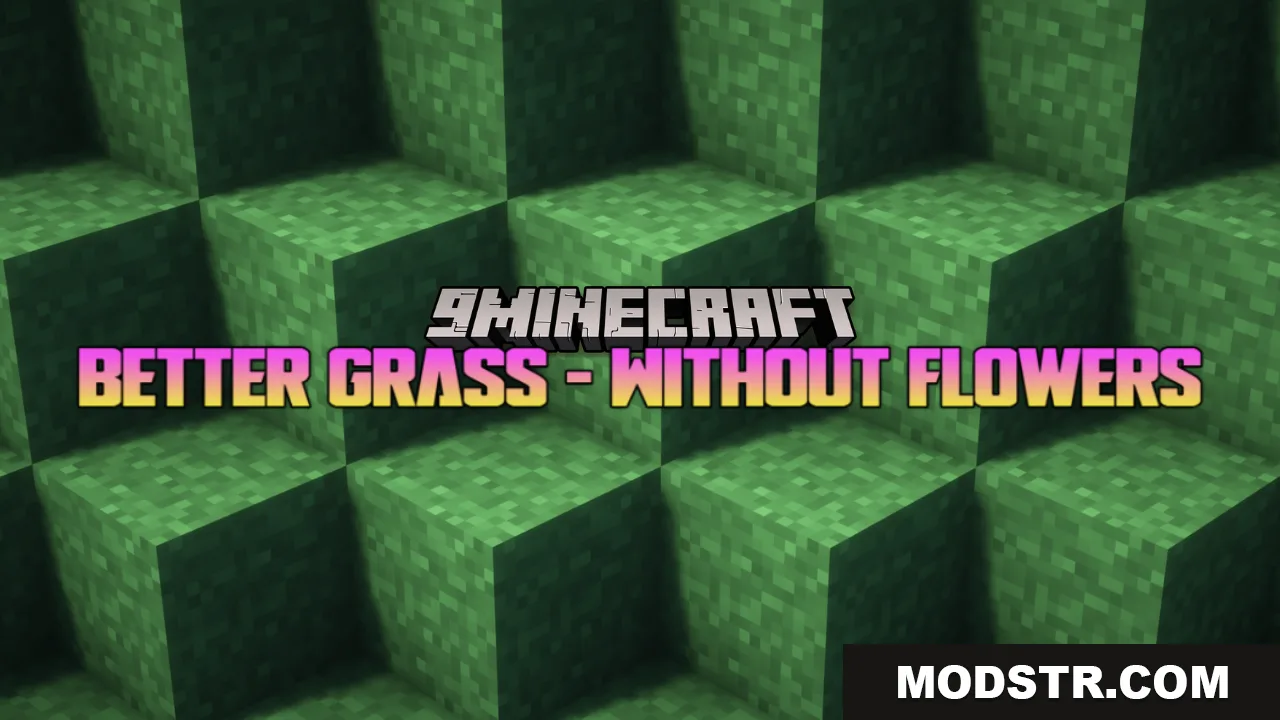
Better Grass Without Flowers Resource Pack (26.2, 1.20.1) – Smooth Across The Ground
A resource pack that replaces grass and ground textures with connected variants and removes small flowers for a cleaner, smoother appearance across lawns and forests.
- 1.18 → 1.21.11 +27
Show all 27 versions
- 1.21.11
- 1.21.10
- 1.21.9
- 1.21.8
- 1.21.7
- 1.21.6
- 1.21.5
- 1.21.4
- 1.21.3
- 1.21.2
- 1.21.1
- 1.21
- 1.20.6
- 1.20.5
- 1.20.4
- 1.20.3
- 1.20.2
- 1.20.1
- 1.20
- 1.19.4
- 1.19.3
- 1.19.2
- 1.19.1
- 1.19
- 1.18.2
- 1.18.1
- 1.18
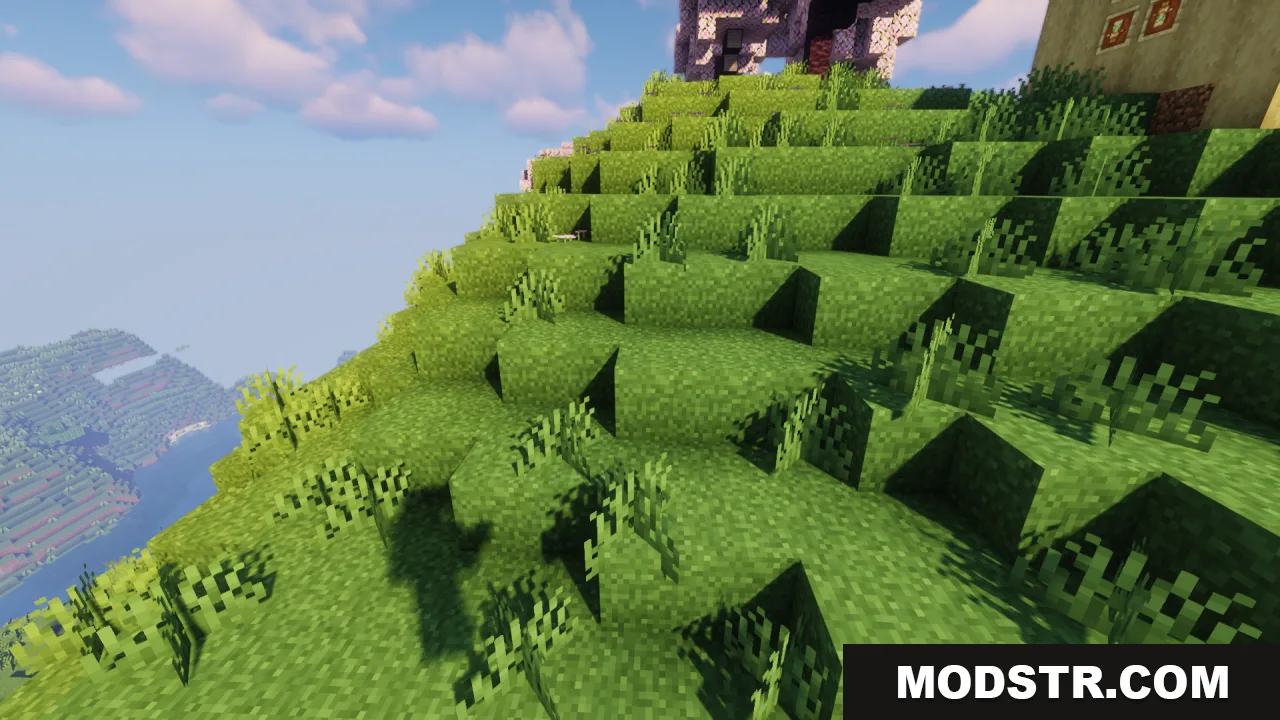
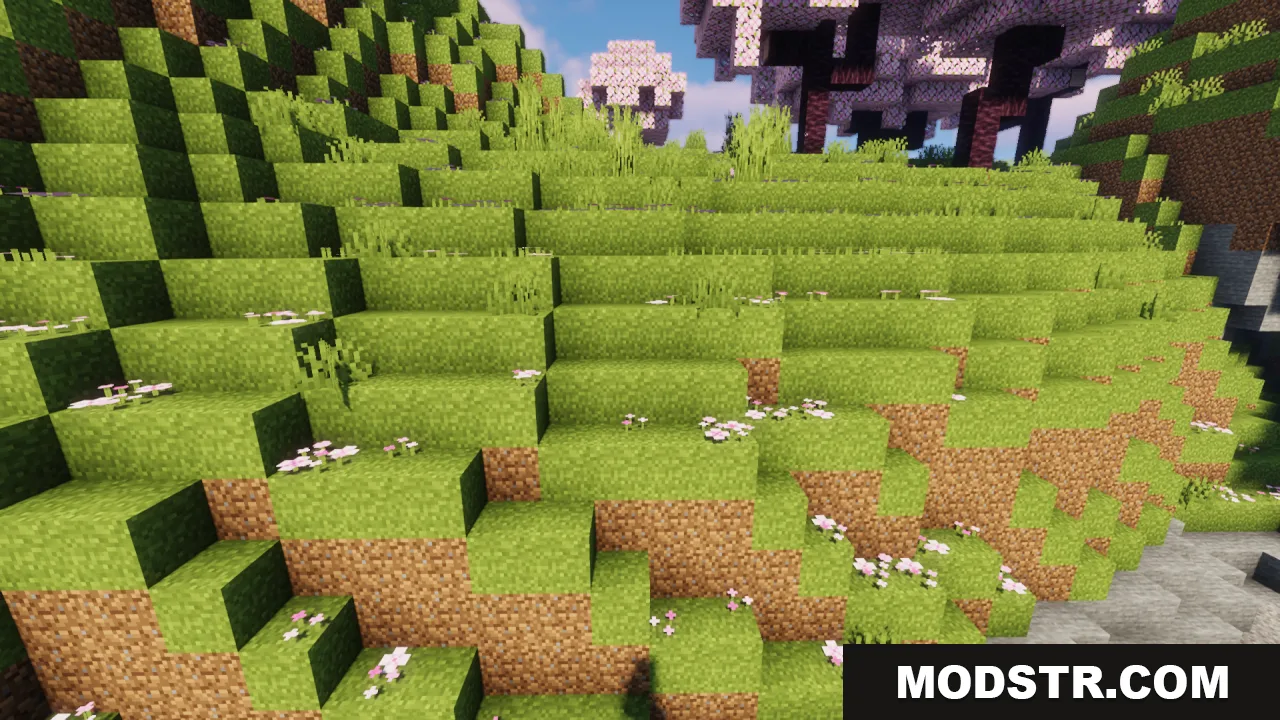
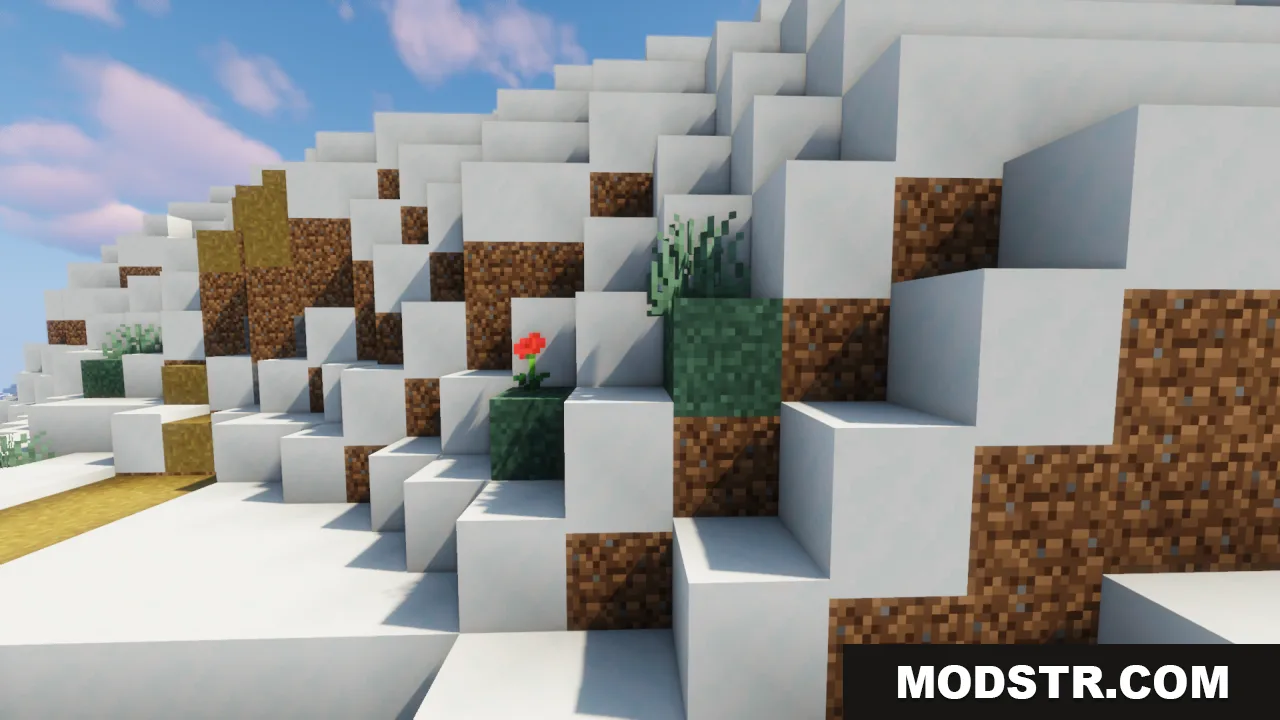
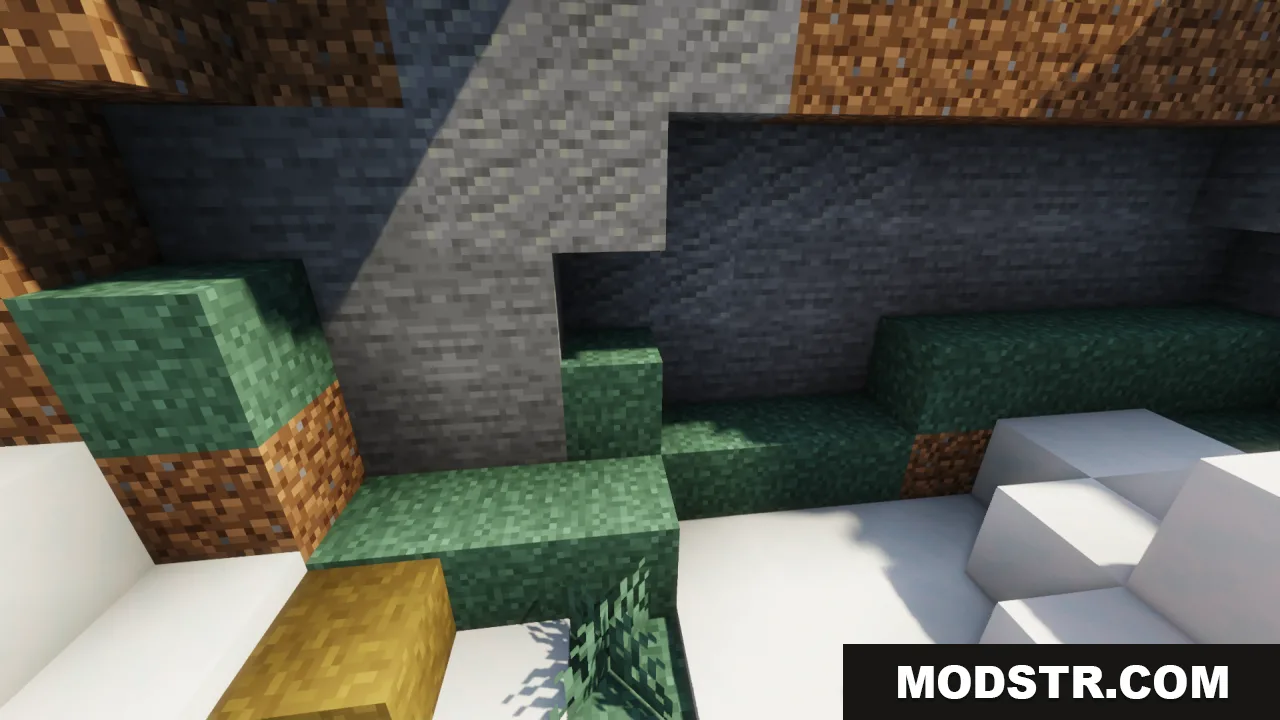
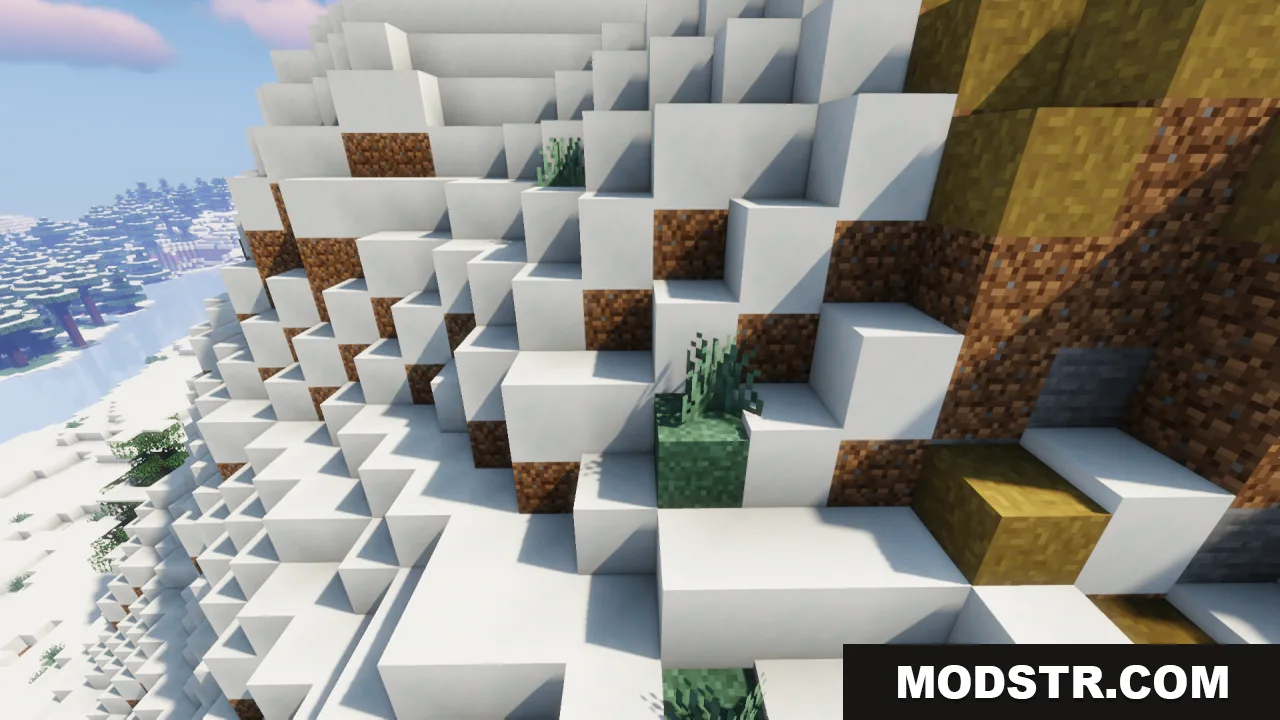
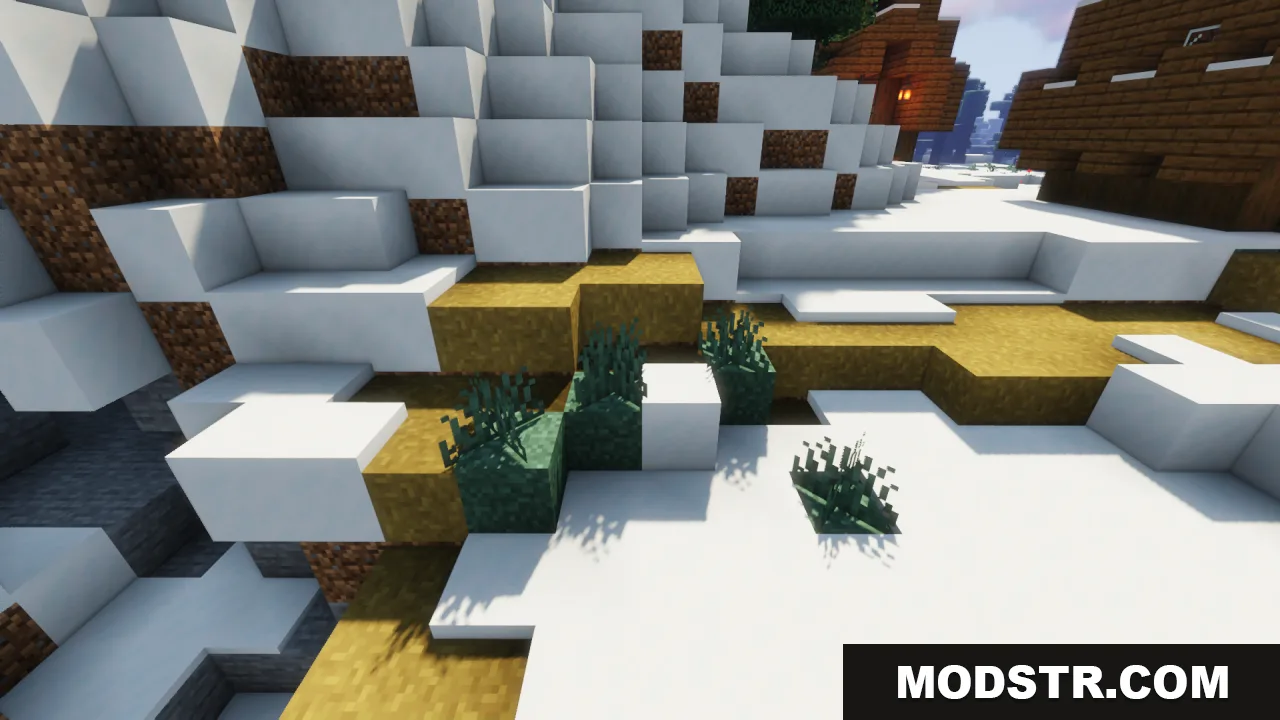
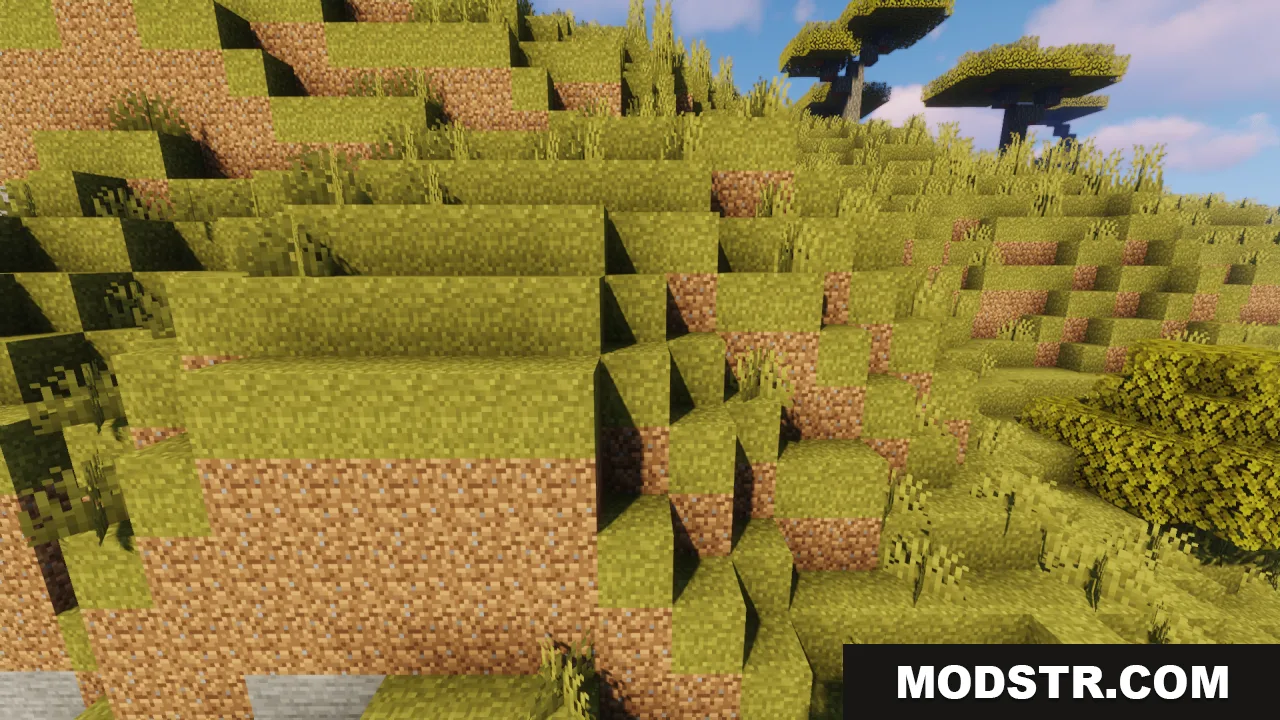
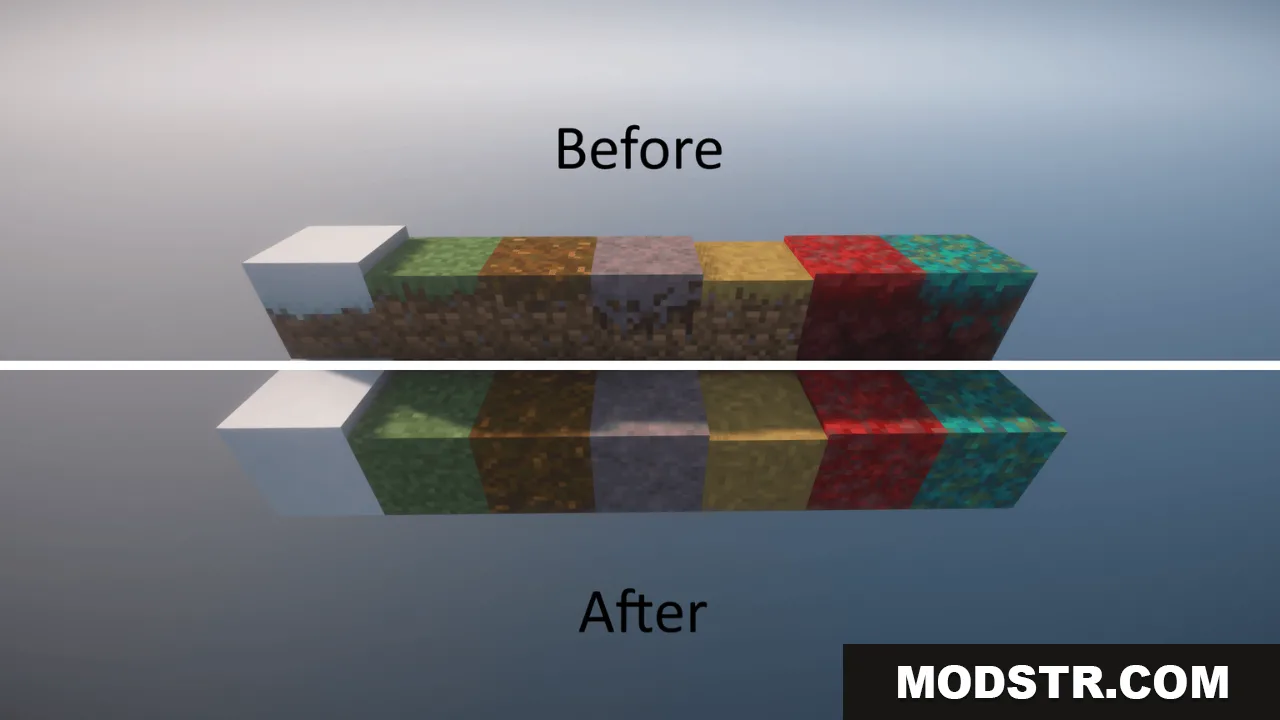
Better Grass Without Flowers Resource Pack modifies ground-level textures to create a cleaner visual appearance. It applies connected textures to grass blocks and removes decorative flowers from grass surfaces, resulting in a simplified green aesthetic. The pack also updates related blocks like snowy grass, dirt paths, podzol, mycelium, and Nether nylium to maintain visual consistency.
Features
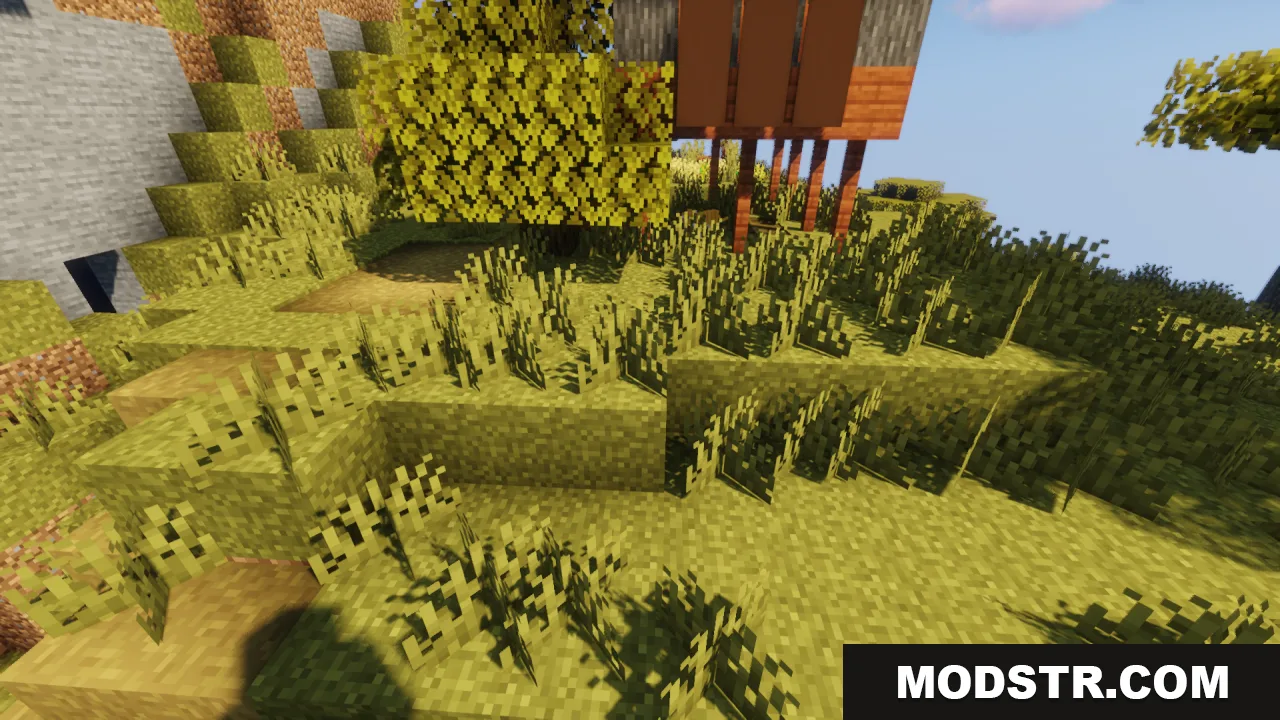
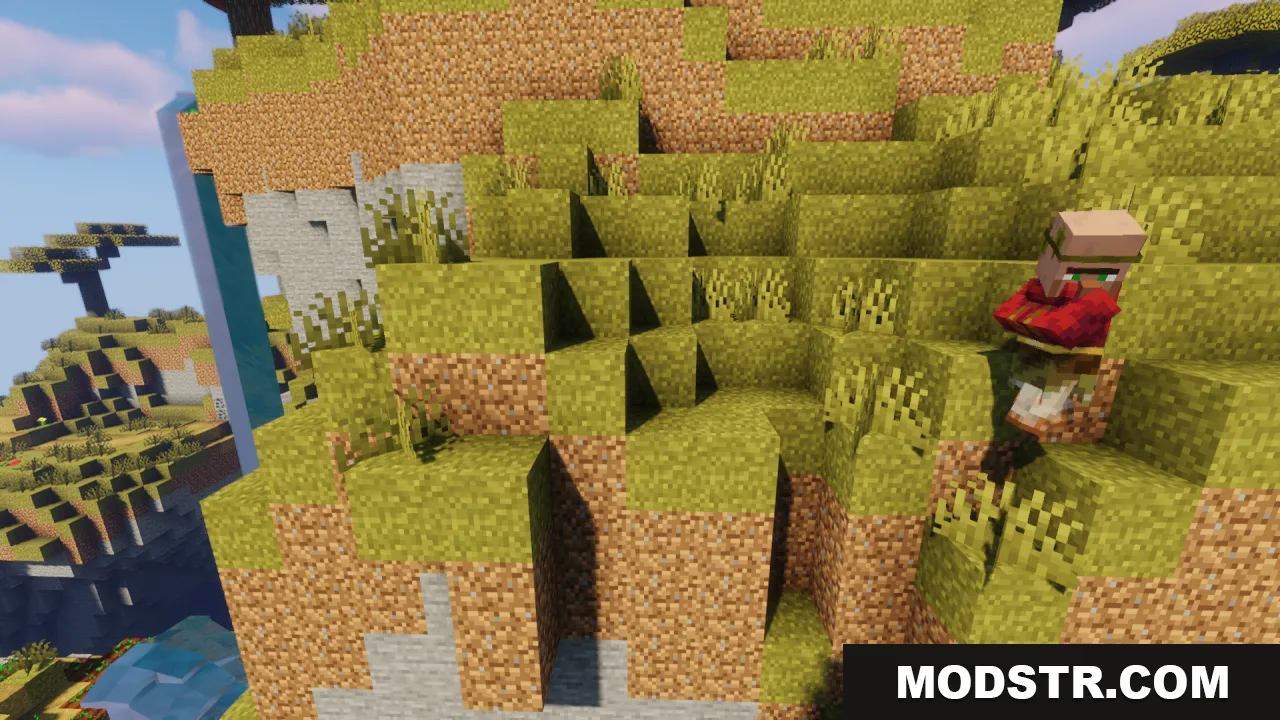
- Adds connected textures to grass blocks so they blend seamlessly together.
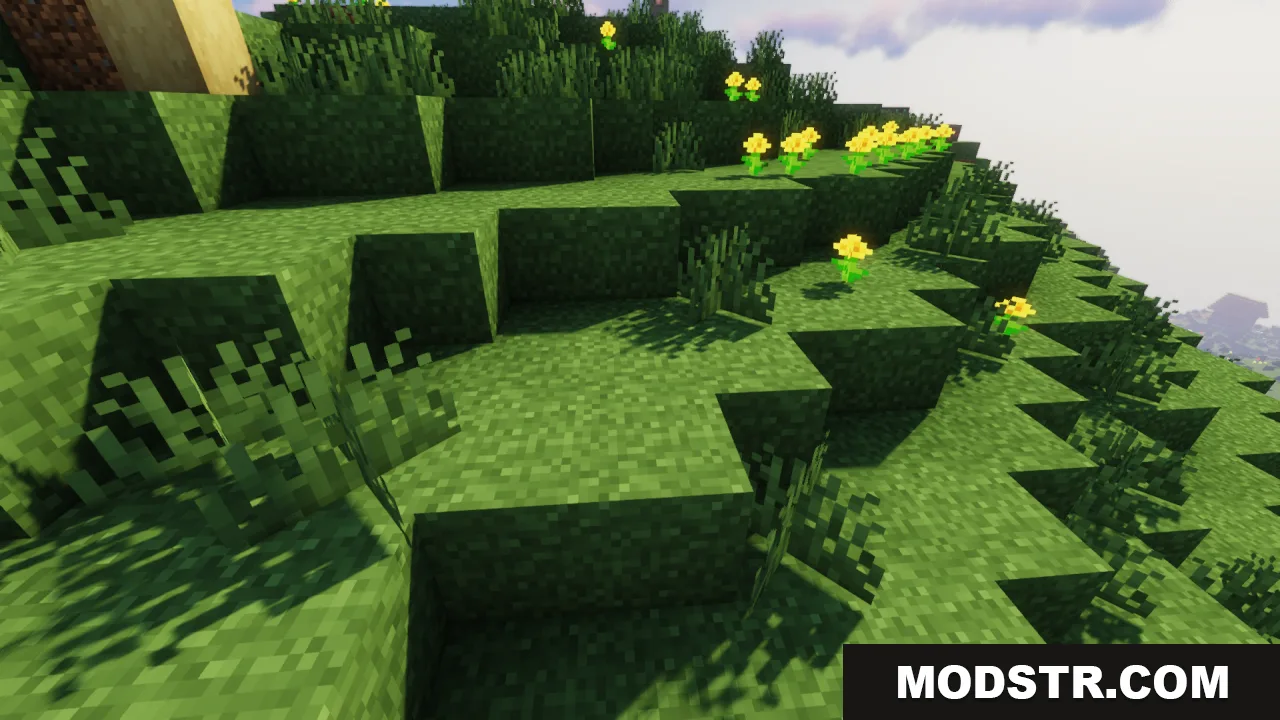
- Removes small flowers from grass block tops for a plain green appearance.
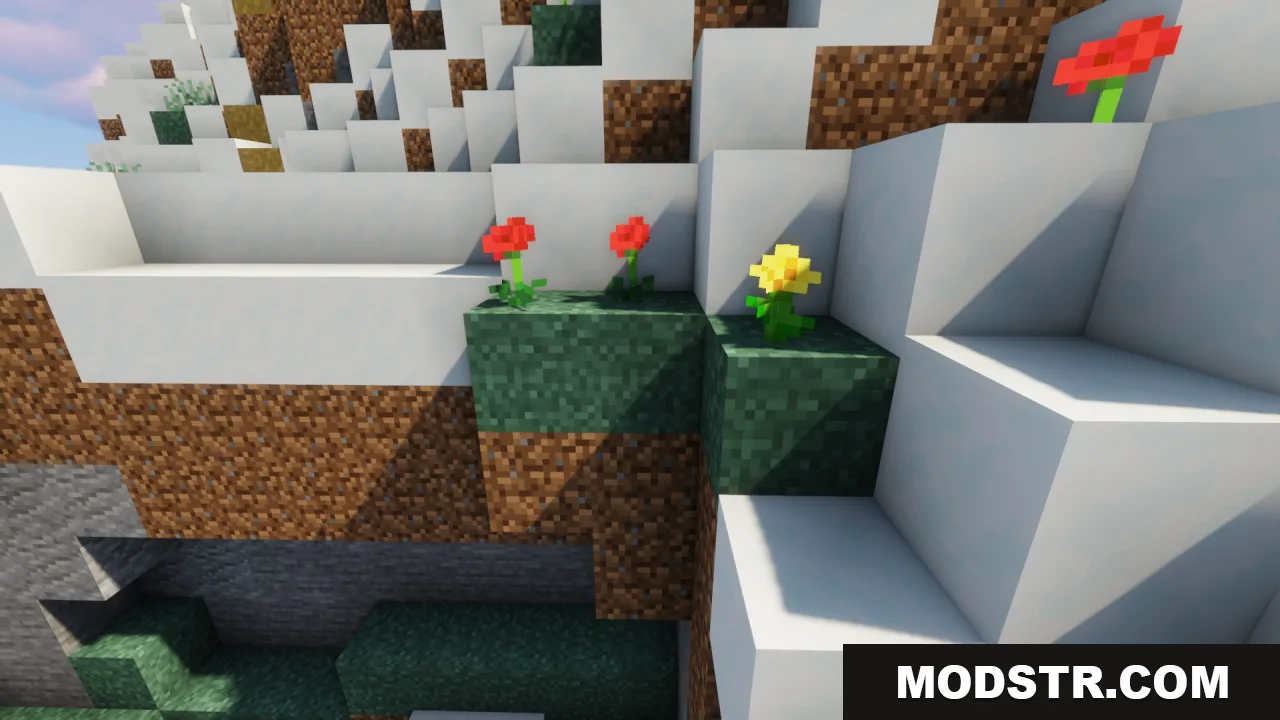
- Updates snowy grass blocks to use the connected texture style in cold biomes.
- Smooths dirt path textures when placed adjacent to each other.
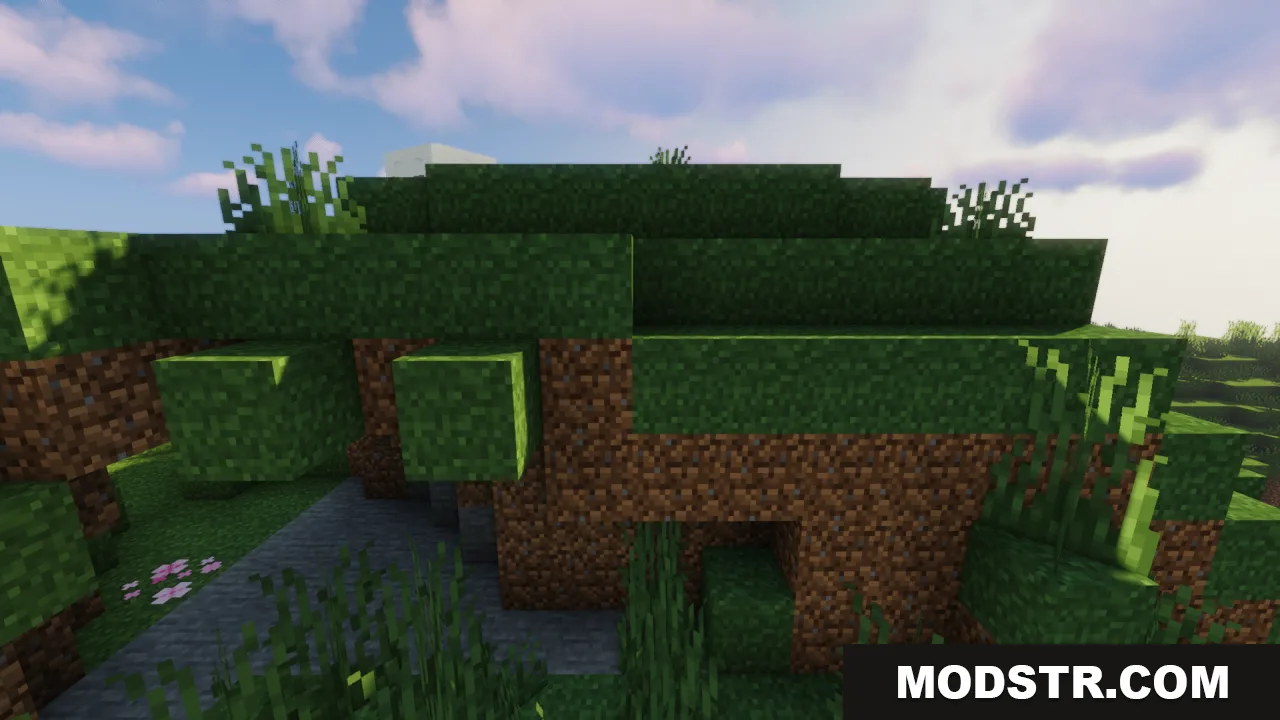
- Applies a cleaner look to podzol blocks across forest floors.
- Modifies mycelium blocks in mushroom biomes to connect better.
- Updates crimson and warped nylium blocks in the Nether with the new connected style.
Installation
- Download the resource pack file for your Minecraft version.
- Open your Minecraft resource packs folder (use the resource pack menu to access it directly).
- Place the downloaded file into the folder without extracting it.
- Open Minecraft and navigate to the resource packs menu.
- Select the pack and move it to the active column, then apply and save.
Compatibility
This resource pack is designed for Minecraft version 1.20.1. It should work with other packs that do not modify grass, dirt, podzol, mycelium, or nylium textures. If using multiple packs, load this pack lower in the list if texture conflicts occur.
DOWNLOAD FILES
- resource
- resource