
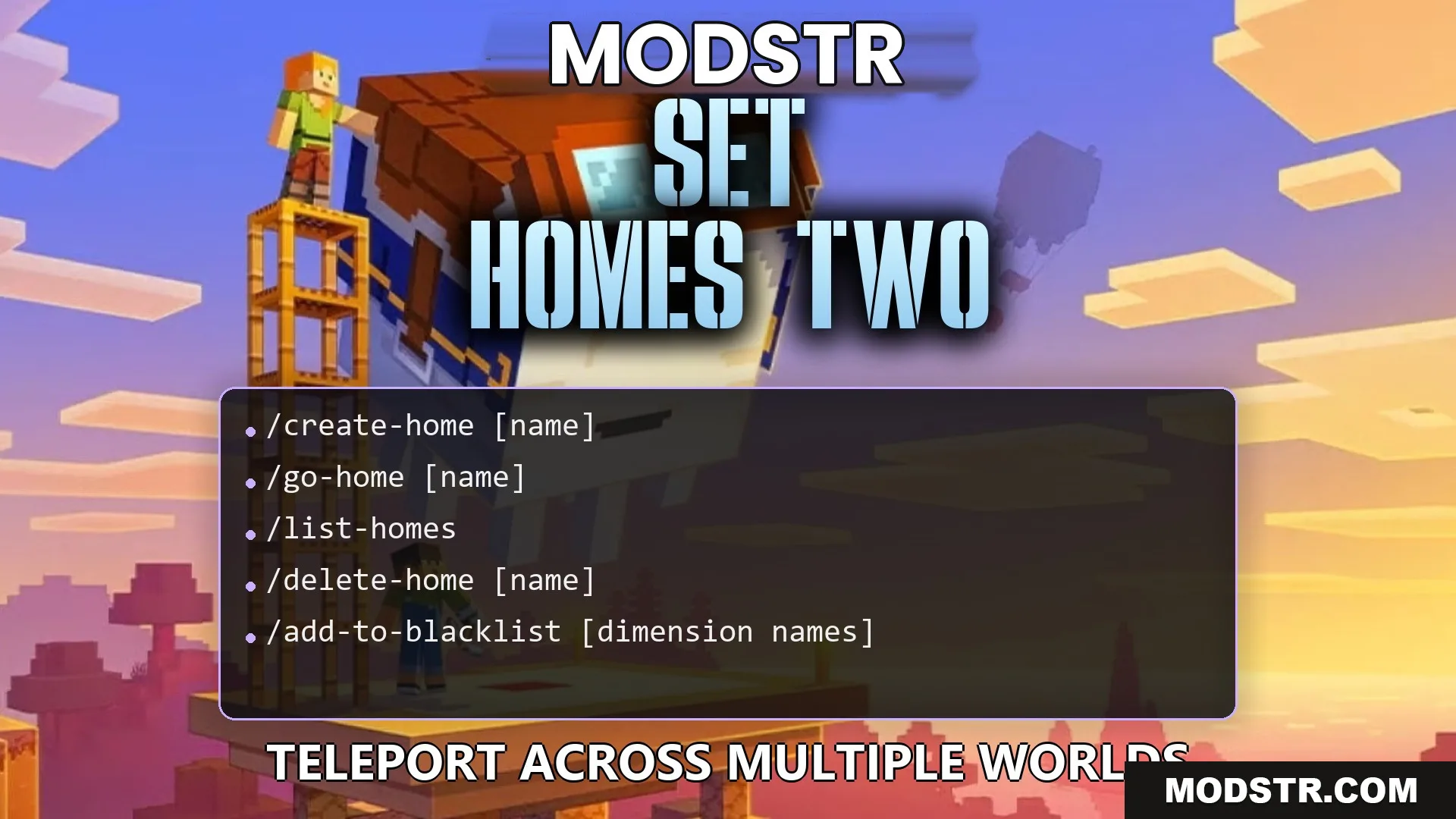
Set Homes Two Plugin (26.2, 1.20.1) – Give Players a Safe Way Back
Set Homes Two Plugin enables players to save multiple home locations for easy travel across server worlds. It includes safety checks and customizable features for managing homes.
- 1.19 → 1.21.11 +22
Show all 22 versions
- 1.21.11
- 1.21.10
- 1.21.9
- 1.21.8
- 1.21.7
- 1.21.6
- 1.21.5
- 1.21.4
- 1.21.3
- 1.21.2
- 1.21.1
- 1.21
- 1.20.4
- 1.20.3
- 1.20.2
- 1.20.1
- 1.20
- 1.19.4
- 1.19.3
- 1.19.2
- 1.19.1
- 1.19
Set Homes Two Plugin allows players to store multiple base locations, making it easier to navigate between different worlds. Server administrators can set limits on home saves and manage which dimensions are accessible for home saving.
Features
- Custom Home Icons: Players can choose a specific item to represent their saved homes.
- Safe Travel: The plugin ensures safe teleportation by checking for hazards.
- Supports saving multiple homes in the Overworld, Nether, and End.
- Enables server owners to restrict home saving in specific dimensions.
- Includes a travel timer that can be canceled by movement.
- Allows modification of chat messages to align with server style.
Installation
- Download the Set Homes Two Plugin.
- Place the plugin file in the server's plugins folder.
- Restart the server to activate the plugin.
- Configure settings as needed in the plugin's configuration file.
- Test the commands in-game to ensure functionality.
Compatibility
This plugin is designed for versions 1.20.1 and supports various Minecraft server configurations.
DOWNLOAD FILES
- jar
- jar