
Sign Shop Plugin (1.21.11, 1.20.1) – Create Player Markets Without Typing Long
Create player-run shops by linking chests and signs with redstone dust. No commands needed—set up buying, selling, and trading markets easily on your server.
- 1.13 → 1.21.11 +18
Show all 18 versions
- 1.21.11
- 1.21.10
- 1.21.9
- 1.20.1
- 1.20
- 1.19.3
- 1.19.2
- 1.19.1
- 1.19
- 1.18.2
- 1.18.1
- 1.18
- 1.17
- 1.16.5
- 1.16
- 1.15
- 1.14
- 1.13
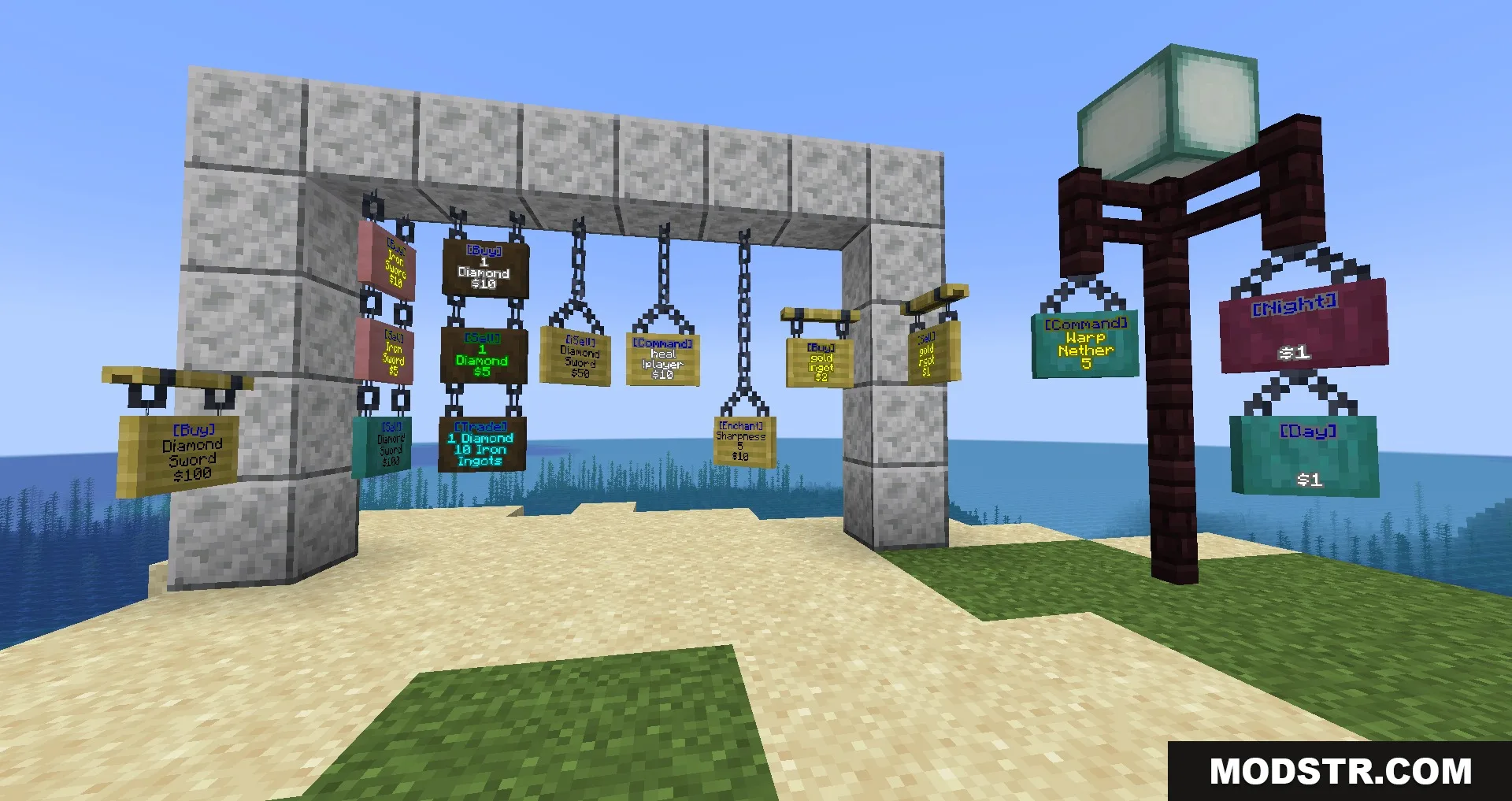
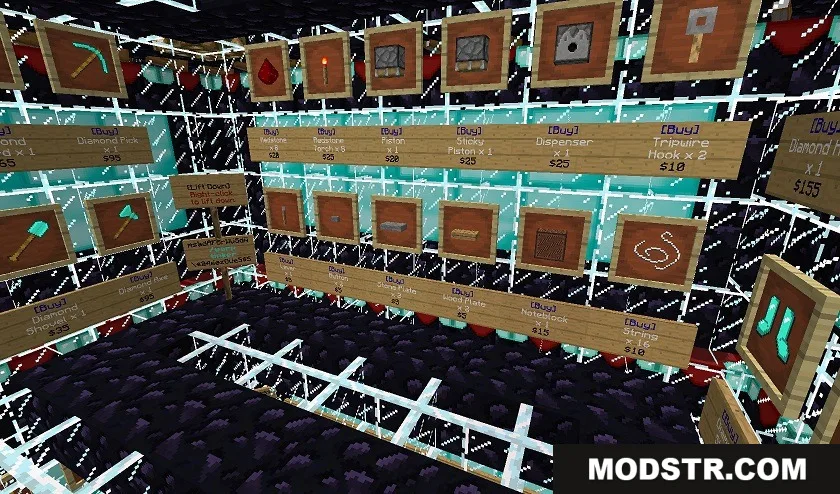
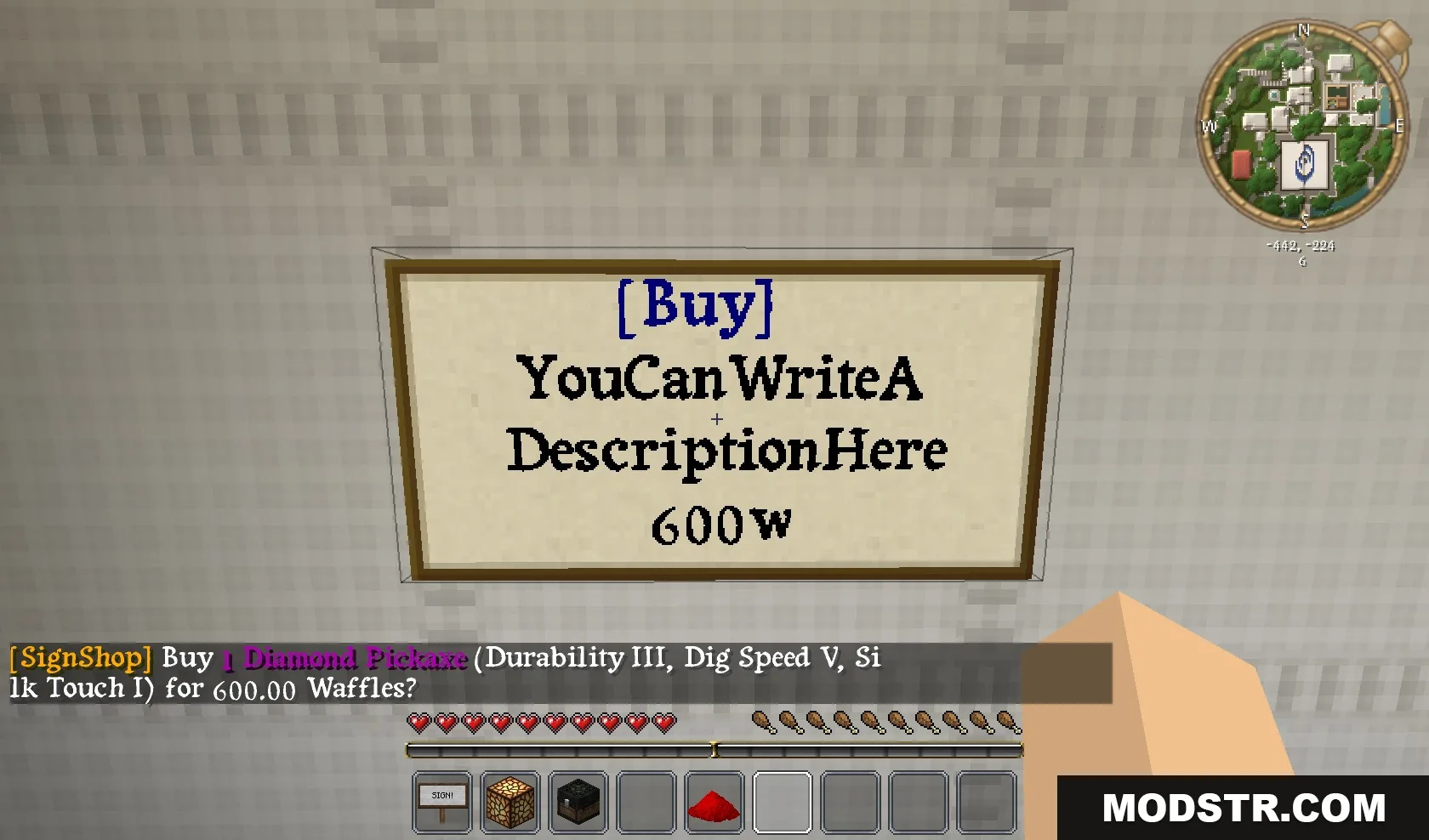
Sign Shop Plugin lets you build physical player markets using chests and signs without typing complex commands. Simply place a chest with items, add a sign nearby, and use redstone dust to link them together. The plugin supports multiple shop types including buy, sell, and trade shops, plus admin shops with unlimited inventory.
Features
- Set up shops by punching a chest and sign while holding redstone dust—no commands required.
- Create buy, sell, and trade shops to handle different transaction types.
- Admin shops offer infinite stock for server-run markets.
- Shulker box support allows players to sell items in bulk.
- Displays correct potion names on shop signs.
- Protects shops from explosion damage.
- Compatible with all wood sign types including warped and crimson.
- Permissions-based shop destruction lets authorized players remove other shops.
Installation
- Place a chest and fill it with items you want to sell.
- Place a sign next to the chest and write your shop type on the first line (e.g., [Buy]).
- Hold redstone dust in your hand.
- Left-click the chest while holding the redstone dust.
- Left-click the sign with the redstone dust to complete the link.
Compatibility
Sign Shop Plugin supports Minecraft 1.21.1 and 1.20.1.
DOWNLOAD FILES
- jar
- jar
- jar
- jar