
SkinsRestorer Plugin (26.2, 1.20.1) – Ability To Restore/Change Skins On Servers
Server plugin that lets players change and restore skins on offline-mode servers. Supports Spigot, BungeeCord, and Velocity with simple commands and GUI.
- 1.7 → 1.21.11 +71
Show all 71 versions
- 1.21.11
- 1.21.10
- 1.21.9
- 1.21.8
- 1.21.7
- 1.21.6
- 1.21.5
- 1.21.4
- 1.21.3
- 1.21.2
- 1.21.1
- 1.21
- 1.20.6
- 1.20.5
- 1.20.4
- 1.20.3
- 1.20.2
- 1.20.1
- 1.20
- 1.19.4
- 1.19.3
- 1.19.2
- 1.19.1
- 1.19
- 1.18.2
- 1.18.1
- 1.18
- 1.17.1
- 1.17
- 1.16.5
- 1.16.4
- 1.16.3
- 1.16.2
- 1.16.1
- 1.16
- 1.15.2
- 1.15.1
- 1.15
- 1.14.4
- 1.14.3
- 1.14.2
- 1.14.1
- 1.14
- 1.13.2
- 1.13.1
- 1.13
- 1.12.2
- 1.12.1
- 1.12
- 1.11.2
- 1.11.1
- 1.11
- 1.10.2
- 1.10.1
- 1.10
- 1.9.4
- 1.9.3
- 1.9.2
- 1.9.1
- 1.9
- 1.8.9
- 1.8.8
- 1.8.7
- 1.8.6
- 1.8.5
- 1.8.4
- 1.8.3
- 1.8.2
- 1.8.1
- 1.8
- 1.7
SkinsRestorer is a plugin that enables Minecraft server players to change and restore their skins, with particular utility for offline-mode servers where skin functionality is normally unavailable. The plugin provides both player commands and admin tools to manage skin customization across your server.
Features
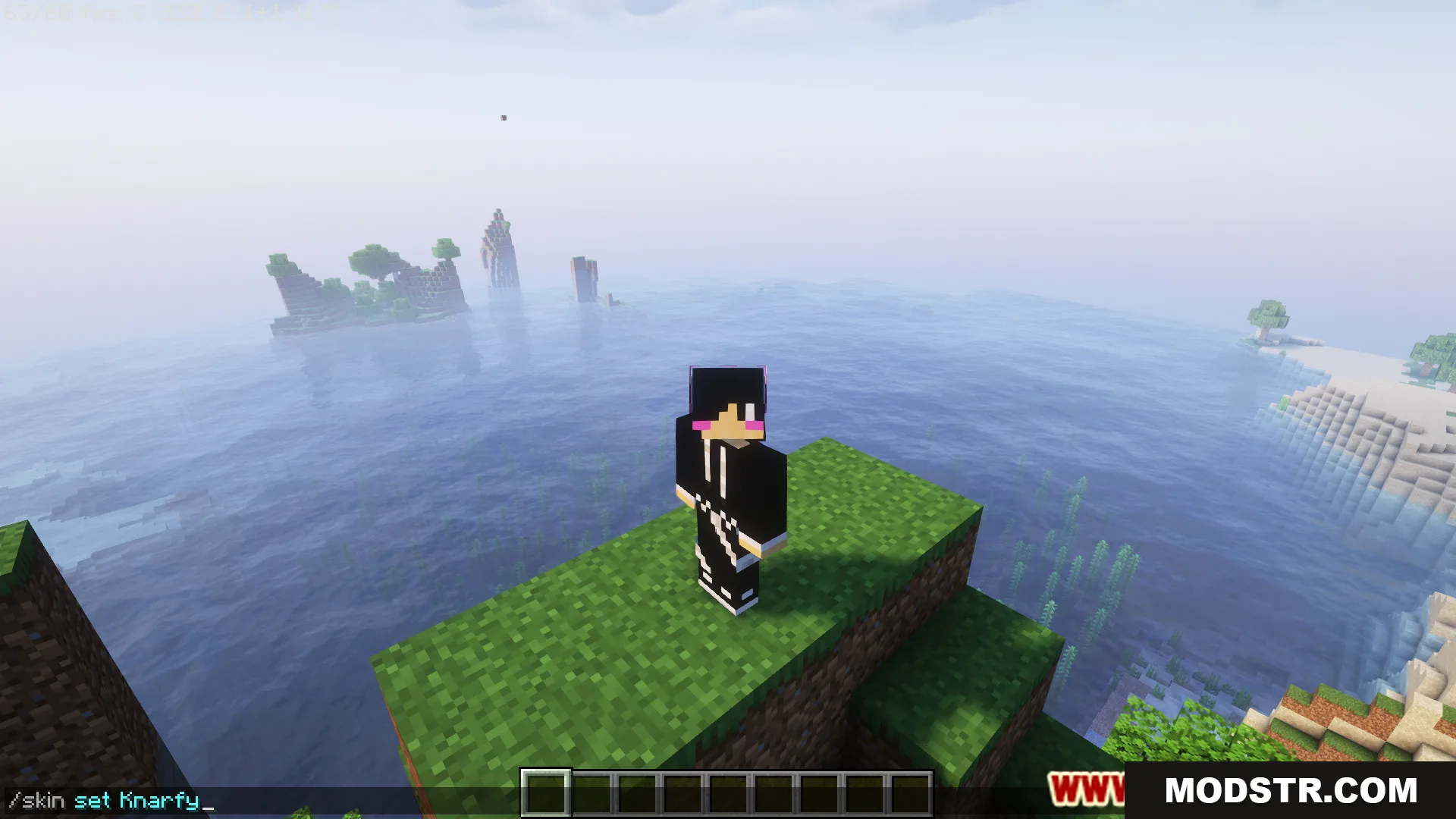
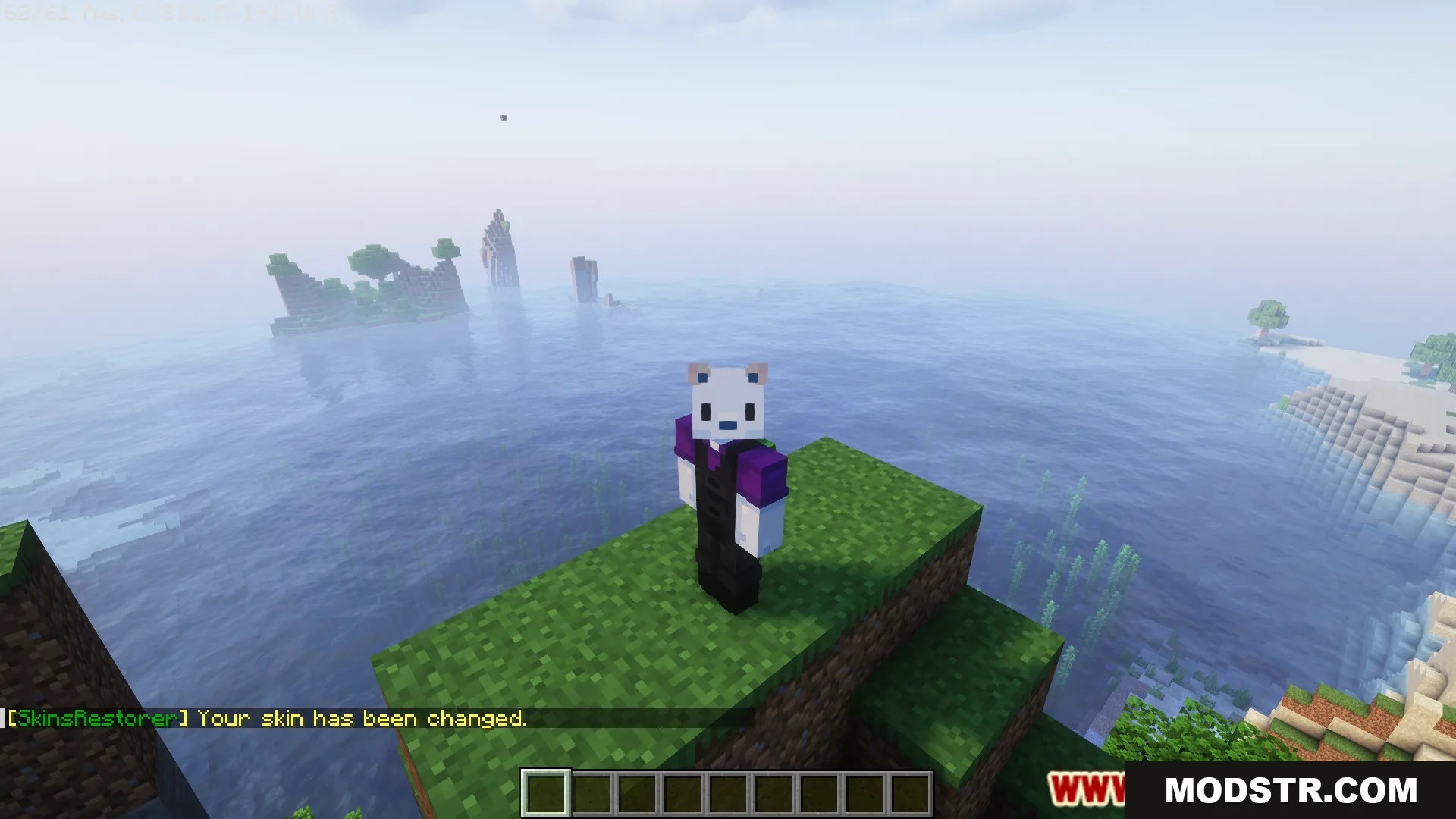
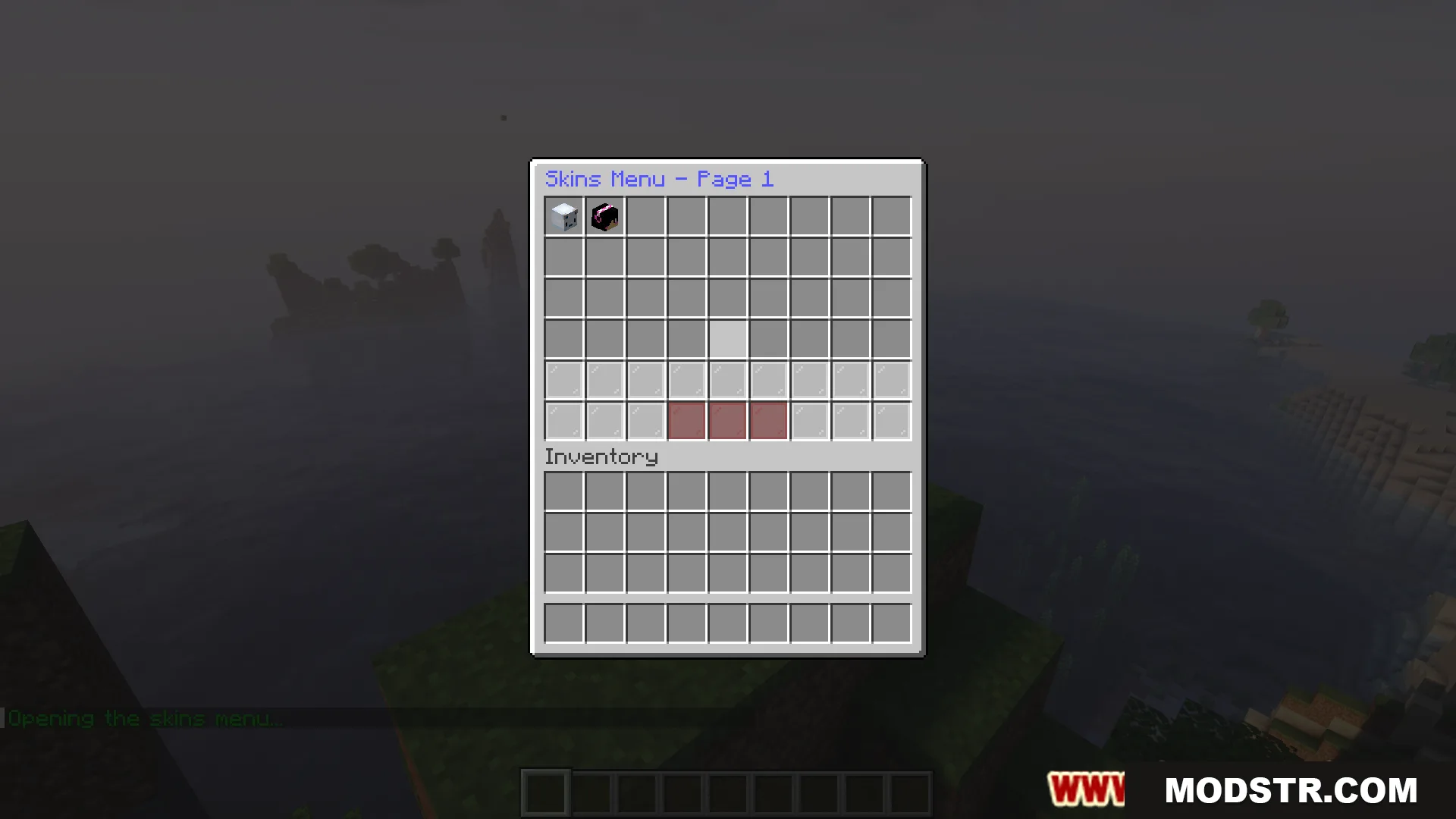
- Players can change skins using simple commands or a GUI menu.
- Support for setting skins from PNG image URLs.
- Works on offline-mode servers where standard skin features don't function.
- Compatible with Spigot, BungeeCord, and Velocity server software.
- Admin tools to manage player skins and create custom skins.
- Regular updates and active development maintenance.
Installation
- Download the plugin JAR file for your Minecraft version.
- Place the JAR in your server's plugins folder.
- Restart your server or use a plugin reload command.
- Configure settings in the generated config file if needed.
- Use the commands listed below to manage skins.
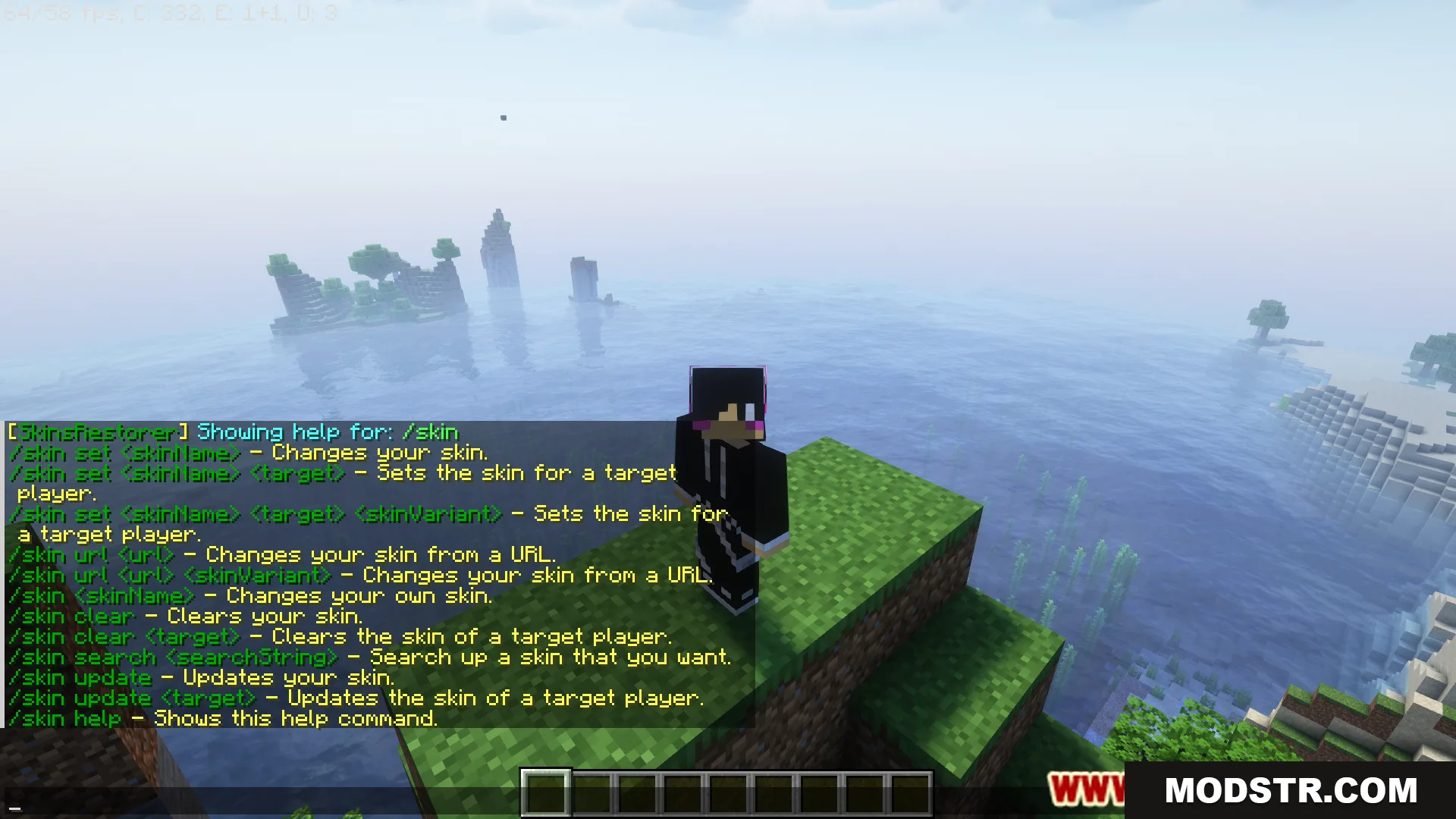
Player Commands
- /skin – Main command for skin operations.
- /skin <name> – Set your skin to a named skin.
- /skin url <URL> – Set your skin from a PNG image URL.
- /skins – Open the skins selection GUI.
- /skin clear – Reset your skin to default.
- /skin update – Refresh your current skin.
Admin Commands
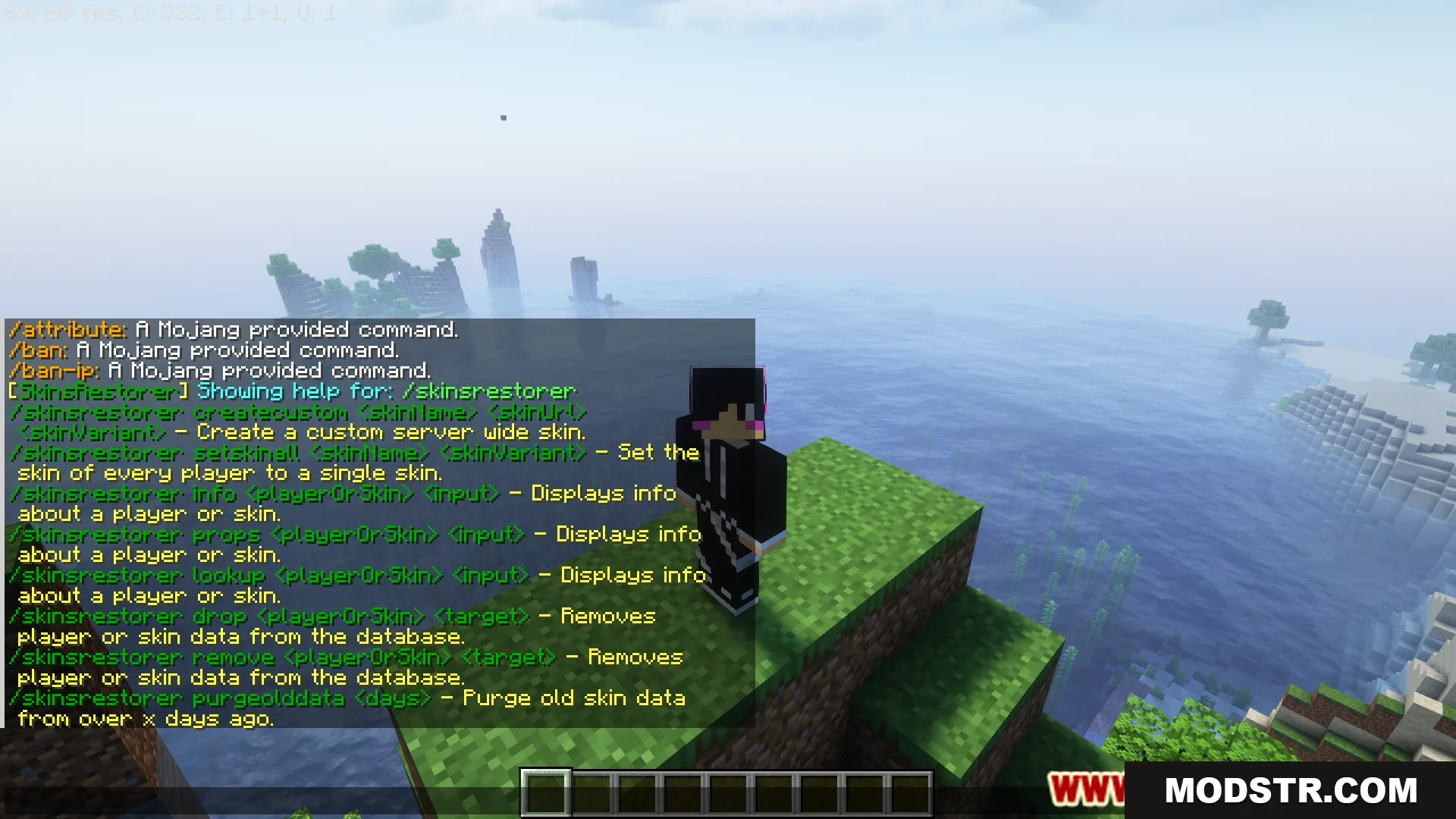
- /sr – Main admin command.
- /sr status – View plugin status.
- /skin set <player> <skin> – Change another player's skin.
- /skin clear <player> – Clear another player's skin.
- /skin update <player> – Refresh another player's skin.
- /sr CreateCustom <name> <url> – Create a custom skin from a PNG URL.
- /sr drop <player | skin> <target> – Remove skin or player data from the database.
- /sr props <player> – View skin properties for a player.
- /sr-reload – Reload configuration and language files.
DOWNLOAD FILES
- jar
- jar
- jar
- jar