
Skybolt Resonance Mod (1.21.1) – Survive Cinematic Thunderstorms with Shockwaves
Skybolt Resonance Mod enhances thunderstorms by introducing realistic weather effects in Minecraft. Players can experience dynamic lightning and sound effects that elevate the game's atmosphere.
- Fabric
- 1.21.1
- 1.21
Skybolt Resonance Mod enhances the experience of thunderstorms in Minecraft by creating realistic weather effects. This mod is designed for players looking to immerse themselves in more dynamic and visually appealing storm sequences.
Features
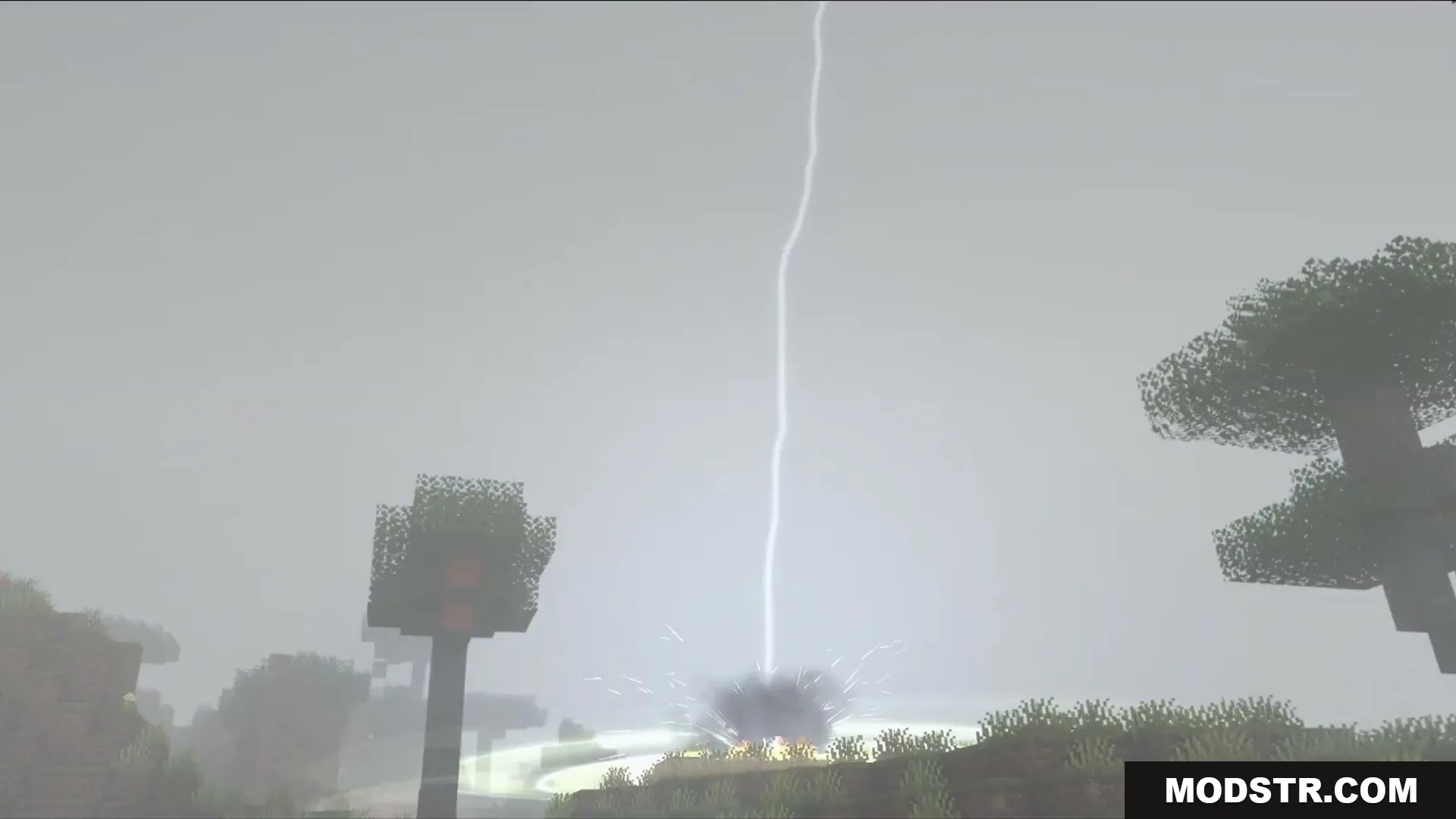
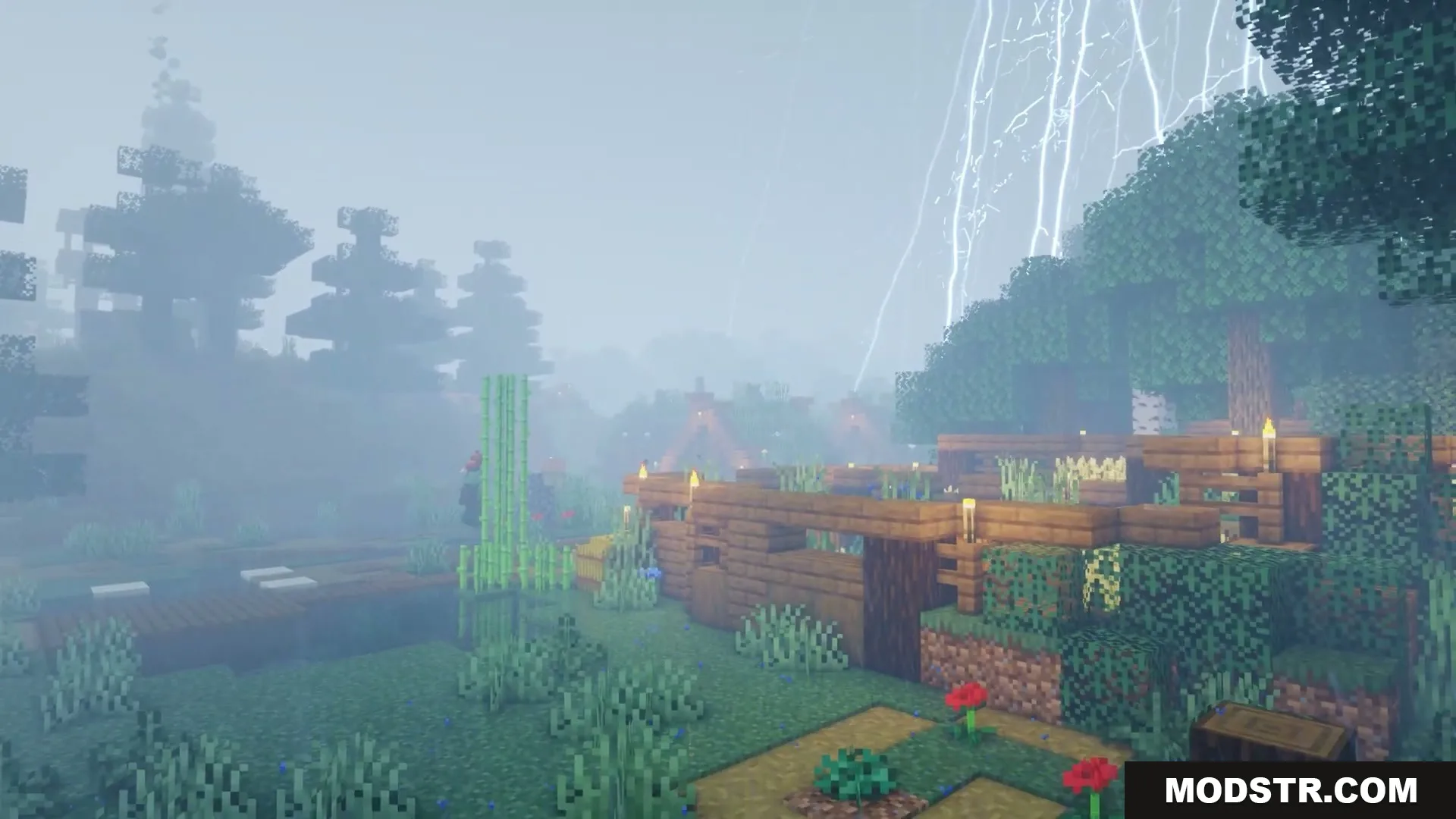
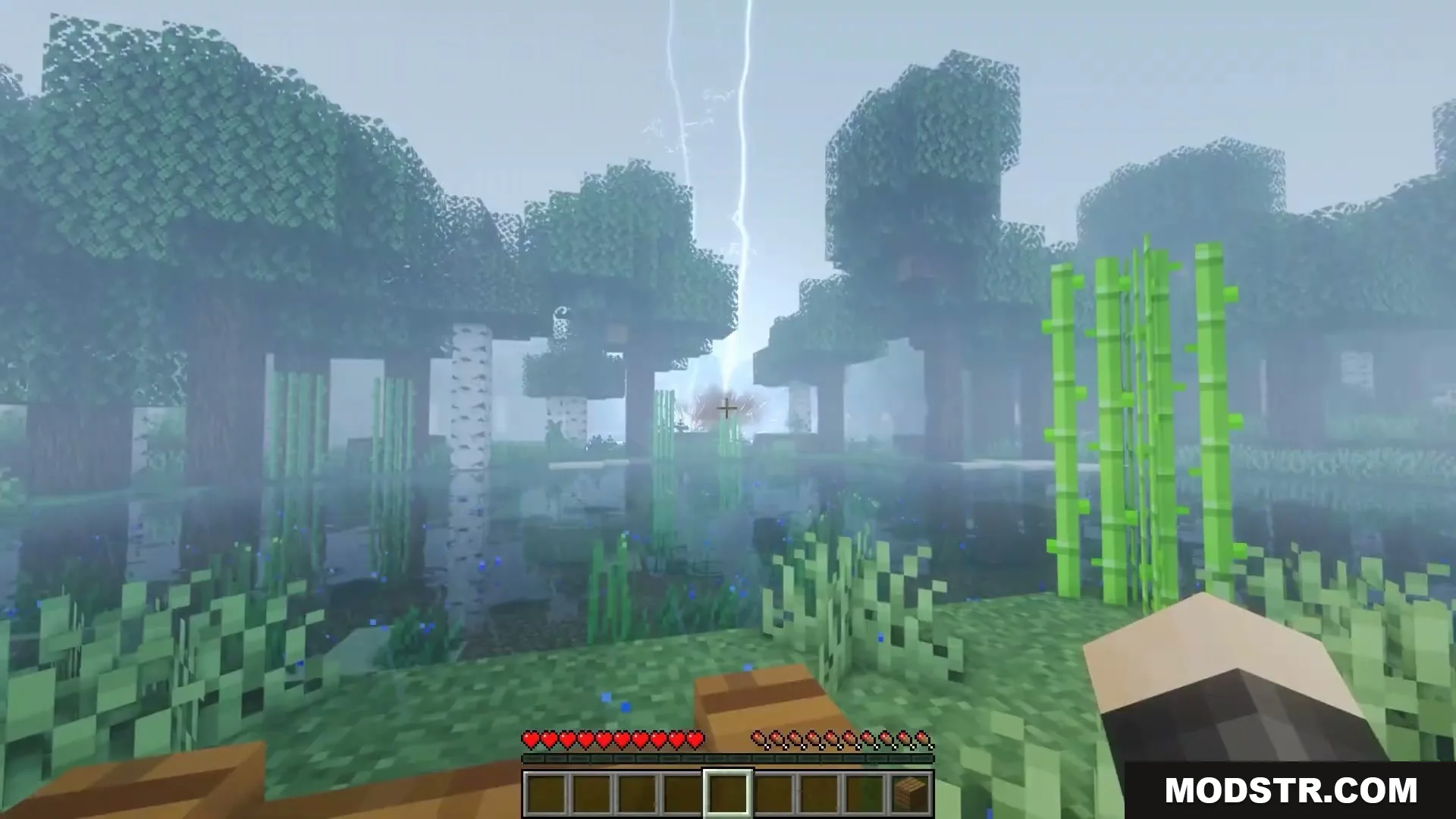
- Procedural Lightning: Generates unique lightning bolts with distinct branches, forks, and tapering channels in real time.
- Realistic Audio: Plays layered rolling thunder that lasts up to fifteen seconds with physical distance delays.
- Atmospheric Storm Fronts: Spawns concentrated lightning activity along distant horizons during heavy storms.
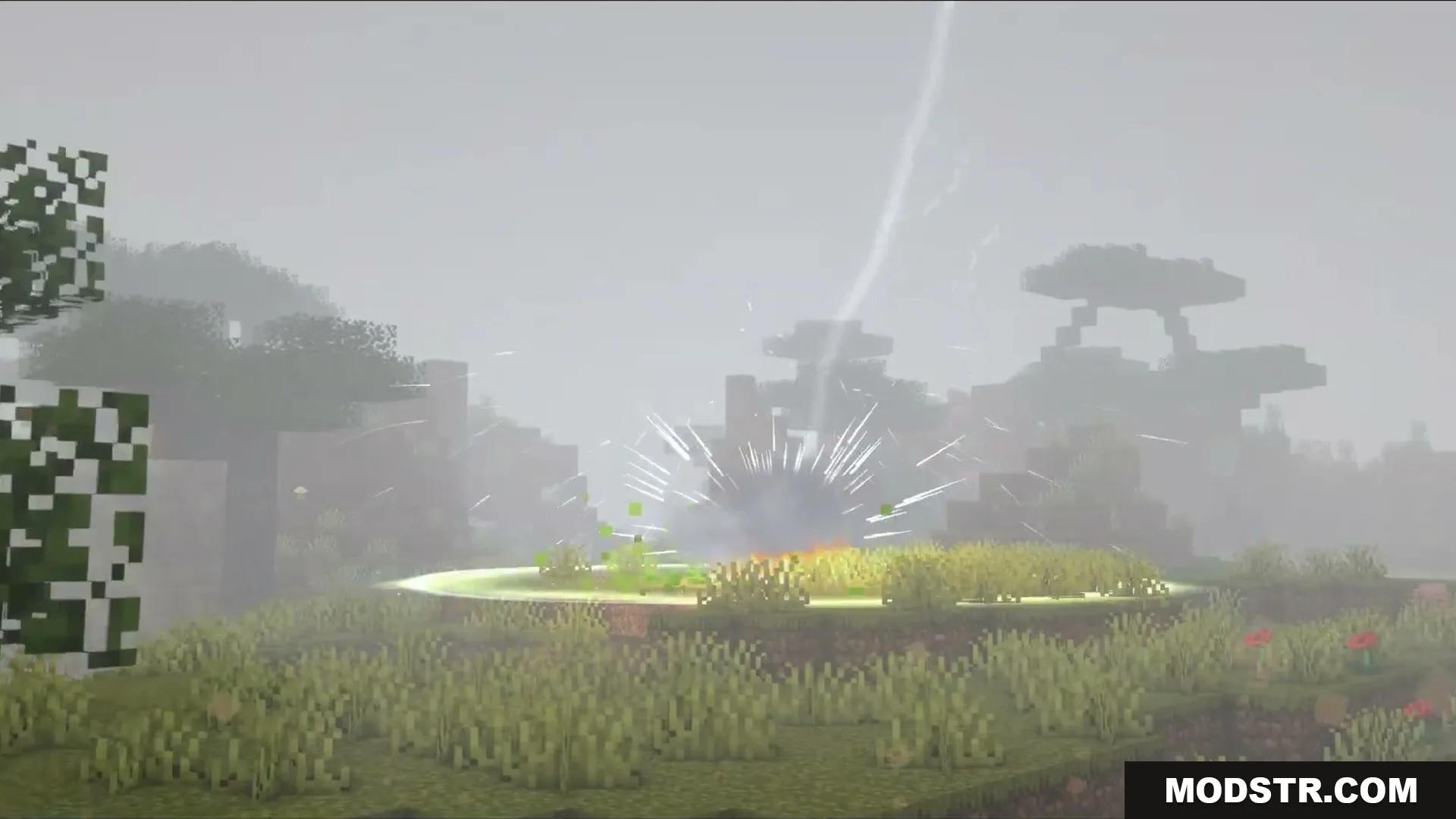
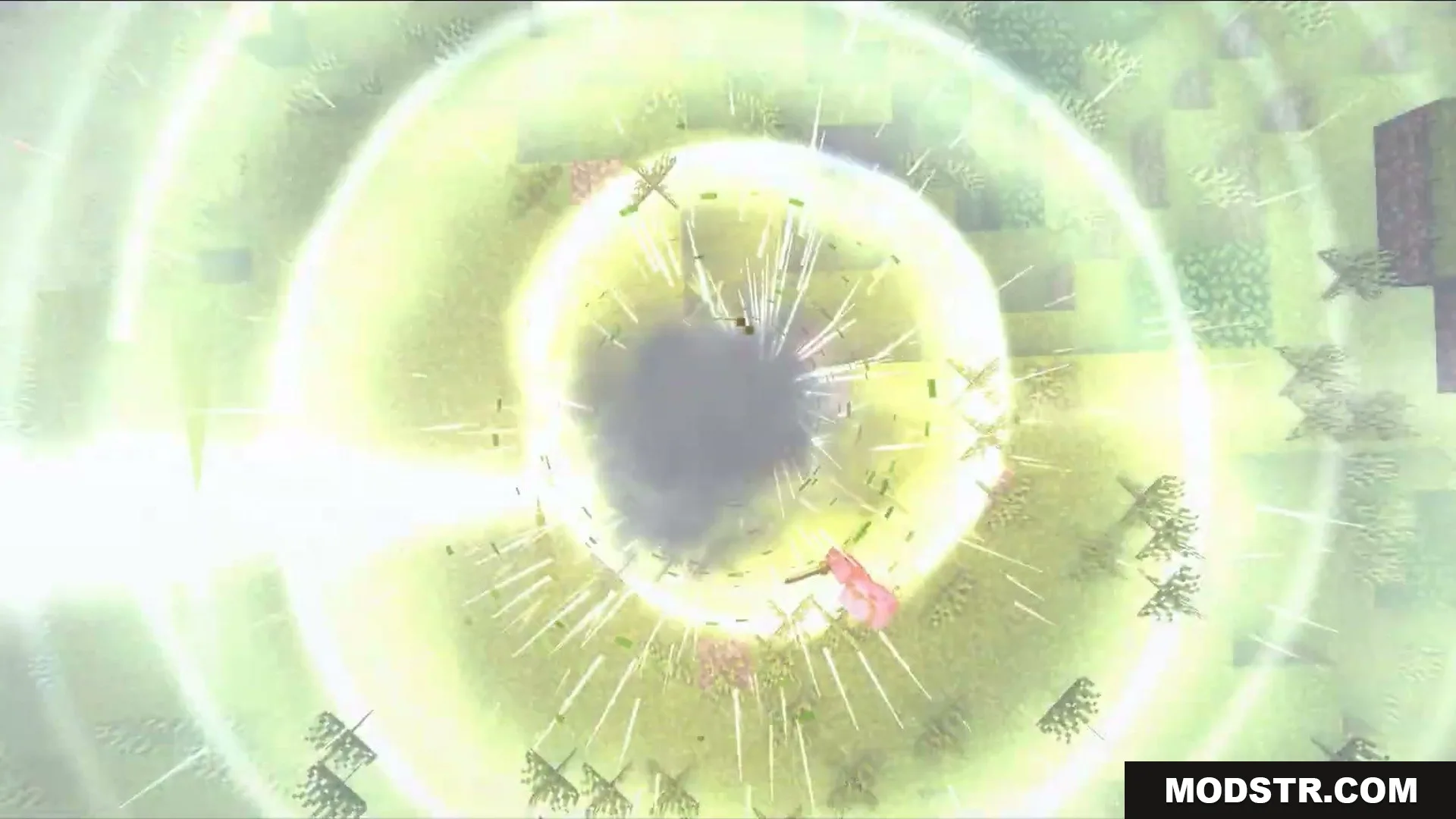
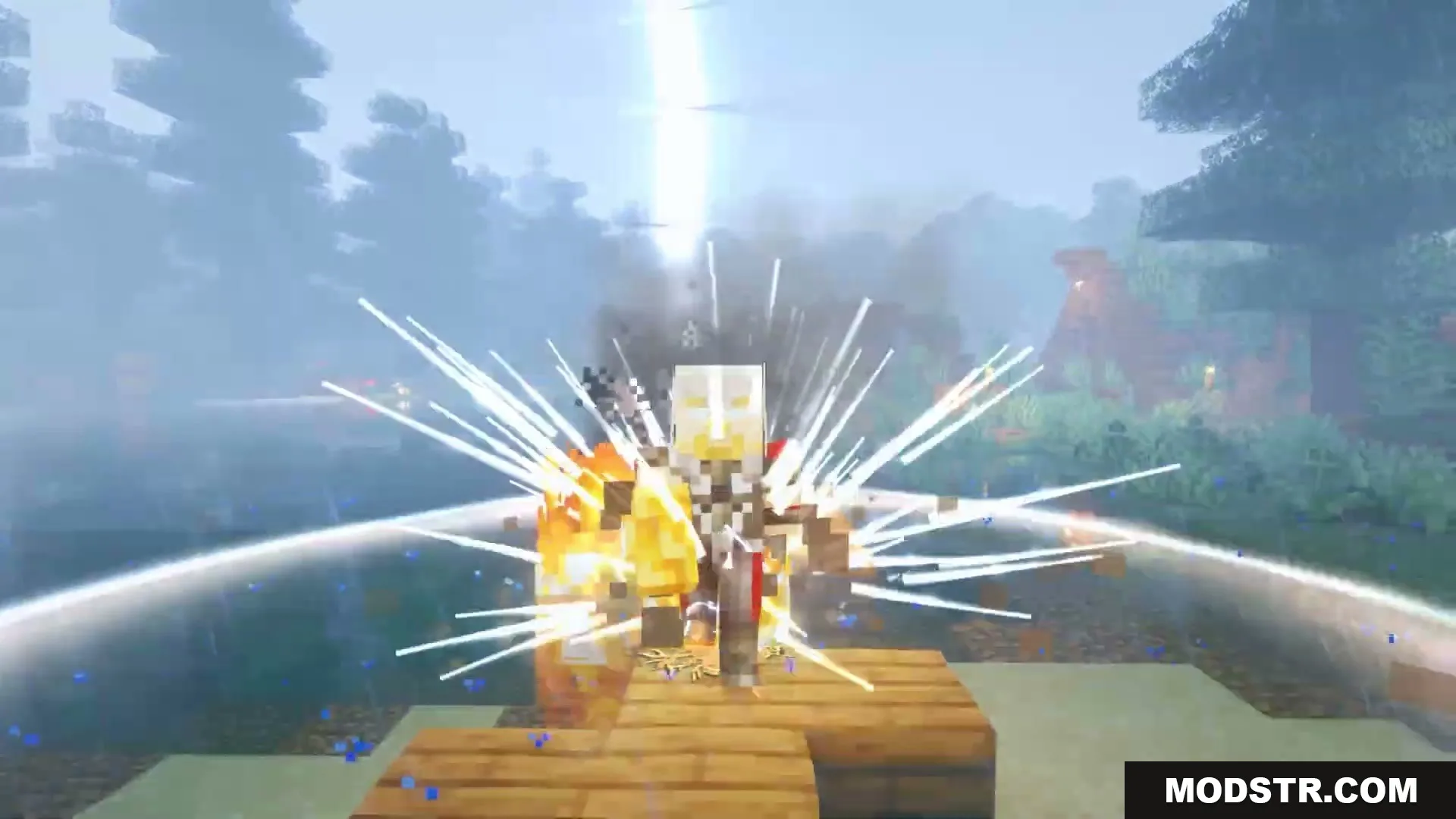
- Produces ground shockwaves with sparks, debris, smoke, ash, and steam upon impact.
- Spawns rare glowing ball lightning that drifts through the air after a strike.
- Adds unique water impact effects including surface ripples, mist, spray, and electrical arcs.
- Lights up the landscape with transient scene flashes and extended sky illumination.
- Triggers subtle camera pressure shakes synchronized with incoming thunder booms.
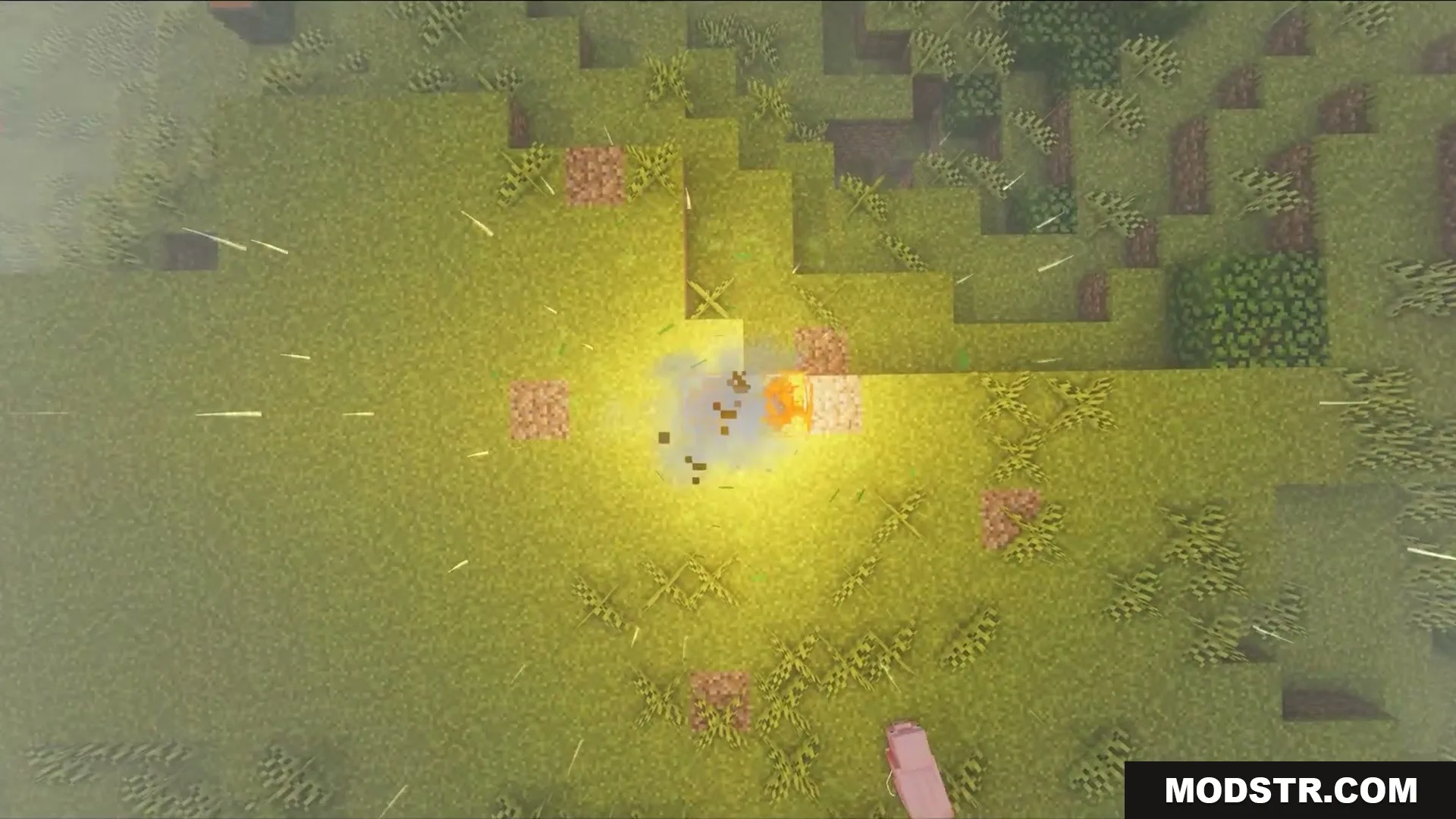
- Leaves behind branching Lichtenberg-style scars on ground blocks after direct strikes.
- Works out of the box with vanilla rendering and custom shader pipelines alike.
Installation
- Download the mod file compatible with your version of Minecraft.
- Locate the Minecraft mod folder, usually found in the .minecraft directory.
- Place the downloaded mod file into the mods folder.
- Launch Minecraft and select the appropriate profile.
- Verify that the mod is enabled in the mods menu.
Compatibility
The Skybolt Resonance Mod is designed to be compatible with both vanilla Minecraft and custom shader setups, ensuring a seamless integration of the new weather effects.
Screenshots



DOWNLOAD FILES
- jar