
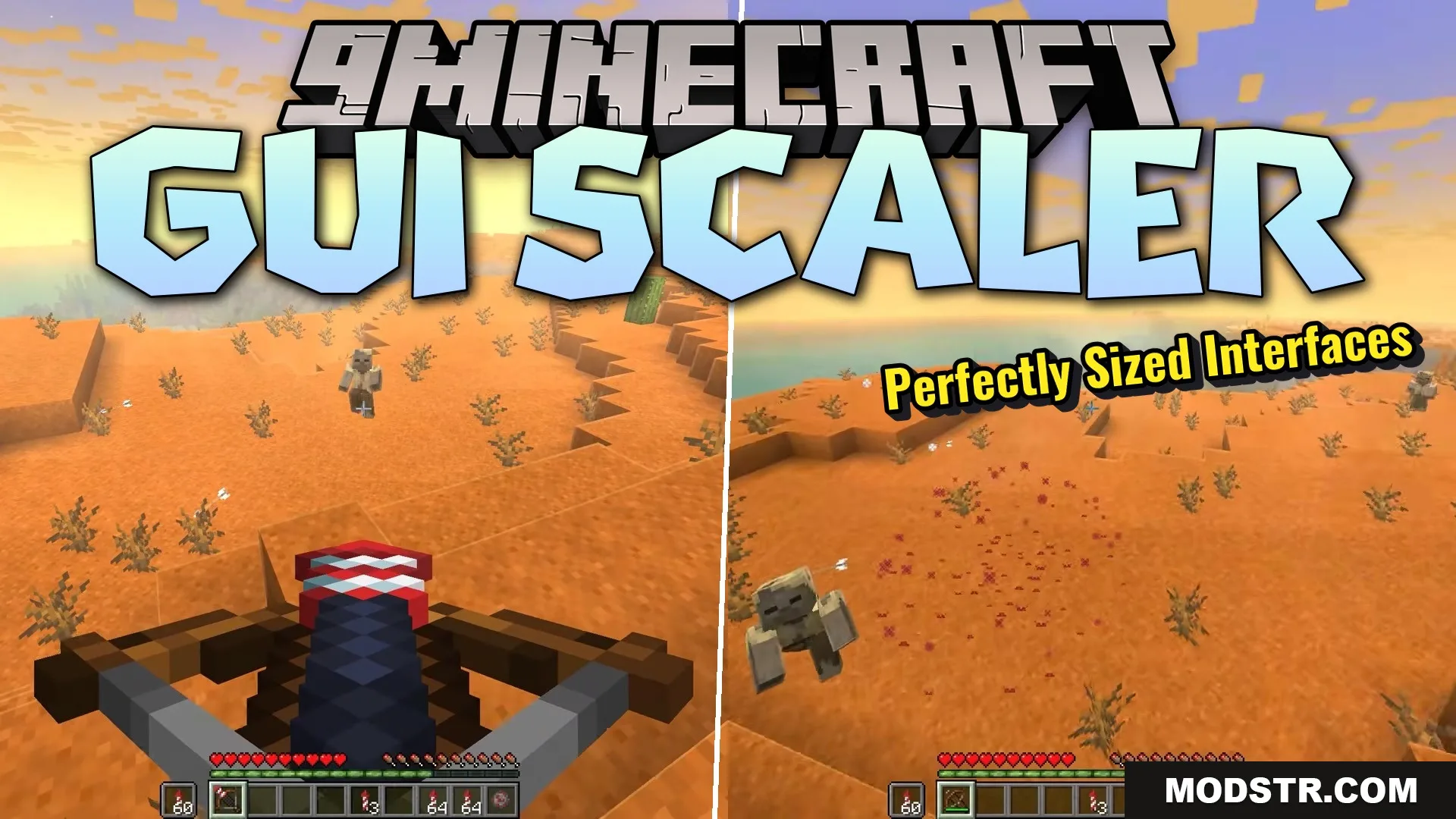
GUI Scaler Mod (26.2, 1.20.1) – Never Adjust Your Menu Size Between Screens
Automatically scales GUI elements to match your window size and screen resolution, eliminating manual menu adjustments.
- Fabric
- 1.21.11
- 1.21.4
GUI Scaler Mod automatically adjusts your menu scale based on your game window size and monitor resolution. Instead of manually changing GUI scale settings when you resize your window or switch between screens, this mod handles it for you in real time.
Features
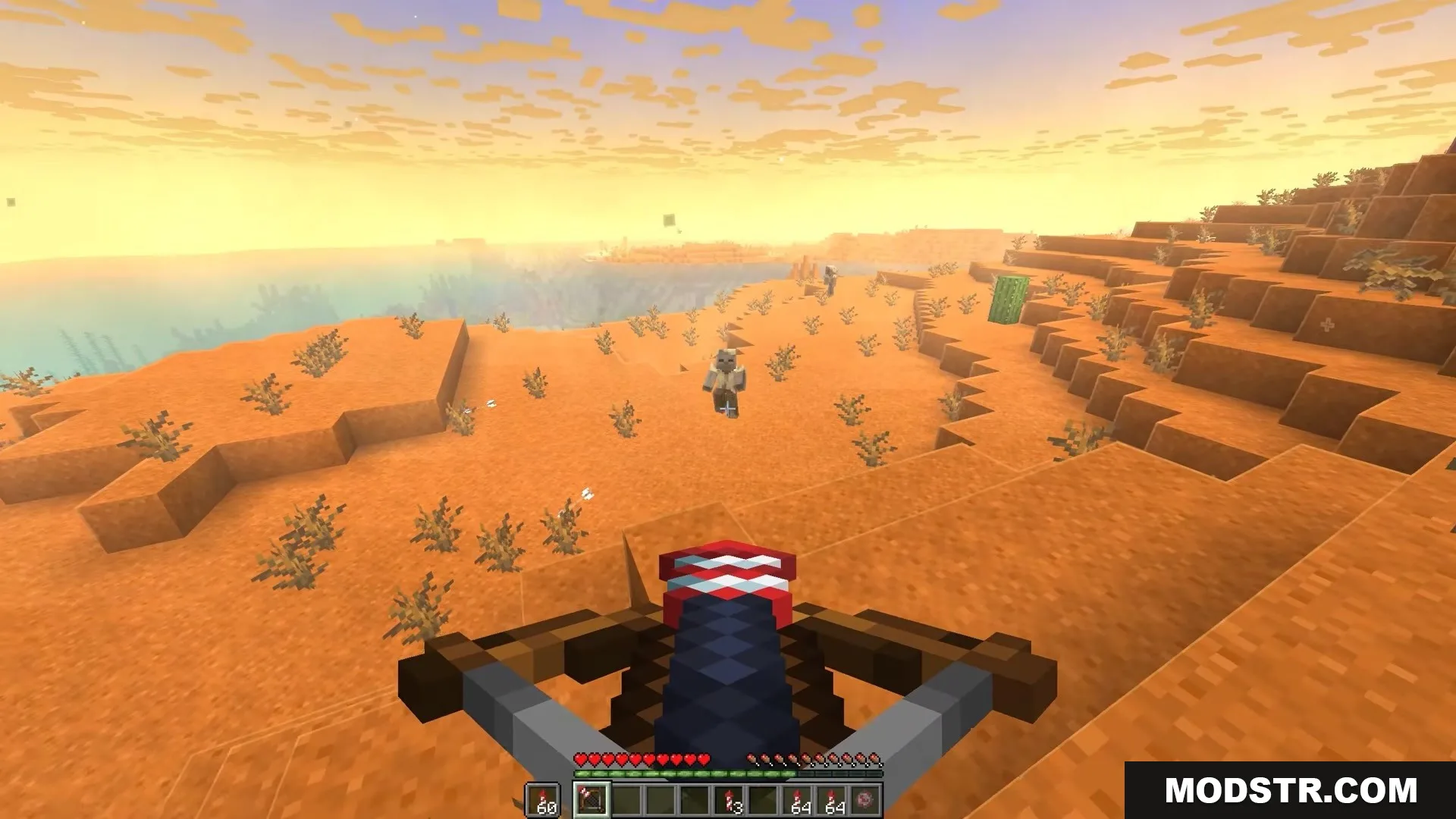
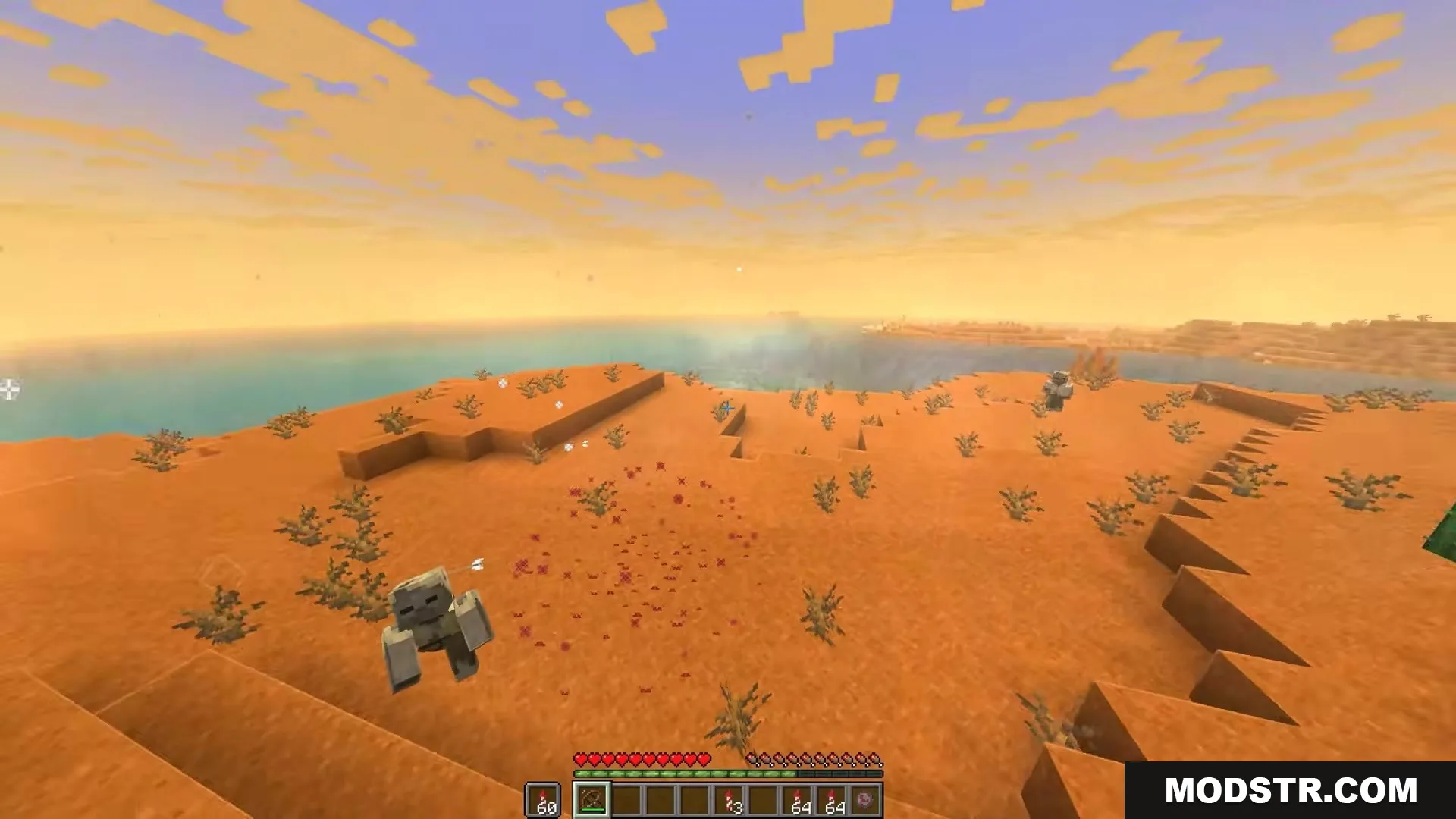
- Automatically resizes menus, buttons, and text when you change your game window size.
- Detects monitor resolution and applies an appropriate default scale via AUTO mode.
- Updates GUI scale immediately when toggling fullscreen or opening new menus.
- Includes an AUTO mode optimized for standard, HD, and ultra-high-resolution displays.
- Supports CUSTOM mode for creating your own scaling rules based on window width.
- Integrates with ModMenu on Fabric versions for easy configuration.
Configuration
- enableAutoScale: Enable or disable automatic scaling.
- mode: Choose between AUTO or CUSTOM scaling modes.
- customRules: Define specific GUI scale values for given window widths when using CUSTOM mode.
Installation
- Install Fabric Loader and Fabric API for your Minecraft version.
- Download and place the mod JAR file in your mods folder.
- Launch the game and test by resizing your window or pressing F11 for fullscreen.
- Open the config file or ModMenu to switch between AUTO and CUSTOM modes if needed.
Compatibility
This mod is designed for Minecraft 1.20.1 on Fabric. Compatibility with other versions or loaders may vary.
DOWNLOAD FILES
- jar
- jar
- jar
- jar