Telegram
Live Texture Editor Mod (1.21.11) – Paint Custom Textures Directly in Your World cover art

Live Texture Editor Mod (1.21.11) – Paint Custom Textures Directly in Your World

Paint custom textures directly on blocks, items, and mobs in-game without closing Minecraft or using external tools. Changes appear instantly with a full set of drawing tools.

46 JAVA
  • Fabric
  • 1.21.11
  • 1.21.10
  • 1.21.9
  • 1.21.5
  • 1.21.4

Live Texture Editor is a mod that lets you modify textures for blocks, items, mobs, and UI elements while playing. Instead of creating a resource pack in an external program, you can paint directly onto game objects in your world and see changes instantly.
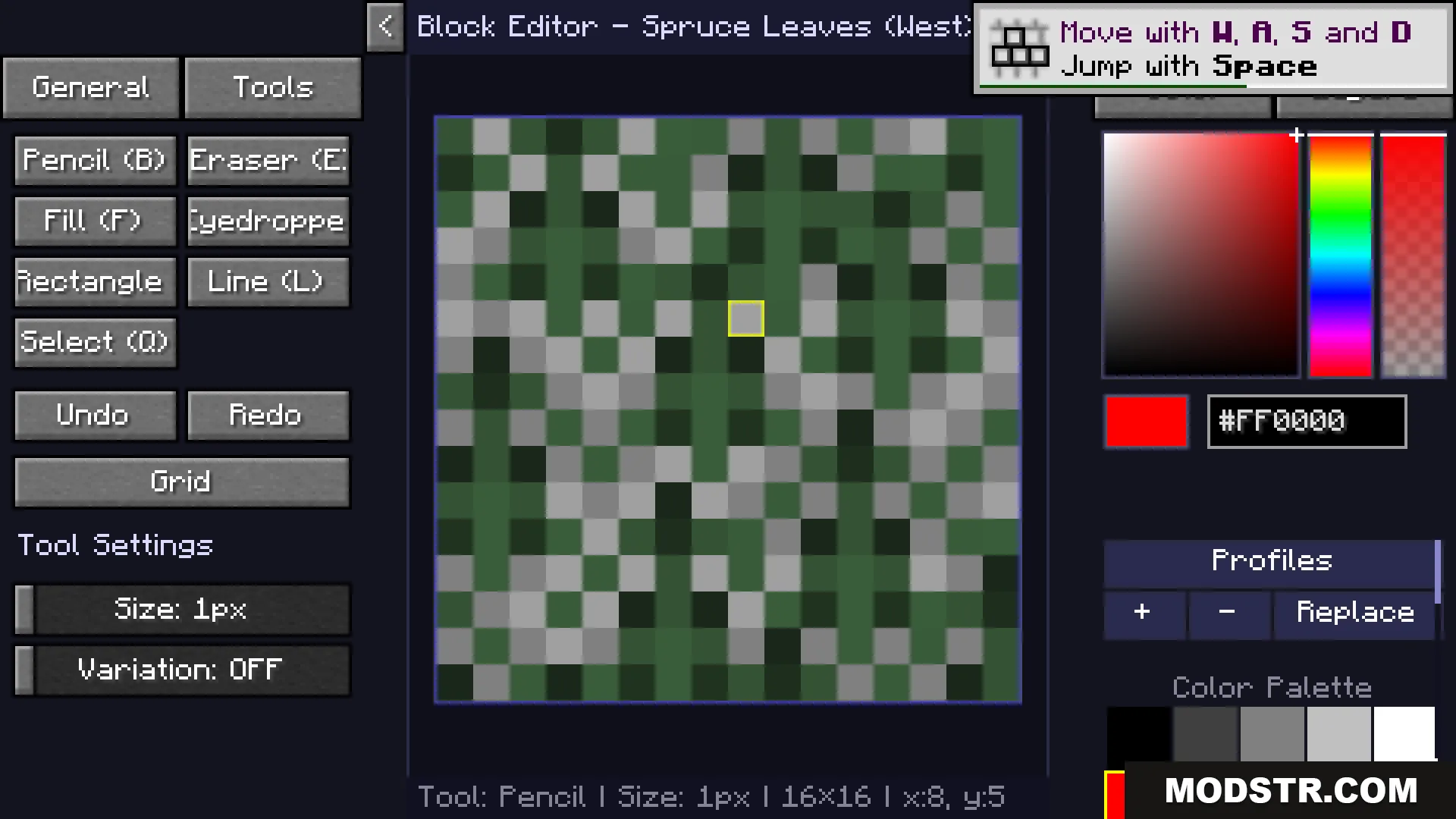
The Live Texture Editor menu displaying a pixel grid for spruce leaves

Features

  • Paint the textures of cube blocks by targeting them and opening the editor menu.
  • Edit mob and item textures by clicking on them and redrawing pixels.
  • Customize UI elements including health hearts, hunger bar, crosshair, and inventory screens.
  • Use standard drawing tools: pencil, brush, eraser, flood fill, and color picker.
  • Zoom with the mouse wheel and pan across the canvas to work on fine details.
  • Export your edits into a ready-to-use resource pack file with one click.
  • Load your current resource pack as a base to build changes on top of existing textures.
  • Preview changes in real-time and temporarily hide them with a toggle key.
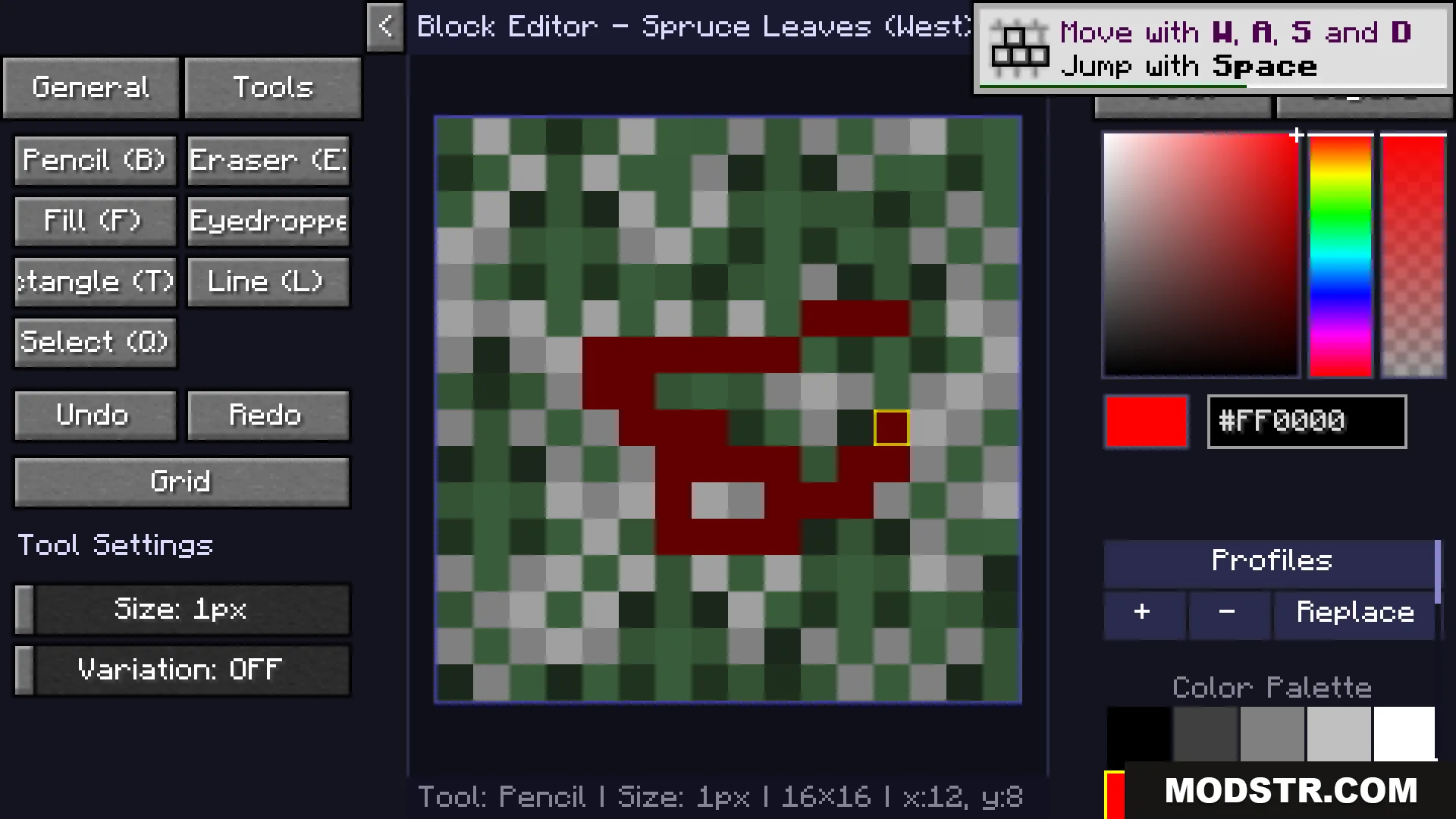
A player paints red pixels onto the spruce leaves texture in game
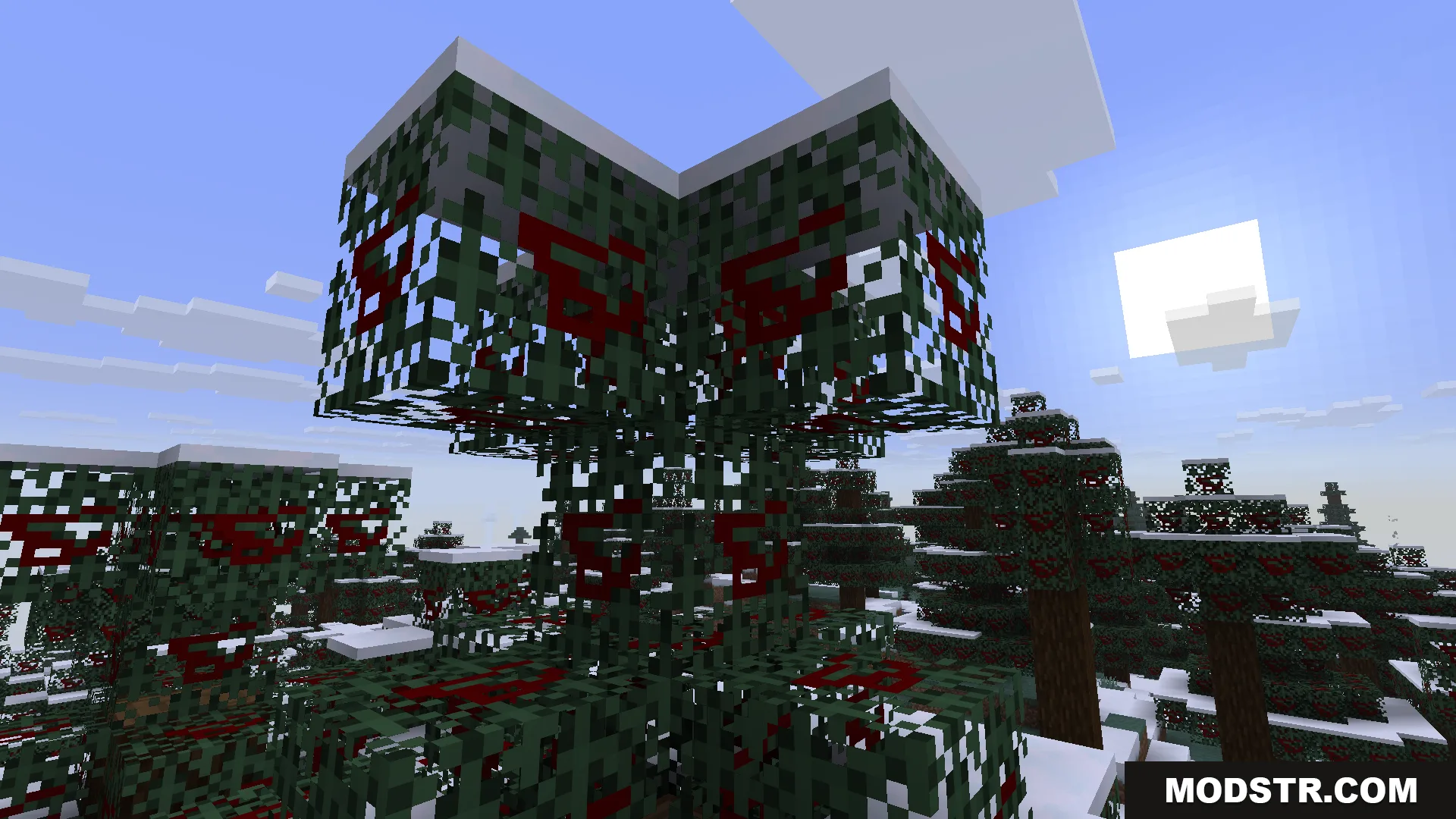
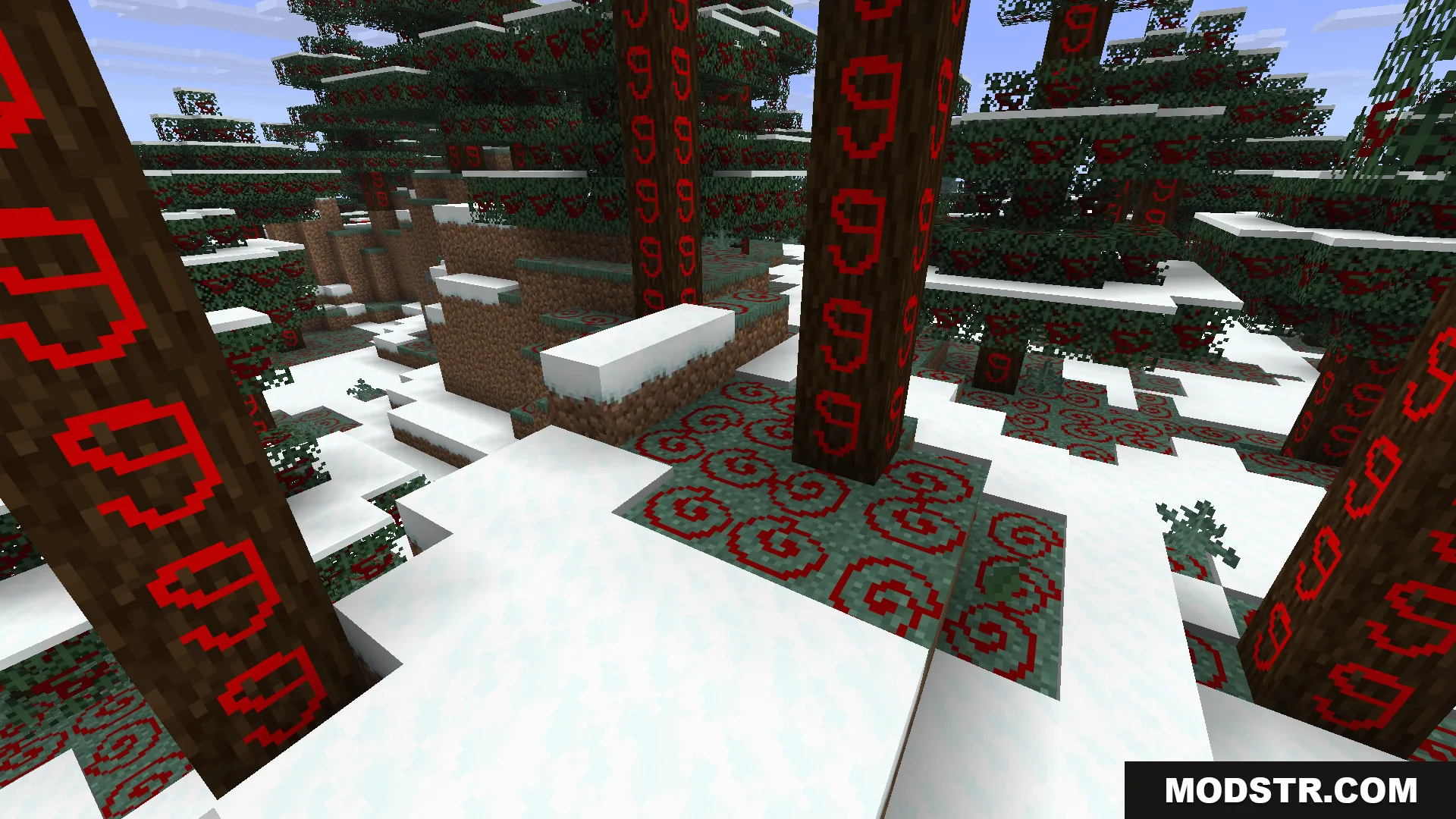
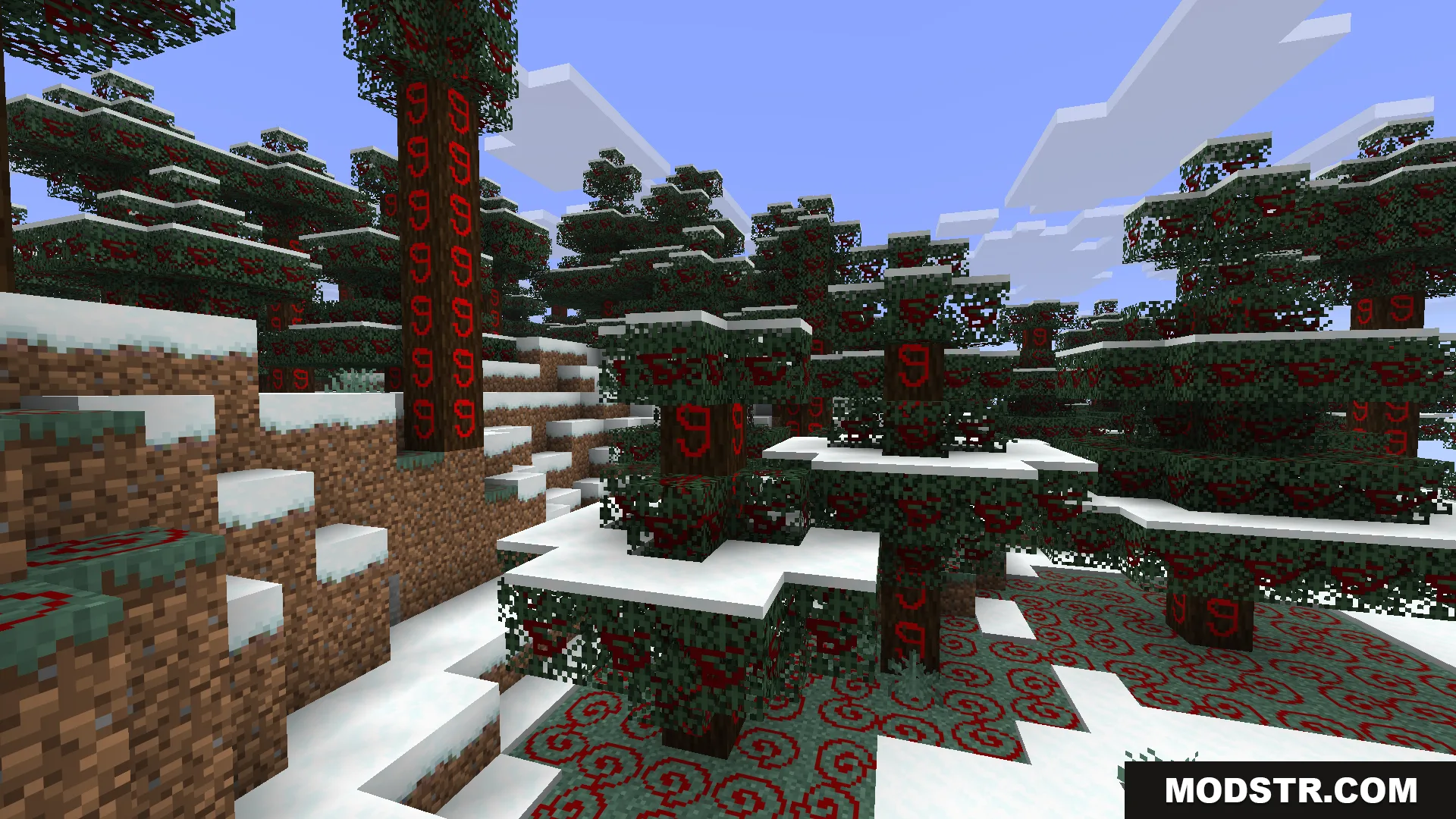
Snowy spruce trees with custom red patterns painted on the leaf blocks

Installation

  1. Install a compatible mod loader for your Minecraft version.
  2. Download the Live Texture Editor mod file.
  3. Place the mod file in your mods folder.
  4. Launch Minecraft and load a world.
  5. Press J to enable editor mode and R while looking at an object to start painting.
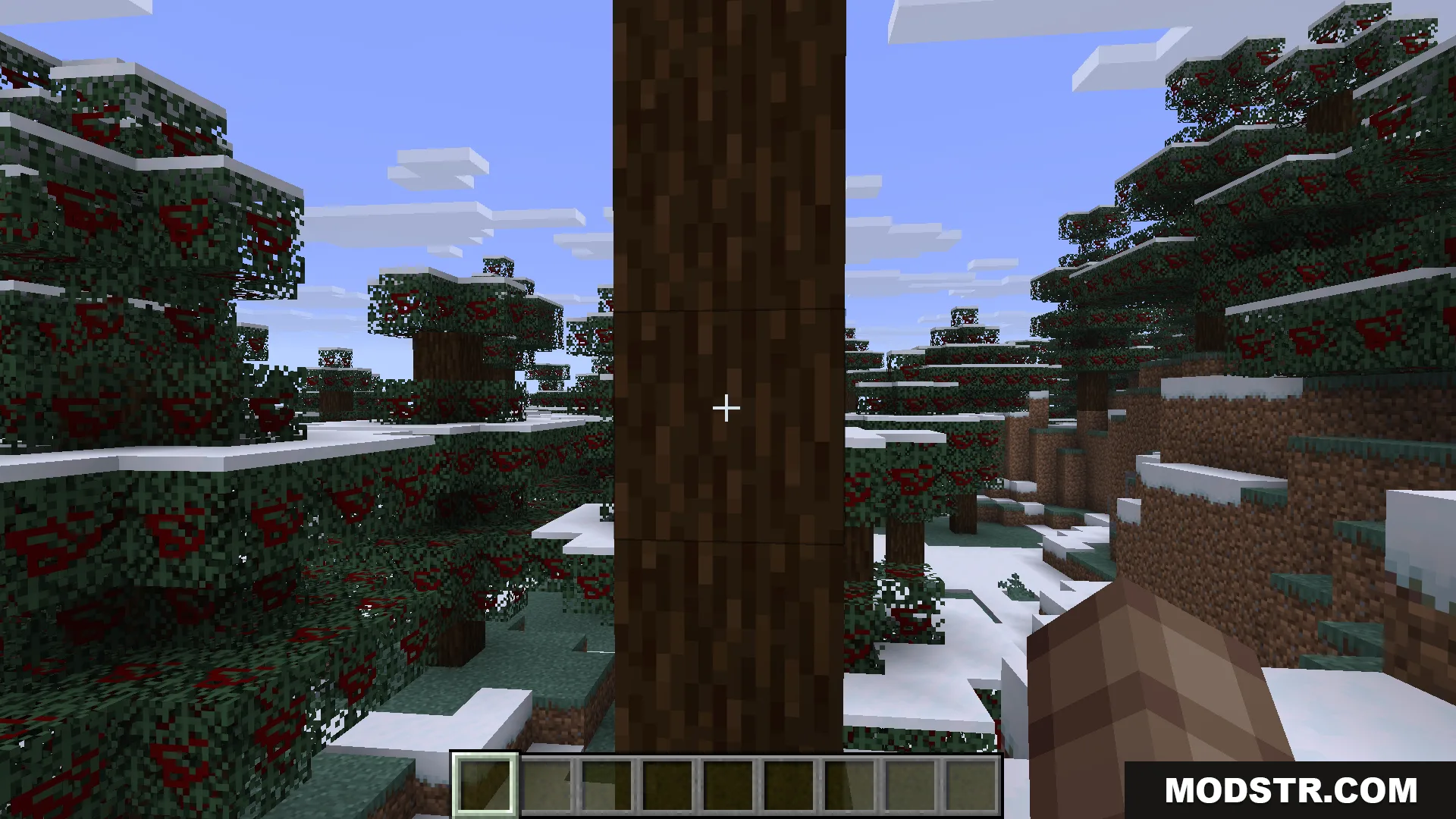
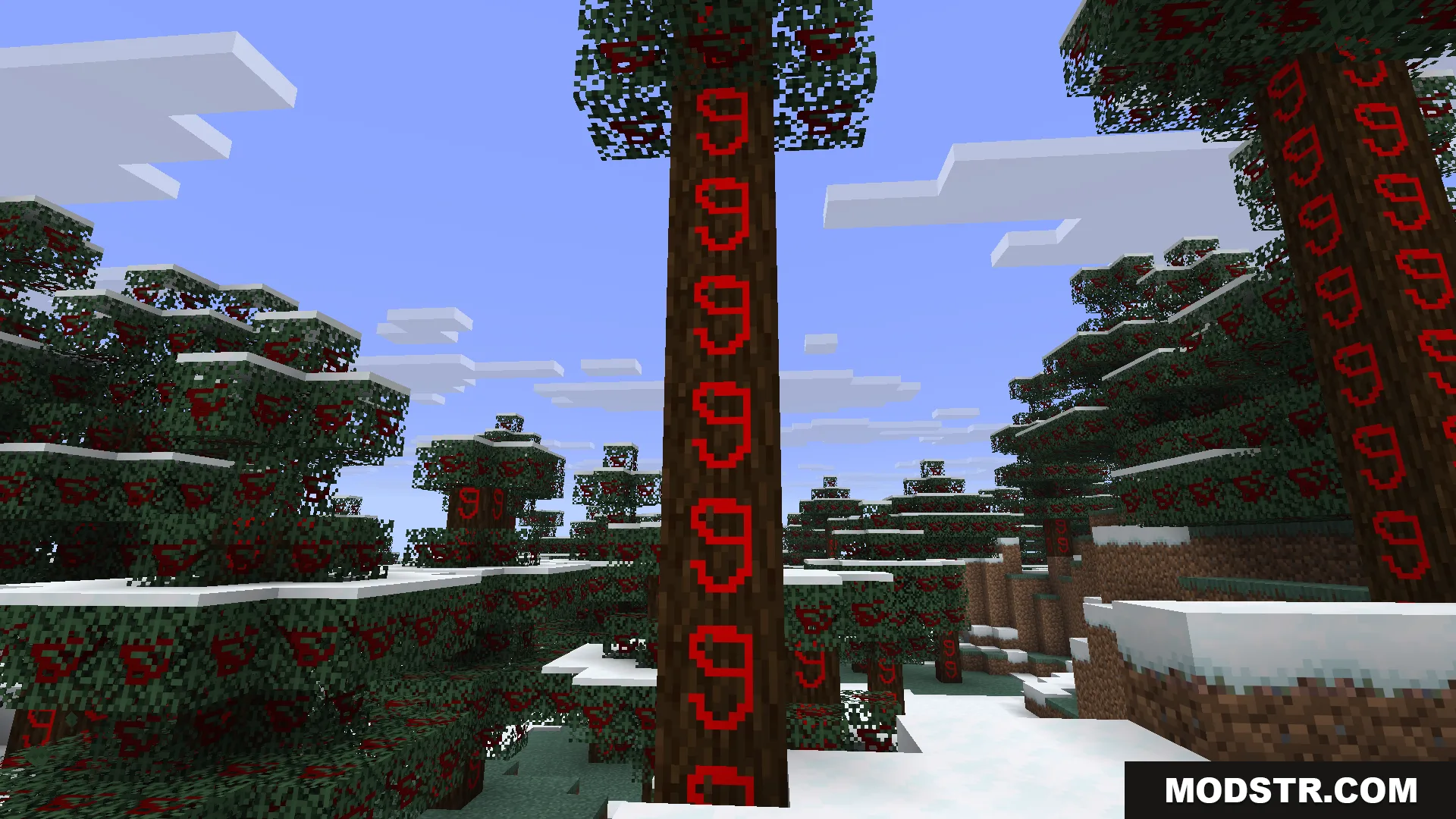
A player standing in a snowy forest looking at a tree trunk
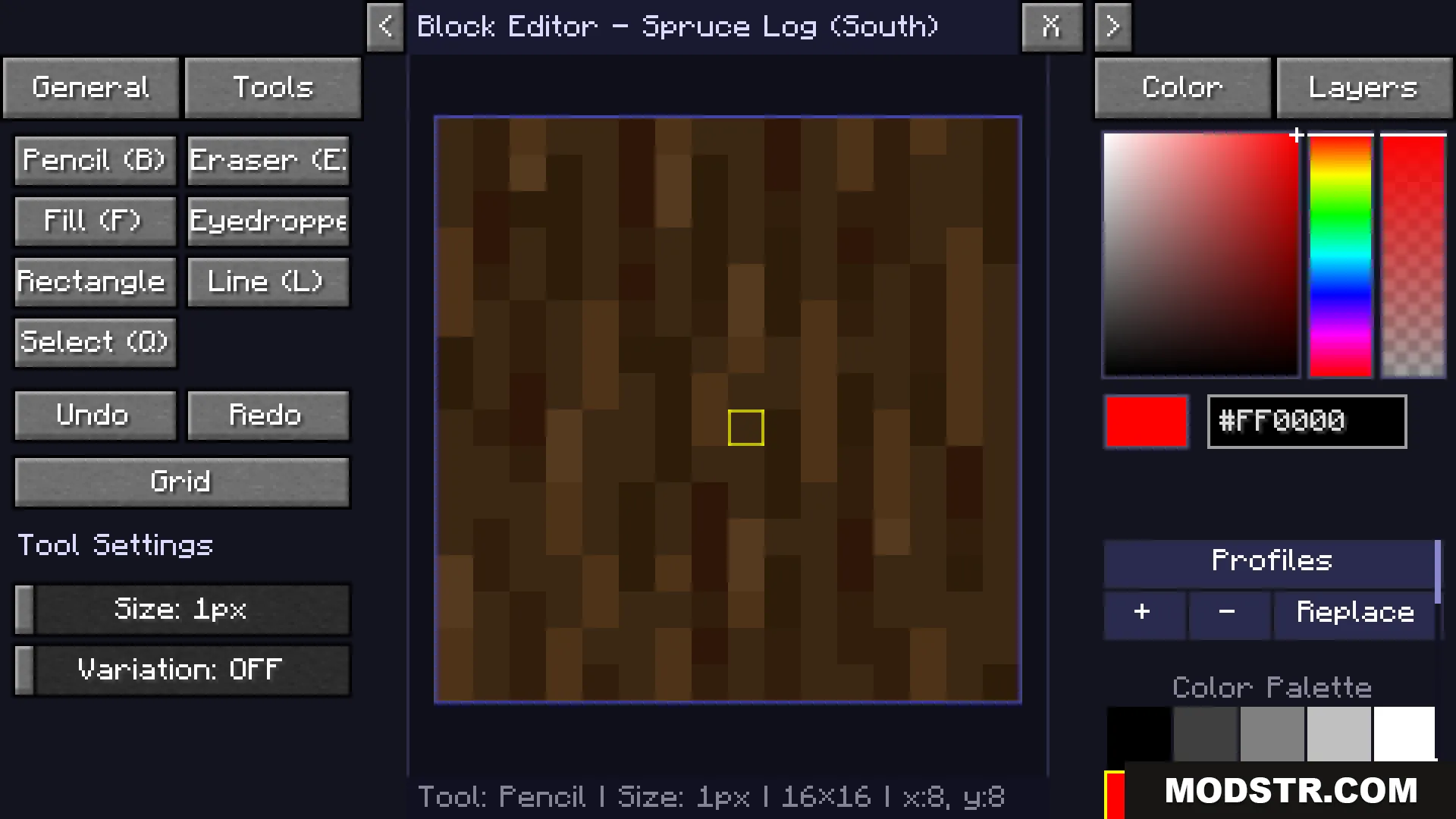
A block editor interface used to customize the texture of a spruce log

Controls

  • Press J to toggle editor mode on or off.
  • Press R while looking at a block, mob, or item to open the painting menu.
  • Left mouse button to paint, right mouse button to pan the canvas.
  • Press G to display a pixel grid overlay.
  • Hold X to temporarily hide edits and see the original textures.
  • Use the export button to save your changes as a resource pack zip file.
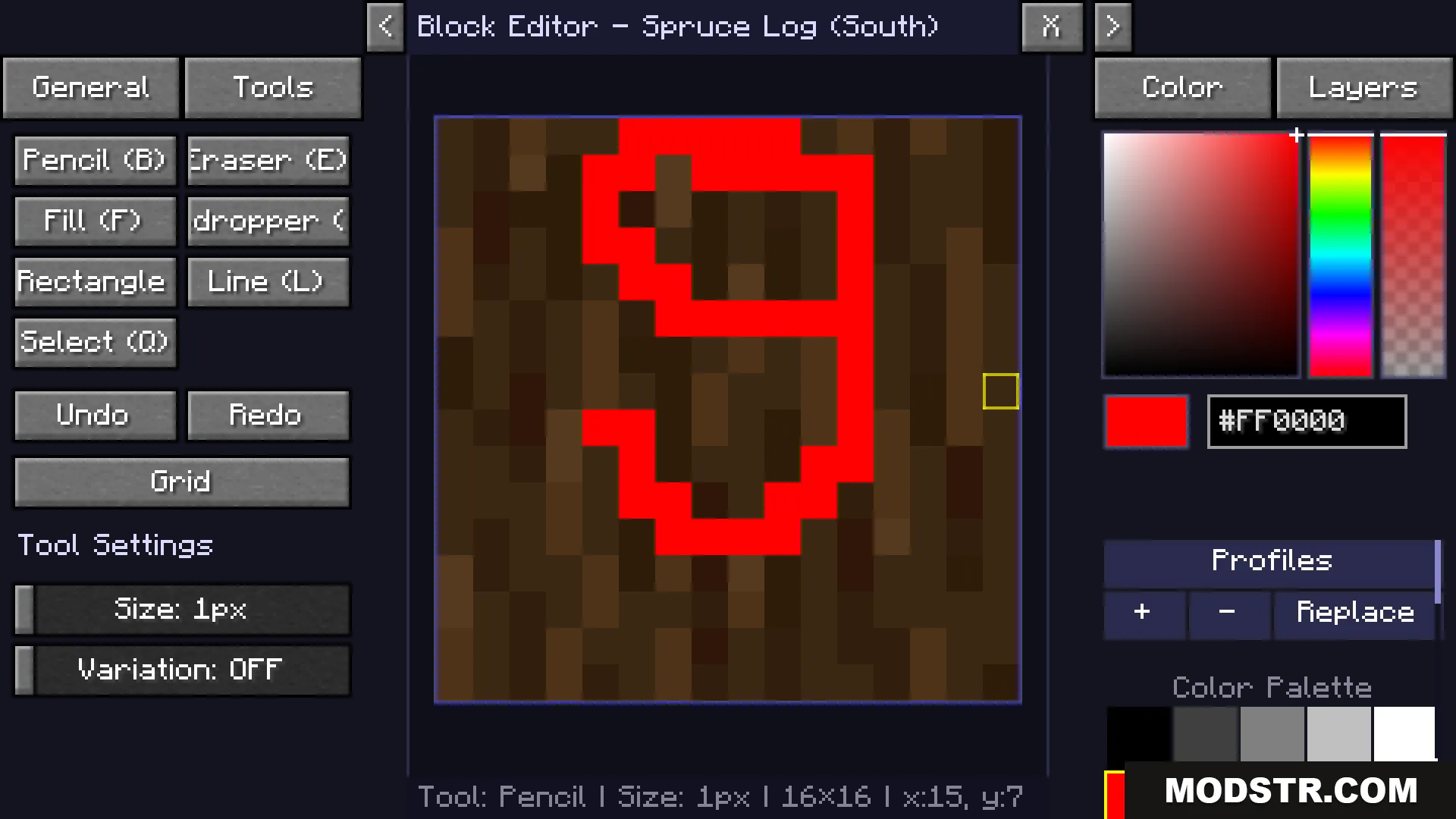
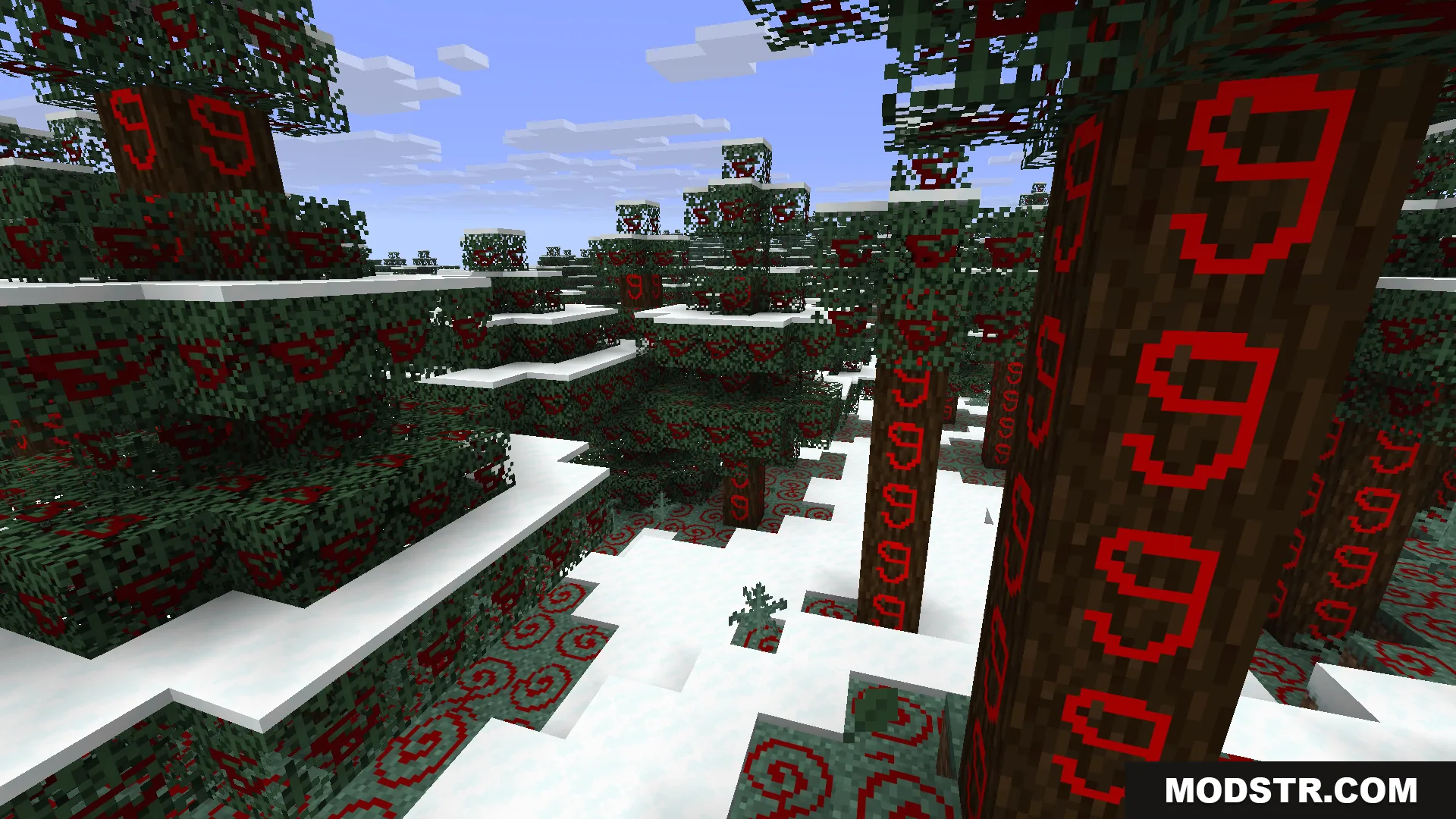
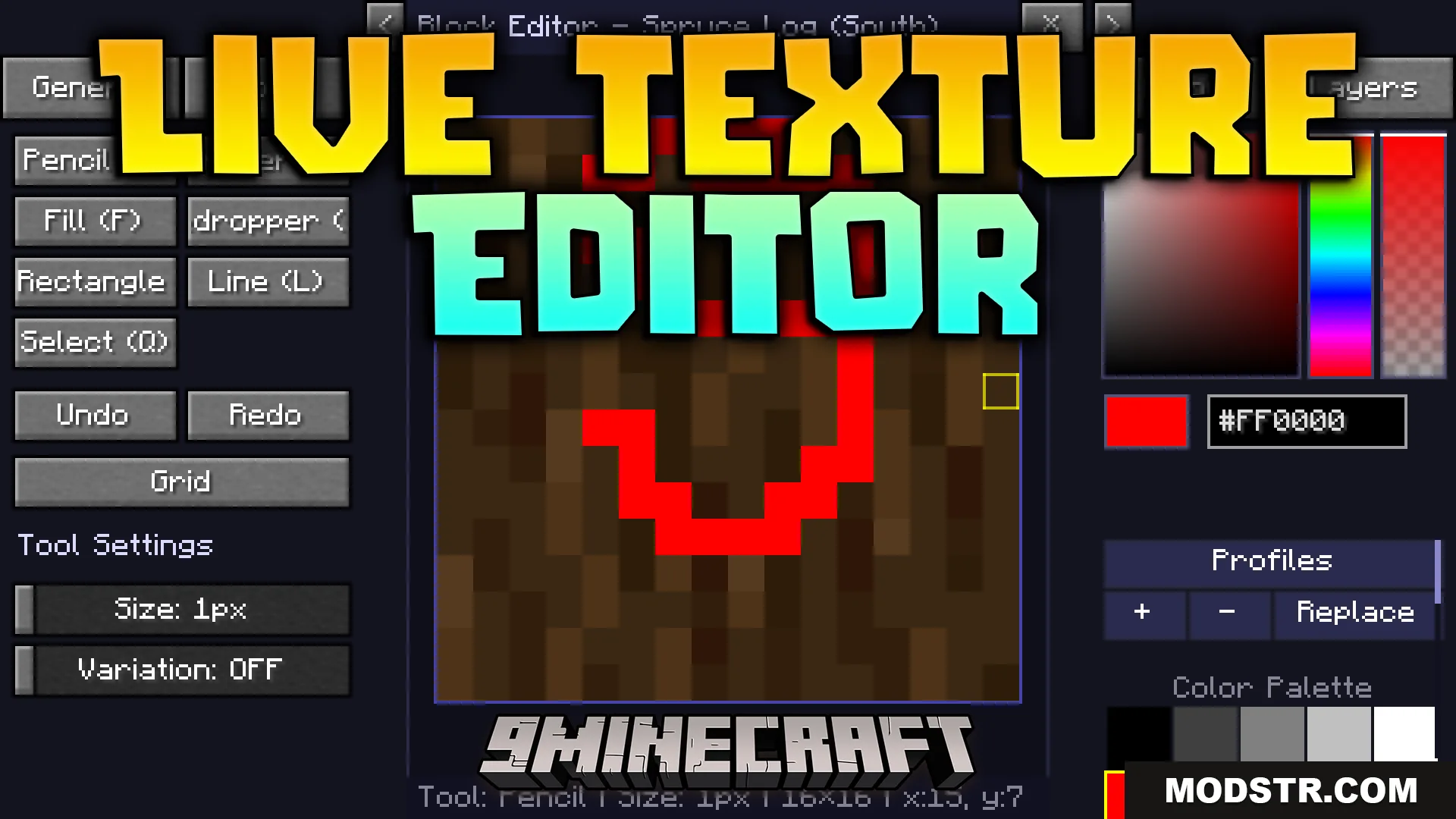
Drawing a red number nine on the spruce log texture in the editor
Minecraft trees and leaves displaying custom red spiral patterns in a snowy forest
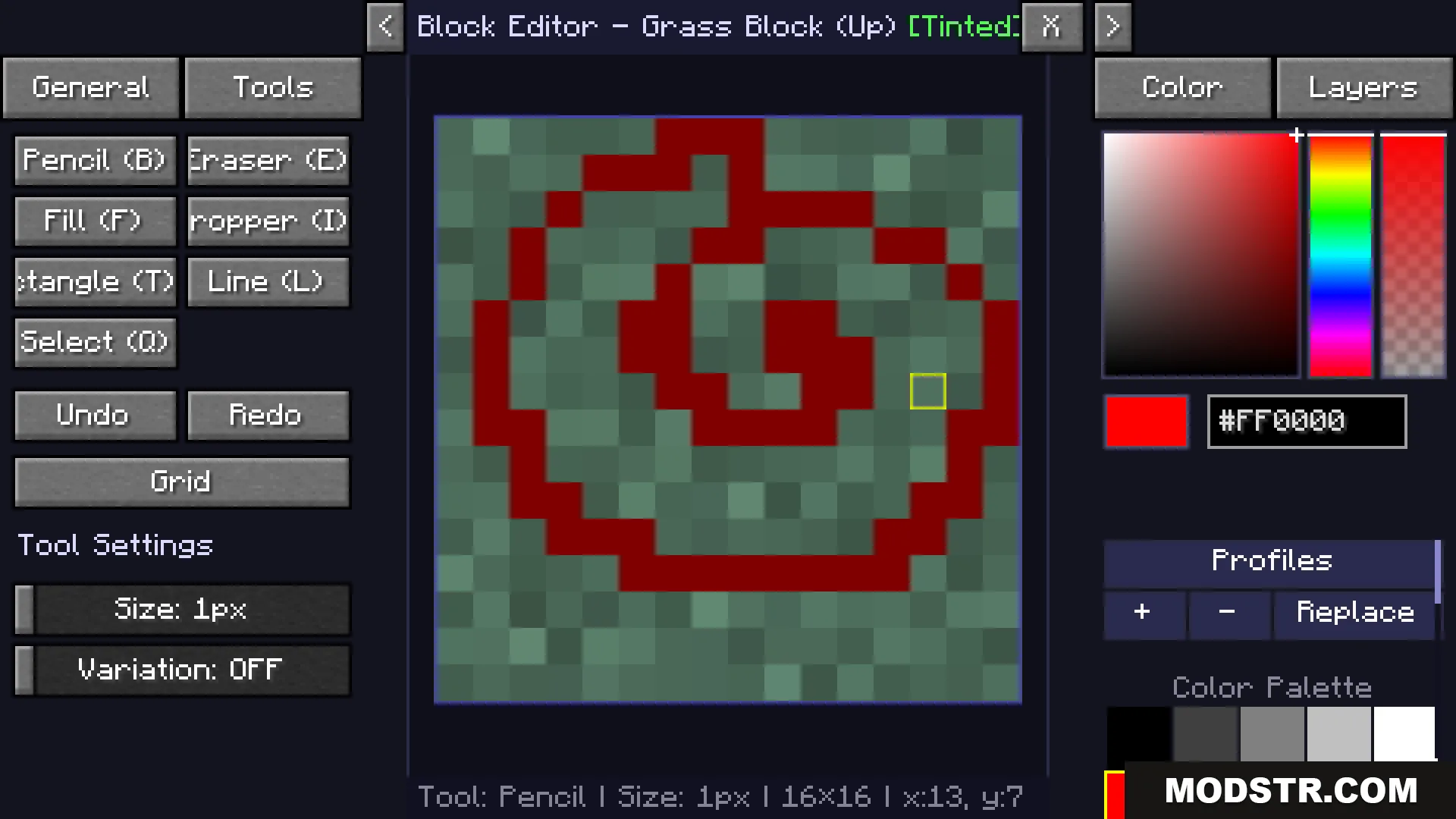
Using the Live Texture Editor to paint a red spiral on a block
Red symbols painted on spruce trees and ground blocks in snowy biome
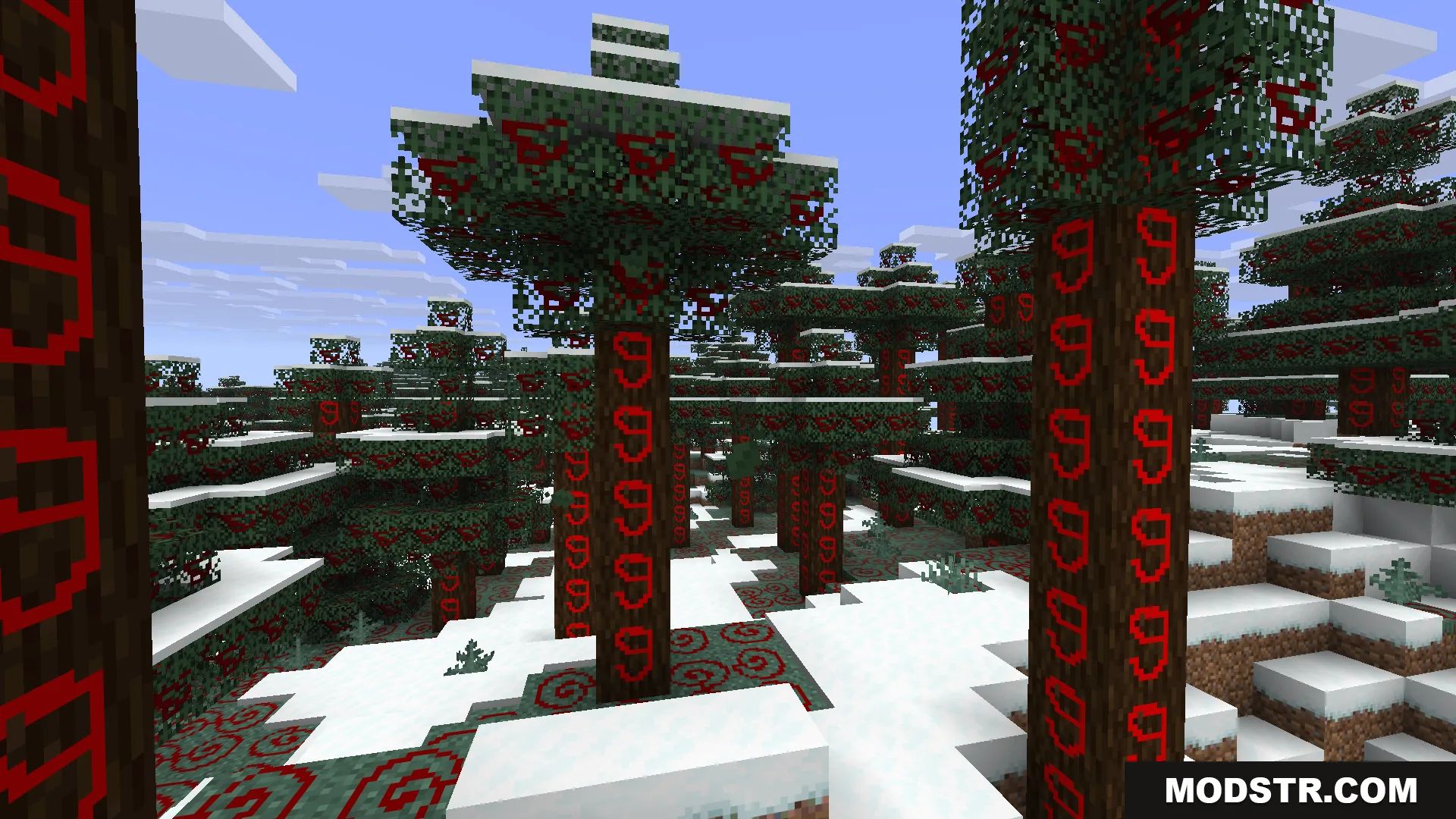
Spruce forest with red symbols painted on trees and ground blocks
Live Texture Editor Mod allows painting red patterns on trees in the snow
Close up of red symbols painted on spruce logs in a snowy biome

DOWNLOAD FILES

  • jar
    1.21.11 · Live-Texture-Editor-Mod-Fabric-1.21.11.jar
    • Fabric
    • 1.21.11
  • jar
    1.21.10, 1.21.9 · Live-Texture-Editor-Mod-Fabric-1.21.10.jar
    • Fabric
    • 1.21.10
  • jar
    1.21.5 · Live-Texture-Editor-Mod-Fabric-1.21.5.jar
    • Fabric
    • 1.21.5
  • jar
    1.21.4 · Live-Texture-Editor-Mod-Fabric-1.21.4.jar
    • Fabric
    • 1.21.4