Telegram
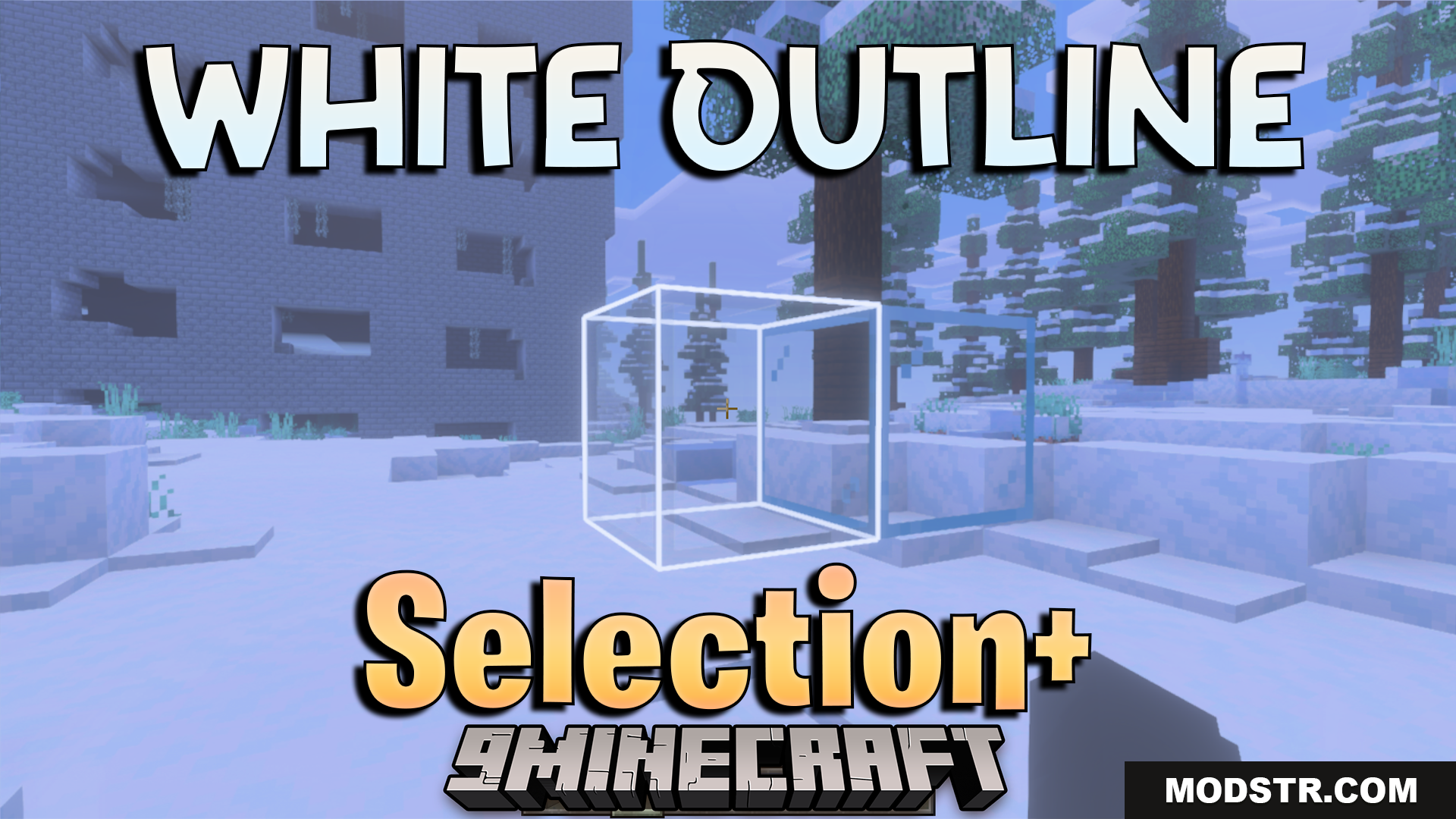
White Outline Selection Plus Texture Pack (26.x, 1.21) – Bright White Selection cover art

White Outline Selection Plus Texture Pack (26.x, 1.21) – Bright White Selection

White Outline Selection Plus Texture Pack lets you see your selected blocks much easier. This pack changes the normal black selection box to a bright white color. It helps you build and mine with better visibility in your game.

57 MCPE
  • 1.21
  • 1.20
  • 1.19

White Outline Selection Plus Texture Pack

Features:

  • Changes the block selection outline to white.
  • Makes selected blocks easier to see.
  • Helps players while building new structures.
  • Improves visibility for mining underground.
  • Keeps a simple and clean design.

Configuration:

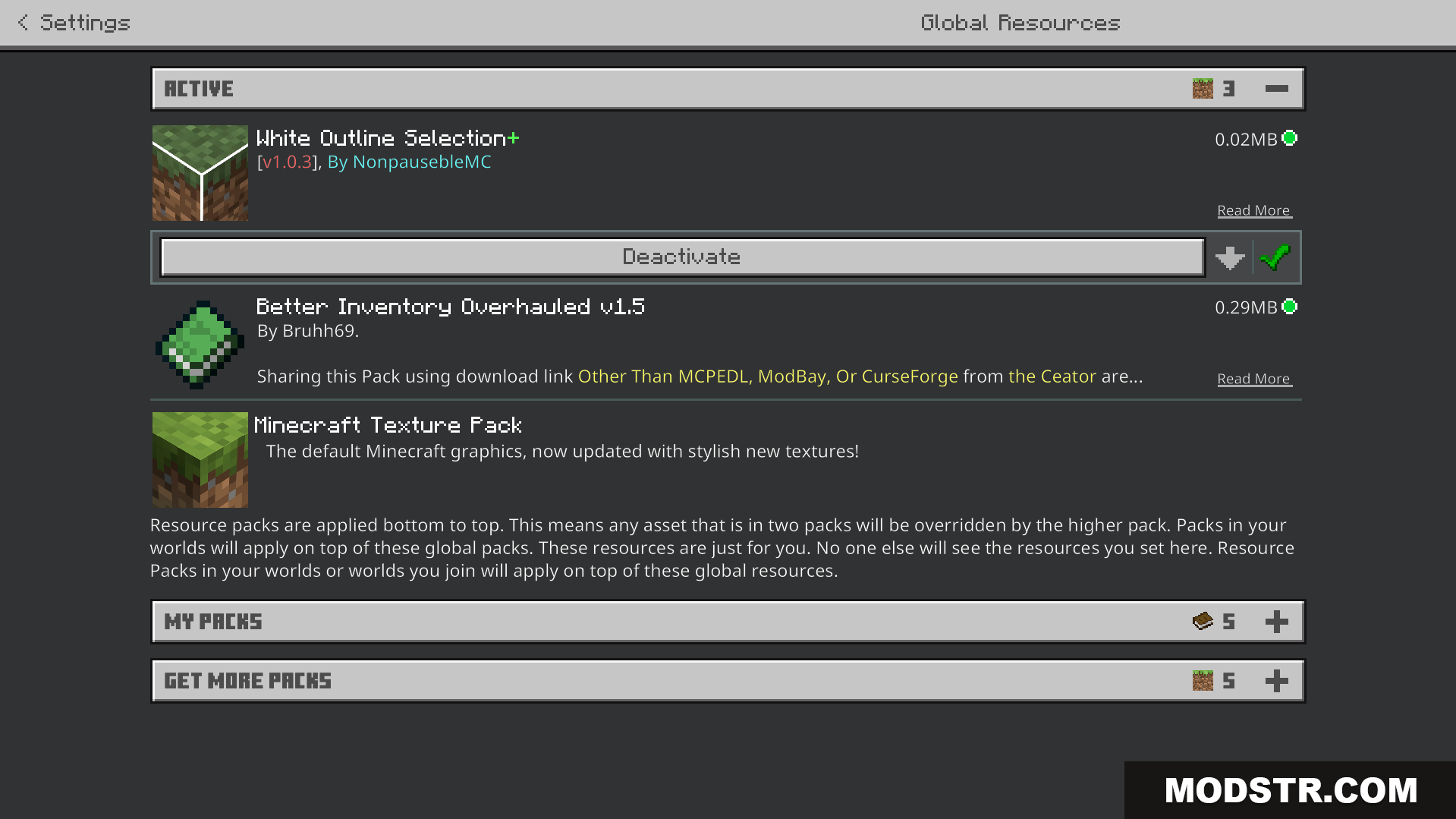
Go to your game settings and open the Video tab. Turn on the Outline Selection option to fix any visual issues.

Screenshots:
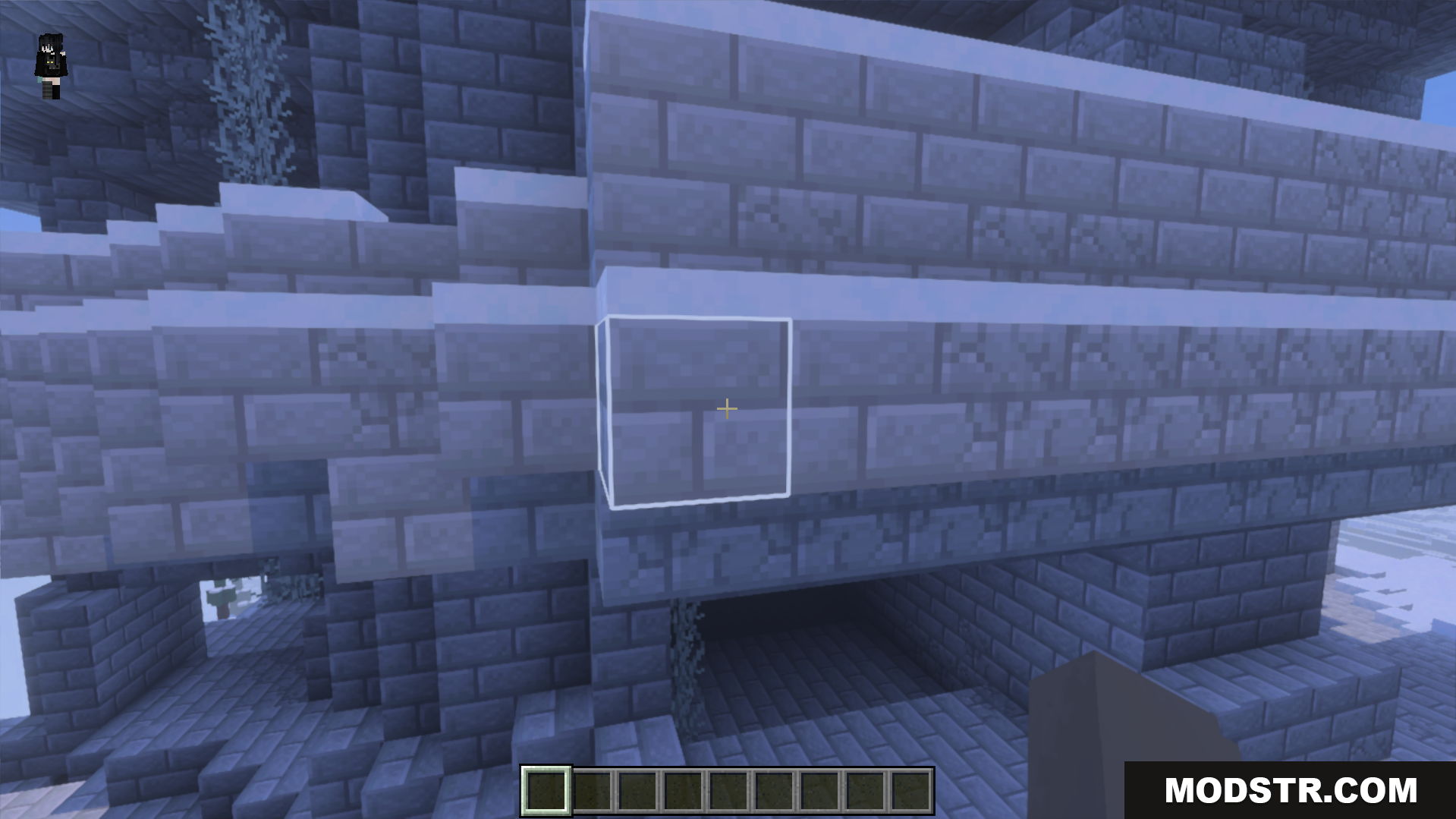
The white outline makes selected blocks easier to see while building
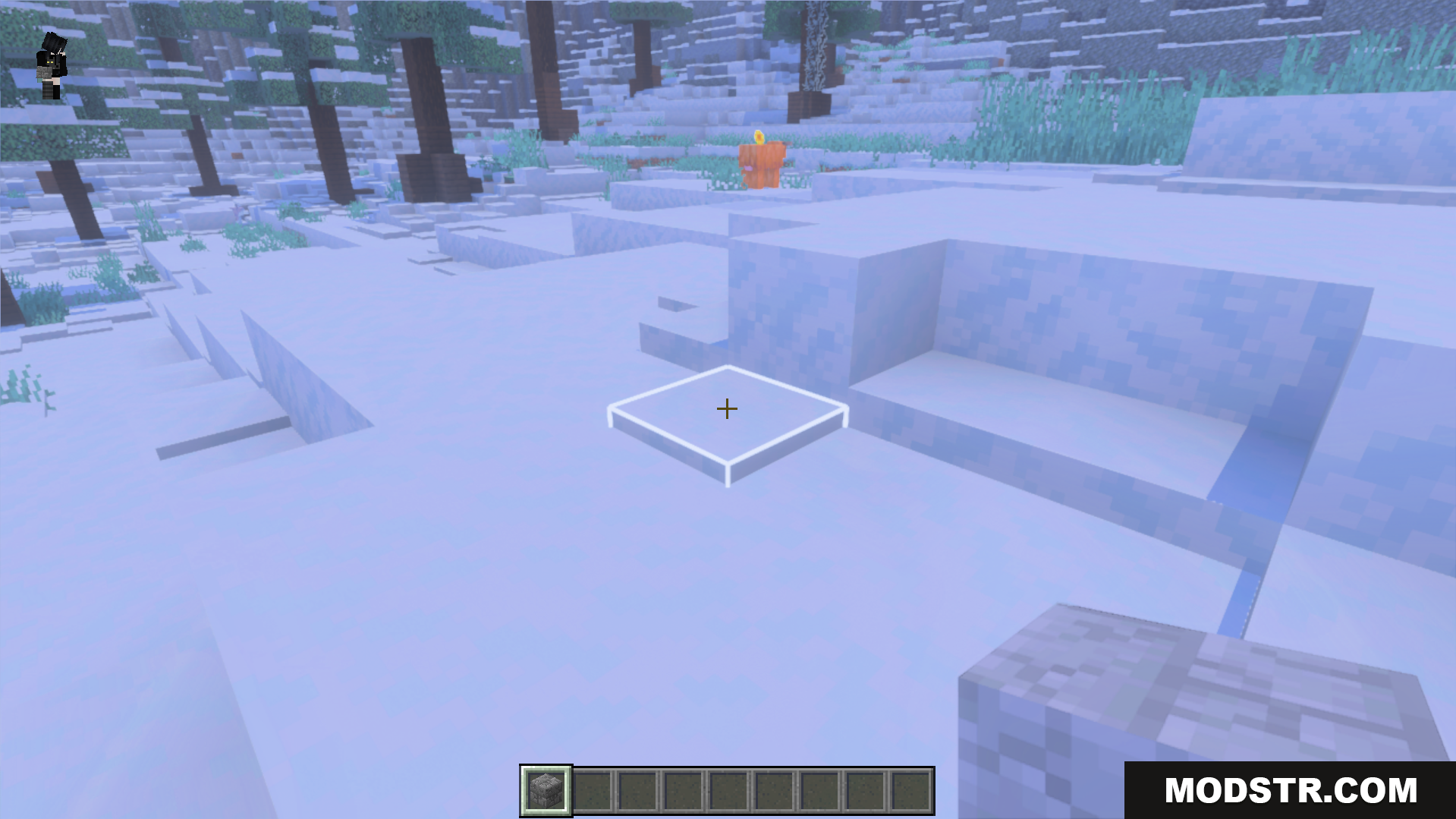
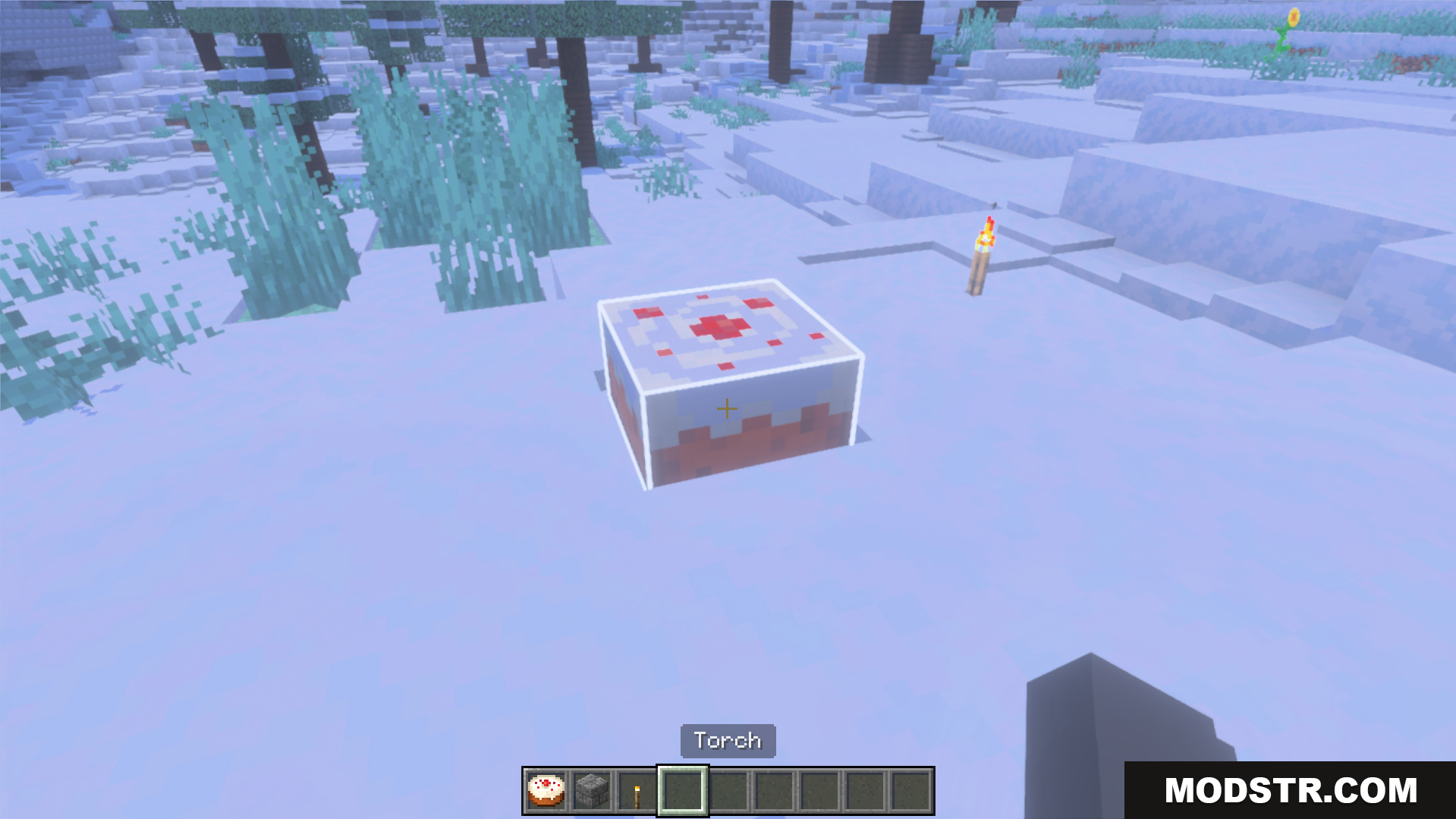
A bright white selection box is clearly visible on snowy ground
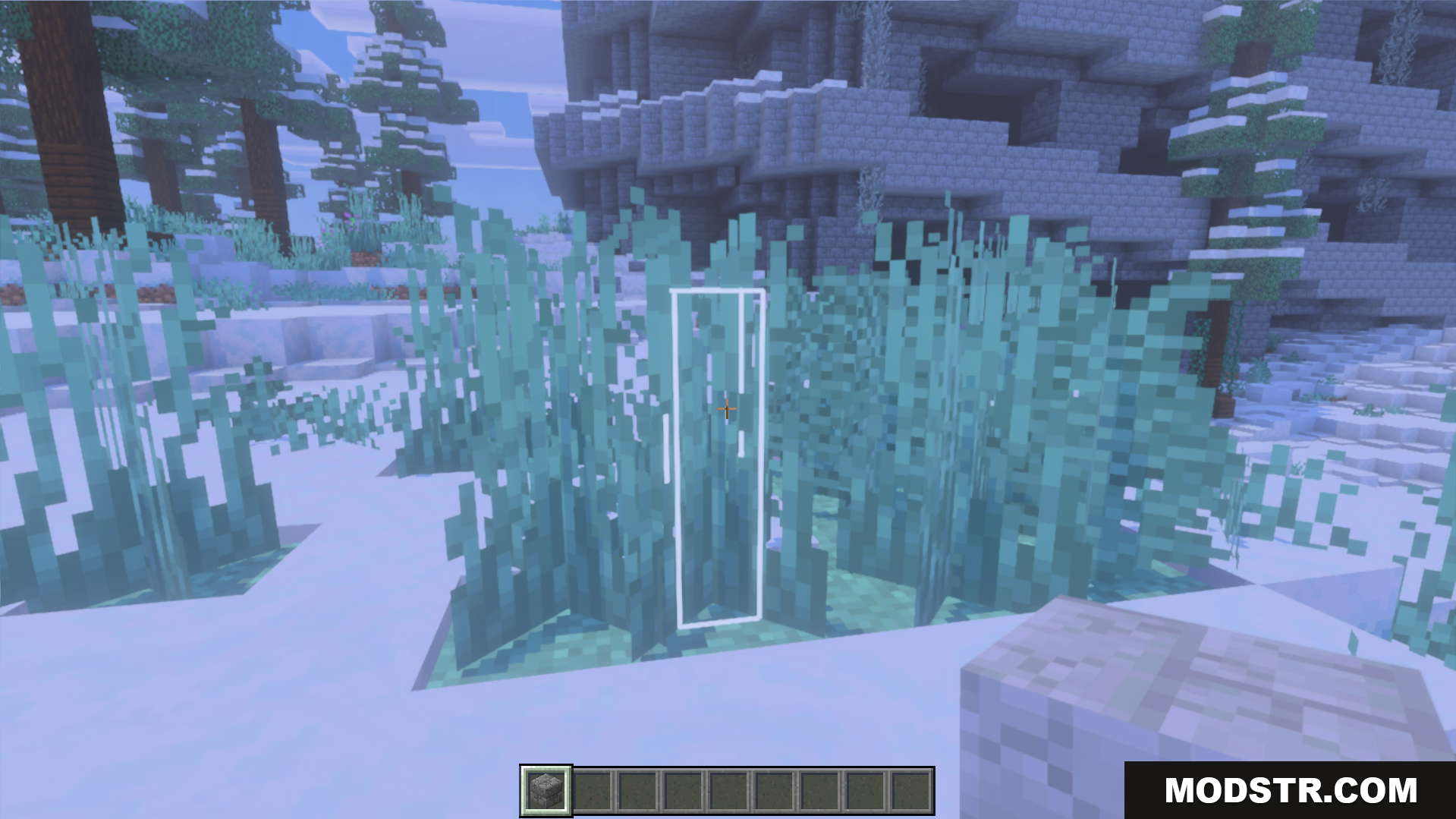
A white outline highlights tall plants in a snowy biome
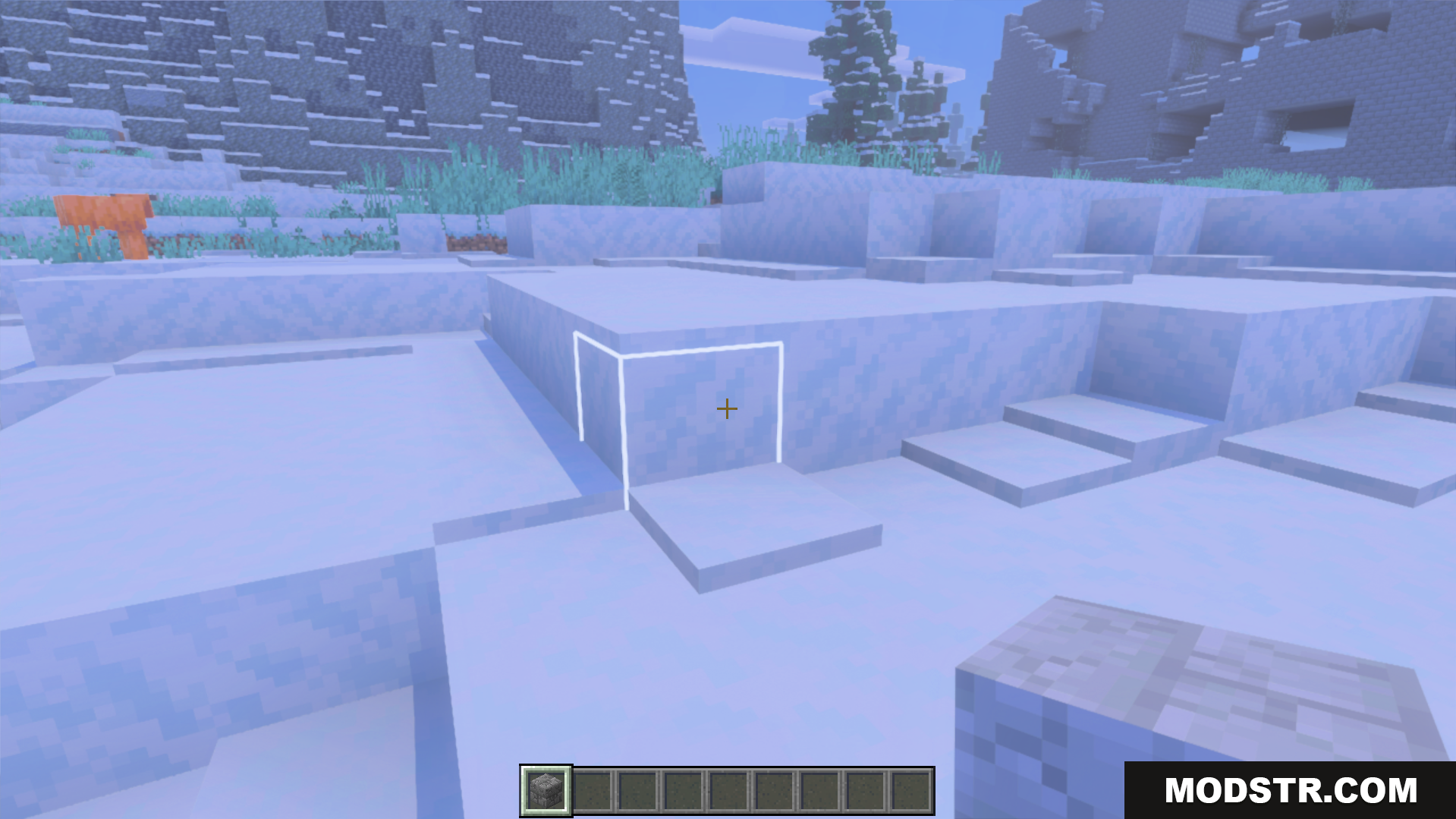
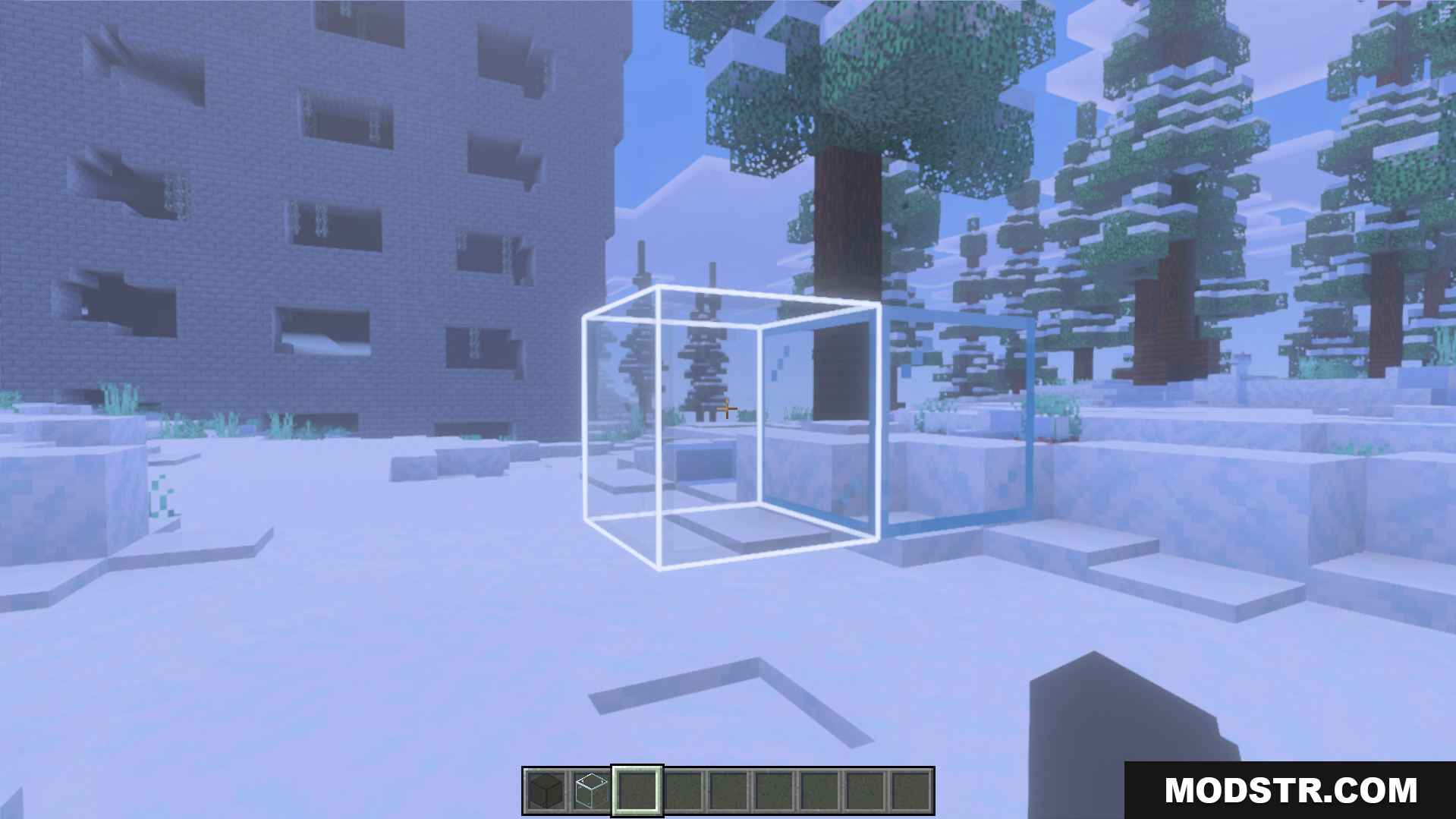
The white selection outline is clearly visible on snow blocks
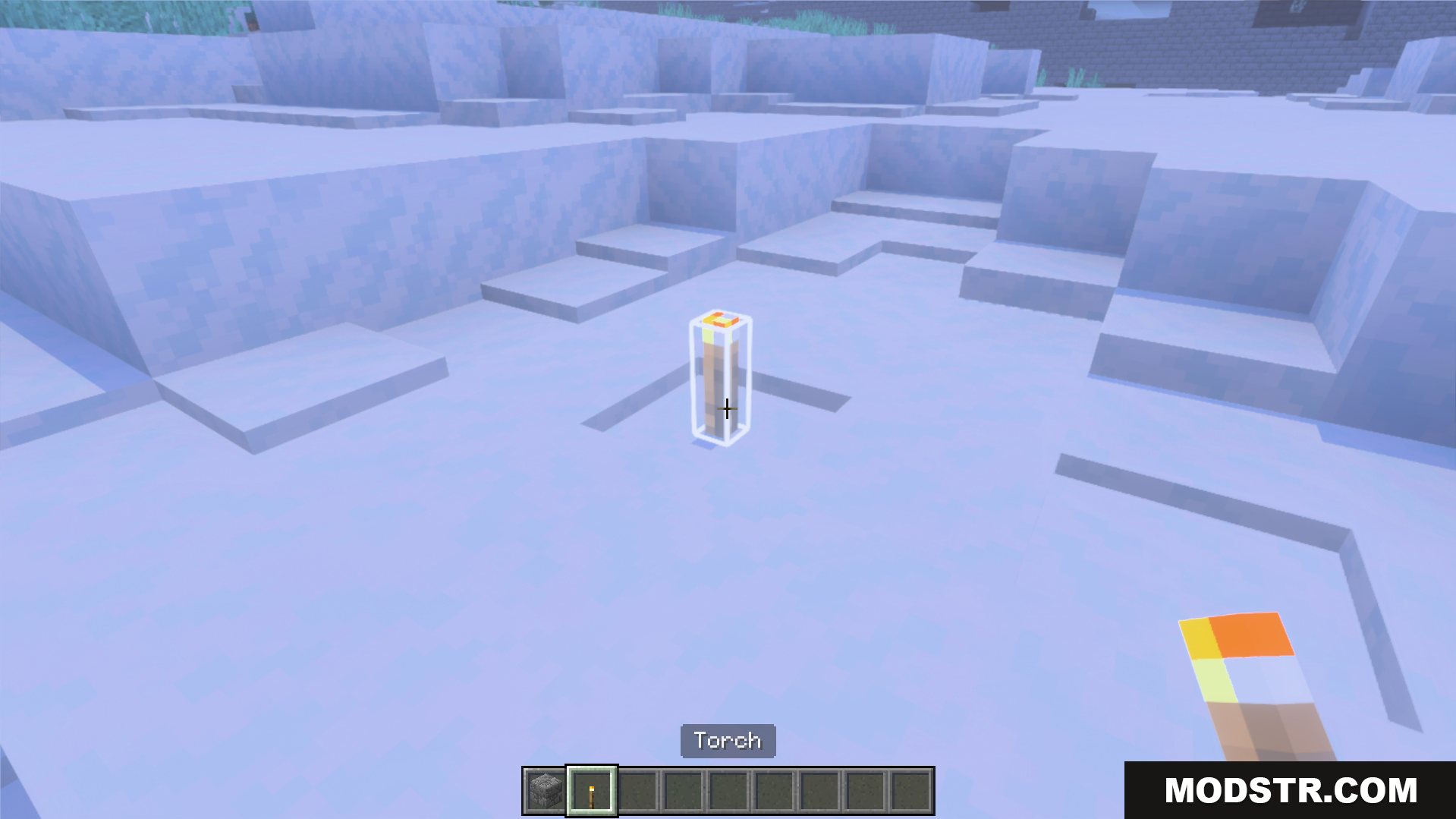
Placing torches helps improve visibility for building and mining
See your selected blocks easier with a bright white outline
The white selection outline helps players while building new structures

DOWNLOAD FILES

  • mcpack
    For MCPE/Bedrock 26.x, 1.21.x · White-Outline-Selection-Plus-Texture-Pack-26x.mcpack
    • 1.21
  • mcpack
    For MCPE/Bedrock 1.21.x, 1.20.x, 1.19.x · White-Outline-Selection-Plus-Texture-Pack-121x.mcpack
    • 1.21