
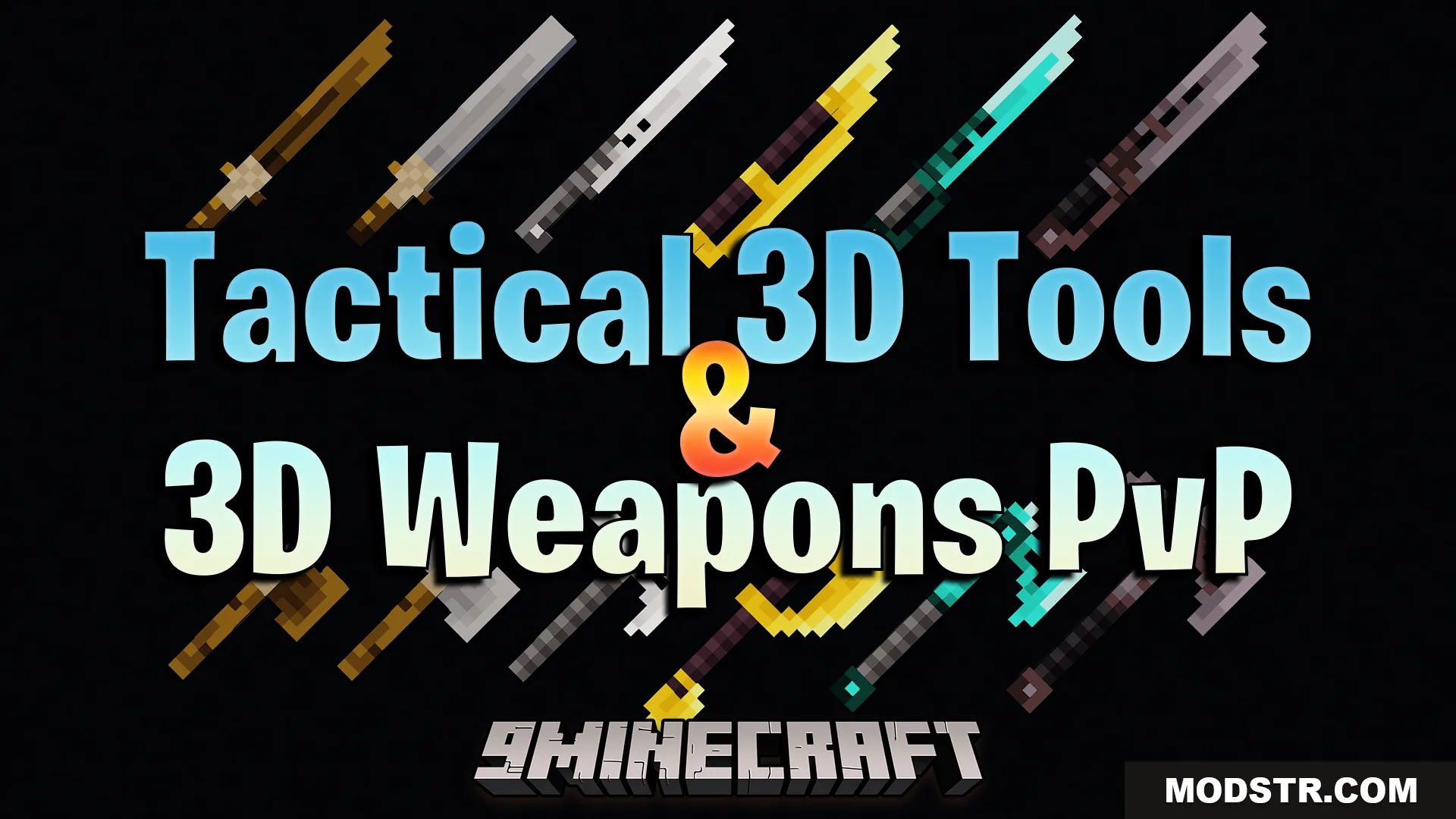
Tactical 3D Tools and 3D Weapons Pvp Texture Pack (26.x, 1.21) – Detailed 3D PvP Combat Tools
3D texture pack that replaces vanilla tools and weapons with detailed models combining medieval and military styles. Includes configurable sizing for first-person combat.
- 1.21
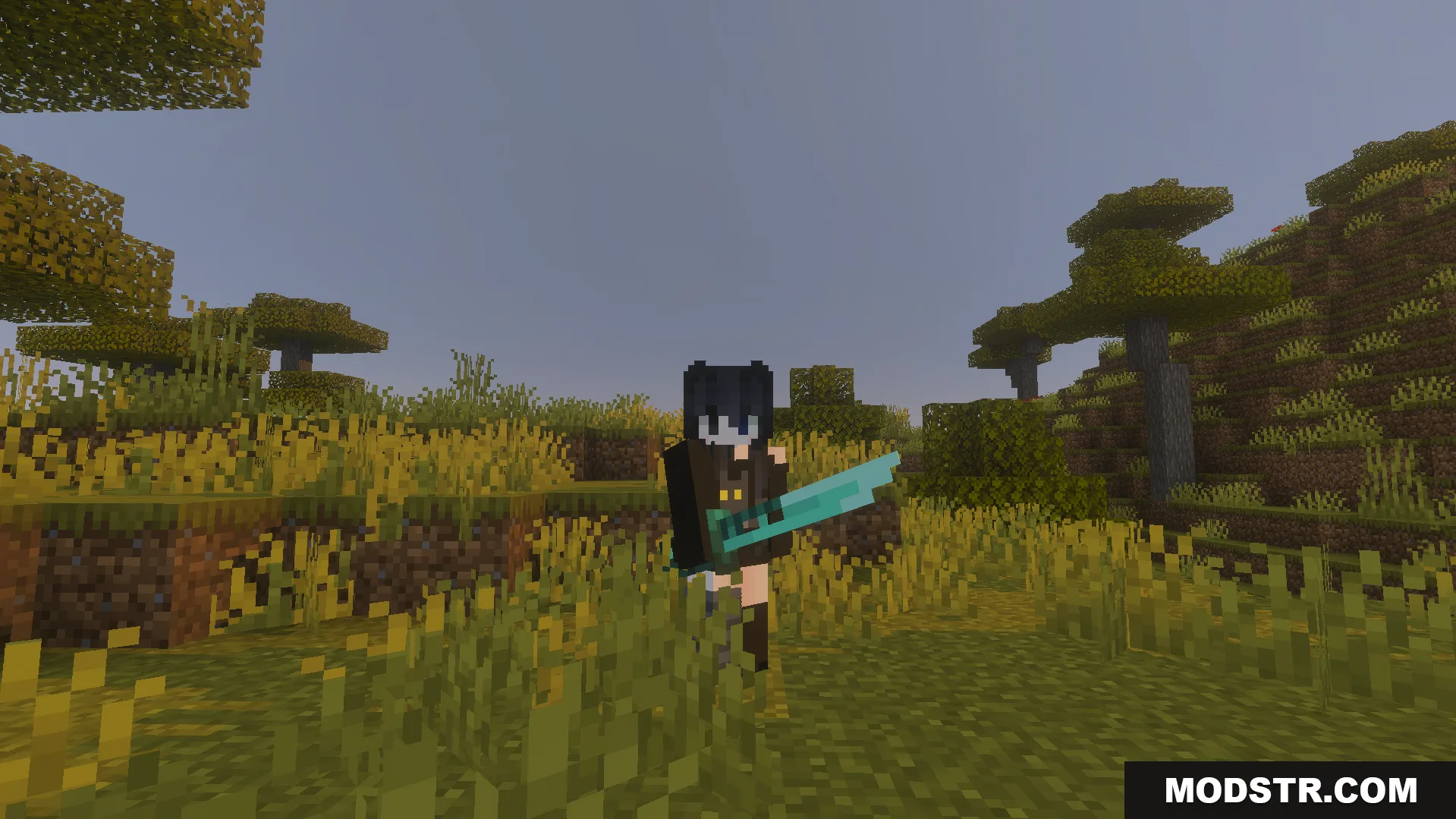
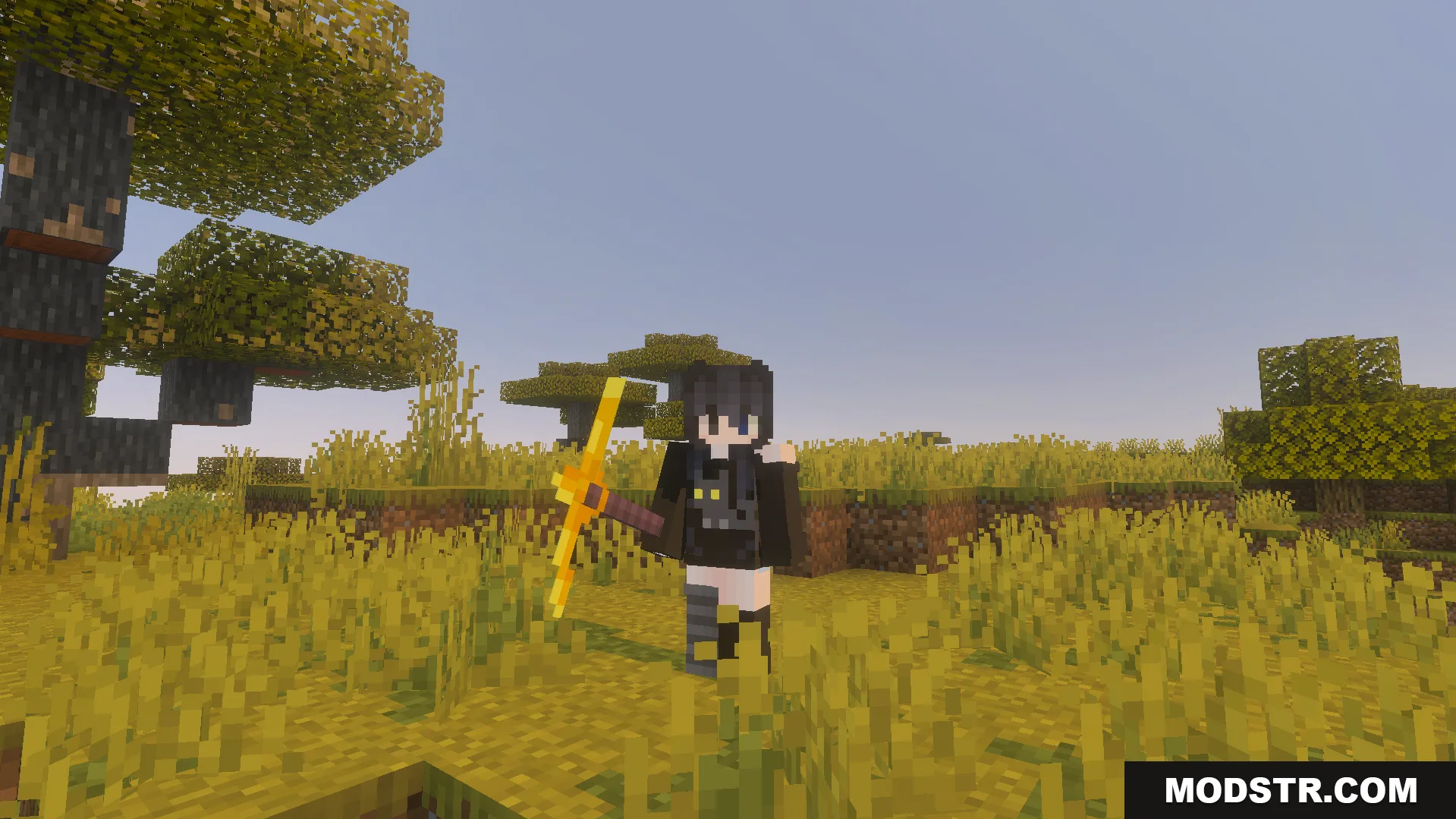
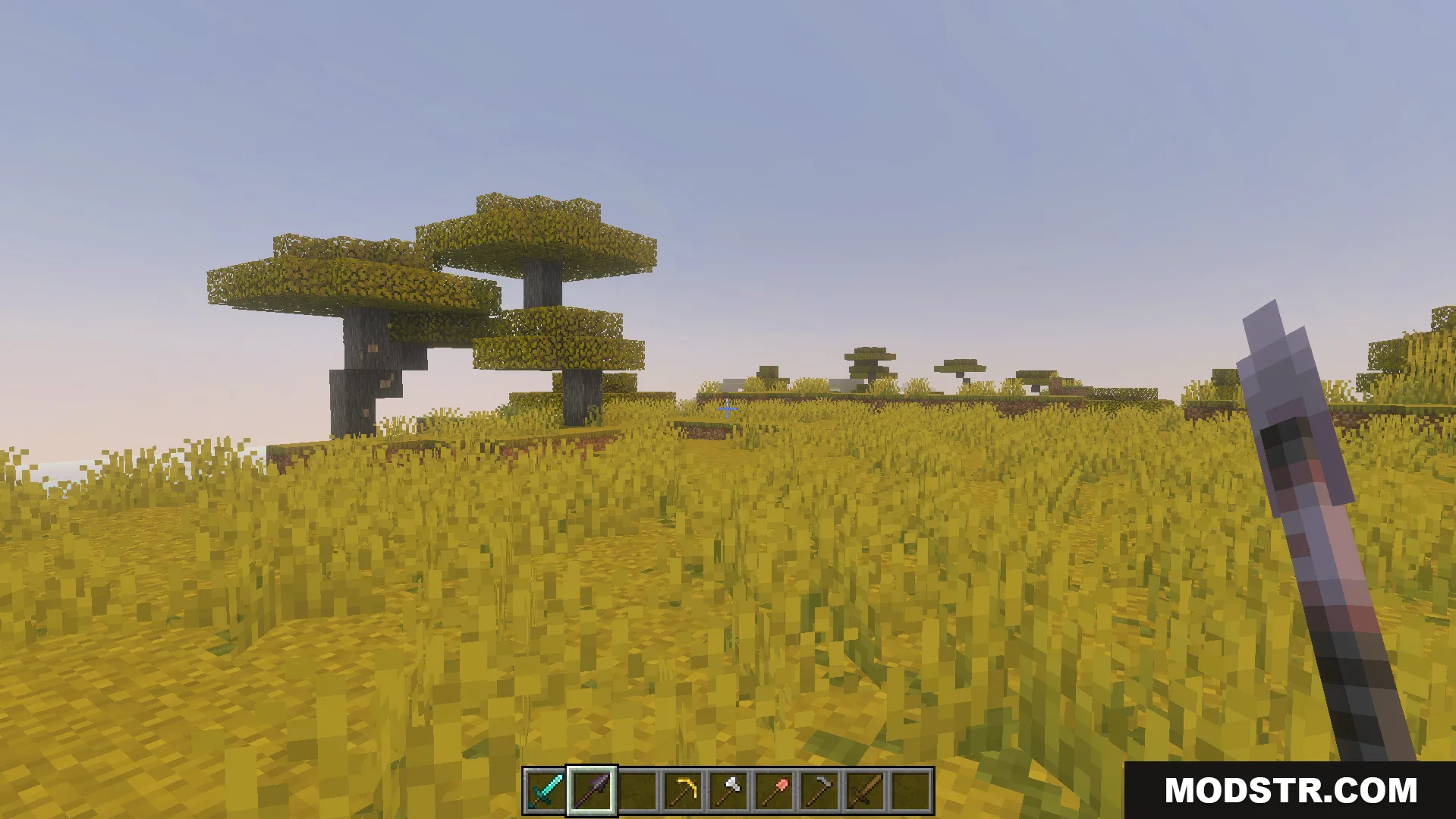
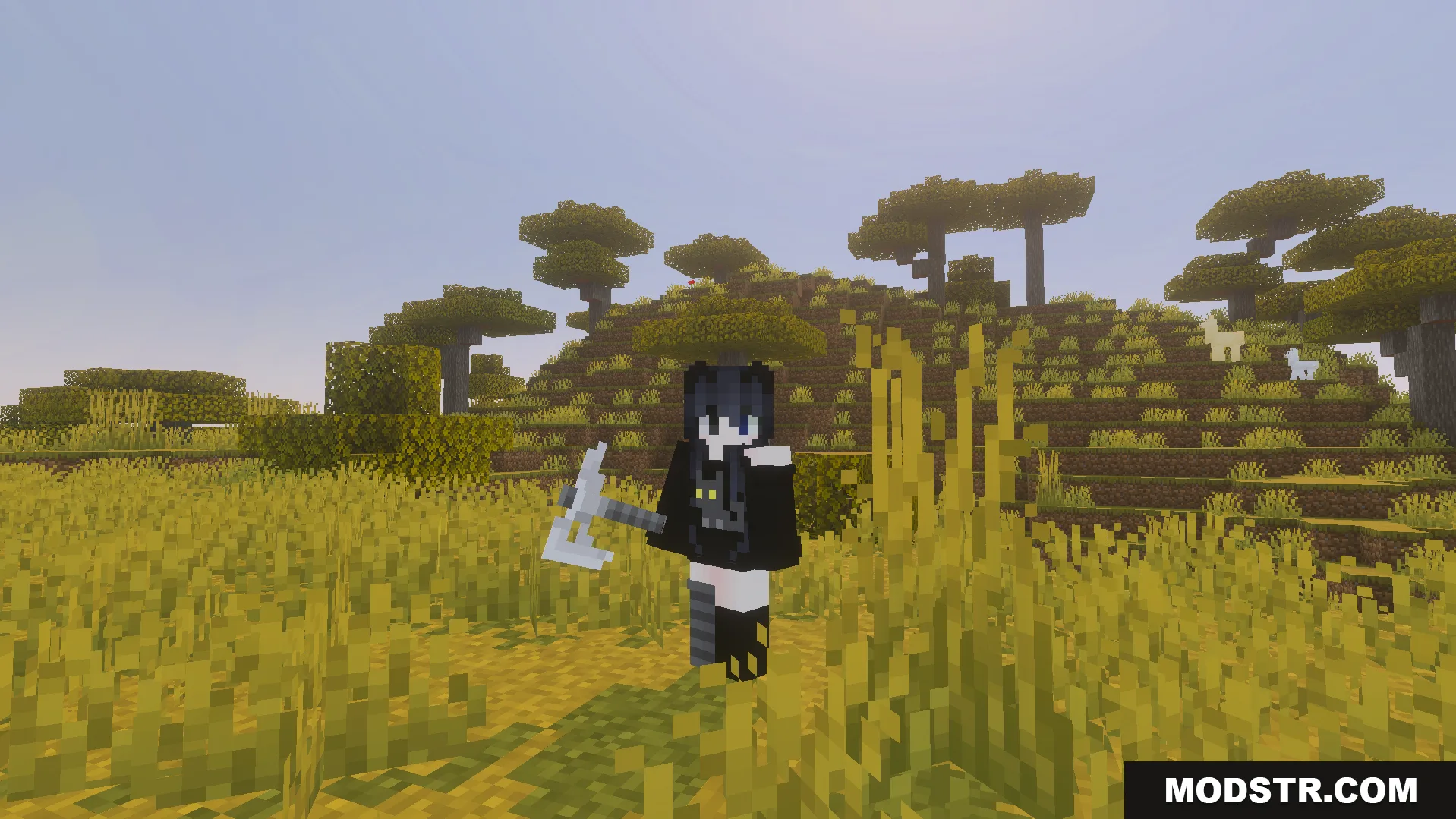
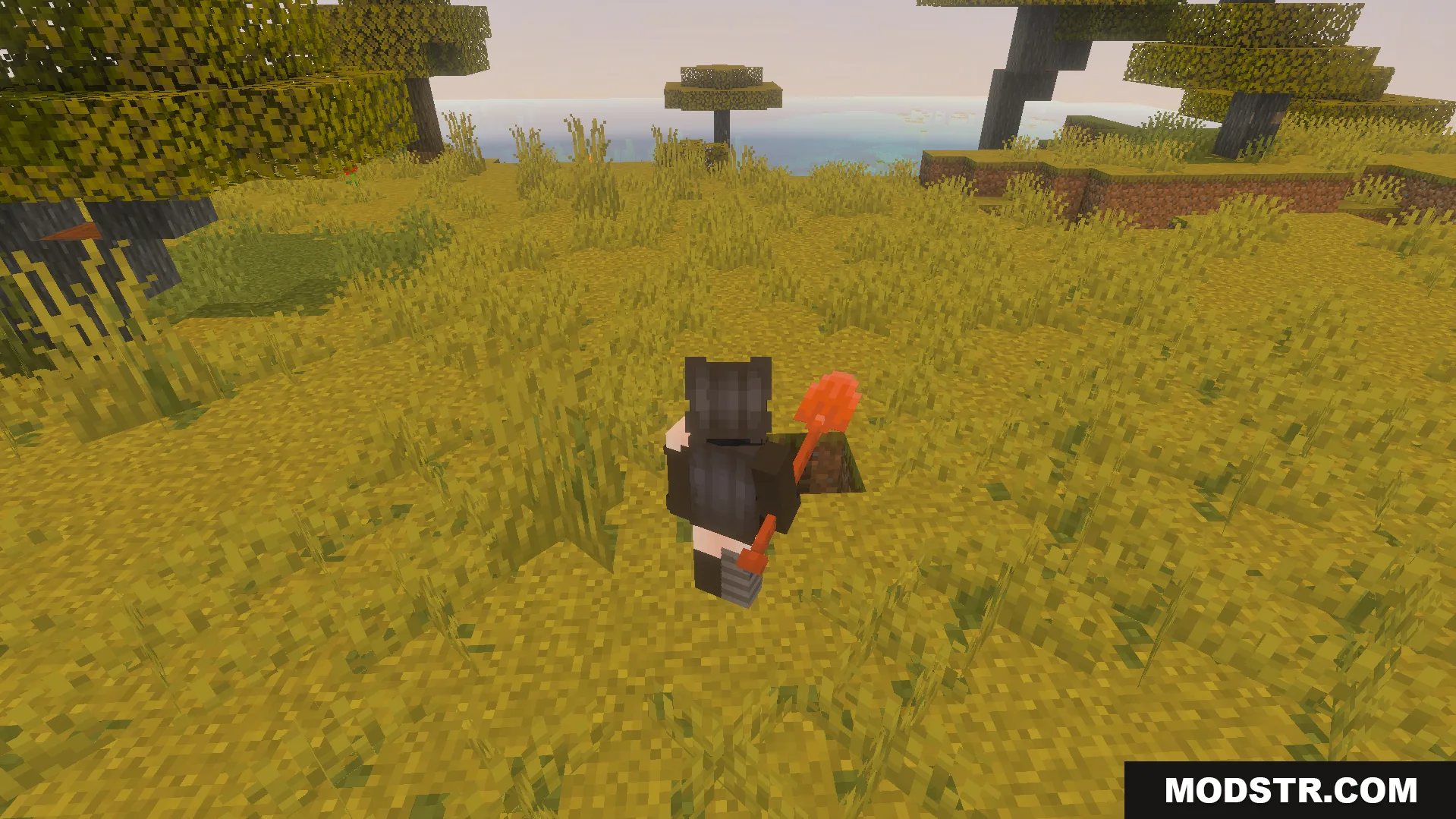
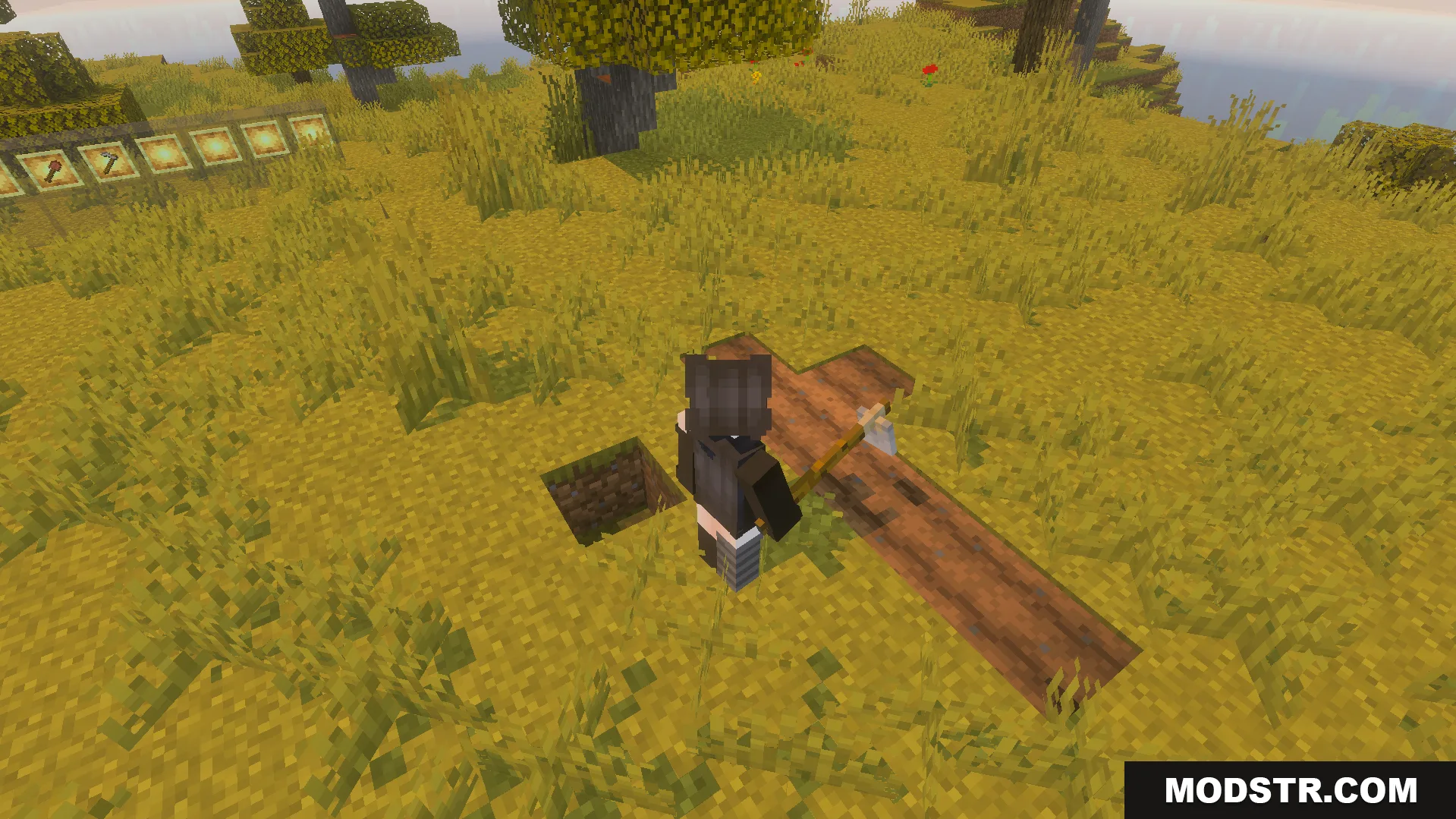
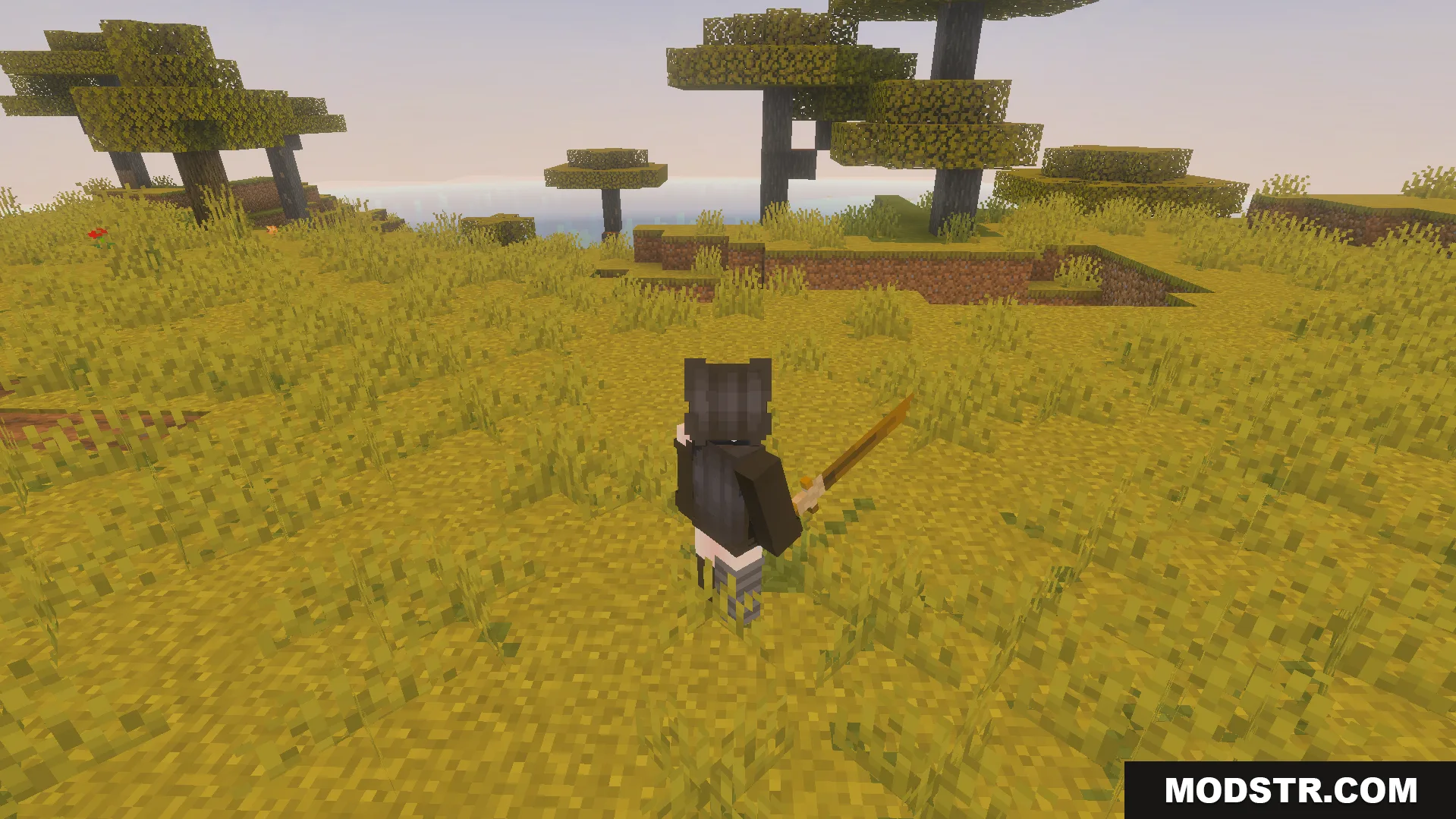
This texture pack replaces your vanilla tools and weapons with three-dimensional models featuring a blend of medieval and military aesthetics. Designed for PvP combat, it provides custom pixel art textures that give swords, axes, pickaxes, and shovels a more detailed appearance in-game.
Features
- 3D models for swords and axes with enhanced detail.
- Converts standard pickaxes and shovels into detailed item variants.
- Combines medieval and military visual design elements.
- Custom pixel art textures applied to all tool types.
- Optimized for player versus player combat scenarios.
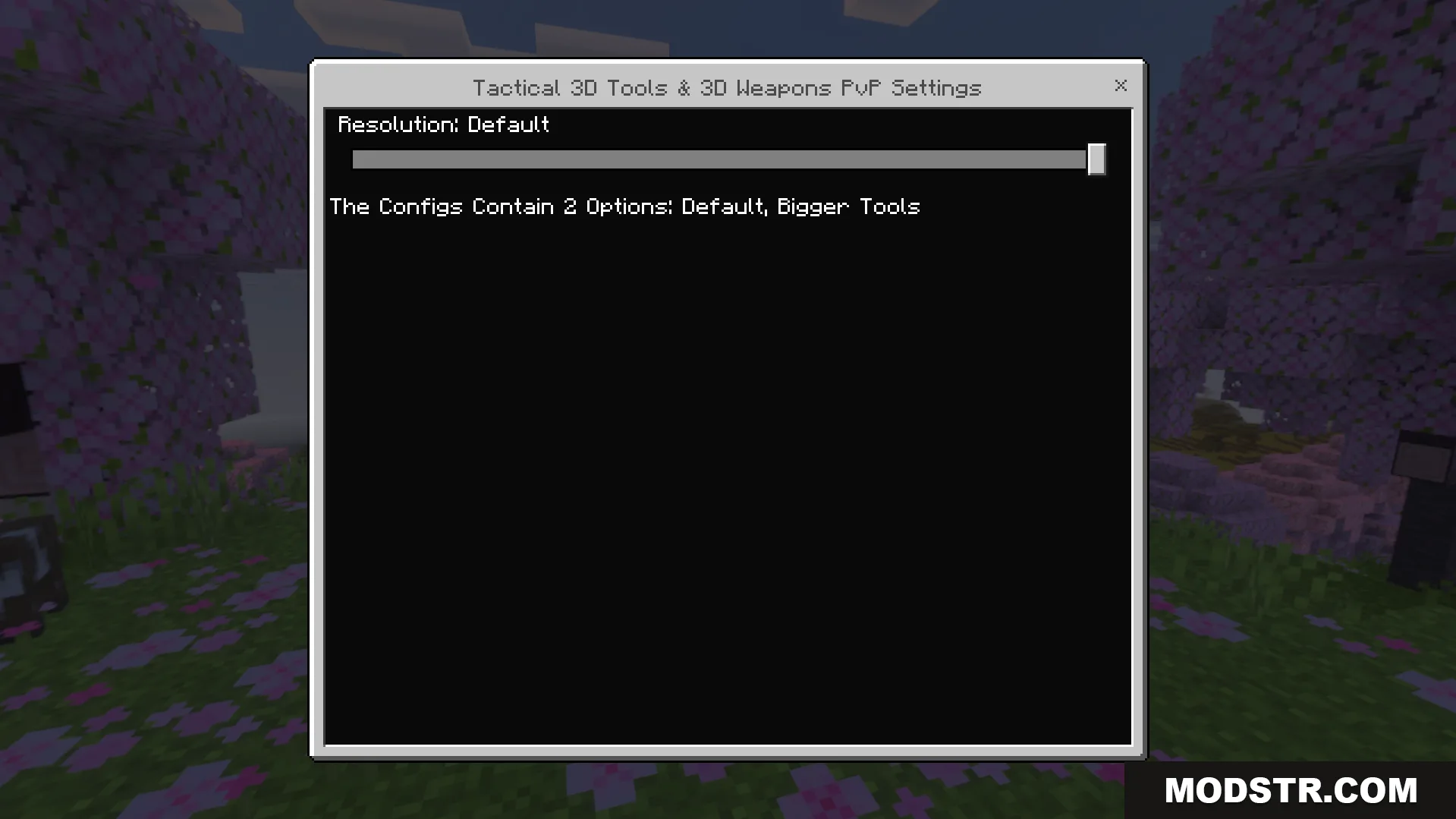
- Includes a settings menu with resolution adjustment slider for first-person view sizing.
Configuration
The pack comes with a built-in settings menu that allows you to adjust tool sizing in first-person view. You can scale your weapons smaller for better combat visibility or larger for greater detail, depending on your preference and playstyle.
Installation
- Download the texture pack file for your Minecraft version.
- Open your Minecraft launcher and navigate to Resource Packs.
- Click "Open Pack Folder" and move the downloaded file into this directory.
- Select the pack from the available list and move it to active packs.
- Apply changes and launch your world.
DOWNLOAD FILES
- mcpack