
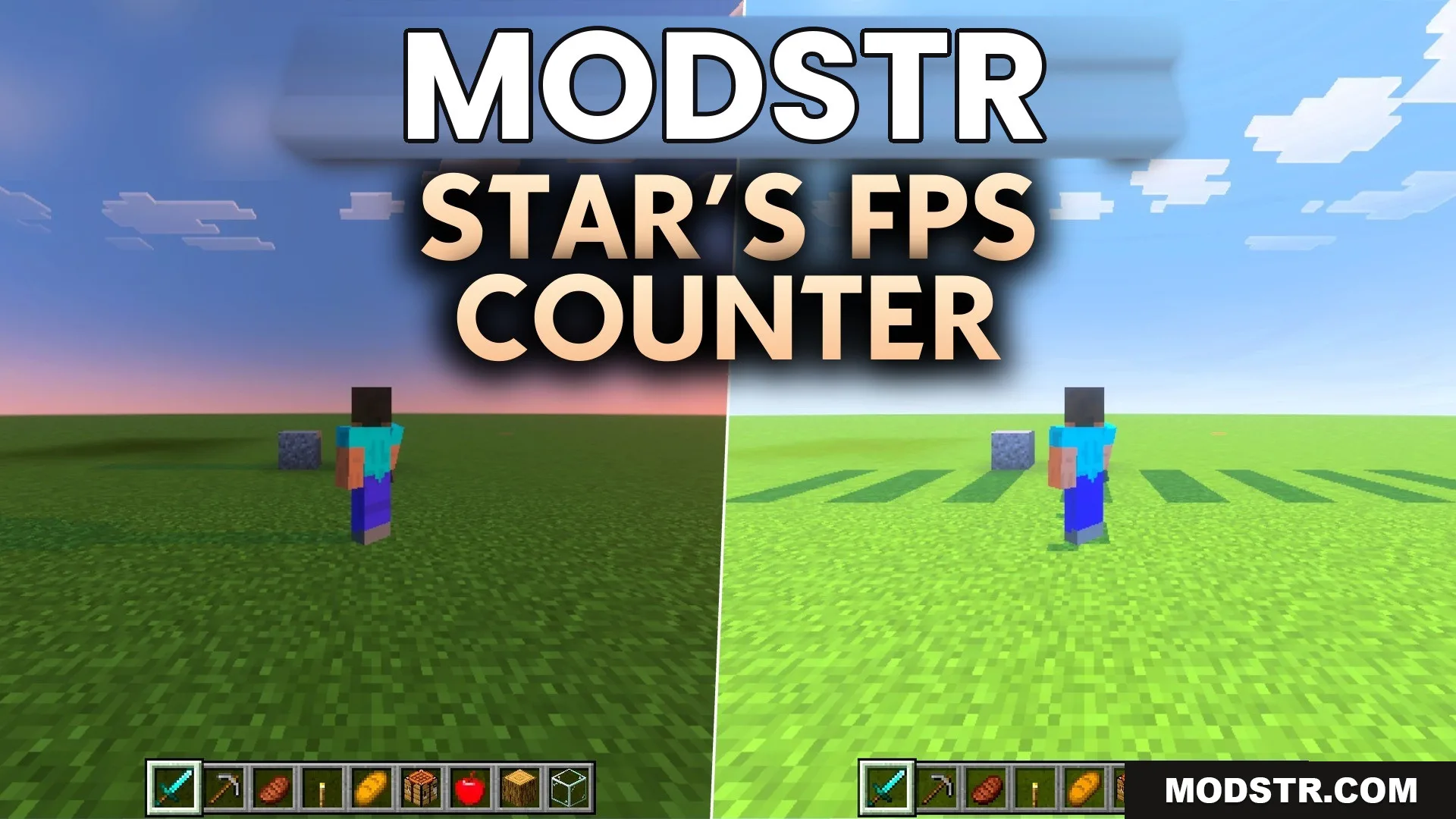
Star’s FPS Counter Texture Pack (26.x, 1.21) – Real-time Performance Tracking
Star's FPS Counter Texture Pack adds a frame rate display to your game screen, allowing players to monitor performance without disabling achievements. Ideal for mobile and console users.
- 1.21
- 1.20
- 1.19
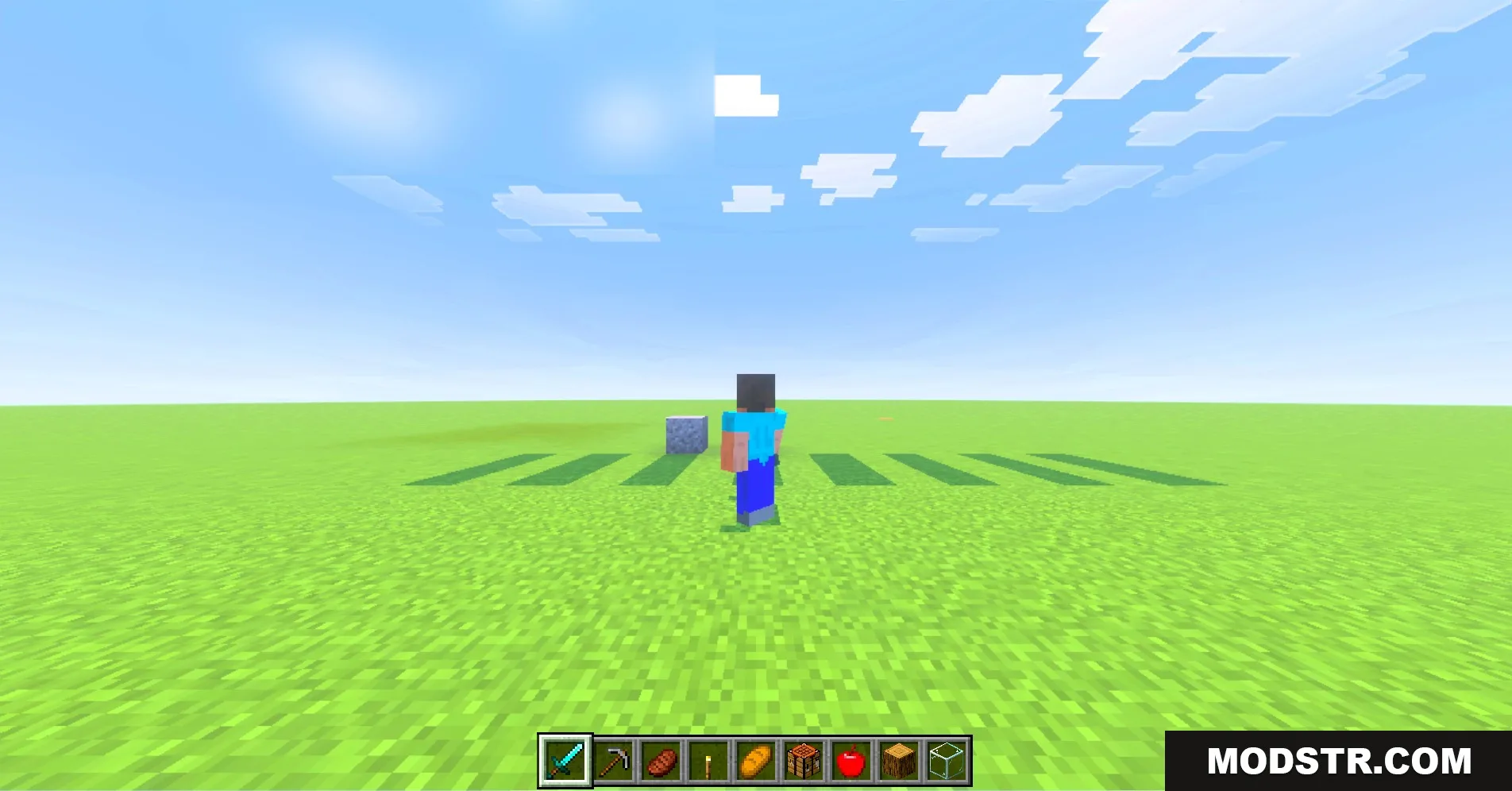
This texture pack provides a real-time frame rate display on your Minecraft screen. It is suitable for players looking to track performance without affecting their achievements.
Features
- Shows your live frame rate directly on the screen.
- Keeps your world achievements fully active during gameplay.
- Works perfectly for mobile and console players.
- Requires you to turn off view bobbing in settings.
- Provides highly accurate performance tracking at all times.
Installation
- Download the FPS Counter Texture Pack.
- Open Minecraft and go to the settings menu.
- Select the 'Resource Packs' option.
- Upload the downloaded texture pack.
- Activate the pack to start using it.
Configuration
You can change the size of the display in the pack settings. Simply adjust the green slider to choose your preferred resolution size.
DOWNLOAD FILES
- mcpack