
Saturated for Bedrock Edition Texture Pack (1.21) – Vibrant Color Boost
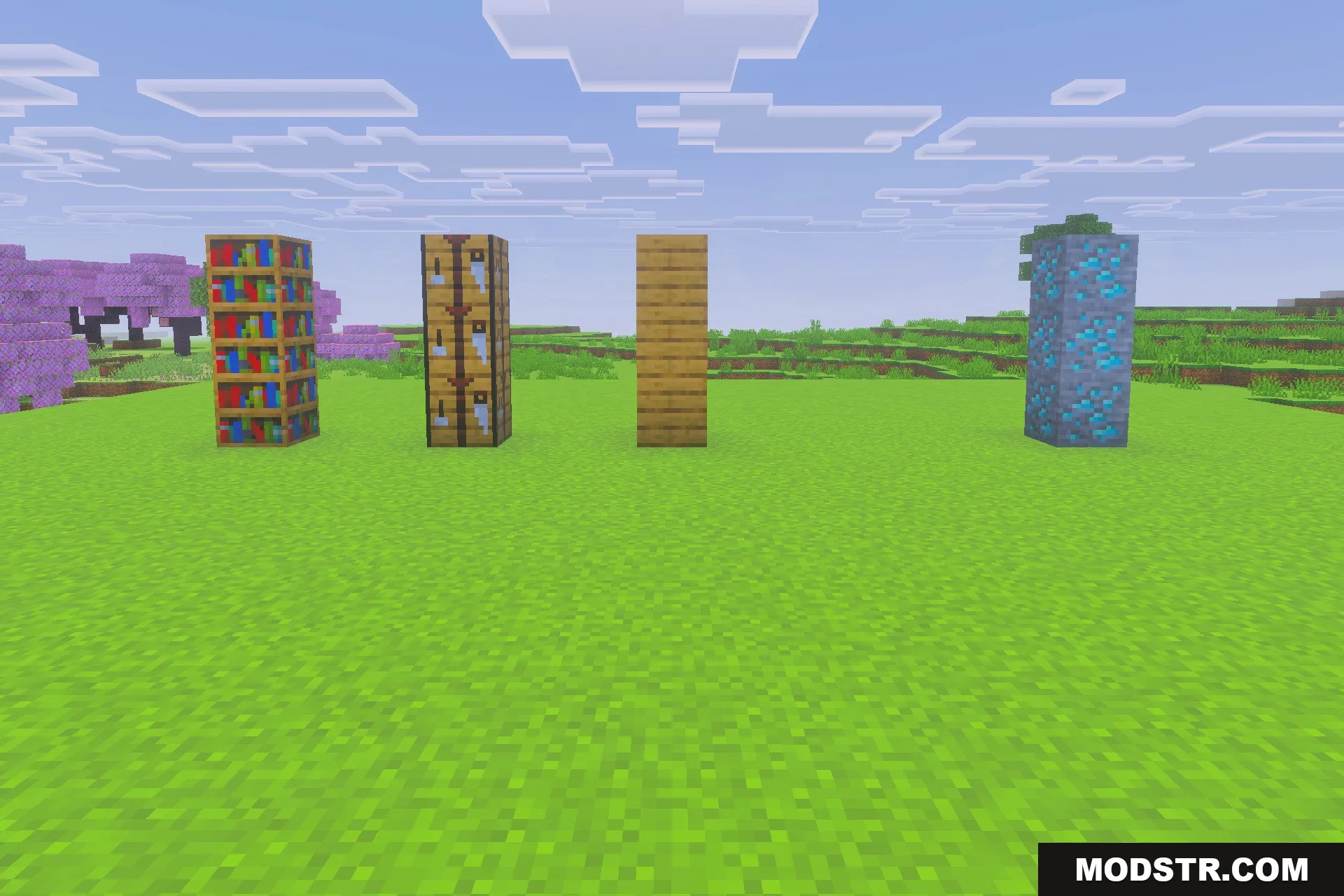
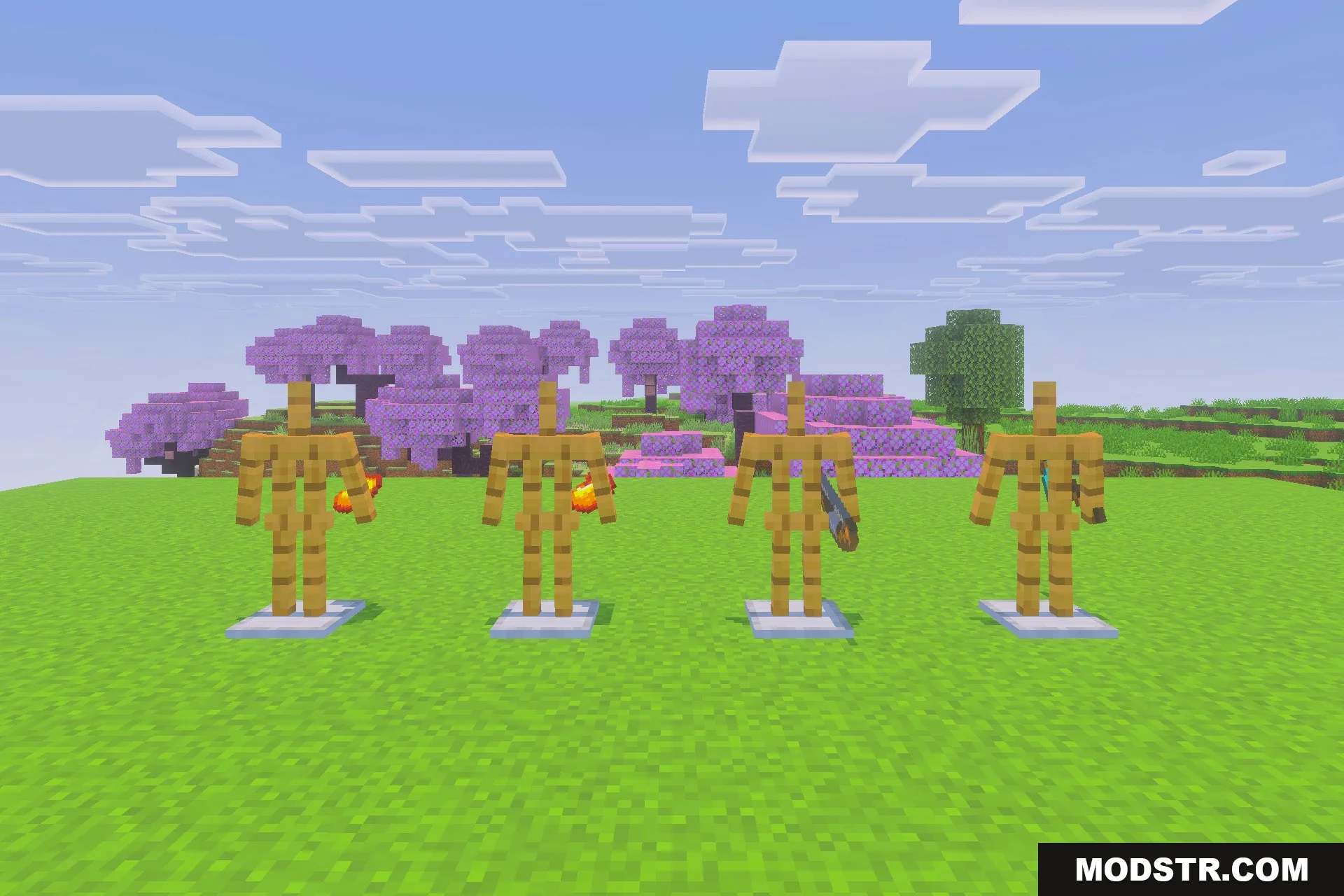
Saturated for Bedrock Edition enhances the color saturation across your Minecraft world. This texture pack is ideal for players seeking a more vibrant visual experience.
- 1.21
Saturated for Bedrock Edition modifies the visual aspects of your game by increasing color vibrancy. This pack is suitable for players who wish to add a bright and fresh aesthetic to their Minecraft experience.
Features
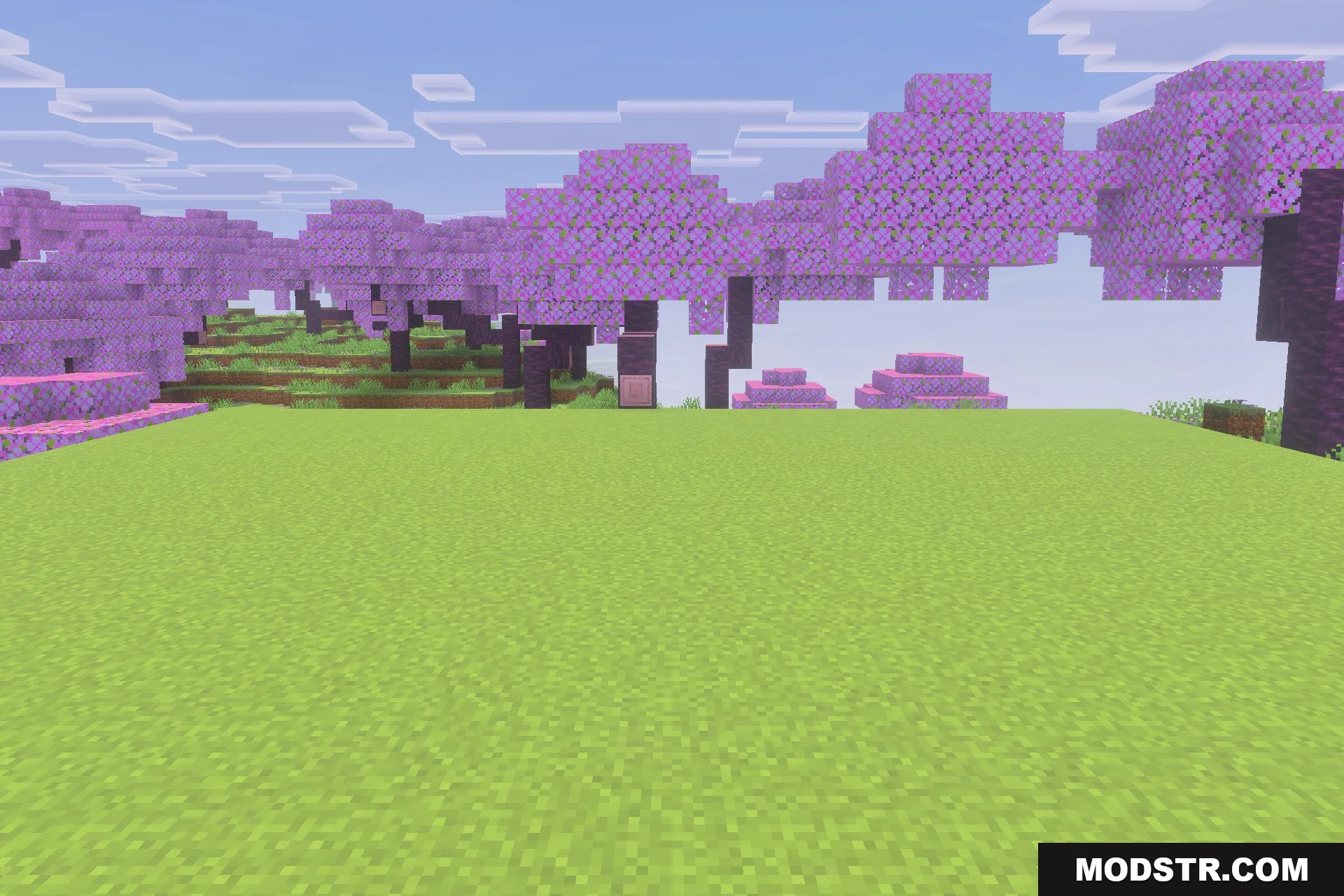
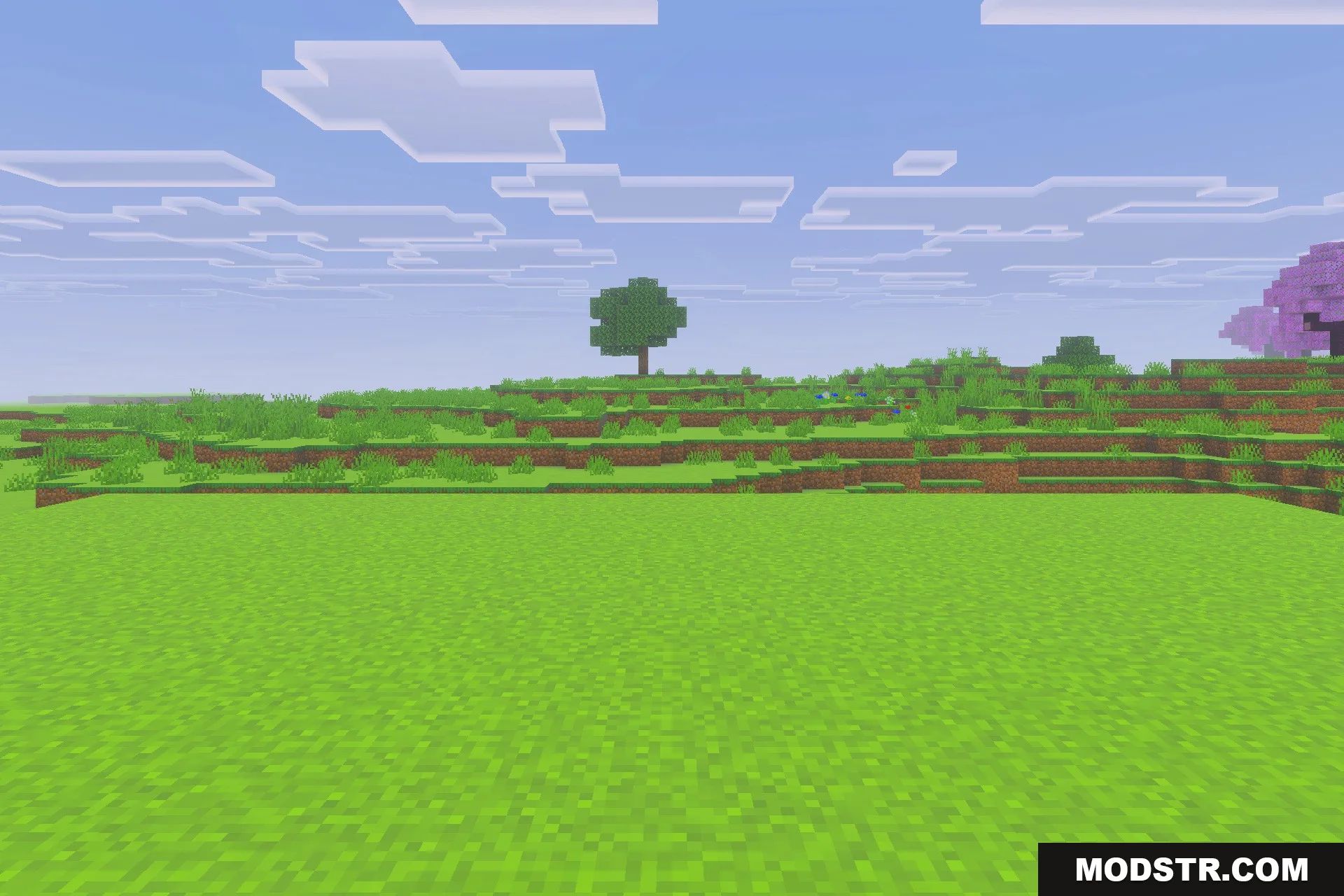
- Makes your whole game world look more vibrant.
- Boosts the color saturation of all blocks.
- Gives in-game items a brighter appearance.
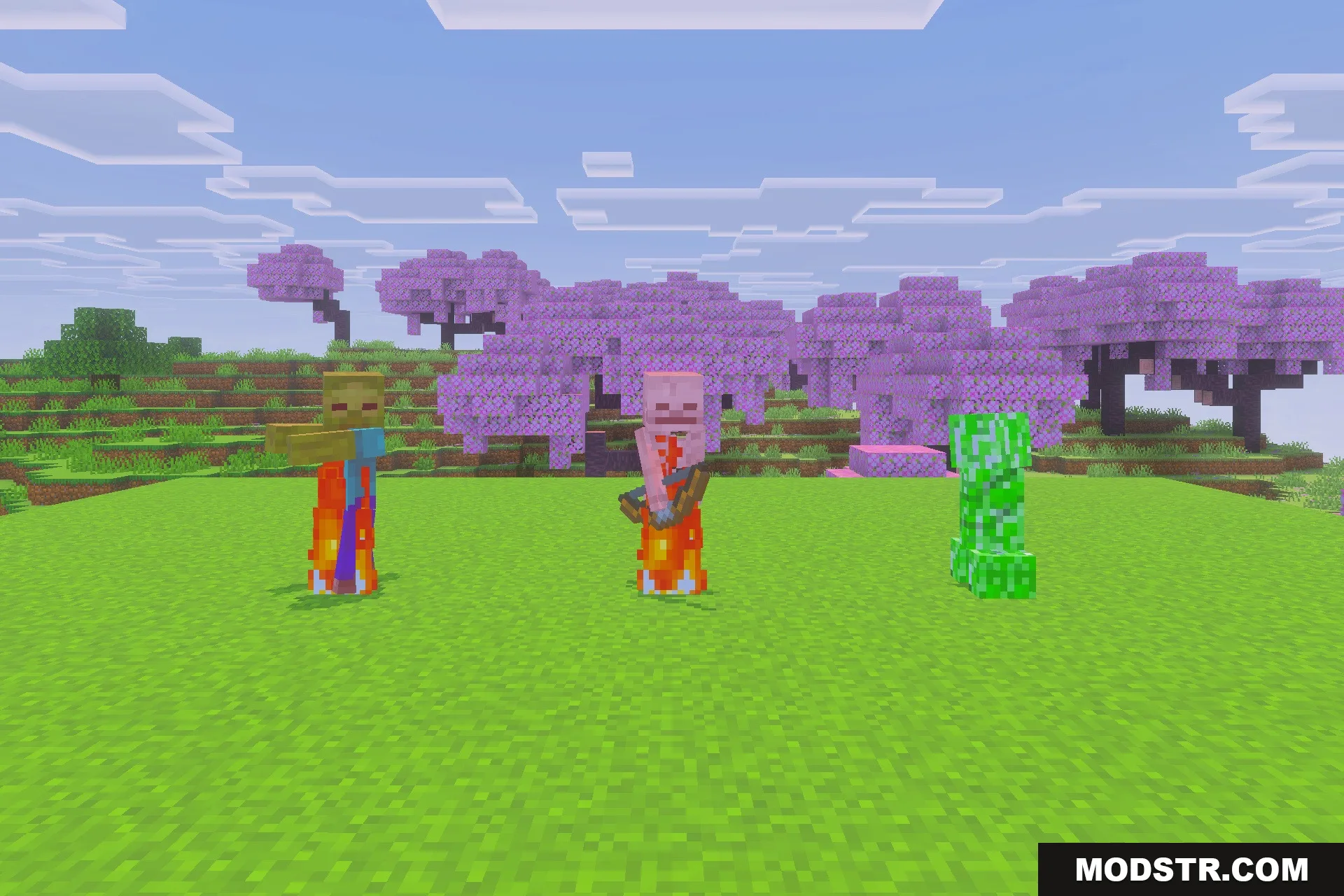
- Enhances the colors of all entities.
- Freshens up menu screens and user interfaces.
Installation
- Download the texture pack file.
- Open Minecraft and access the settings.
- Select the 'Storage' option and then 'Resource Packs'.
- Import the downloaded texture pack.
- Activate the pack to begin using it in your game.
DOWNLOAD FILES
- mcpack