
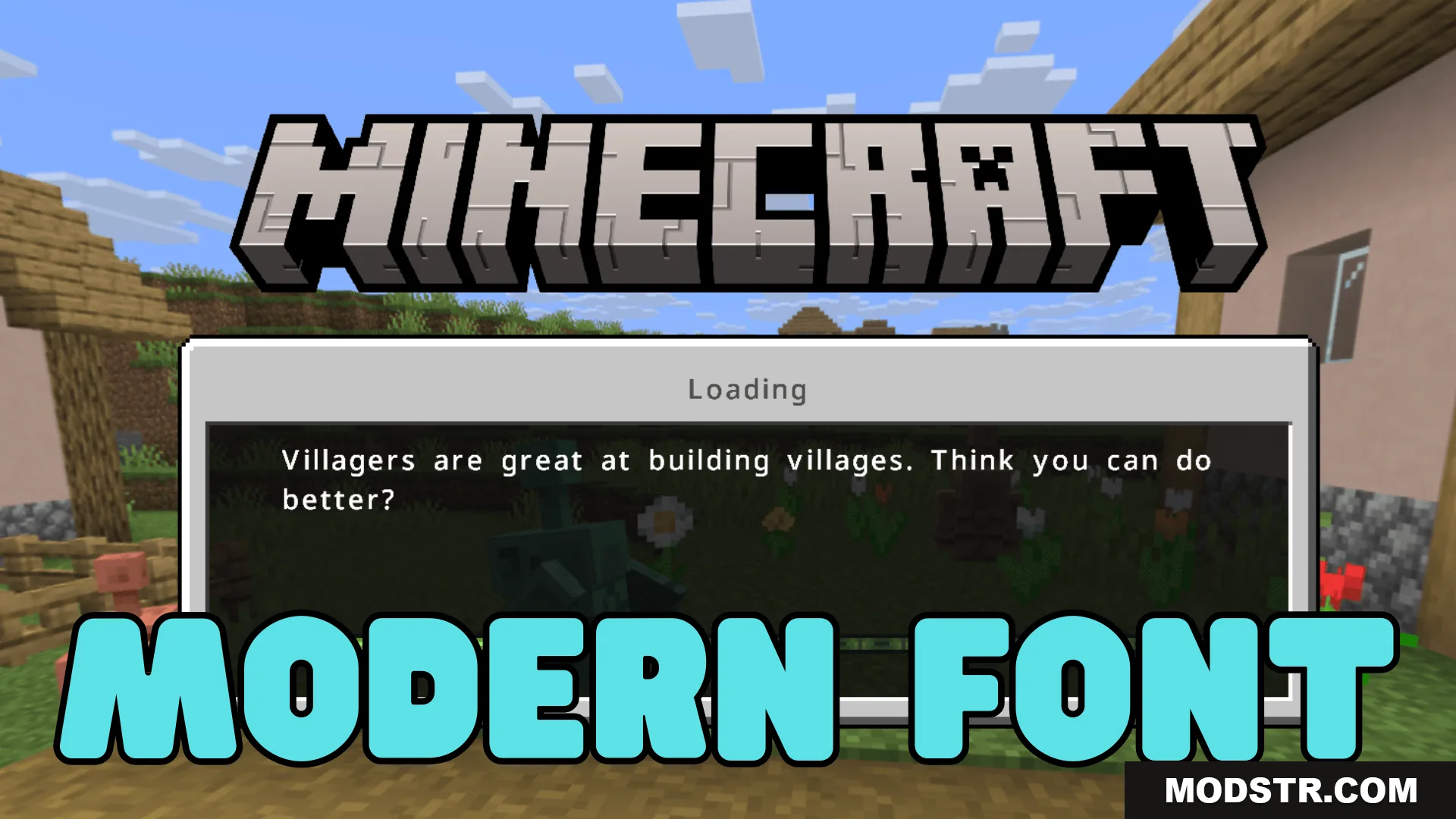
Modern Font Texture Pack (26.x, 1.21) – MCPE/Bedrock
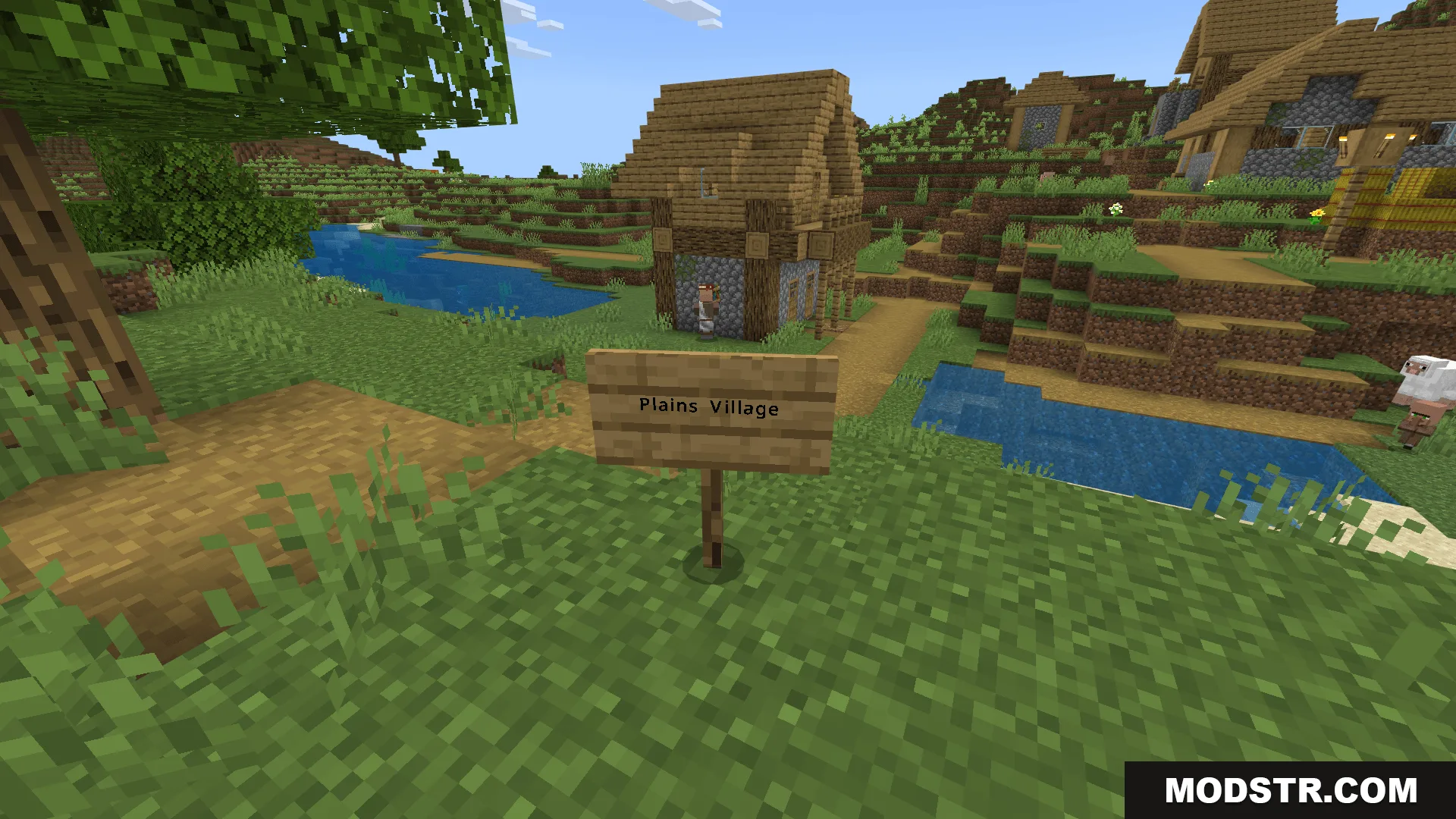
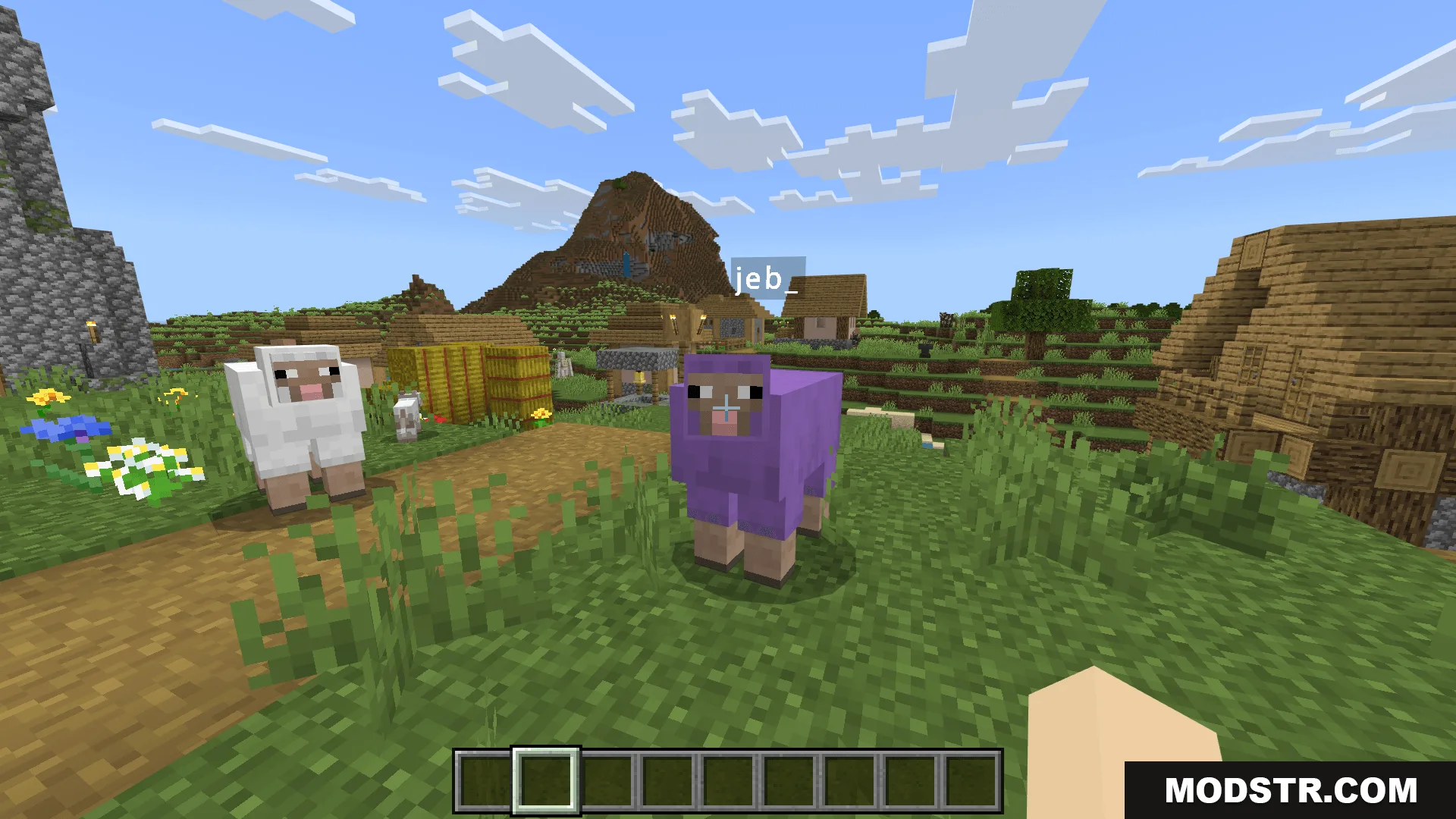
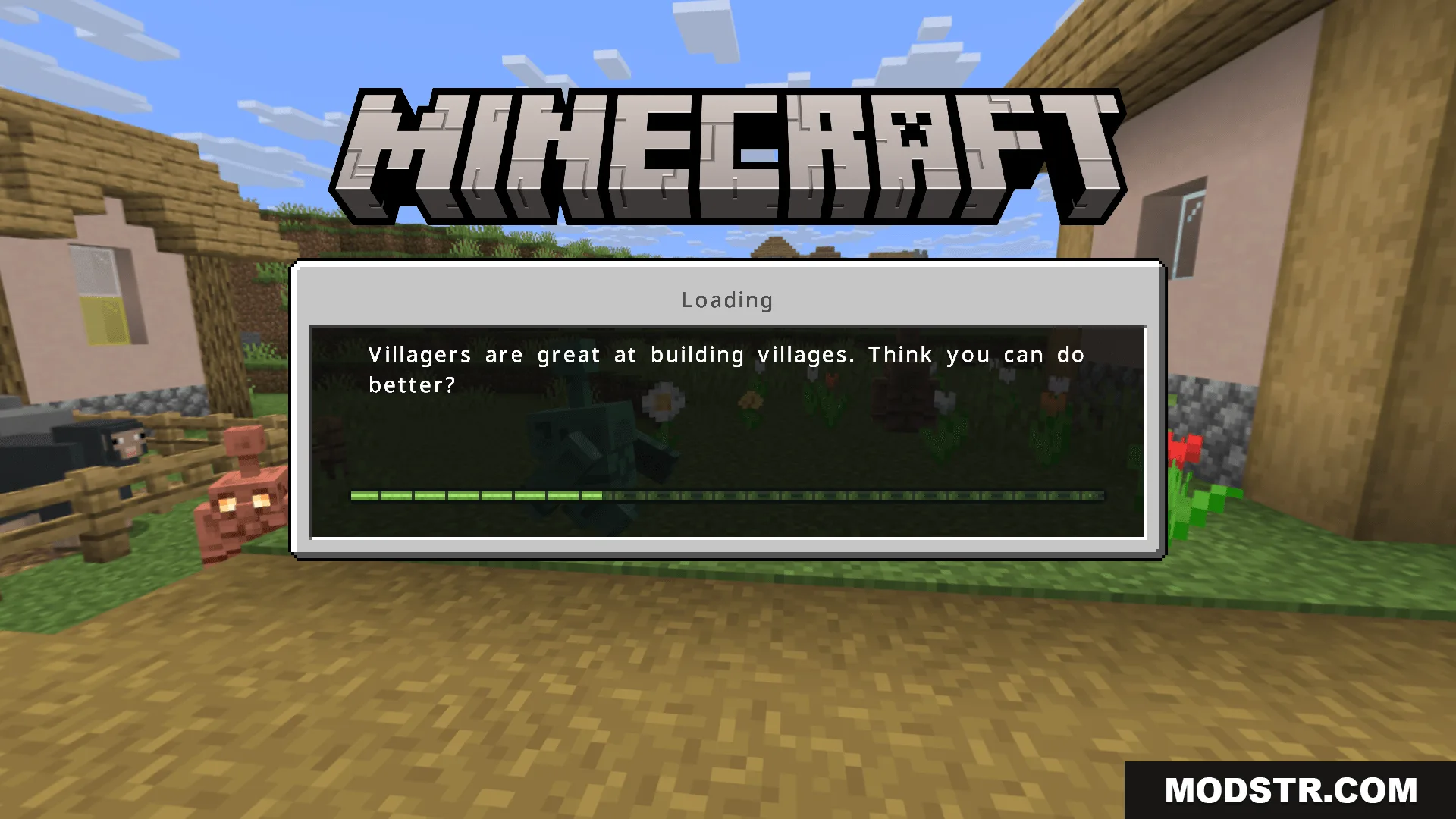
A texture pack that replaces the default font with a thinner, more compact typeface designed for improved readability on high-resolution displays.
- 1.21
- 1.20
- 1.19
- 1.18
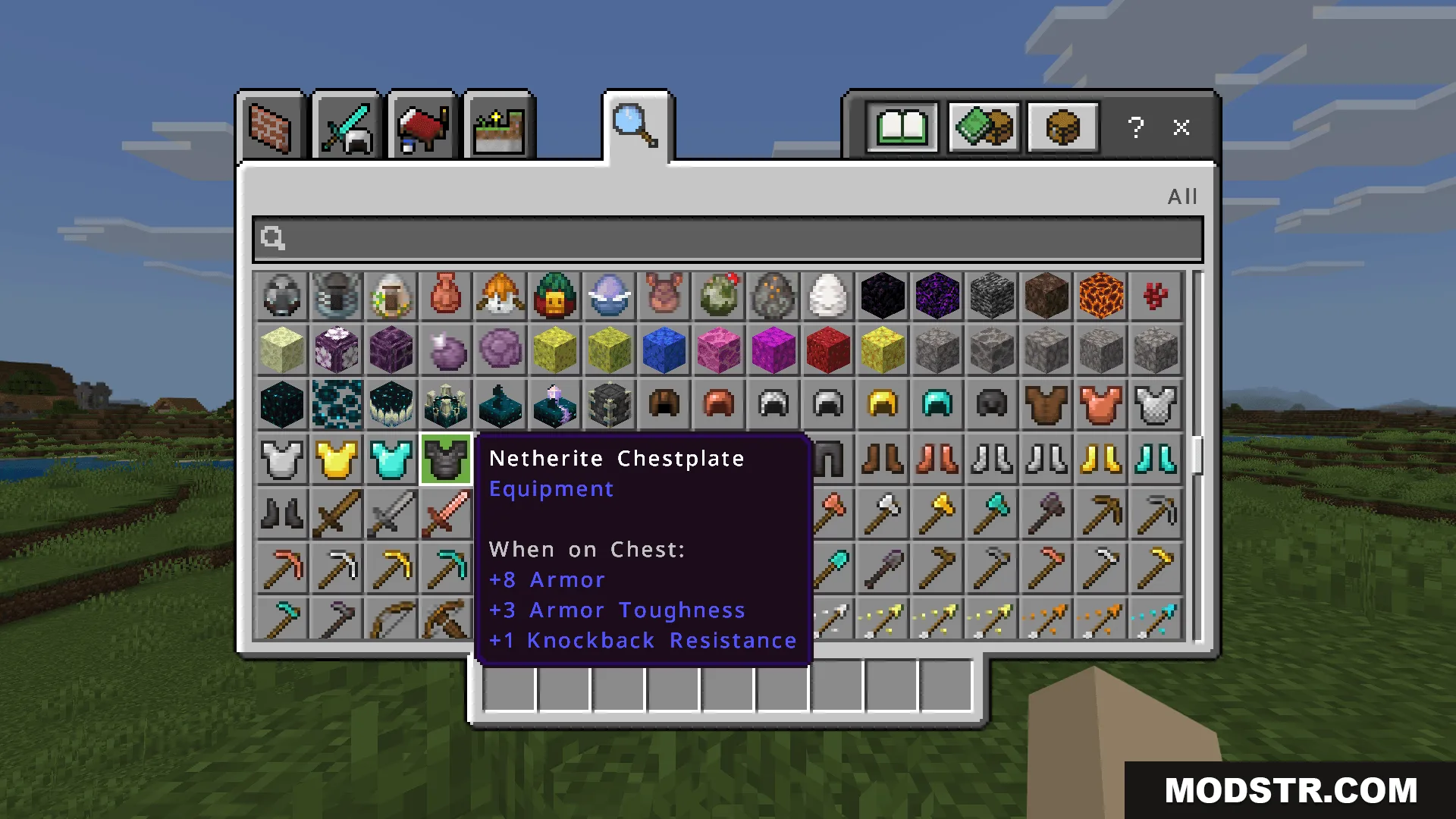
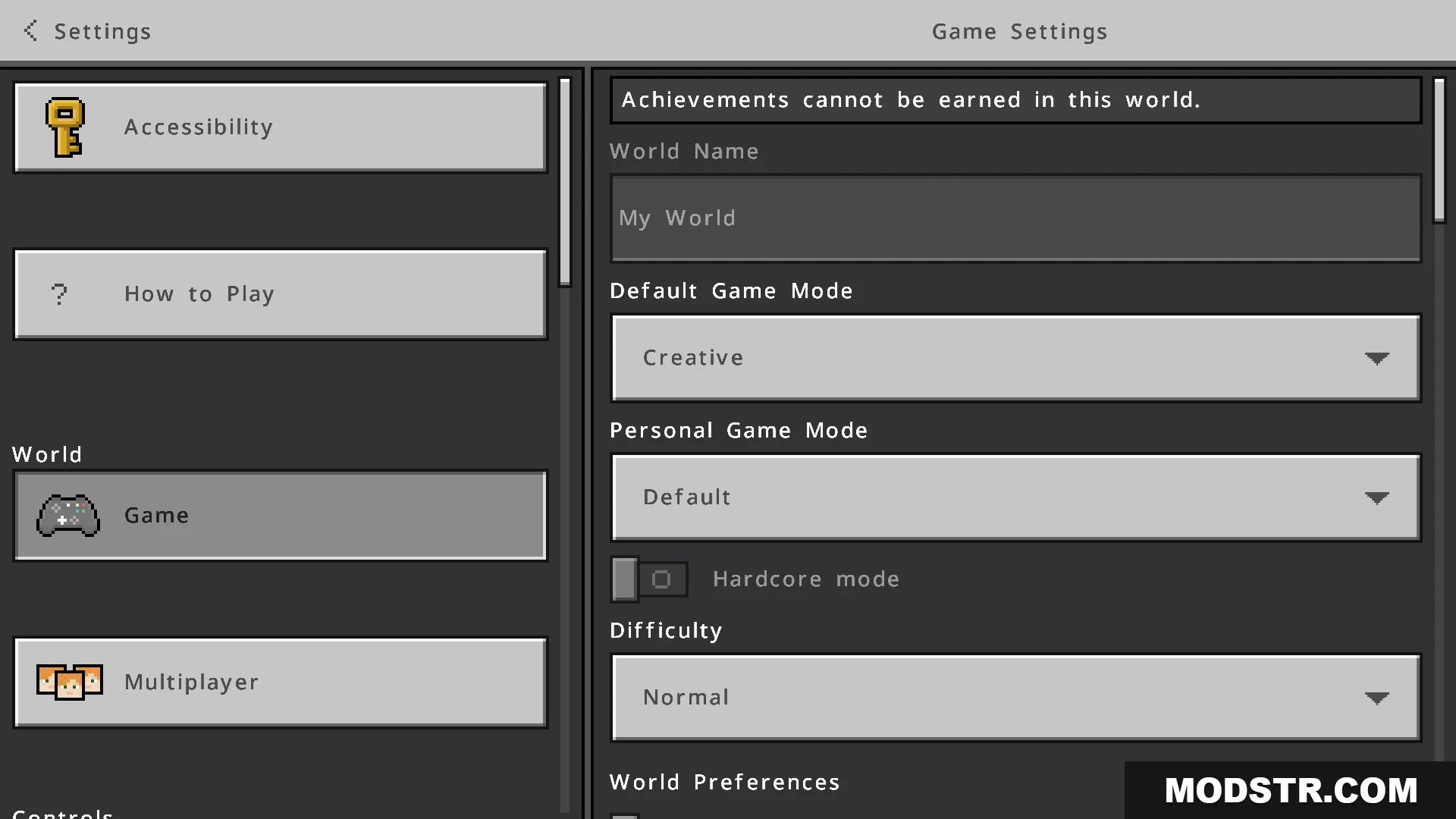
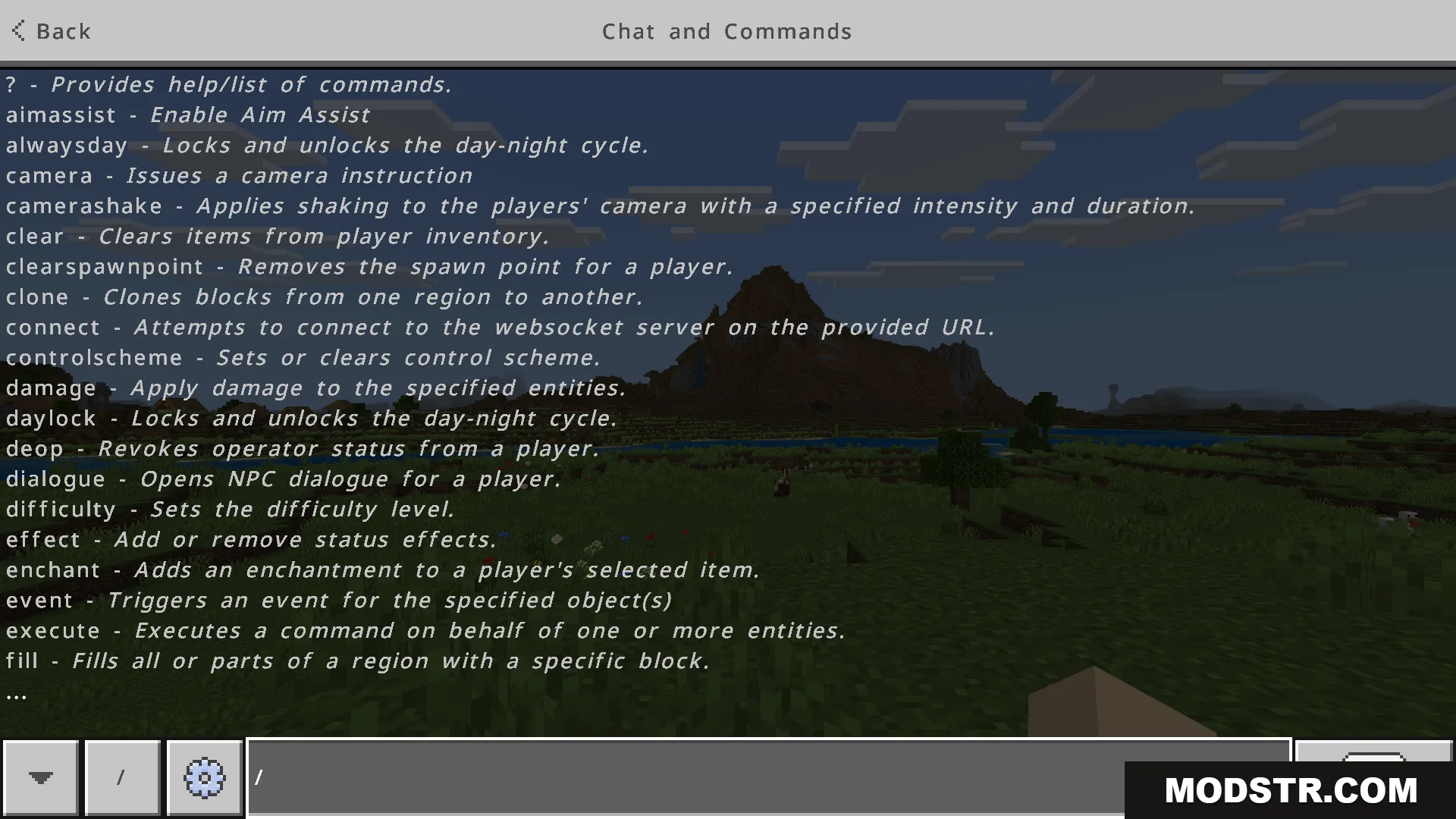
Modern Font Texture Pack replaces Minecraft's default font with a thinner, more compact alternative. The redesigned font reduces visual thickness and improves the appearance of Unicode characters, making text easier to read on high-resolution screens while keeping the interface layout intact.
Features
- Thinner and more compact font design.
- Smoother rendering of Unicode characters.
- Improved readability on high-resolution displays.
- Balanced font sizing throughout the interface.
- No changes to interface layout or structure.
Installation
- Download the texture pack file.
- Open Minecraft and navigate to Settings.
- Select Resource Packs and choose Add Pack.
- Locate and select the downloaded pack file.
- Move it to the Active section and apply.
Compatibility
This texture pack is designed for Bedrock Edition versions 26.x and Minecraft 1.21. Compatibility with other versions may vary.
DOWNLOAD FILES
- mcpack
- mcpack