
FPS Up Texture Pack (26.x, 1.21) – Disable Lag for MCPE/Bedrock
Lightweight texture pack for Bedrock/PE that disables particles and animations to boost FPS, improve portal travel, and reduce lag. Works on all servers.
- 1.21
- 1.20
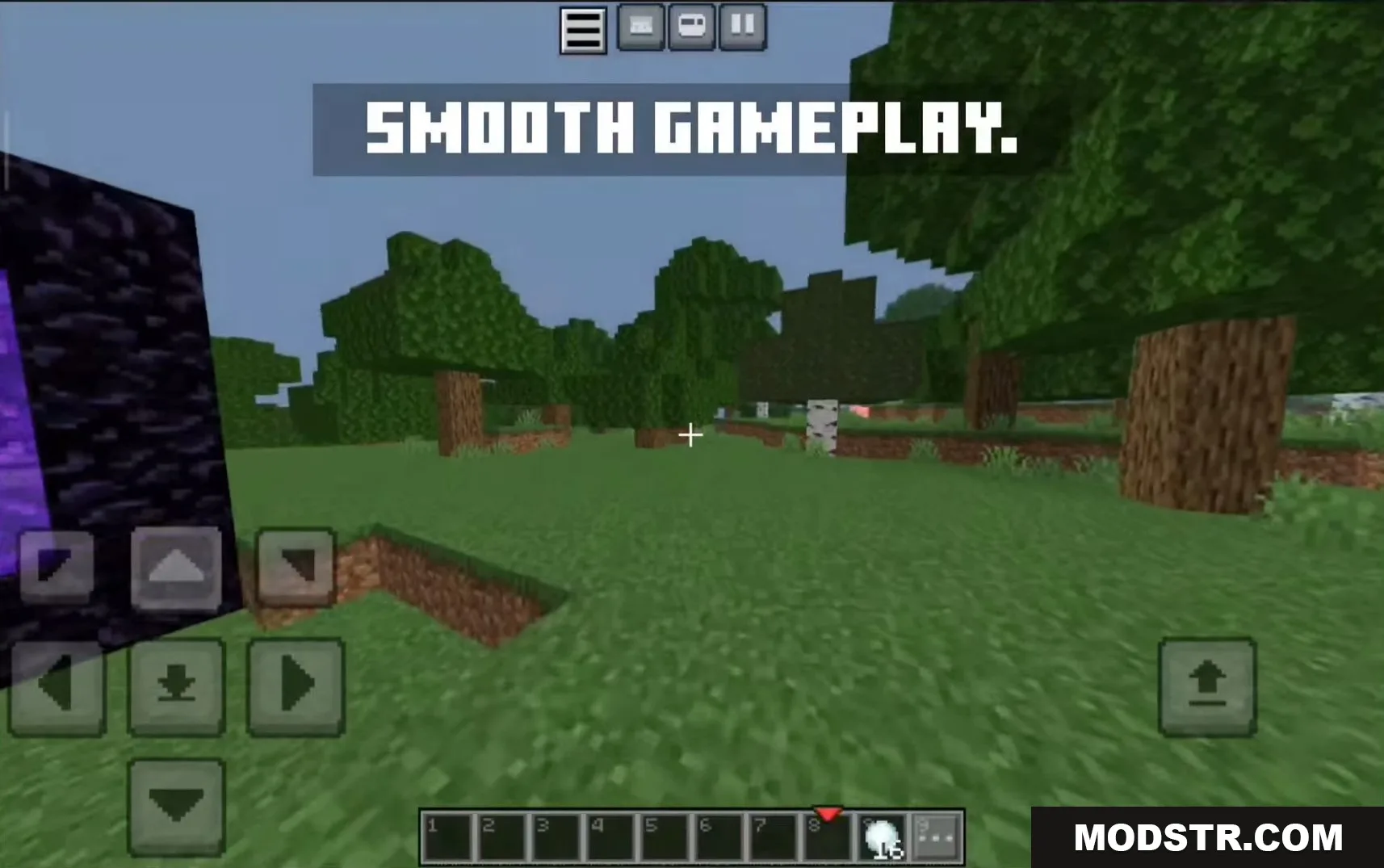
FPS Up is a texture pack designed to improve frame rates on Minecraft Bedrock and Pocket Edition by removing visual elements that consume performance. The pack disables particles, blocks flipbook texture animations, and optimizes world generation to provide a smoother gameplay experience.
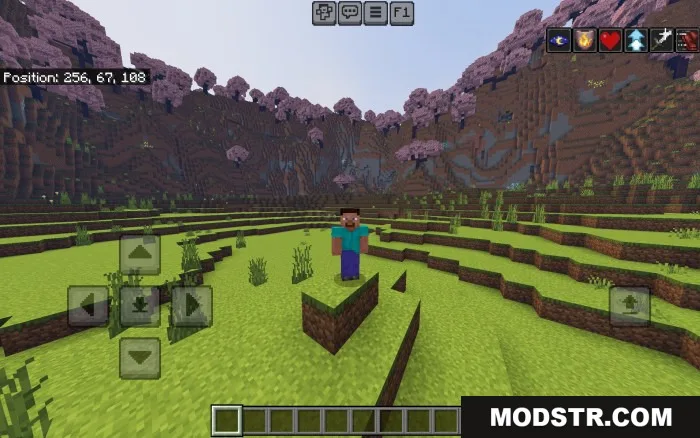
Features
- Removes all particles from rendering to increase FPS.
- Disables flipbook animations to reduce performance overhead.
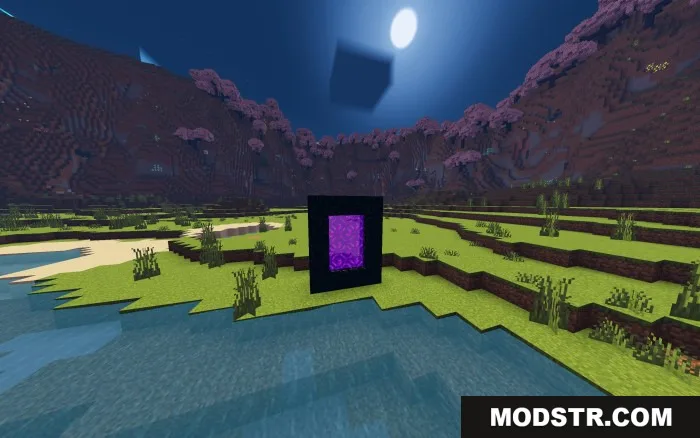
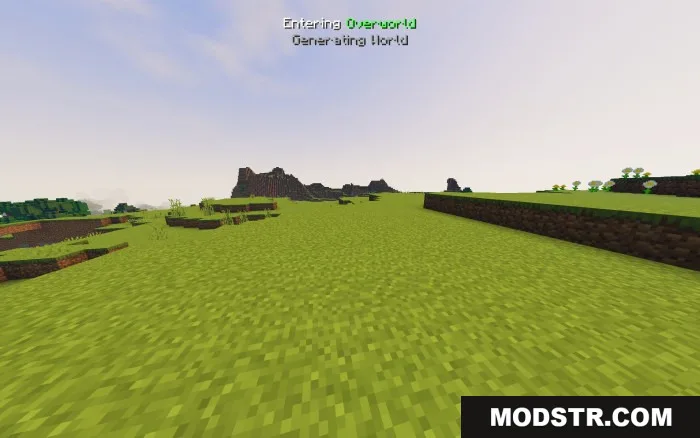
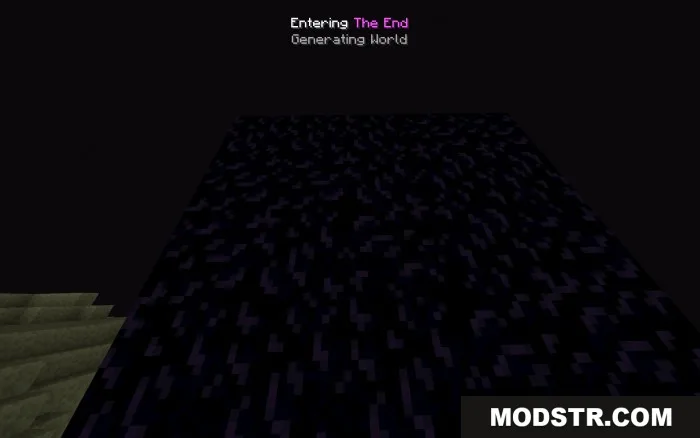
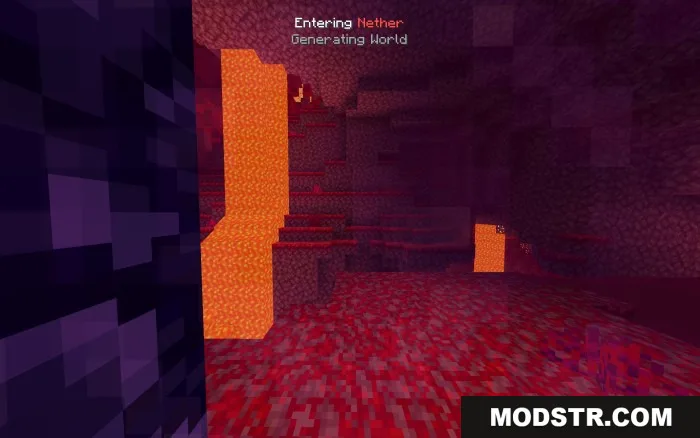
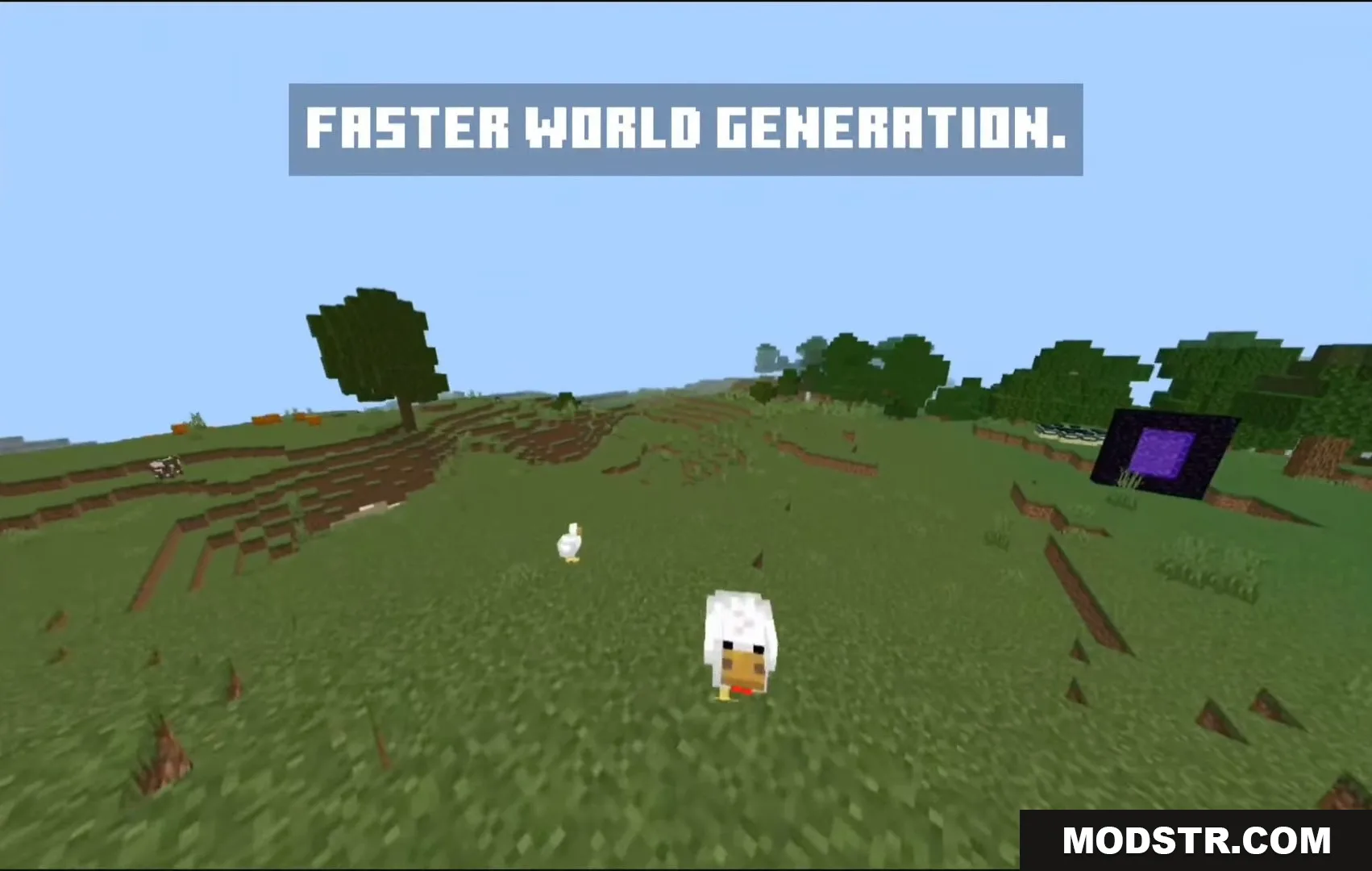
- Speeds up portal travel by making world generation visible instead of showing a static background.
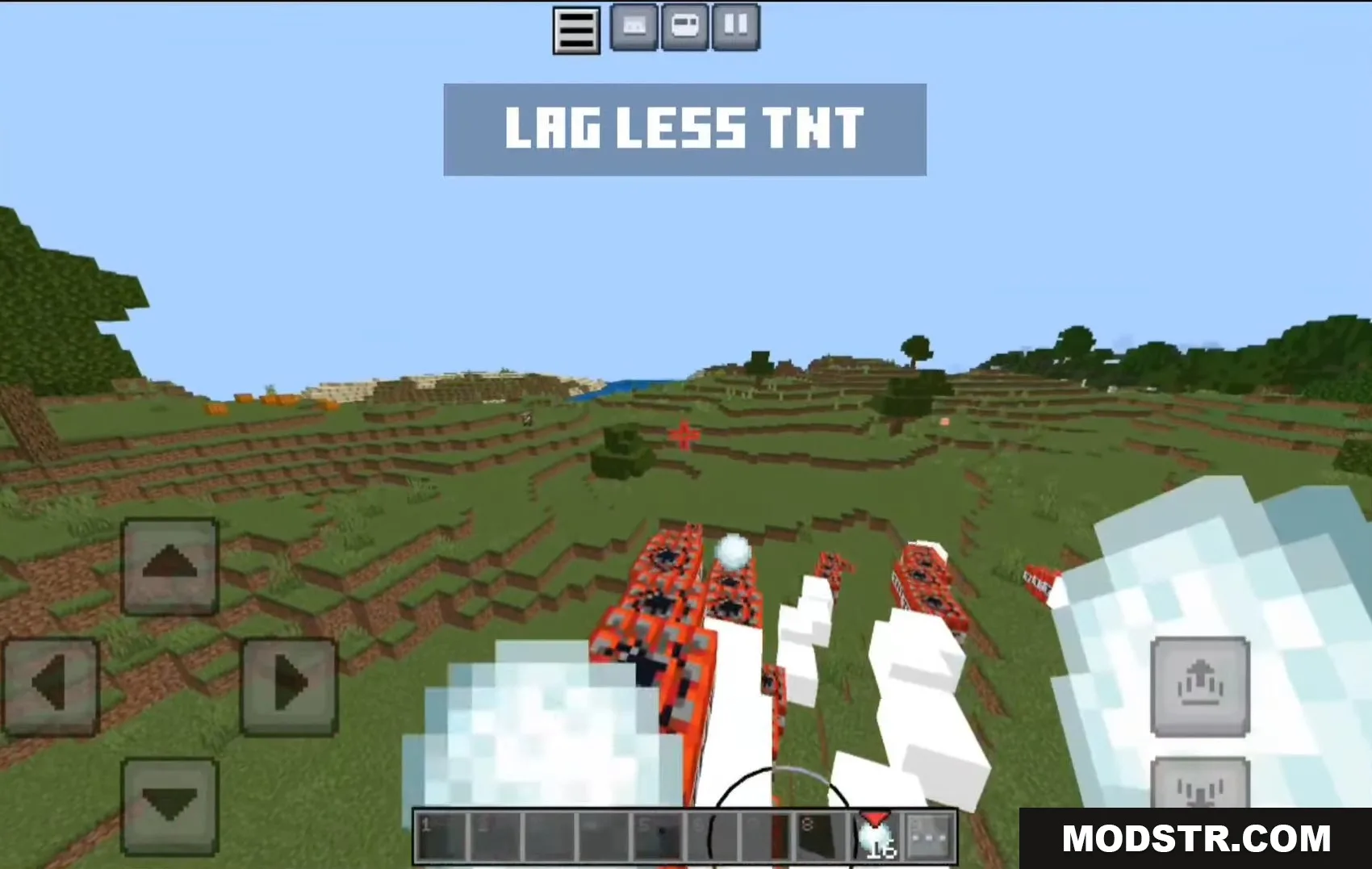
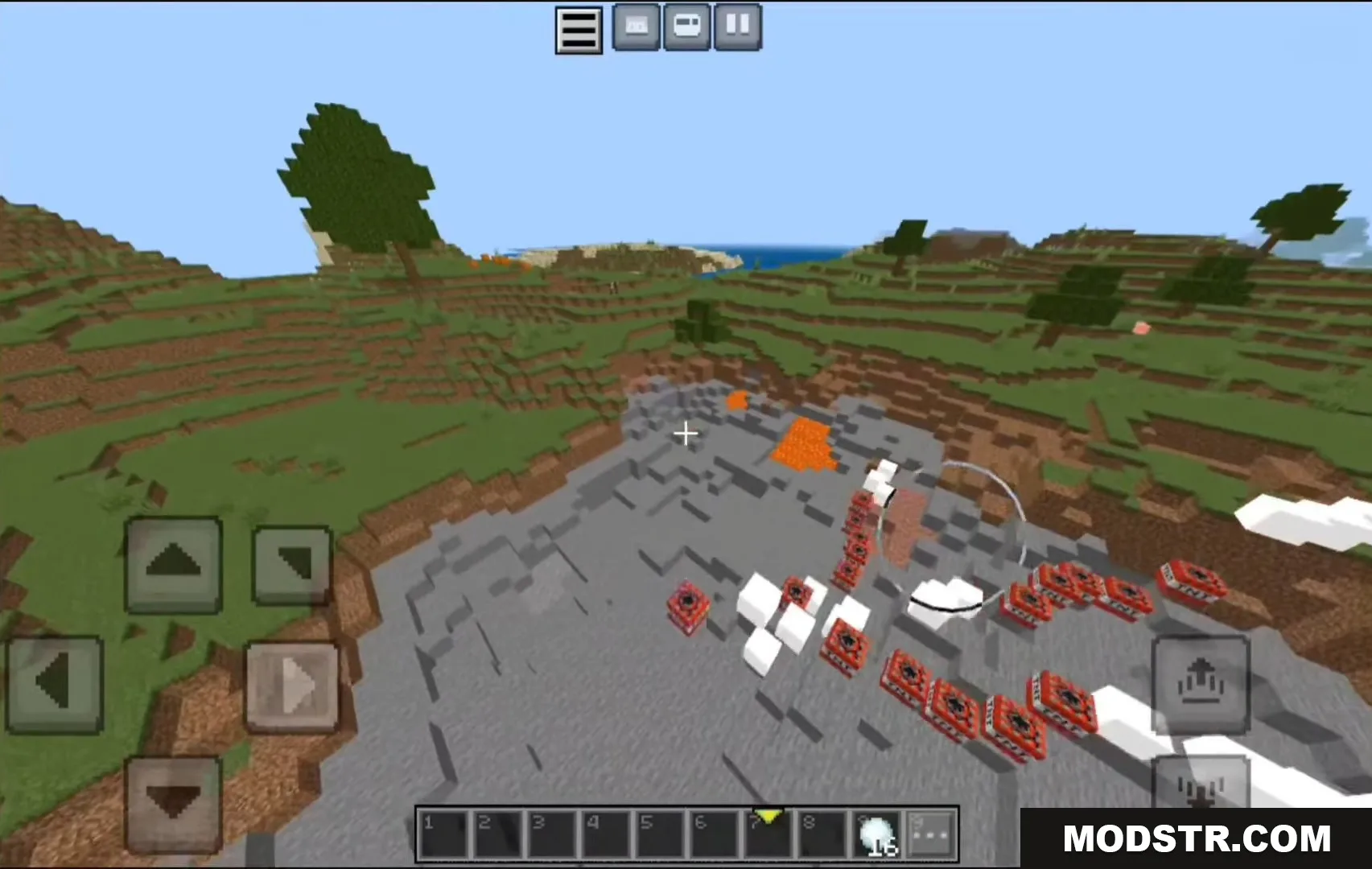
- Optimizes world generation speed and reduces TNT lag.
- File size is 0.22 MB, requiring minimal storage space.
- Compatible with servers including Hive, Nethergames, Hyperlands, and Zeqa.

Installation
- Download the .mcpack file for your Minecraft version.
- Open the file with Minecraft Pocket Edition or Bedrock Edition.
- Select the texture pack in the resource packs menu.
- Apply the pack to your world or server.
- Restart the game if necessary for changes to take effect.
Compatibility
FPS Up works with Minecraft Bedrock and Pocket Edition versions 1.20 and 1.21, as well as all other versions of Bedrock Edition. The pack is compatible with multiplayer servers and does not conflict with server-side settings.
DOWNLOAD FILES
- mcpack
- mcpack