
FPS Optimizer Boost Official Texture Pack (26.x, 1.21) – MCPE/Bedrock
A texture pack for Bedrock Edition that optimizes performance by removing heavy effects and animations while maintaining classic visuals.
- 1.21
FPS Optimizer Boost Official Texture Pack is designed to improve performance on lower-end devices by reducing visual complexity and removing resource-intensive effects. The pack maintains Minecraft's standard art style while cleaning up textures and effects that can cause lag.
Features
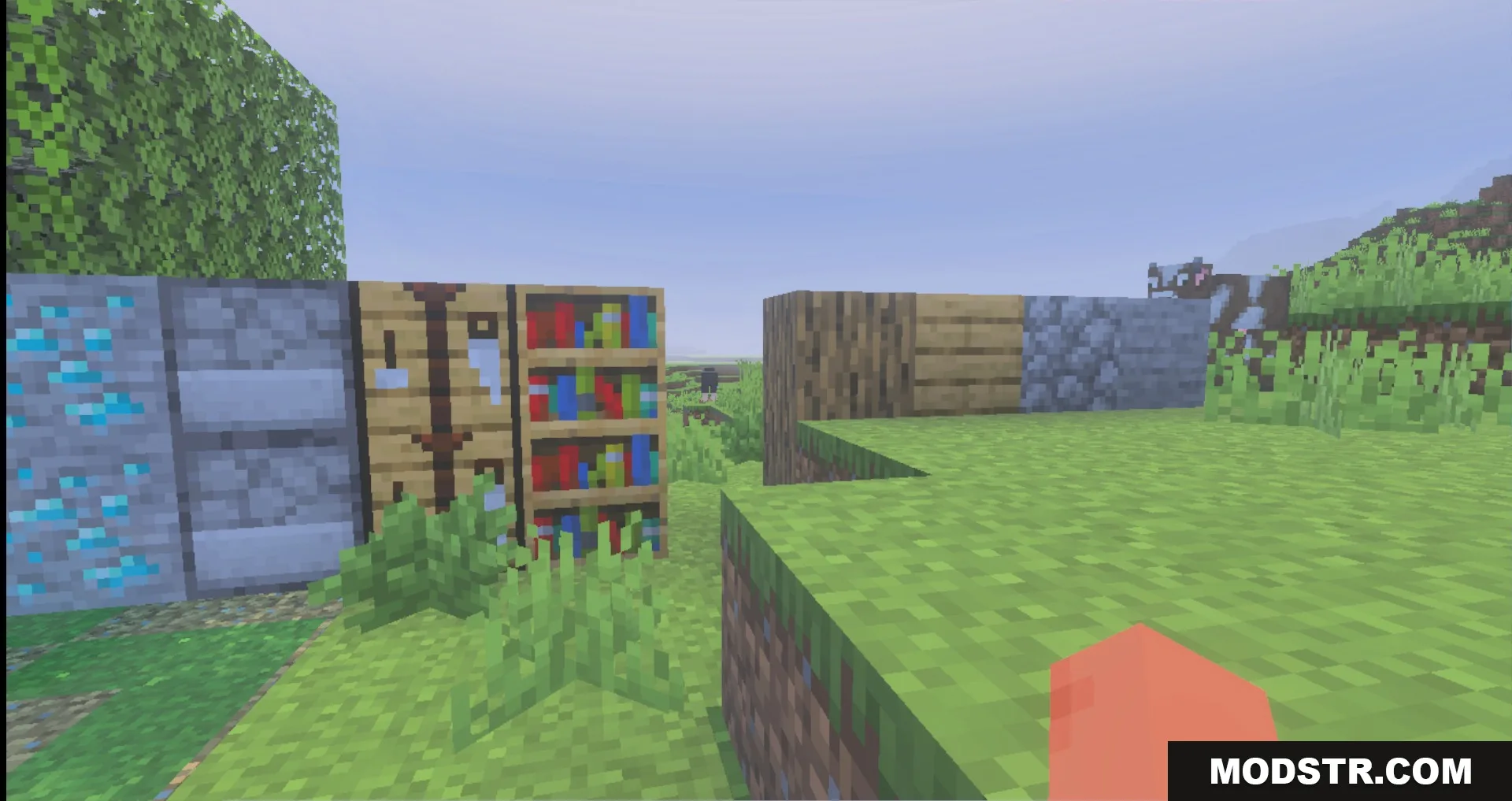
- Removes heavy particles and weather effects.
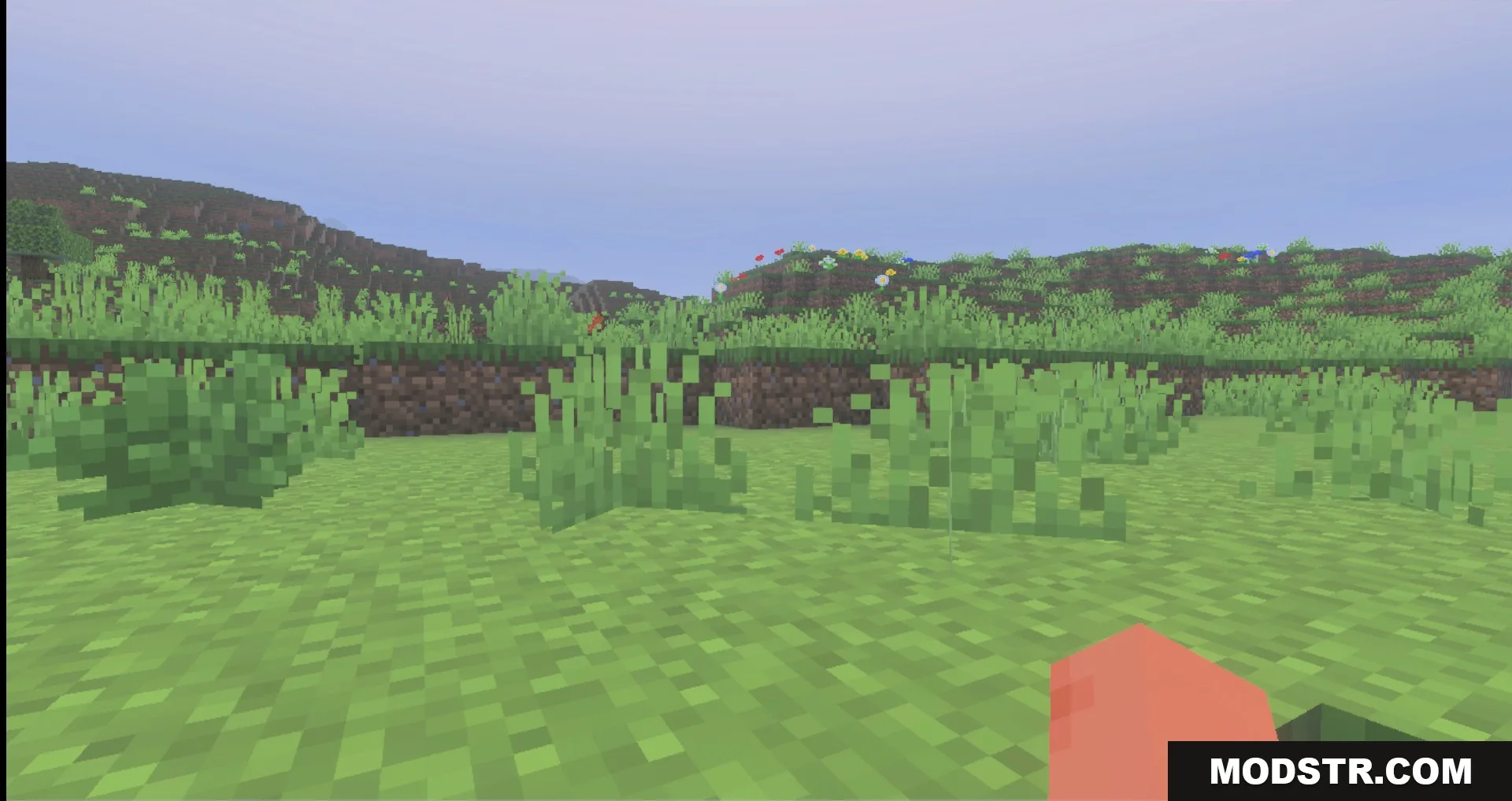
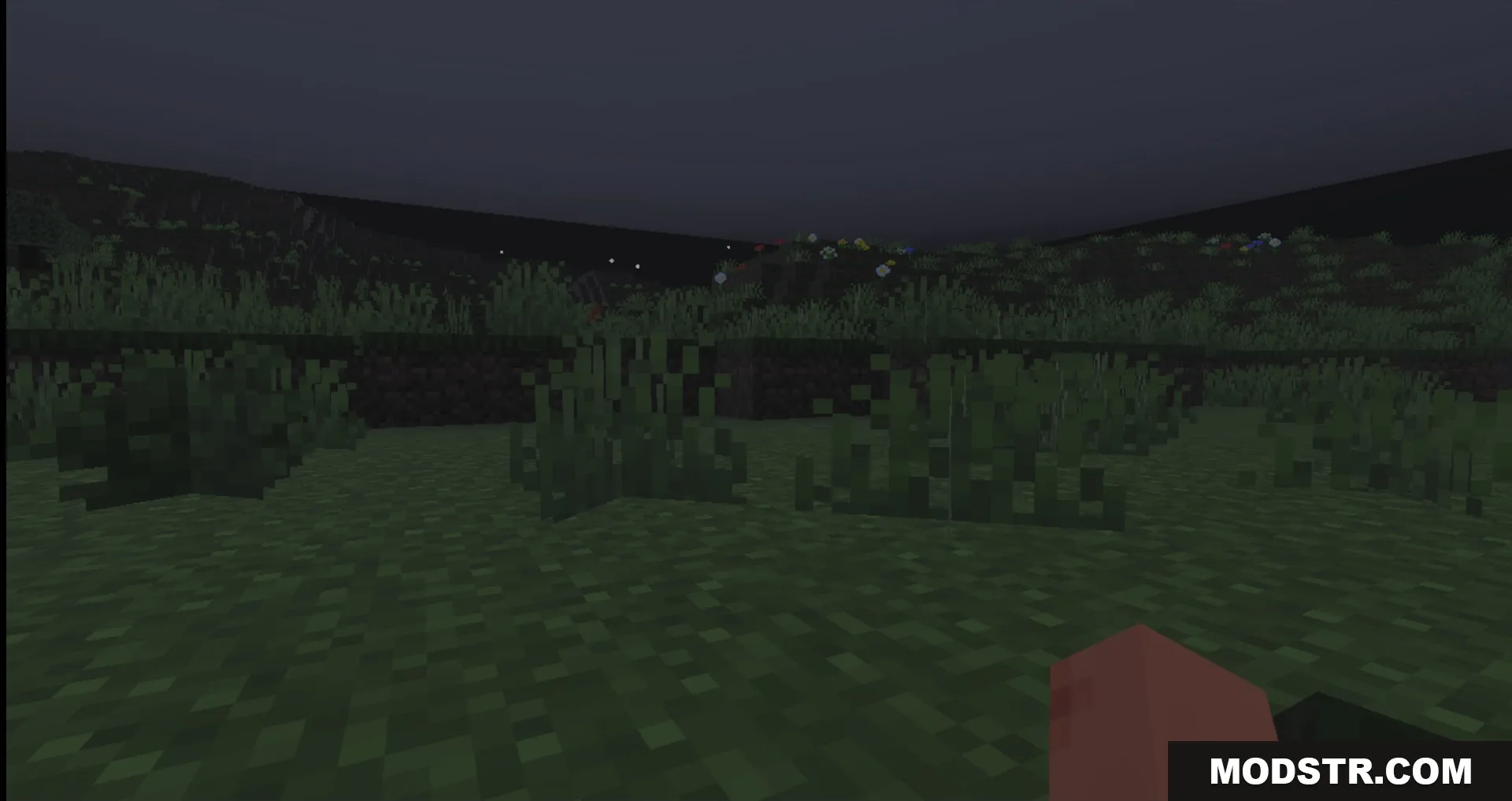
- Adds biome-specific fog settings.
- Displays tool durability indicators on screen.
- Disables block animations to improve frame rates.
- Optimizes audio processing to reduce sound-related lag.
Installation
- Download the texture pack file for your device.
- Open the file in Minecraft: Bedrock Edition.
- Select the pack from the resource packs menu.
- Move it to the top of the active pack list.
- Apply and restart your world to see changes.
Compatibility
This pack is compatible with Minecraft Bedrock Edition version 1.21 and works on devices running version 26.x. Performance improvements are most noticeable on low-end phones and devices with limited processing power.
DOWNLOAD FILES
- mcpack