
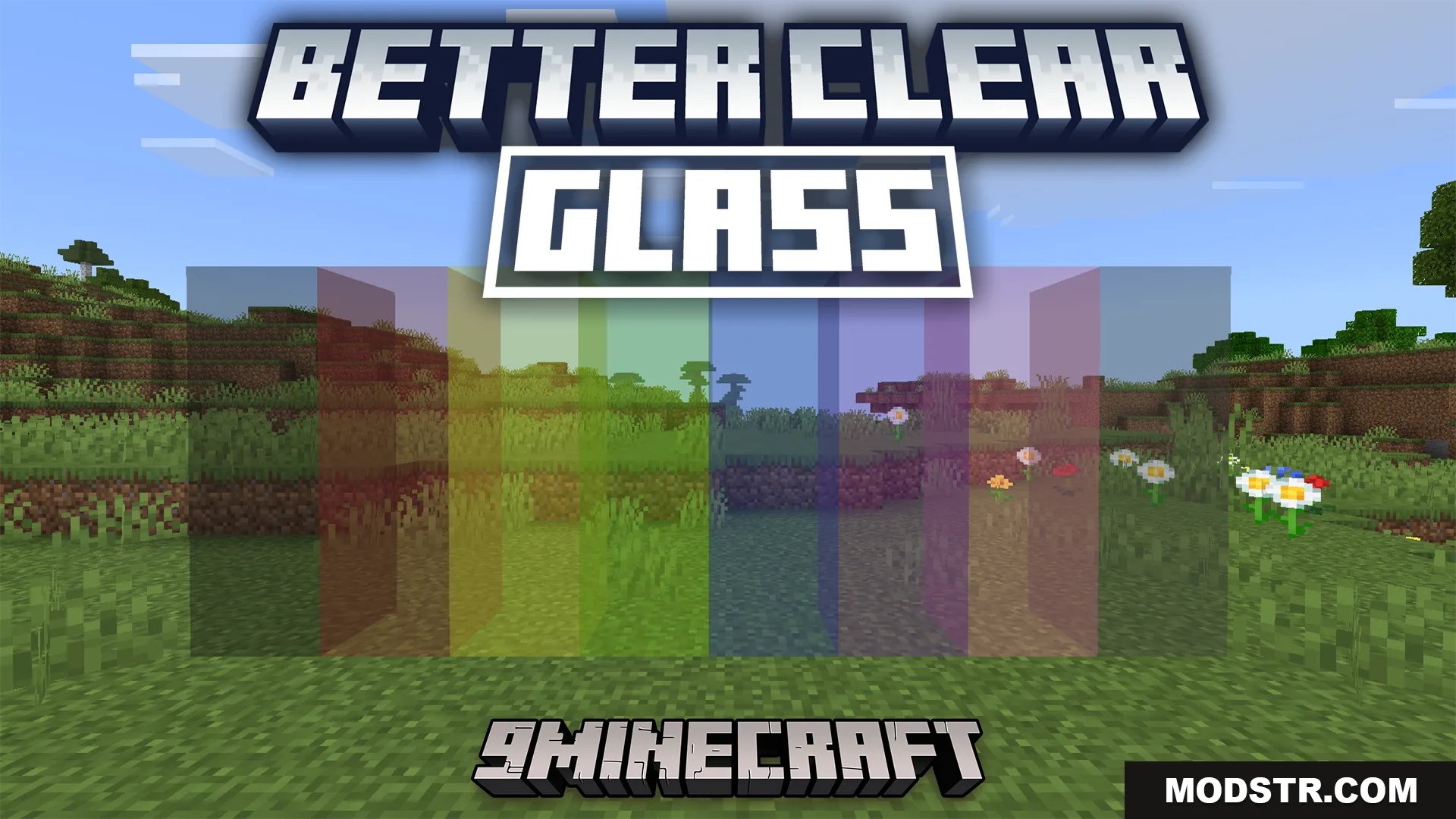
Better Clear Glass Texture Pack (26.x, 1.21) – Transparent Glass Without Edge Lines
Texture pack that removes edge lines from glass blocks and updates colored glass variants for clearer, smoother appearance in Minecraft 1.21.
- 1.21
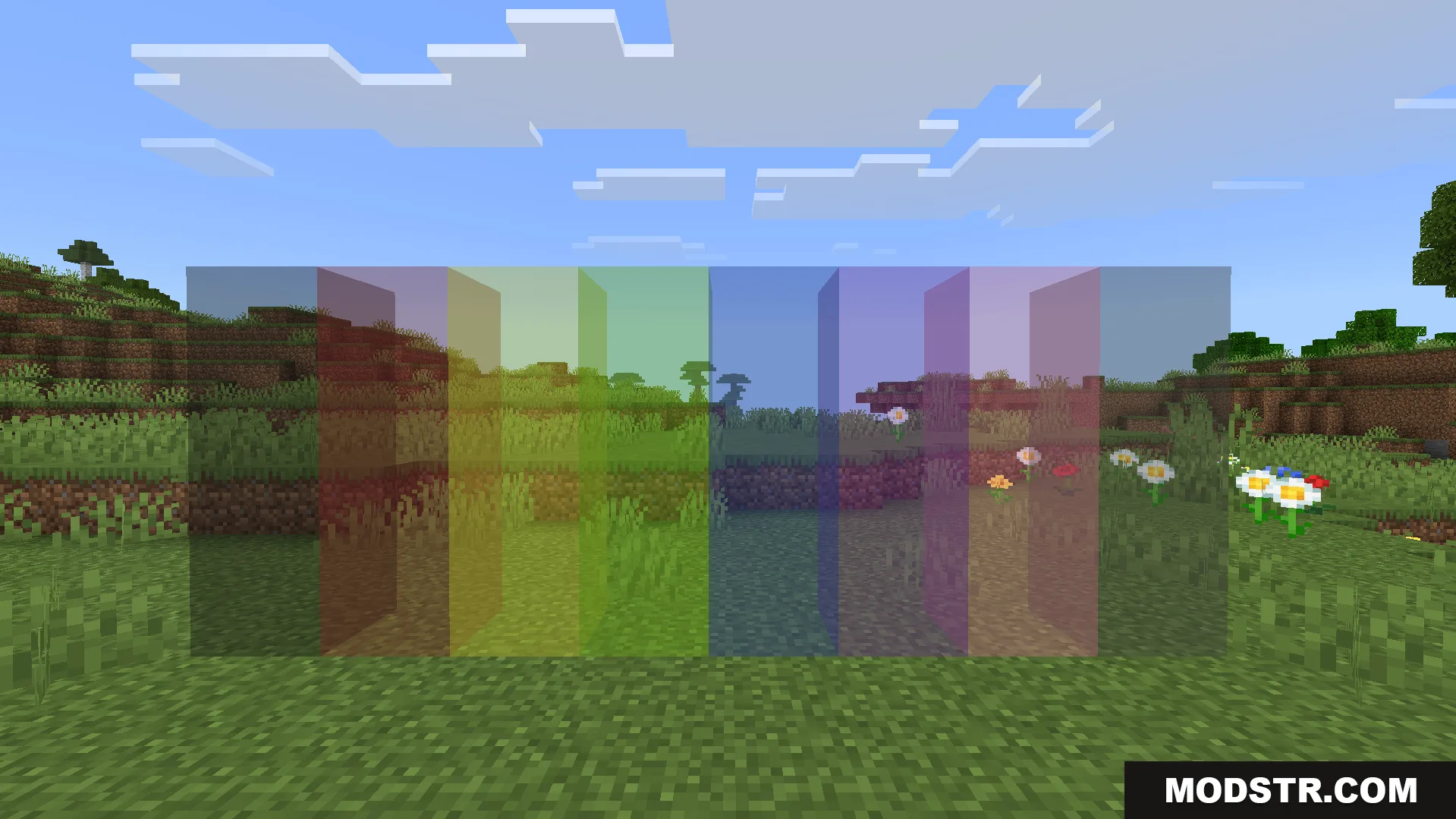
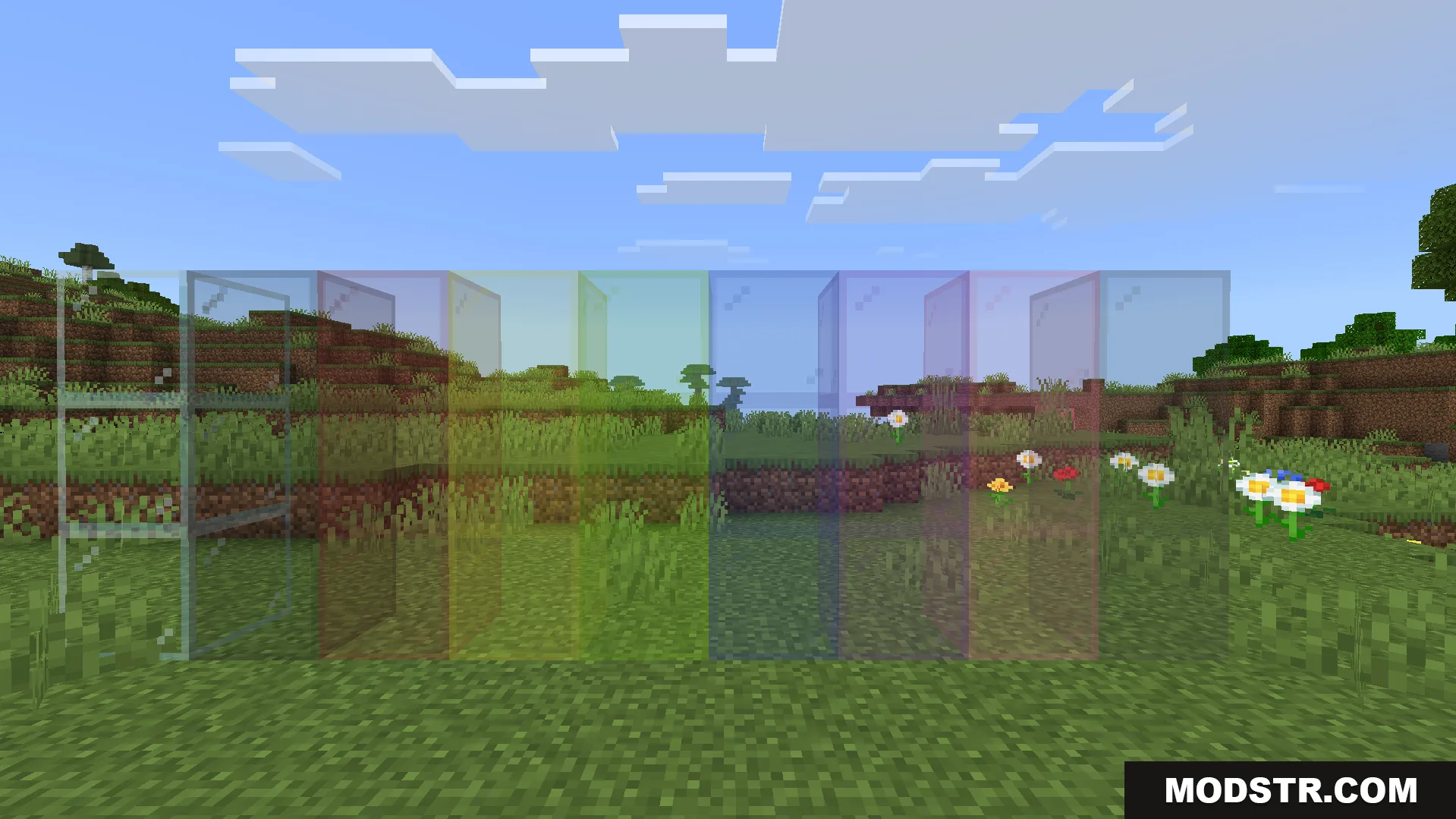
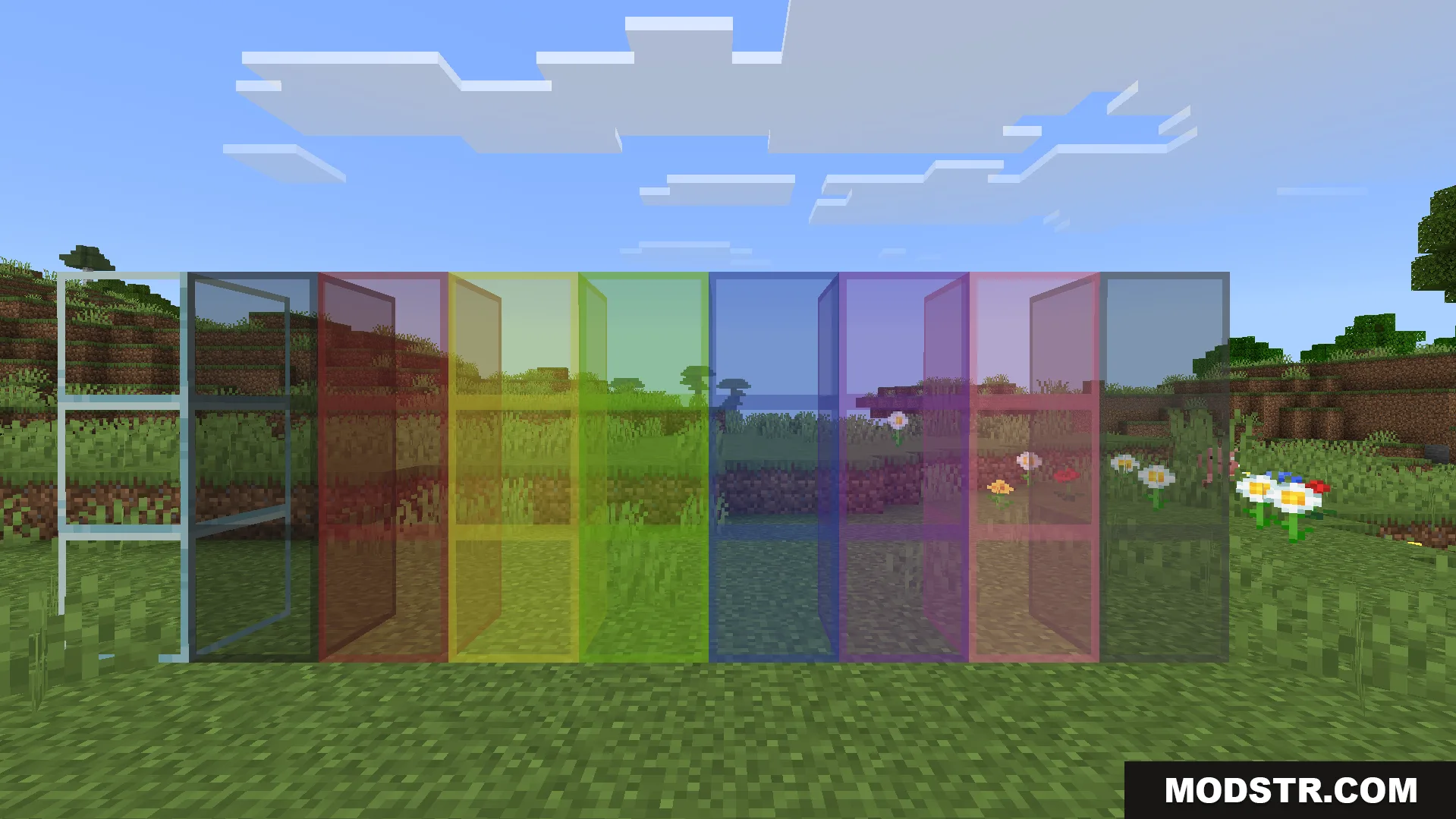
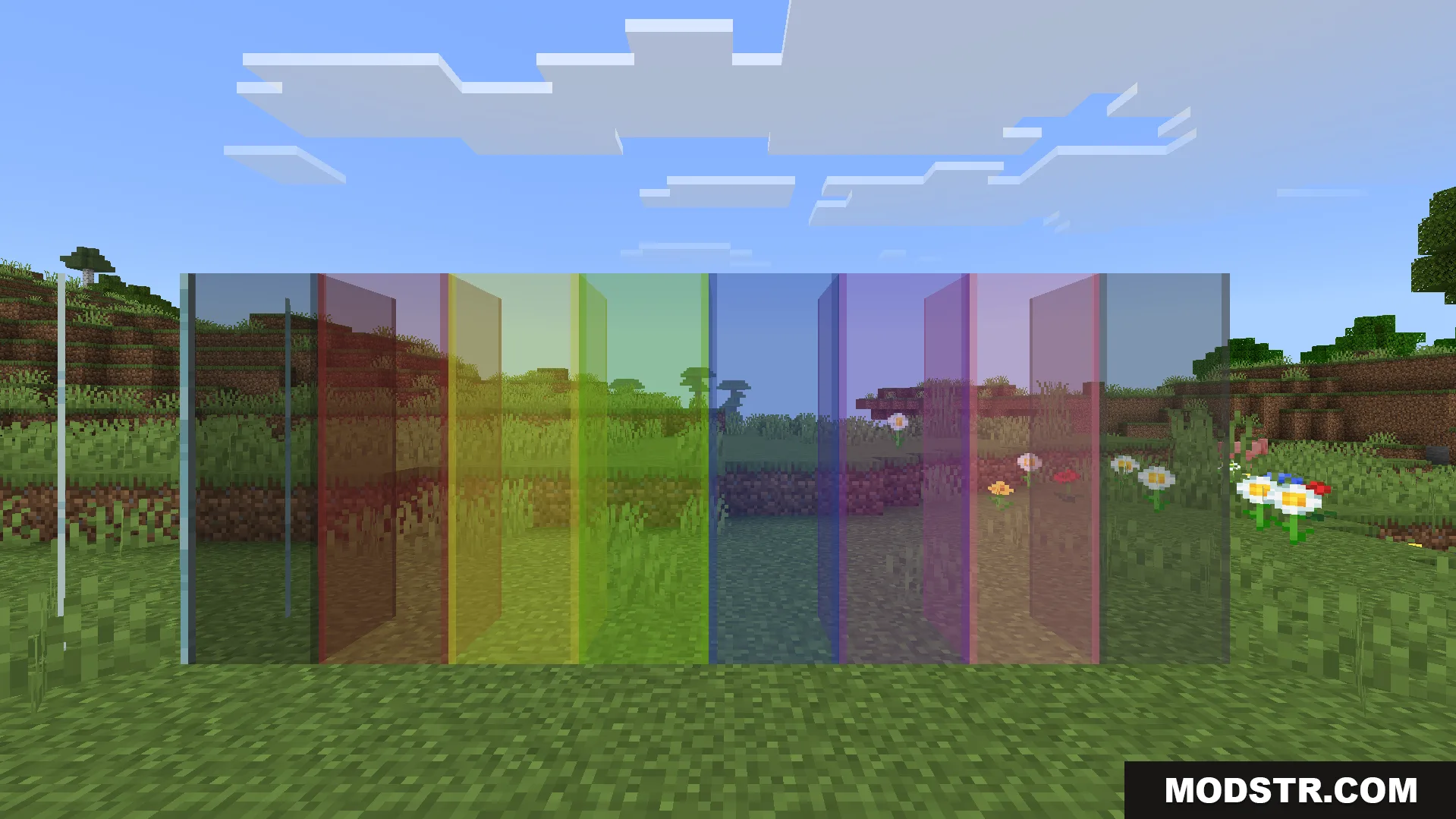
This texture pack modifies glass block textures to remove the edge lines that appear on standard glass. It updates both regular and colored glass variants with smoother, more transparent textures.
Features
- Removes edge lines from all glass block types.
- Updates standard glass and all colored glass variants.
- Provides transparent, smooth glass textures.
Installation
- Download the texture pack file.
- Open your Minecraft resourcepacks folder.
- Place the downloaded file into the resourcepacks directory.
- Launch Minecraft and open World or Server settings.
- Select the texture pack from your Available list and move it to Active.
Compatibility
This pack is designed for Minecraft 1.21 and resource pack format 26.x.
DOWNLOAD FILES
- mcpack
- mcpack