
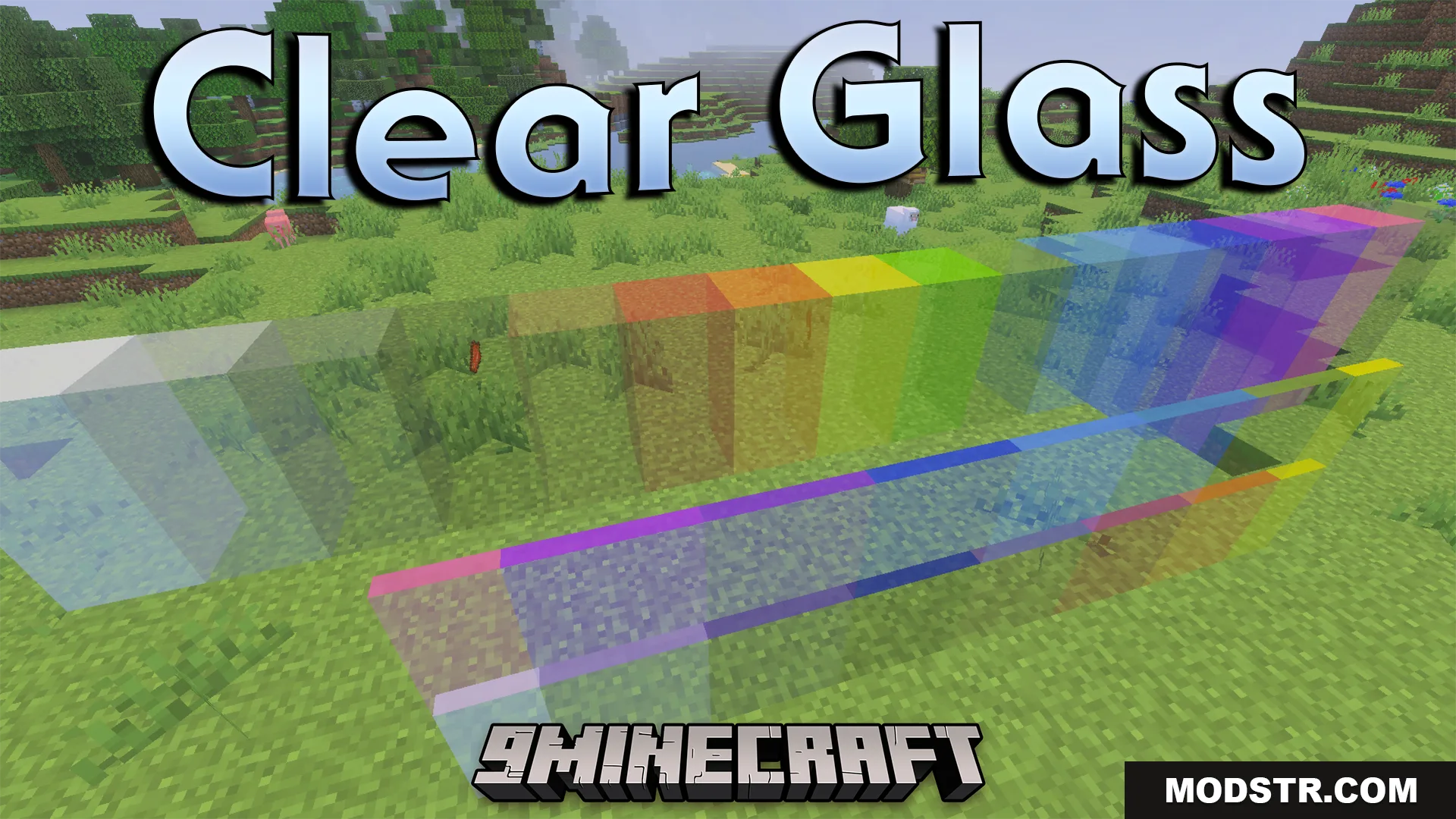
Clear Glass Texture Pack (26.x, 1.21) – Perfectly Clear Windows Without Borders
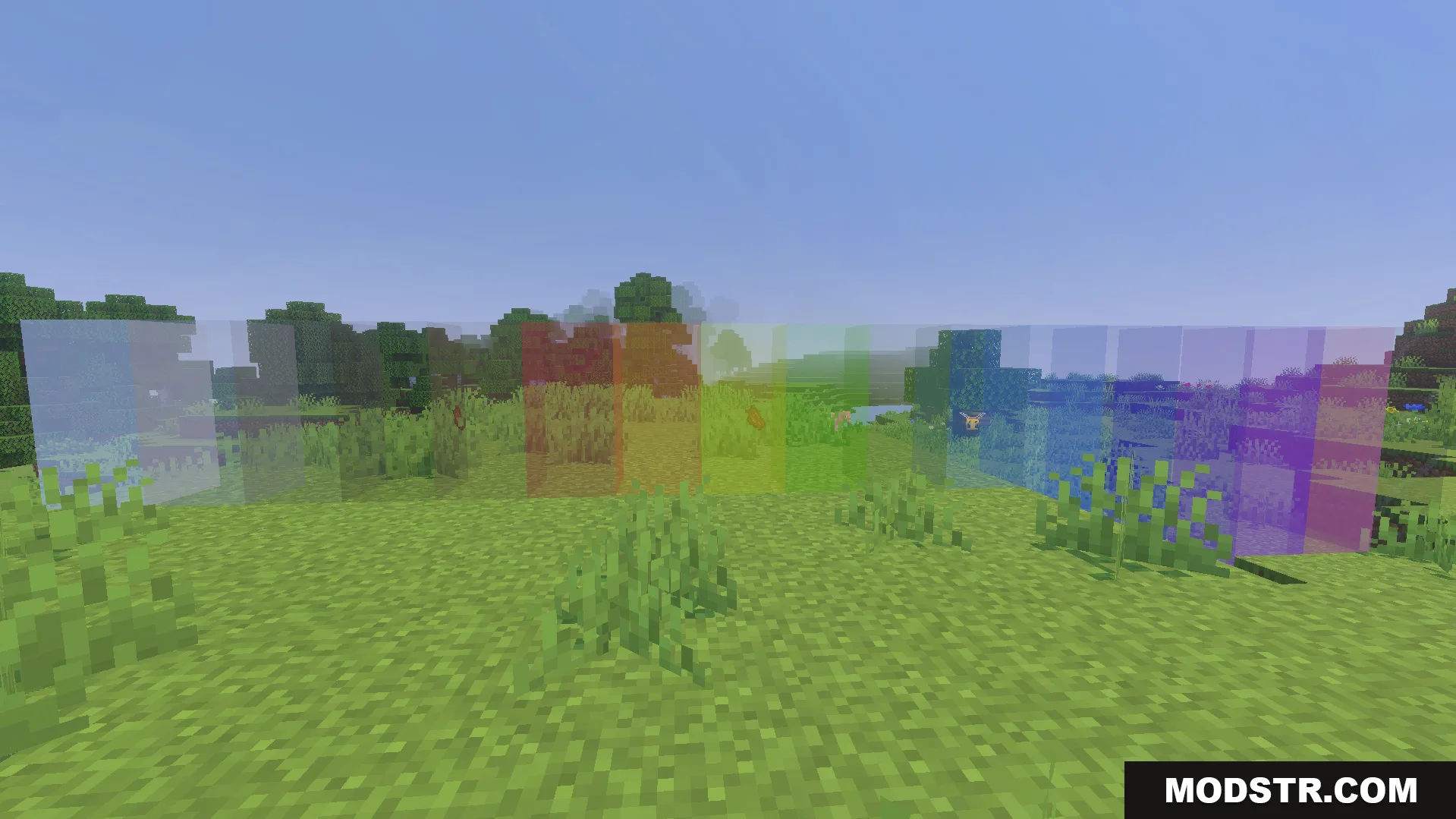
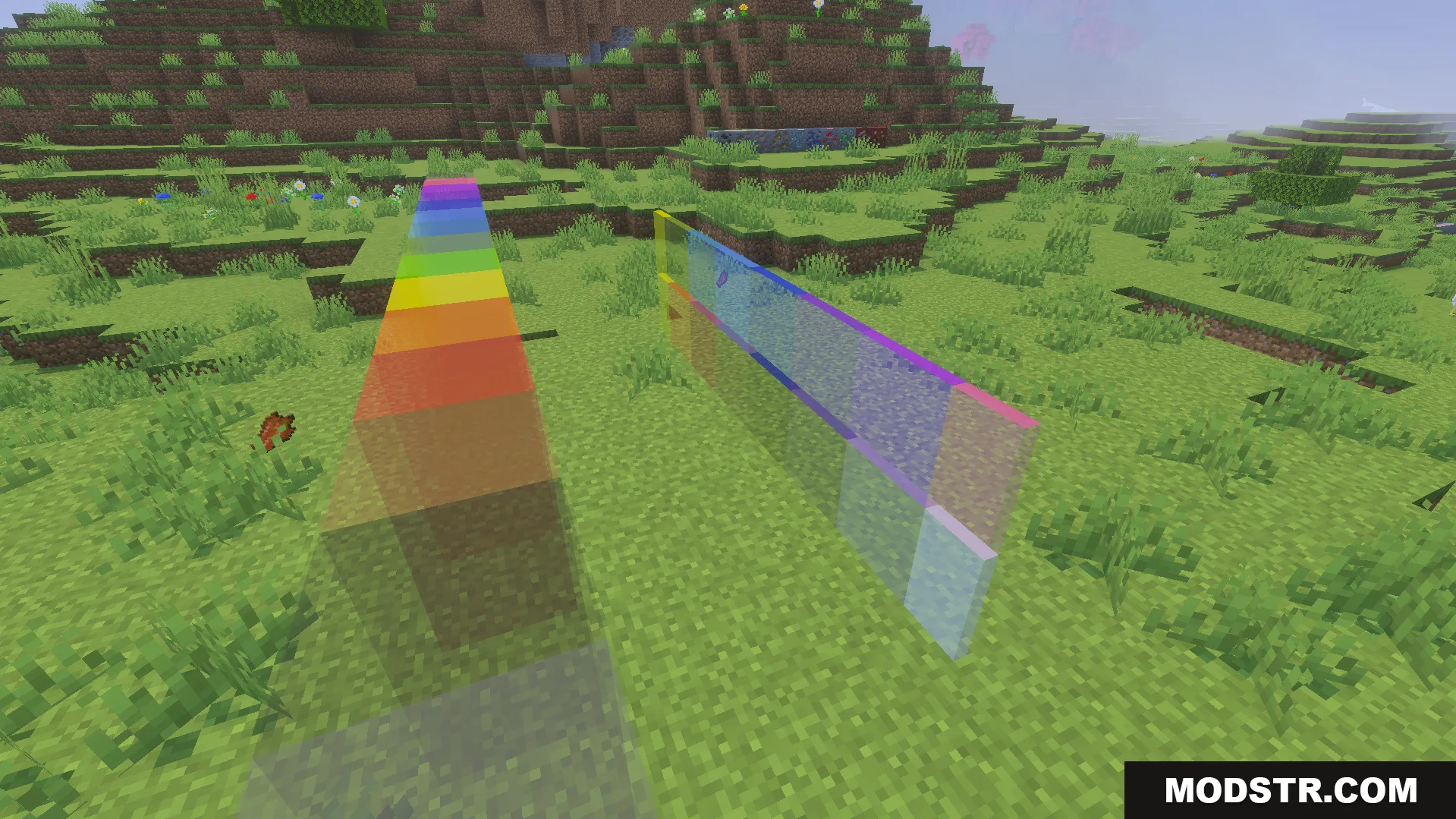
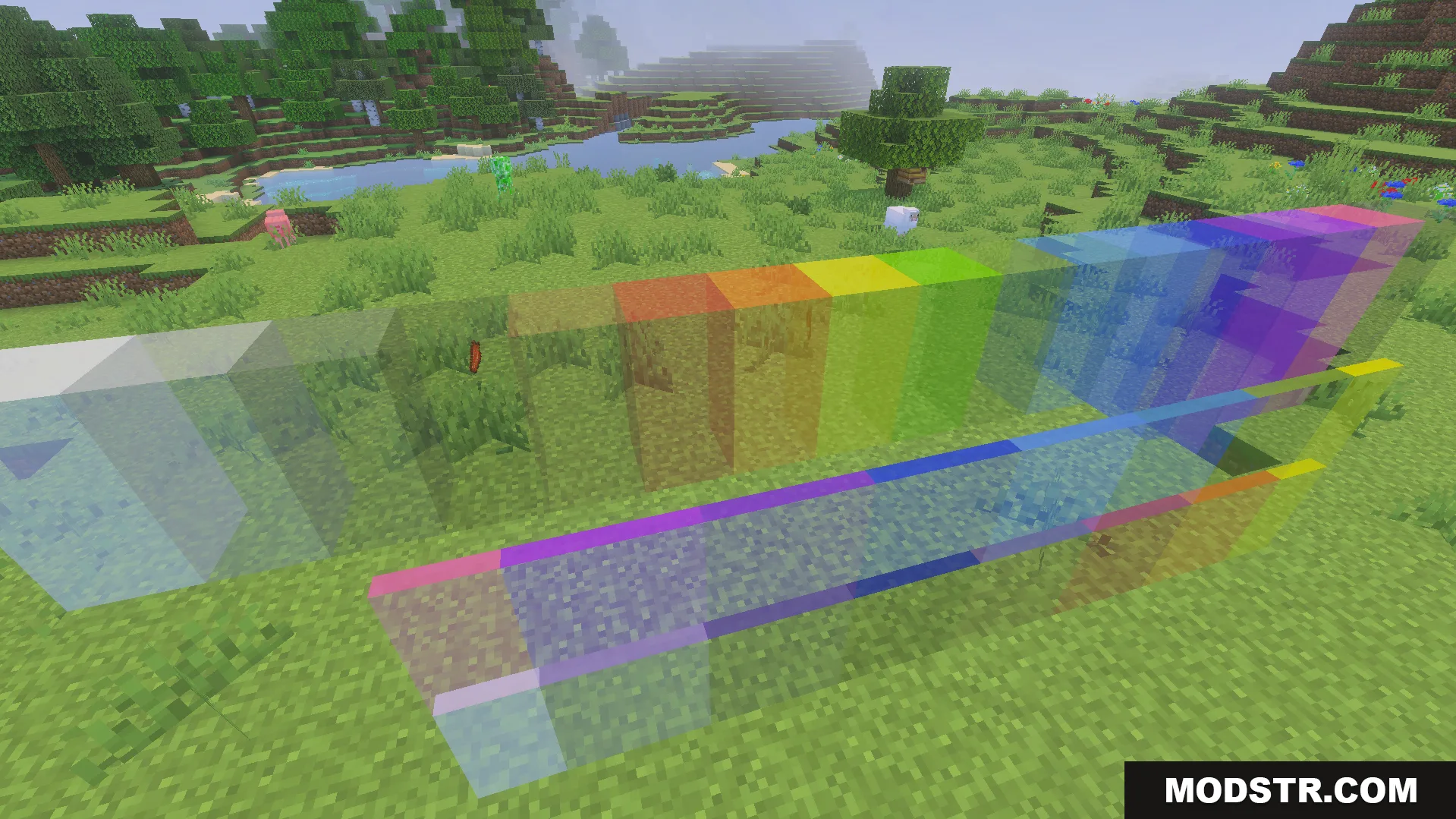
Texture pack that removes glass borders and connects blocks for seamless windows. Creates clear, smooth glass suitable for modern builds.
- 1.21
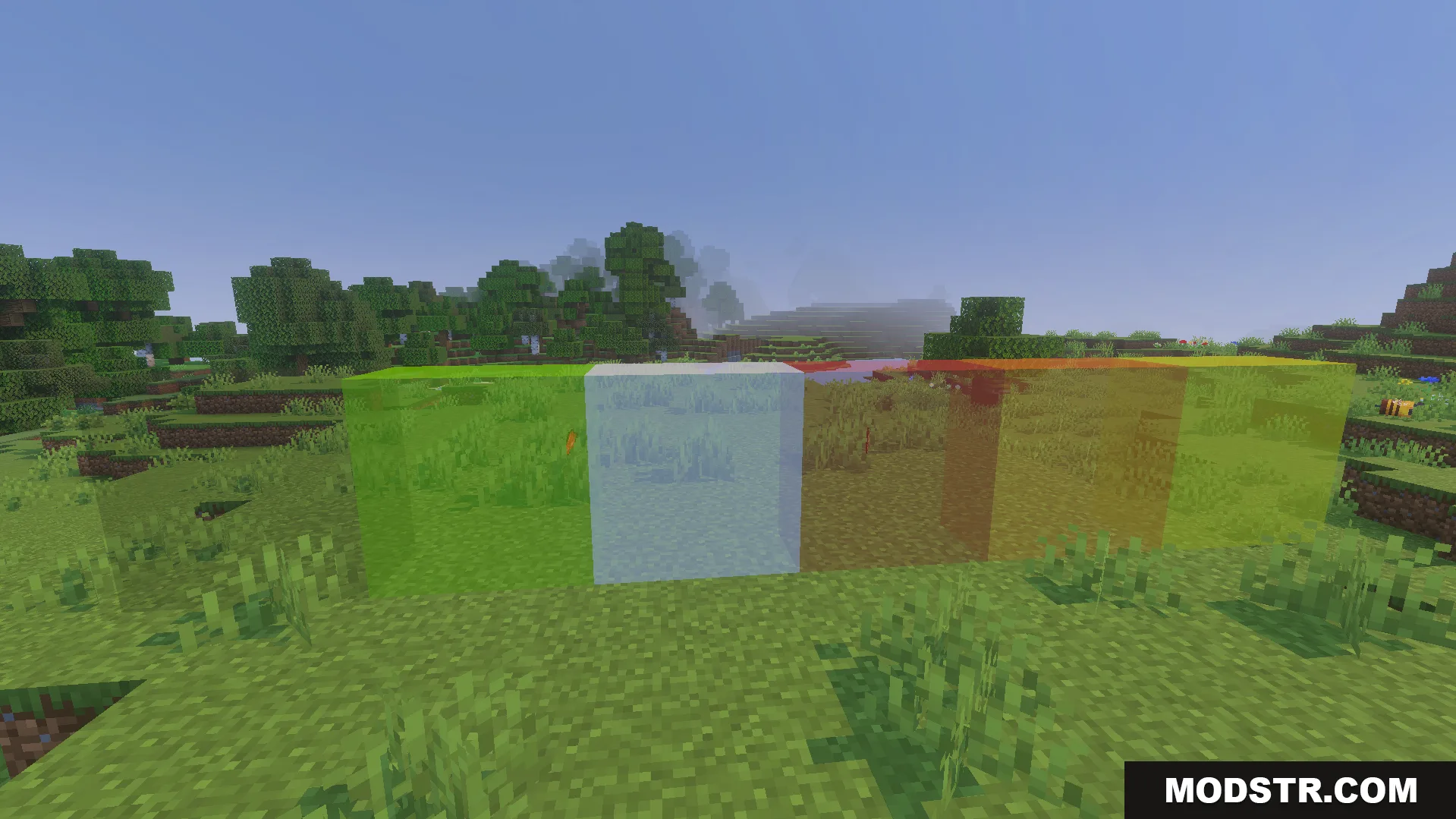
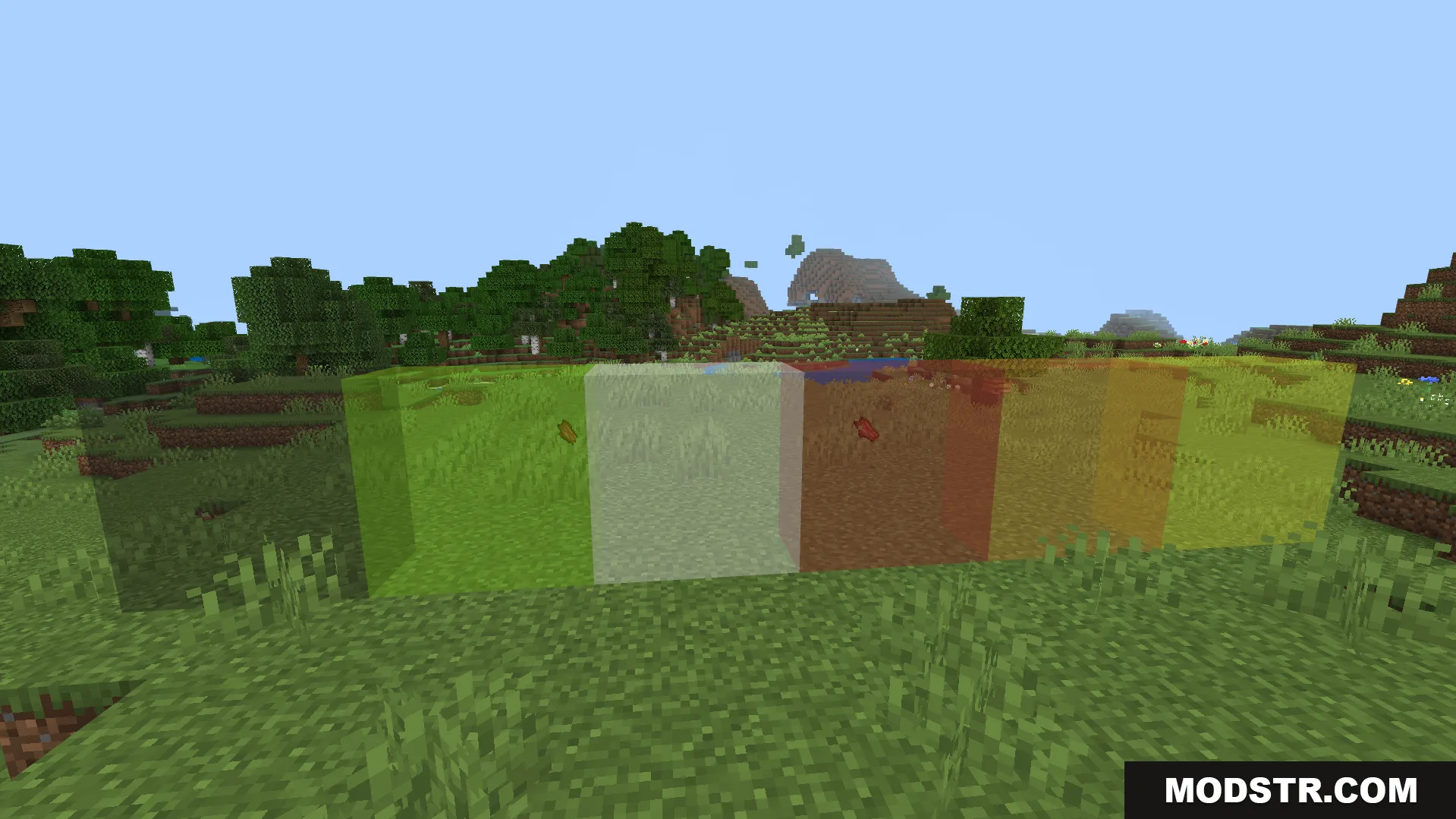
Clear Glass Texture Pack modifies glass block textures to provide unobstructed visibility through windows. The pack removes visual borders between glass blocks and panes, allowing them to connect seamlessly for larger transparent surfaces. This works well for modern architecture, greenhouses, and underwater bases where visibility is important.
Features
- Removes borders from glass blocks and glass panes.
- Glass blocks connect together to form continuous window surfaces.
- Reduces pixelation and graininess for smoother glass appearance.
- Lowers visual distortion when viewing mobs or objects through glass.
- Improves sight lines in greenhouses and underwater structures.
Installation
- Download the texture pack file.
- Open your Minecraft launcher and select the version you want to use.
- Go to Resource Packs and click Open Pack Folder.
- Move the downloaded file into the Resource Packs folder.
- Select the pack from the list and activate it.
Compatibility
This texture pack is compatible with Minecraft 1.21 and version 26.x resource formats.
DOWNLOAD FILES
- mcpack