
Hold My Items Bedrock Texture Pack (1.21) – Better Held Item Positions and Views
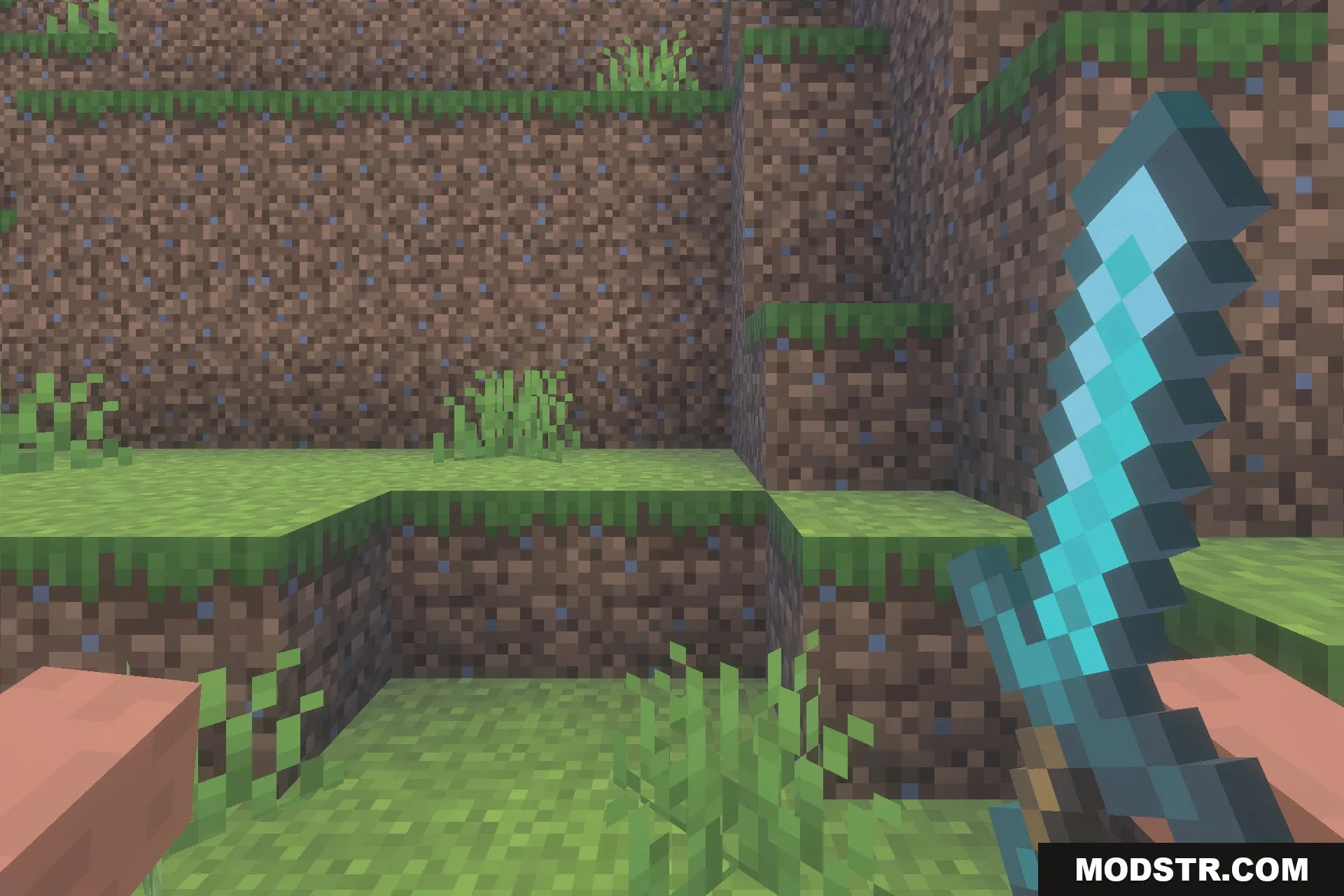
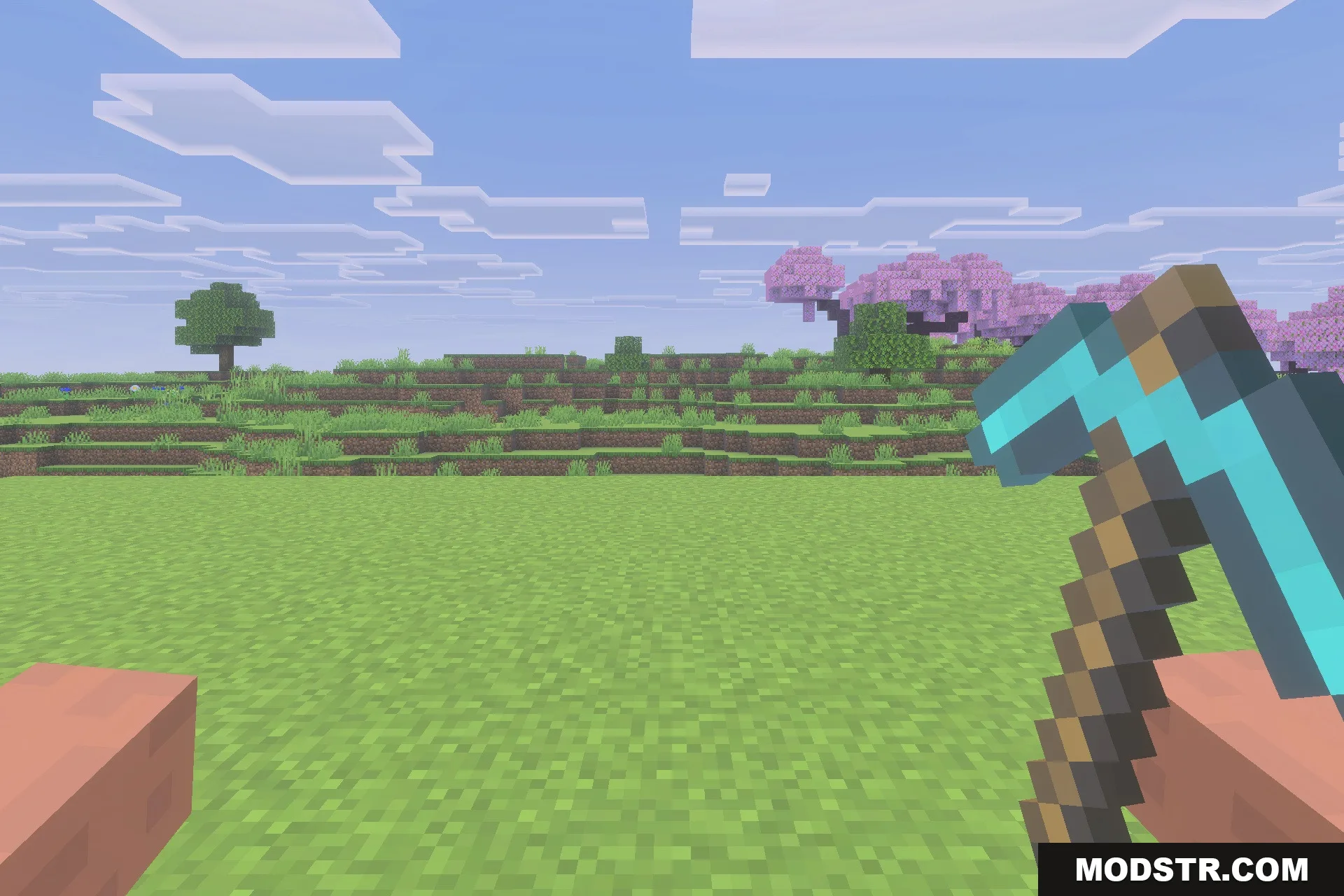
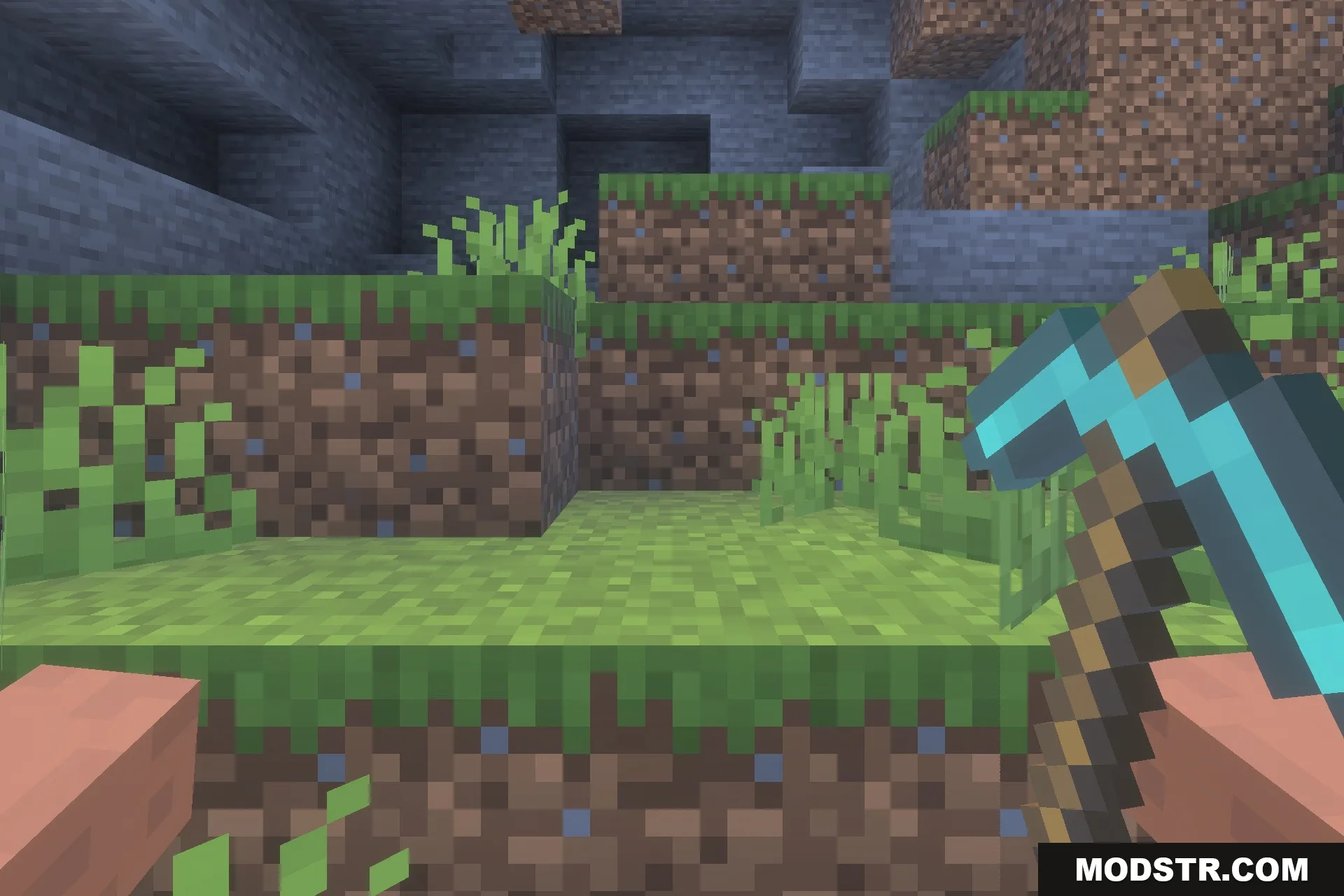
Hold My Items Bedrock enhances the appearance of items in hand by adjusting their position and clarity. This texture pack retains the classic style of Minecraft, ensuring a consistent experience across devices.
- 1.21
Hold My Items Bedrock is a texture pack designed to improve the appearance of items held in your hand. It modifies their position, scale, and clarity for better visibility, while maintaining the classic Minecraft aesthetic.
Features
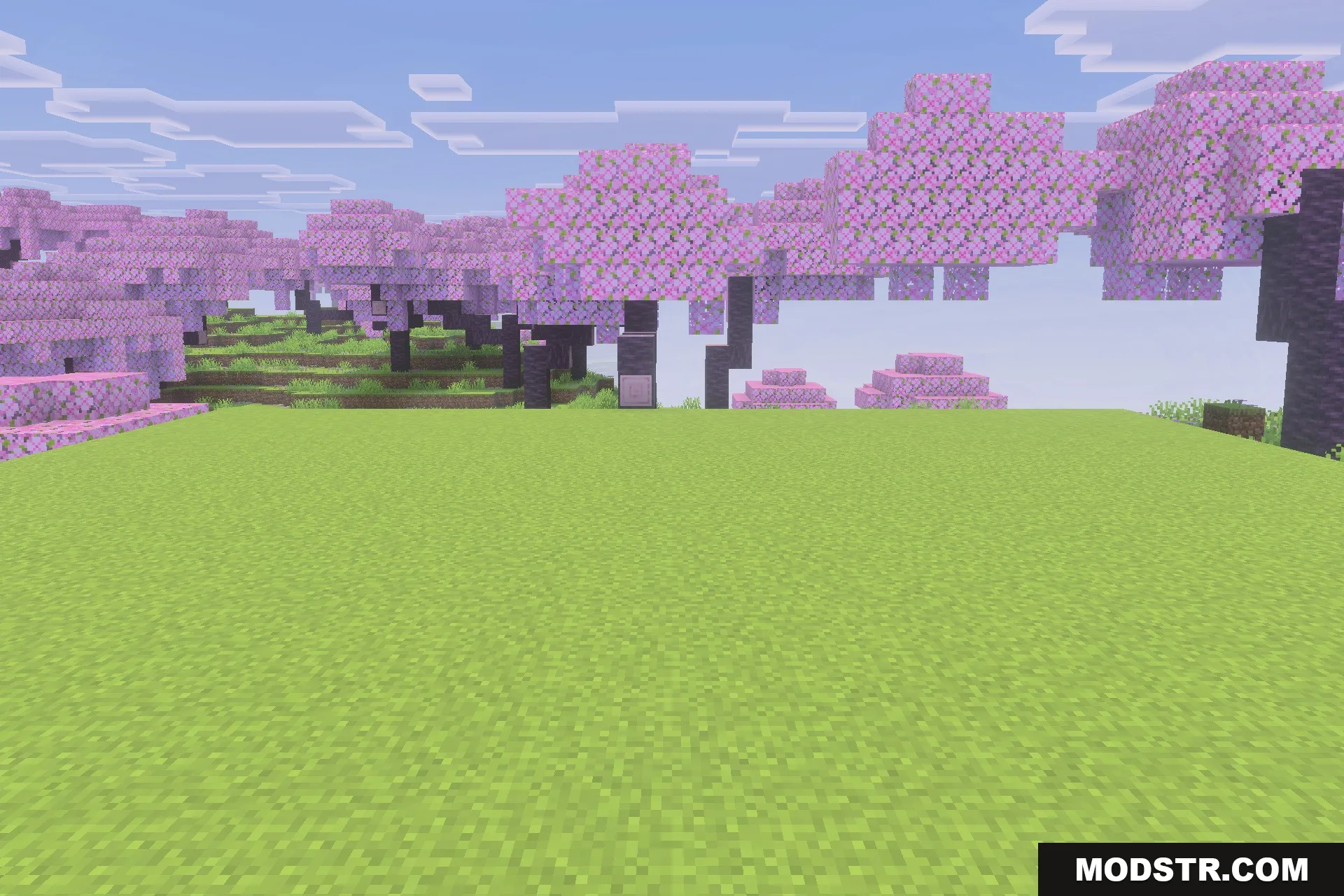
- Improves the position and scale of items in your hand.
- Makes tools and weapons clearer and easier to see.
- Keeps the classic vanilla look of the game.
- Runs smoothly on all devices including low-end phones.
- Works in both singleplayer worlds and multiplayer servers.
Installation
- Download the texture pack file.
- Open Minecraft and navigate to the settings menu.
- Select the storage option and locate the resource packs section.
- Import the downloaded texture pack.
- Activate the texture pack in your world settings.
Screenshots
DOWNLOAD FILES
- mcpack