

Lumenix Shader (26.x, 1.21) – MCPE/Bedrock
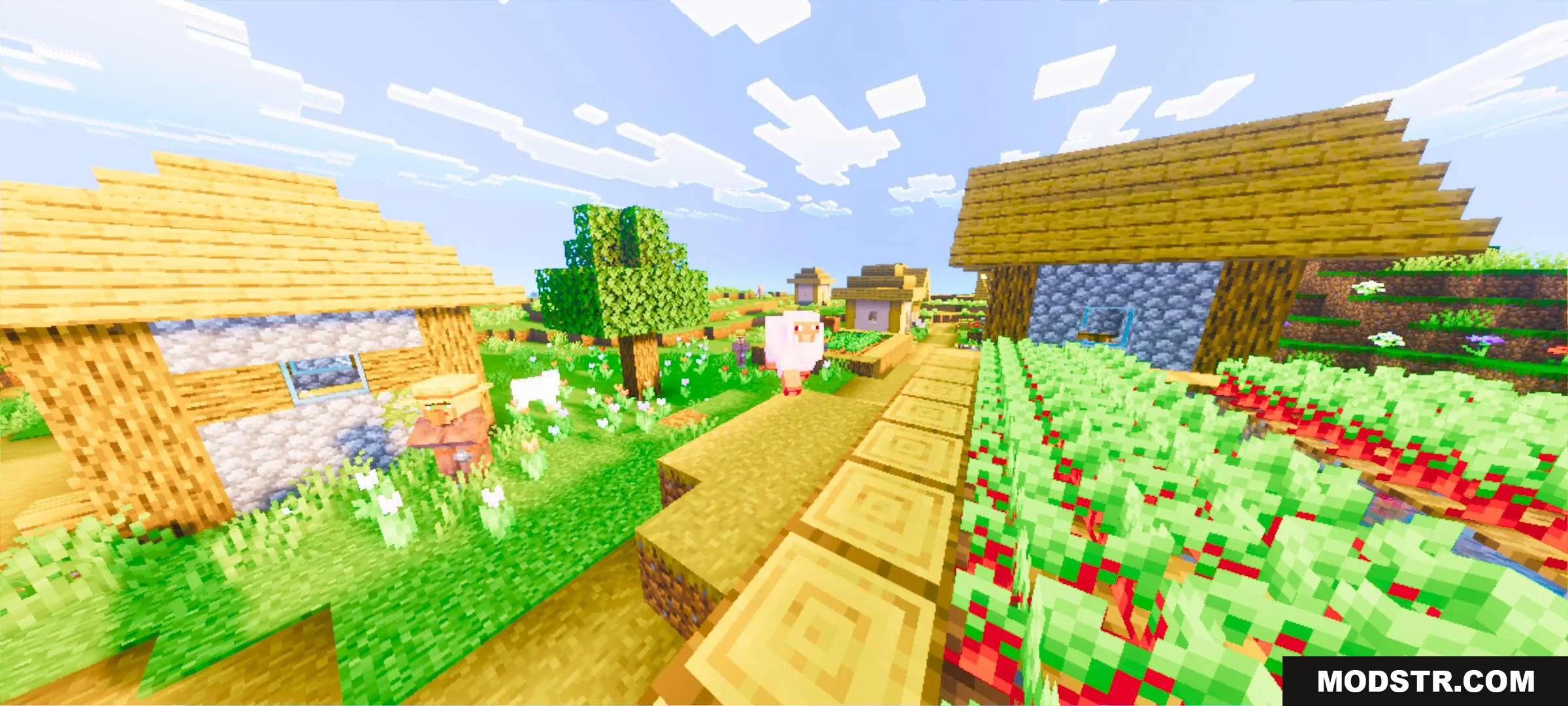
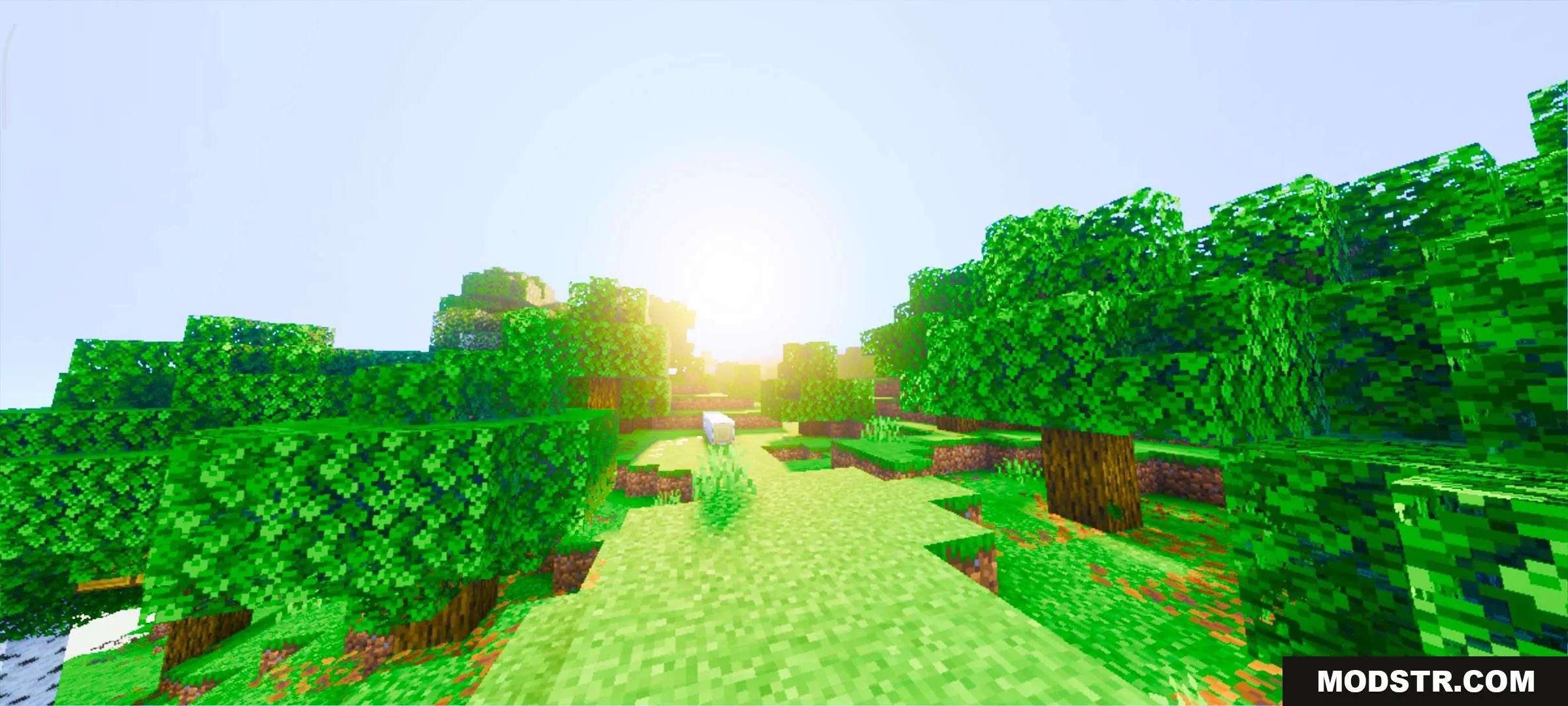
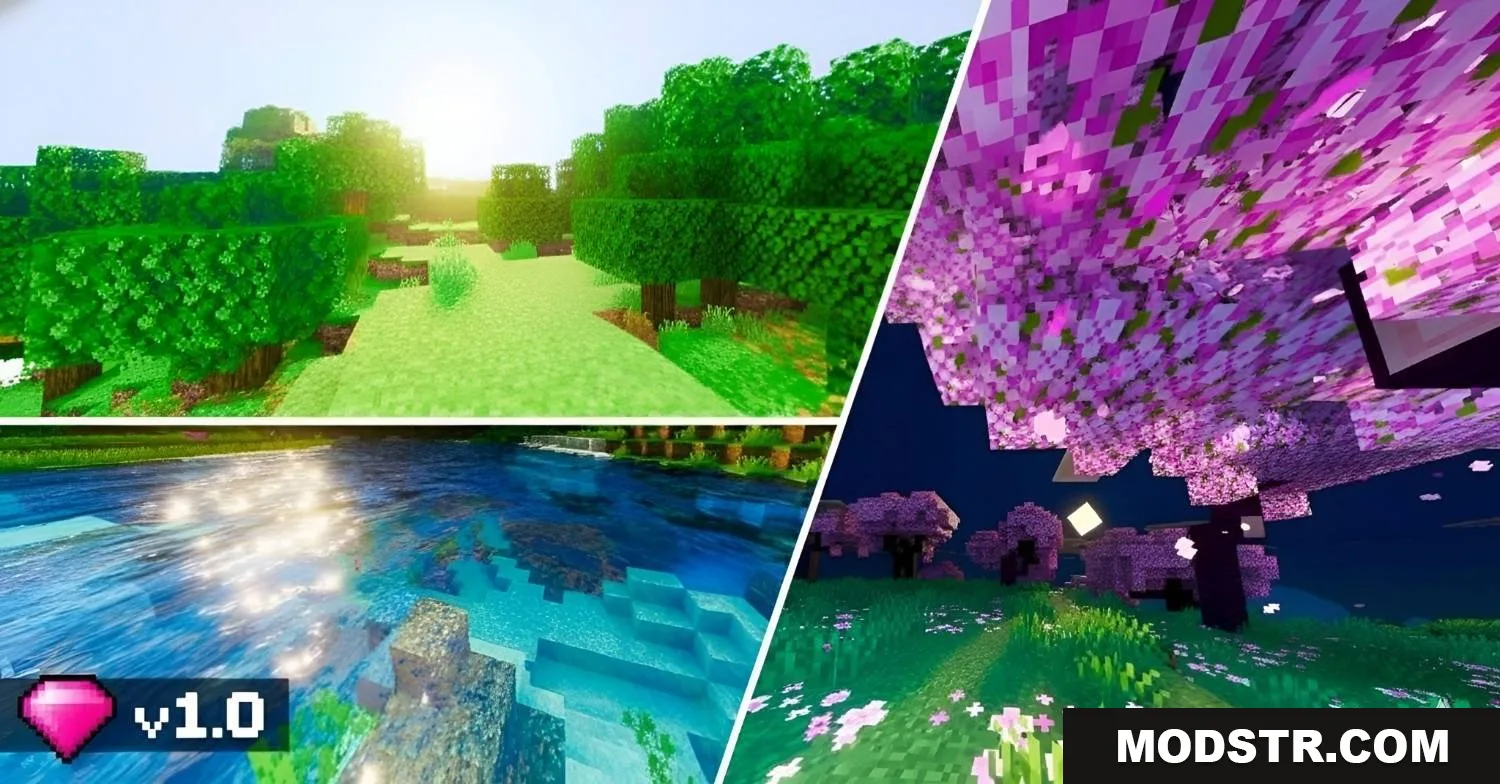
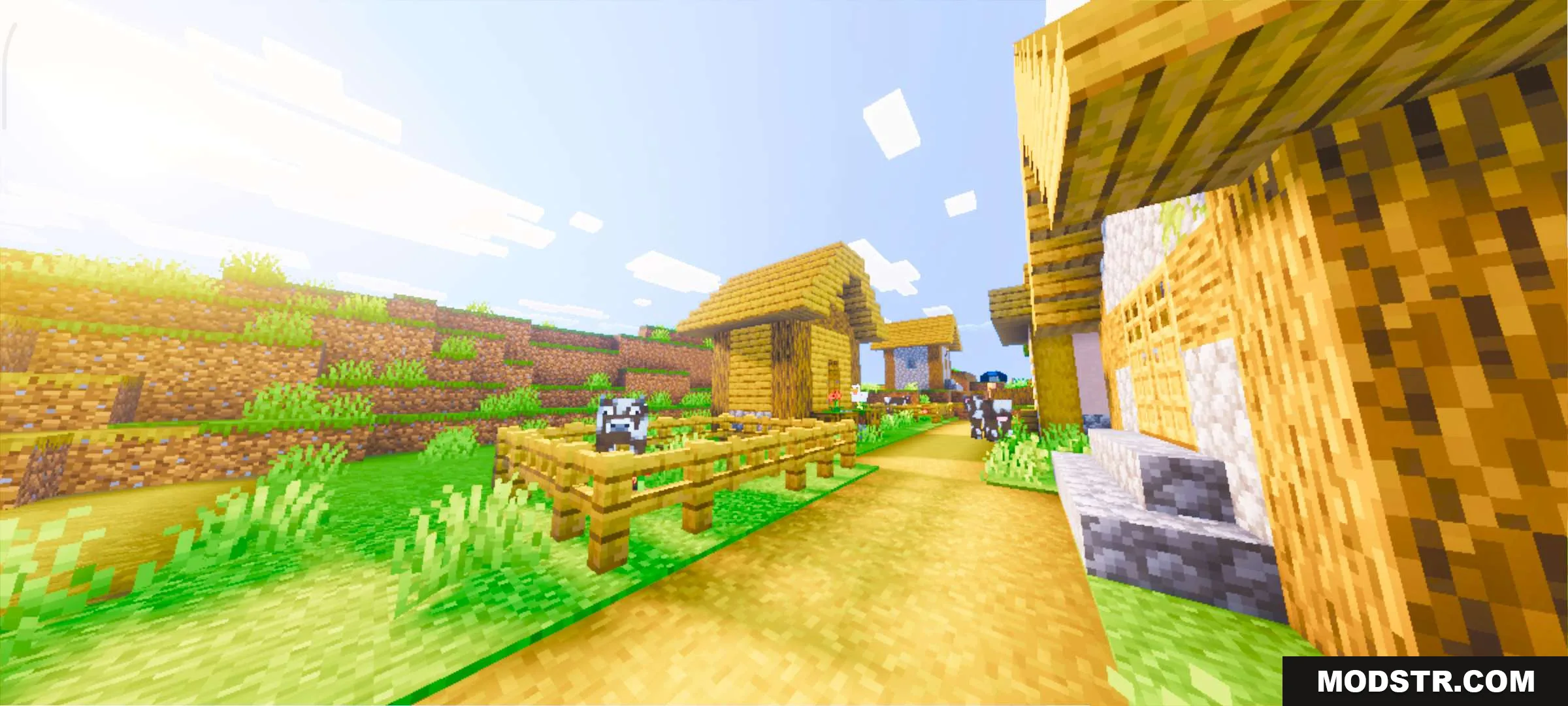
Lumenix Shader enhances Minecraft Bedrock with improved lighting and color grading for warmer, more vibrant visuals.
- 1.21
Lumenix Shader is a visual enhancement for Minecraft Bedrock Edition designed to improve lighting and color rendering. It adjusts tone mapping and increases color vibrancy to create a warmer, more visually distinct environment.
Features
- Enhanced lighting system with adjusted shadow and highlight balance
- Improved color grading for warmer, more saturated tones
- Refined tone mapping to clarify visual detail
- Softened color transitions for reduced harshness
- Updated lighting effects throughout the environment

Installation
- Download the shader pack file for your Bedrock version
- Open the downloaded file with Minecraft to import it
- Launch Minecraft and navigate to Settings
- Select your world and enable Lumenix Shader in the Graphics settings
- Apply changes and load your world
This shader is compatible with Minecraft Bedrock Edition version 26.x and 1.21.

DOWNLOAD FILES
- mcpack
- mcpack