
Newb Complementary Shader (26.x) – Java Realistic Graphics Experience
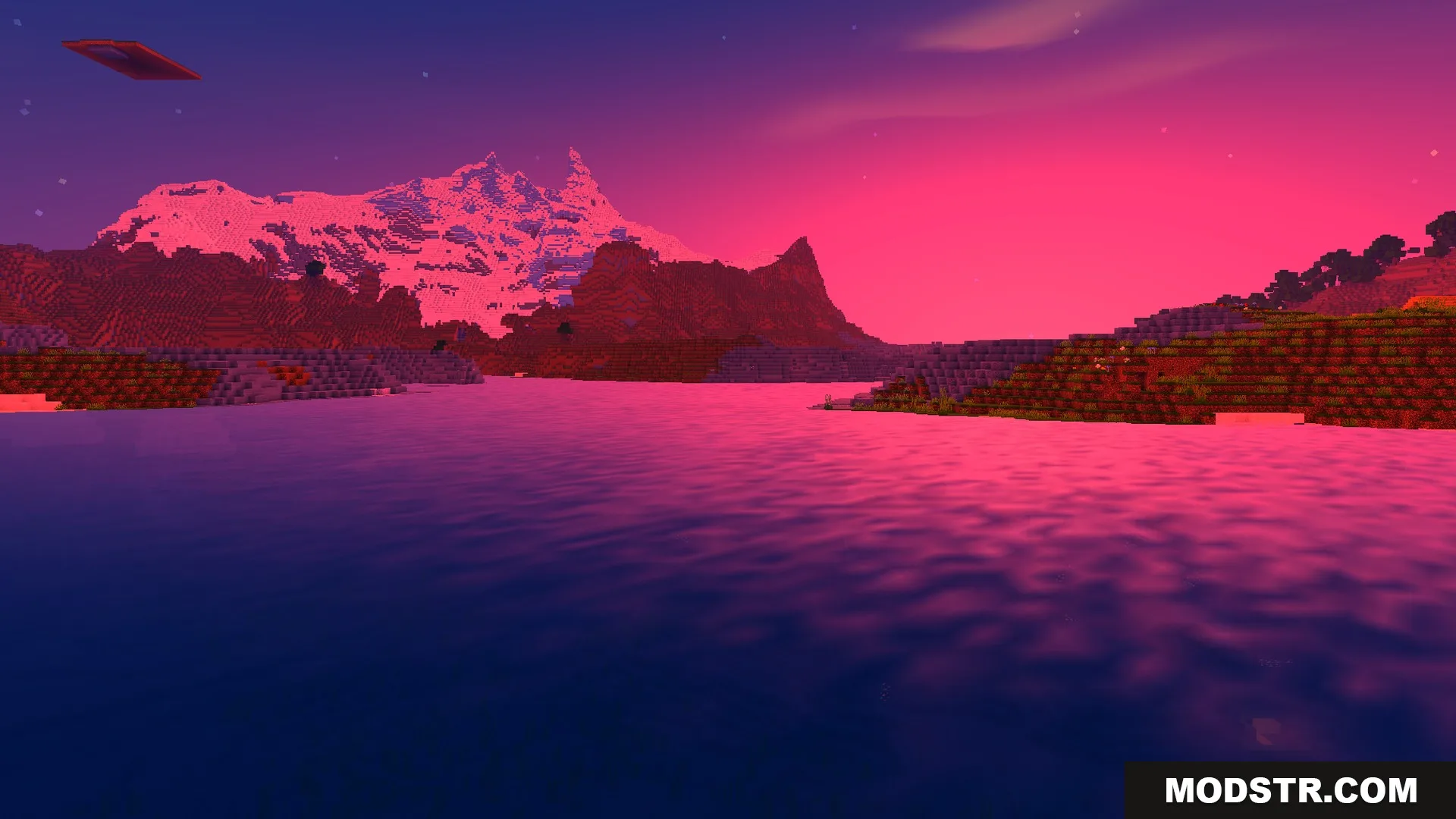
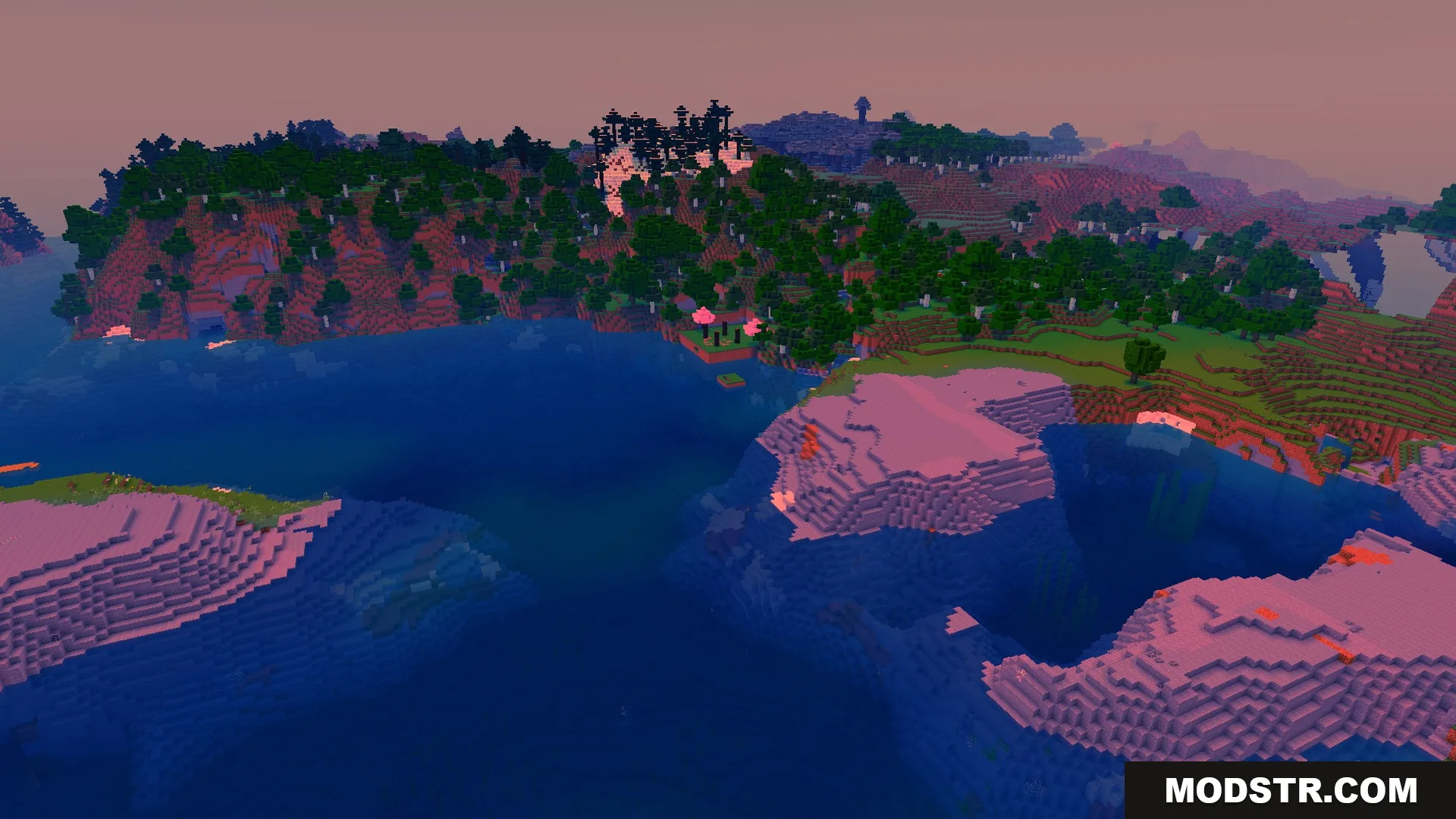
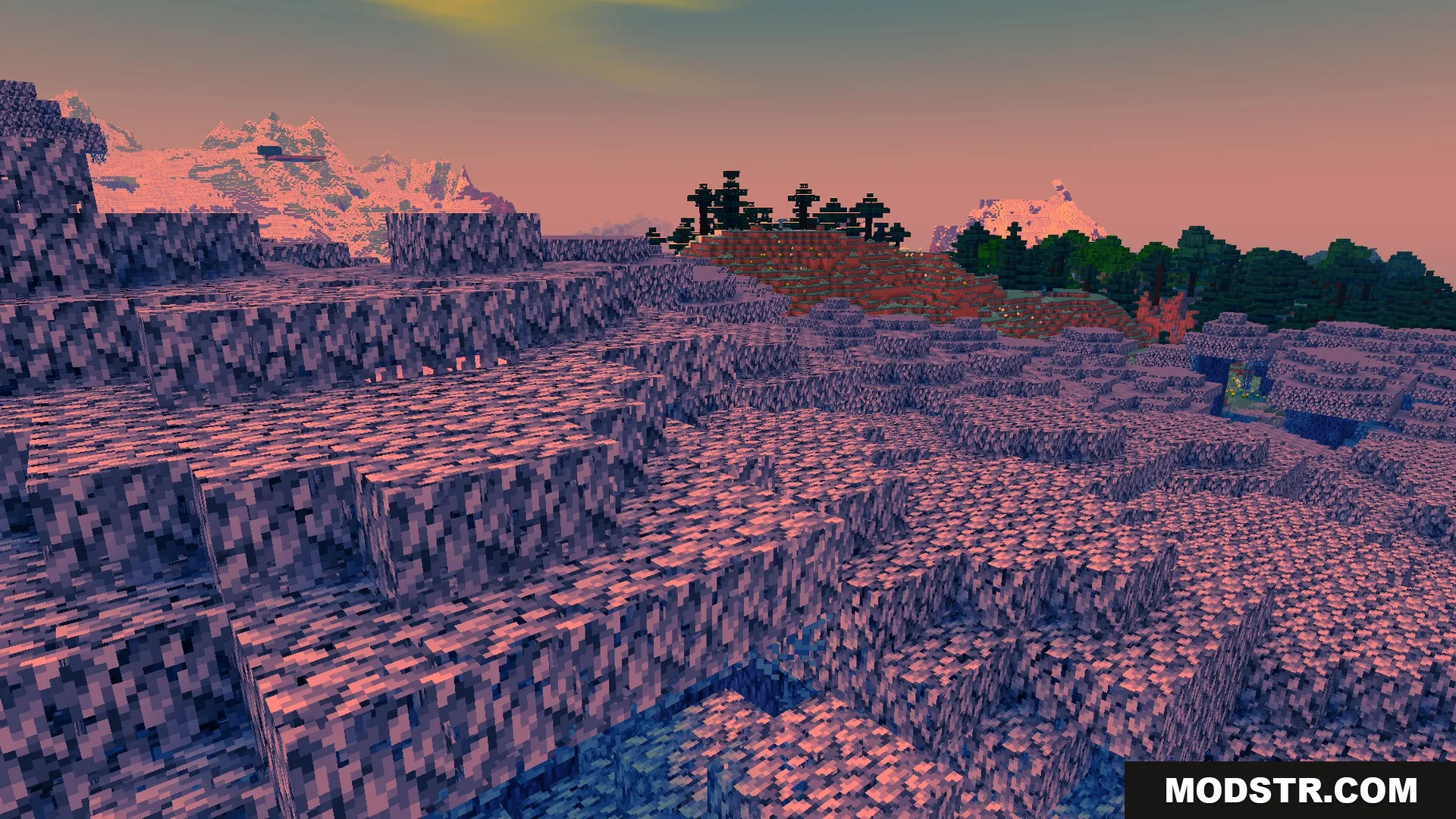
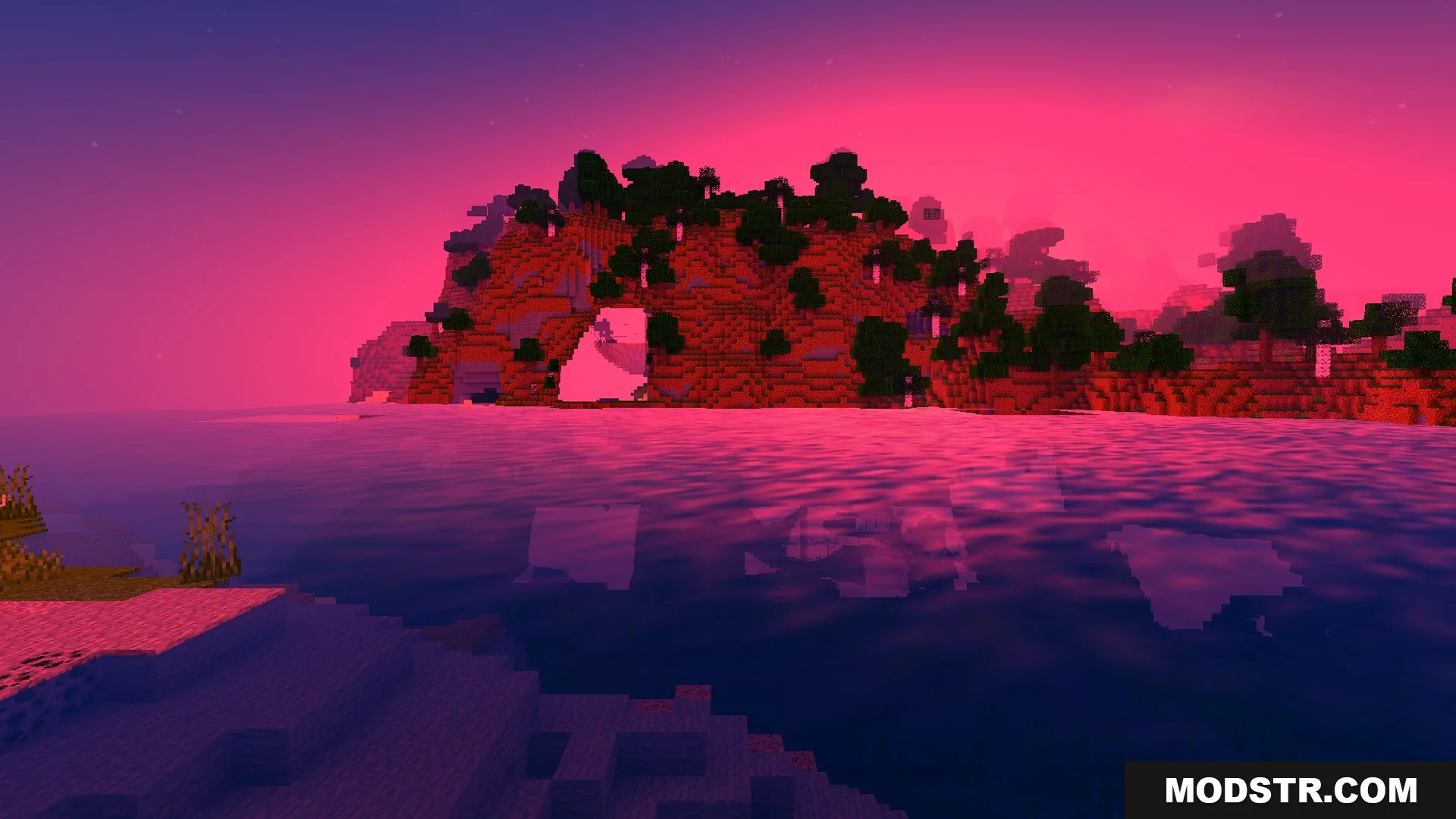
Realistic shader pack with auroras, dynamic shadows, glowing ores, and enhanced water rendering. Includes performance options for lower-end devices.
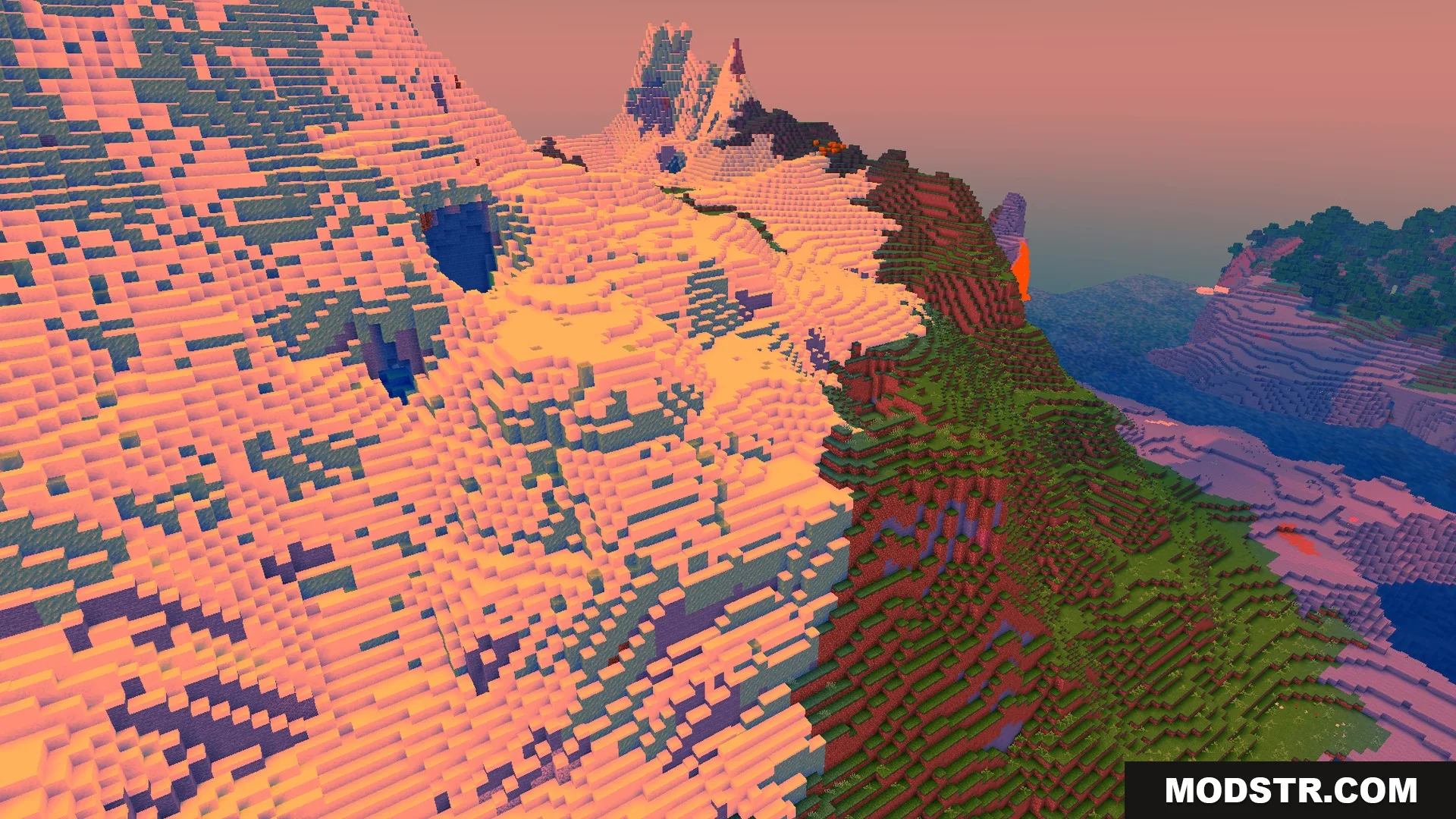
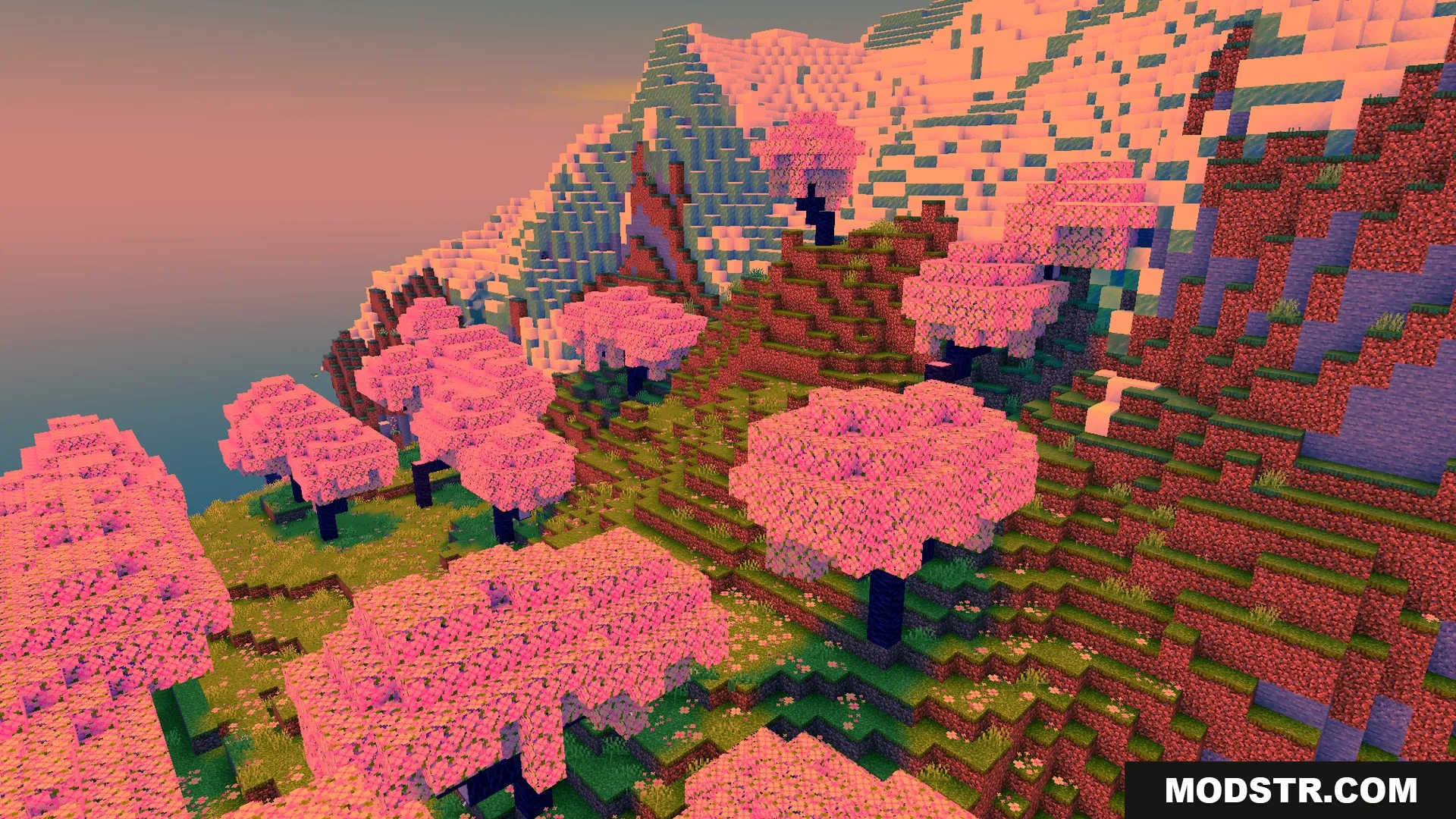
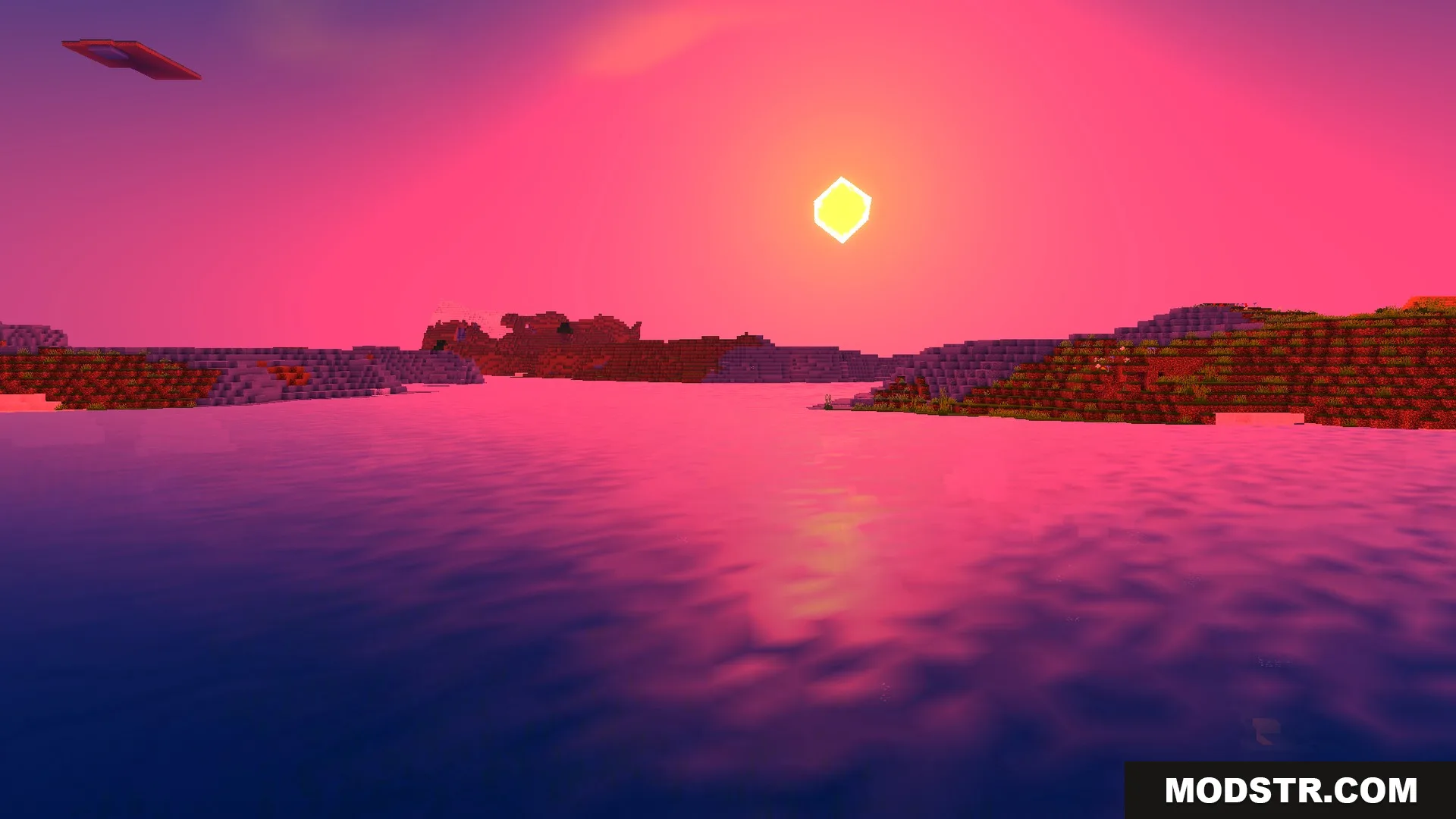
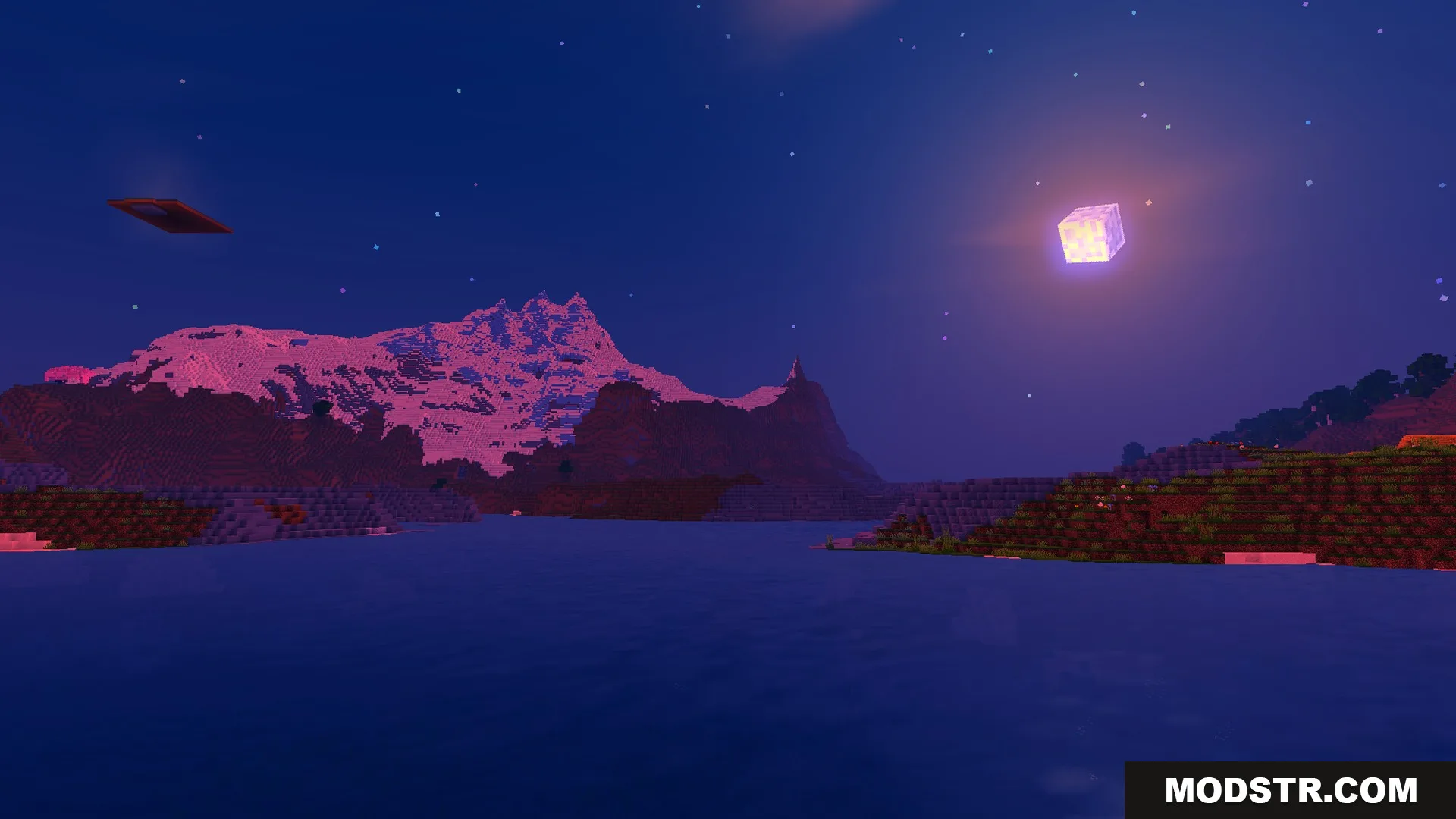
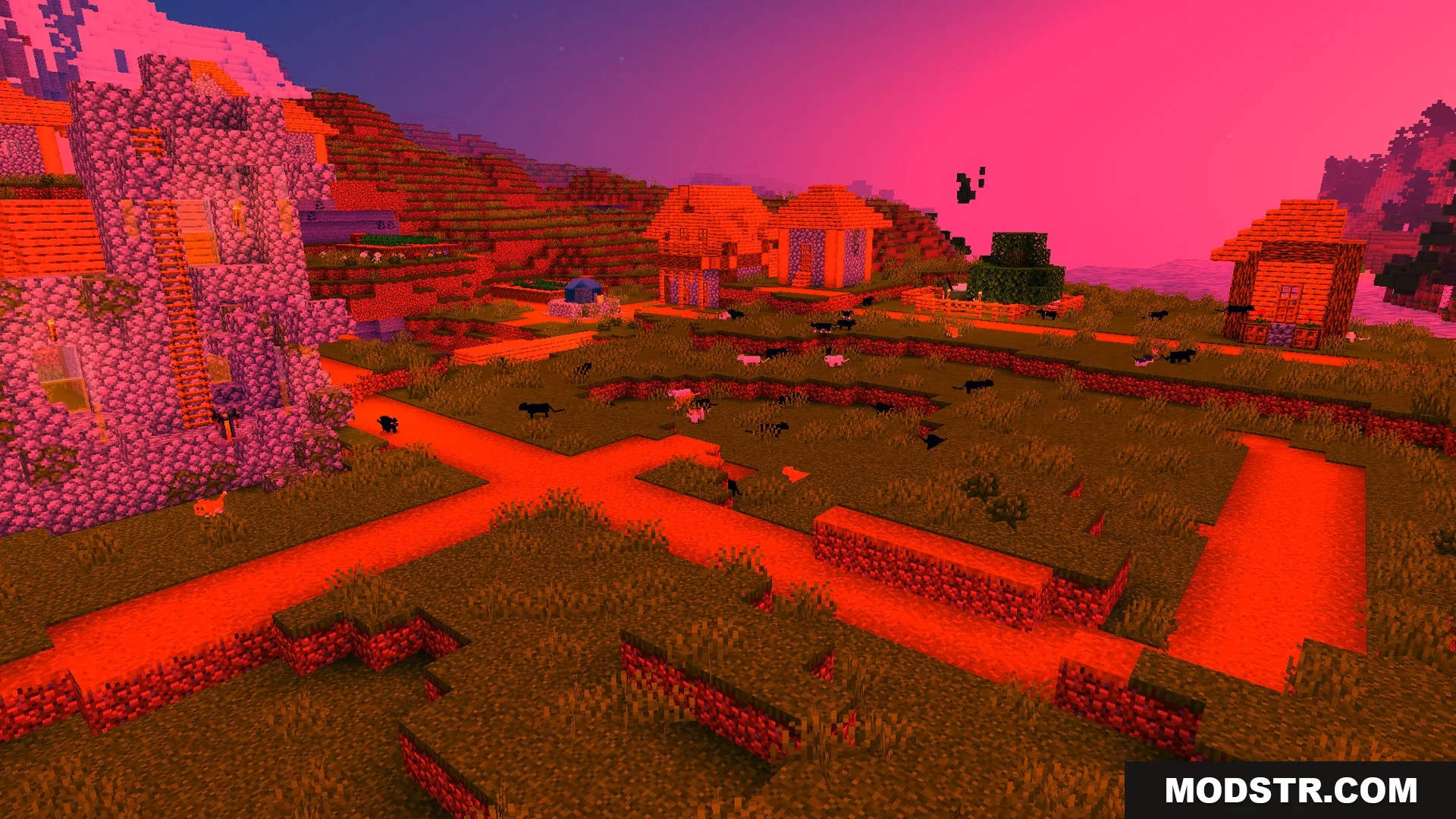
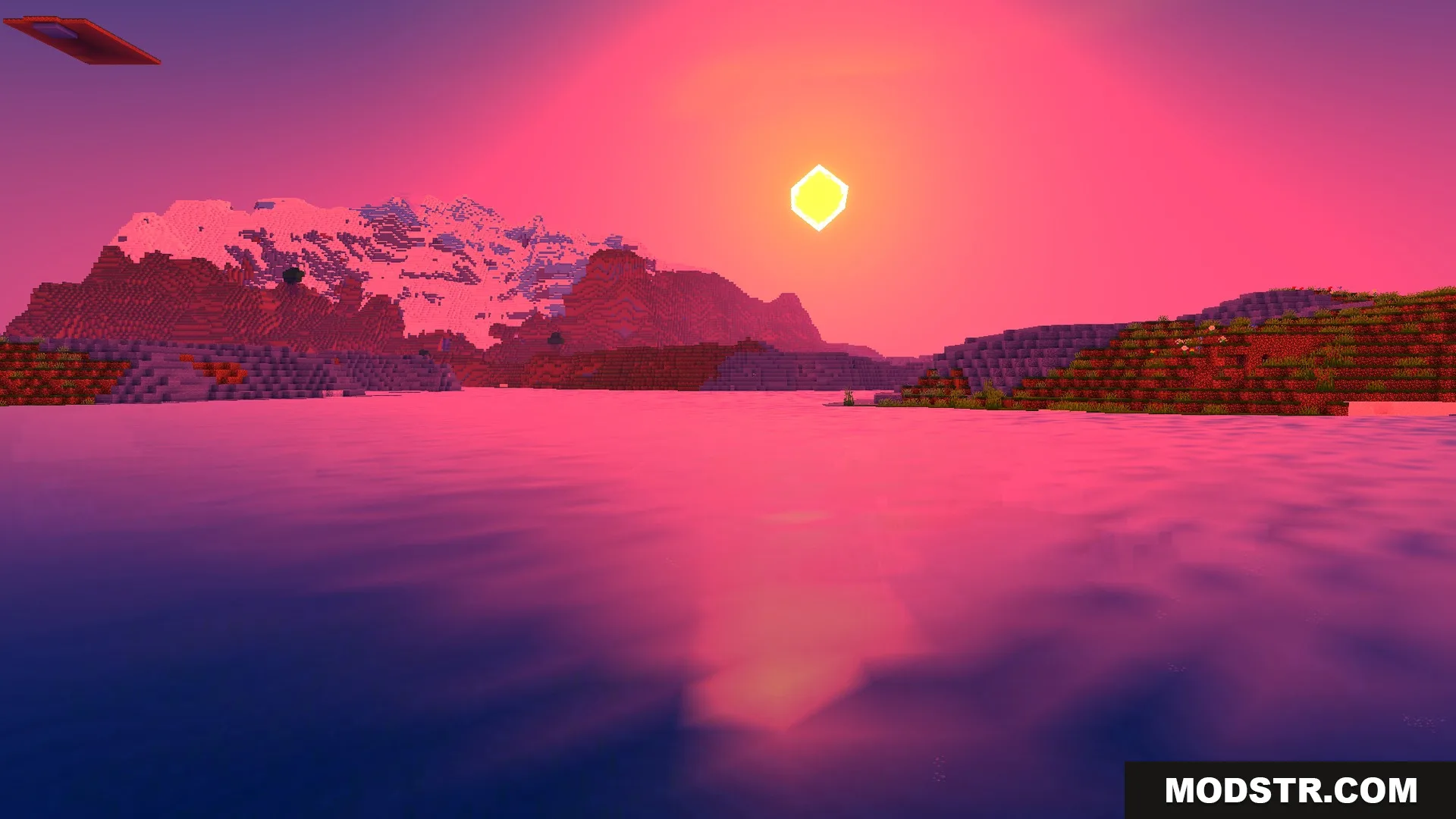
Newb Complementary Shader is a realistic graphics shader that applies PC-style visual effects to Minecraft Java Edition. It focuses on natural lighting, water rendering, and environmental effects while maintaining playability across different hardware tiers.
Features
- Auroras render in the night sky with dynamic color variation.
- Diamond and gold ores emit light when in dark environments.
- Dynamic shadows cast by the sun and moon move throughout the day-night cycle.
- Water receives improved coloring with depth-based shading and caustic effects.
- Low-end graphics profile available for systems with limited performance capacity.
Installation
- Ensure you have a compatible shader loader installed (such as Iris or OptiFine).
- Download the shader pack file.
- Place the file in your shaderpacks folder (located in .minecraft/shaderpacks).
- Launch Minecraft and select the shader from your shader options menu.
- Adjust graphics settings to your preferred quality level.
DOWNLOAD FILES
- mcpack