
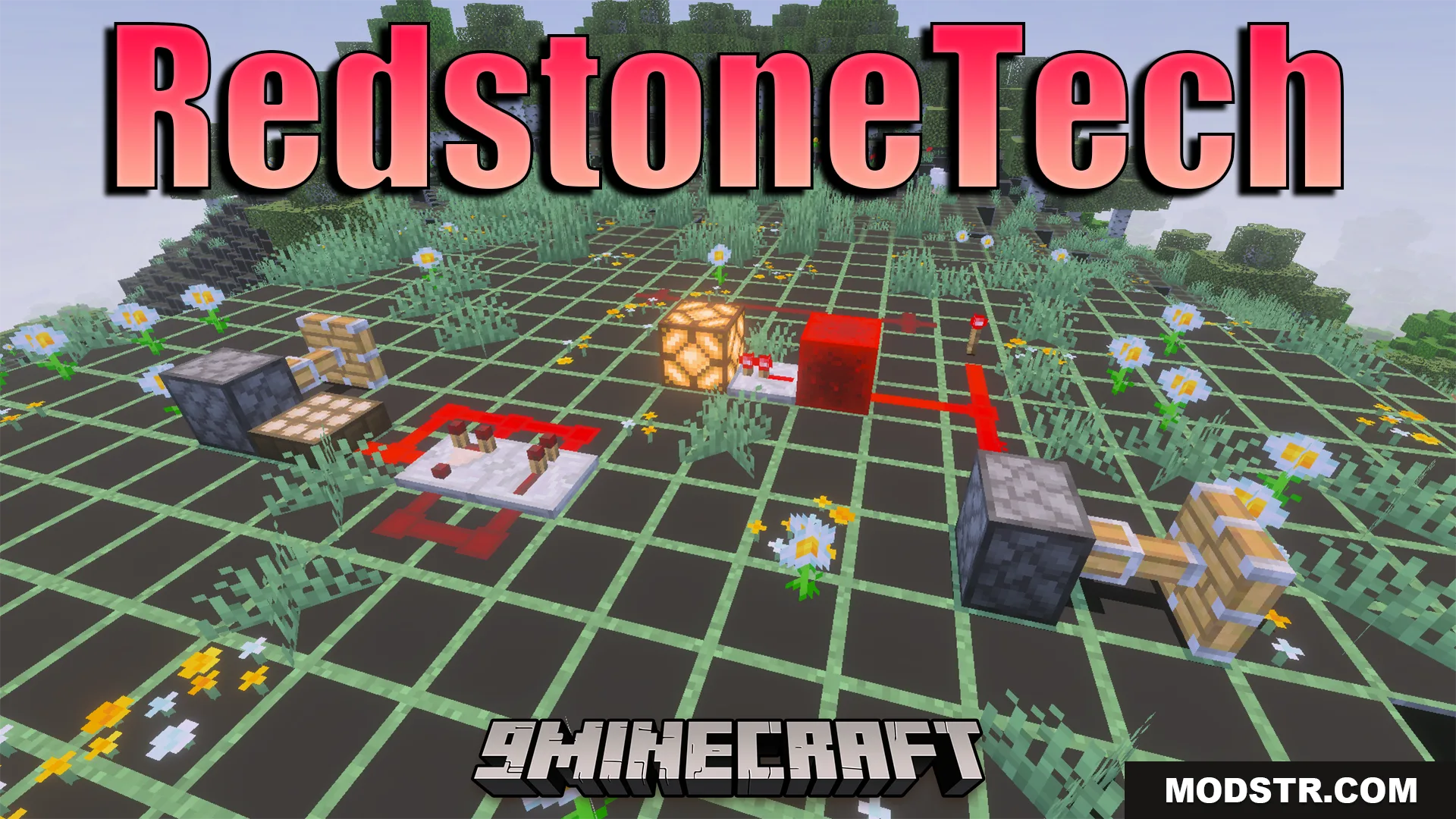
RedstoneTech Shader (26.x) – Redstone Signal Numbers And Glowing Ores
Shader that displays redstone signal numbers, spawn-safe light levels, glowing ores, and chunk borders to simplify technical building and mining.
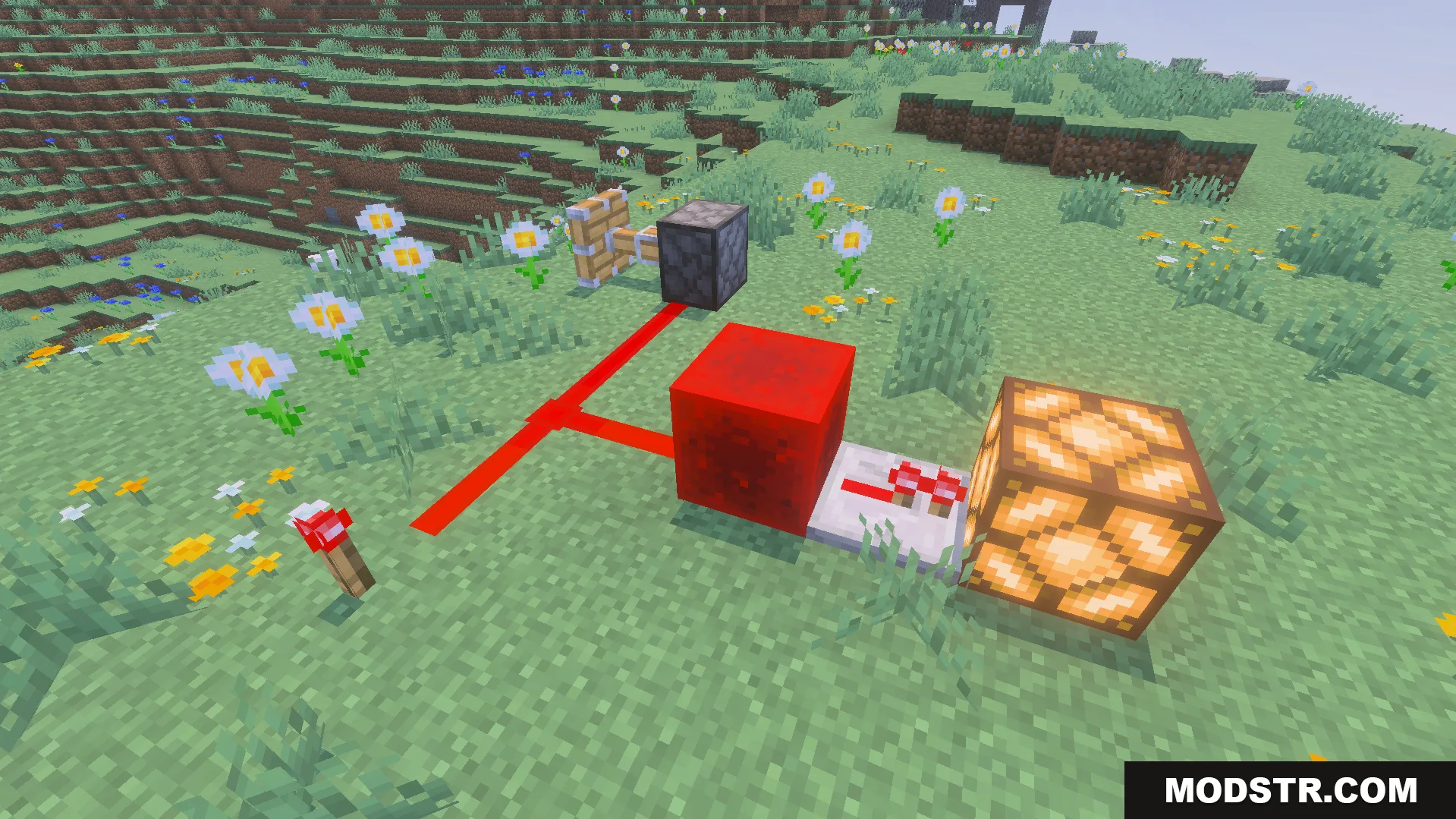
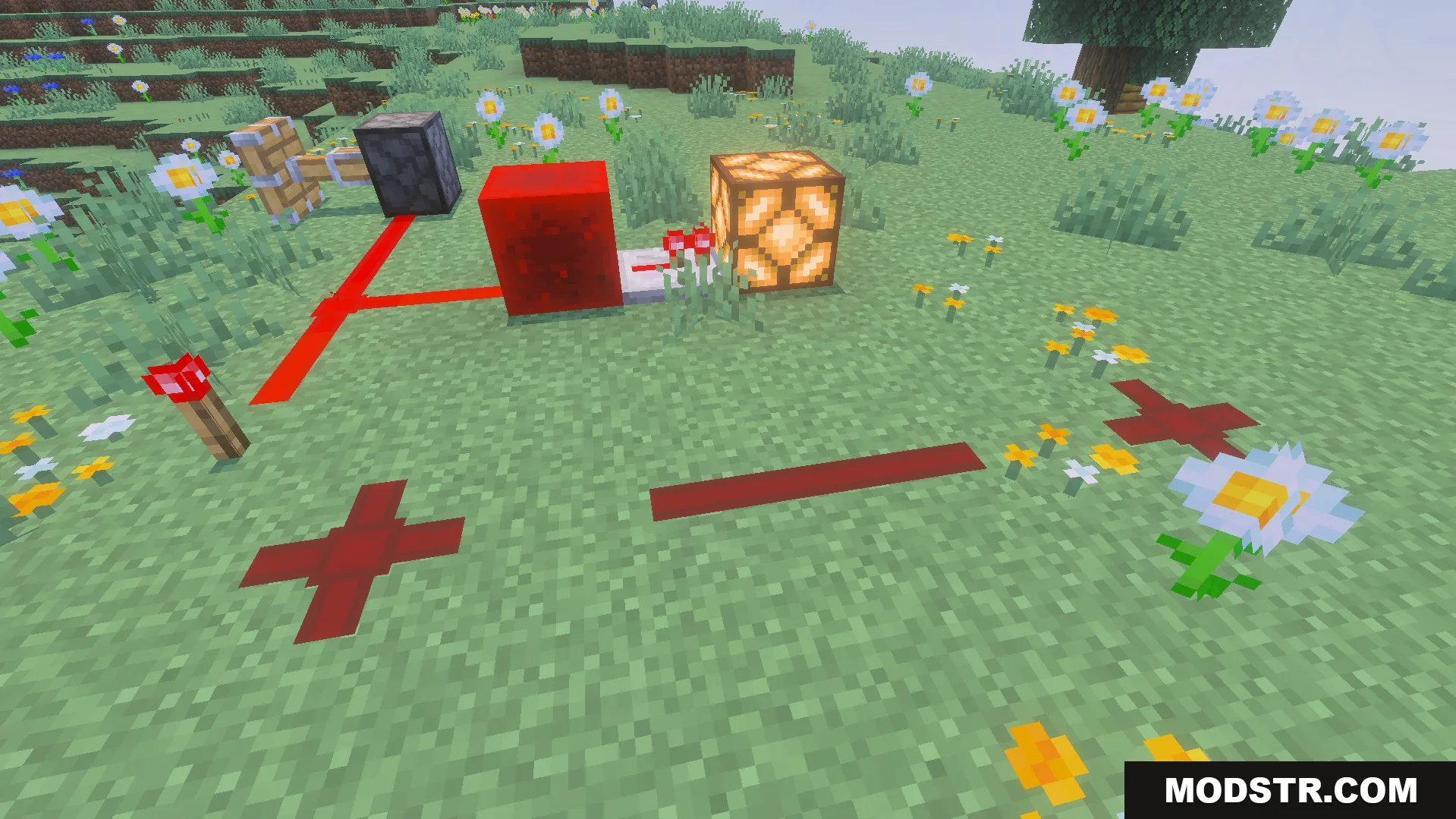
RedstoneTech Shader is designed for players working on redstone contraptions and technical builds. It adds visual overlays showing redstone signal strength, light levels for mob spawning, and ore visibility in caves. Features can be toggled individually through subpack configuration.
Features
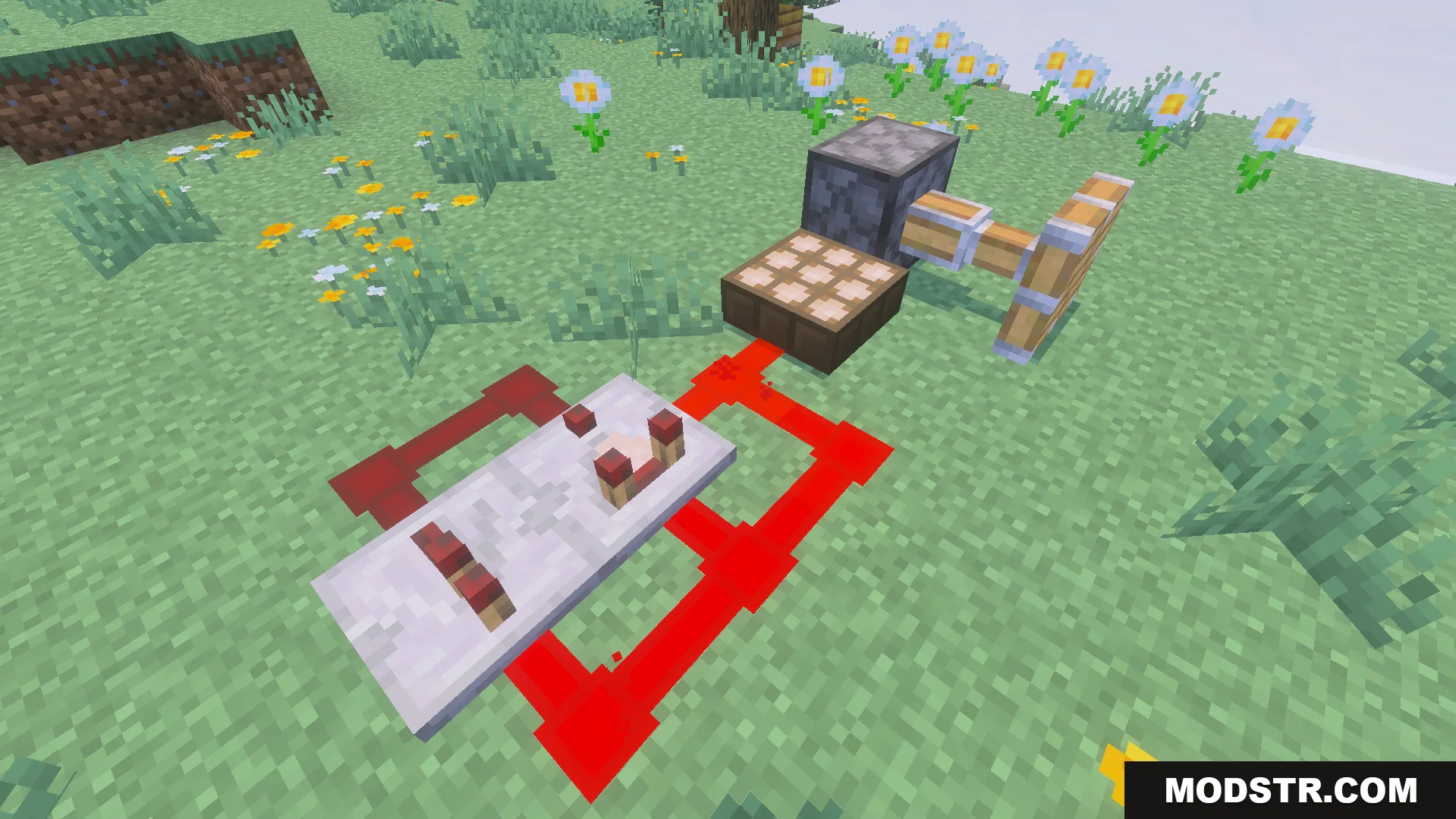
- Displays redstone signal strength numbers on active circuits.
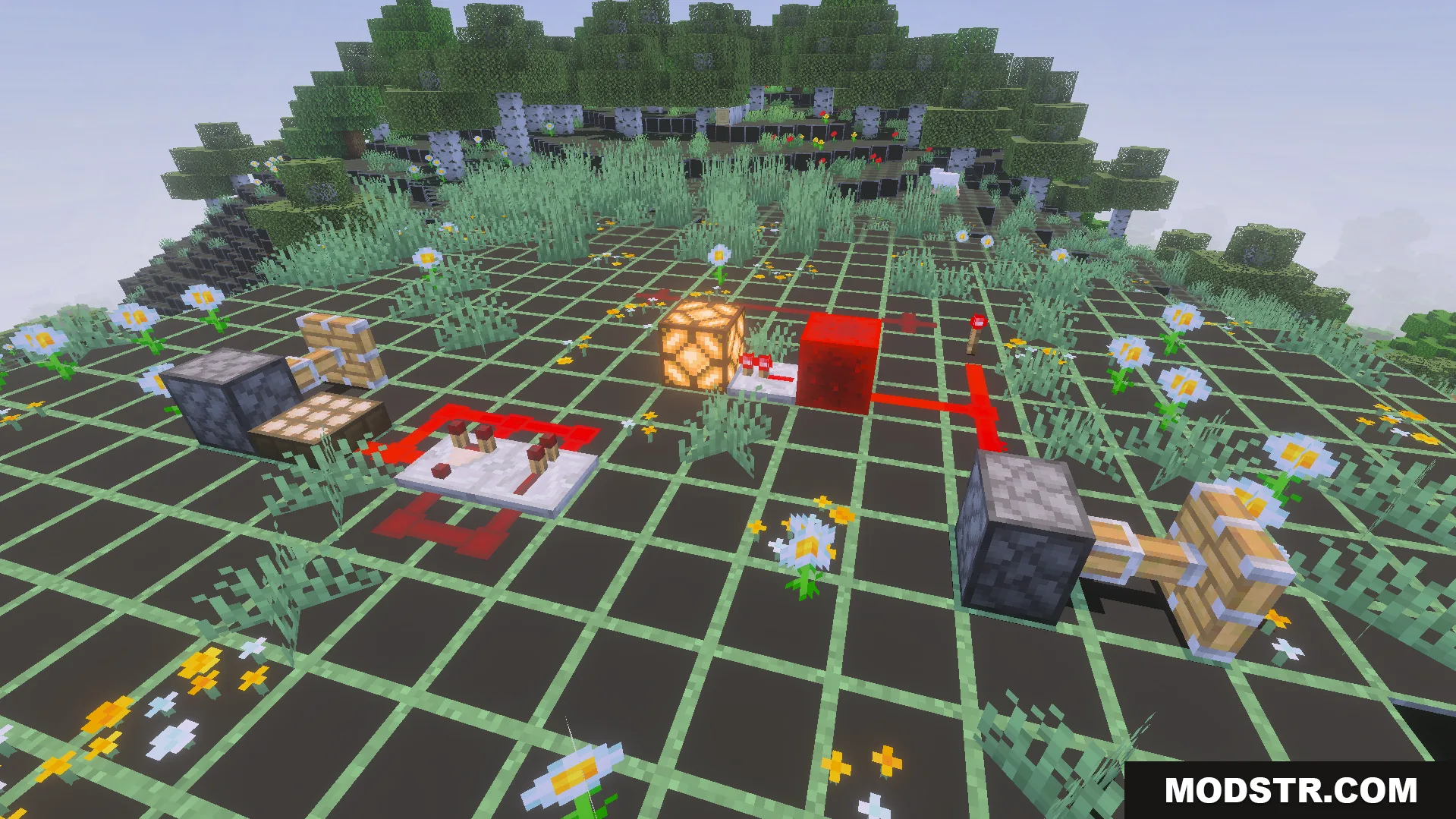
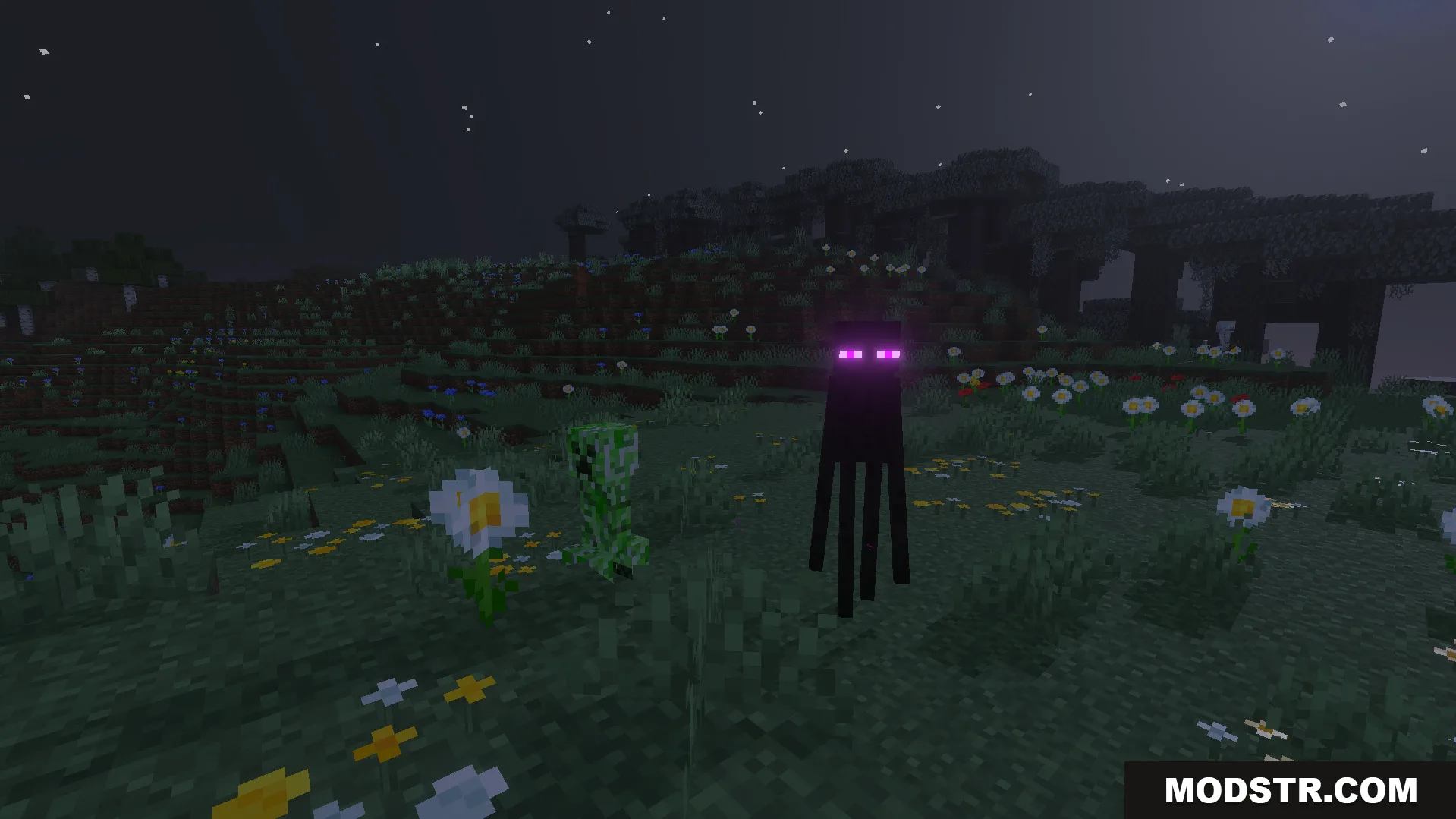
- Shows block light level numbers to identify mob spawn locations.
- Highlights underground ores with glow effects in dark areas.
- Renders chunk borders and wireframe block outlines.
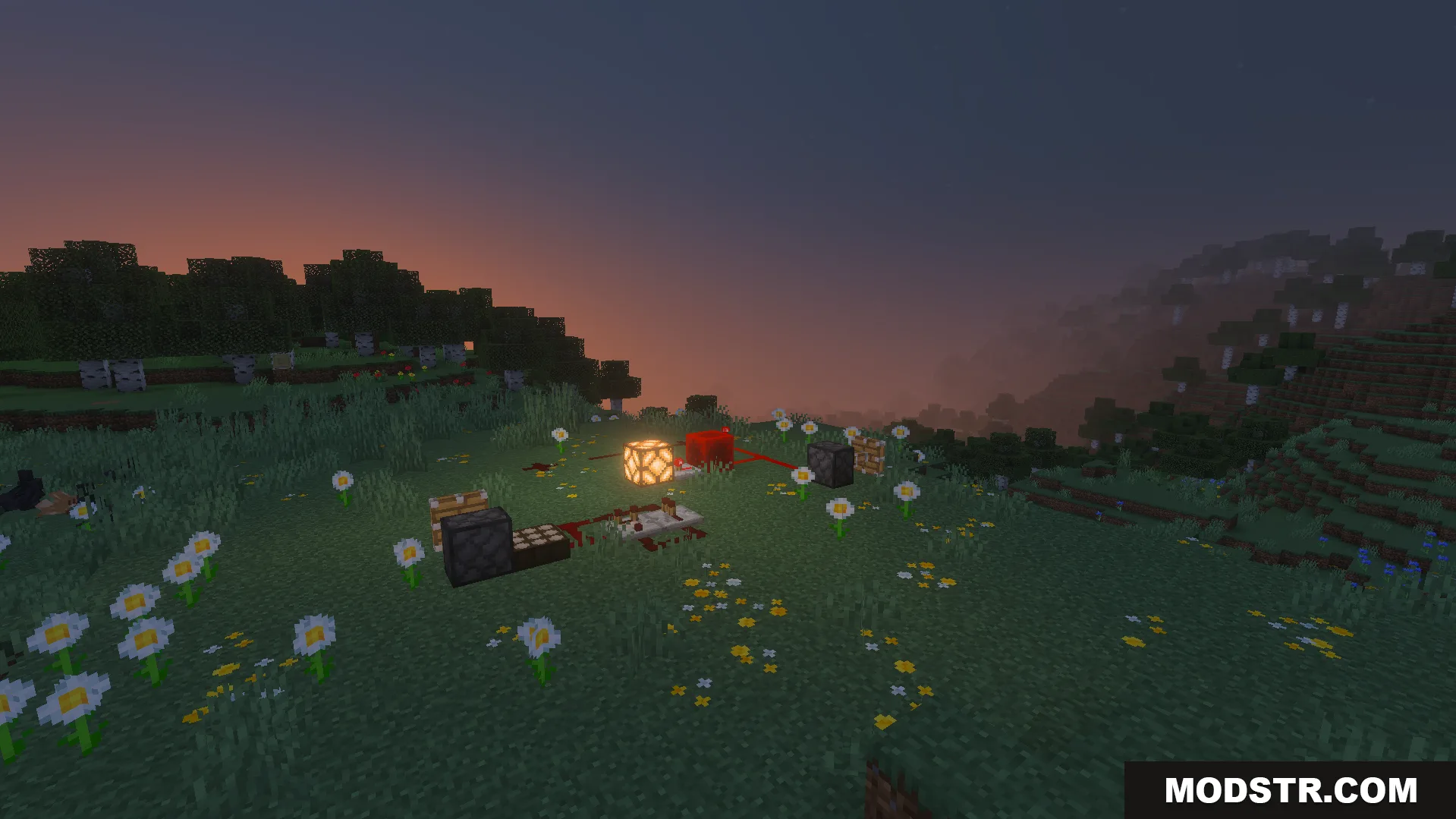
- Removes fog and enables constant night vision.
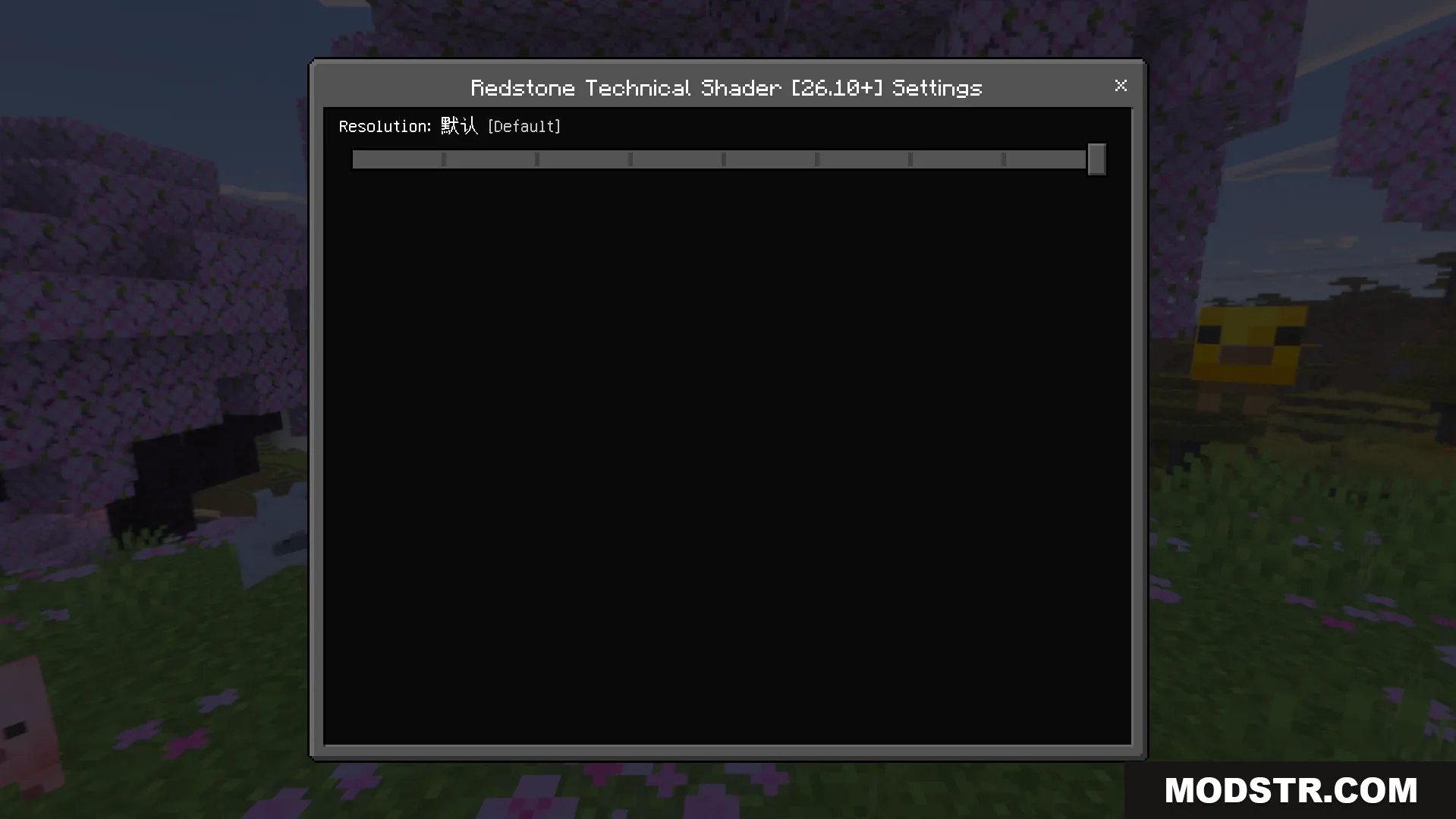
- Toggle individual visual features on or off using subpacks.
Installation
- Download the shader pack file.
- Open your Minecraft resourcepacks folder.
- Place the file in the resourcepacks directory without extracting.
- Launch Minecraft and enable the shader from the resource pack menu.
- Configure subpacks to enable or disable specific visual features.
DOWNLOAD FILES
- mcpack