
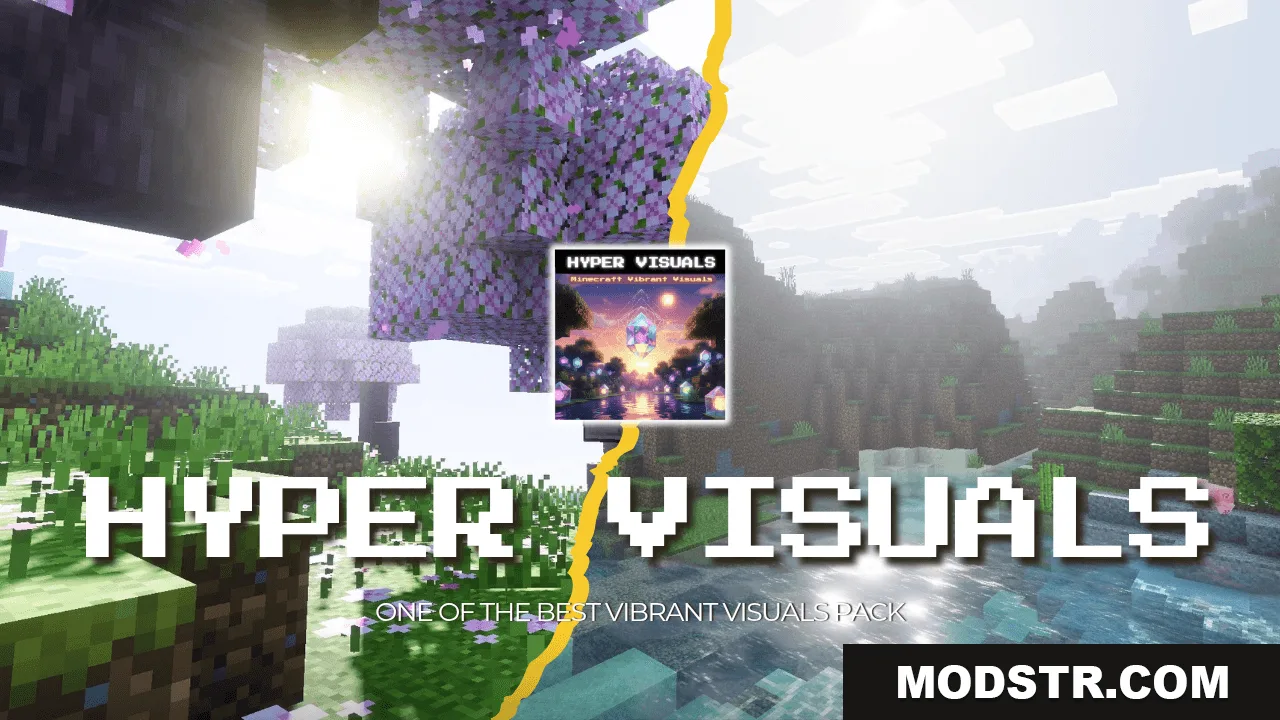
Hyper Visuals Shader (26.x, 1.21) – MCPE/Bedrock
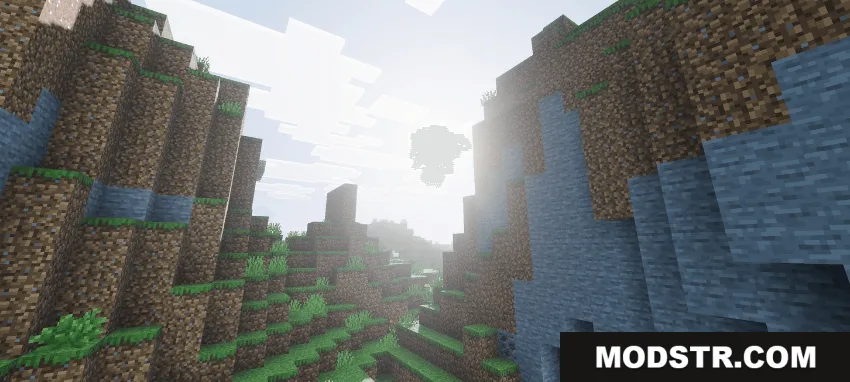
Hyper Visuals Shader adds enhanced lighting, realistic colors, and PBR textures to Minecraft Bedrock Edition for a more detailed visual appearance.
- 1.21
Hyper Visuals Shader is a resource pack designed for Minecraft Bedrock Edition that applies enhanced lighting, realistic color grading, and physically-based rendering (PBR) textures to the game world. It targets players looking for improved visuals without major gameplay changes.
Features
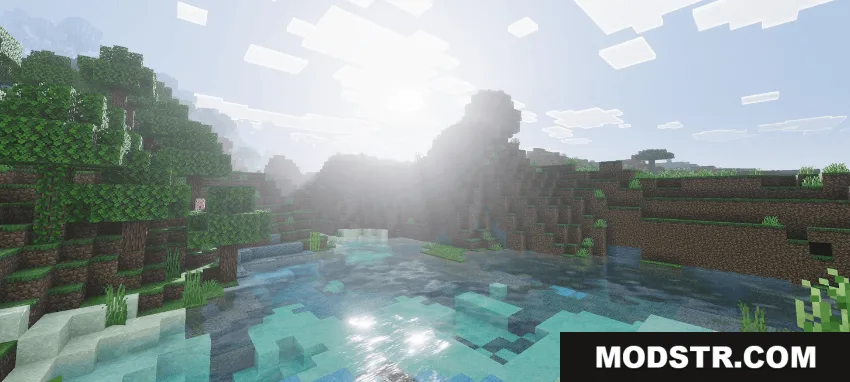
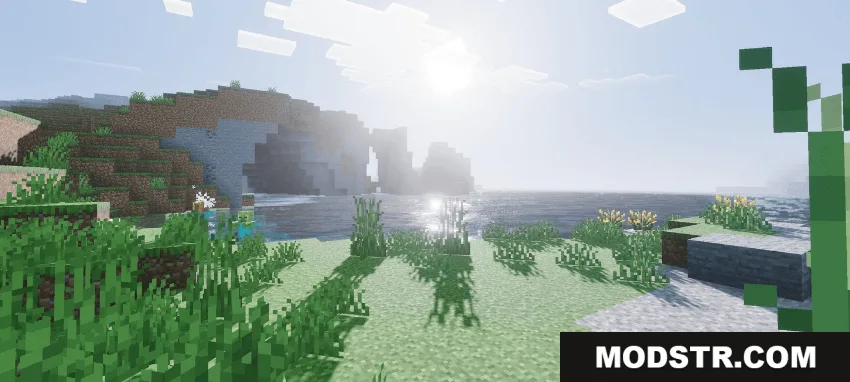
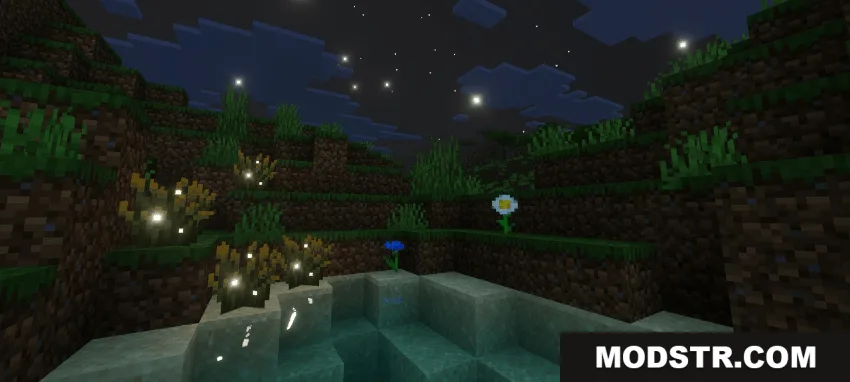
- Enhanced dynamic lighting system for improved light interaction and shadows.
- Realistic color grading that adjusts the overall visual tone of the game.
- PBR texture support for more detailed material appearance.
- Compatible with Minecraft Bedrock Edition version 1.21.
Installation
- Download the shader pack file.
- Open the file to import it into Minecraft Bedrock Edition.
- Select a world and apply the pack from the resource pack menu.
- Enable experimental features if required by the pack.
- Load the world and adjust graphics settings as needed.
Compatibility
This shader is built for Minecraft Bedrock Edition version 1.21 and newer versions 26.x releases. Compatibility with older versions is not guaranteed.
DOWNLOAD FILES
- mcpack
- mcpack