
Complimentory Vibrant Visuals Shader (26.x, 1.21) – PBR Textures and Rich
Complimentory Vibrant Visuals Shader enhances graphics in Minecraft Bedrock with realistic PBR texturing. It is intended for players seeking improved visuals across their worlds.
- 1.21
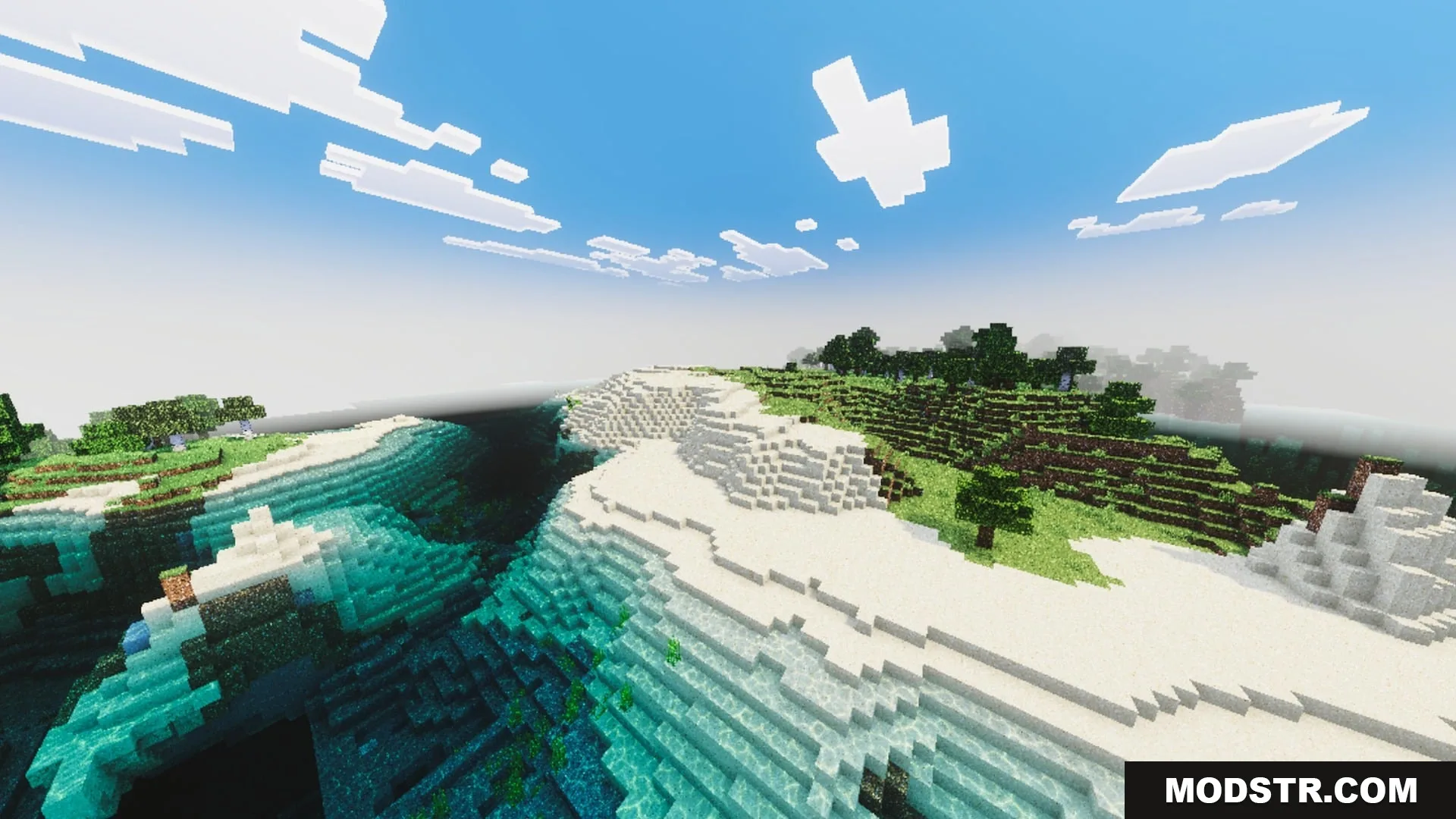
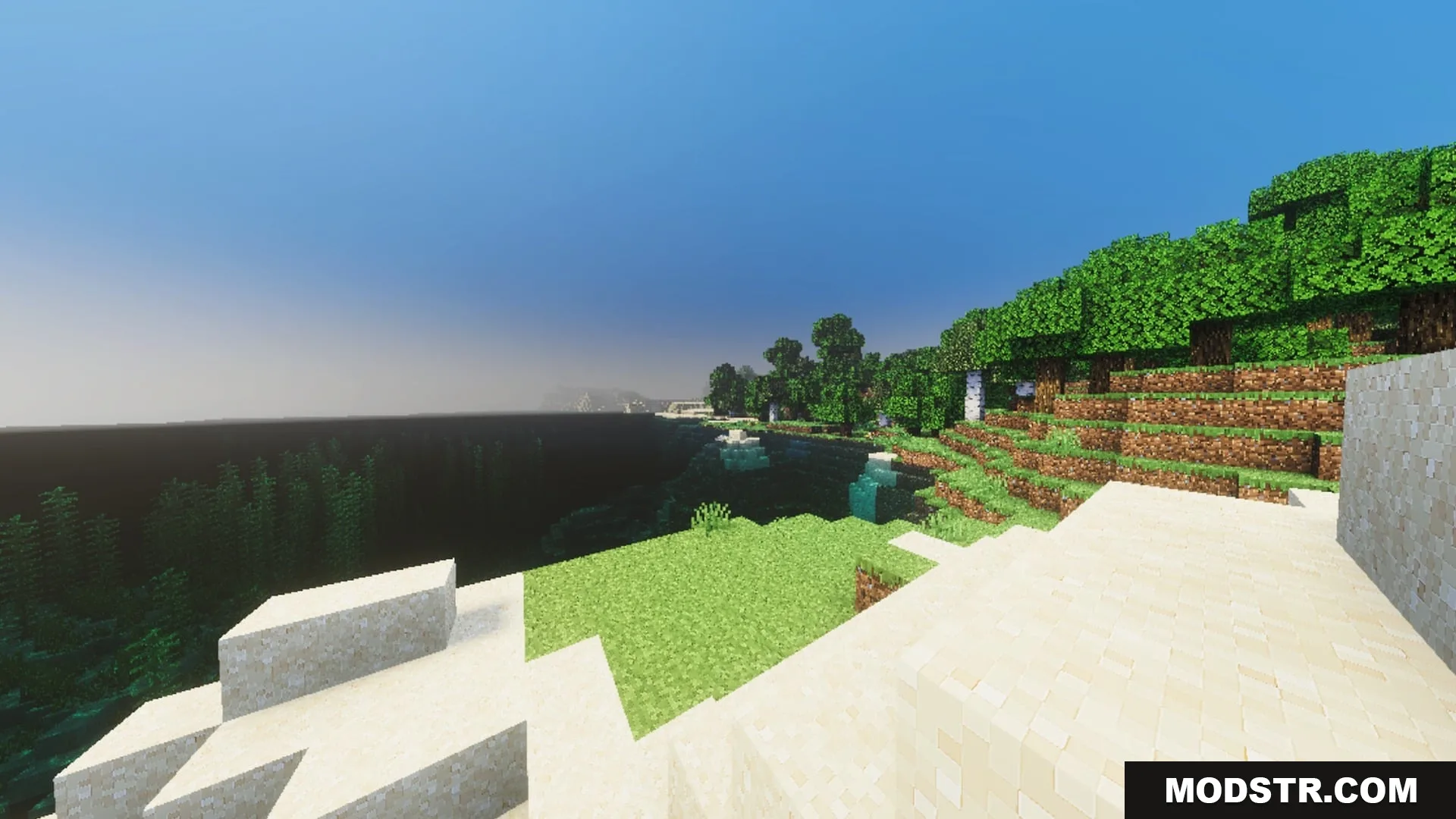
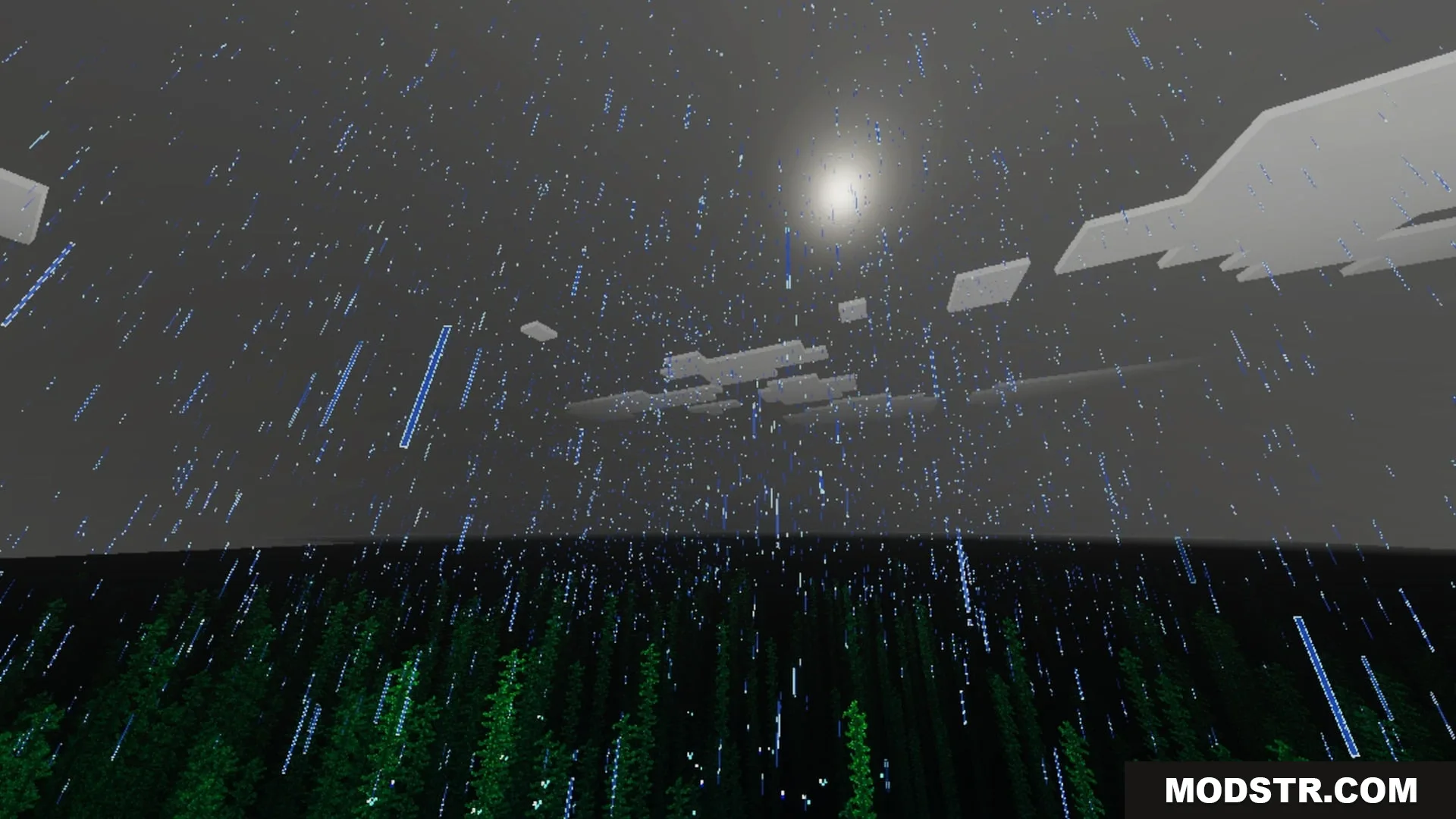
Complimentory Vibrant Visuals Shader provides a graphical enhancement tailored for the Render Dragon engine in Minecraft Bedrock. This shader offers realistic visual improvements that include detailed textures and dynamic lighting.
Features
- Full PBR texturing with normal and specular map reflections.
- Rich color grading that removes washed-out tones across biomes.
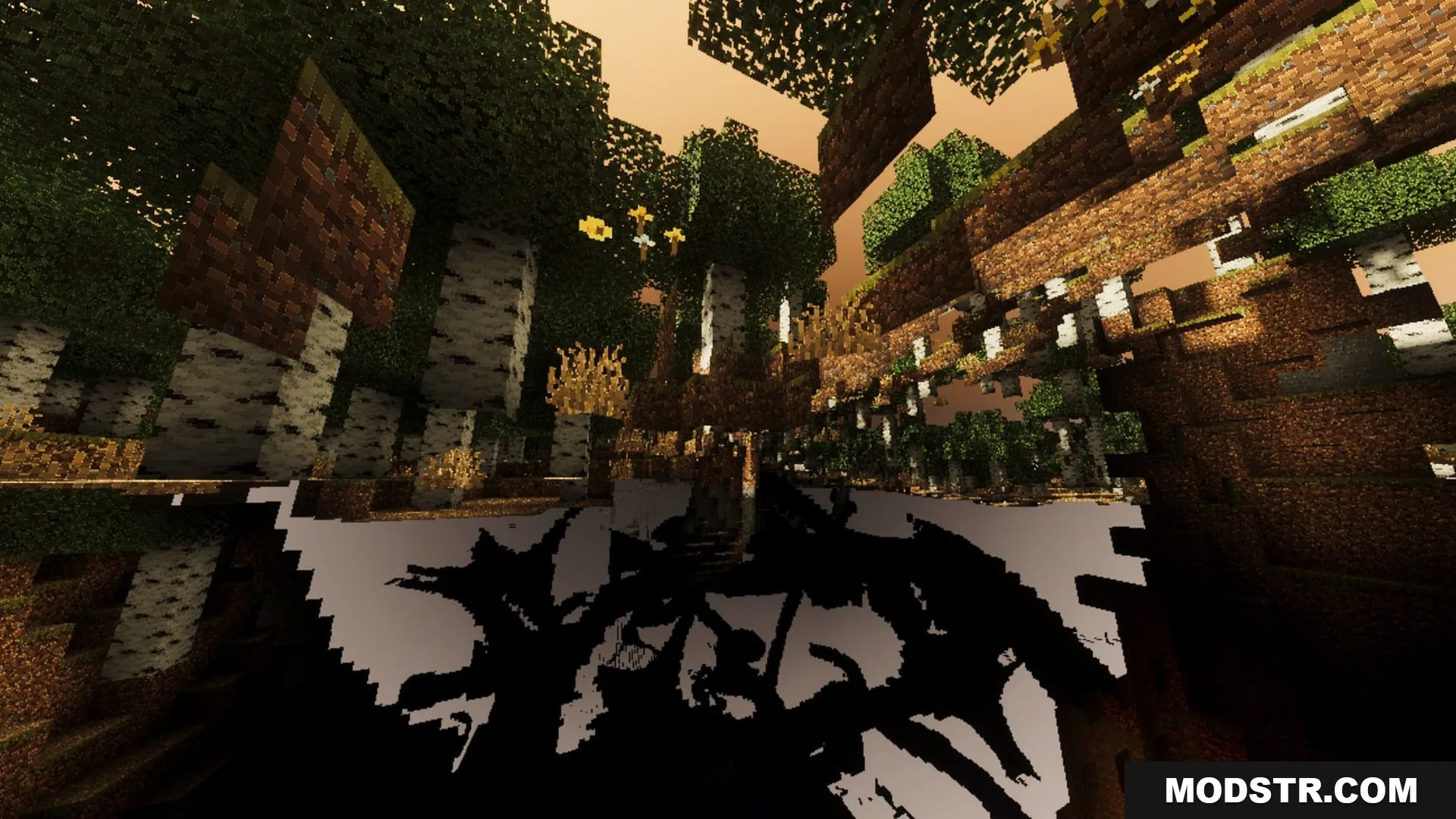
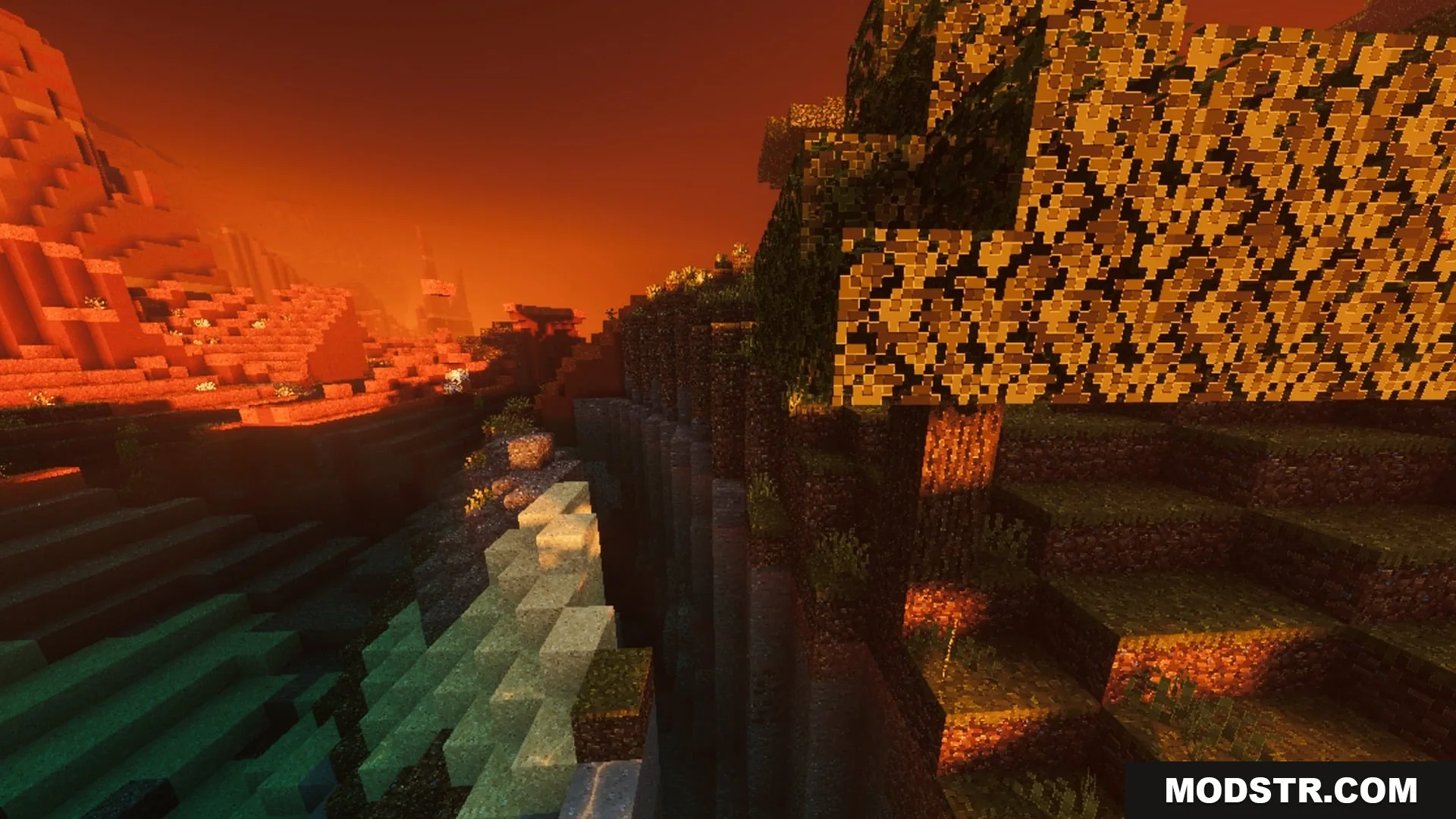
- Atmospheric lighting with glowing ores and deep shadows.
- Subpack settings featuring Low and Default tiers for performance.
Installation
- Download the shader file.
- Open Minecraft Bedrock and navigate to Settings.
- Select the Graphics option and locate the Shader settings.
- Import the downloaded shader file into your shader list.
- Activate the shader for your desired world.
DOWNLOAD FILES
- mcpack