
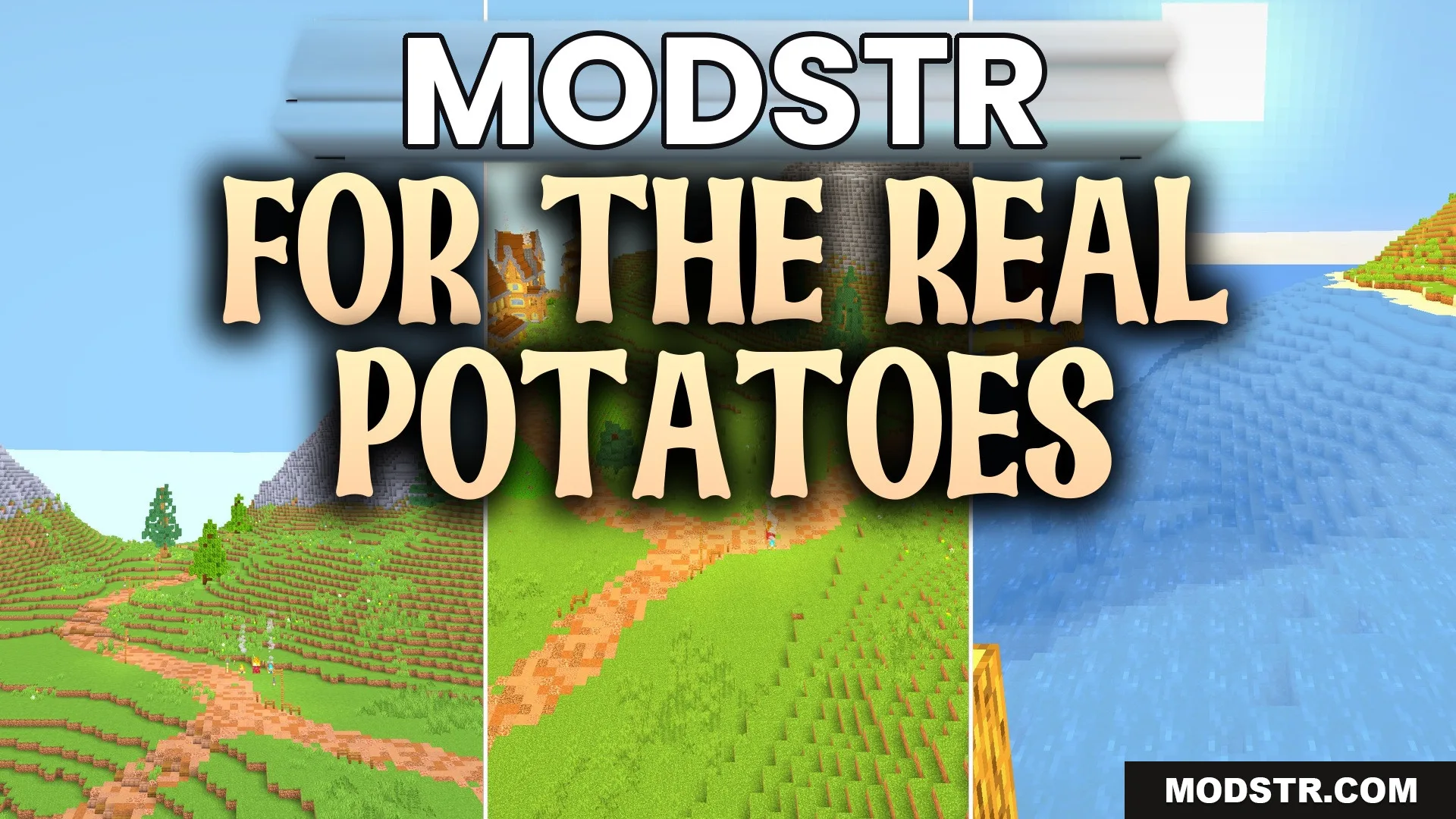
For the Real Potatoes Shaders (26.2, 1.20.1) – Lagless Basic Vanilla Shadows
For the Real Potatoes Shaders enhances lighting in Minecraft while maintaining a vanilla aesthetic. It's designed for players on older hardware who want basic shadows and light effects without lag.
- 1.20.1
For the Real Potatoes Shaders modifies the lighting in your Minecraft world while keeping the traditional look intact. This shader pack is optimized for performance on older computers, providing basic shadow and light adjustments without introducing lag.
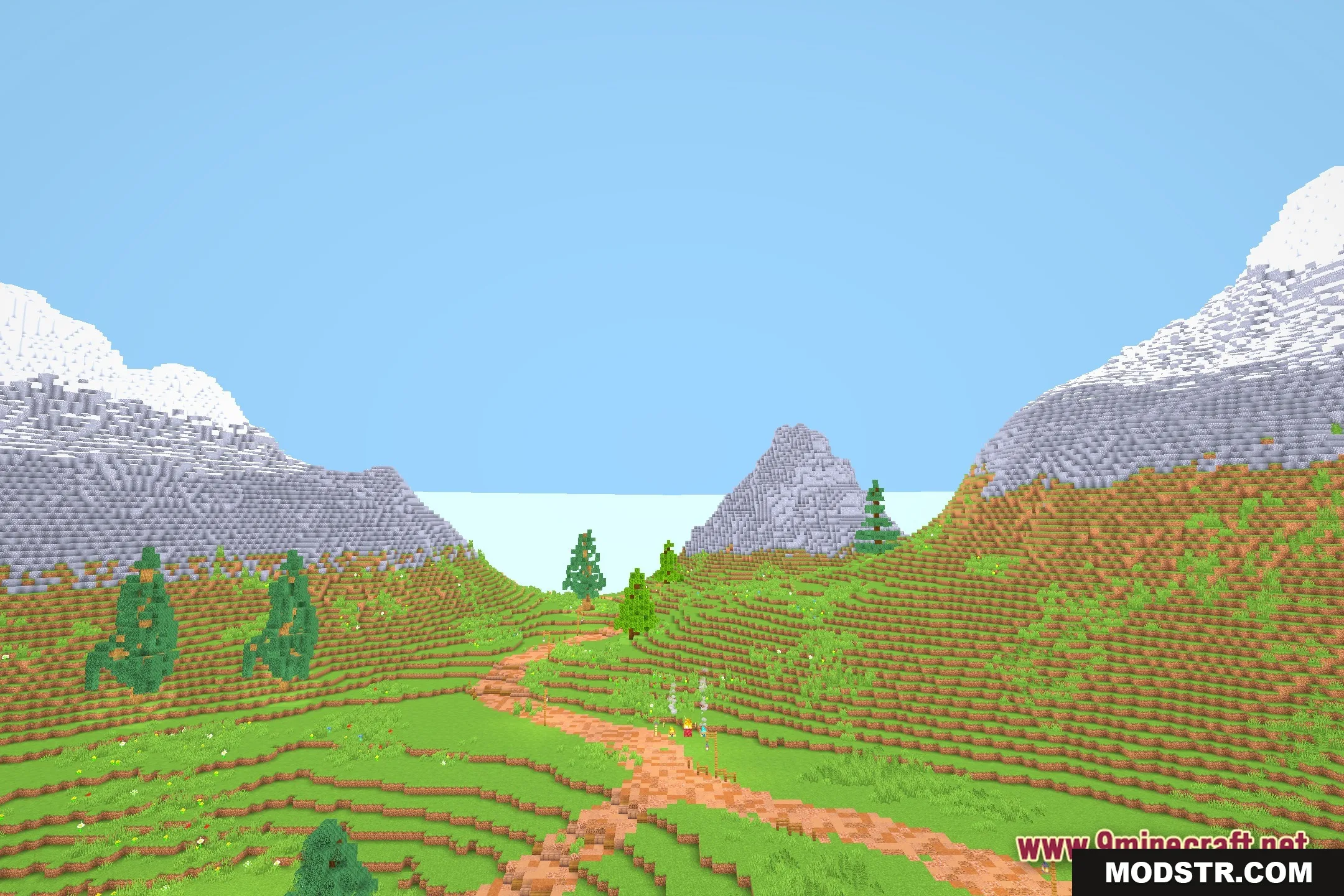
Features
- Potato PC Friendly: Runs smoothly on older computers with weak graphics cards.
- Keeps the classic vanilla style so your game still feels like normal Minecraft.
- Adds simple lighting changes without causing heavy frame drops.
- Removes heavy visual effects that slow down older machines.
- Gives players a simple way to try shaders on low-end hardware.
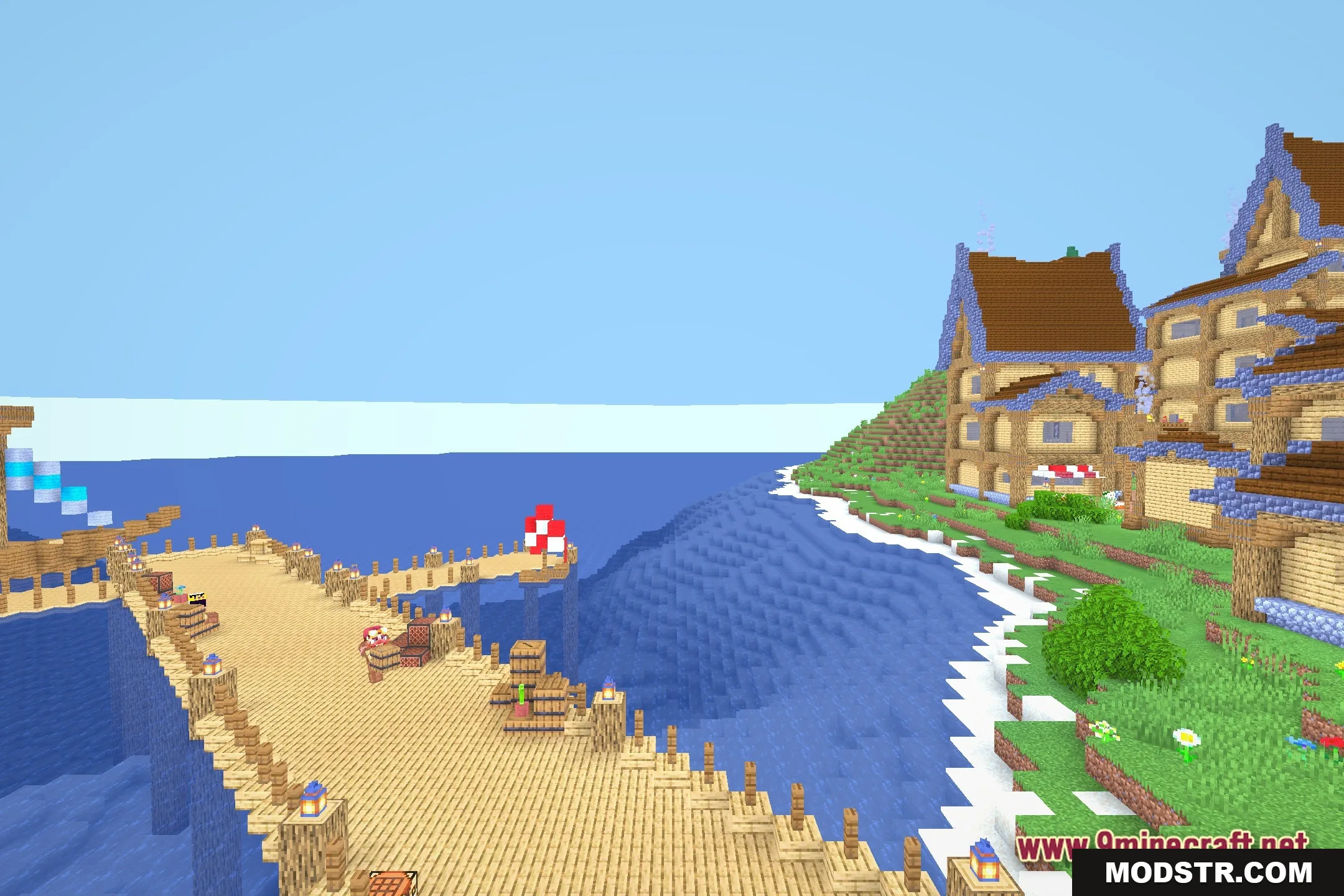
Installation
- Download the shader pack file.
- Open your Minecraft settings.
- Navigate to the 'Shaders' section in the video settings.
- Click on 'Shaders Folder' to open it.
- Place the downloaded shader pack in this folder and select it from the menu.
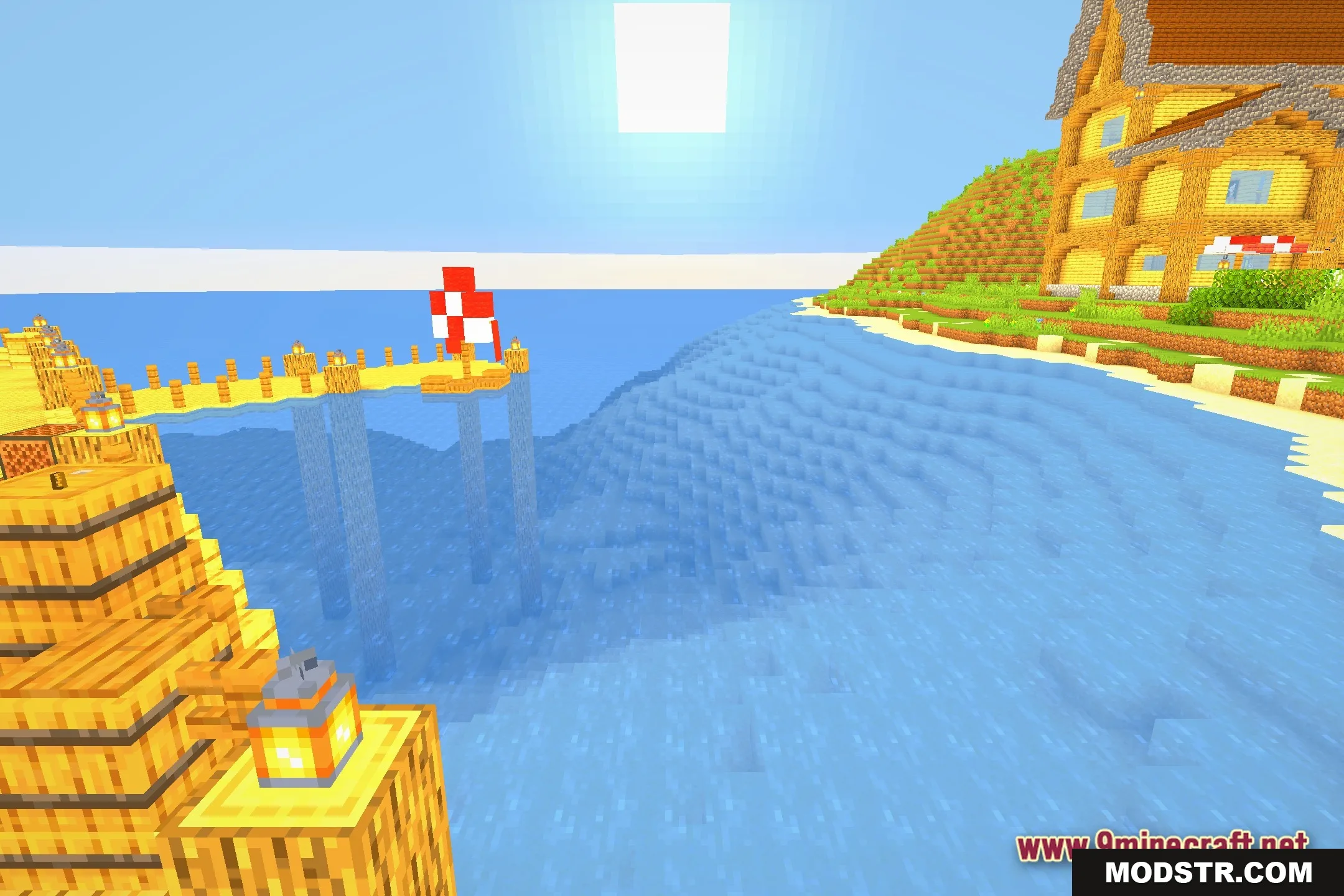
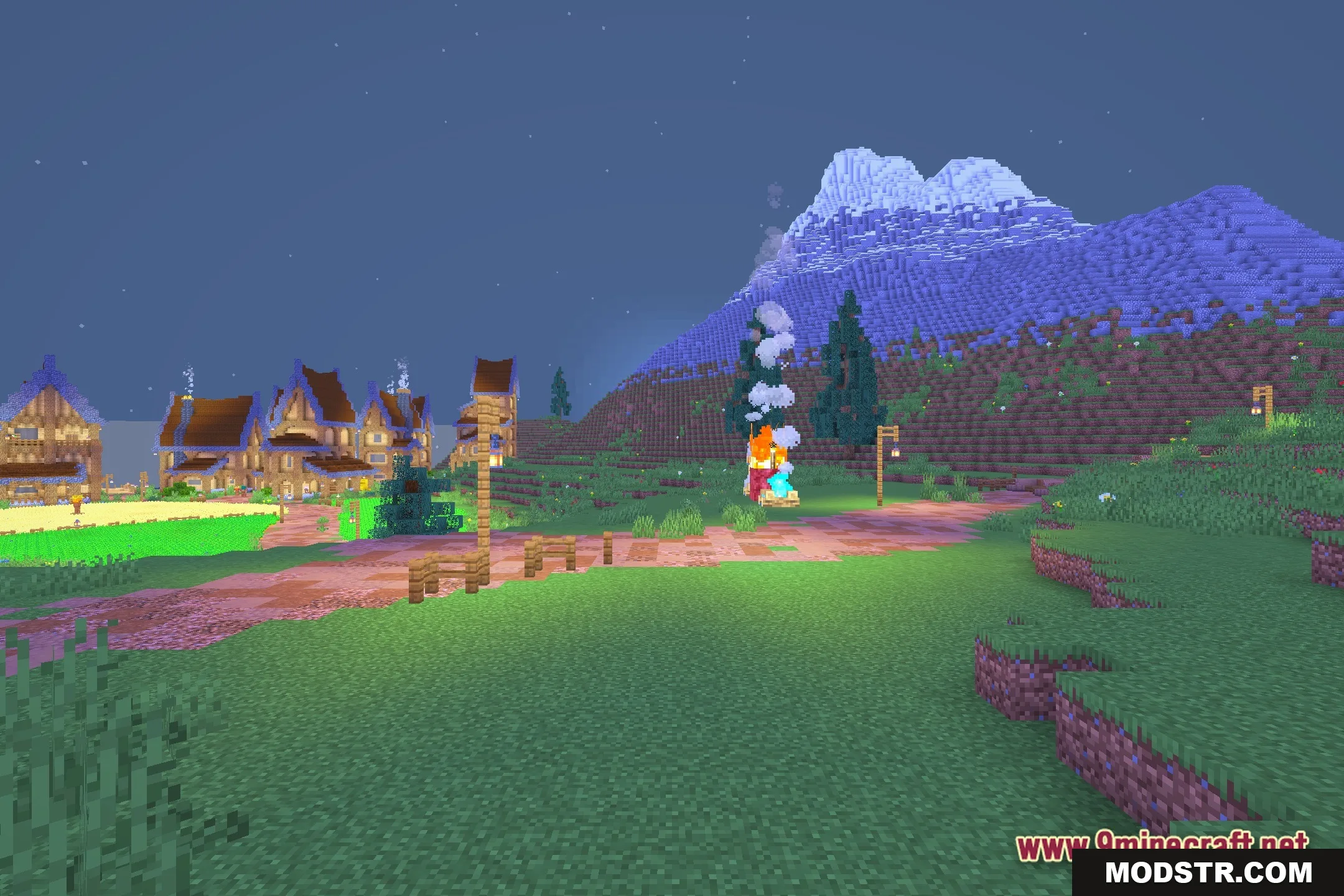
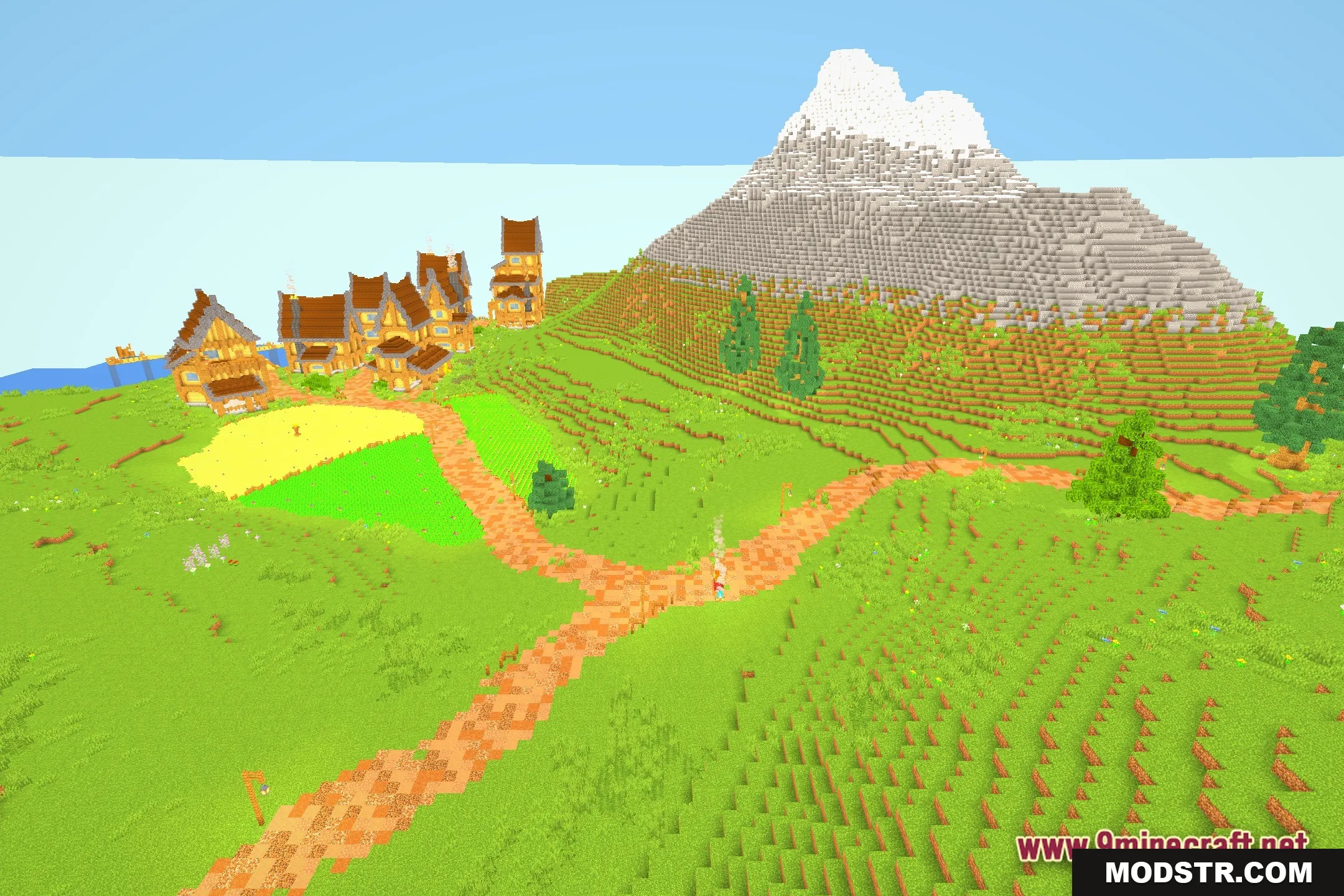
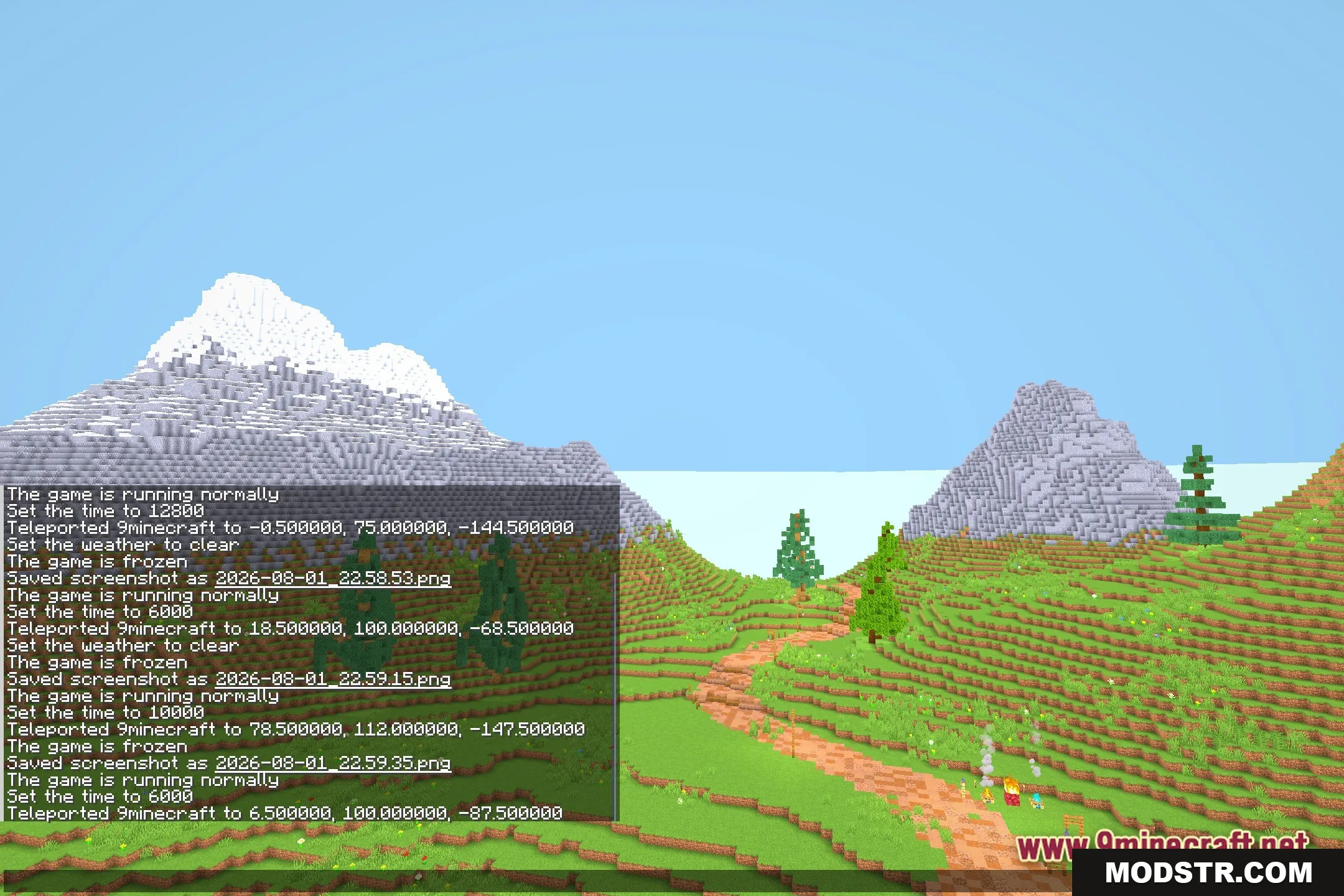
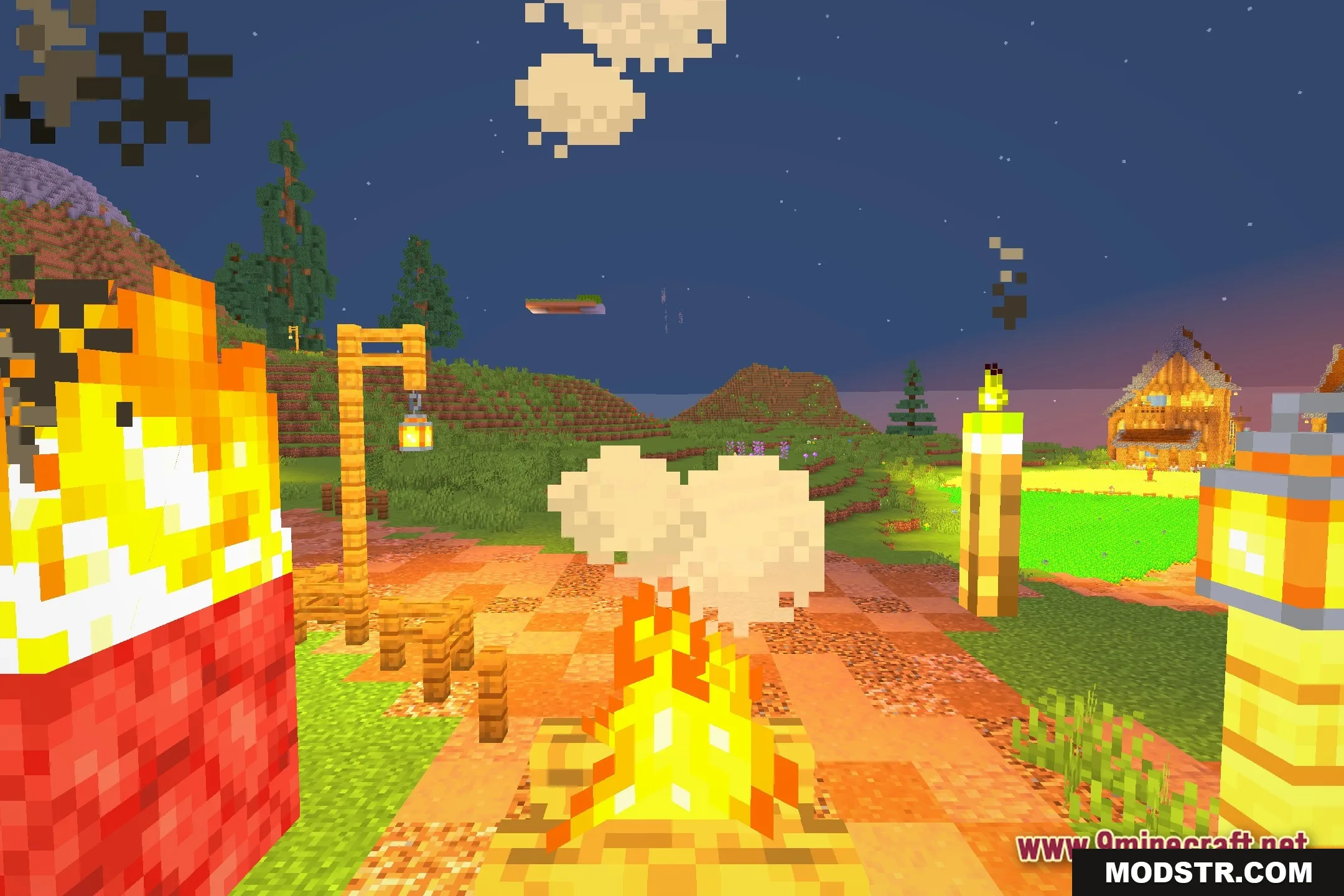
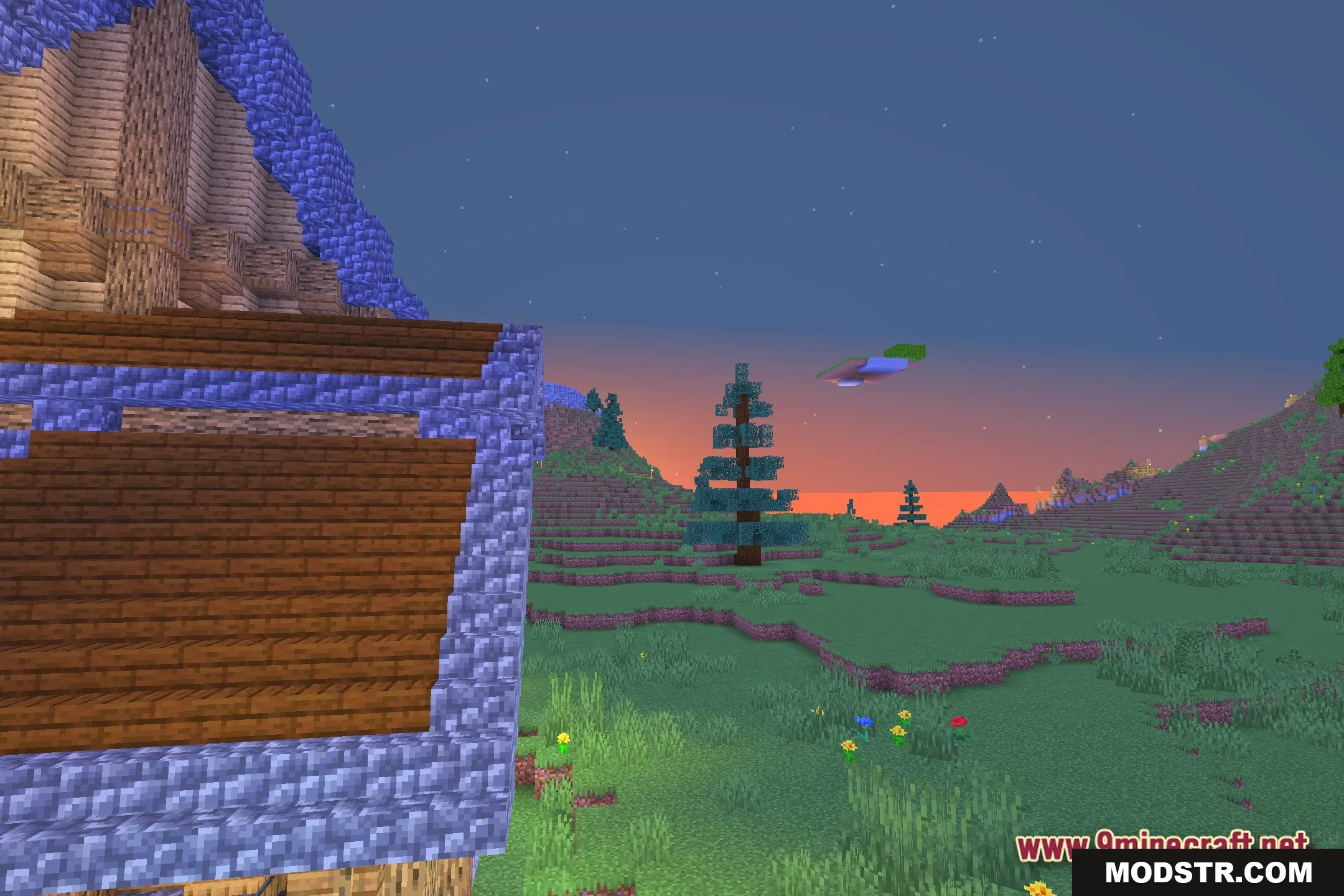
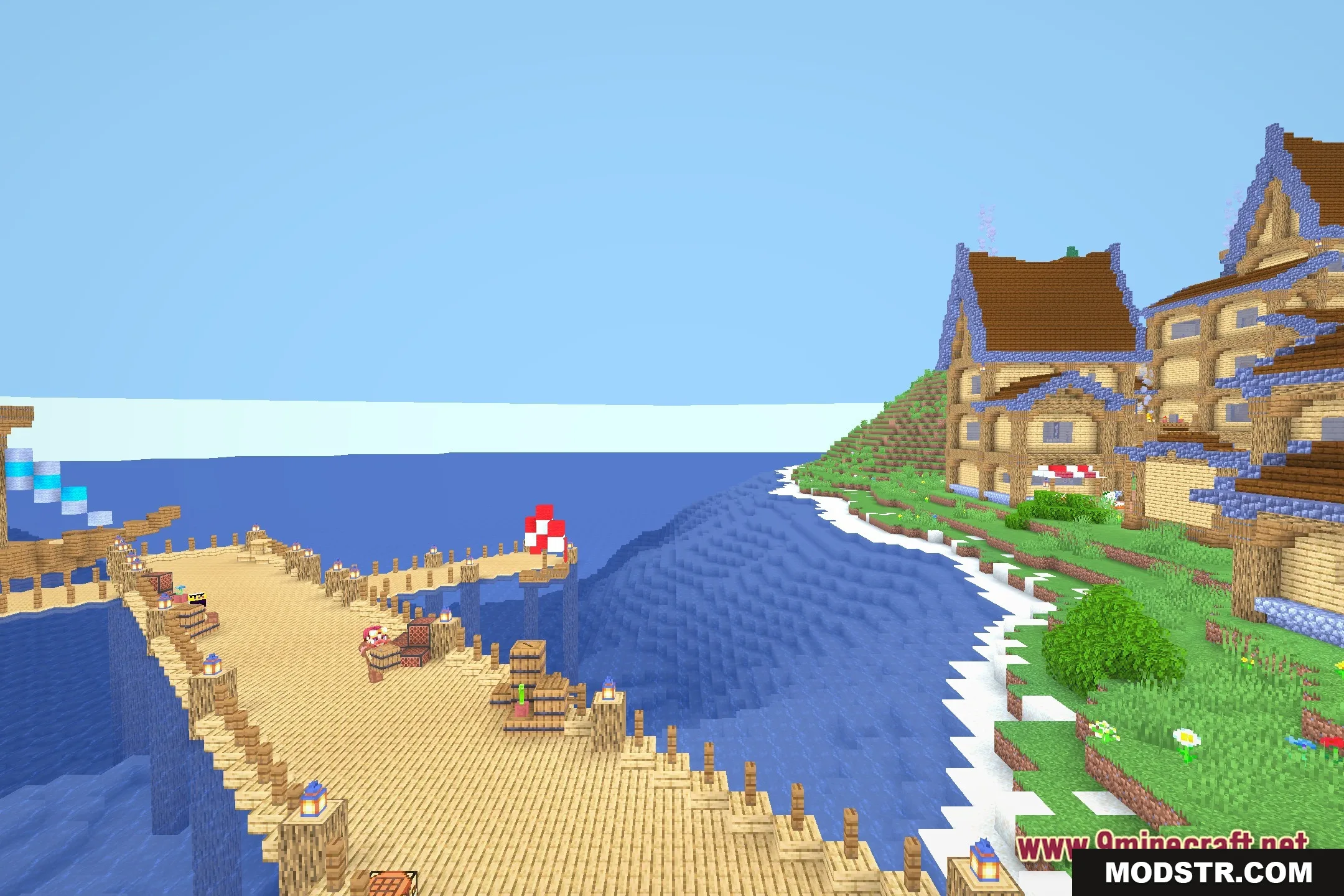
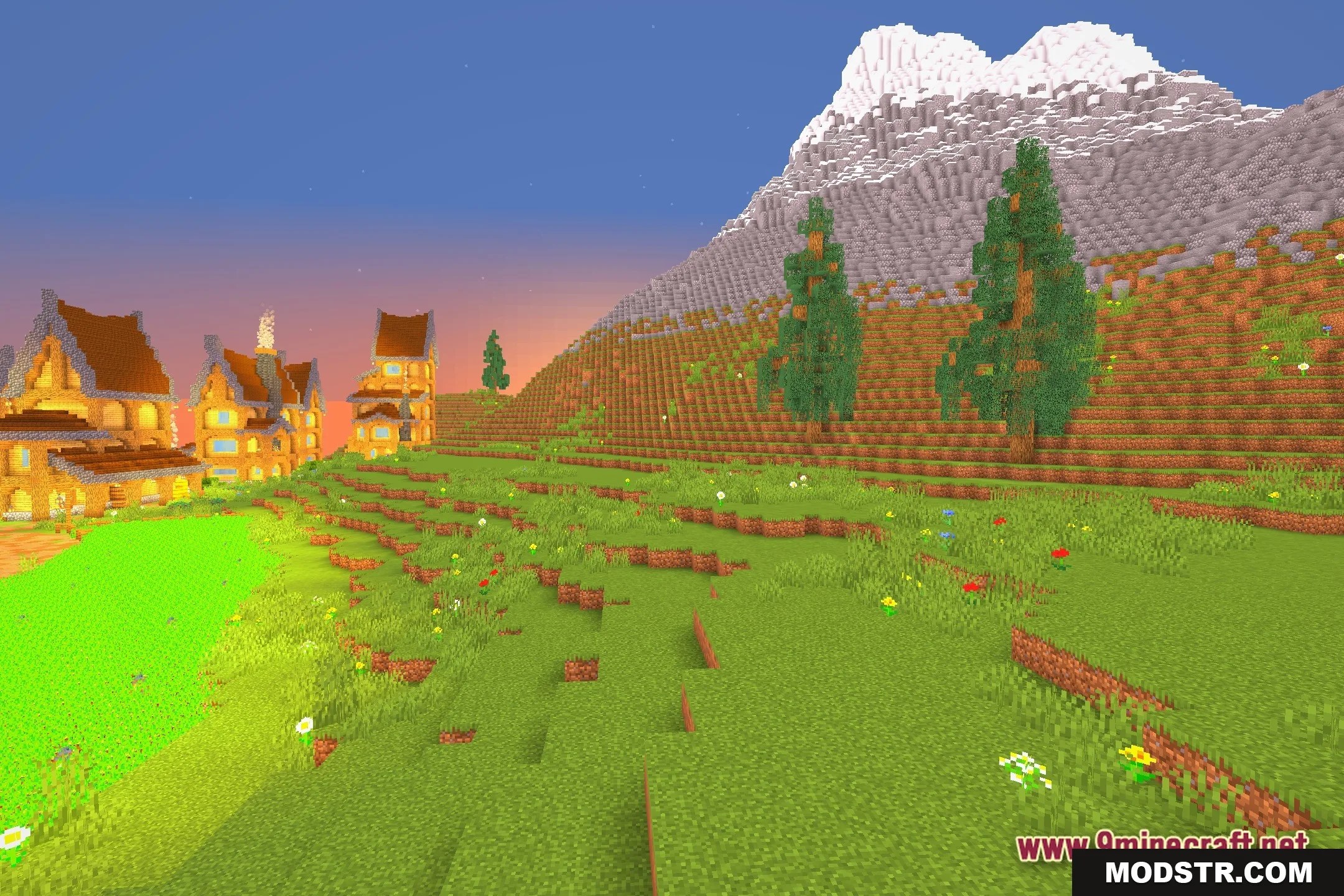
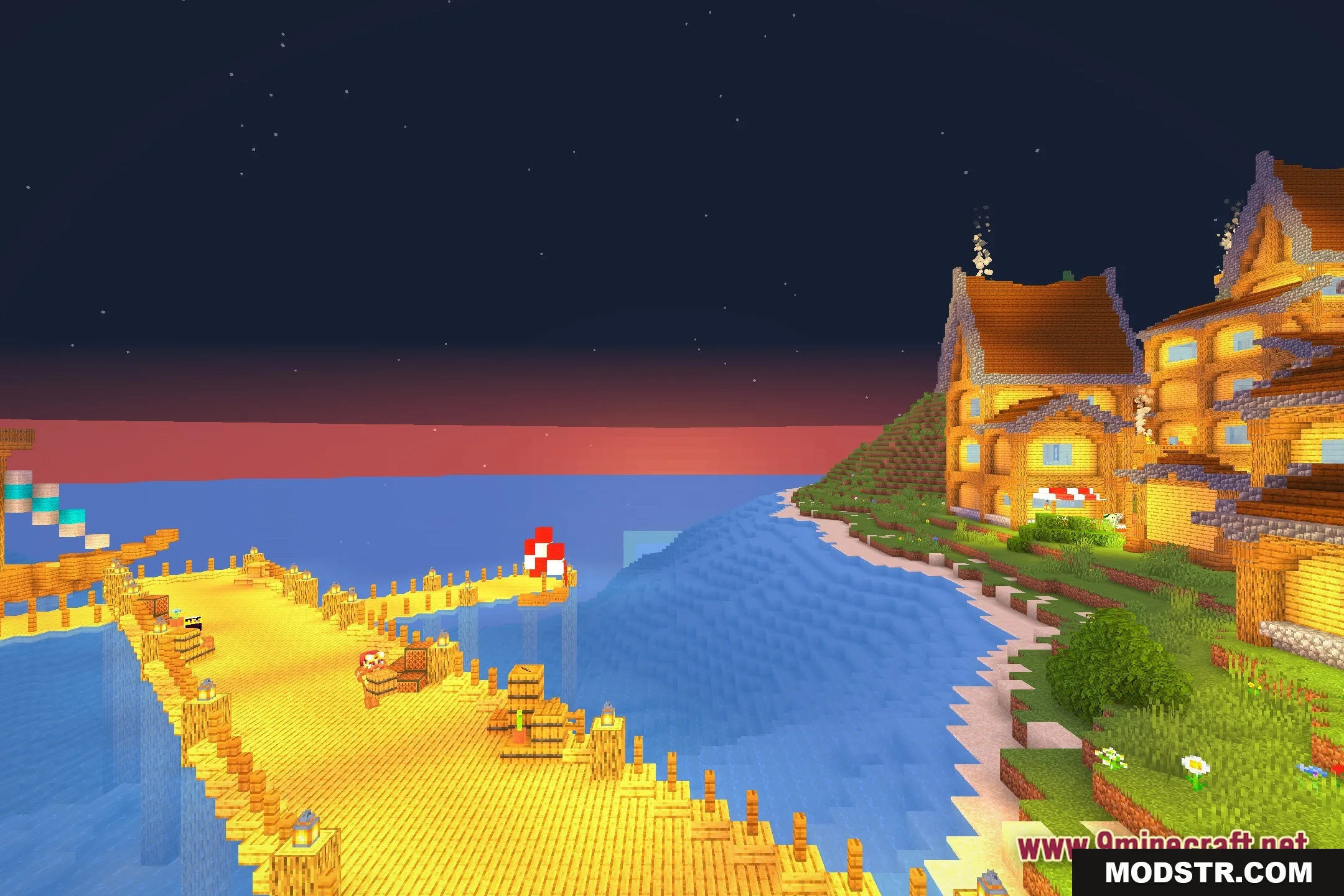
Screenshots

DOWNLOAD FILES
- shader