
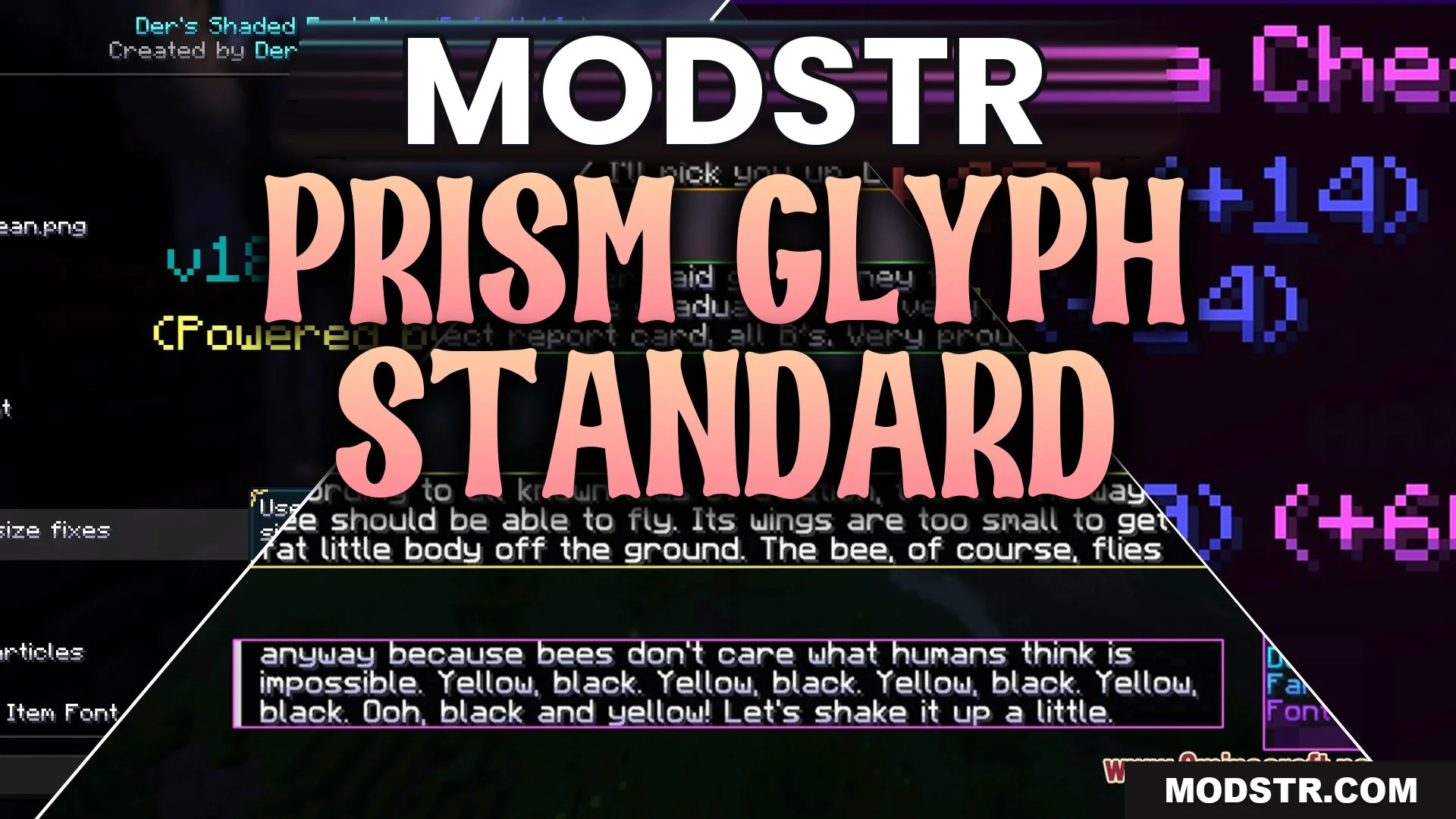
Prism Glyph Standard Resource Pack (26.2, 1.20.1) – Colorful Shaded Text
The Prism Glyph Standard Resource Pack enhances in-game text with colorful shading. This pack is suitable for players seeking to improve the appearance of chat and menus.
- 1.16 → 1.21.11 +35
Show all 35 versions
- 1.21.11
- 1.21.10
- 1.21.9
- 1.21.8
- 1.21.7
- 1.21.6
- 1.21.5
- 1.21.4
- 1.21.3
- 1.21.2
- 1.21.1
- 1.21
- 1.20.6
- 1.20.5
- 1.20.4
- 1.20.3
- 1.20.2
- 1.20.1
- 1.20
- 1.19.4
- 1.19.3
- 1.19.2
- 1.19.1
- 1.19
- 1.18.2
- 1.18.1
- 1.18
- 1.17.1
- 1.17
- 1.16.5
- 1.16.4
- 1.16.3
- 1.16.2
- 1.16.1
- 1.16
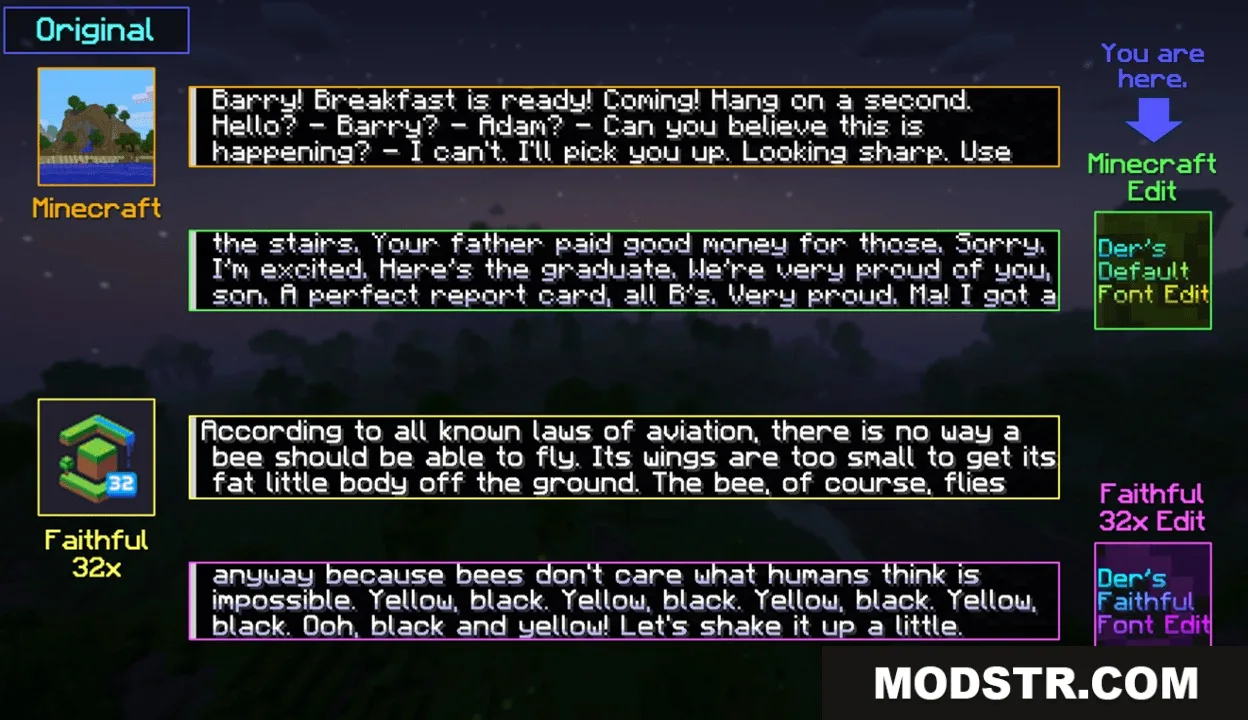
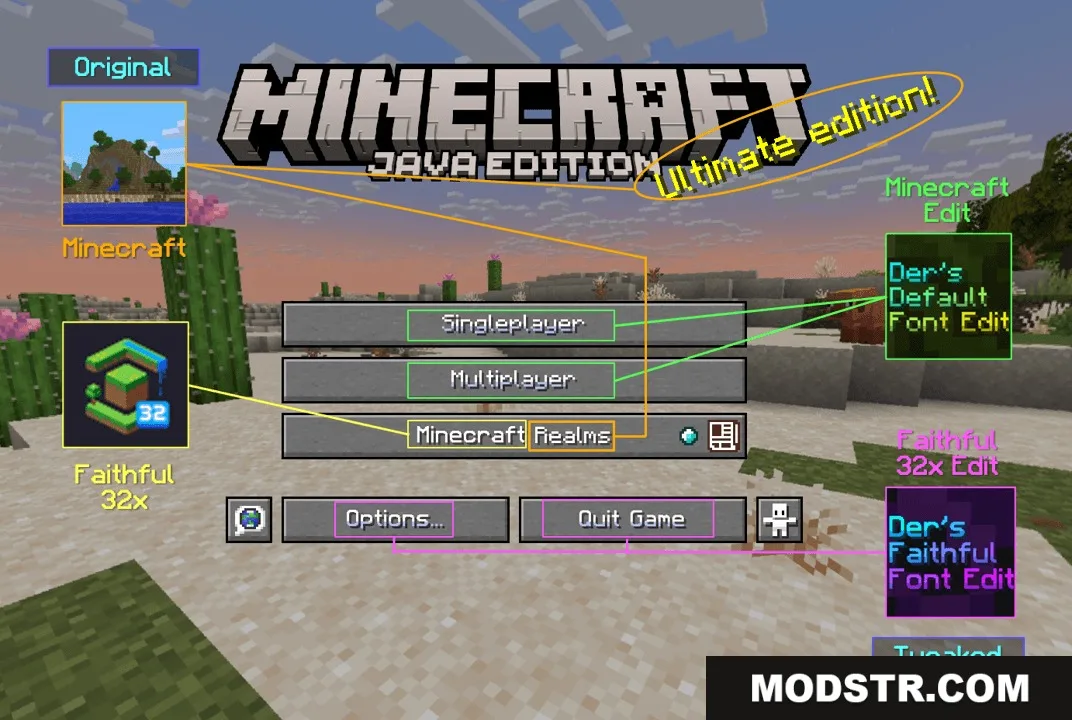
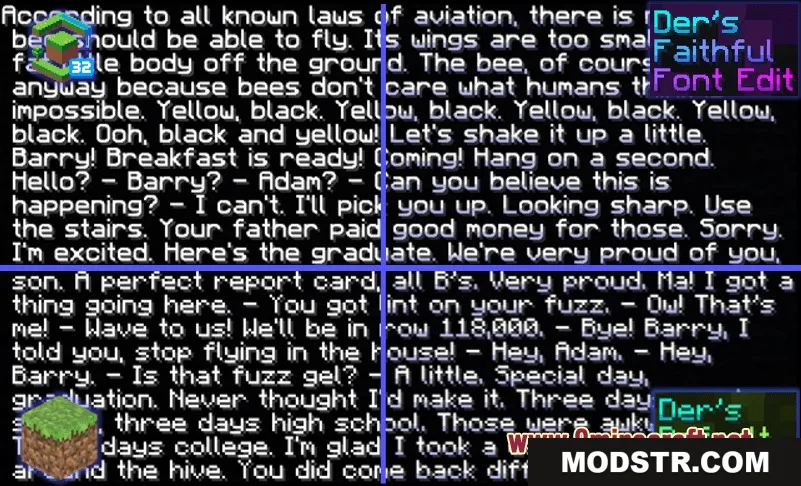
The Prism Glyph Standard Resource Pack enhances the visual quality of in-game text by adding colorful shading to the bottom of each character. It is aimed at players who want a cleaner aesthetic in chat and menus, covering numerous languages and custom glyphs.
Features
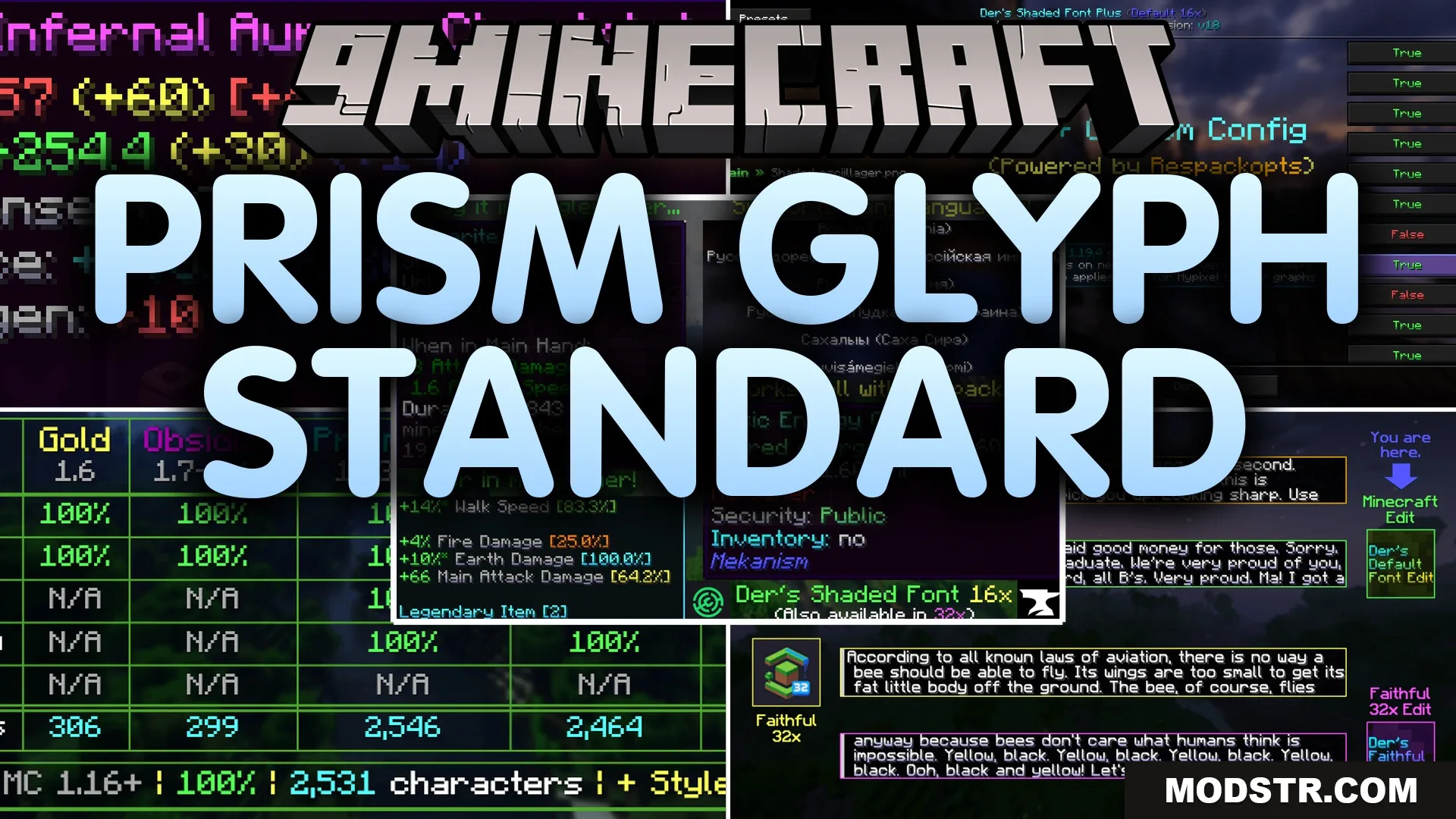
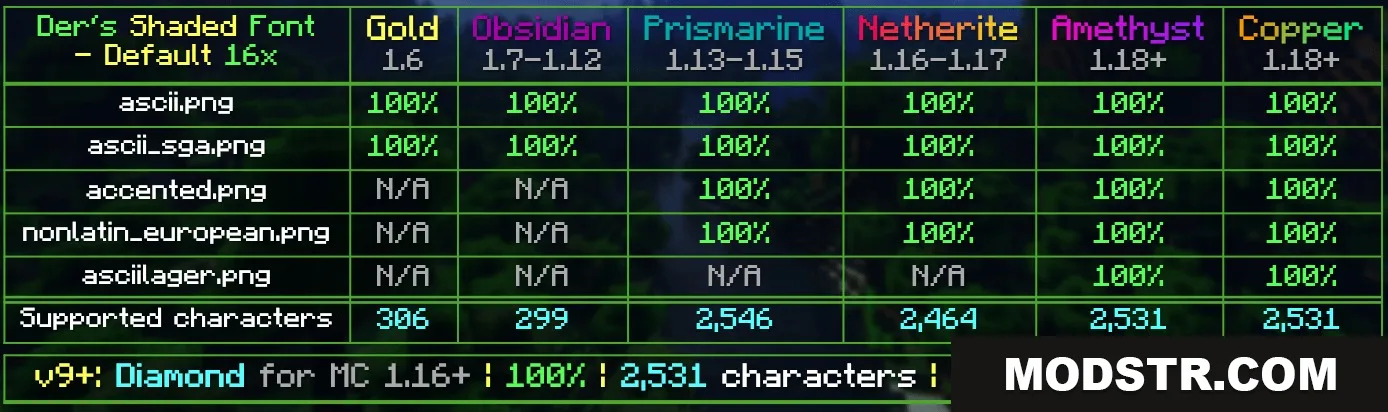
- Adds smooth colored shadows to more than 10,000 text characters and symbols.
- Includes custom shading for enchanting table runes and hidden illager letters.
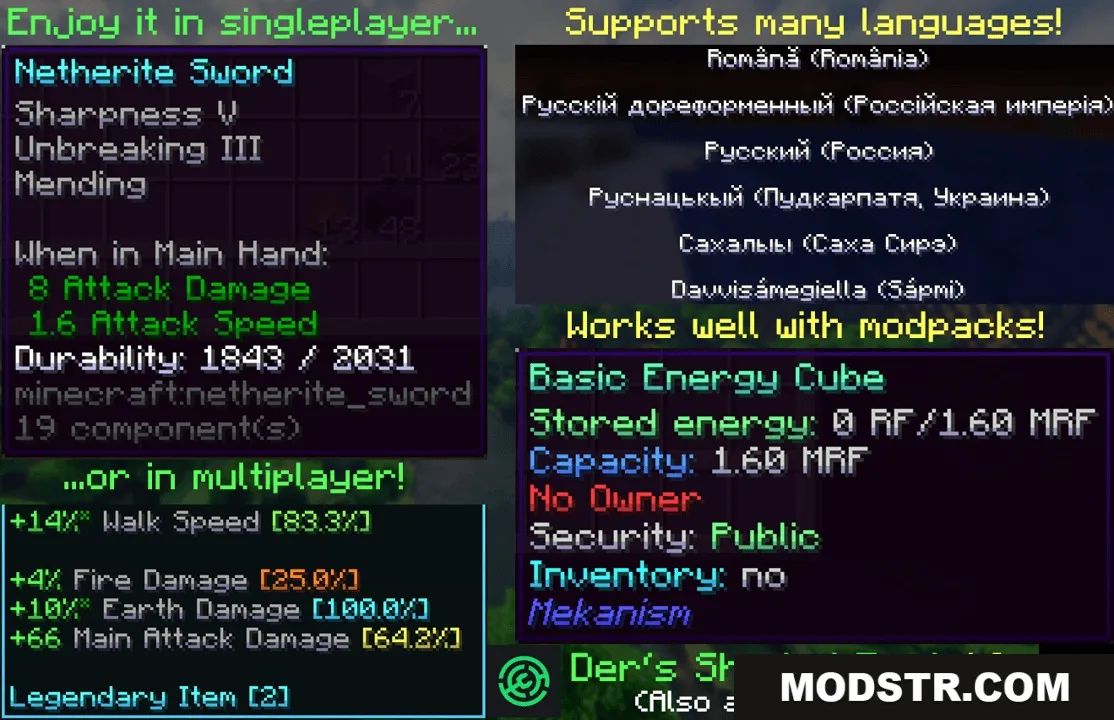
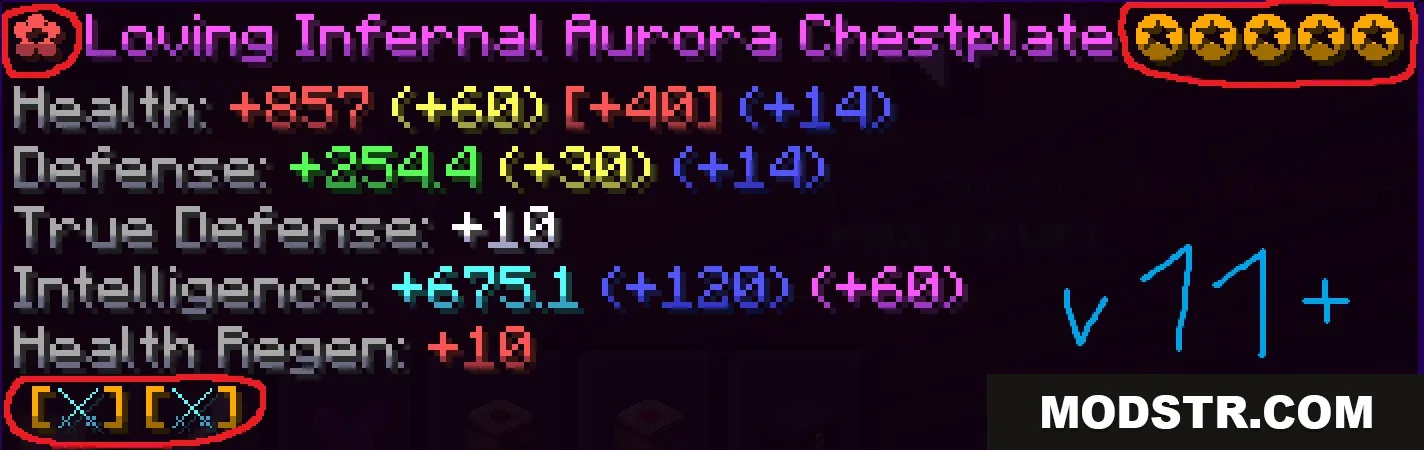
- Works with Wynncraft item descriptions and custom server tooltips.
- Fixes bazaar charts and text colors across Hypixel minigames.
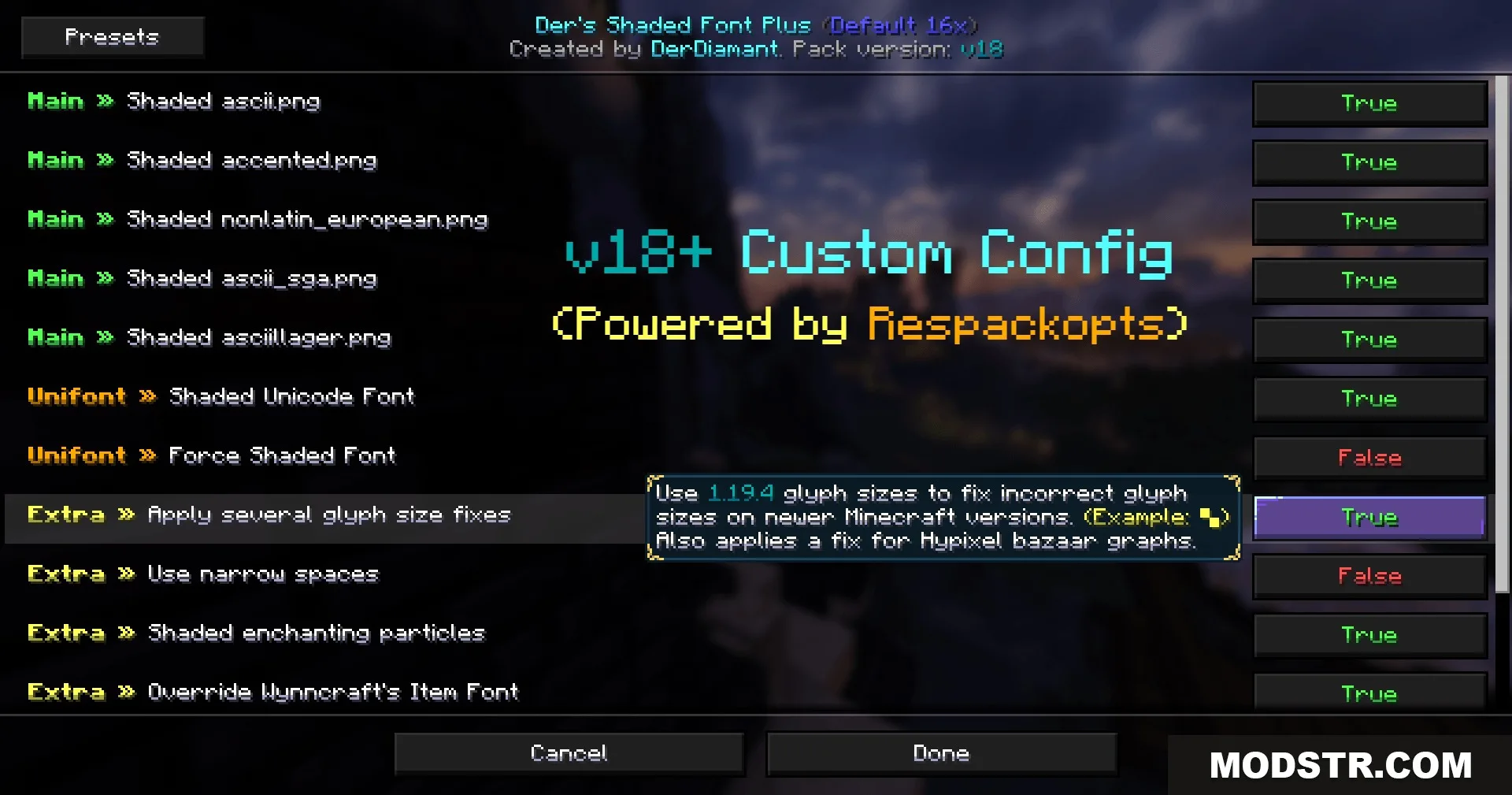
- Offers optional setting adjustments when paired with the Respackopts mod.
- Covers dozens of languages while keeping default text clear and readable.
- Includes standard font provider files for individual adjustments.
Installation
- Download the resource pack file from the source.
- Open Minecraft and select 'Options' from the main menu.
- Navigate to 'Resource Packs' and select 'Open Resource Pack Folder.'
- Move the downloaded file into the resource pack folder.
- Back in Minecraft, select the new resource pack and confirm your choice.
Screenshots
DOWNLOAD FILES
- resource