
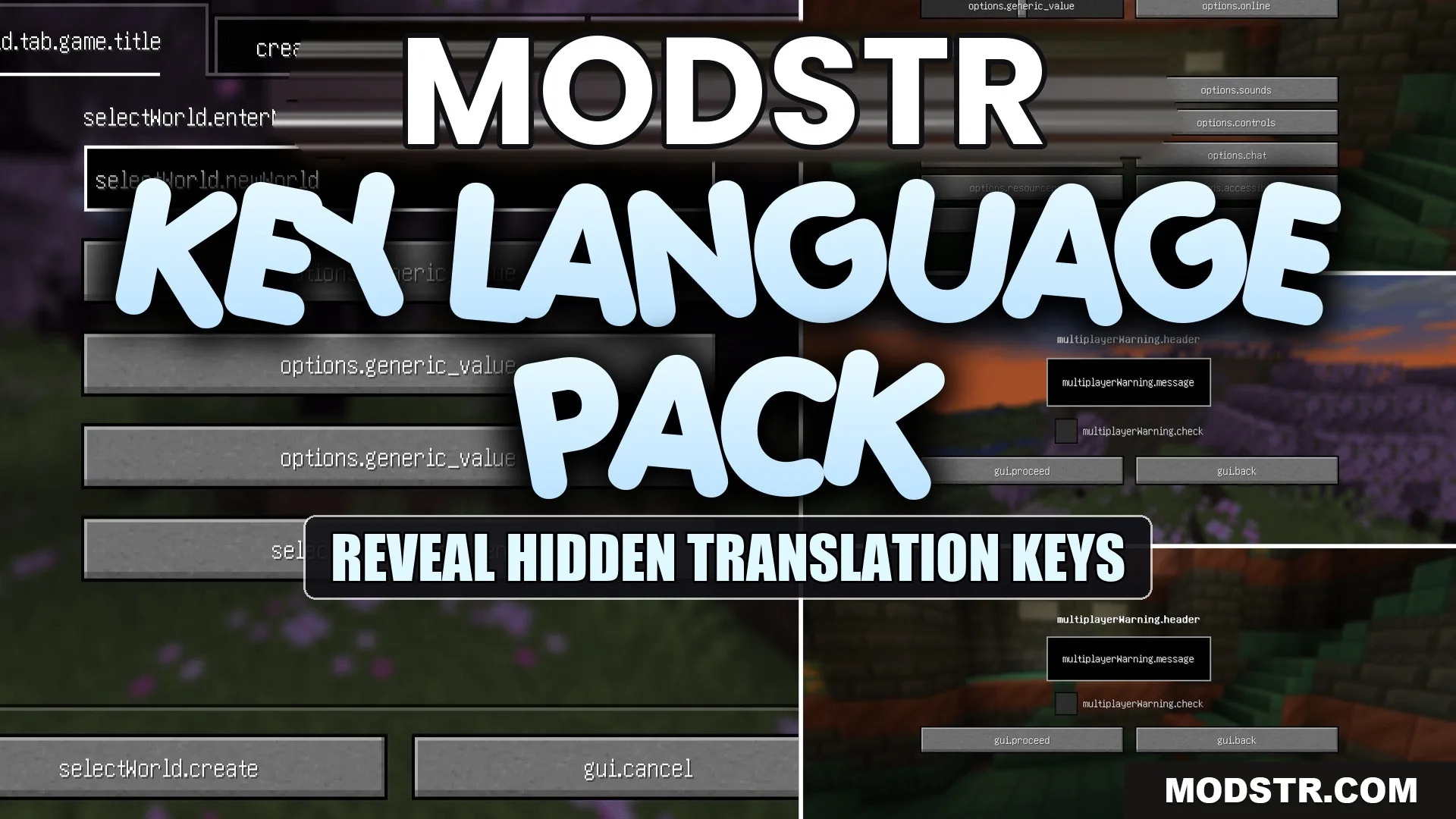
Key Language Pack Resource Pack (1.21.11, 1.20.1) – Raw Translation Keys
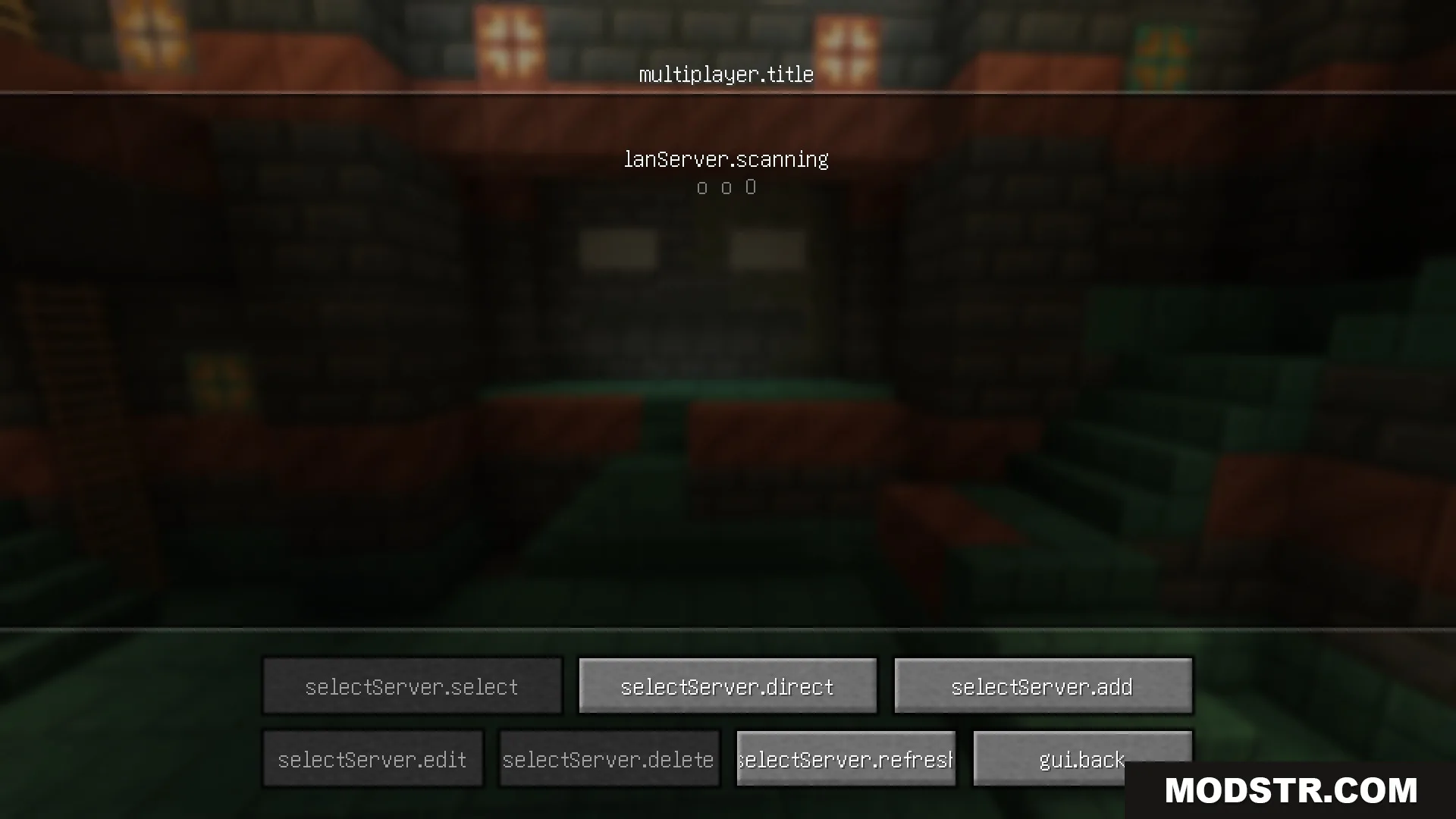
Key Language Pack Resource Pack alters in-game text to display raw translation keys, useful for modders and translators who need to understand item and block naming conventions.
- 1.19.3 → 1.21.11 +21
Show all 21 versions
- 1.21.11
- 1.21.10
- 1.21.9
- 1.21.8
- 1.21.7
- 1.21.6
- 1.21.5
- 1.21.4
- 1.21.3
- 1.21.2
- 1.21.1
- 1.21
- 1.20.6
- 1.20.5
- 1.20.4
- 1.20.3
- 1.20.2
- 1.20.1
- 1.20
- 1.19.4
- 1.19.3
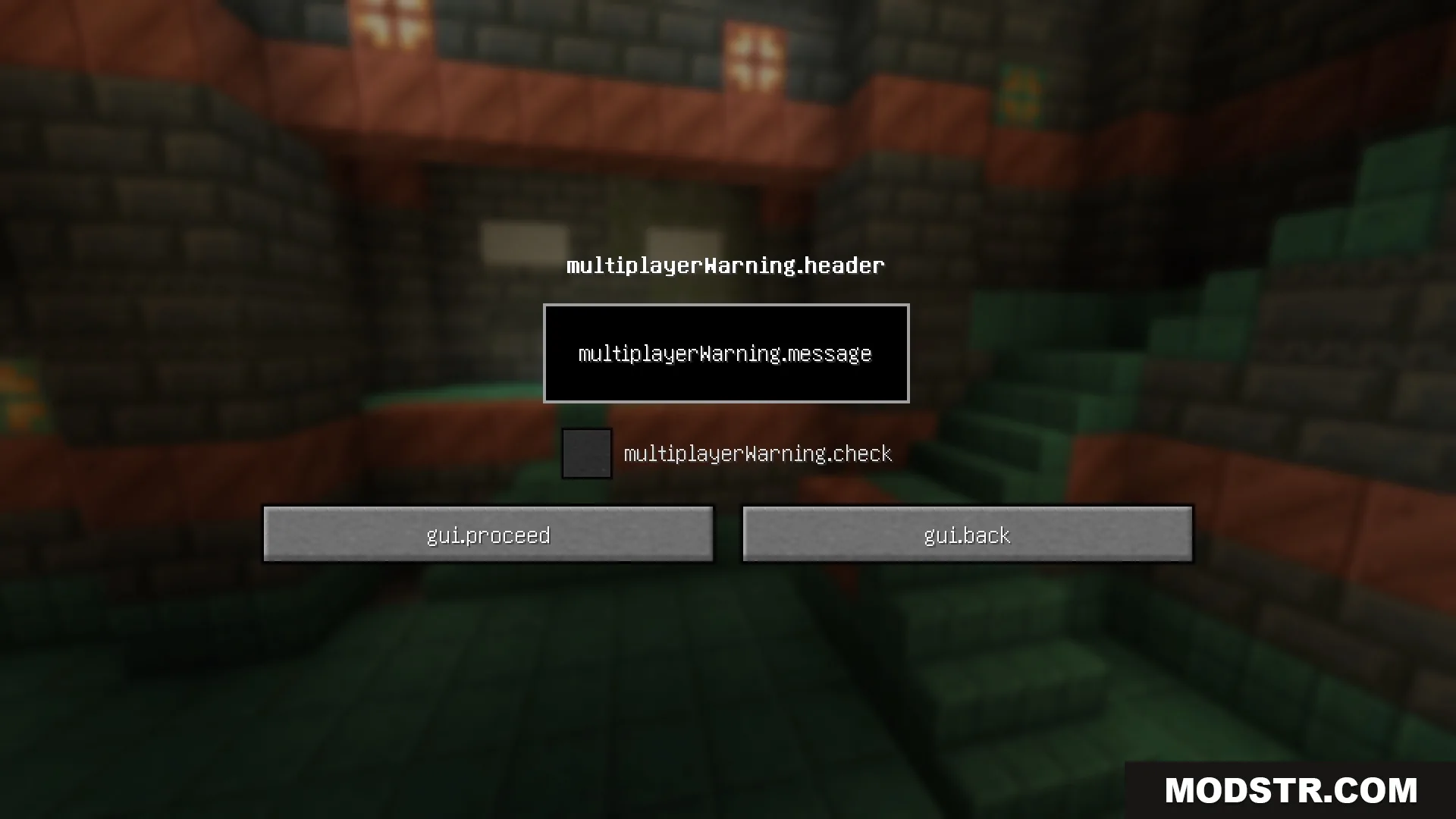
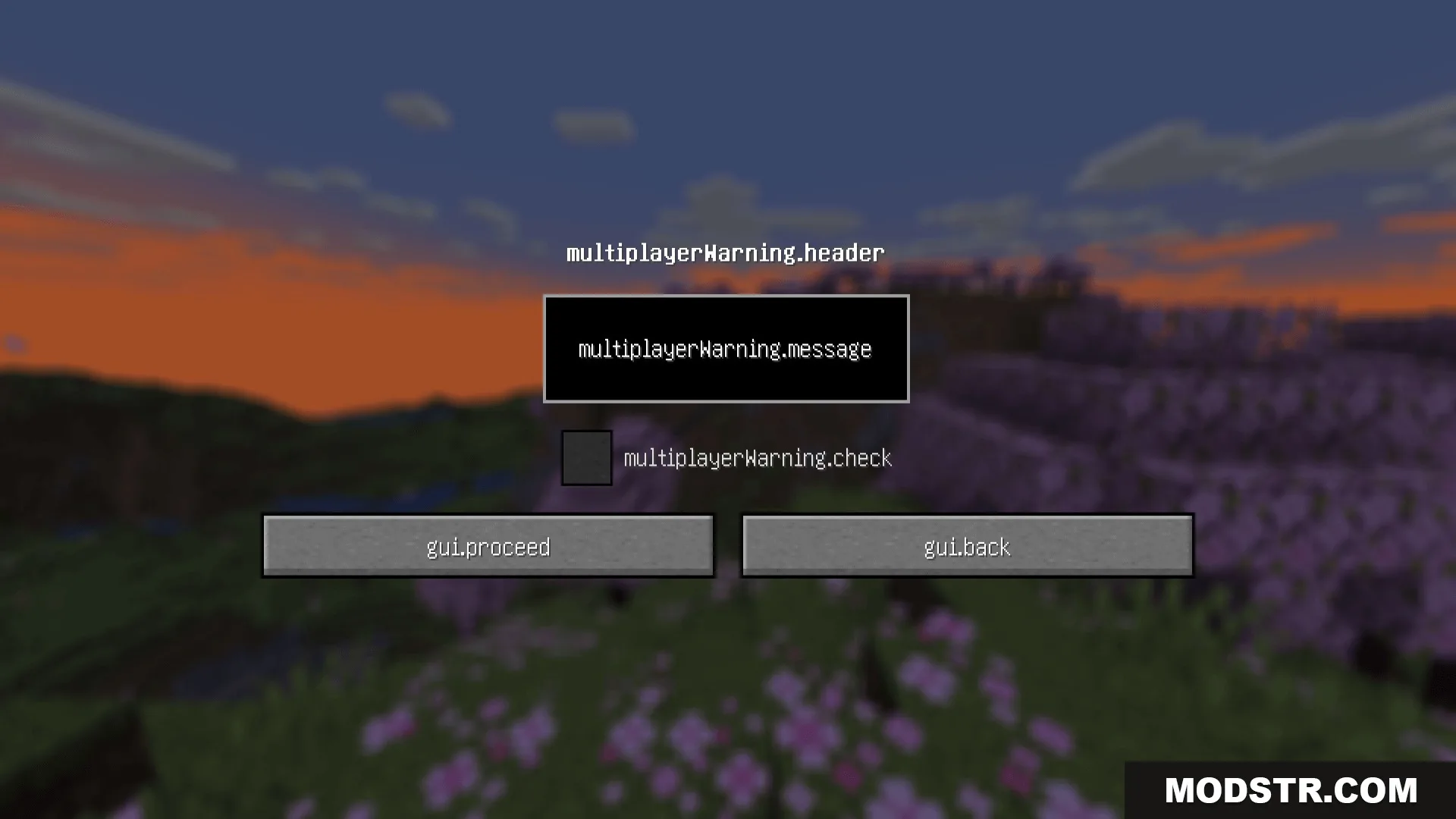
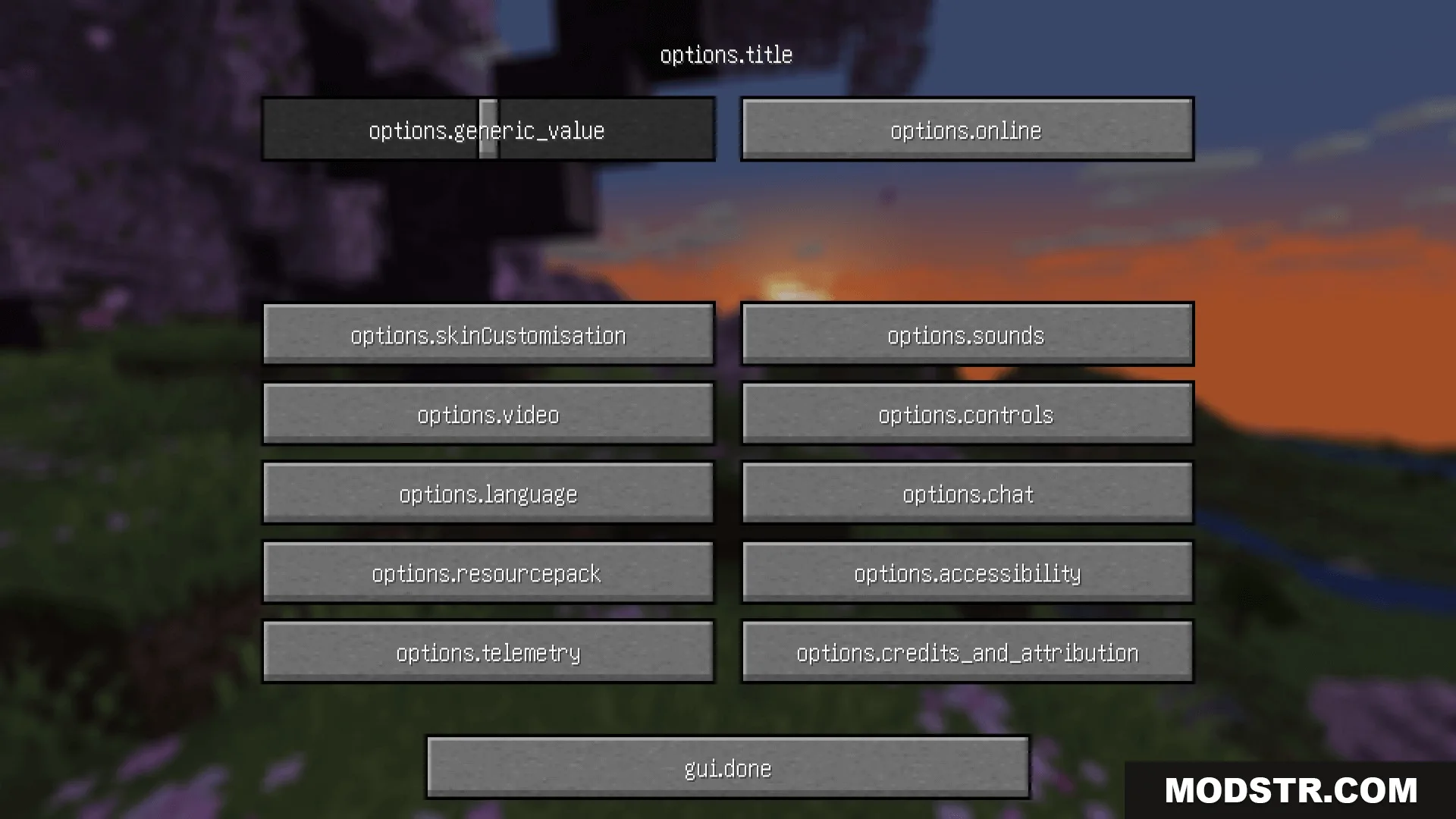
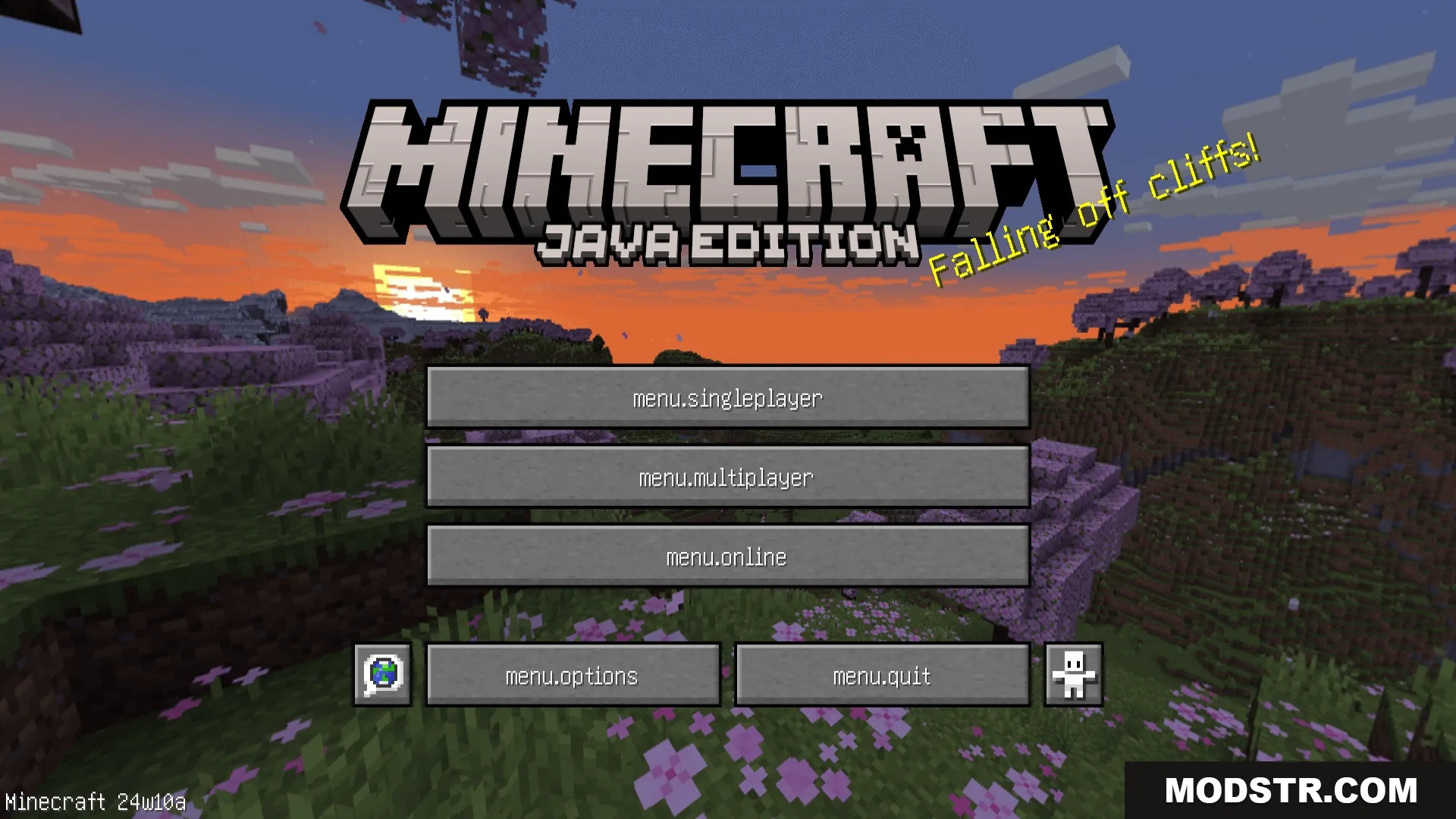
The Key Language Pack Resource Pack modifies standard text within Minecraft to showcase raw translation keys. This pack is particularly beneficial for players interested in understanding how items, blocks, and menu options are named behind the scenes.
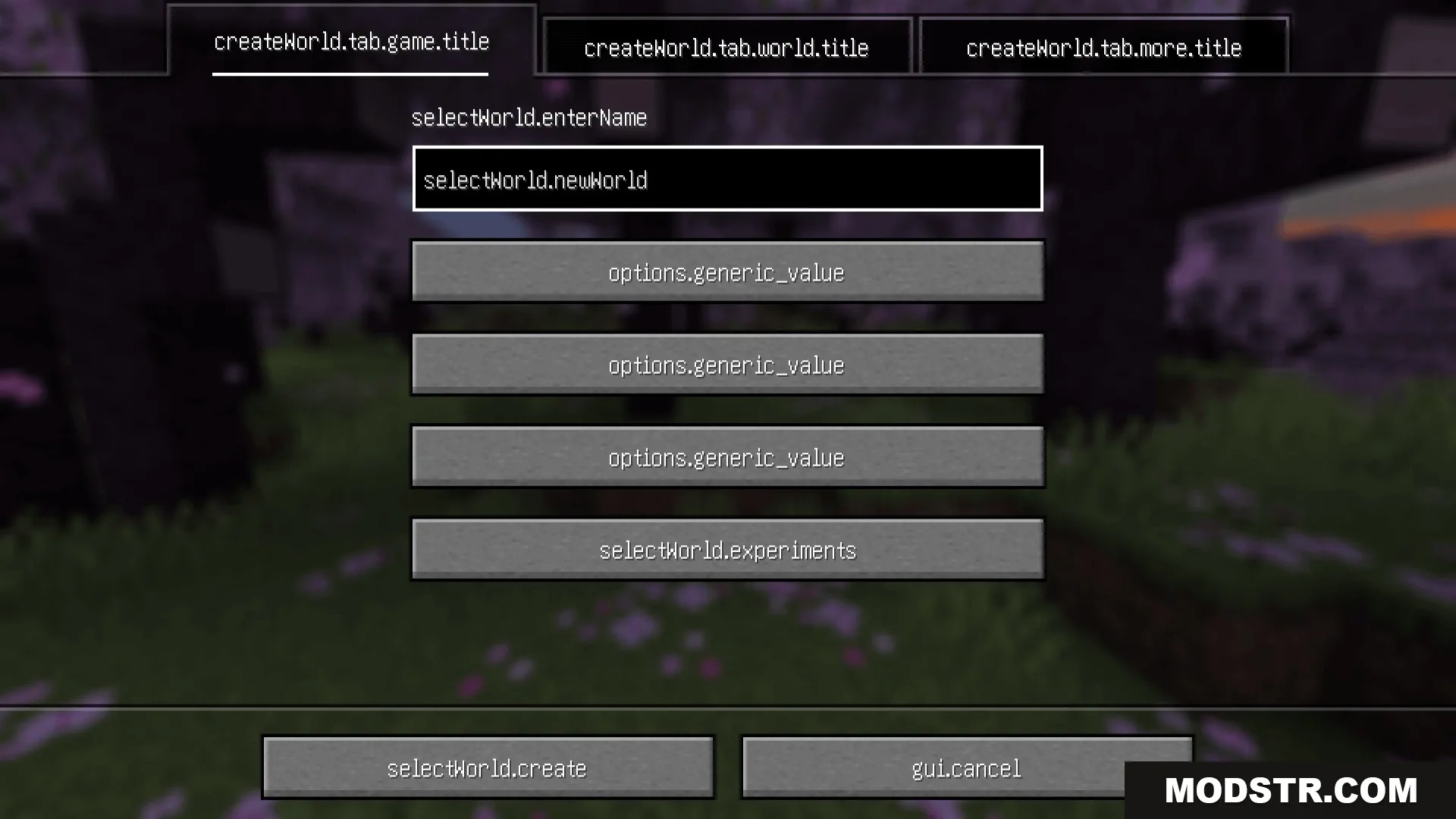
Features
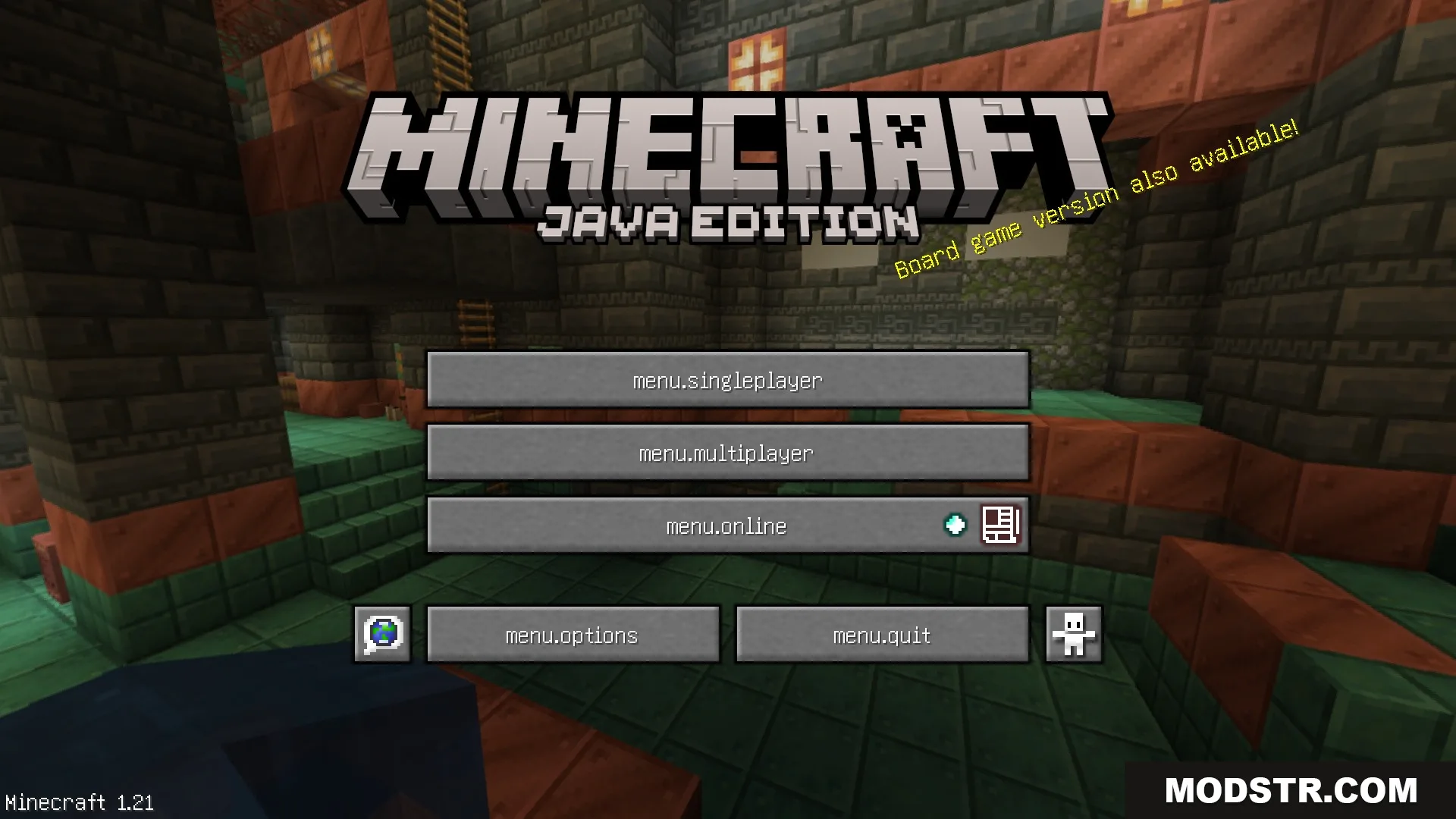
- Raw Key Mode: Introduces a language option called 'Translation (Keys)' that converts all standard text into their underlying code names.
- Keys with Arguments: Offers a second language option that displays the raw code along with additional information in parentheses.
- Alters all text on buttons, items, and block names throughout the game.
- Works well with mods like Language Reload and Untranslated Items for enhanced testing.
- Aids resource pack creators and translators in locating precise text names for editing.
Installation
- Download the resource pack file from the appropriate source.
- Open Minecraft and navigate to the 'Options' menu.
- Select 'Resource Packs' to open the resource pack menu.
- Drag and drop the downloaded resource pack into the resource pack folder.
- Activate the Key Language Pack by clicking the arrow next to its name in the menu.
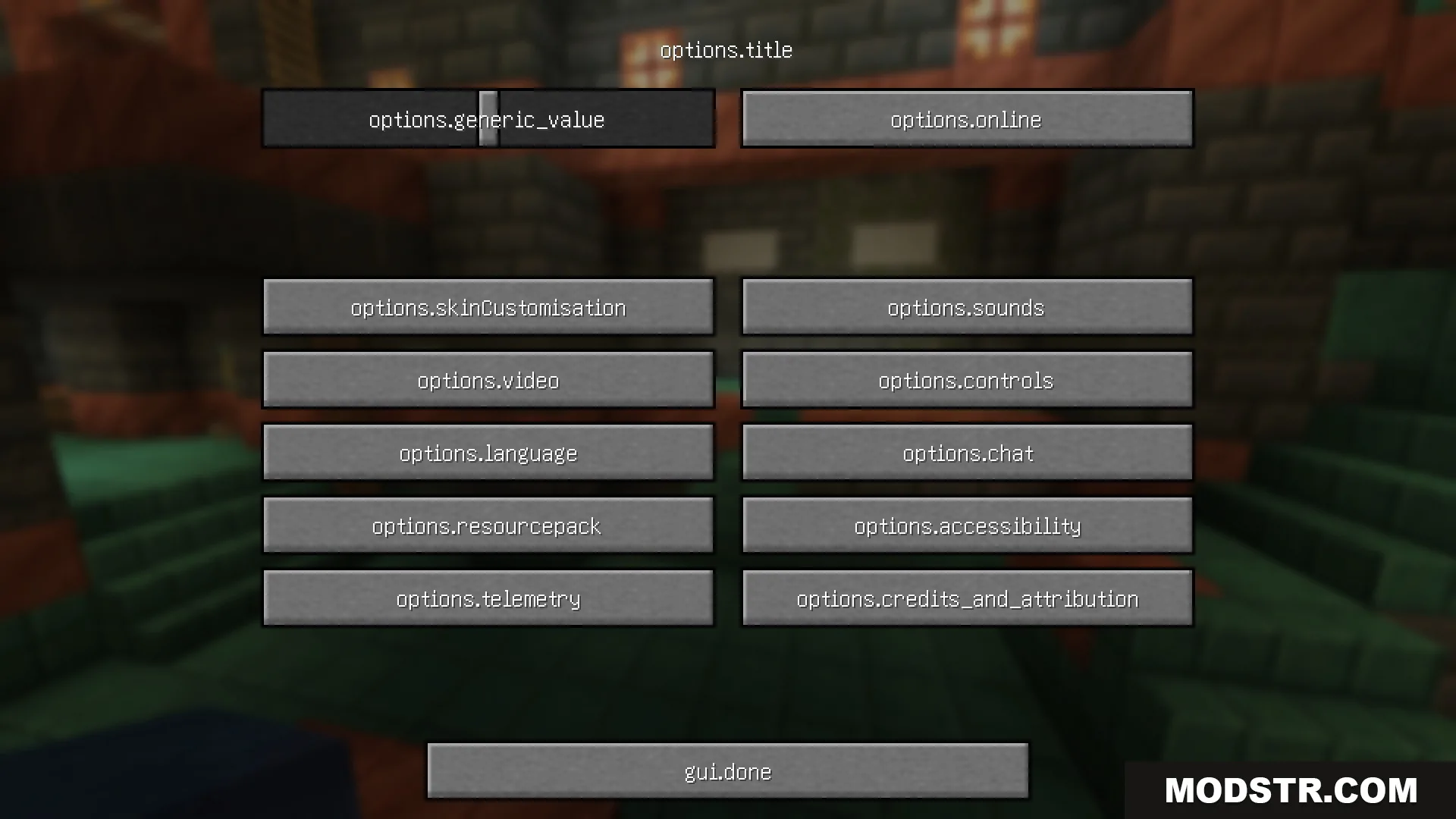
Screenshots
DOWNLOAD FILES
- resource