Telegram
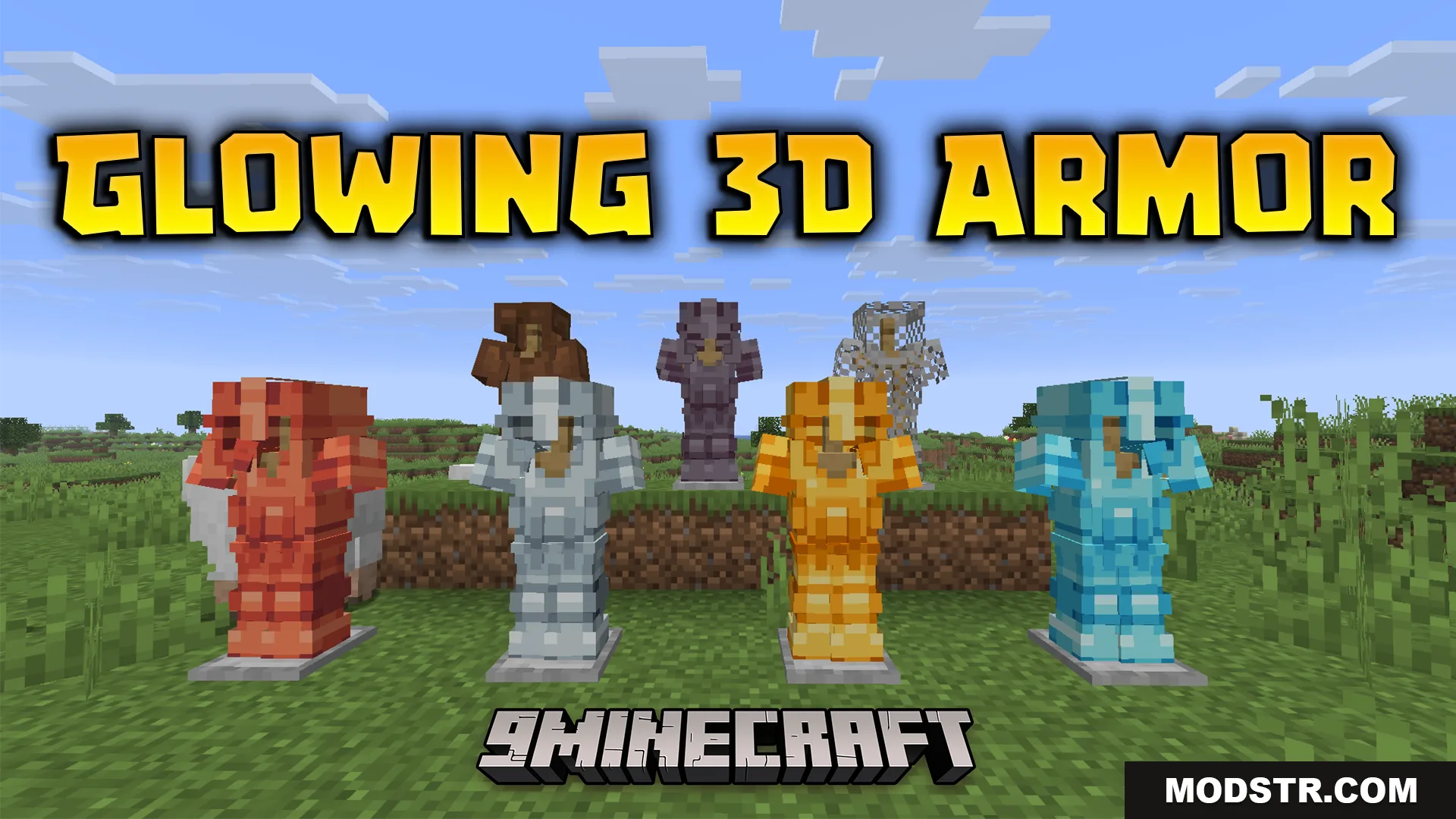
Glowing 3D Armor Resource Pack (26.2, 1.21.11) – Detailed 3D Armor cover art

Glowing 3D Armor Resource Pack (26.2, 1.21.11) – Detailed 3D Armor

Detailed 3D armor models with custom worn appearances and enchantment glows. A lighter alternative to the full Glowing 3D Items pack for Minecraft 1.21.11.

30 JAVA
  • 1.21.11

This resource pack overhauls armor visuals by adding detailed 3D models to all gear pieces. It extracts the armor features from the Glowing 3D Items pack into a standalone file, letting you customize how armor looks without the full tool set overhead.
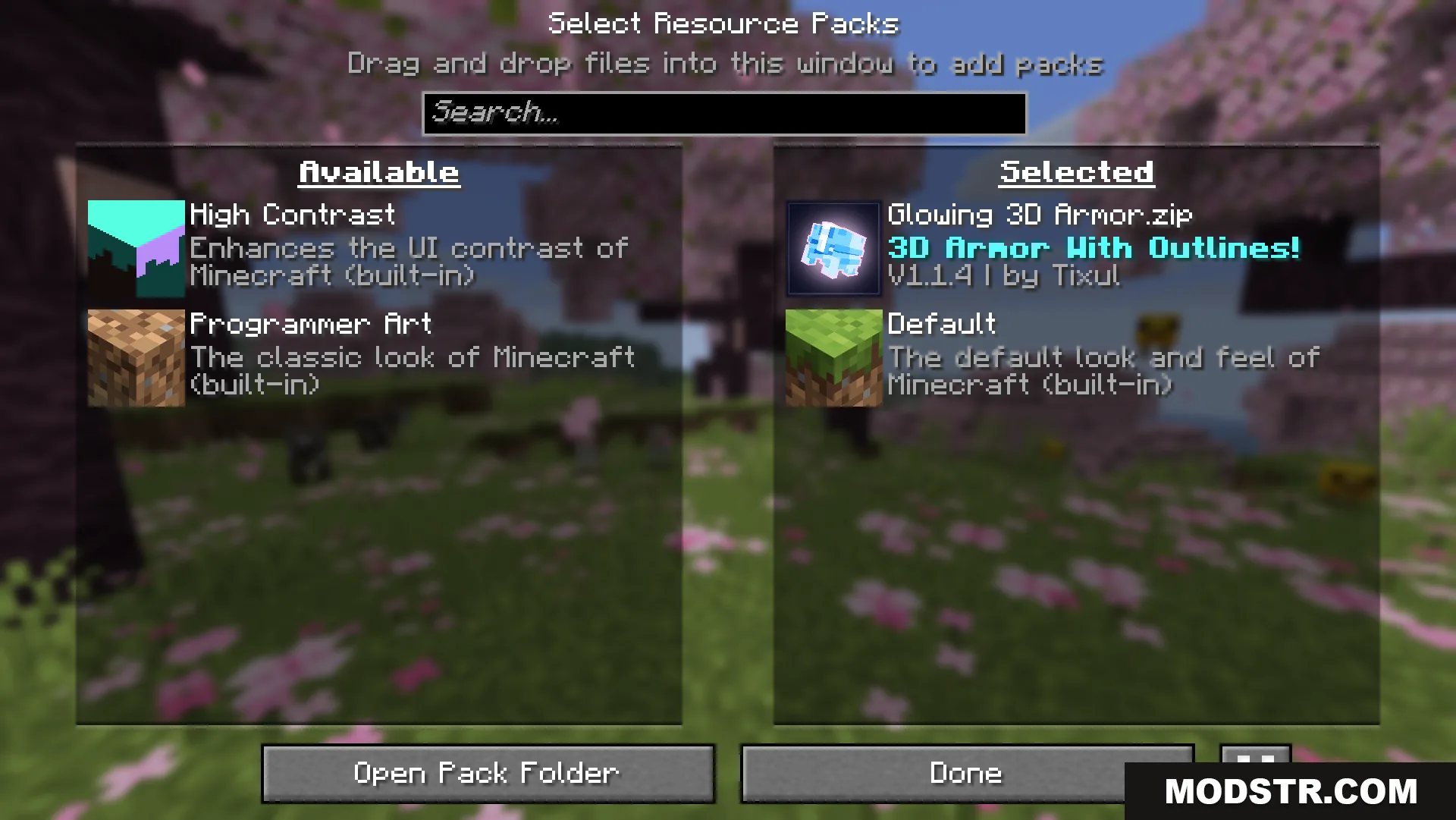
Selecting the Glowing 3D Armor resource pack in the game settings menu

Features

  • Custom appearances for armor when worn on your character.
  • 3D modeled armor pieces when held in hand or dropped on the ground.
  • Bright enchantment glow effect around enchanted gear.
  • Compatible with the Hold My Items mod for enhanced gear display.
  • Smaller file size compared to the full Glowing 3D Items pack.
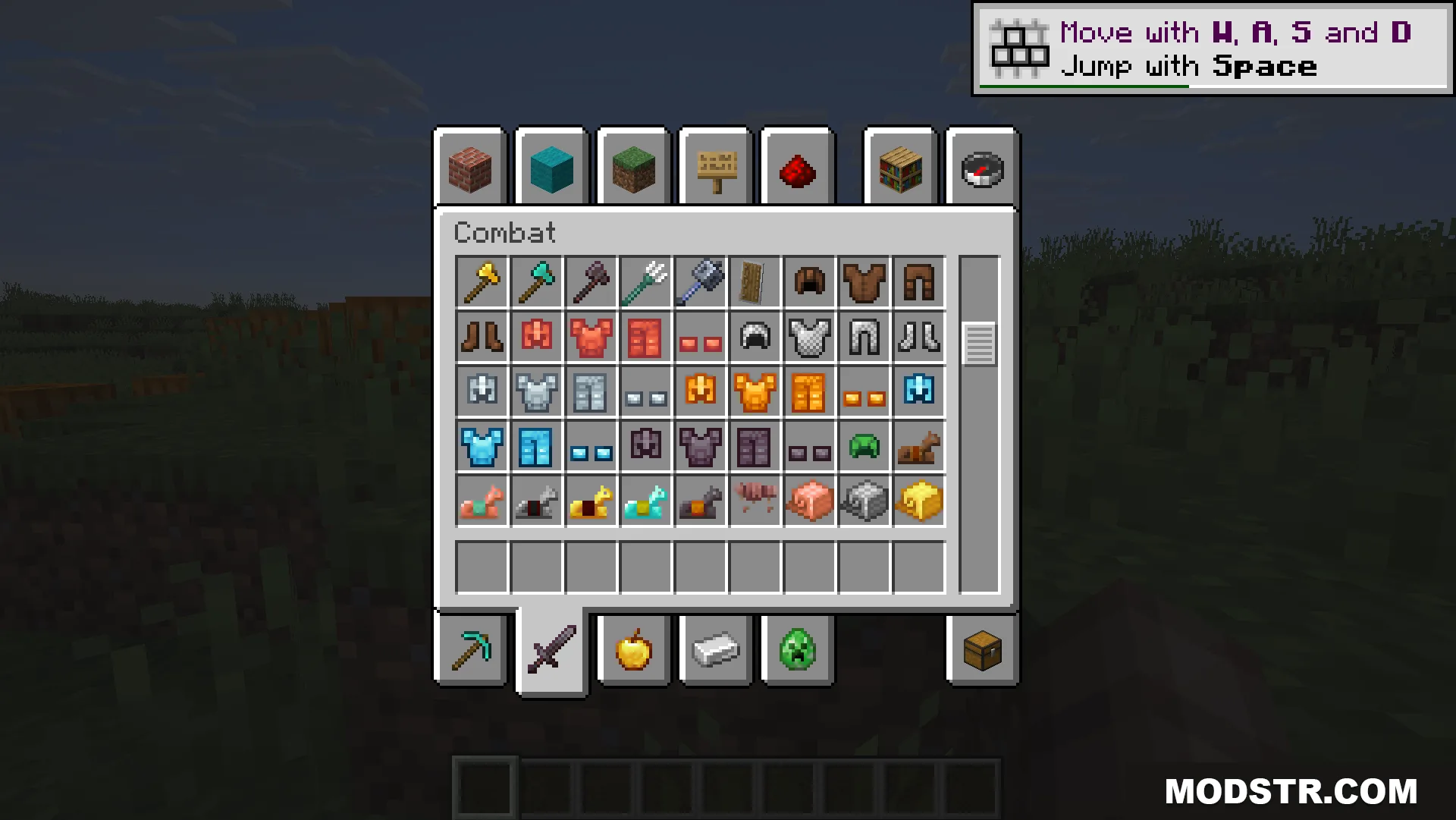
The creative inventory displays various armor pieces with unique 3D model icons
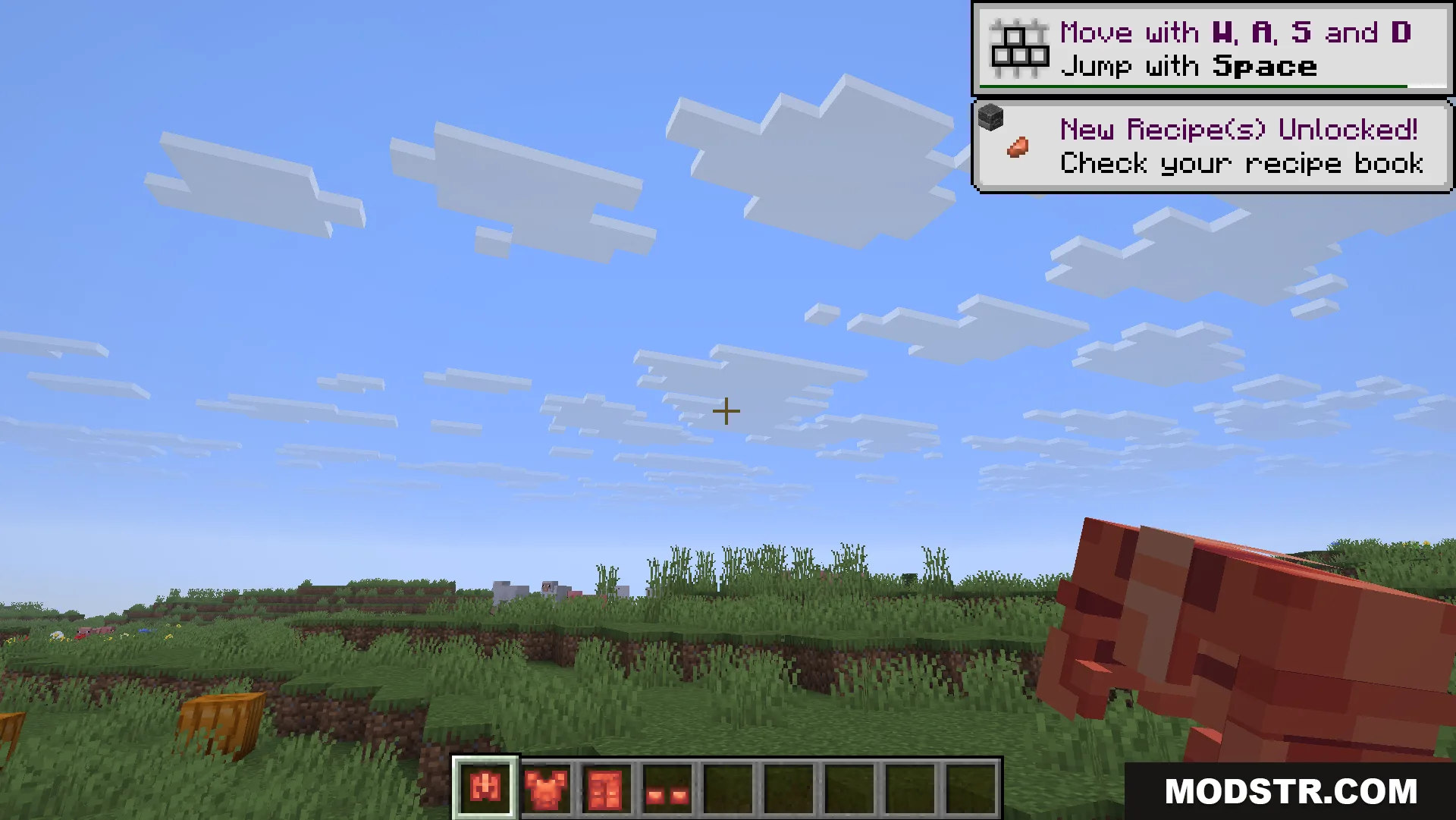
First person view of a player holding a red 3D armor item
A character wearing the Glowing 3D Armor Resource Pack in a field

Installation

  1. Download the resource pack file.
  2. Open your Minecraft folder and navigate to the resourcepacks folder.
  3. Extract or place the pack file into the resourcepacks directory.
  4. Launch Minecraft and open Resource Packs settings.
  5. Select this pack and move it to the active list.
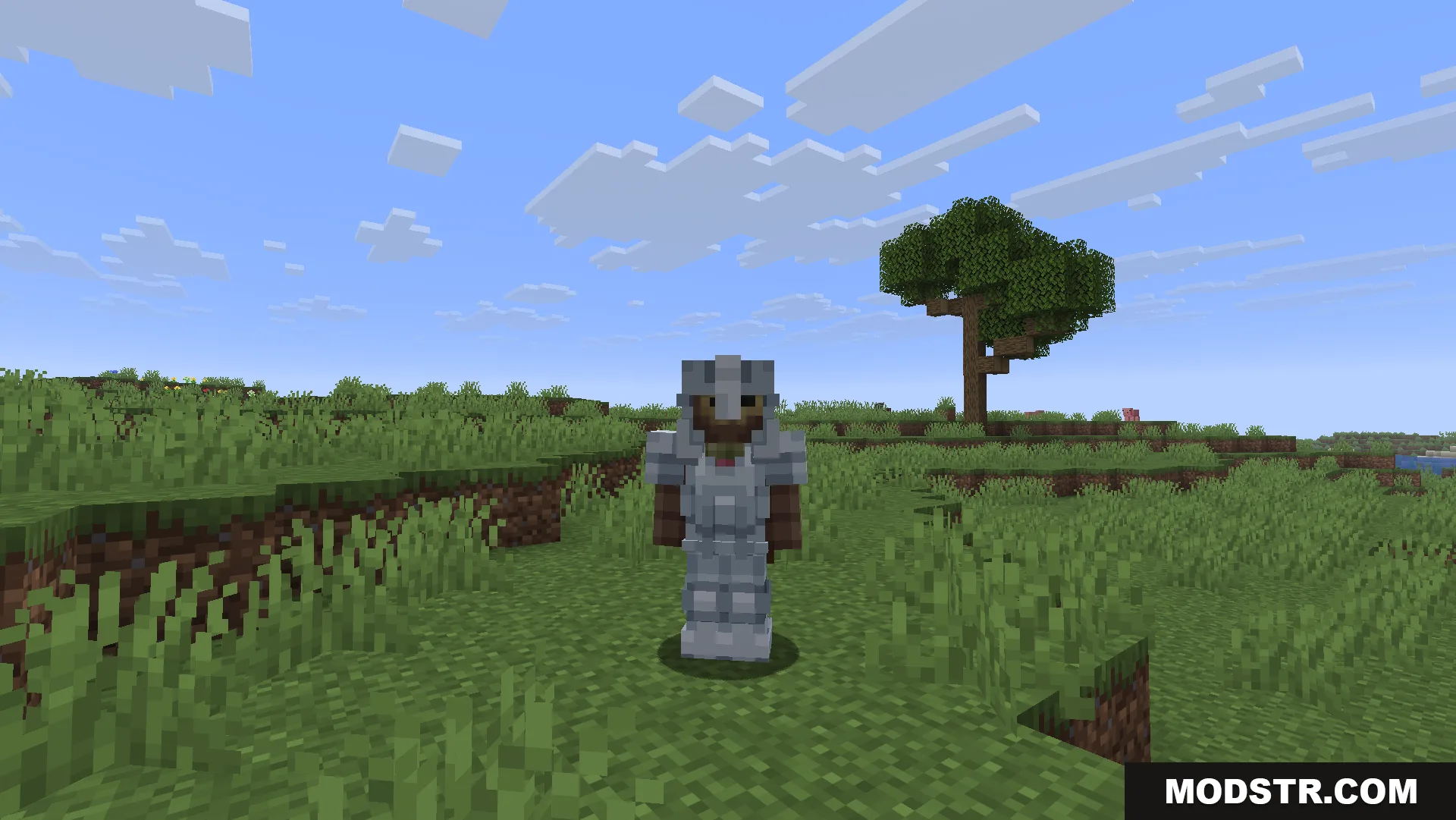
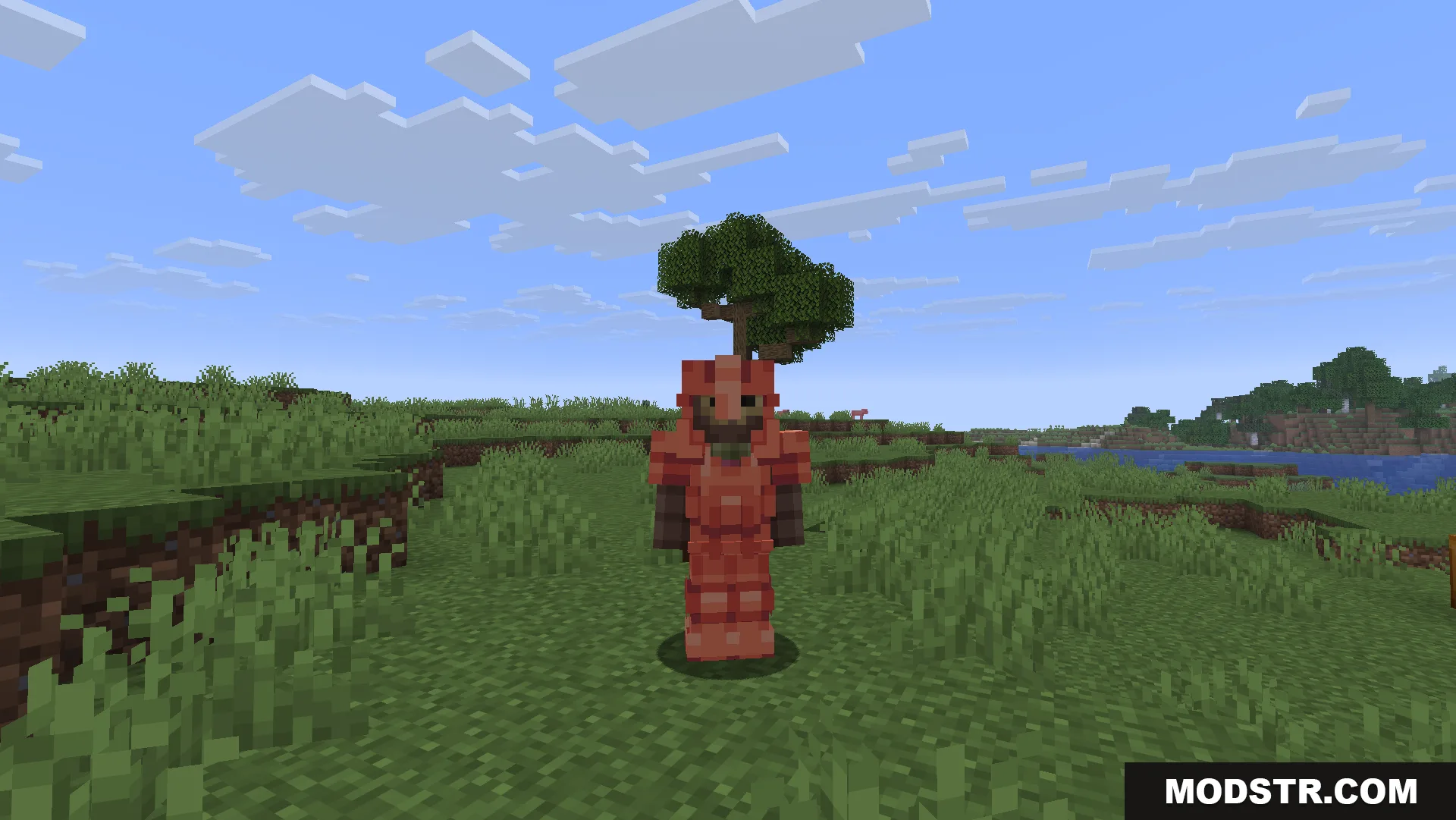
Player character wearing a full set of 3D iron armor in a grassy field
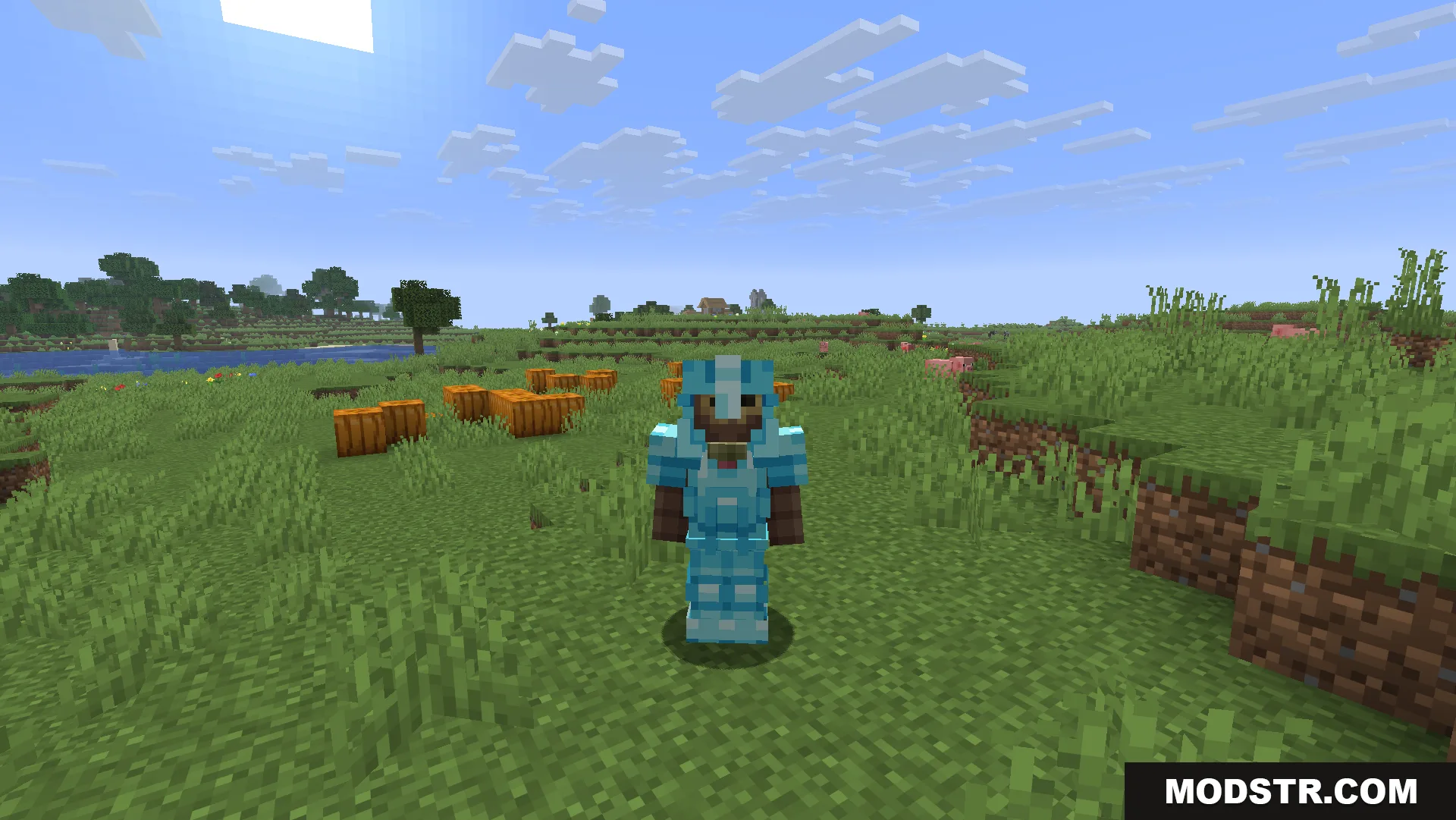
Player character wearing a full set of 3D diamond armor near a village
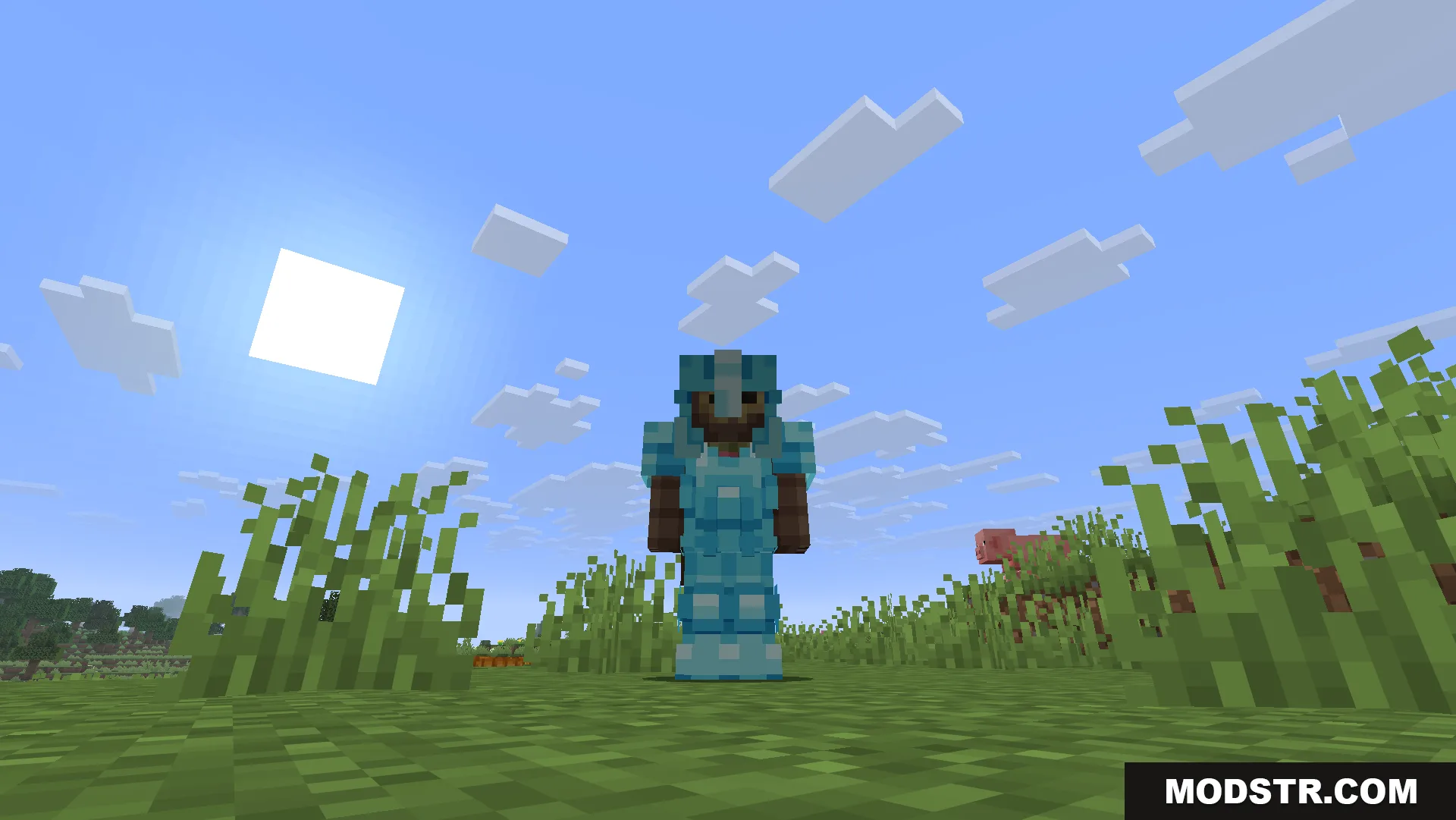
A player character wearing Glowing 3D Armor in a sunny grassy field

Compatibility

This pack is designed for Minecraft 1.21.11 and may not function properly on earlier versions. It works alongside other resource packs but works best when given priority in your resource pack load order. The Hold My Items mod enhances the display of your armor when held or on the ground.
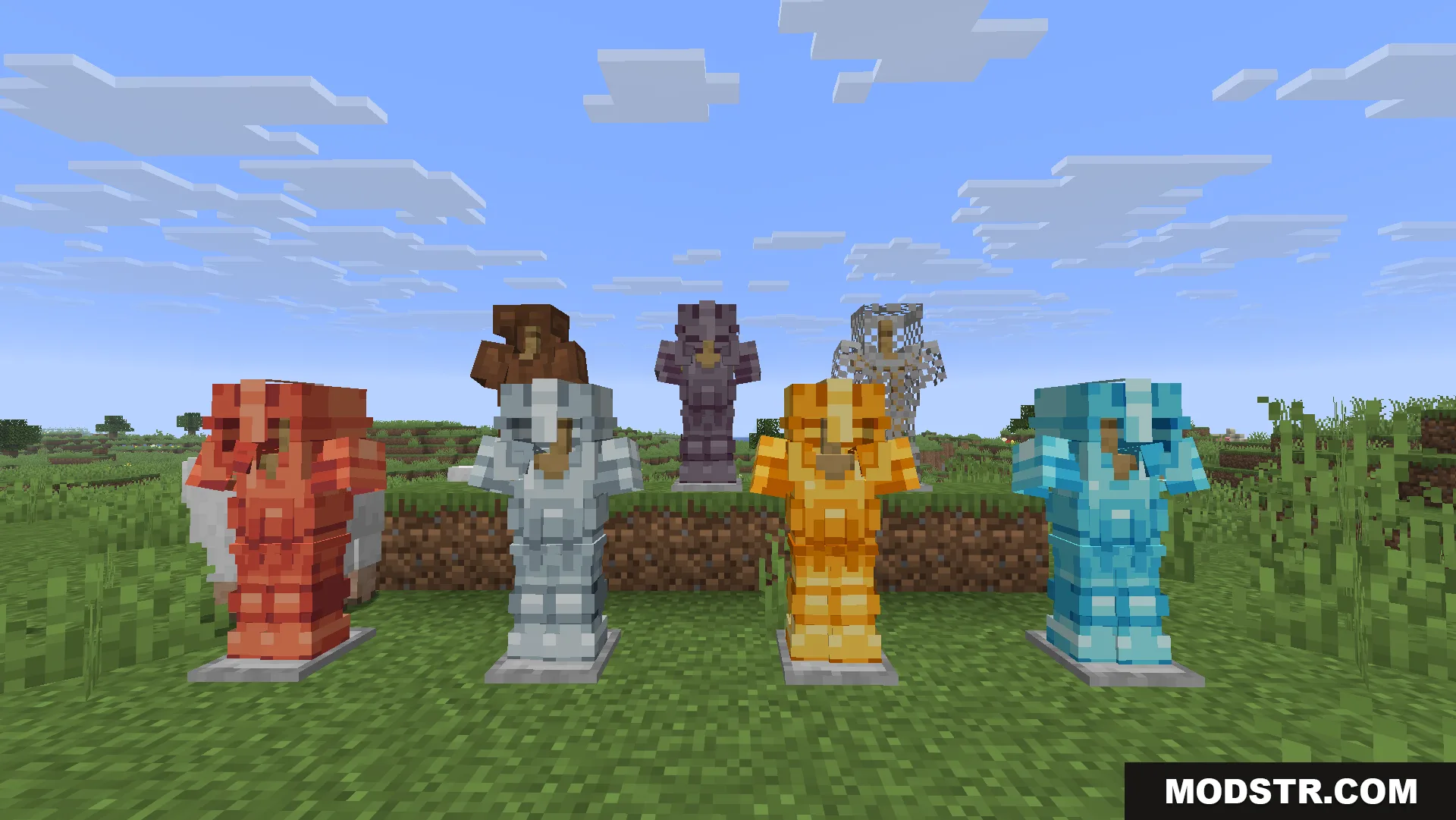
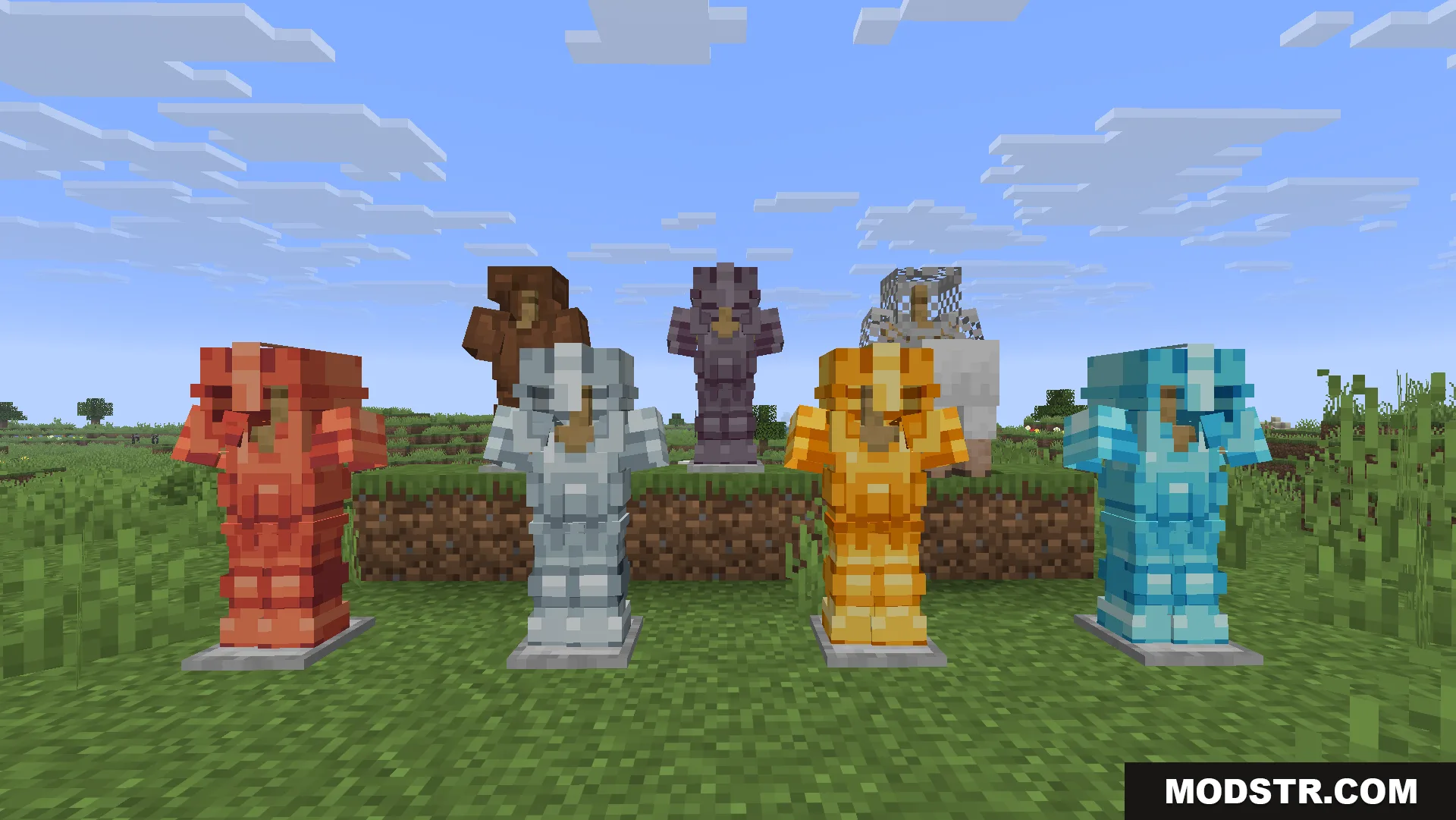
Various sets of Glowing 3D Armor displayed on armor stands outdoors
Seven armor stands displaying different types of detailed 3D armor in Minecraft
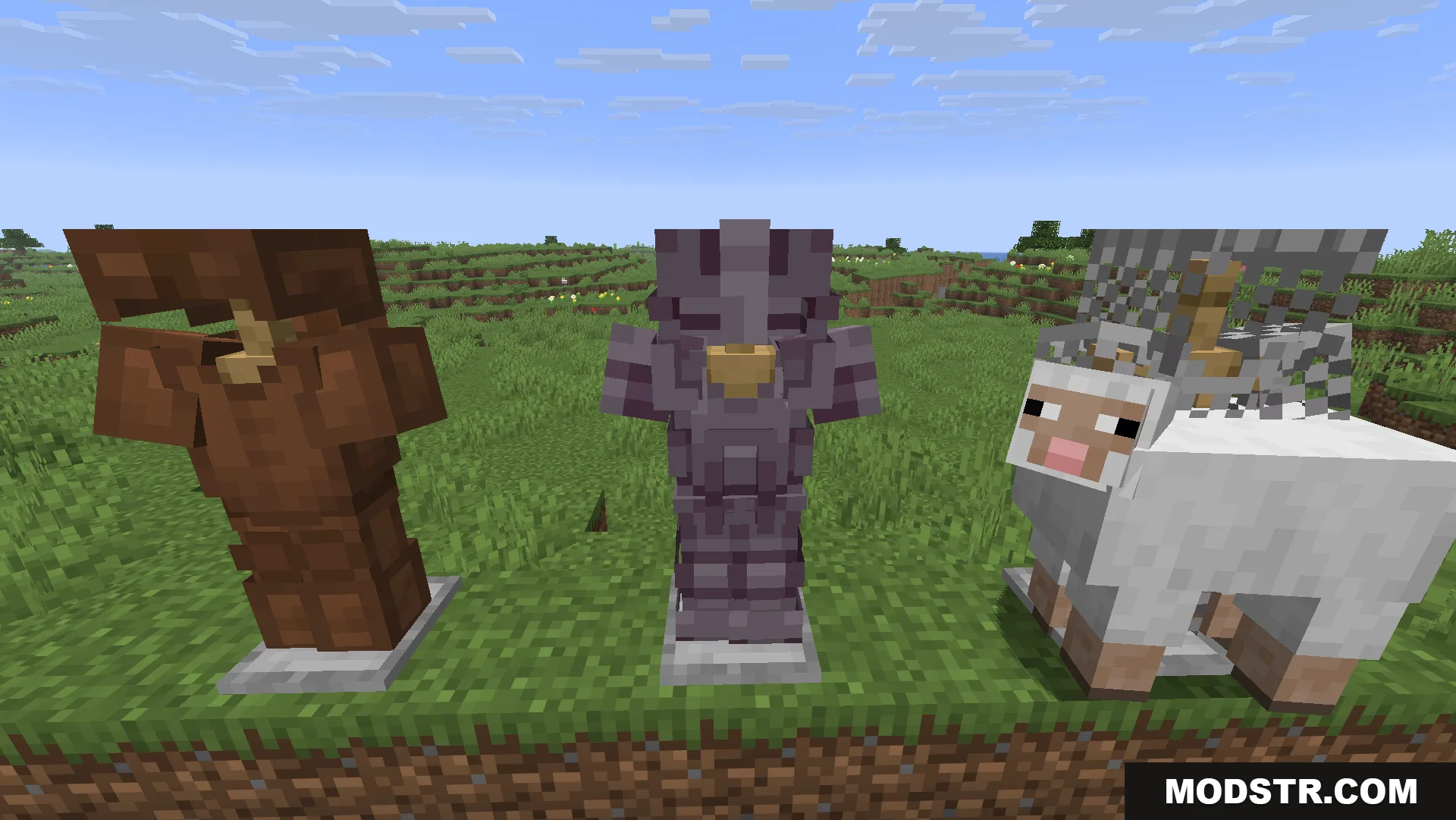
Brown and purple armor stands next to a sheep wearing chainmail armor
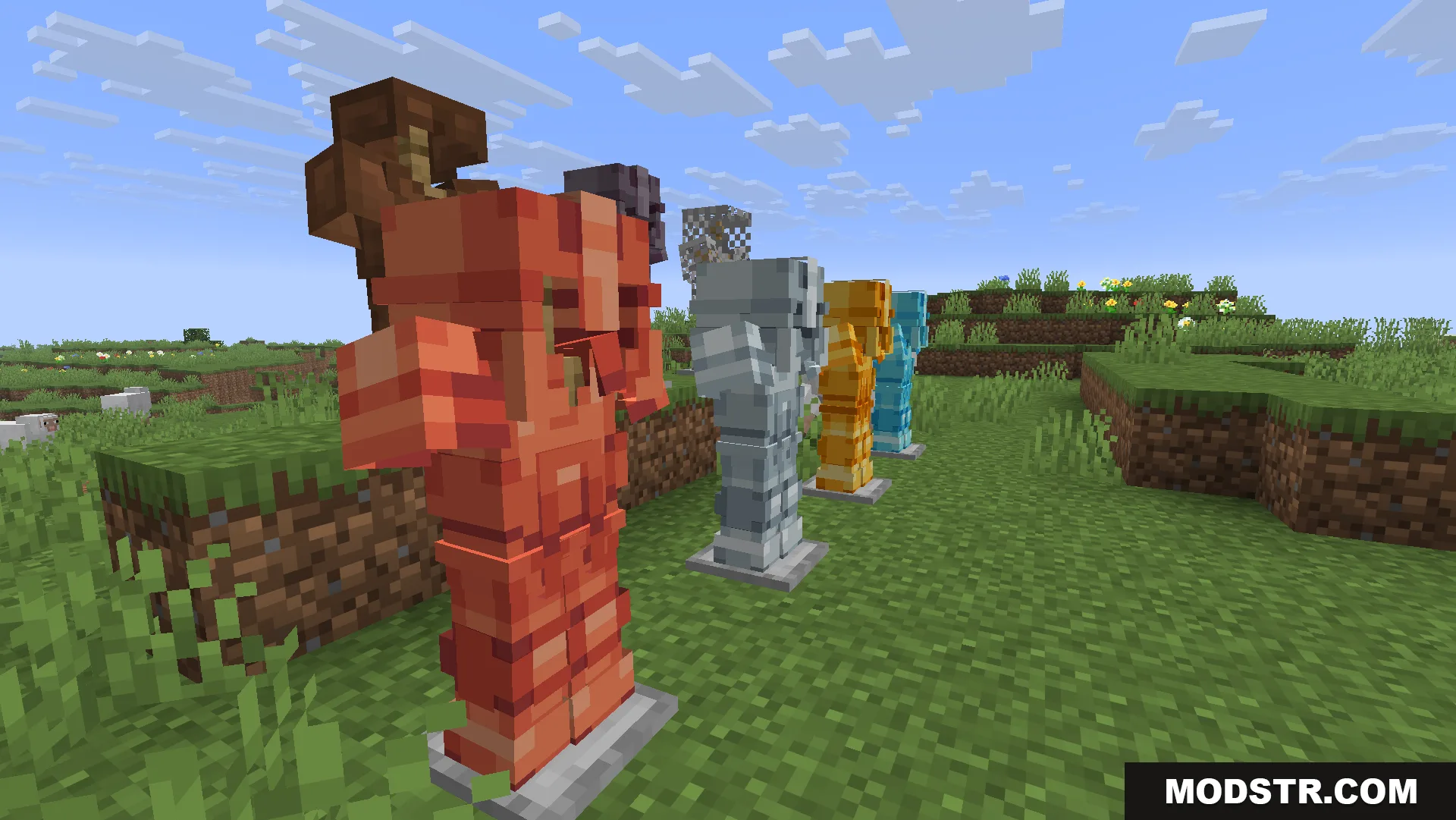
A row of armor stands displaying various types of detailed 3D armor
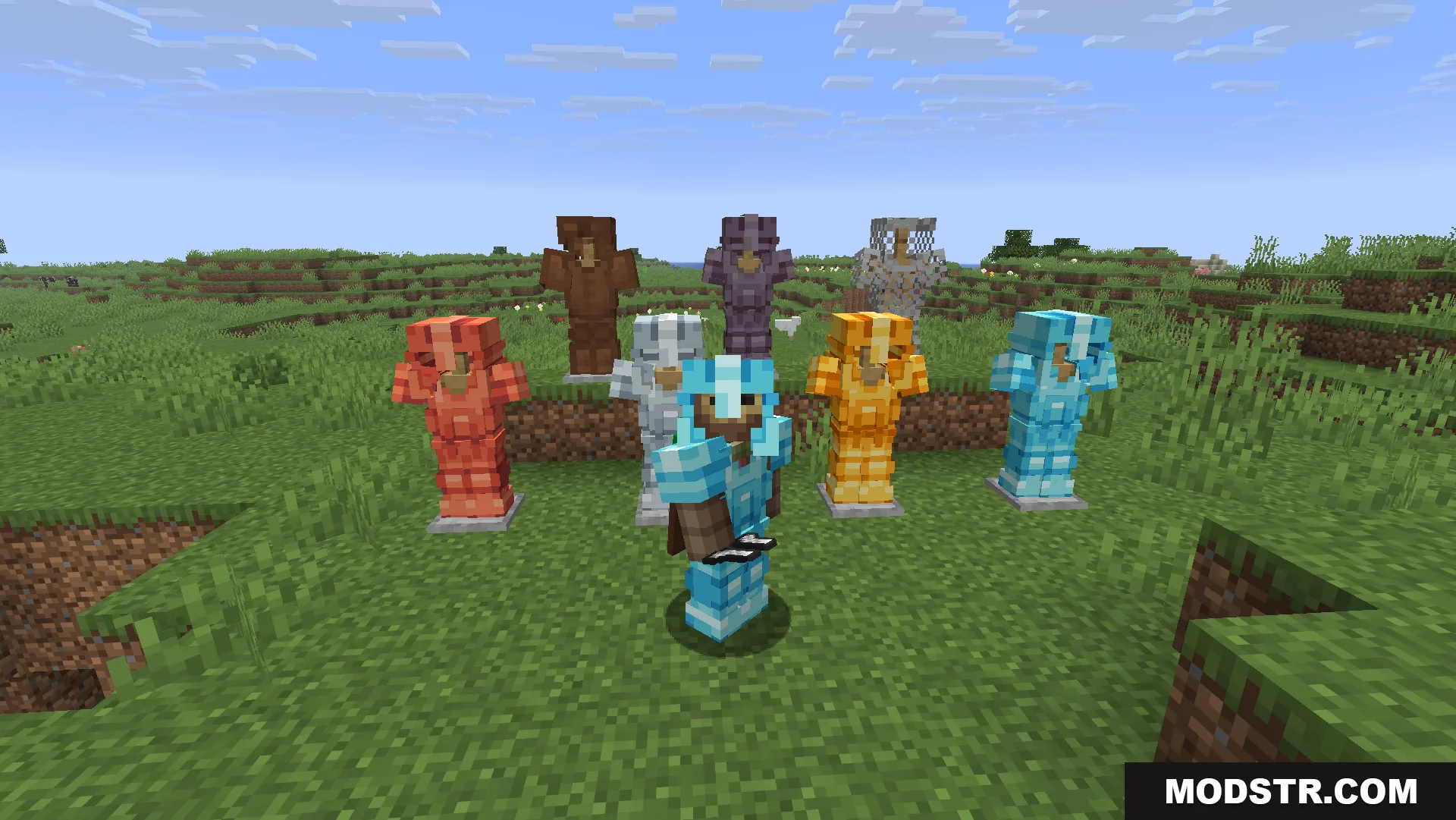
A player wearing diamond armor stands in front of several 3D armor sets

DOWNLOAD FILES

  • resource
    26.2.x (5 versions) All Versions Covered 26.2 26.1.2 26.1.1 26.1 1.21.11 ▲ Collapse · Glowing-3d-Armor-Resource-Pack-16x-26.2.x.zip
    • 16x
    • 1.21.11
  • resource
    26.1.x (4 versions) All Versions Covered 26.1.2 26.1.1 26.1 1.21.11 ▲ Collapse · Glowing-3d-Armor-Resource-Pack-16x-26.1.x.zip
    • 16x
    • 1.21.11