
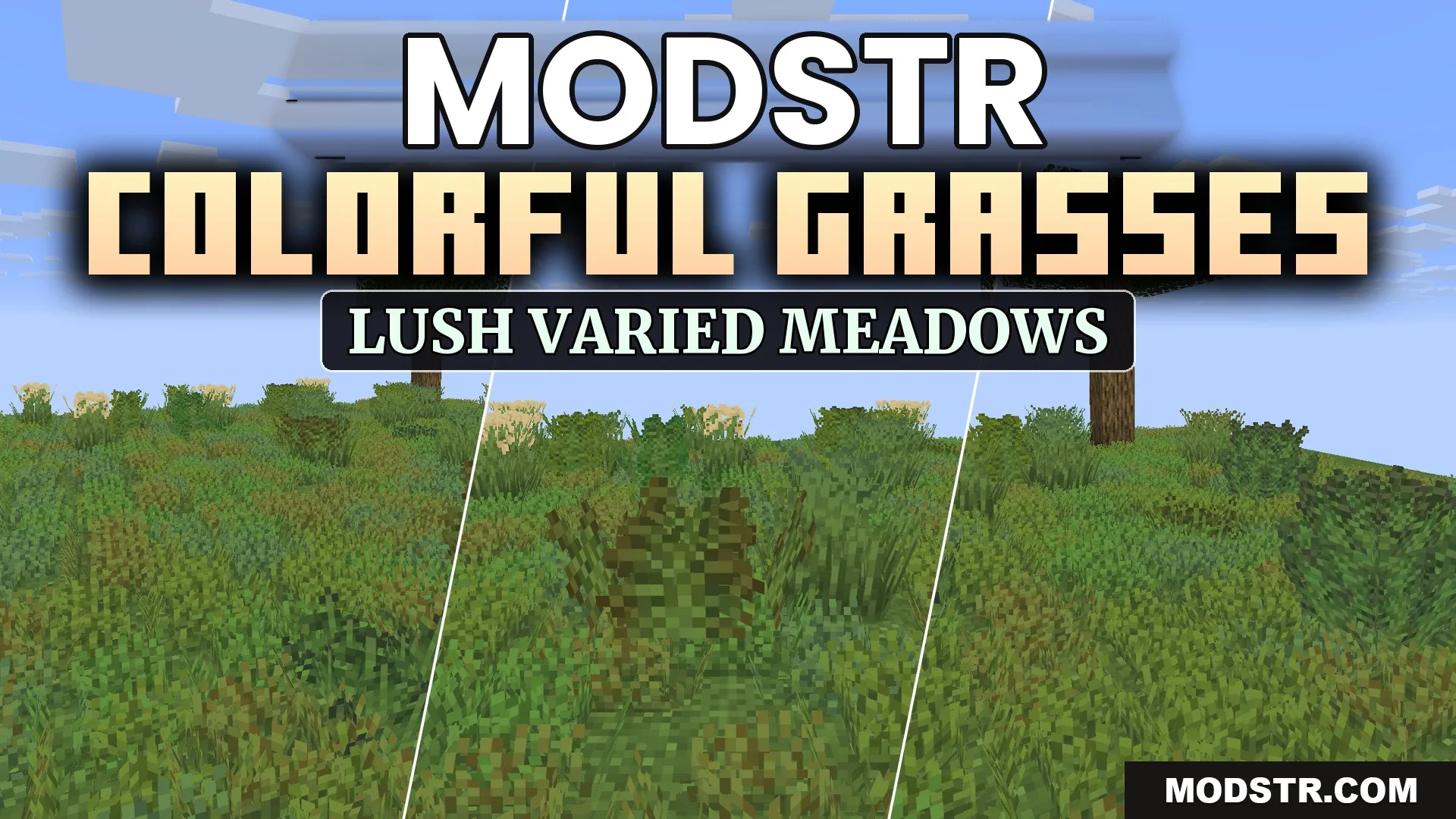
Colorful Grasses 9minecraft Resource Pack (26.2) – Lush Foliage Across Wild Meadows
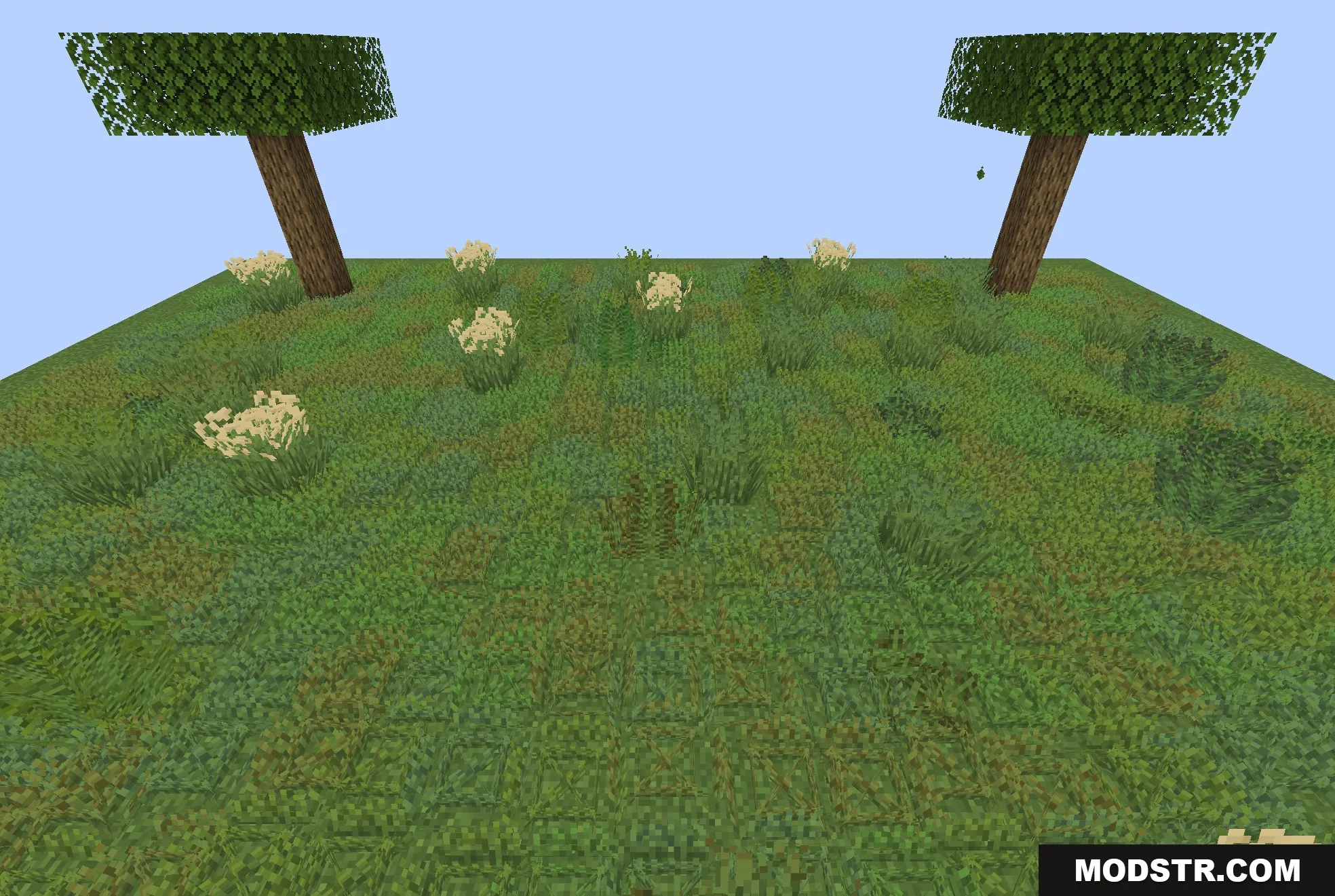
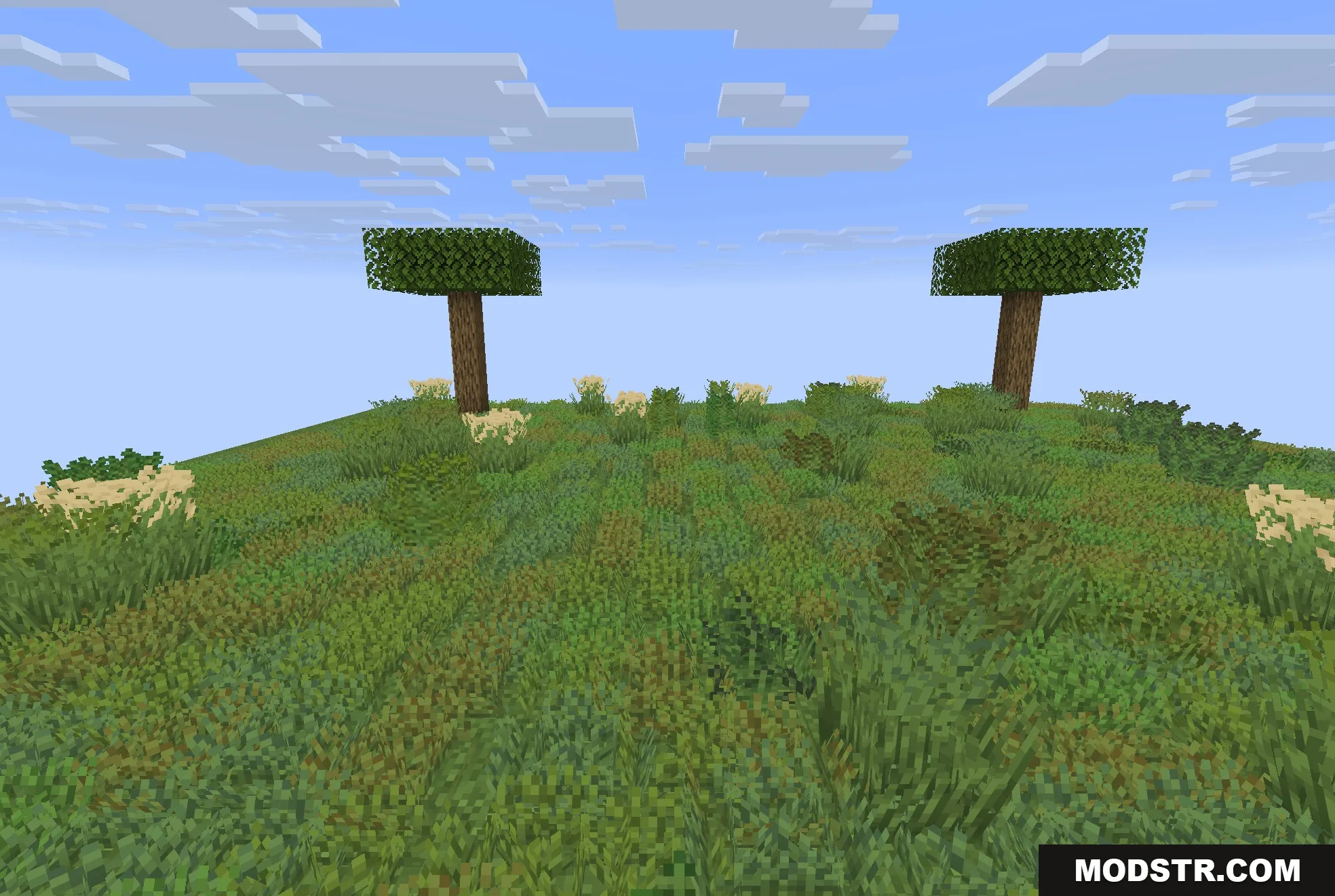
Colorful Grasses Resource Pack enhances the appearance of grass and ferns in Minecraft, making the environments look more vibrant. It is designed for players who want to improve the natural scenery in their game.
Colorful Grasses Resource Pack modifies the greenery in Minecraft by introducing custom shapes and rich color shading. Targeting players who seek to enhance their game’s environment, it transforms typical grassy areas into lush and varied landscapes.
Features
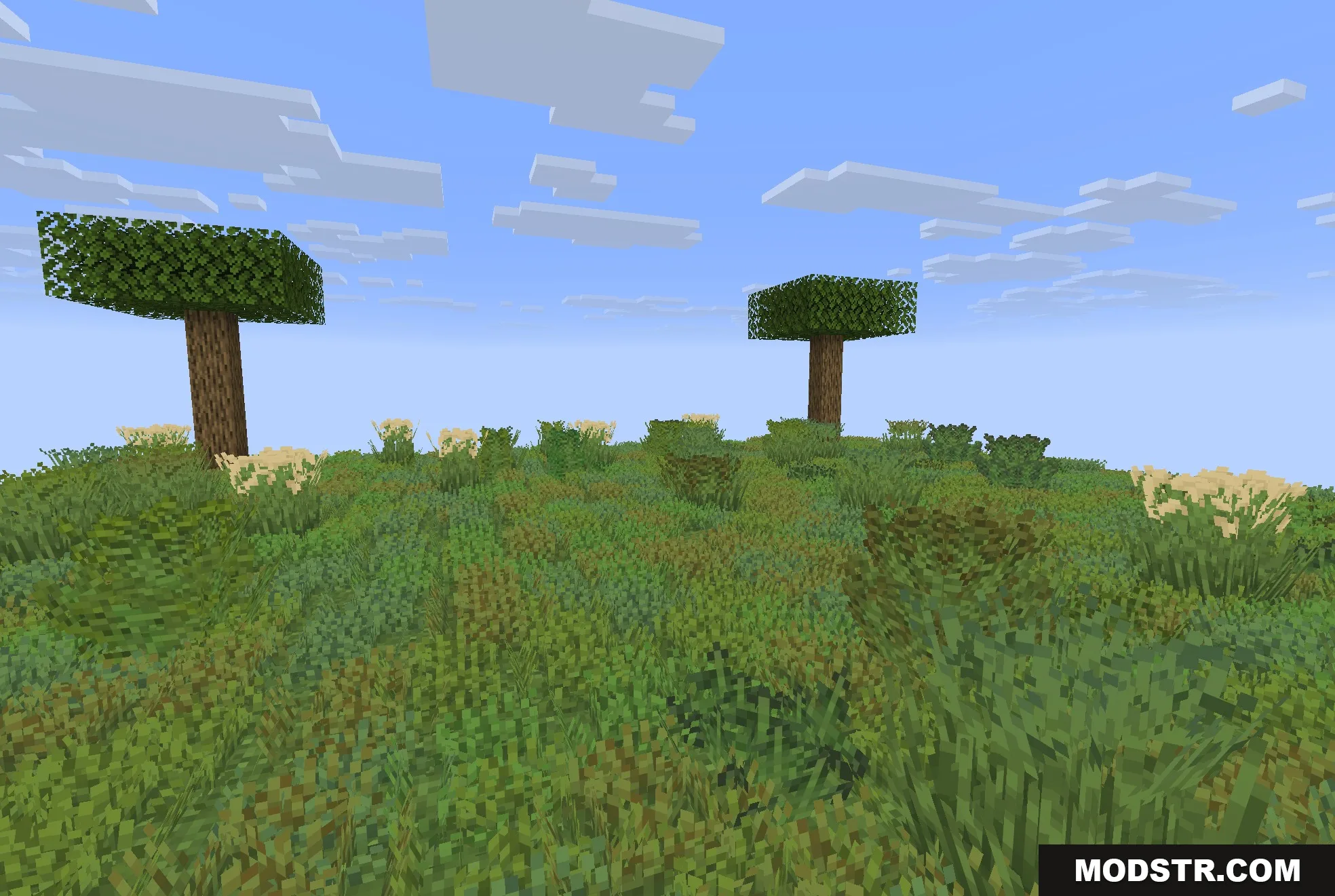
- Gives short grass, tall grass, and ferns multiple random shape variations so fields do not repeat.
- Adds fuller clumps with different blade heights to make plains look dense and wild.
- Keeps normal biome color tinting so savannas, swamps, and plains retain their unique looks.
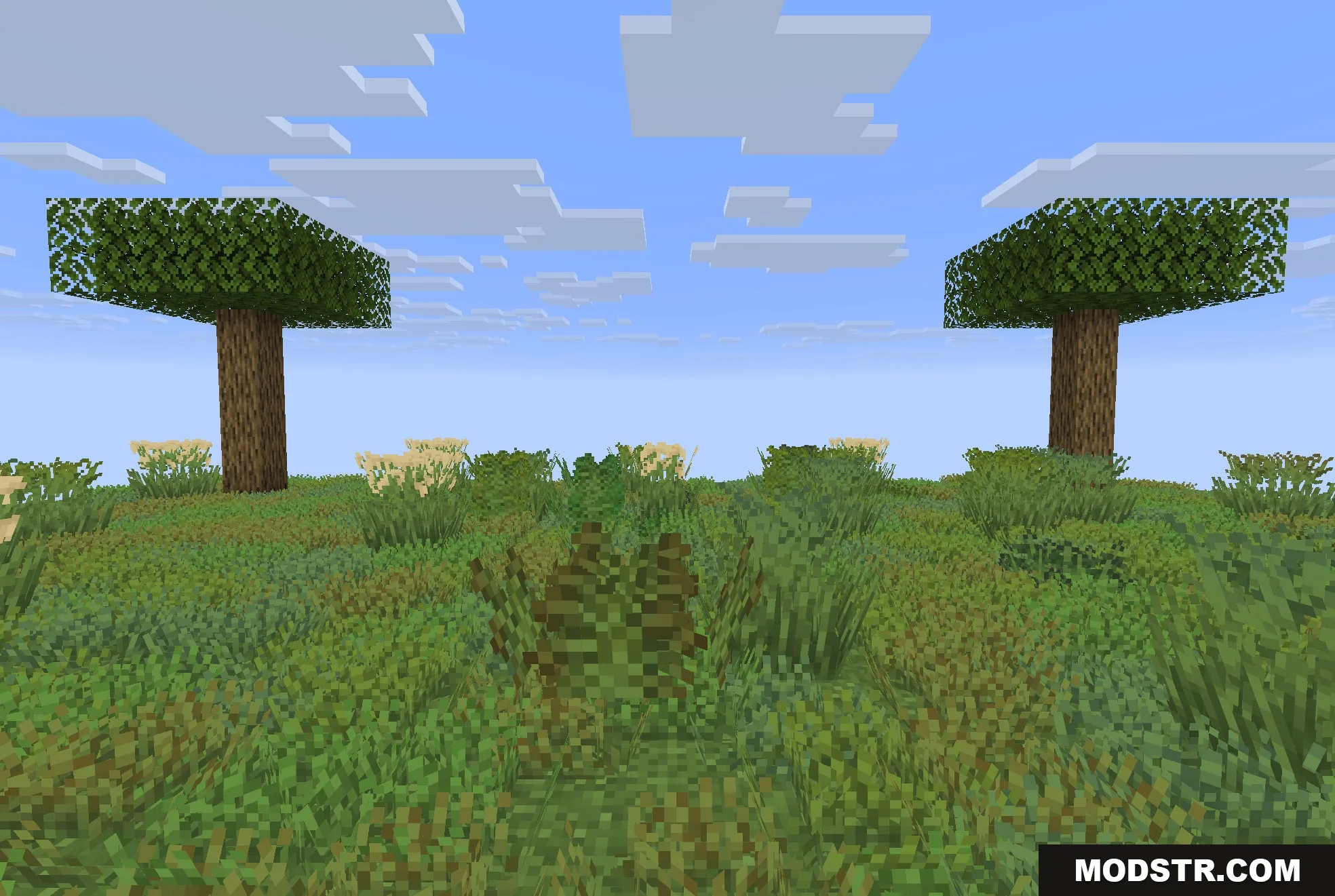
- Includes custom 3D-styled models for regular ferns and large ferns.
- Runs smoothly at a default 16x resolution without hurting game performance.
- Layers cleanly over other texture packs.
Installation
- Download the resource pack file from the appropriate source.
- Open your Minecraft game and navigate to the Options menu.
- Select Resource Packs, then click on Open Packs Folder.
- Place the downloaded resource pack file into the folder that opens.
- Return to the game and select the Colorful Grasses pack from your Resource Packs list.
DOWNLOAD FILES
- resource