
1×1 Ultimate Resource Pack (26.1.2, 1.20.1) – A Minimalist World of Flat Solid
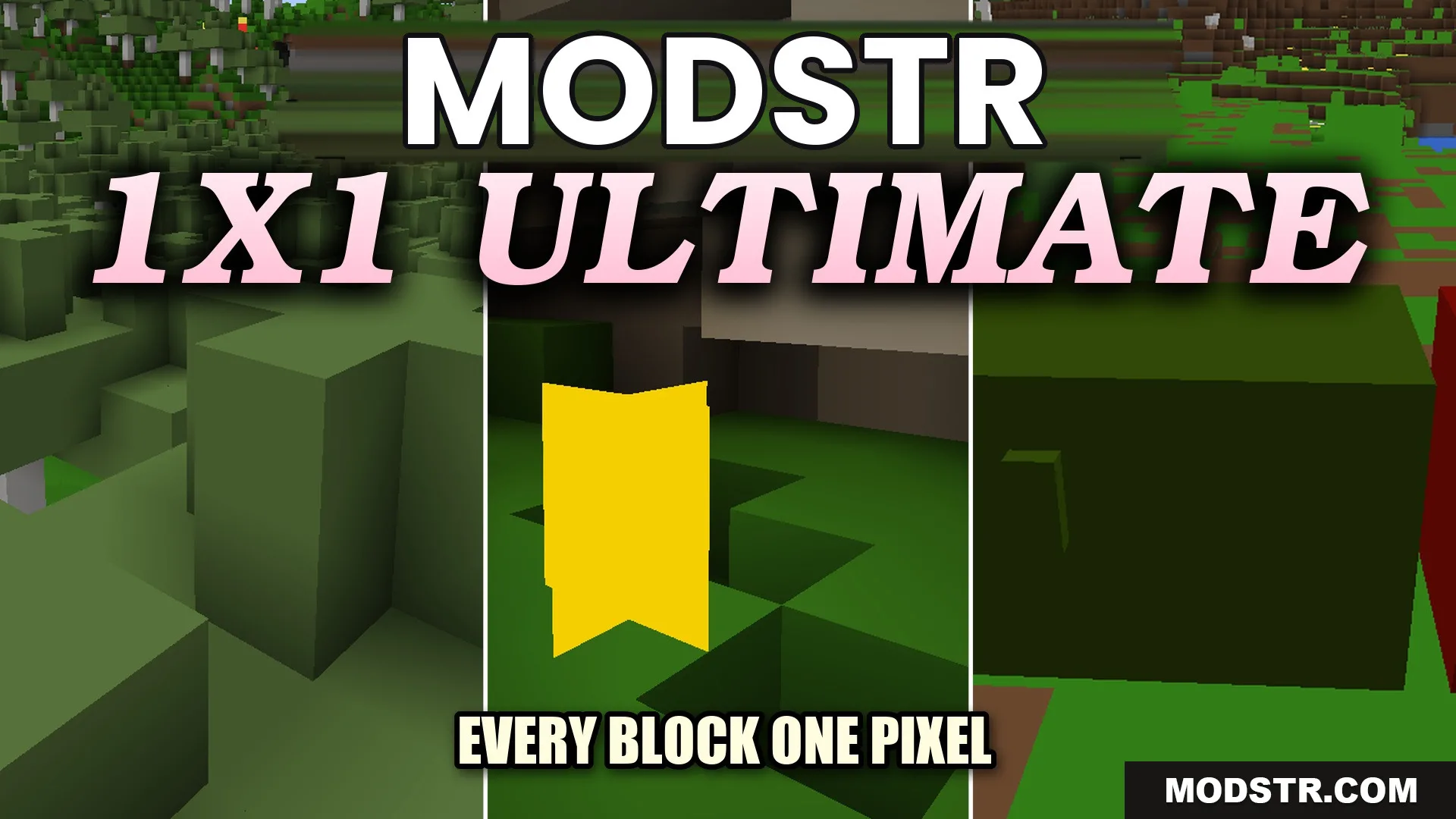
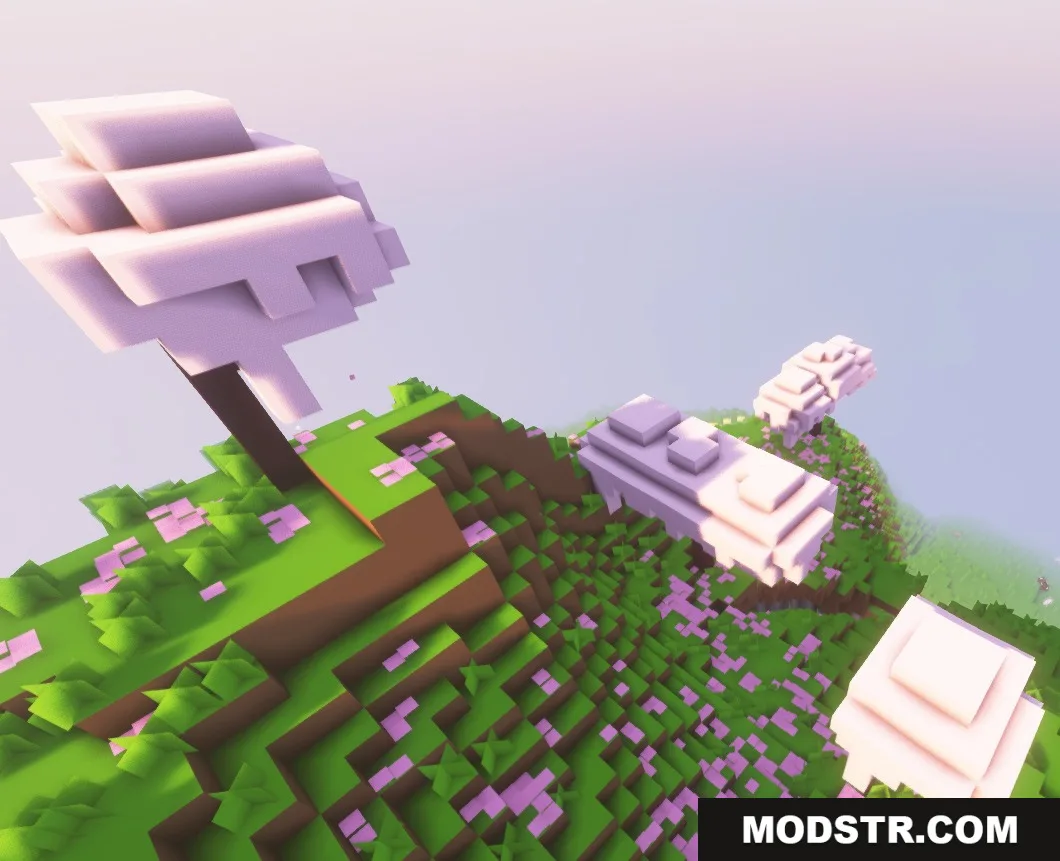
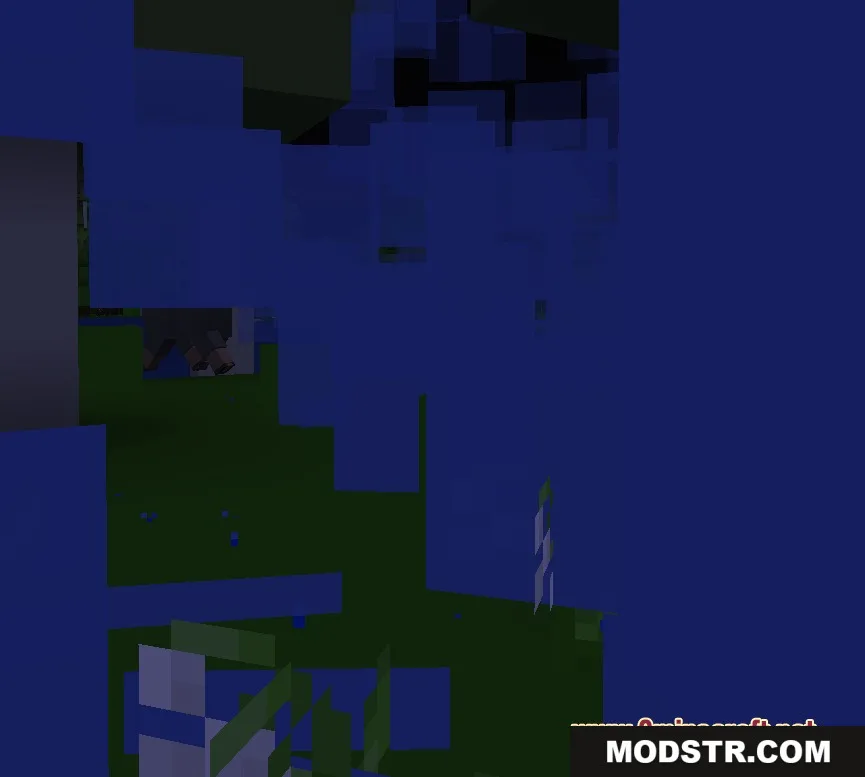
The 1×1 Ultimate Resource Pack transforms every block and item into a single pixel texture, creating a minimalist environment. It's suited for players looking for a unique visual challenge.
- 1.13 → 1.21.11 +46
Show all 46 versions
- 1.21.11
- 1.21.10
- 1.21.9
- 1.21.8
- 1.21.7
- 1.21.6
- 1.21.5
- 1.21.4
- 1.21.3
- 1.21.2
- 1.21.1
- 1.21
- 1.20.6
- 1.20.5
- 1.20.4
- 1.20.3
- 1.20.2
- 1.20.1
- 1.20
- 1.19.4
- 1.19.3
- 1.19.2
- 1.19.1
- 1.19
- 1.18.2
- 1.18.1
- 1.18
- 1.17.1
- 1.17
- 1.16.5
- 1.16.4
- 1.16.3
- 1.16.2
- 1.16.1
- 1.16
- 1.15.2
- 1.15.1
- 1.15
- 1.14.4
- 1.14.3
- 1.14.2
- 1.14.1
- 1.14
- 1.13.2
- 1.13.1
- 1.13
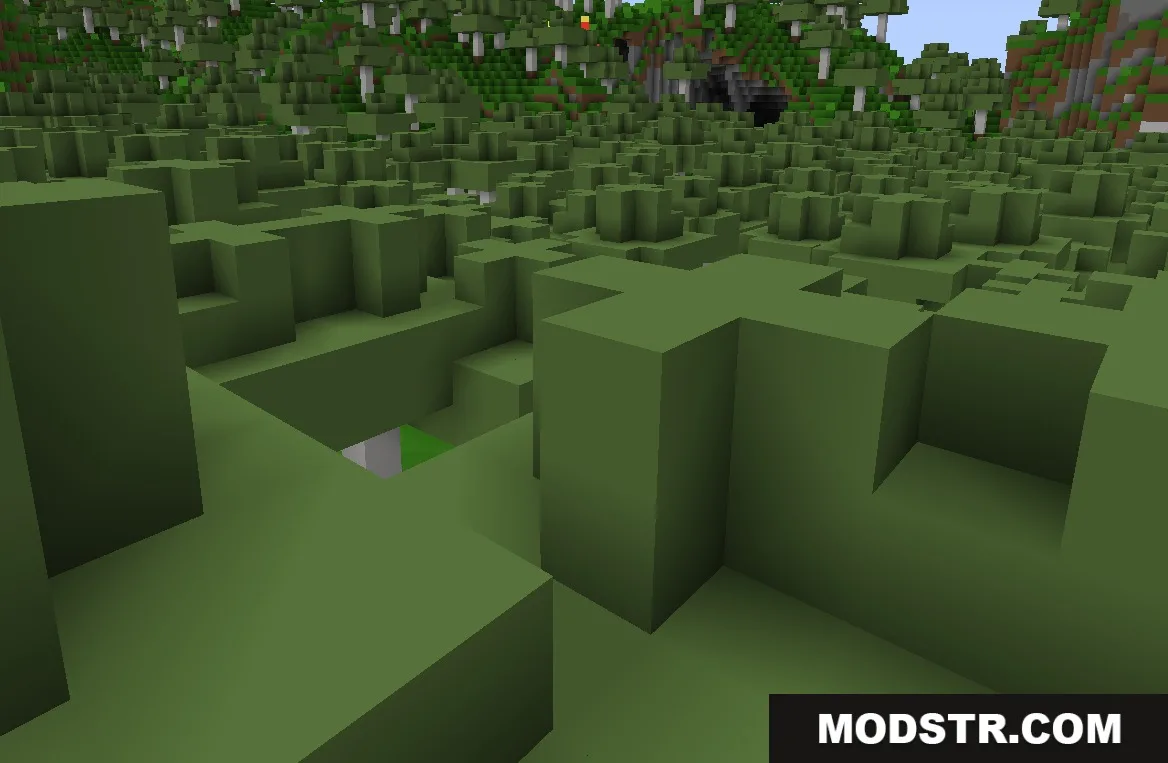
The 1×1 Ultimate Resource Pack modifies all textures in Minecraft to represent blocks and items as one solid pixel wide. This repackaging of visuals changes the familiar landscape into a solid color world, challenging players to identify their surroundings.
Features
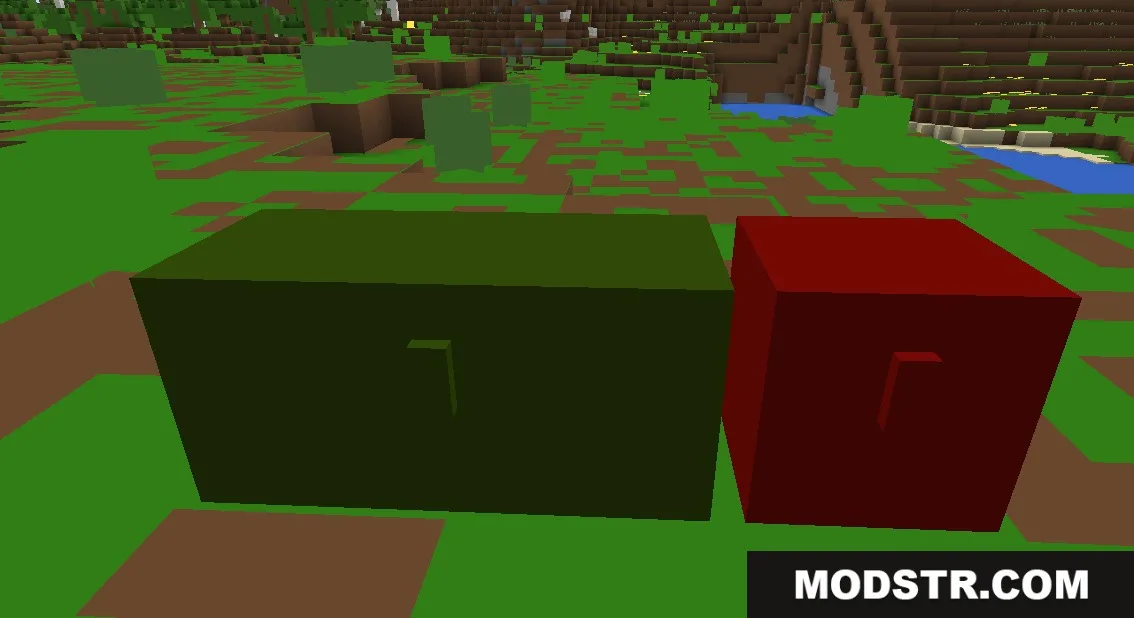
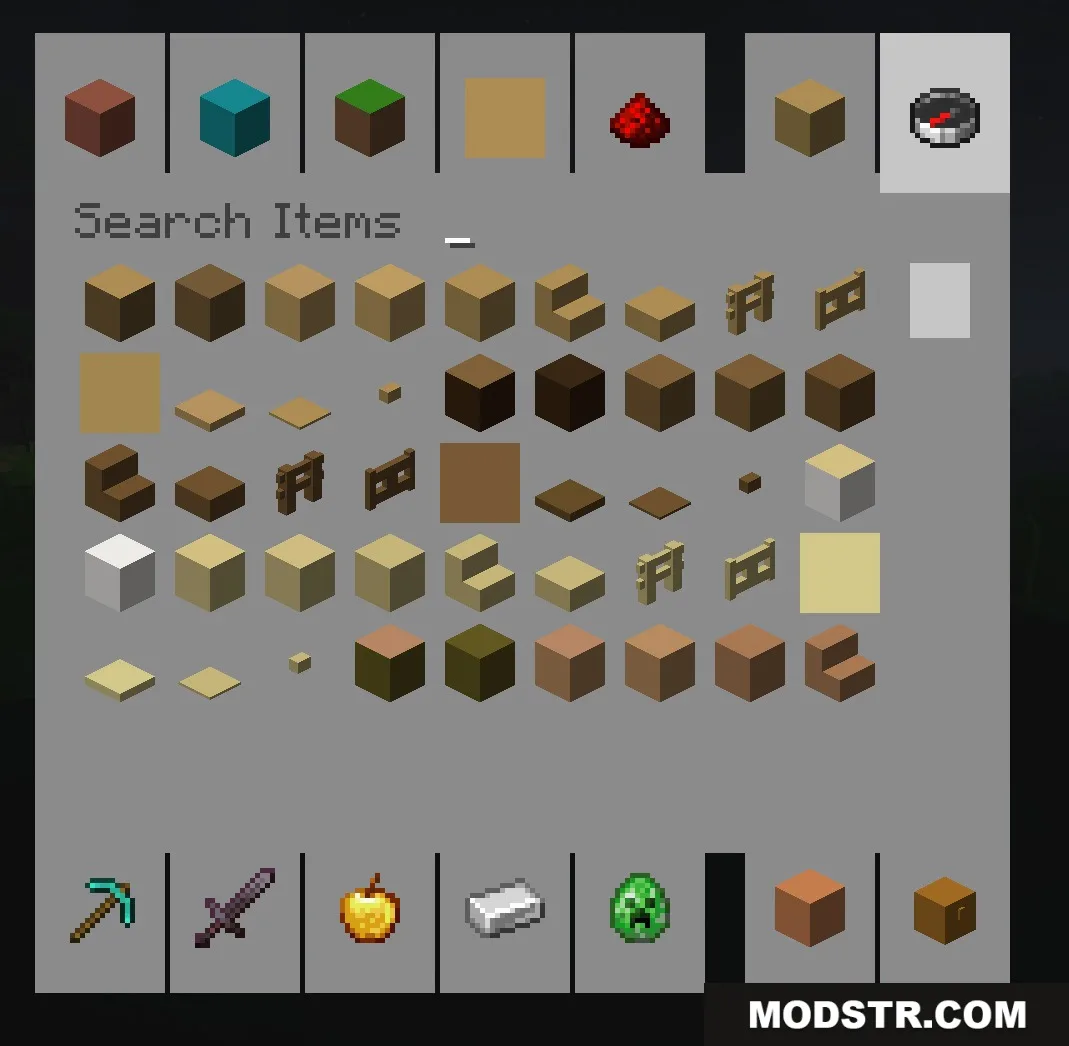
- Single Pixel Textures: Changes every block, item, and mob texture to a single solid color.
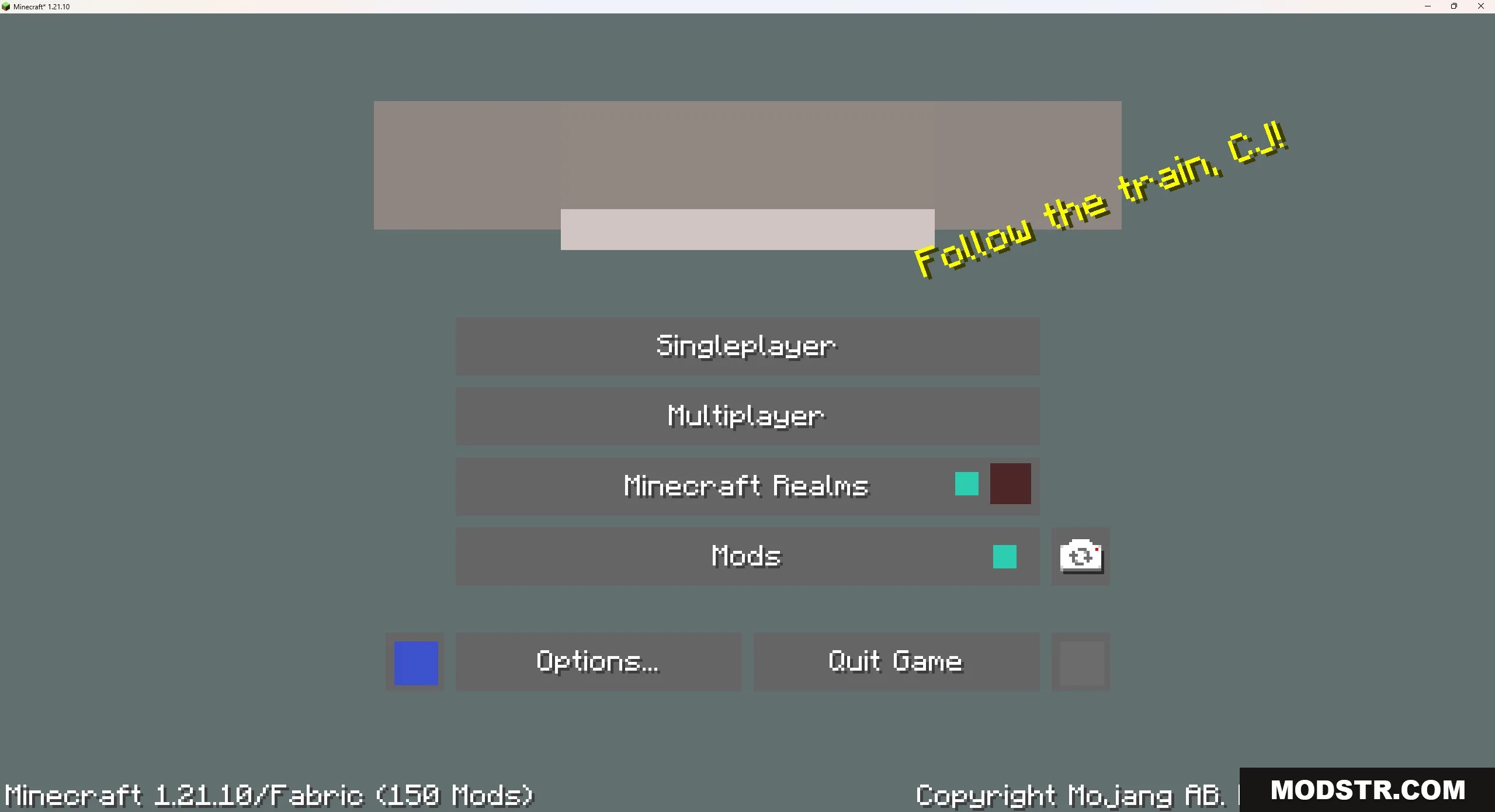
- Keeps all text, menus, and inventory readable for ease of gameplay.
- Makes similar blocks, like cobblestone and stone, indistinguishable.
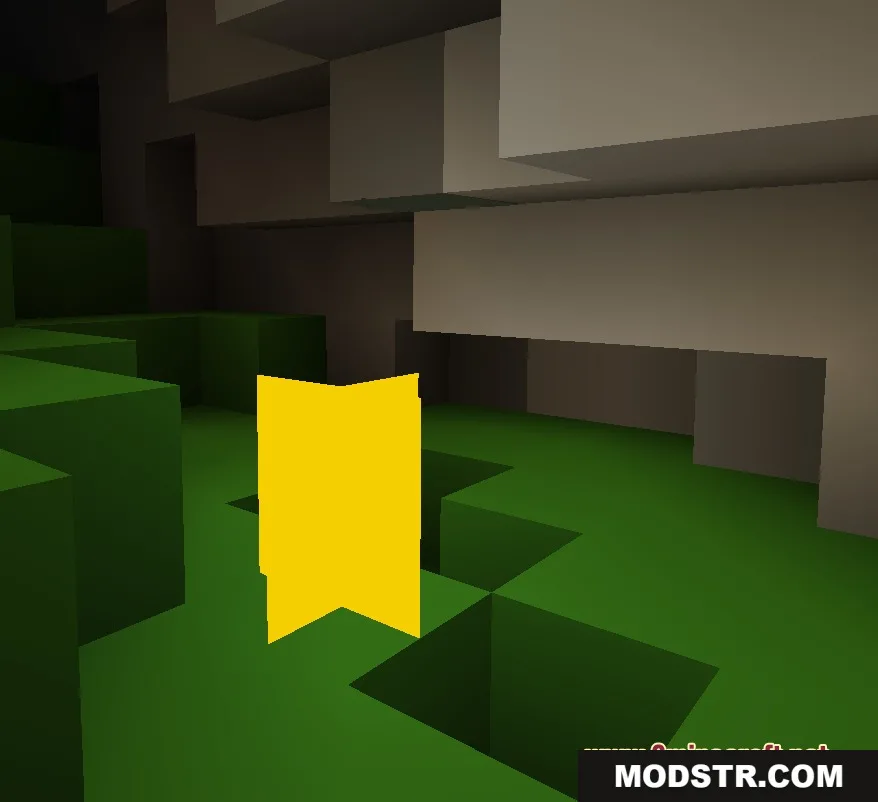
- Transforms tripwires into thin lines that blend with the ground.
- Alters weather effects, like rain, to match the simplistic style.
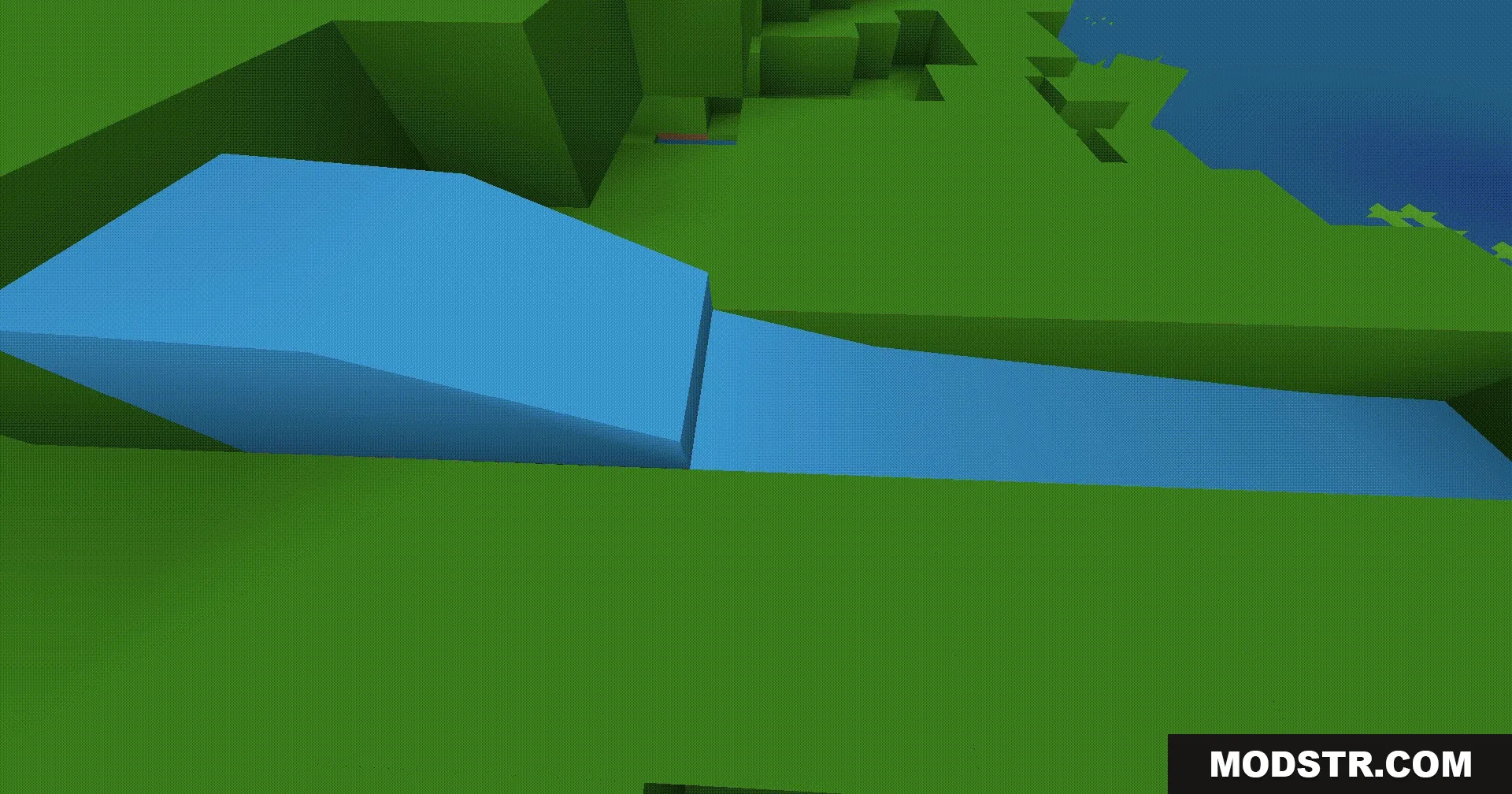
- Maintains water animations while applying the solid color aesthetic.
- Challenges players to identify items based solely on flat color.
Installation
- Download the resource pack file.
- Open Minecraft and navigate to the Options menu.
- Select the Resource Packs button.
- Click on Open Pack Folder and move the downloaded file into this folder.
- Return to the Resource Packs menu and select the 1×1 Ultimate Resource Pack to activate it.
DOWNLOAD FILES
- resource
- resource