
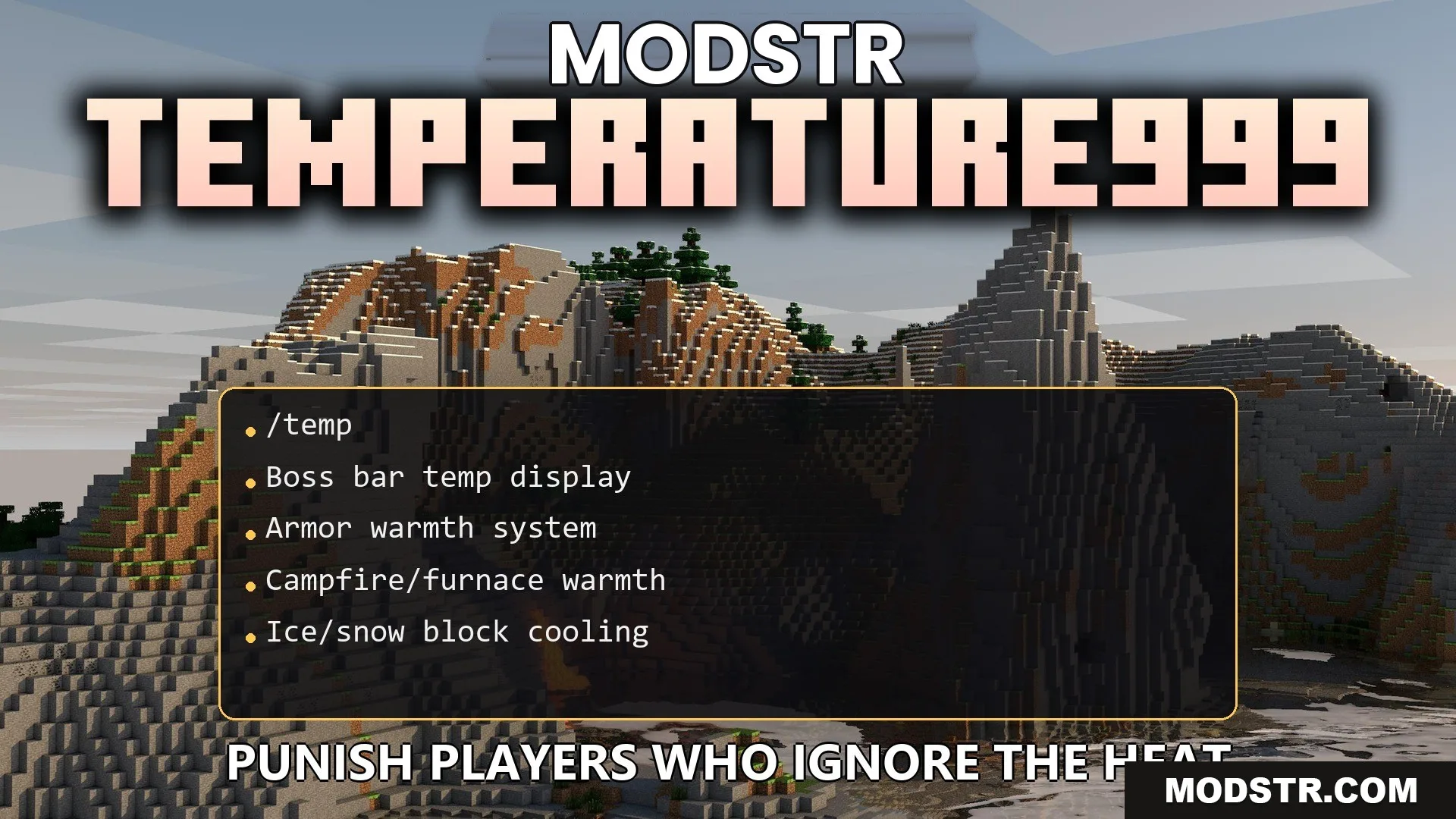
Temperature999 Plugin (1.21.11, 1.21.1) – Punish Players Who Ignore the Heat
The Temperature999 Plugin introduces a temperature-based mechanic to your Minecraft server, impacting player health and movement based on environmental conditions.
- 1.21 → 1.21.11 +12
Show all 12 versions
- 1.21.11
- 1.21.10
- 1.21.9
- 1.21.8
- 1.21.7
- 1.21.6
- 1.21.5
- 1.21.4
- 1.21.3
- 1.21.2
- 1.21.1
- 1.21
The Temperature999 Plugin adds a temperature system that affects gameplay by adjusting player body heat according to biome, time of day, and weather conditions. This mechanic encourages players to consider their armor choices and the environment carefully.
Features
- Biome Heat: Different biomes impact your temperature, with deserts causing overheating and snowy taigas leading to freezing.
- Armor Warmth: Armor types like leather provide warmth, while metal armors may expose players to cold temperatures.
- Nighttime cools down the environment, necessitating shelter for warmth.
- Rain hastens the drop in body heat, making players more vulnerable to cold.
- Heat sources like campfires and lava can warm players who are freezing.
- Walking on ice or snow blocks can help cool off overheated players.
- Players risk damage and experience panting sounds when overheated.
- Players who freeze will also take damage, slow their movement, and hear a freezing sound.
- A boss bar displays body heat status, changing color to indicate temperature levels.
- Server settings allow adjustments to heating and cooling rates across different biomes.
Installation
- Download the Temperature999 Plugin file.
- Place the plugin file into the plugins folder of your server.
- Restart your server for the plugin to take effect.
- Configure settings as necessary using the provided configuration files.
- Test the plugin to ensure functionality and make adjustments as needed.
Commands
- /temp help: Displays the help menu.
- /temp check [player]: Allows you to check your body heat or that of another player.
- /temp toggle: Toggles the visibility of the temperature bar.
- /temp admin set <player> <temp>: Sets the temperature of a specific player.
- /temp biomes list: Displays a list of biomes and their temperature classifications.
- /temp config reload: Reloads the plugin configuration files.
DOWNLOAD FILES
- jar