
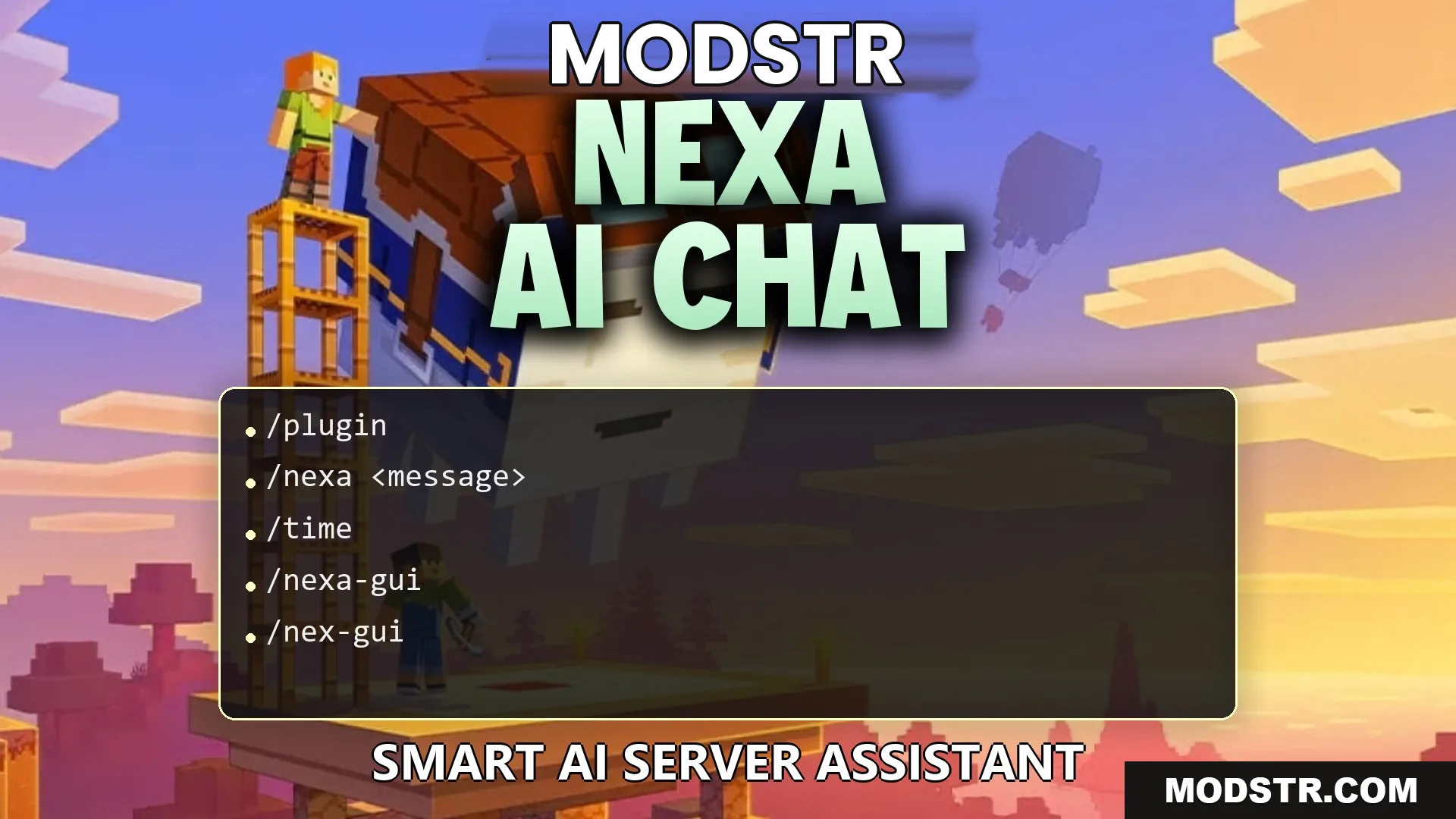
Nexa AI Chat Plugin (26.2, 1.21.11) – Give Players a Smart Helper Directly
The Nexa AI Chat Plugin adds an intelligent assistant to server chat, allowing players to interact and get information without leaving the game. Server owners can customize the assistant's personality and connect various AI models.
- 1.21.11
- 1.21.10
- 1.21.9
The Nexa AI Chat Plugin enhances server interactions by introducing an AI companion directly in chat. Players can engage with this assistant for in-game help, making gameplay more streamlined. Additionally, server administrators have the ability to personalize the assistant's traits and link it with different AI models.
Features
- Enables players to communicate with the assistant through in-game chat.
- Includes an ask-before-act feature that seeks confirmation before executing specific server commands.
- Offers an autonomous mode for the assistant to perform actions automatically within allowed parameters.
- Monitors player status, inventory, and environmental conditions like weather and time.
- Prevents spam through customizable request limits and cooldowns on tools.
- Allows the use of custom assistant names and tailored personality prompts.
- Can send welcome messages to players upon joining the server.
- Integrates with external AI services such as Google Gemini, OpenAI, and others using personal API keys.
Installation
- Download the plugin files from the appropriate source.
- Place the plugin in the server's plugins directory.
- Restart the server to enable the plugin.
- Configure the plugin settings as needed for your server.
- Test the plugin functionality in-game to ensure everything is working correctly.
Commands
Chat Commands
- /nexa <message>: Initiate a conversation with the assistant.
- /nexa confirm: Confirm any queued actions.
- /nexa cancel: Abort any queued actions.
Settings Commands
- /nex-config clearchat: Clear your chat history with the assistant.
- /nex-config feedback <message>: Provide feedback about the plugin.
- /nex-config mode show: Display the current operational mode of the assistant.
- /nex-config mode : Modify the assistant's operational mode.
- /nex-config limits status: Check the active limits and cooldowns.
- /nex-config limits maxrequests : Set the maximum number of requests allowed per prompt.
- /nex-config limits cooldown <seconds>: Establish a cooldown period between tool actions.
- /nex-config custom name <name>: Change the name of the assistant.
- /nex-config custom prompt <prompt>: Define the personality for the assistant.
- /nex-config custom reset: Restore default names and prompts.
- /nex-config custom show: Review current custom settings.
- /nex-config automessages enable|disable|status: Manage join or idle messages for the server.
Custom Key Commands
- /nex-byok status: Check the status of your personal API keys.
- /nex-byok toggle enable|disable: Toggle the use of custom keys on or off.
- /nex-byok provider : Select your preferred AI service provider.
- /nex-byok apikey <key>: Input your personal API key.
- /nex-byok endpoint : Specify the connection address for custom AI providers.
- /nex-byok model <name>: Choose the AI model to utilize.
- /nex-byok tools enable|disable: Enable or disable tool actions for your provider.
- /nex-byok test: Verify the connection to ensure the key functions properly.
How to Use
- Enter /nexa <message> in chat to ask a question or seek assistance.
- If in ask-before-act mode, review proposed actions in chat.
- Confirm the requested action by clicking chat buttons or using /nexa confirm.
- Use /nex-byok commands if connecting your own AI key for improved response times.
DOWNLOAD FILES
- jar
- jar
- jar