
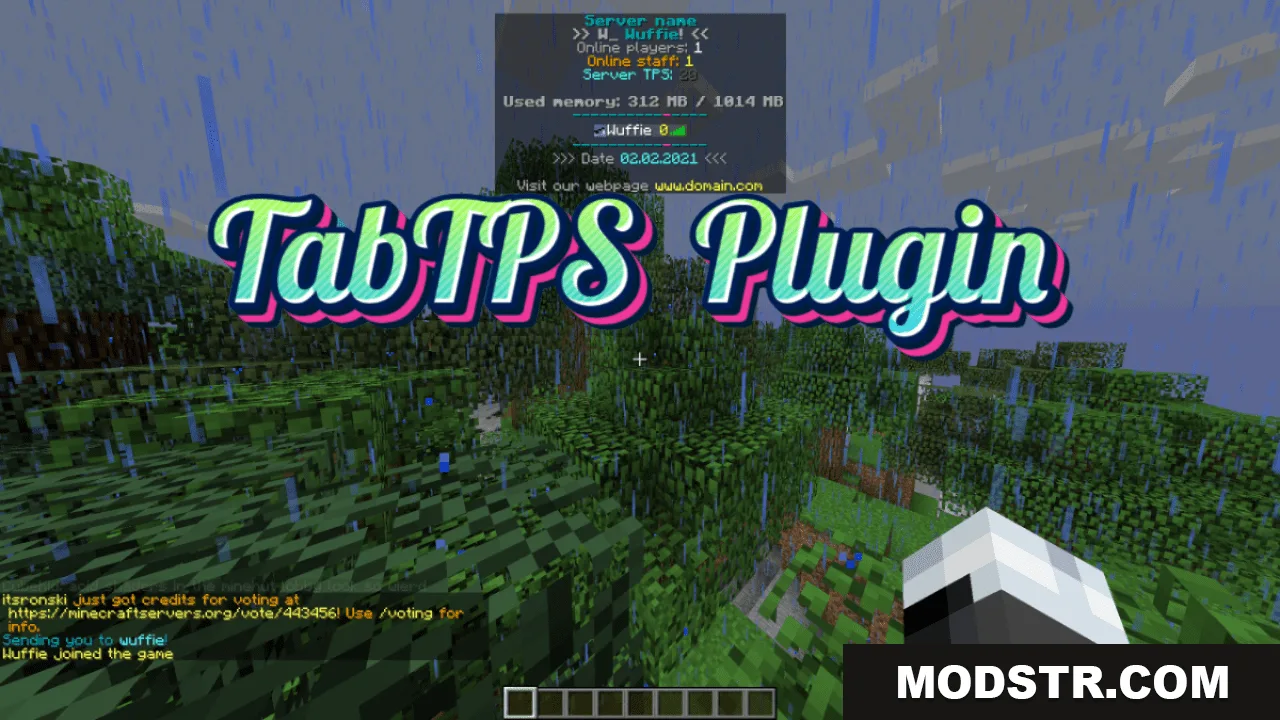
TabTPS Plugin (26.2, 1.20.1) – Spigot
Server performance monitoring plugin for Spigot that displays real-time TPS, memory usage, and player ping data through customizable tab, boss bar, and action bar displays.
- 1.8.8 → 1.21.11 +17
Show all 17 versions
- 1.21.11
- 1.21.10
- 1.21.9
- 1.20.6
- 1.19.4
- 1.18.2
- 1.17.1
- 1.16.5
- 1.15.2
- 1.14.4
- 1.13.2
- 1.12.2
- 1.11.2
- 1.10.2
- 1.9.4
- 1.8.9
- 1.8.8
TabTPS is a Spigot plugin that displays server performance statistics to administrators in real time. It provides multiple display formats and commands to monitor TPS, memory usage, and player latency. The plugin is designed for server administrators who need quick access to performance metrics.

Features
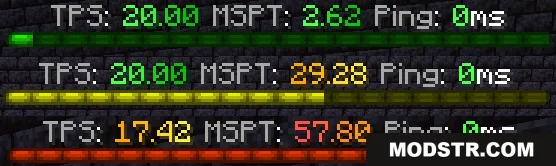
- Real-time TPS, memory usage, and performance statistics accessible via tab list, boss bar, or action bar.
- Customizable display options with configuration files to choose which statistics appear and in what order.
- Performance threshold alerts that notify administrators when server performance drops below set levels.
- Permission-based display configs allow different information layouts for different player groups.
- Simple commands for checking server TPS, memory pools, and player ping data.
- Color customization through theme configuration files.
Display Options
- Tab menu: Toggle with /tabtps toggle tab
- Boss bar: Toggle with /tabtps toggle bossbar
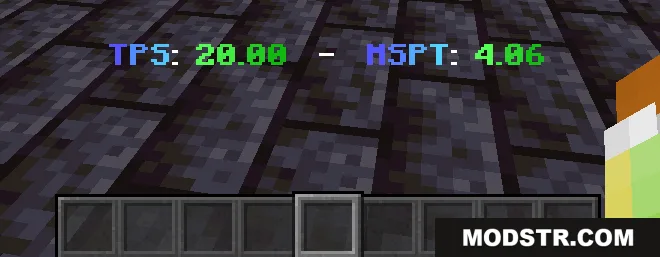
- Action bar: Toggle with /tabtps toggle actionbar
Commands
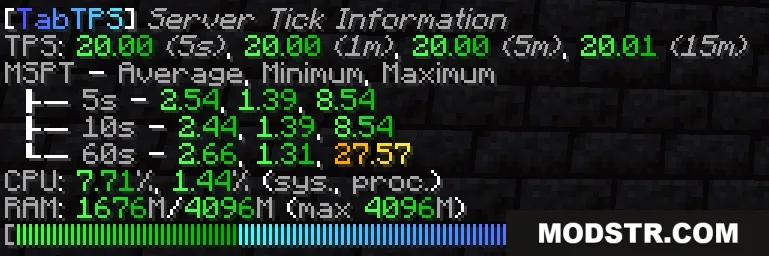
- /tickinfo or /mspt - Shows detailed TPS and tick timing information (requires tabtps.tps permission)
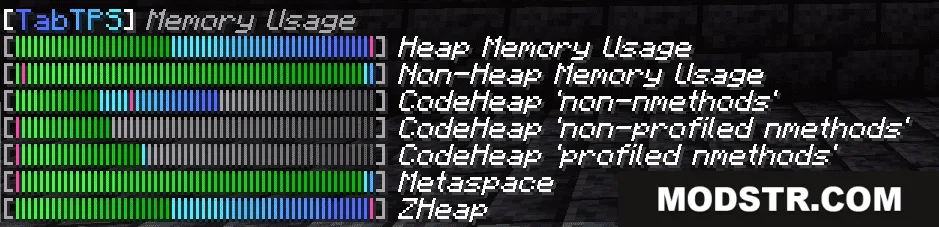
- /memory, /ram, or /mem - Displays server JVM memory pool information (requires tabtps.tps permission)
- /ping - View your own player ping (requires tabtps.ping permission)
- /ping [username] - Check another player's ping (requires tabtps.ping.others permission)
- /pingall - Shows a summary of all online players' ping values (requires tabtps.ping.others permission)
- /tabtps reload - Reloads all configuration files (requires tabtps.reload permission)
Configuration
Display configs are stored in /plugins/TabTPS/display-configs/ and have associated permissions. Players use the highest-priority display config they have permission for. Theme configs in /plugins/TabTPS/themes/ control the colors used in displays. The default display config uses the tabtps.defaultdisplay permission and enables all three display types. Set config priorities in /plugins/TabTPS/main.conf.
Installation
- Download the plugin JAR file.
- Place the JAR file in your server's /plugins/ directory.
- Restart or reload your server.
- Configure display and theme options in the generated /plugins/TabTPS/ folders as needed.
- Assign permissions to players or groups based on your configuration.

Compatibility
This plugin is designed for Spigot and is compatible with Minecraft 1.20.1.

DOWNLOAD FILES
- jar
- jar
- jar
- jar