
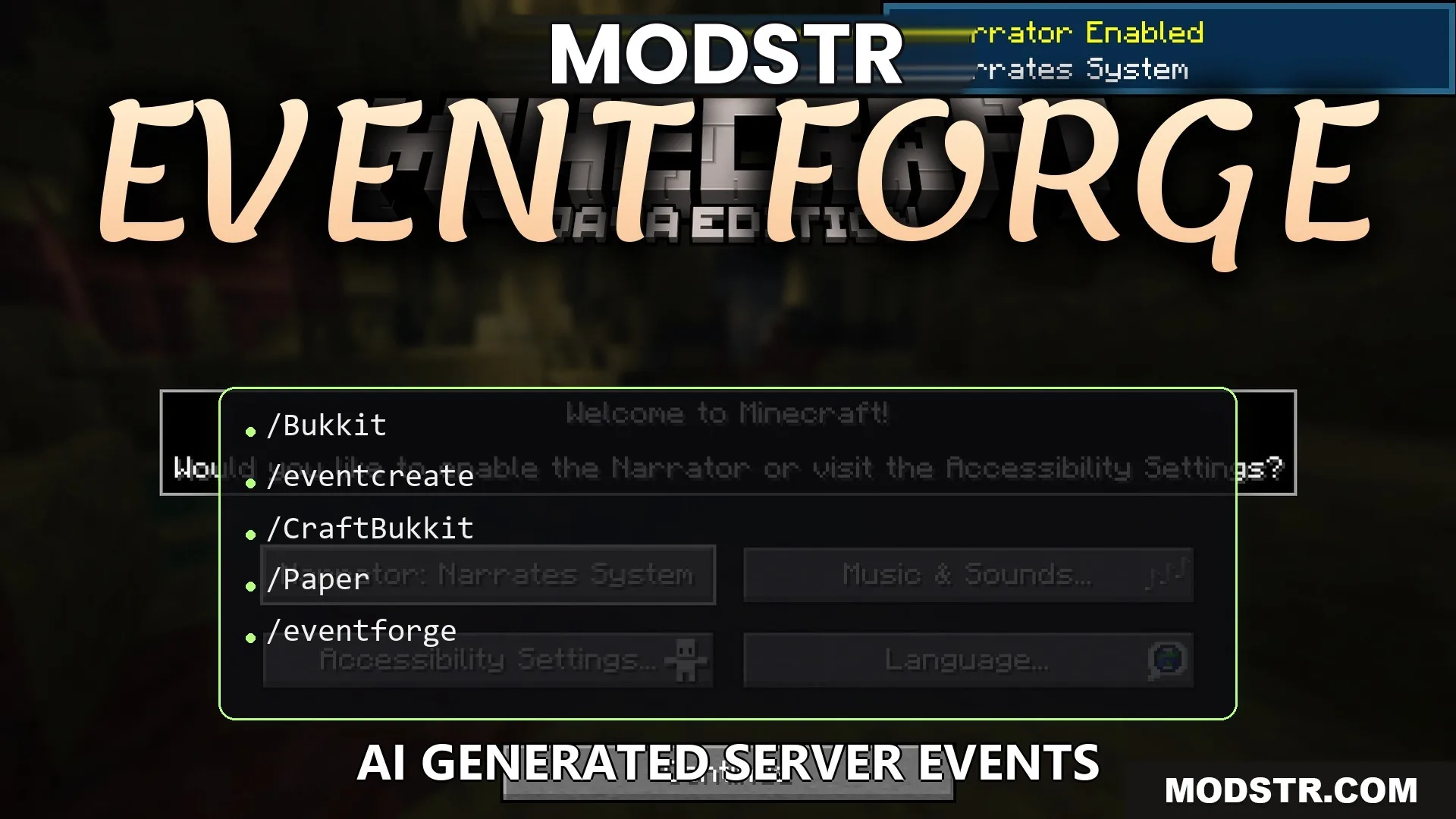
Event Forge Plugin (26.2, 1.21.1) – Awesome Custom Events So Players Never
Event Forge Plugin allows server hosts to create custom events easily through chat commands. It offers various event types including boss fights and treasure hunts, enhancing gameplay for players.
- Forge
- 1.21 → 1.21.11 +10
Show all 10 versions
- 1.21.11
- 1.21.10
- 1.21.9
- 1.21.8
- 1.21.7
- 1.21.6
- 1.21.5
- 1.21.4
- 1.21.1
- 1.21
Event Forge Plugin enables server administrators to host custom events simply by entering a command in chat. This tool is suitable for anyone looking to create engaging and interactive experiences for players without additional mods.
Features
- Six Event Types: Choose from boss fights, parkour courses, PvP arenas, treasure hunts, build challenges, or custom games.
- Talk to Create: Type a sentence about your desired event, and the plugin will ask questions to customize it.
- Bosses can be customized with unique health, speed, size, and various particle effects.
- Automatically generated parkour courses feature varied jumps and a safety net to prevent item loss.
- Treasure hunts contain hidden chests and provide players with clues through an in-game book.
- Rewards are delivered directly to winners' inventories to prevent theft.
- An in-game calendar allows selection of specific dates and times for events.
- Integrates with Discord to notify players when new games are starting.
- Supports simultaneous execution of different games, allowing tracking by name.
Installation
- Type /eventforge setup in-game to link your AI key and Discord.
- Enter /eventcreate followed by your event idea, such as a fire-themed boss or parkour map.
- Respond to the questions in the chat to finalize your game design.
- Use /eventschedule to open the calendar and set a start time for the game.
- Place the teleport pad at the desired coordinates for player access.
Commands
- /eventcreate <your idea>: initiates the creation of a new event.
- /eventforge reply: responds to questions while setting up an event.
- /eventschedule <name>: opens the calendar for time selections.
- /eventteleporter <name> <x> <y> <z>: places a teleport pad at specified coordinates.
- /eventforge setup: begins the quick setup process in chat.
Configuration
- server-ip: configure your server address for Discord messages.
DOWNLOAD FILES
- jar
- jar