
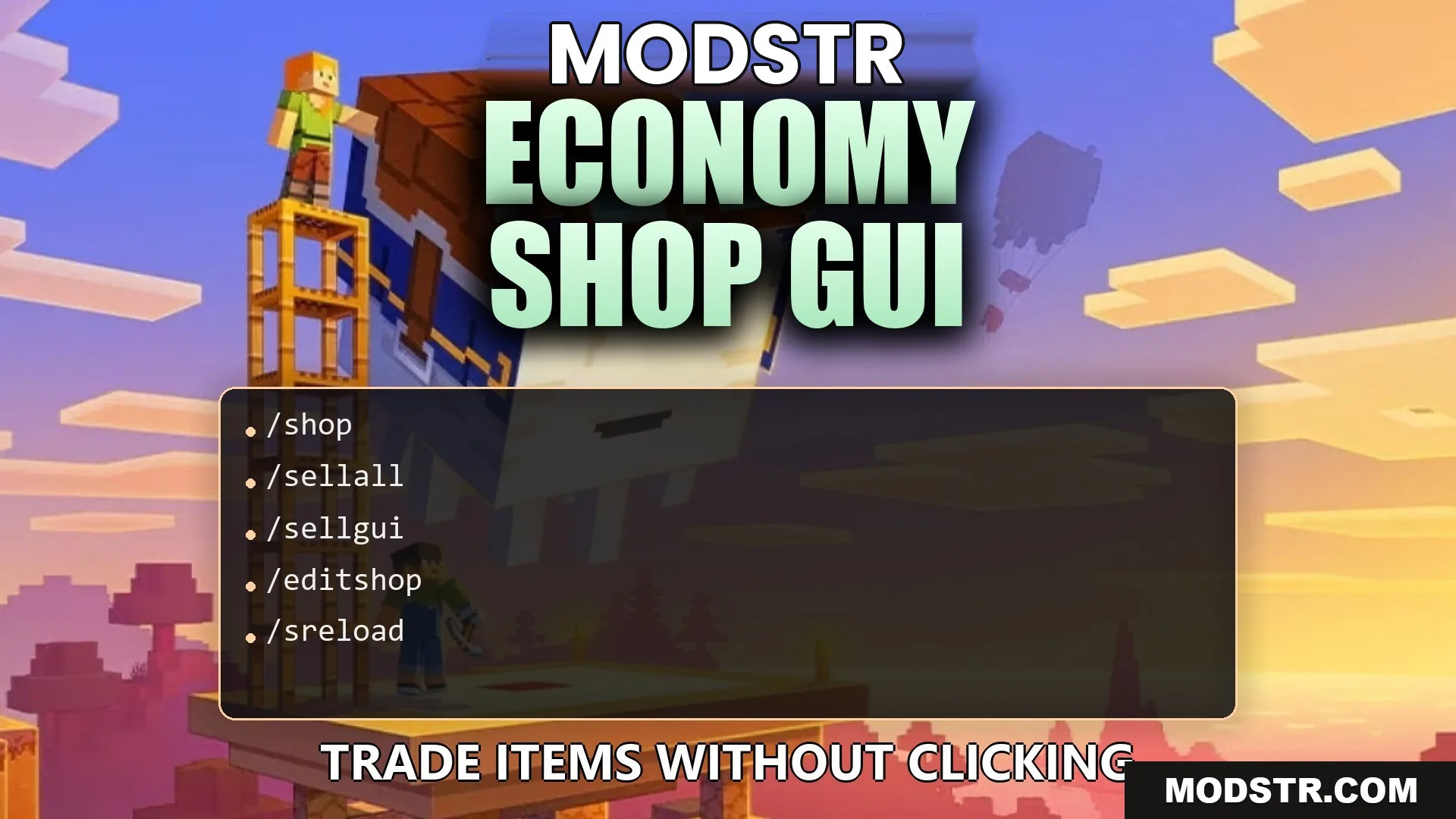
Economy Shop GUI Plugin (26.2, 1.20.1) – Trade Items Without Clicking
The Economy Shop GUI Plugin provides a visual store for trading items, making transactions straightforward for players. Suitable for server administrators looking to enhance their economy features.
- 1.16 → 1.21.11 +29
Show all 29 versions
- 1.21.11
- 1.21.10
- 1.21.9
- 1.21.8
- 1.21.7
- 1.21.6
- 1.21.5
- 1.21.4
- 1.21.3
- 1.21.2
- 1.21.1
- 1.21
- 1.20.6
- 1.20.5
- 1.20.4
- 1.20.3
- 1.20.2
- 1.20.1
- 1.20
- 1.19.4
- 1.19.3
- 1.19.2
- 1.19.1
- 1.19
- 1.18.2
- 1.18.1
- 1.18
- 1.17
- 1.16
The Economy Shop GUI Plugin enables server operators to set up a visual store where players can easily buy and sell items. This plugin is intended for multiplayer servers looking to simplify item trading for their players.
Features
- In-Game Setup: Allows adding, editing, or removing items directly in-game.
- Unlimited Stock: Capable of hosting unlimited items and automatically managing menu pages.
- Special Items: Supports a variety of items including potions, spawners, and custom armor.
- Enables discounts and multipliers for certain player groups.
- Integrates with NPCs or physical stands for realistic marketplace settings.
- Works with standard economy systems for money management.
- Keeps a log of all transactions for tracking purposes.
- Offers pre-made shop layouts compatible with various Minecraft versions.
- Supports Bedrock players connecting to the server.
Installation
- Download the plugin file and place it in the plugins directory of your server.
- Restart the server to enable the plugin.
- Configure any necessary settings in the plugin's config files.
- Test the functionality by using the provided commands in-game.
Commands
- /shop: Opens the main store menu.
- /shop [section]: Opens a specific category.
- /sellall: Sells all items in your inventory.
- /sellall <item>: Sells items matching a specific type.
- /sellgui: Opens a menu for dropping items to sell.
- /editshop additem [material] [buy price] [sell price]: Adds a new item to the store.
- /sreload: Reloads the plugin files.
Configuration
- EconomyShopGUI.shop.[section]: Controls access to shop categories for players.
- EconomyShopGUI.sellall.[section]: Manages item selling permissions for the sellall command.
- EconomyShopGUI.sellallitem.[section]: Settings for selling specific items using sellall.
How to Use
- Enter /shop in chat to access the visual menu.
- Select a category to see available items.
- Left-click items to purchase or right-click to sell.
- Use /sellgui to sell multiple items at once by dropping them into the window.
DOWNLOAD FILES
- jar