
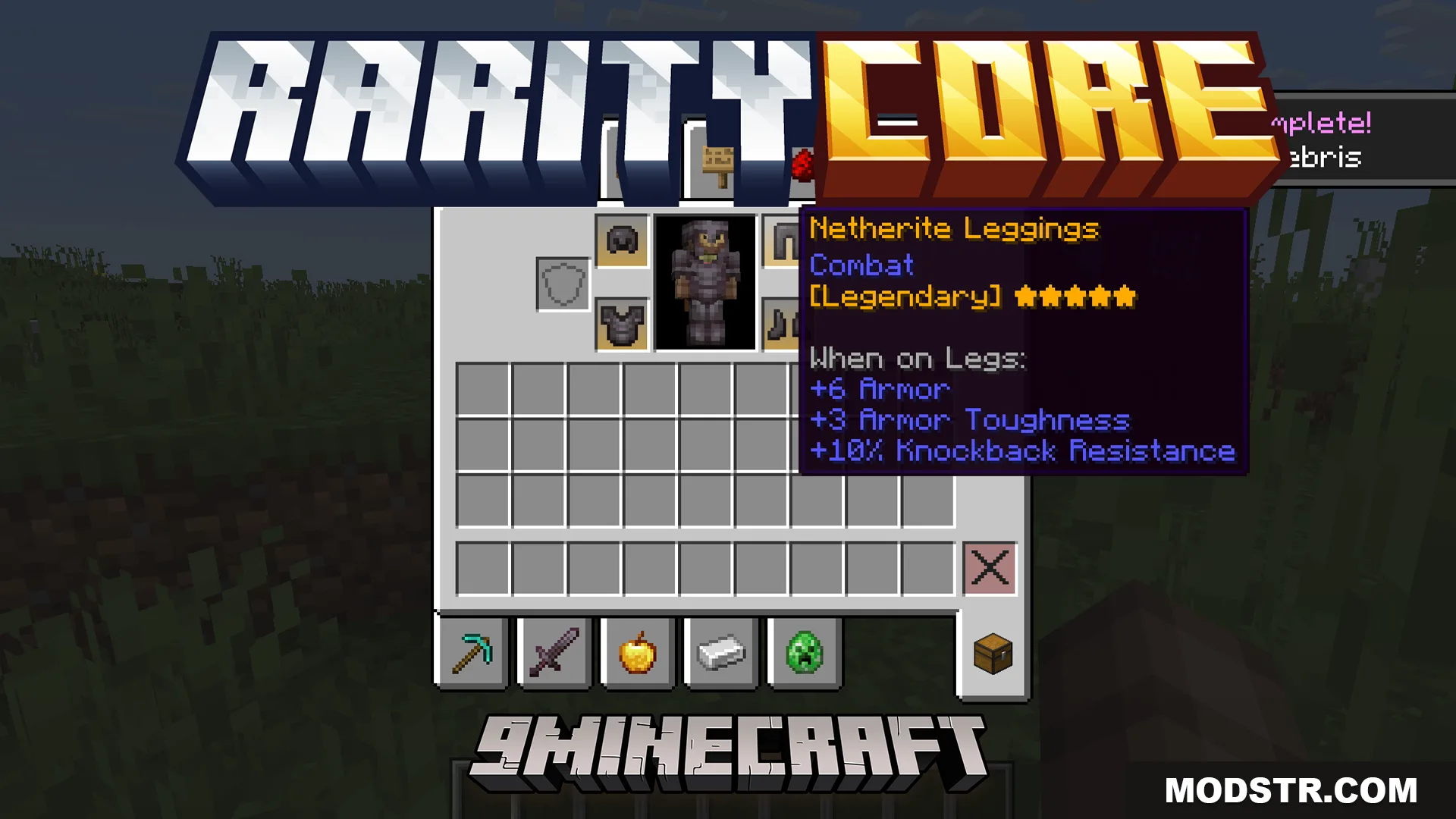
RarityCore Mod (26.1.2, 1.20.1) – Find Rare Loot Instantly with Color Coded Item Backgrounds
Adds color-coded item backgrounds to your inventory based on rarity tiers, from common gray to legendary gold. Automatically calculates item value using crafting recipes and supports extensive mod compatibility.
- NeoForge
- Forge
- 1.21.11
- 1.21.1
- 1.21
- 1.20.1
- 1.20
RarityCore Mod displays colored backgrounds on items in your inventory to help you quickly identify their rarity level. The mod automatically determines how rare an item is by analyzing its crafting recipe and assigns it one of seven rarity tiers, each with its own color. This system works in your main inventory, hotbar, and supported storage interfaces.
Features
- Color-coded item backgrounds across seven rarity levels, ranging from basic gray to legendary gold.
- Automatic rarity calculation based on item crafting recipes.
- Displays rarity tooltips when hovering over items.
- Compatible with over 70 mods without requiring additional configuration.
- Fully customizable colors for backgrounds, text, and tooltips.
- Creative mode menu option to manually adjust rarity levels for any item.
- Support for advanced item data to distinguish between items with identical names but different properties, such as custom enchanted weapons.
- Integration with Apotheosis to display weapon and gem quality tiers instead of default rarity colors.
- Colored backgrounds visible in digital storage screens like Refined Storage and Elegant Backpacks.
Installation
- Download the mod file for your Minecraft version.
- Place the file in your mods folder.
- Launch the game with Forge or the appropriate mod loader.
- If using ImmediatelyFast, disable HUD batching in its settings to prevent missing hotbar textures.
- If using EMI, turn off batch processing in its configuration to ensure backgrounds display correctly in recipe tabs.
Compatibility
RarityCore requires Minecraft 1.20.1 or later. The mod integrates with Apotheosis for enhanced weapon and gem color schemes. Users of ImmediatelyFast and EMI should disable specific settings as noted above to avoid display issues.
DOWNLOAD FILES
- jar
- jar
- jar
- jar