
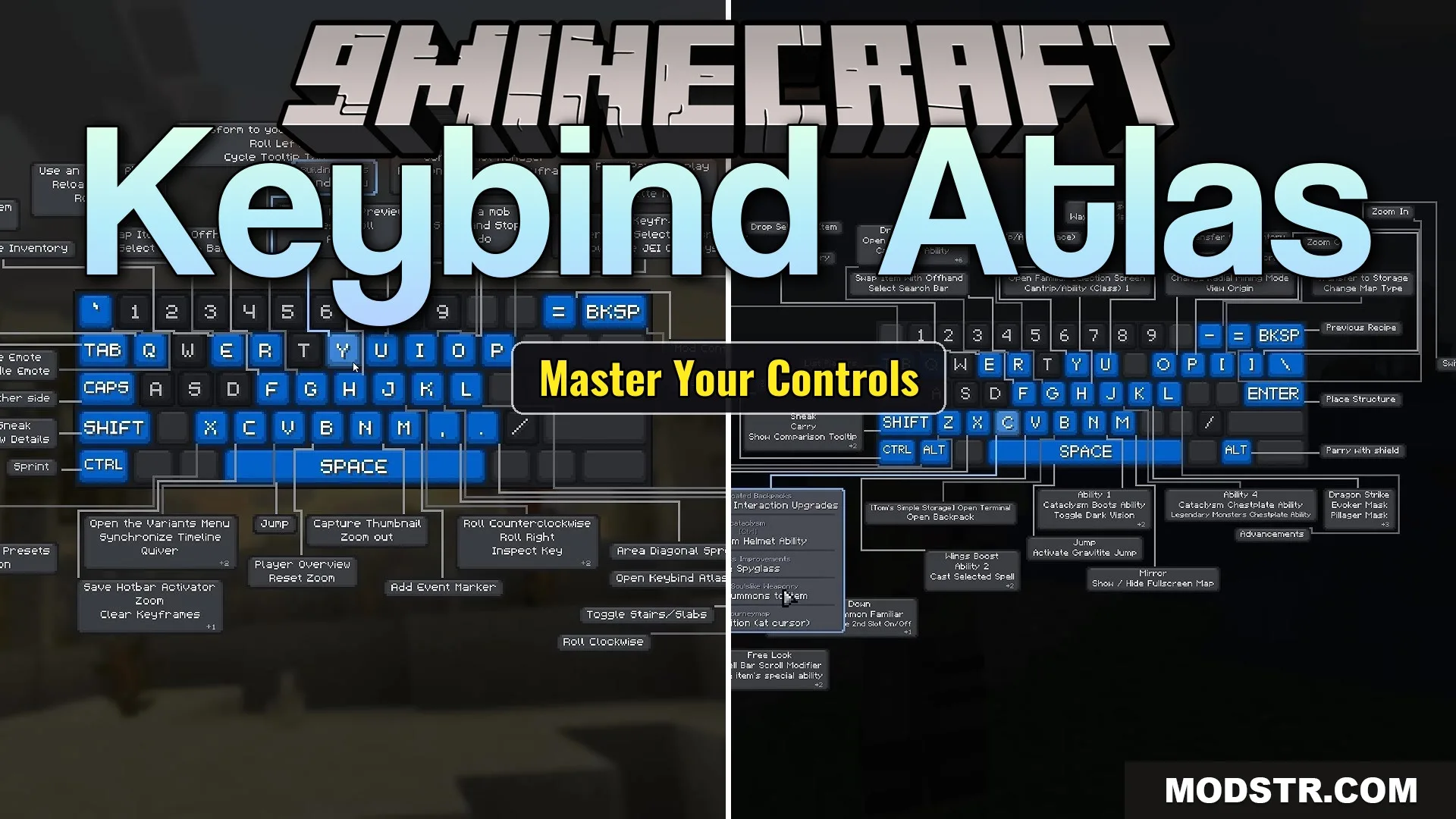
Keybind Atlas Mod (1.21.1, 1.20.1) – Manage Mod Controls on a Visual Keyboard
Visual keyboard and mouse control manager that displays all vanilla and mod keybinds in-game with color coding, search, and editing features.
- NeoForge
- Forge
- 1.21.1
- 1.21
- 1.20.1
- 1.20
Keybind Atlas is a client-side mod that displays a visual map of your keyboard and mouse inside Minecraft. It scans your active keybinds from vanilla Minecraft and installed mods, showing you what each key does without navigating menus. Useful for quickly understanding your control setup or rebinding keys.
Features
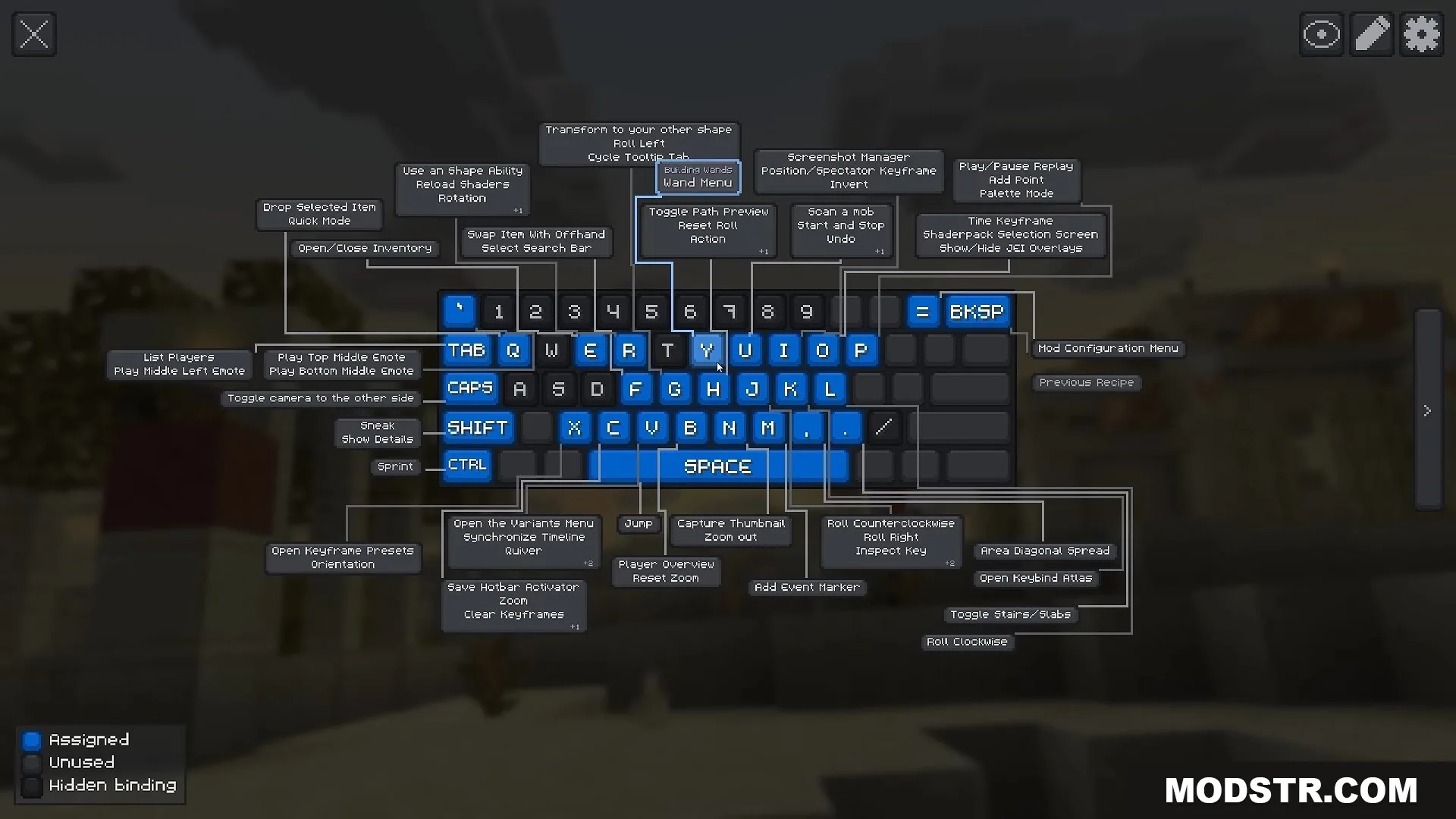
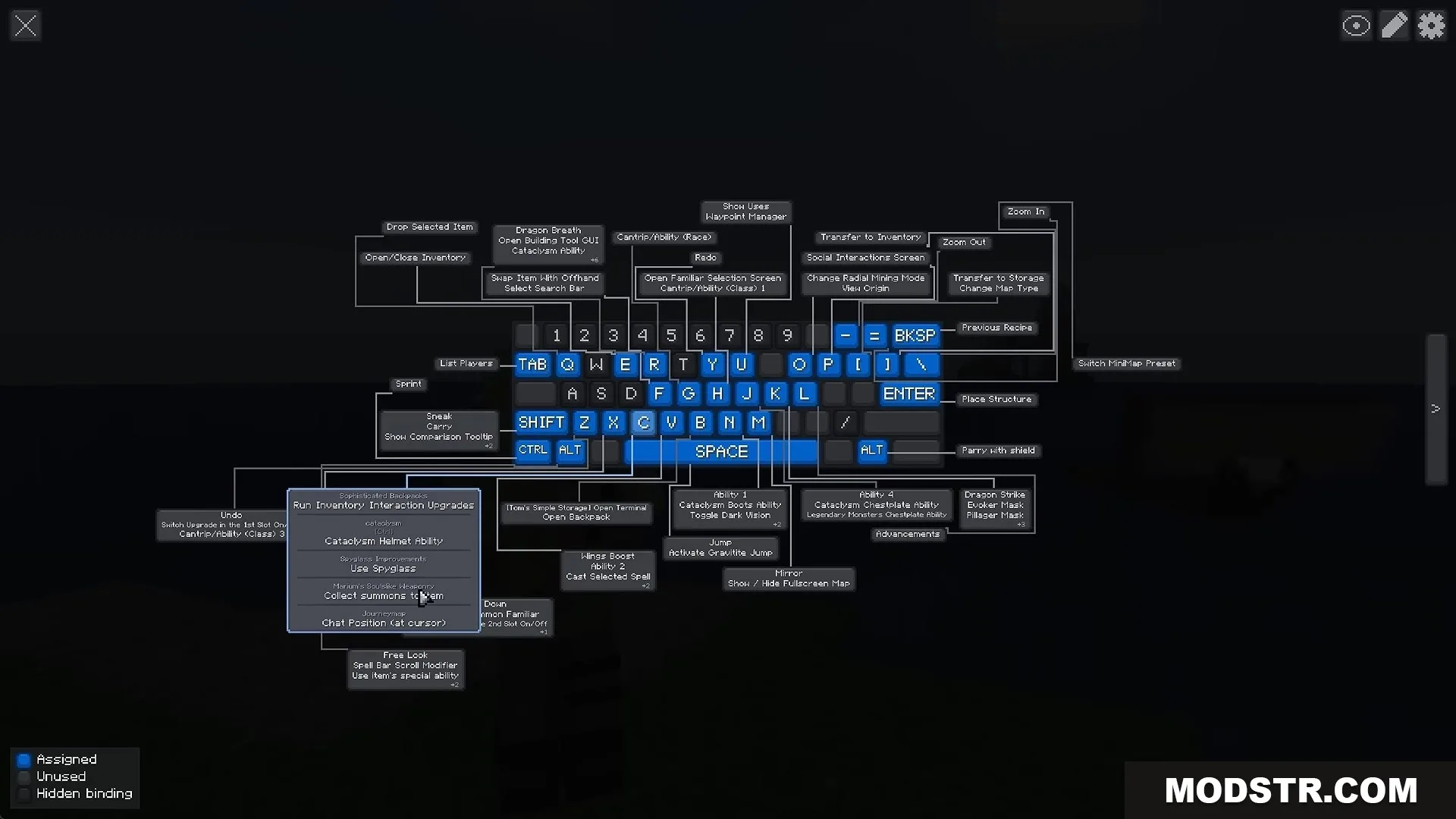
- Visual keyboard and mouse display rendered in-game.
- Color-coded keys indicating used, free, or hidden binds.
- Hover tooltips show the action name and source mod for each key.
- Edit, remove, or add keybinds directly from the visual map.
- Browse unassigned actions sorted by mod.
- Undo function to revert changes before saving.
- Filter controls by mod or action type.
- Custom color categories for grouping related binds.
- Support for multiple keyboard layouts worldwide.
- Client-side only; no server installation required.
Installation
- Download the mod file for your desired Minecraft version (1.21.1 or 1.20.1).
- Place the file in your mods folder.
- Launch Minecraft with a compatible mod loader.
- Press K in-game to open the visual keyboard map.
Compatibility
This mod is available for Minecraft 1.21.1 and 1.20.1. It functions as a client-side tool and does not require server-side installation.
DOWNLOAD FILES
- jar
- jar