
Compact Machines 9minecraft Mod (26.2) – Build Factories Inside One Block
Build entire bases inside single blocks with pocket dimensions. Create nested rooms in various sizes, organize with dye colors, and keep your world optimized.
- NeoForge
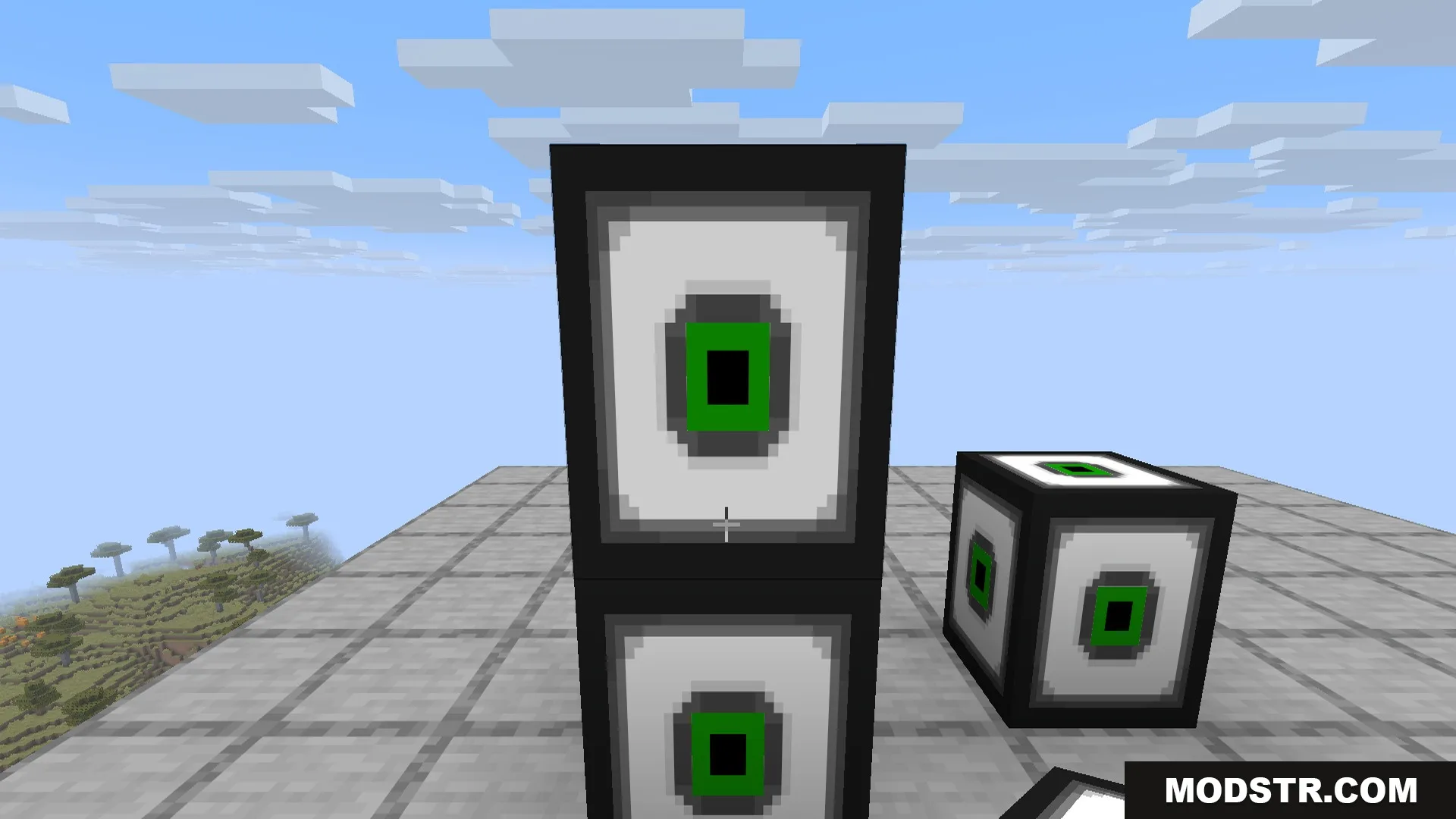
Compact Machines lets you construct full bases, farms, and machine setups inside individual blocks by accessing pocket dimensions. Each machine block creates a separate room that persists when you leave, letting you pack complex builds into a compact footprint while keeping your main world organized and performant.
Features
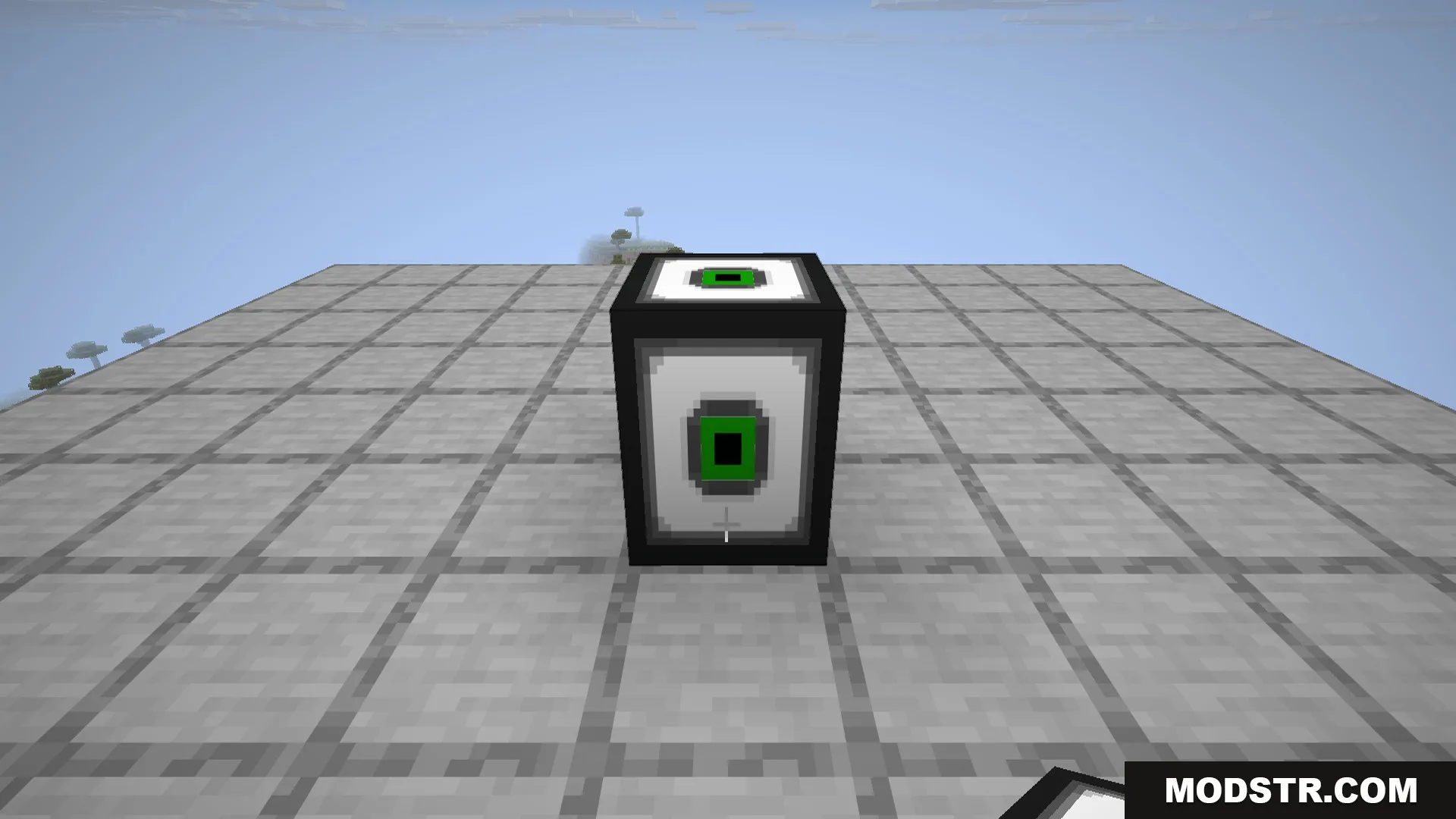
- Pocket dimensions stored in each machine block create unbreakable rooms separate from your main world.
- Nesting support allows you to place machines inside other machines for deeply organized bases.
- Multiple size options including small, normal, large, giant, and colossal to suit your needs.
- Persistent storage keeps farms and machines running exactly as you left them.
- Dyeable machine blocks let you color-code different rooms for easy identification.
- Lightweight storage system maintains world performance by keeping rooms separated from main chunks.
Installation
- Ensure you have Minecraft Forge or the required mod loader installed.
- Download the Compact Machines mod file for your game version.
- Place the mod file into your mods folder.
- Launch Minecraft and select the correct mod profile.
- Create or load a world to begin building machine blocks.
Usage
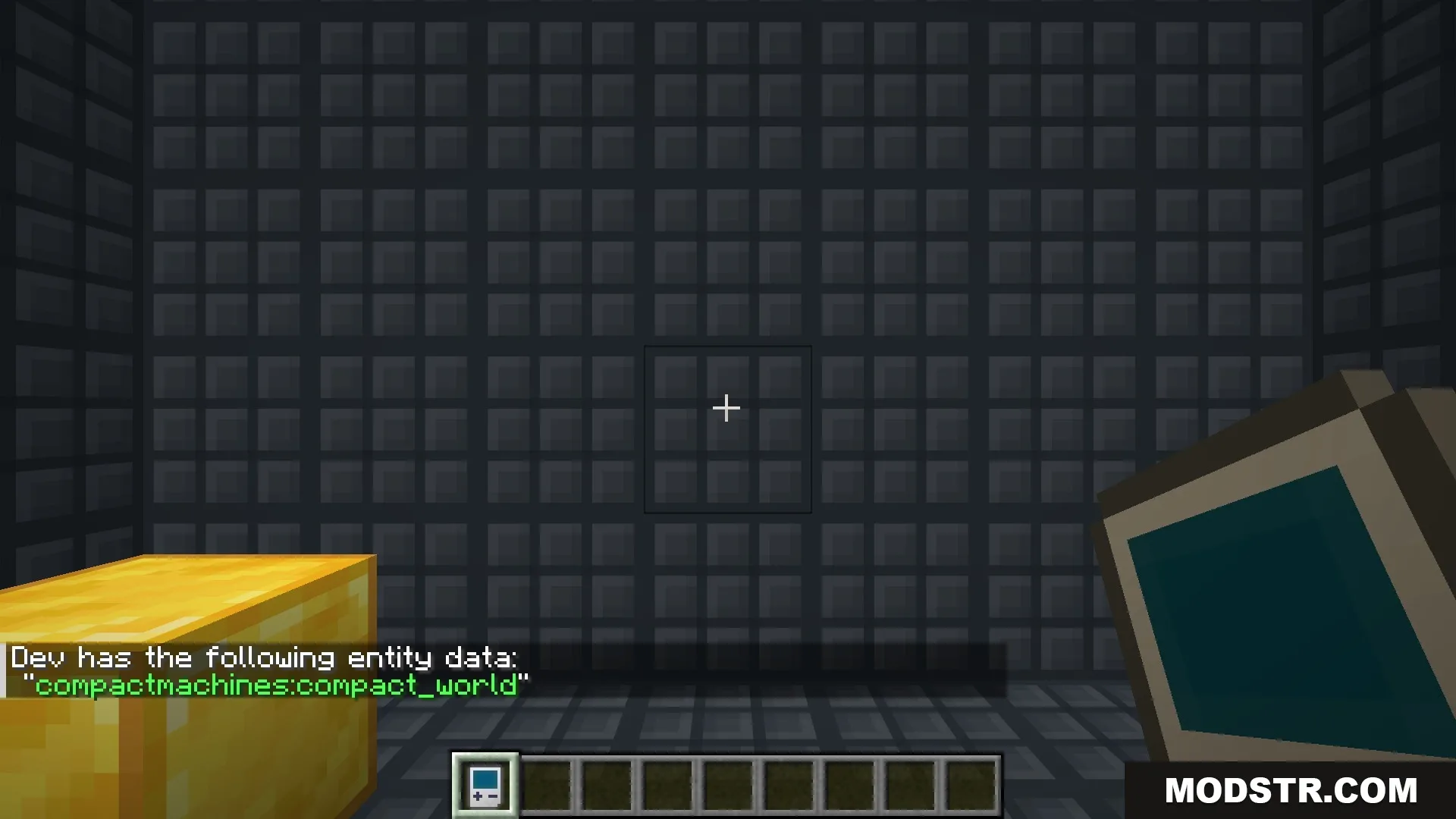
Craft a machine block in your desired size and place it in your world. Hold the Personal Shrinking Device (PSD) and right-click the block to enter the pocket dimension. Build your farms, storage, or redstone contraptions inside the unbreakable walls. Right-click any interior wall with the PSD to exit back to the main world.
Available commands include /compactmachines tp to teleport into specific rooms, /compactmachines give to receive a machine block connected to an existing room, /compactmachines rooms to list your rooms, /compactmachines summary for a server-wide overview, and /compactmachines unbind or /compactmachines rebind to manage room connections. Use /compactmachines enable_basic_templates to activate built-in room templates in worlds that lack them, then restart your world to access machine recipes.
The game rule compactmachines:allow_survival_oob controls whether survival mode players can break through room boundaries.
DOWNLOAD FILES
- jar