Telegram
Pholon City Map (26.1.2, 1.20.1) – Film Your Next Roleplay cover art

Pholon City Map (26.1.2, 1.20.1) – Film Your Next Roleplay

A pre-built small town map for Minecraft 1.20.1 designed as a backdrop for videos, roleplays, and custom mini-games. Includes roads, houses, and city areas ready to customize.

114 JAVA
  • Roleplay
  • 1.18.2 → 1.21.4 +17
Show all 17 versions
  • 1.21.4
  • 1.21.3
  • 1.21.2
  • 1.21.1
  • 1.21
  • 1.20.6
  • 1.20.4
  • 1.20.3
  • 1.20.2
  • 1.20.1
  • 1.20
  • 1.19.4
  • 1.19.3
  • 1.19.2
  • 1.19.1
  • 1.19
  • 1.18.2

Photon City Map provides a pre-constructed small town setting for Minecraft. Use it as a backdrop for videos and roleplays, a foundation for custom mini-games, or a starting point to build your own structures and stories without starting from scratch.
Stepped stone plaza leading to wooden houses and tall modern city buildings

Features

  • Complete small town layout with roads, houses, and city areas.
  • Pre-built structures eliminate the need to construct basic buildings from the ground up.
  • Designed to serve as a backdrop for video production and roleplay scenarios.
  • Provides a foundation you can expand with custom buildings and additions.
  • Supports setup of custom mini-games within the town environment.
Landscaped city garden square with flowers walkways and glowing lamps near modern buildings
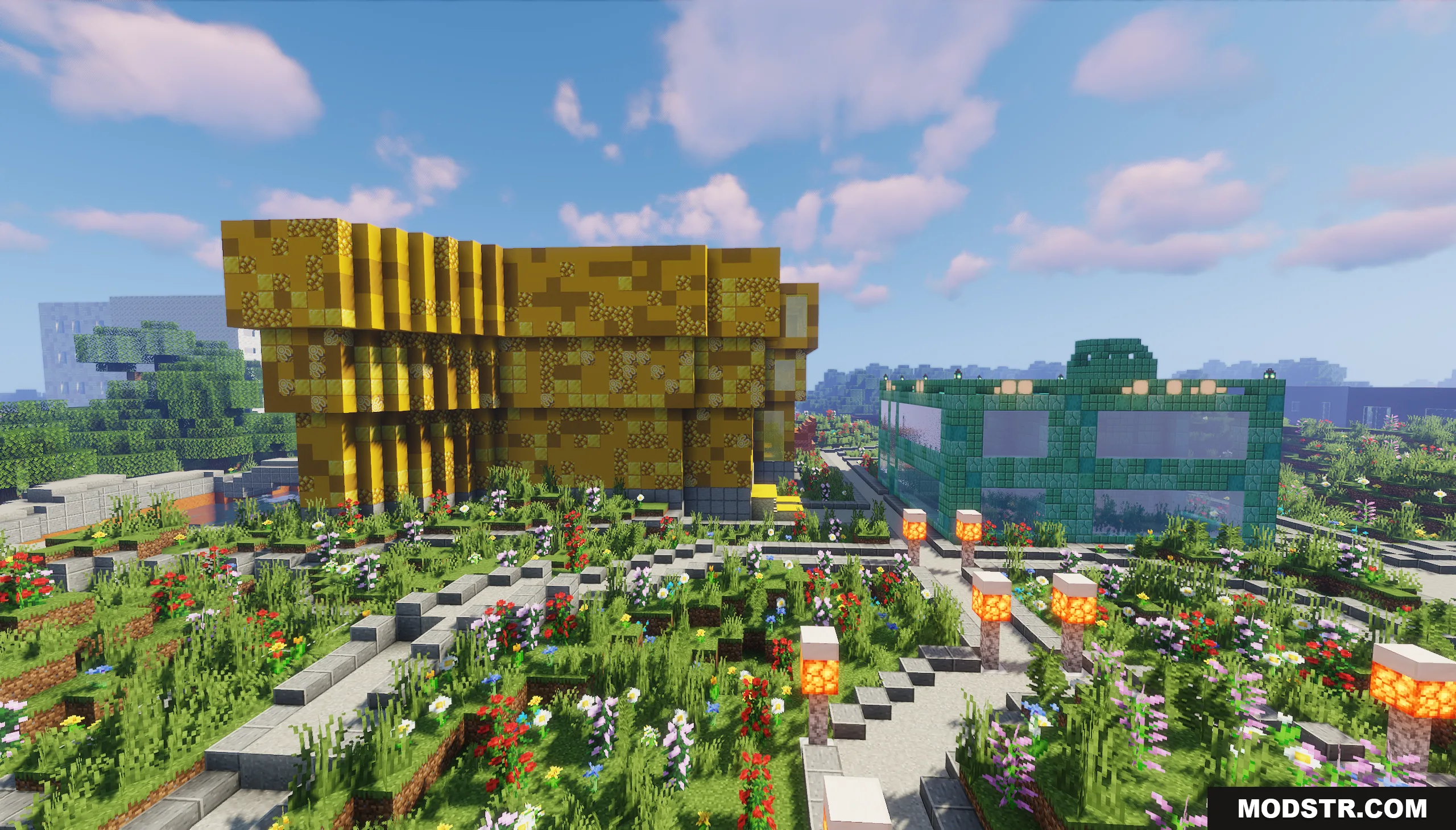
Yellow and green glass buildings stand beside a detailed garden with stone paths
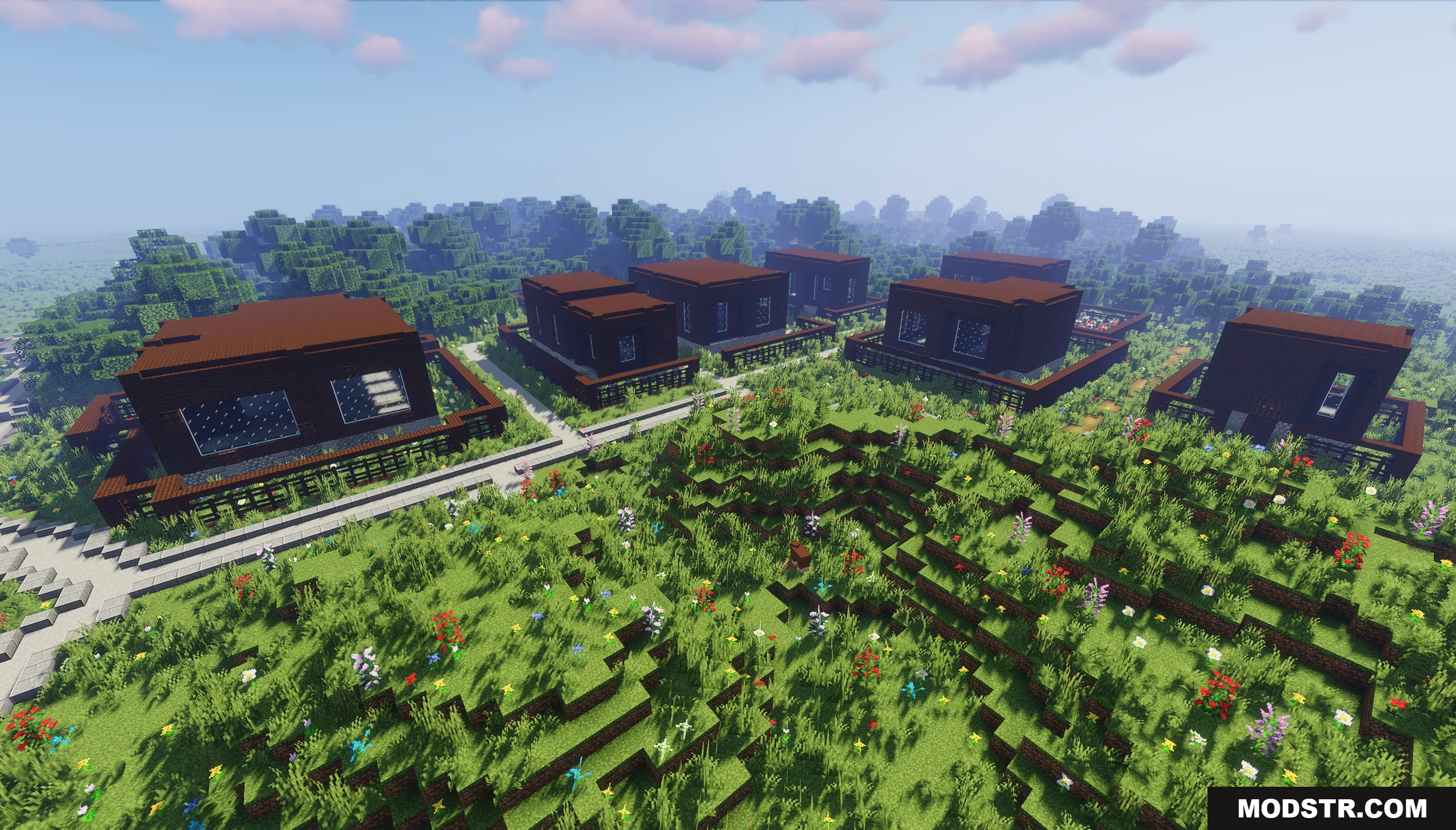
Identical dark brown modern houses arranged in a small neighborhood on grassy hills

Installation

  1. Download the map file to your computer.
  2. Locate your Minecraft saves folder (usually found in .minecraft/saves on Windows or Library/Application Support/minecraft/saves on Mac).
  3. Extract the map folder into your saves directory.
  4. Launch Minecraft and select the map from your world list.
Paved walkways winding through a grassy park near modern apartment buildings
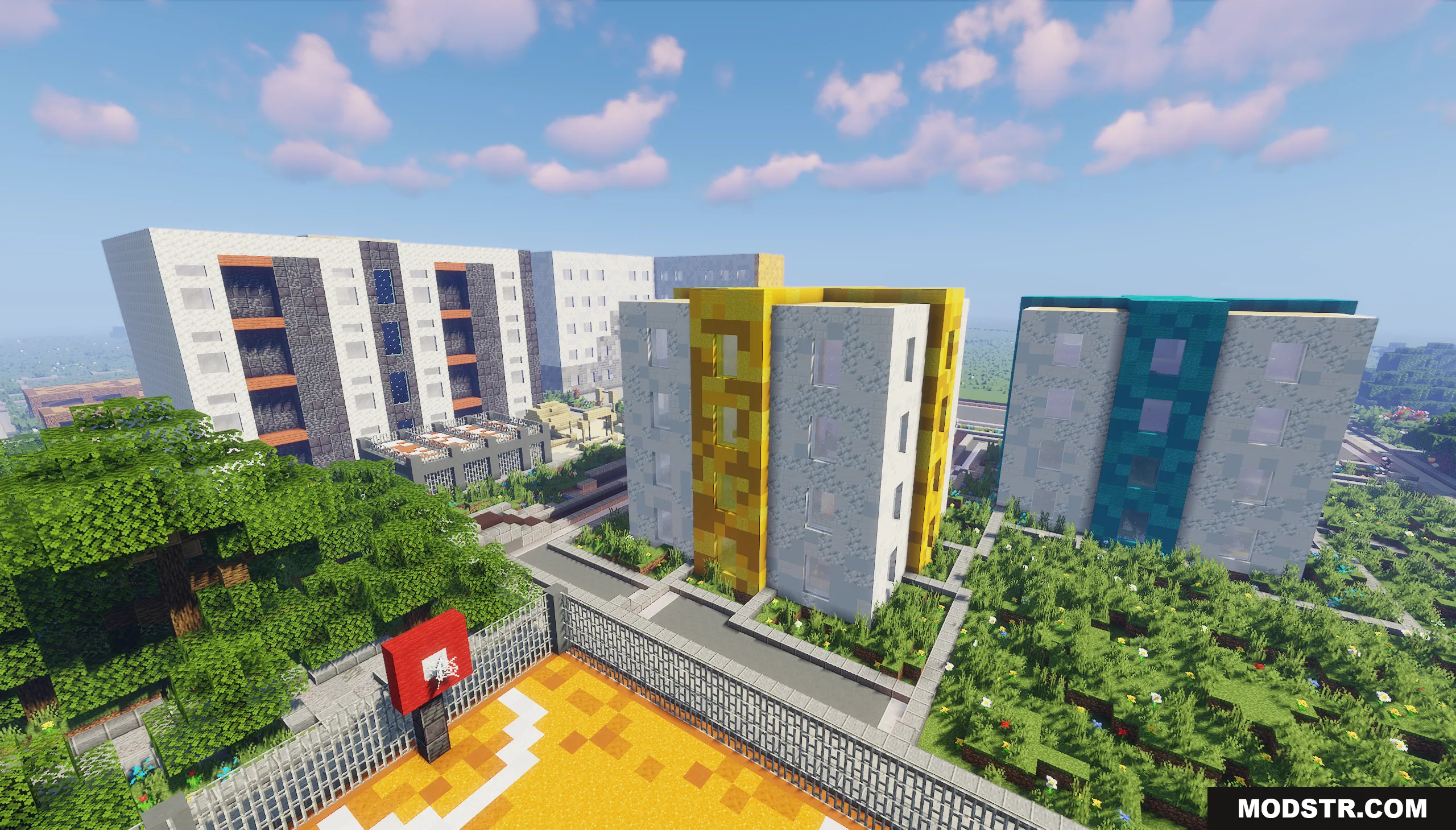
Elevated view showing colorful modern apartment buildings next to a basketball court
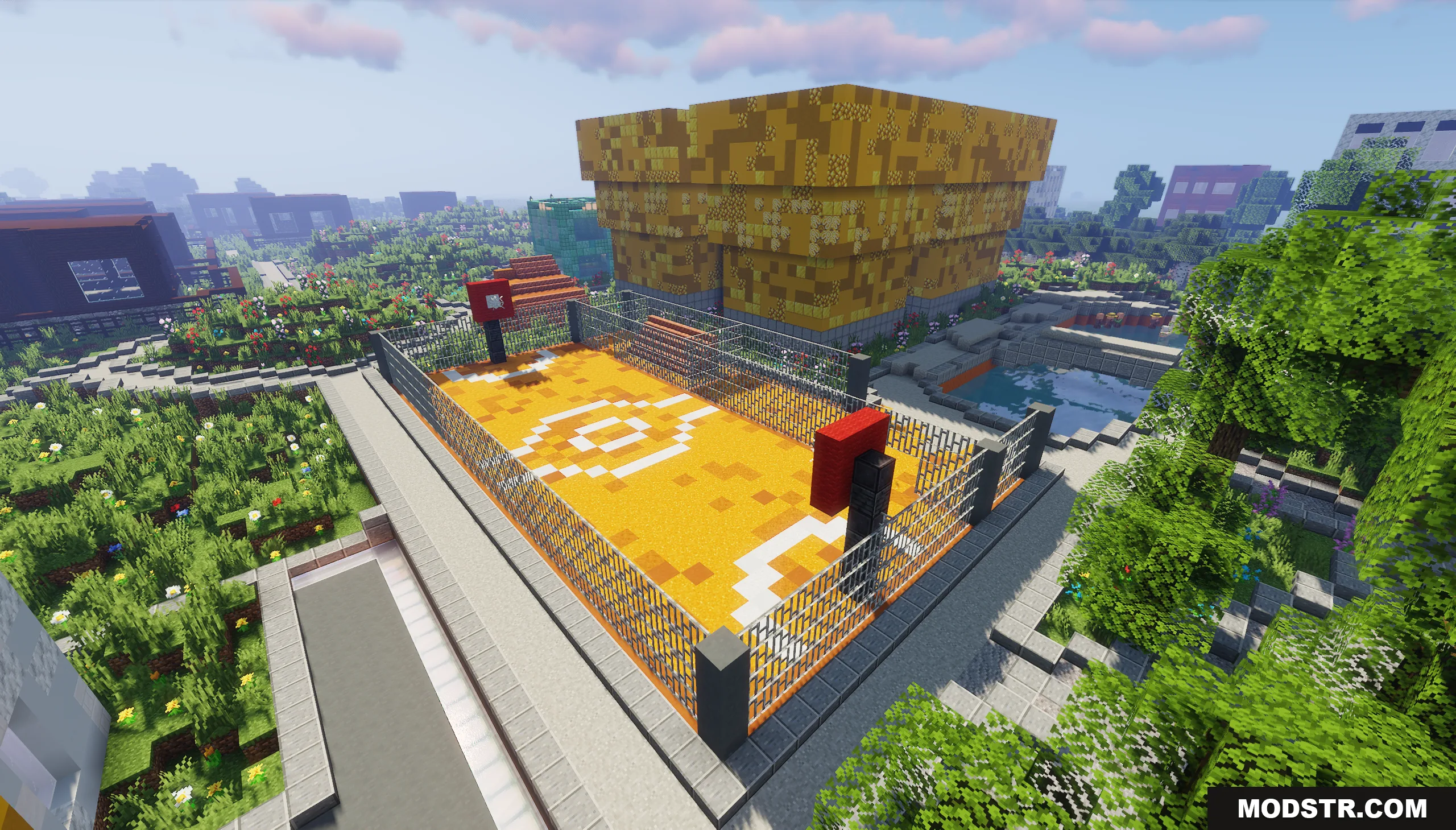
Orange basketball court with white lines and fences in a Minecraft city area
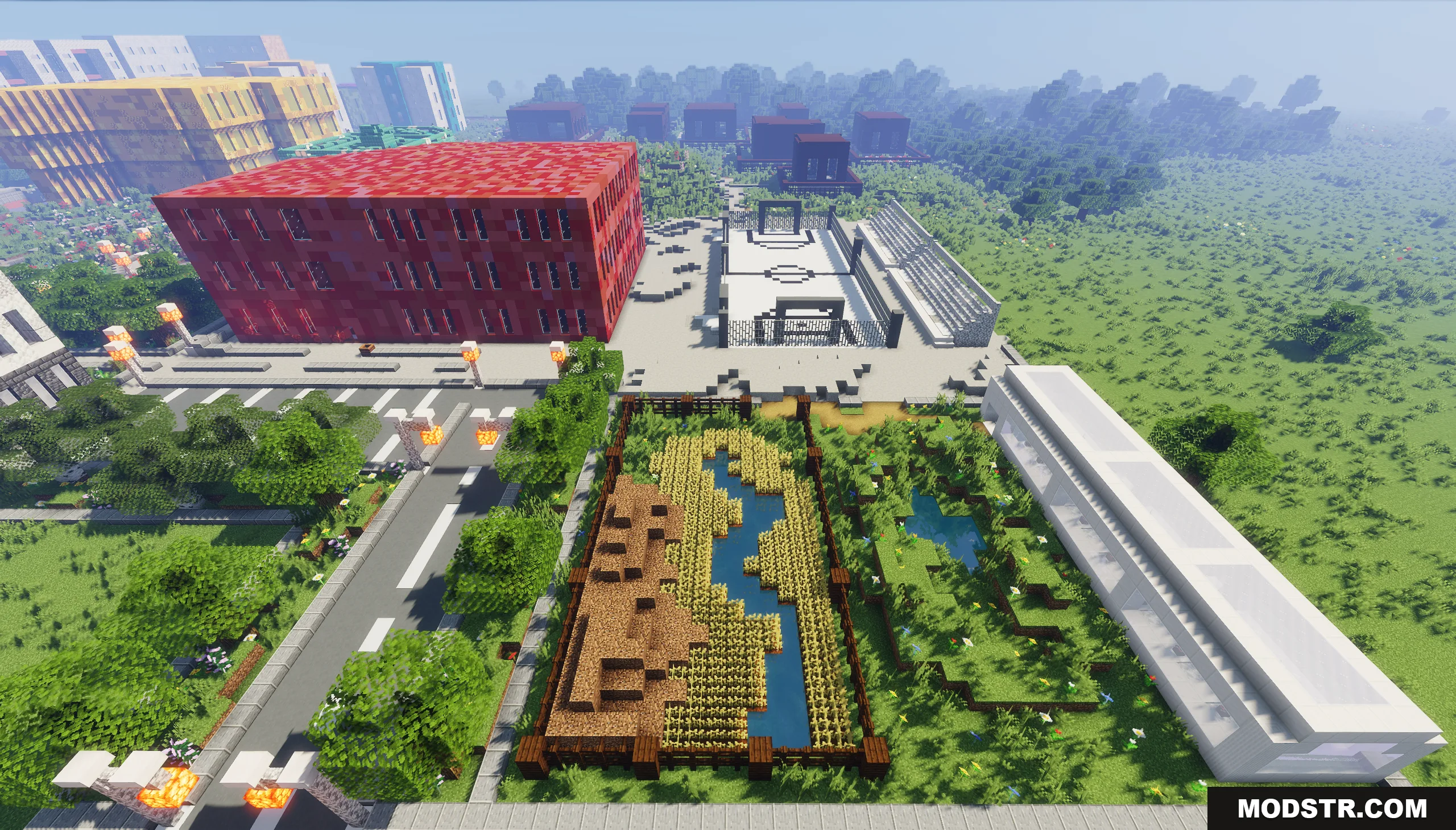
Aerial view of a modern city with a red building and white basketball court
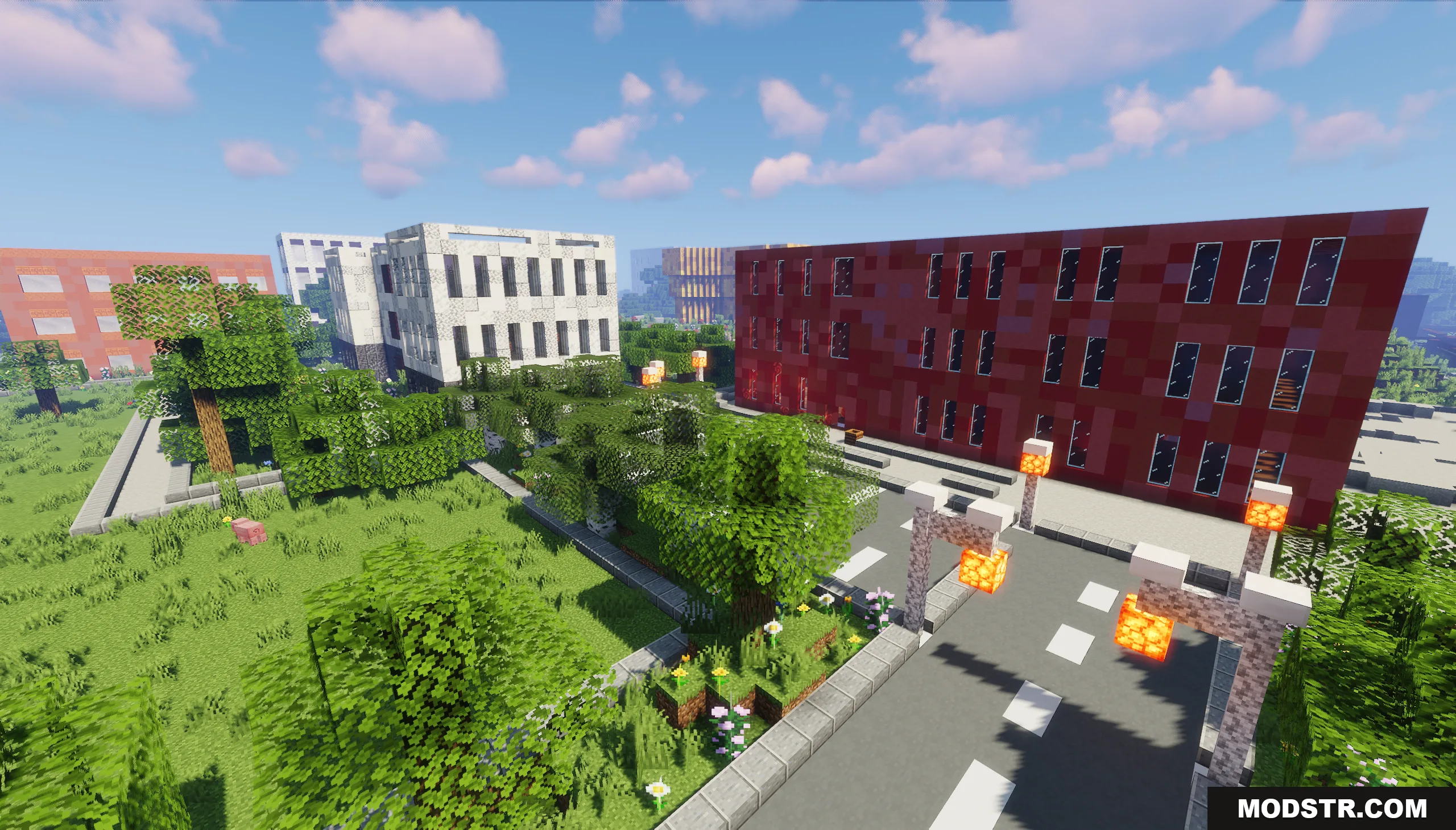
A paved road with streetlights leading past trees and large modern buildings
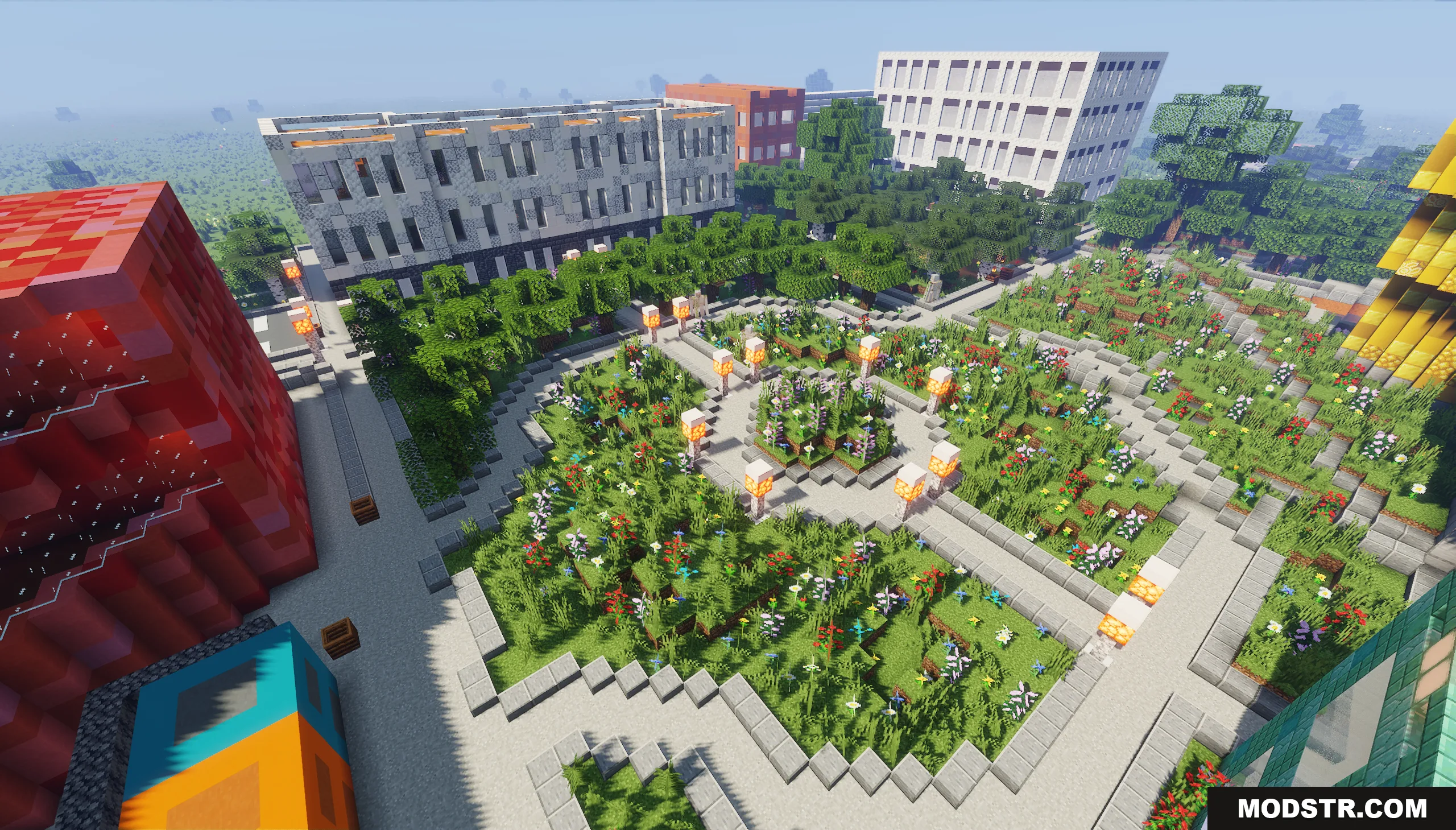
Aerial view of a detailed city park with paths flowers and surrounding buildings

Compatibility

This map is designed for Minecraft Java Edition 1.20.1.

DOWNLOAD FILES

  • zip
    1.21.4, 1.21.3, 1.21.2 (+14 more) All Versions Covered 1.21.4 1.21.3 1.21.2 1.21.1 1.21 1.20.6 1.20.4 1.20.3 1.20.2 1.20.1 1.20 1.19.4 1.19.3 1.19.2 1.19.1 1.19 1.18.2 ▲ Collapse · Pholon-City-Map.zip
    • 1.21.4