
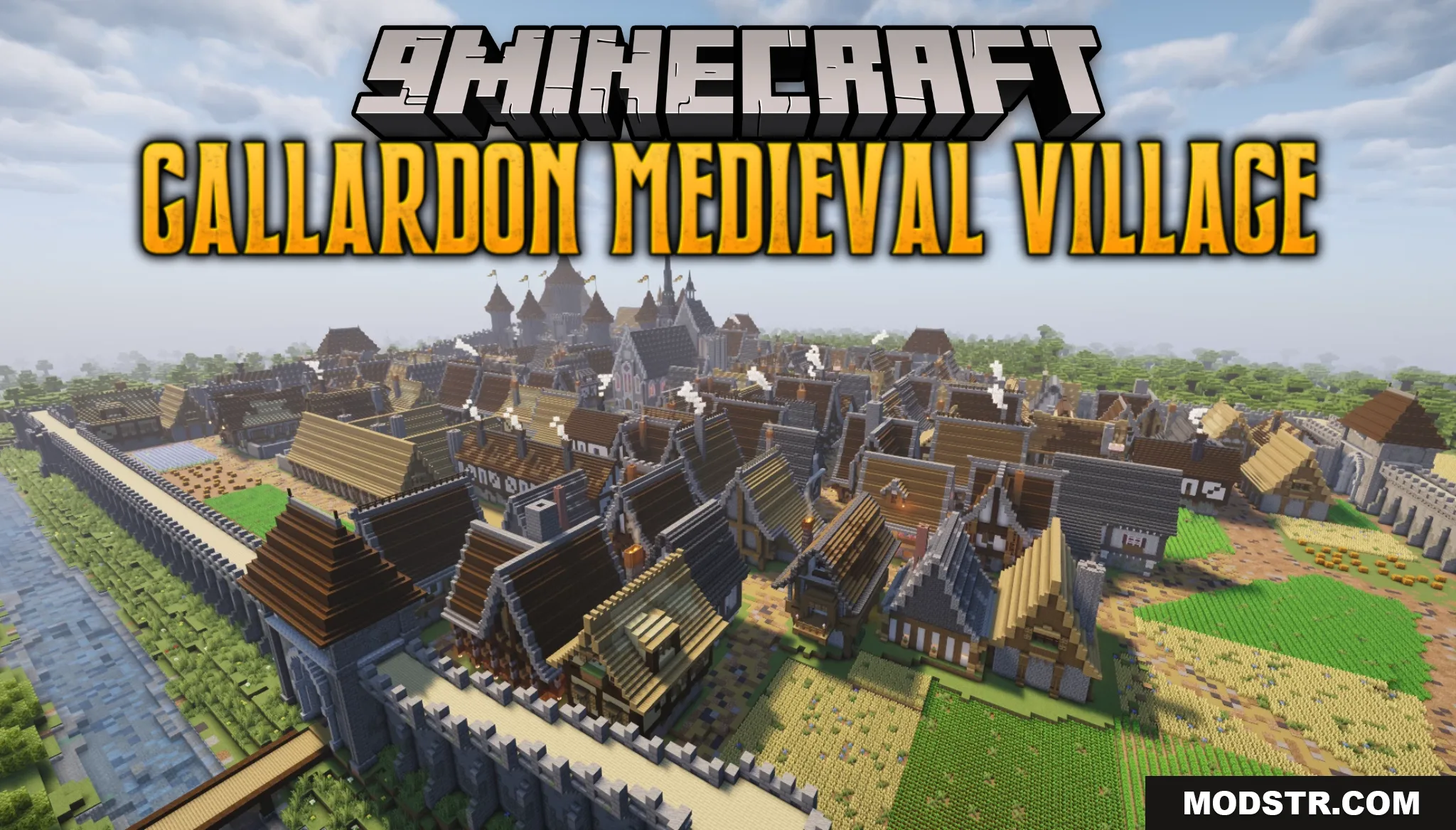
Gallardon Medieval Village Map (26.2, 1.20.1) – Historical French Town
Explore a detailed medieval French village in Minecraft featuring a fortified castle, cathedral, wooden houses, and market square surrounded by protective walls and moat.
- 1.20.1
Gallardon Medieval Village is a exploration map set in a historical French town during the medieval period. The map provides a detailed recreation of period architecture and town layout for players interested in medieval settings and exploration.
Features
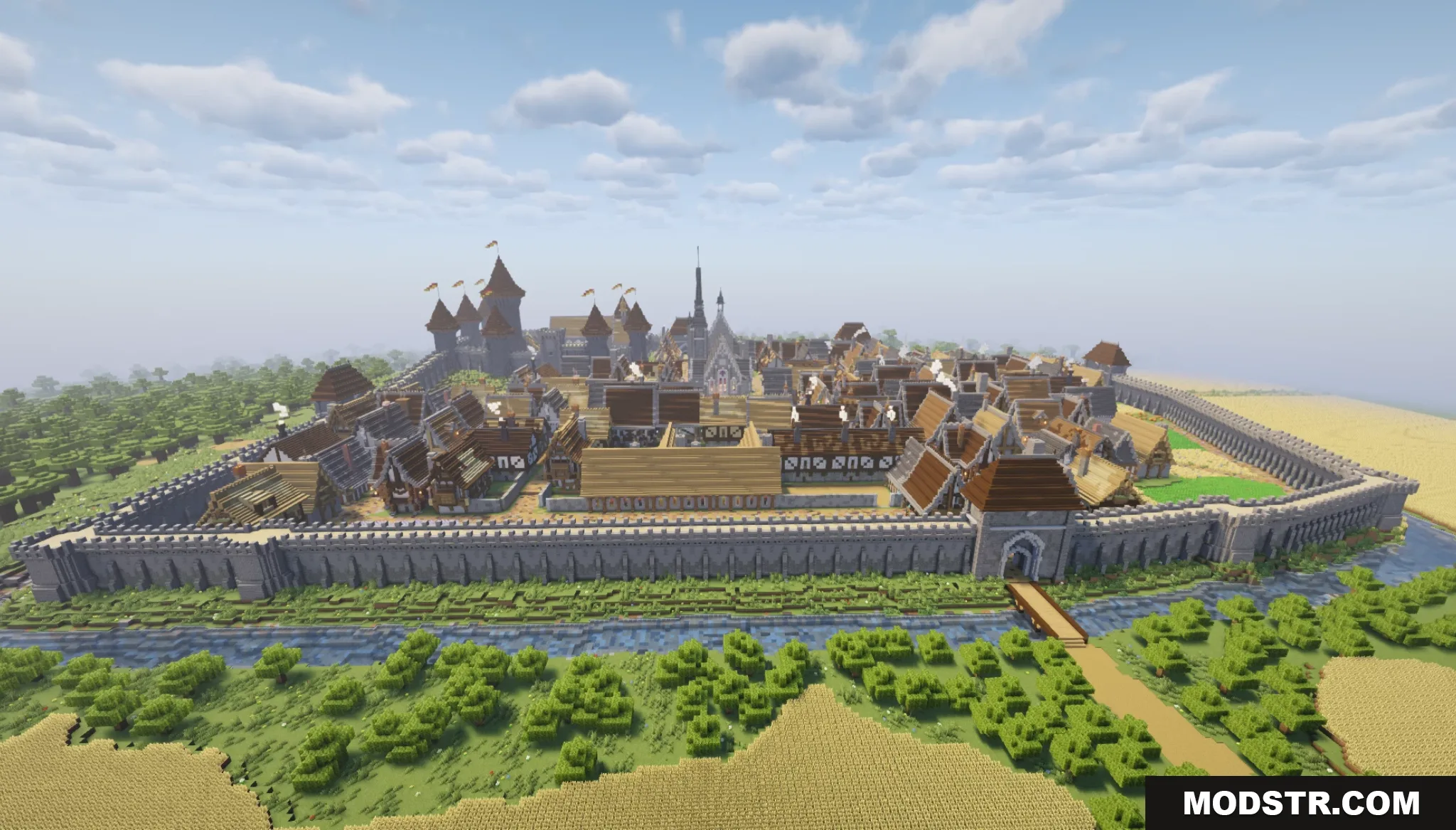
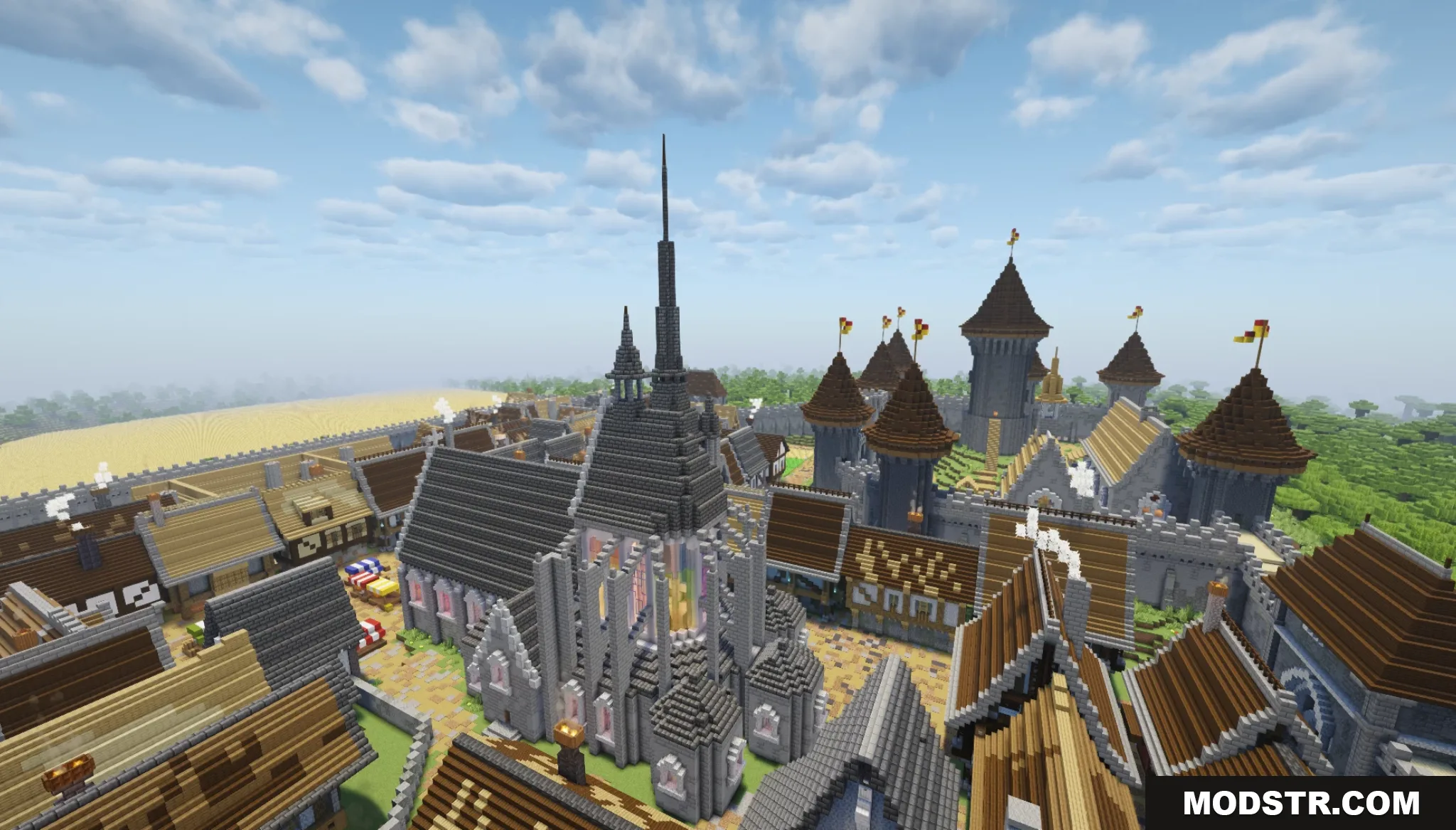
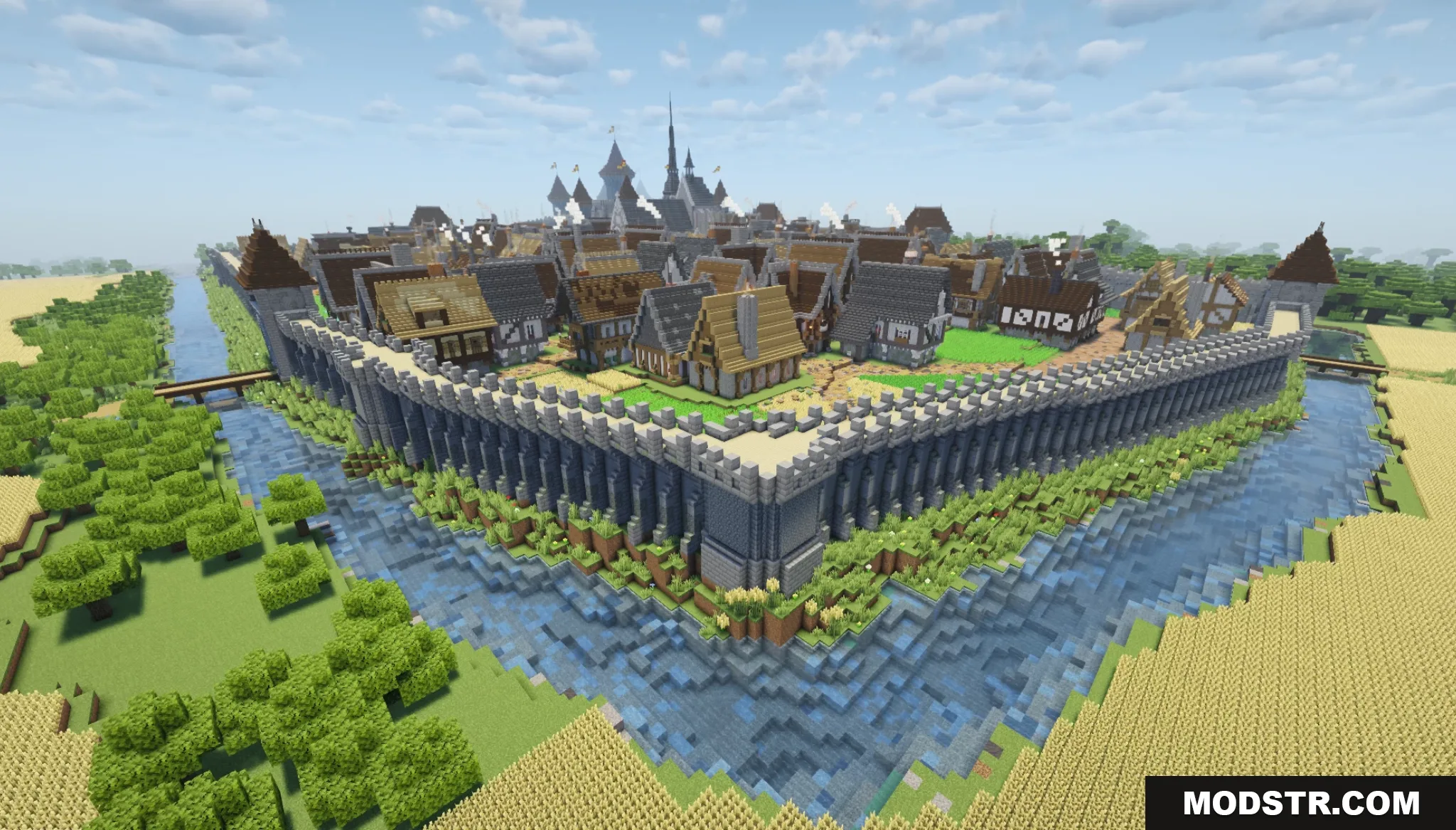
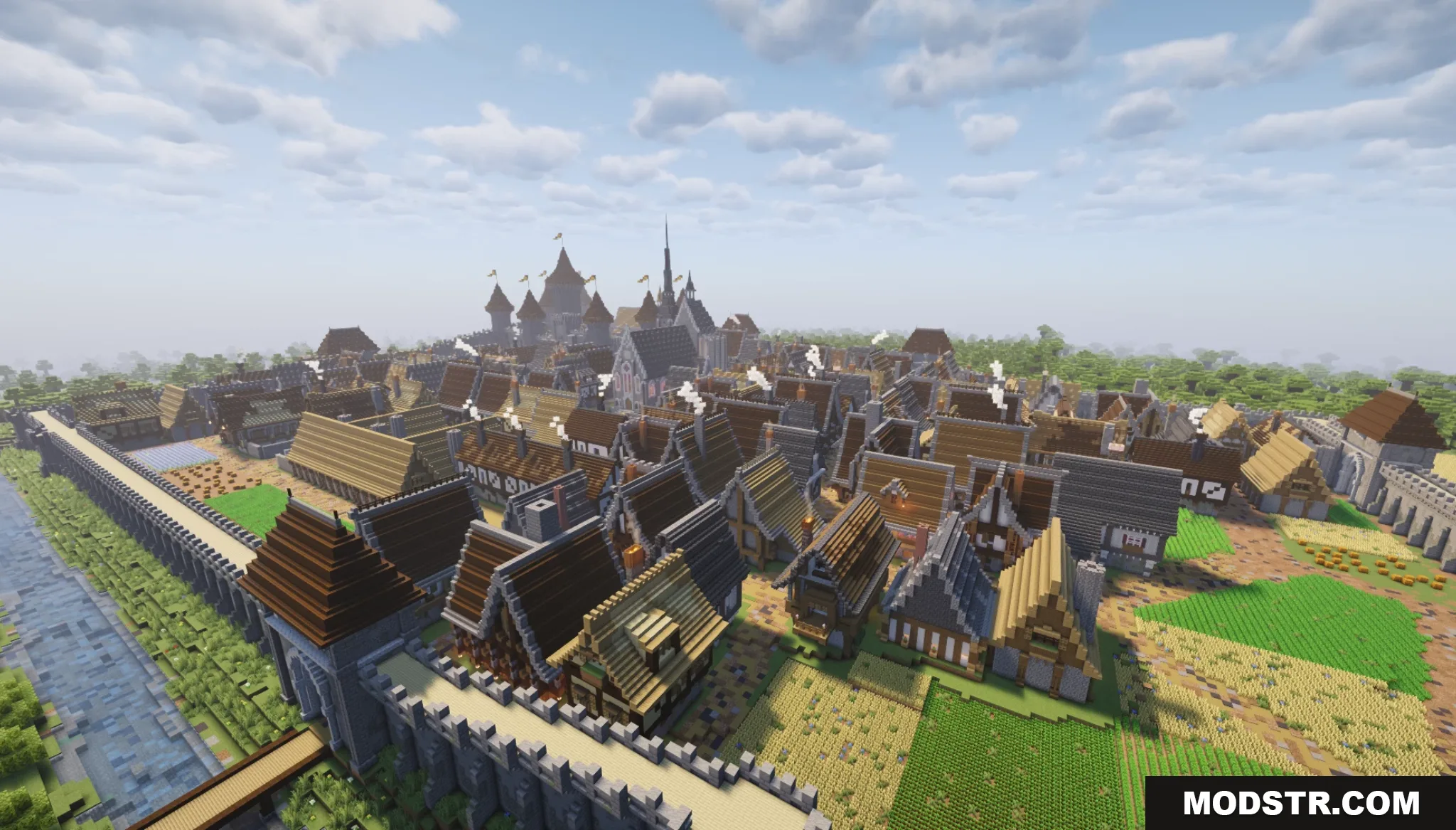
- Large medieval village enclosed by stone walls and a surrounding moat.
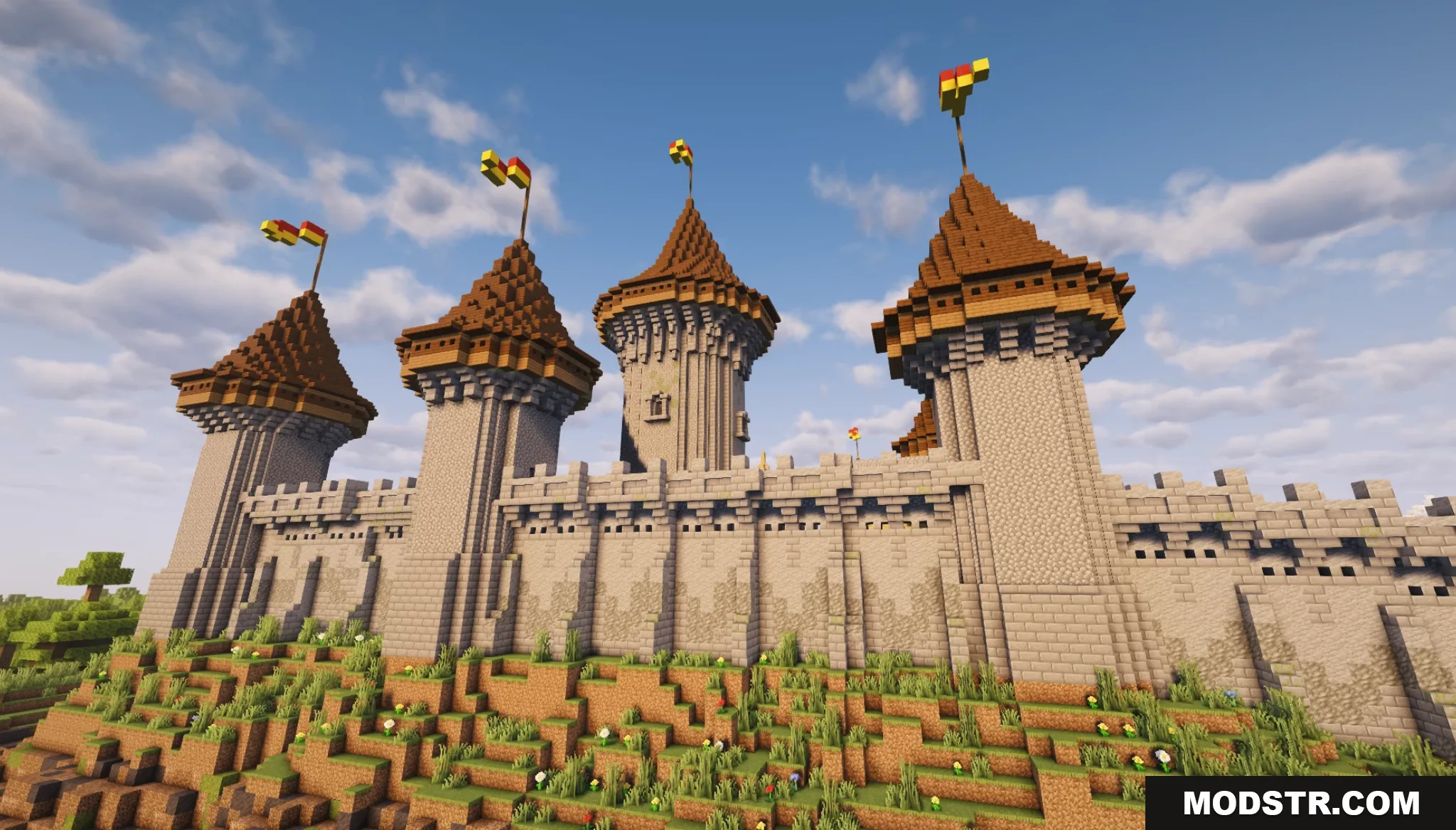
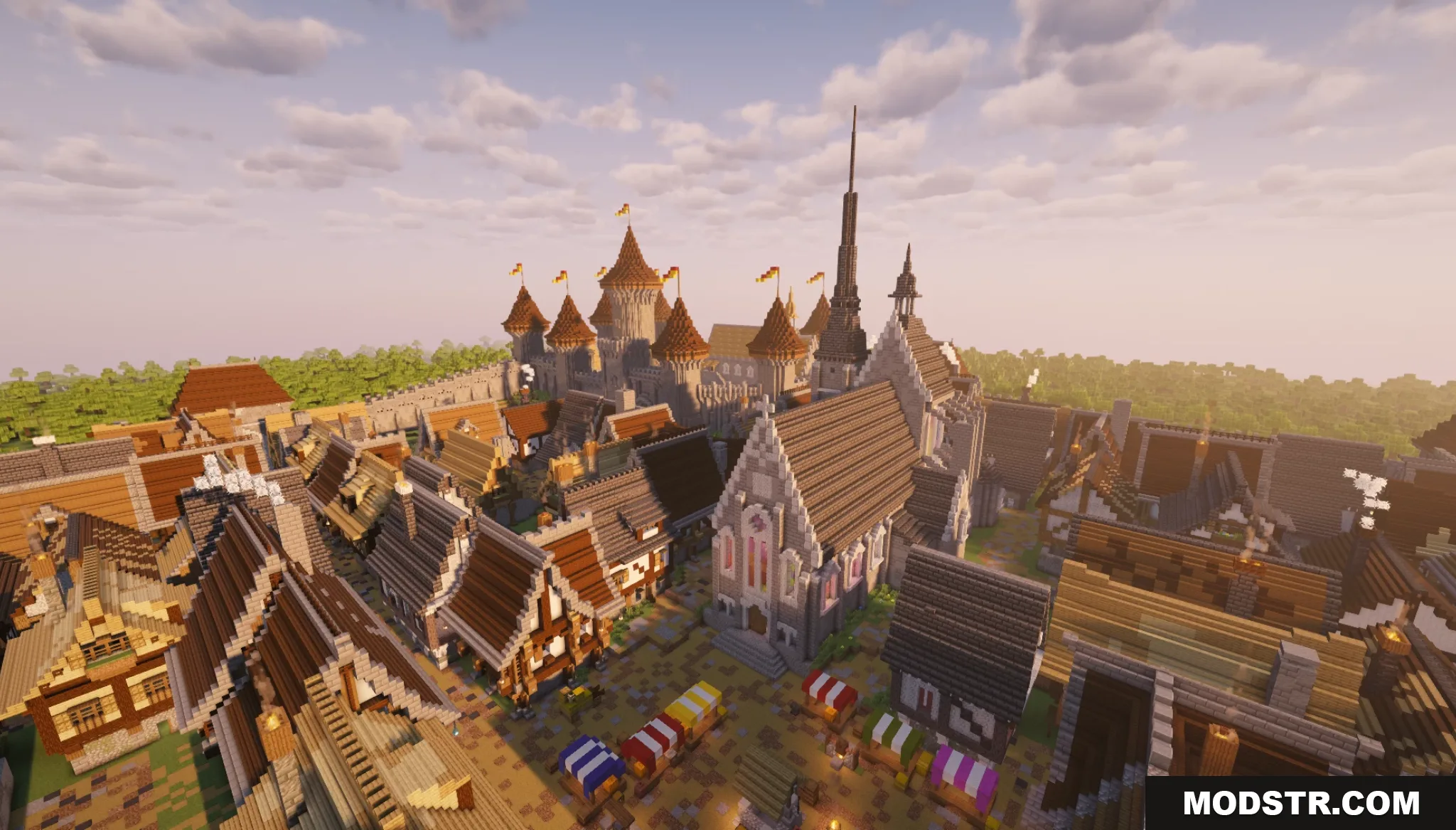
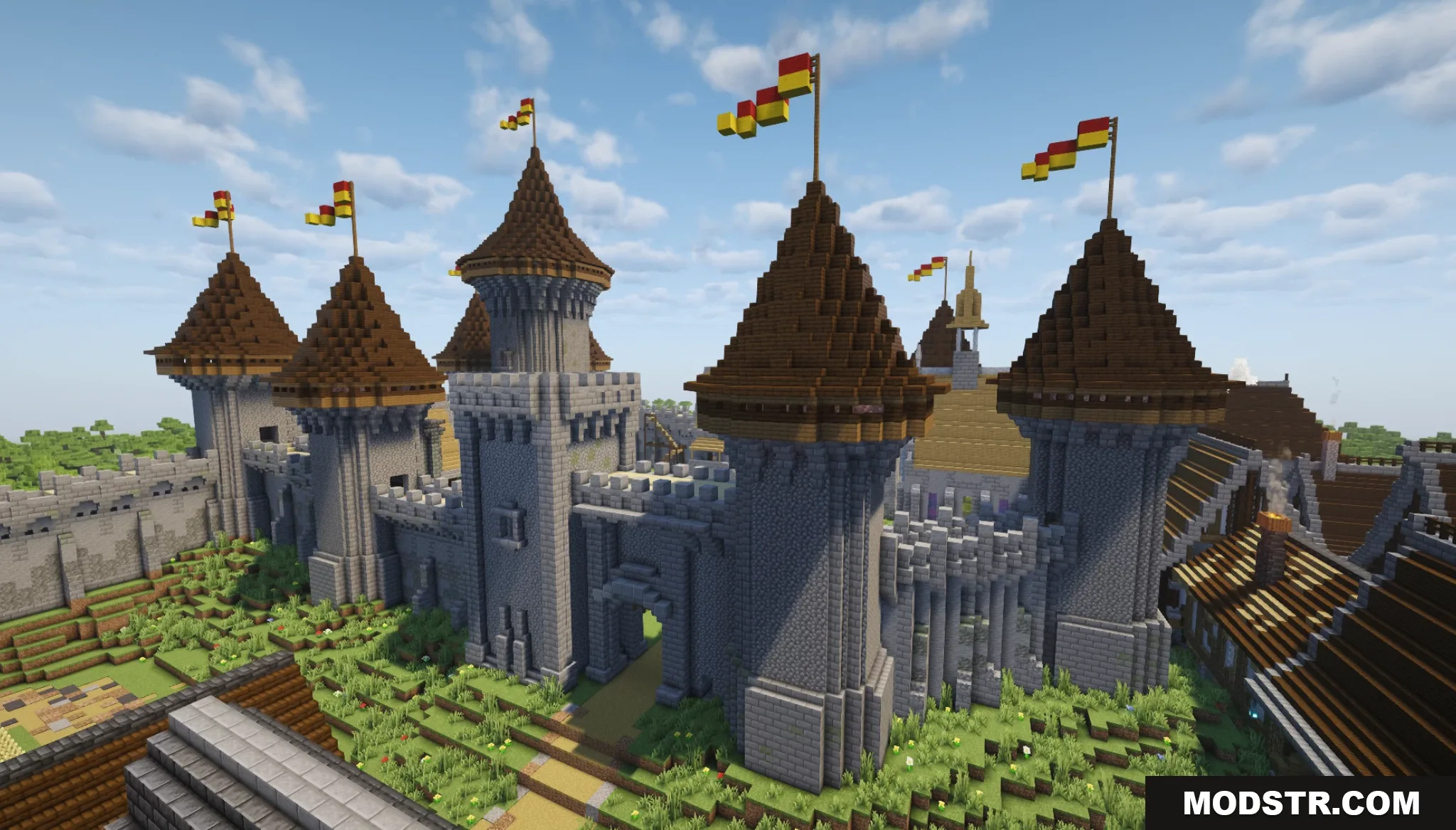
- Fortified stone castle with tall towers and flags.
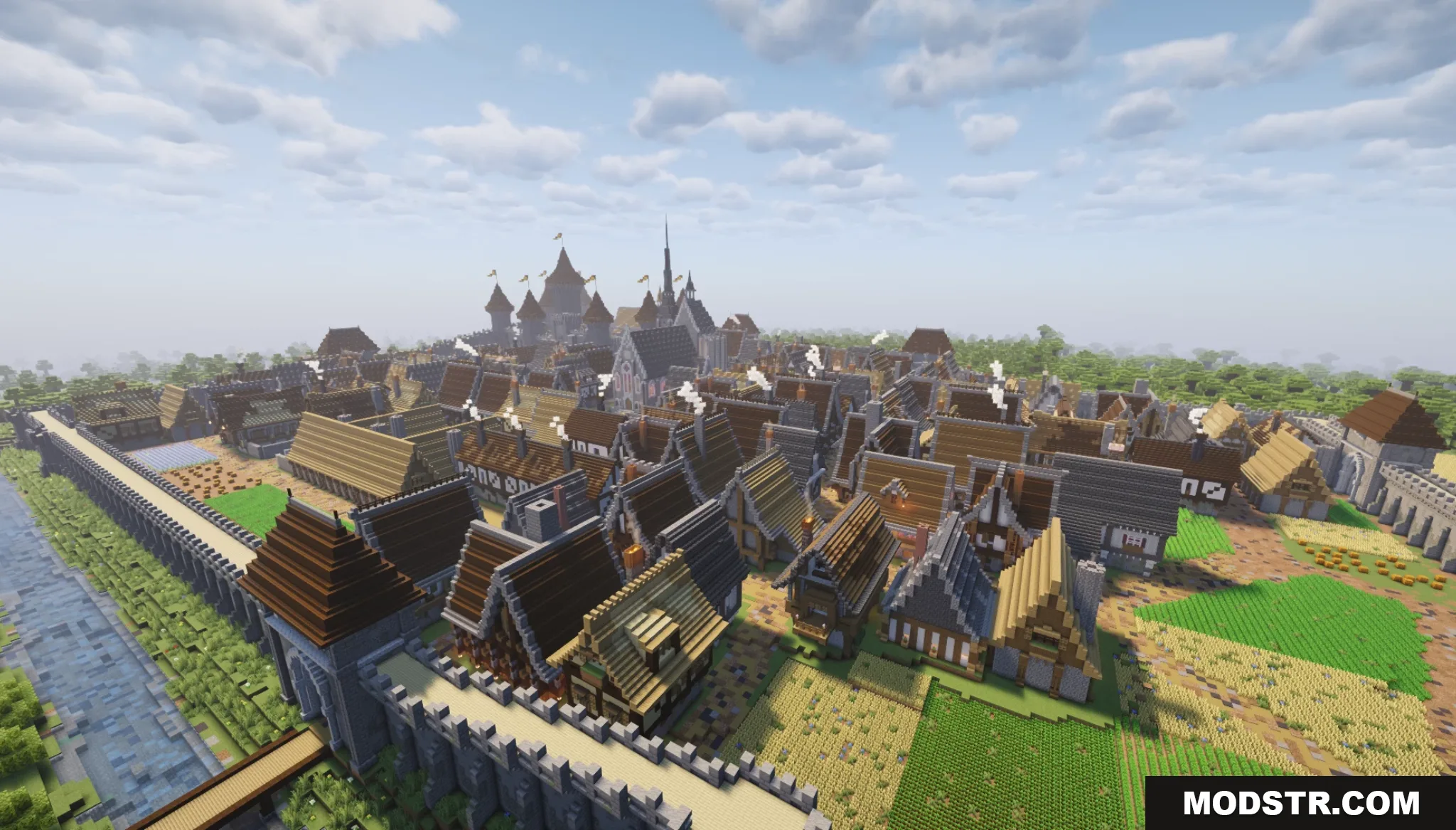
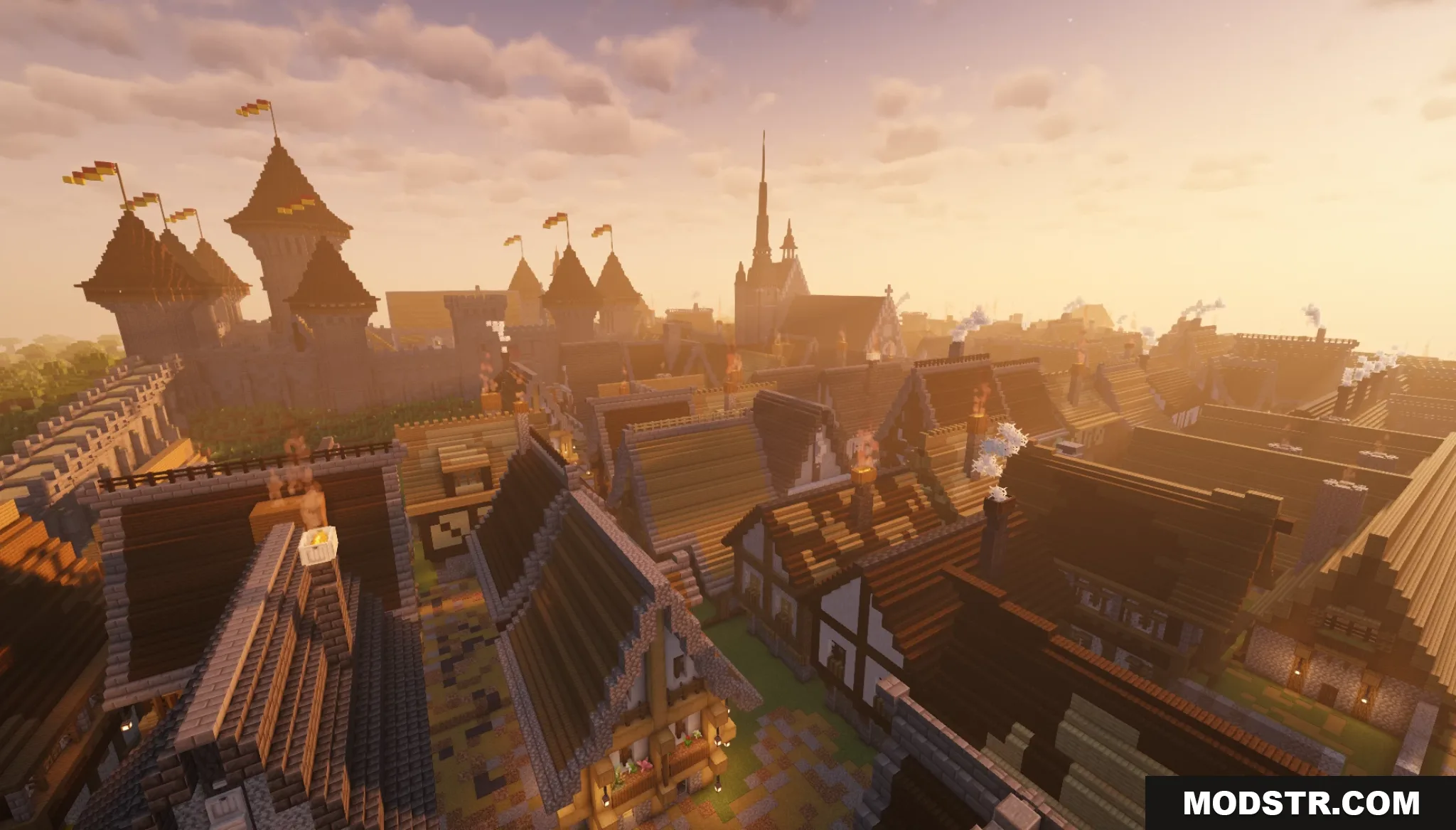
- Multiple detailed wooden houses distributed throughout the town streets.
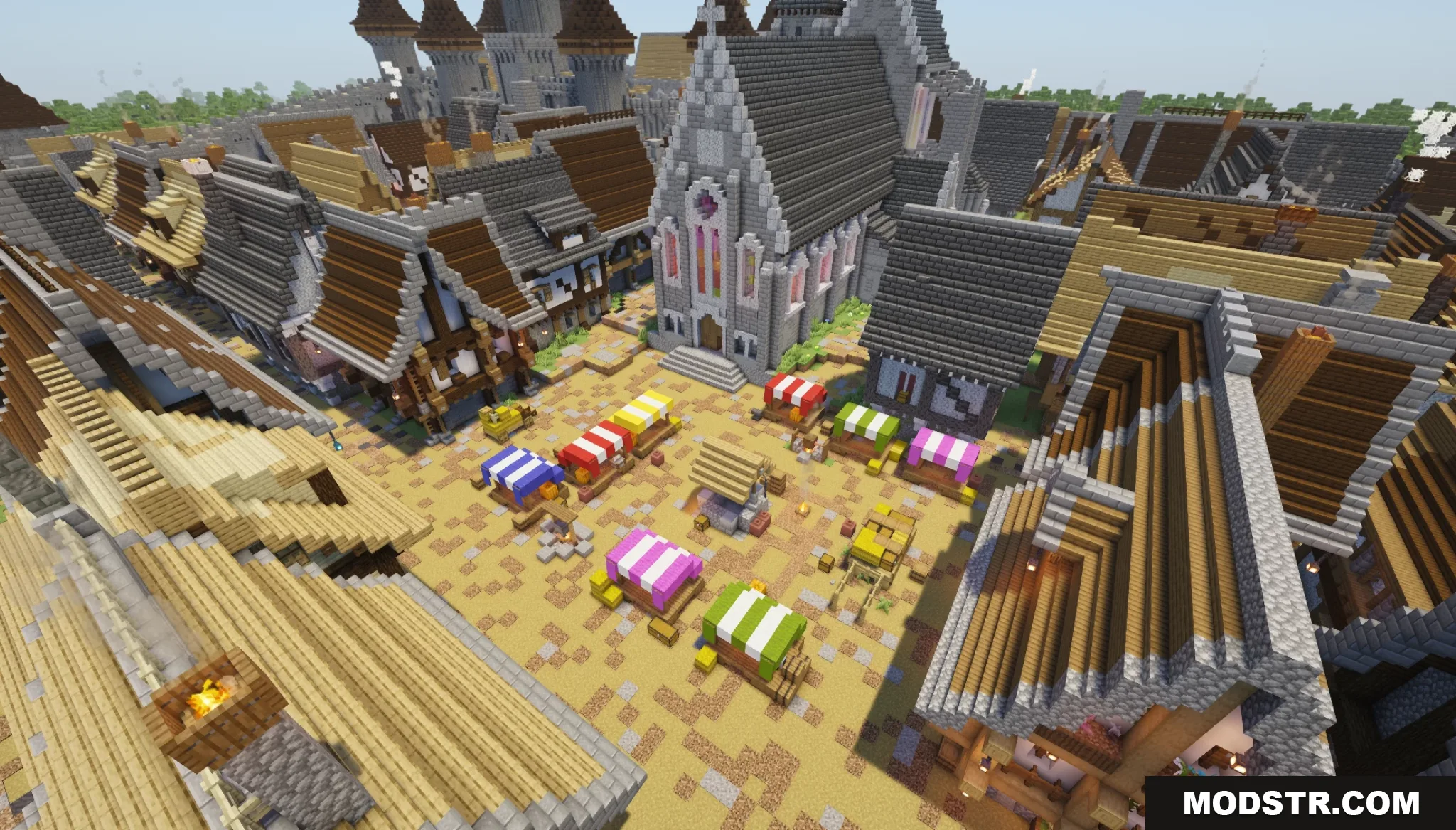
- Cathedral structure positioned in the central town square.
- Market area with merchant stalls.
- Landscaped surroundings including water features and open fields.
Installation
- Download the map file to your computer.
- Locate your Minecraft saves folder (typically found in .minecraft/saves on Windows or Library/Application Support/minecraft/saves on Mac).
- Extract the map folder into your saves directory.
- Launch Minecraft and select the map from your world list.
- Load the world and begin exploring.
Compatibility
This map is designed for Minecraft Java Edition version 1.20.1. Compatibility with other versions is not guaranteed.
DOWNLOAD FILES
- zip